Animate AI to convert manhwa to video free: 6 best tools in 2026
The best free AI tools to animate manhwa and webtoon panels into video, with free tiers from official pages and the copyright rules you need to know.
 Written byBurhan AqibSenior writer, policy and analysis
Why you can trust The AI Future
Our writers research every product, link each claim to its source and correct mistakes openly. Companies can't pay for coverage or see reviews before they're published.
Read our editorial policy
Short answer: if you want to convert manhwa to video for free, I'd start with Kling AI for single panels and CapCut to stitch the clips into a finished video. Kling's free tier gives you a small batch of credits every day, and CapCut's free plan covers the editing, captions and voiceover. If you draw your own webtoon and want a tool built around whole pages rather than single images, LlamaGen is the specialist, though its comic-to-video feature sits on a paid plan.
One rule comes before any tool: you need the rights to the manhwa you animate. Your own comic, a commissioned one or a licensed one is fine. Reposting official webtoon panels as "animated recaps" usually isn't, and the copyright section below explains why.
We compared six tools using official product and pricing pages, published third-party breakdowns and user reviews, as of late October 2026. For broader options, see our best image to video AI tools and our step-by-step guide to making AI videos.
If you prefer to watch first, this tutorial from Curious Refuge walks through creating cinematic video with Kling, the same image-to-video workflow you'd use on a manhwa panel.
Key takeaways
- Kling AI looks like the best free starting point. Its free tier refreshes 66 credits every 24 hours, according to a July 2026 breakdown by Aireiter, enough for a few short watermarked clips a day.
- LlamaGen is the only pick built for whole comic pages: it follows panel order and dialogue timing, but Comic To Video sits on the Pro plan, going by its pricing page.
- "Free" usually means watermarks and short clips, so expect 5 to 6 second clips, a watermark and no commercial use on most free tiers.
- Animate only what you own or have licensed, because YouTube's monetization rules ask for original content and reused panels from official webtoons can trigger copyright claims.
Our ranking method
Nobody at The AI Future ran hands-on tests for this roundup. We compared each tool using official docs and pricing pages, published third-party pricing breakdowns and Trustpilot reviews, checked in October 2026. Six criteria decided the order.
- Panel fit: how well it handles flat-color webtoon art and black-and-white ink, not just photos.
- Free tier: what you can make without paying, and whether exports carry a watermark.
- Line and character stability: whether the tool or its docs address keeping linework and faces consistent.
- Workflow: how many steps it takes to go from a panel to a postable clip.
- Price to scale: the cheapest paid plan once you outgrow free.
- User sentiment: what reviewers say about reliability, billing and support.
The 6 best tools to convert manhwa to video at a glance
| # | Tool | Category | Best for | Free tier | Starts at |
|---|---|---|---|---|---|
| 1 | Kling AI | Image to video | Cinematic motion from one panel | Yes (limited) | $10/mo |
| 2 | LlamaGen | Comic to video | Animating full webtoon pages | Yes (limited) | $9/mo |
| 3 | CapCut | Video editor | Assembling clips with voice and captions | Yes | $19.99/mo |
| 4 | Vidu | Anime video generator | Anime-style motion | Yes (limited) | $10/mo |
| 5 | Hailuo AI | Image to video | Daily free test clips | Yes (limited) | $7.99/mo |
| 6 | Pika | Multi-model video | Watermark-free output on credit packs | Yes (limited) | $10/mo |
The best AI tools to animate manhwa in 2026, ranked
Kling AI – best for cinematic motion from a single panel
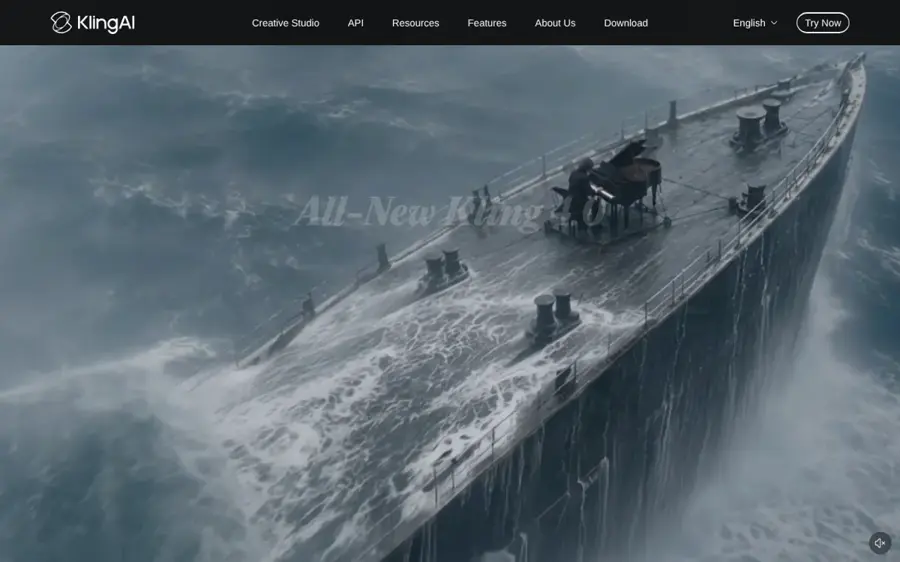
Kling AI is Kuaishou's image and video generator. You upload a panel, describe the movement, and it returns a short clip with camera motion.
Strengths
Kling is probably the strongest free option for turning a single, well-drawn panel into something that looks like an anime cut. Its free tier is a real daily allowance rather than a one-off trial: Aireiter reports 66 credits that reset every 24 hours, watermarked exports, no commercial use and a low-priority queue. A FluxNote pricing guide estimates that covers about two 5-second 720p clips a day, so plan on building a scene over several days.
User sentiment is the weak spot. Kling holds a 1.2 TrustScore from 431 Trustpilot reviews, with complaints about billing and output quality. One recent reviewer wrote: "Videos came out very unrealistic." I'd keep prompts narrow and expect retries. Read our Kling 3.0 review for the full picture, or our Kling AI tutorial for the steps.
Key features
- Image to video: animates an uploaded panel from a text prompt.
- Daily free credits: 66 per day on the free plan, per Aireiter.
- Up to 1080p on free: Aireiter notes Kling's site lists 1080p on free, though some users report a 720p cap on some models.
- Paid tiers for longer clips: watermark-free exports start on Standard.
Pros
- Recurring daily free credits
- Strong camera motion for action panels
- Large tutorial base for learning prompts
Cons
- Watermark and no commercial use on free
- Free queue can be slow
- Poor Trustpilot rating on billing and support
Kling AI pricing: Free (66 daily credits), then paid plans from about $10/month, per FluxNote (checked October 2026; Kling's own plan page only loads after sign-in). See pricing
Verdict: probably the best free way to animate one panel at a time, if you can live with the watermark.
Related: Best image to video AI tools
LlamaGen – best for animating full webtoon pages
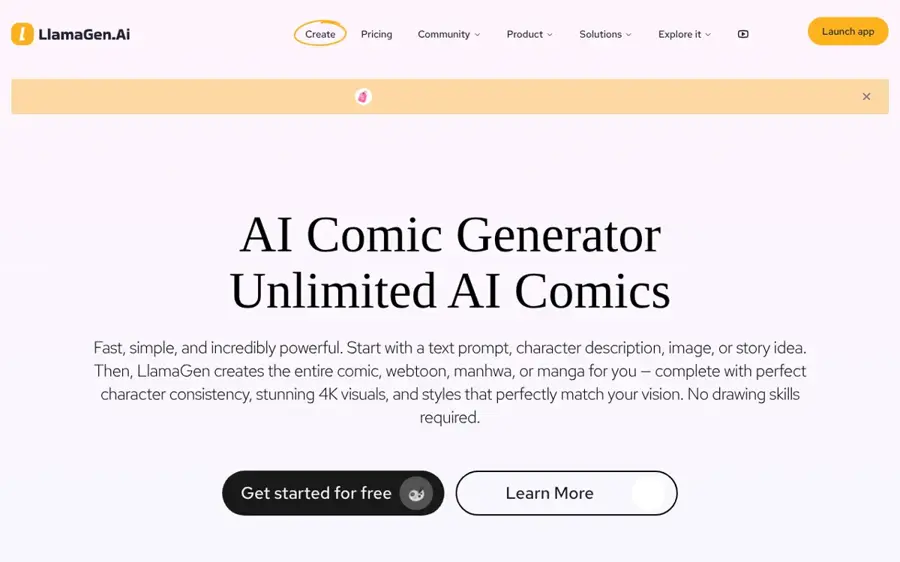
LlamaGen is an AI comic platform with a dedicated comic to video tool for manga, manhwa and webtoon creators.
Strengths
Most video generators treat each panel as a separate picture. LlamaGen's comic to video page says it "follows panel order, dialogue timing, and story continuity so the clip still reads as the original comic." It's aimed at webtoon artists who already have finished pages and want a teaser, a pitch preview or an episode hook in 9:16 for Shorts, TikTok and Reels.
The catch is price. The page markets the tool as free, but Comic To Video turns up under the Pro plan on LlamaGen's prices, at $24 a month billed annually or $30 month to month. The free plan covers comic creation with shorter story limits. There are no Trustpilot reviews of LlamaGen yet, so we couldn't find independent user feedback on the video feature.
Key features
- Panel-first workflow: uses your page order as the animation plan.
- Dialogue cues: plans timing around speech, not just motion.
- Vertical export: built for 9:16 social formats.
- Character consistency: listed as a Pro plan feature.
- Comic creation tools: make the manhwa itself on the same platform.
Pros
- The only pick designed around comic sequences
- Keeps characters recognisable across panels
- Handy if you also create the comic in LlamaGen
Cons
- Comic to video needs the Pro plan
- No independent user reviews yet
- Credit system takes time to understand
LlamaGen pricing: Free, then paid plans from $9/month (Starter), with Comic To Video on Pro at $24/month billed annually (checked October 2026). See pricing
Verdict: likely worth paying for if you publish your own webtoon and want trailers that follow the page.
Related: Best animation AI tools
CapCut – best for assembling clips with voice and captions
CapCut is ByteDance's video editor, with an AI video maker that turns uploaded images into a timed video with script, voiceover and captions.
Strengths
Generators give you 5-second clips. CapCut is where they become an episode, and that's why I rate it so high. Its image to video tool lets you upload images, write or generate a script, pick an AI voiceover and set the duration, then edit text, music and timing afterwards. That makes it the natural finishing step for a manhwa motion comic, even if you animate the hero shots elsewhere.
The free plan includes basic editing and free templates. Pro costs $19.99 a month and adds 1,200 monthly AI credits for Seedance video generation, and CapCut offers new users a 7-day Pro trial with no card required. We couldn't verify a current third-party rating for CapCut, so check app store reviews in your region. See our CapCut AI video maker guide for the steps.
Key features
- Images to video: matches uploaded panels to a script automatically.
- AI voiceover: multiple voices and accents for narration.
- Auto captions: useful for dialogue-heavy chapters.
- Keyframe animation: manual pans and zooms across tall webtoon panels.
- Seedance models: AI video generation on paid credits.
Pros
- Free plan handles the whole edit
- Ken Burns-style pans work well on vertical webtoon strips
- Available on web, desktop and mobile
Cons
- AI generation needs paid credits
- Plan availability varies by region
CapCut pricing: Free, then Pro from $19.99/month with 1,200 AI credits (checked October 2026). See pricing
Verdict: I'd use it as your free editing desk, whatever generator you choose.
Related: How to use CapCut AI video maker Seedance AI tutorial
Vidu – best for anime-style motion
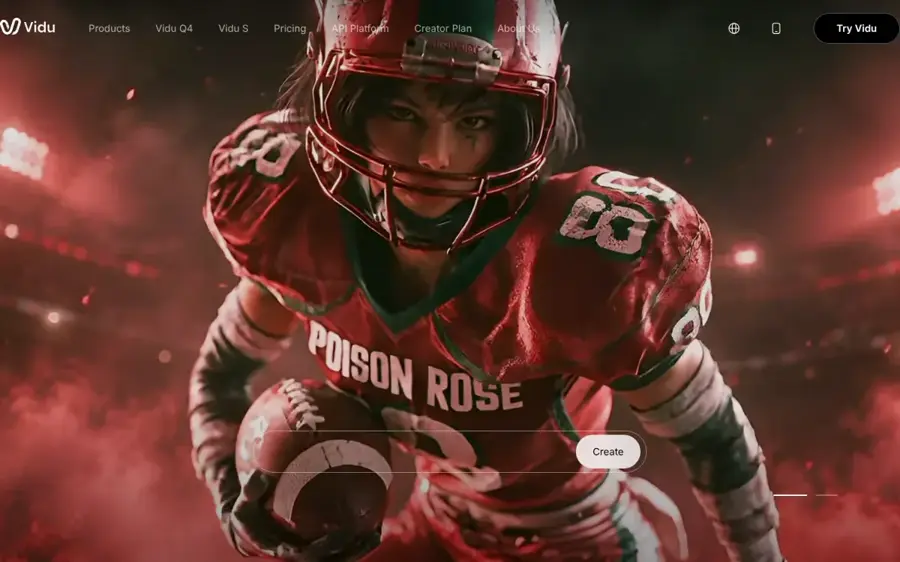
Vidu is an AI video generator with a dedicated animation mode for anime characters and illustrated scenes.
Strengths
Vidu's AI animation generator page covers both text and image to animation, generates up to four variations at once, exports in 9:16, 16:9 or 1:1, and lets you control movement amplitude. That last setting matters for manhwa: a subtle hair or cape movement probably looks better than a full-body move that warps the art. Its Reference to Video mode can also merge character sheets and backgrounds into one shot.
On price, CostBench lists trial credits at sign-up plus daily login credits on the free plan, with no fixed monthly allowance, and paid plans from $10 a month. Commercial use is listed as a paid feature. Vidu has a 2.2 TrustScore from 18 Trustpilot reviews, 72% of them one-star, so the sample is small and negative.
Key features
- Animation style: tuned for anime characters and scenery.
- Movement amplitude: choose subtle or bold motion.
- Four variations per run: pick the cleanest take.
- Reference to video: combine several images in one clip.
Pros
- Built with anime output in mind
- Motion control suits delicate line art
- Daily login credits on free
Cons
- No fixed free monthly allowance
- Commercial use only on paid plans
- Few, mostly negative user reviews
Vidu pricing: Free (sign-up and daily login credits), then paid plans from $10/month, per CostBench (checked October 2026; Vidu's pricing page didn't load for us). See pricing
Verdict: likely the best fit when you want motion that still looks drawn.
Related: Best AI image animator tools
Hailuo AI – best for daily free test clips
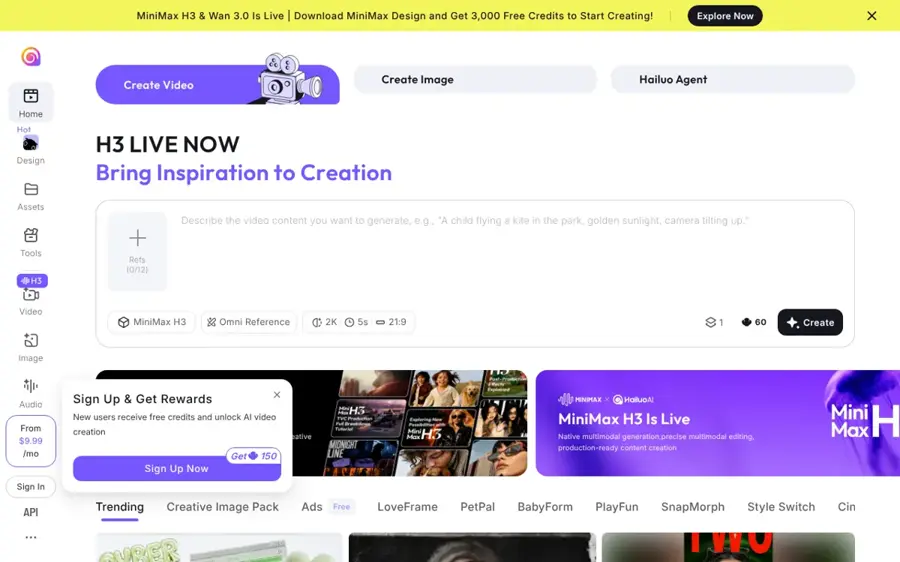
Hailuo AI is MiniMax's video generator, offering text to video and image to video in the browser.
Strengths
Hailuo seems a good second free account for testing prompts before you spend Kling credits. CostBench reports a free plan with daily credits worth roughly three to five generations, 720p exports with a watermark and 6-second clips. Paid plans start at $7.99 a month for 1080p and watermark-free downloads. Our Hailuo AI prompt guide covers how to write motion prompts for it.
Reviews are rough; Hailuo has a 1.4 TrustScore from 94 Trustpilot reviews, with several about unexpected charges, and one long-time user said rendering got worse over time. I'd use the free tier first and cancel carefully if you subscribe.
Key features
- Image to video: animate a panel from a prompt.
- Daily free credits: a few clips per day, per CostBench.
- 6-second clips: enough for a single beat or reaction shot.
- 1080p on paid: with watermark removal.
Pros
- Daily free generations
- Cheapest paid entry on this list
- Simple browser interface
Cons
- 720p and watermark on free
- Billing complaints on Trustpilot
- Official pricing page loads only after sign-in
Hailuo AI pricing: Free (daily credits), then paid plans from $7.99/month, per CostBench (checked October 2026). See pricing
Verdict: a useful free sandbox, though not where I'd finish a project.
Related: Hailuo AI prompt guide Best free AI video generators
Pika – best for watermark-free output on credit packs
Pika is a multi-model AI video platform that gives you access to several video and image models from one account.
Strengths
Pika's free plan is unusual. On the plans page, Free gets 0 monthly credits, "packs only", but includes all models and no watermark. So you can sign up free, buy a credit pack when you need a few clips, and skip a subscription. The Starter plan costs $10 a month for 900 credits and adds a commercial license; the pricing page's calculator puts a 5-second 720p Seedance 2.5 clip at 122 credits.
Pika has a 2.2 TrustScore from 78 reviews. The most recent one says: "Great affordable experience! Really enjoying their new creative tools so far." Older reviews complain about credits running out fast, so check per-clip costs before you buy.
Key features
- All models on every plan: including Seedance 2.5.
- No watermark: even on the free plan.
- Credit packs: pay as you go without subscribing.
- Commercial license: from Starter upward.
Pros
- Watermark-free exports
- Access to several models in one place
- No subscription needed for occasional use
Cons
- No free monthly credits
- Credits go fast on premium models
Pika pricing: Free (credit packs only), then paid plans from $10/month (checked October 2026). See pricing
Verdict: best, I think, when you need a few clean clips for a trailer and nothing more.
Related: Best AI video generators
Turning a manhwa chapter into video
Whatever tool you pick, the workflow is similar. The steps below combine the tools' official guidance with our guide to making AI cartoon videos.
- Pick panels that can move. Choose shots with one main character, clean outlines and a pose that implies motion. Busy panels with heavy screentone, extreme close-ups or overlapping characters tend to warp.
- Crop and clean. Cut each panel out of the vertical strip. Remove speech bubbles and sound effects, because AI models tend to warp text; you'll add dialogue back as captions.
- Write short motion prompts. Describe one or two movements and a camera move. Adapt this example:
Example prompt to adapt: The swordsman's coat and hair blow in a strong wind, he slowly raises his blade, dust drifts at his feet, slow push-in camera, keep the original line art and flat colors.
- Keep characters consistent. Reuse the same reference images and prompt wording across shots. This Curious Refuge tutorial covers consistent-character techniques that carry over to comic characters.
- Assemble and voice it. Drop clips into CapCut, add pans across static panels, captions and narration. Our guide on adding AI voice to video covers the voice step.
Choosing the right tools to animate manhwa
Start with what you have
If you have finished pages and want them animated in order, LlamaGen is built for that. If you have a few hero panels, a general image to video tool like Kling or Vidu gives more dramatic motion per shot.
Match the tool to the art style
Black-and-white ink and crisp outlines suit Vidu's animation mode. Painted, full-color webtoon art suits Kling. If your art is delicate, Vidu's movement amplitude control helps keep it intact.
Plan for clip length
Free clips run 5 to 6 seconds. A 60-second Short needs 10 or more of them, which can take a week of daily free credits. Mix AI clips with simple pans in CapCut to stretch your budget; I'd guess most viewers won't notice a still panel with a slow zoom between the animated beats, and it saves credits.
Check the commercial terms
Kling, Vidu and Hailuo restrict commercial use or watermark free exports, as far as I can tell. If you plan to monetize, budget for at least one paid plan, such as Pika Starter at $10 a month with a commercial license.
Choose Kling if you want the most cinematic single shots for free. Choose LlamaGen if you publish your own webtoon and need page-faithful trailers. Choose CapCut if you need to turn clips into a narrated episode.
Free vs paid: what you actually get
| Tool | Free plan | Cheapest paid plan adds |
|---|---|---|
| Kling AI | 66 credits a day, watermark, no commercial use | Watermark-free exports, monthly credits |
| LlamaGen | Comic creation with limits | Comic To Video on Pro ($24/mo annual) |
| CapCut | Basic editing, free templates | 1,200 AI credits, premium features |
| Vidu | Sign-up and daily login credits | Monthly credits, commercial use |
| Hailuo AI | Daily credits, 720p, watermark | 1080p, no watermark |
| Pika | No monthly credits, packs only, no watermark | 900 credits, commercial license |
The pattern's simple. Free tiers suit learning and personal projects. The moment you want clean exports or to earn money from the video, you'll pay. For more ways to stretch a zero budget, see how to make free AI videos.
Copyright: you need rights to the manhwa
AI tools don't change who owns a comic. Under copyright law, the creator or publisher of a manhwa owns the art and story, and YouTube's copyright page notes that copyright owners "decide who else can" use and distribute their work. Animating panels creates a derivative work, which normally needs permission.
That matters for the popular "manhwa recap" format, where channels repost panels from official webtoons with narration. YouTube lists fair use, permission and Creative Commons as ways to use others' content, but adds that none of them guarantees you avoid a copyright strike or Content ID claim. Fair use is decided case by case; the US Copyright Office's Fair Use Index shows how courts have ruled. Adding AI motion to someone else's panels doesn't make the work yours.
Monetization adds a second hurdle. YouTube's channel monetization policies say content should "be your original creation" and that if you borrow content, "you need to change it significantly to make it your own." Channels built on reposted panels risk losing monetization even without a copyright claim.
The safe route: animate your own comic, a commissioned one, a work in the public domain, or a manhwa whose publisher has given you written permission. For the related question of who owns AI output, read can you copyright AI art. This is general information, not legal advice.
Final verdict
If you only pick one free tool, I'd pick Kling AI and pair it with CapCut's free editor. That combination covers motion, assembly, voice and captions for $0, as long as you accept watermarks and short clips. Webtoon creators who want trailers that follow their pages should budget for LlamaGen Pro. The rest are specialists: Vidu for anime-style linework, Hailuo for extra free tests, and Pika for a handful of watermark-free clips.
FAQ
Can I convert manhwa to video for free?
Yes, within limits. Kling, Hailuo and Vidu all offer free daily or login credits, and CapCut's free plan handles editing. Expect watermarks, 5 to 6 second clips and no commercial use on most free tiers. Honestly, that's fine for testing a style or a single teaser, but it won't carry a full chapter without a paid plan or a lot of patience.
What is the best AI to animate manhwa panels?
For single panels, Kling AI gives the most cinematic motion on a free plan. For whole pages that keep panel order and dialogue timing, LlamaGen's comic to video tool is the most specialised, but it needs the Pro plan.
Is it legal to make AI manhwa recap videos?
Only if you have the rights. Reposting official webtoon panels with AI motion can infringe copyright and break YouTube's monetization rules on original content. Animate your own work or get written permission.
Why do my animated panels look warped?
Busy panels tend to confuse AI models. Use one character per shot, clean outlines and a motion prompt limited to one or two movements, and remove heavy screentone and speech bubbles before uploading.
How long can AI manhwa videos be?
Each generation is usually 5 to 10 seconds. Longer videos are built by stitching many clips together in an editor such as CapCut, often mixed with simple pans across static panels.
Next steps
Follow our Kling AI tutorial for your first panel, then our CapCut AI video maker guide to assemble the episode. If you plan to post on YouTube, read how to make AI videos for YouTube first.
Sources
- Kling AI: Next-Gen AI Video & Image Generator (Kling AI)
- Kling AI Free Tier 2026: What 66 Credits Really Get You (Aireiter)
- Kling AI Pricing 2026: Free Credits Burn in 2 Days (FluxNote)
- Klingai Reviews (Trustpilot)
- Comic to Video AI | Animate Manga and Comic Panels Online Free (LlamaGen)
- Plans & Pricing (LlamaGen)
- Online Image to Video AI Generator (CapCut)
- CapCut Pricing | Choose the Right Plan (CapCut)
- AI Animation Generator – Create Anime Videos from Text & Images (Vidu)
- Vidu Free Plan: Sign-Up and Daily Login Credits (CostBench)
- Vidu Reviews (Trustpilot)
- Hailuo AI Free Plan 2026: What's Included & What's Not (CostBench)
- Hailuoai Reviews (Trustpilot)
- Pika Pricing: Free, Starter, Creator & Fancy Plans (Pika)
- Pika Reviews (Trustpilot)
- Copyright on YouTube (YouTube Help)
- YouTube channel monetization policies (YouTube Help)
- U.S. Copyright Office Fair Use Index (U.S. Copyright Office)
- Create Cinematic AI Video using Kling | AI Filmmaking Tutorial (YouTube, Curious Refuge)
- Create Consistent Characters Using AI | Step-by-Step Tutorial (YouTube, Curious Refuge)