8 best AI chatbots for business in 2026, compared side by side
The best AI chatbot for business in 2026 for customer service, lead capture and internal help desks, with prices, setup costs and clear picks.
 Written byDr. Alap ZahidReviews And Guides Editor
Why you can trust The AI Future
Our writers research every product, link each claim to its source and correct mistakes openly. Companies can't pay for coverage or see reviews before they're published.
Read our editorial policy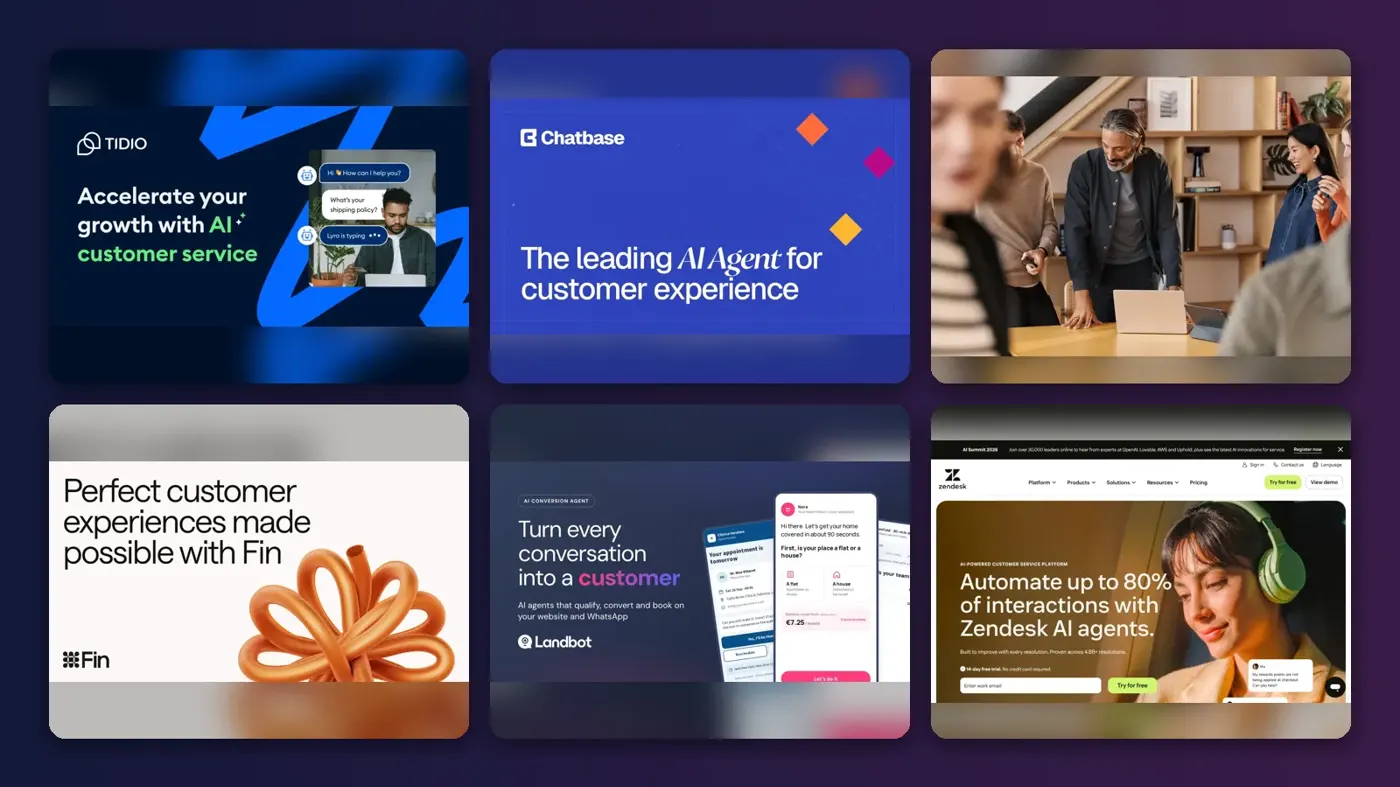
The best AI chatbot for business depends on the job, but I think most small businesses should start with Tidio. It bundles live chat, a help desk and the Lyro AI agent, and paid plans start at $24.17 a month. Need a bot that qualifies leads straight into a CRM? HubSpot Customer Agent is the one. Want an internal help desk for staff on Microsoft 365? Copilot Studio fits.
Those three jobs are where an AI chatbot for a small business pays off, and each needs a different tool. A support bot lives on your website and in your inbox, while a lead bot asks questions and books calls. An internal help desk bot answers "how do I reset my VPN?" inside Teams or Slack. Buy for the job, not the brand; that's my one firm rule here.
Eight picks follow, with current prices, user ratings, a "which type fits" table and real setup costs.
Key takeaways
- Tidio looks like the default for small business support: free to try, cheap to run, and Tidio says Lyro customers average a 75% resolution rate.
- HubSpot probably wins lead capture if you already use its CRM, though the AI agent needs Service Hub Professional at $90 per seat plus a $1,500 onboarding fee.
- Internal help desks are a separate purchase. Copilot Studio suits Microsoft 365 shops, and ChatGPT Business suits teams that want one AI assistant for staff.
- Usage fees make up the real bill: Intercom charges $0.99 per Fin outcome, HubSpot about $0.50 per resolved conversation, and Landbot $0.10 per extra AI chat.
- Setup is cheap until it isn't: SaaS bots cost little to set up, but integrated builds can reach five figures.
Our ranking method
Nobody at The AI Future ran hands-on tests for this roundup, and we took no screenshots of our own. We compared each tool using official pricing and product pages, independent reviews, published resolution figures and user ratings on Trustpilot, Capterra, G2 and Reddit, as of late October 2026. We scored each business AI chatbot on six criteria:
- Fit for small and midsize teams: can a business with no developer get it live?
- Use-case coverage: customer service, lead capture, internal help, or all three.
- Knowledge and actions: how well it learns from your content and whether it can do things, not just answer.
- Integrations: helpdesks, CRMs, Microsoft 365, Slack and messaging apps.
- Total cost: plan price plus seats, credits, outcomes and onboarding fees.
- User sentiment: what paying customers say in public reviews.
The 8 best AI chatbots for business at a glance
| # | Tool | Category | Best for | Free tier | Starts at |
|---|---|---|---|---|---|
| 1 | Tidio | Live chat + AI agent | Small business customer service | Yes (limited) | $24.17/mo |
| 2 | Chatbase | No-code AI agent | A website bot trained on your docs | No | $32/mo |
| 3 | HubSpot Customer Agent | CRM + AI agent | Lead capture inside a CRM | Yes (limited) | $90/mo |
| 4 | Intercom Fin | AI agent + helpdesk | Growing support teams | No | $19/mo |
| 5 | Landbot | No-code flow builder | Budget lead capture and WhatsApp | Yes (limited) | $36/mo |
| 6 | Zendesk | Helpdesk suite + AI agents | Midsize support teams | No | $19/mo |
| 7 | Microsoft Copilot Studio | Agent builder | Internal help desks on Microsoft 365 | No | $200/mo |
| 8 | ChatGPT Business | AI workspace | An internal team assistant | No | $20/mo |
"Starts at" is the cheapest paid plan that includes the AI chatbot, on annual billing. Intercom, Zendesk and ChatGPT Business charge per user.
The best AI chatbots for business in 2026, ranked
Tidio – best for small business customer service
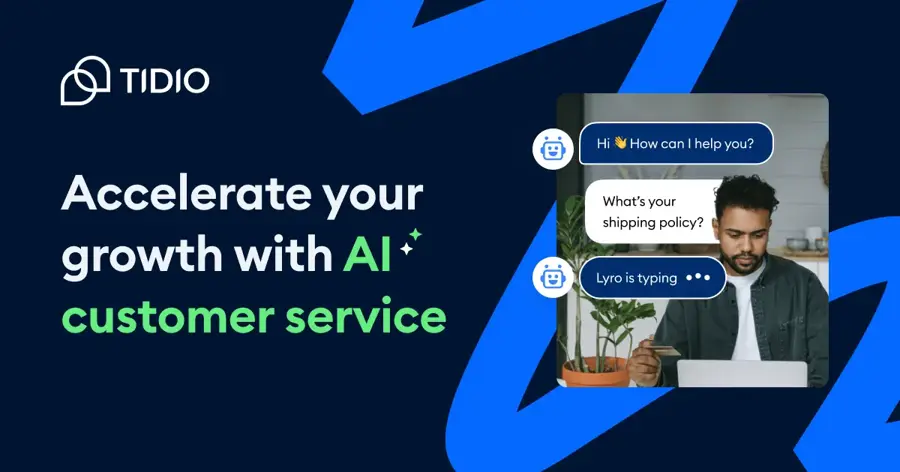
Tidio is a customer service platform that combines live chat, a ticketing help desk, the Lyro AI agent and no-code Flows for websites, email, Messenger, WhatsApp and Instagram. Start at tidio.com.
Strengths
Tidio is built for exactly the business this article is about: a small team that wants the bot to handle routine questions and pass the rest to a human. Lyro answers from your knowledge base, hands off to an agent, and can be bought on its own. Going by the prices and claims, customers "average a 75% resolution rate with Lyro". That's a vendor figure, and I'd treat it as a ceiling, not a promise. Flows cover the lead capture side, with templates for data collection, quote requests and missed conversations.
User sentiment is mixed. Tidio holds a 3.5 TrustScore from 225 Trustpilot reviews, with 66% five-star and 25% one-star. One reviewer wrote: "We ran into some hiccups trying to set up Tidio in our tech stack, but after a few messages with their support crew, we have everything rolling smoothly."
Key features
- Lyro AI Agent: knowledge-based answers with human handoff
- Flows: no-code automations for lead capture and quote requests
- Shared inbox: chat, email and social messages in one place
- Usage-based plans: priced by billable conversations, Lyro conversations and visitors reached
Pros
- Cheapest serious option for a small support team
- Covers support and lead capture in one tool
- Free plan to test before paying
Cons
- Lyro conversations are billed separately from the base plan
- Polarised user reviews
- Large volumes need a custom quote
Tidio pricing: Free, then paid plans from $24.17/month on annual billing; Lyro AI Agent starts at $32.50/month for 50 AI conversations (checked October 2026). See pricing
Verdict: if you're only picking one AI chatbot for small business customer service, I'd pick Tidio.
Related: Best AI chatbots for ecommerce Best AI chatbot builders
Chatbase – best for a website bot trained on your docs
Chatbase is a no-code platform that builds AI support agents from your website, help center, documents and PDFs, then deploys them across chat, email and voice. Start at chatbase.co.
Strengths
Chatbase is probably the fastest route from "we have a help center" to "we have a bot that answers from it". On the plans page, you'll find integrations with Zendesk, Intercom, HubSpot, Salesforce, Freshdesk, Zoho Desk, Slack, WhatsApp, Shopify and Calendly, and every agent gets AI Actions to look things up mid-conversation. Chatbase's own case study describes Sandbox VR giving "1,000+ employees instant operational answers across 90 locations", so it works for internal help too.
Users rate it well: Chatbase has a 4.1 TrustScore from 74 Trustpilot reviews. An AI consultant who runs agents for a retail client wrote: "I manage several Chatbase agents for a retail client as an AI consultant. The interface is excellent."
Key features
- Train on your content: websites, help centers, docs and PDFs
- AI Actions: five per agent on Hobby
- Wide integrations: helpdesks, CRMs, Slack, WhatsApp and Shopify
- Data privacy: Chatbase says your data isn't used to train models
Pros
- Live in an afternoon if your docs are in order
- Works for customer and internal use
- Strong user ratings
Cons
- Hobby is capped at 700 message credits and one agent
- Removing branding costs $99/month extra
- Big jump from $40 to the $150 Basic plan
Chatbase pricing: No free plan listed; then Hobby from $32/month billed yearly ($40 monthly) for 700 message credits; Basic $150/month, Business $500/month; extra credits $40 per 1,000 (checked October 2026). See pricing
Verdict: choose Chatbase if your knowledge already lives in docs and you want a bot without a helpdesk migration.
Related: Best AI chatbot builders Best AI chatbot development services
HubSpot Customer Agent – best for lead capture inside a CRM
HubSpot Customer Agent is the AI agent in HubSpot Service Hub. It answers customer questions across chat, email, forms and calling, qualifies leads and writes everything back to the HubSpot CRM. See hubspot.com.

Strengths
This is the pick when a chat is as likely to be a sales lead as a support ticket. Because the agent sits on HubSpot's CRM, every conversation lands on the contact record with deal stage and marketing history attached. The numbers are improving fast, and that's hard to ignore: CX Today reported that Customer Agent resolved 70% of conversations in Q1 2026, up from 20% a year earlier, across more than 9,000 customers.
The cost structure needs care, I think. eesel AI's 2026 review found the agent bills 50 credits ($0.50) per resolved conversation, and Professional's 3,000 included credits cover about 60 AI resolutions a month before overage. The same review cites a 4.4/5 G2 rating from 2,917 Service Hub reviewers.
Key features
- Omnichannel agent: chat, email, forms and calling
- Lead qualification: marks leads qualified or not and logs it to the CRM
- Handoff: escalates to your team when needed
- Knowledge base: included on Professional
Pros
- Best-in-class CRM context for lead capture
- Strong published resolution figures
- One platform for marketing, sales and support
Cons
- Requires Professional plus a $1,500 onboarding fee
- Credits are shared with every other HubSpot AI feature
- Poor value if you don't use HubSpot CRM
HubSpot Customer Agent pricing: Free CRM tools (no AI agent); then Customer Agent requires Service Hub Professional at $90/seat/month billed annually ($100 monthly), plus a one-time $1,500 onboarding fee; 3,000 HubSpot Credits included (checked October 2026). See pricing
Verdict: choose HubSpot if your sales team already lives in HubSpot; skip it if you only want a support bot.
Related: Best AI lead generation tools
Intercom Fin – best for growing support teams
Intercom Fin is an AI customer agent that answers across chat, email and phone, takes actions in other systems, and works inside Intercom's helpdesk or on top of Zendesk, Salesforce and others. See intercom.com.
Strengths
Fin suits a business that has outgrown a basic chat widget and wants to pay for results. Looking at the prices, it's $0.99 per outcome, counted when a customer confirms the issue is solved, doesn't ask for more help, or Fin completes a workflow. You can run Fin on your existing helpdesk with no seats, subject to a minimum monthly commitment of about 50 outcomes.
Public sentiment is weak, which worries me a little. Fin (listed under intercom.io) has a 2.9 TrustScore from 529 Trustpilot reviews, and Trustpilot's summary flags slow response times. One reviewer wrote: "Two weeks of circular support, contradictory answers, and zero resolution on a basic deliverability case."
Key features
- Outcome pricing: $0.99 per resolved conversation
- Works on any helpdesk: native on Intercom, also Salesforce and others
- Actions: Fin can act in external systems
- Copilot add-on: AI assistant for human agents at $29/agent/month annually
Pros
- Pay only when Fin solves something
- No migration needed
- Deep automation on higher plans
Cons
- Costs rise with volume
- Poor Trustpilot rating for vendor support
- Seat plus usage pricing is hard to forecast
Intercom Fin pricing: No free plan (14-day trial); then Essential from $19 per seat/month on annual billing ($29 monthly), plus $0.99 per Fin outcome (checked October 2026). See pricing
Verdict: choose Fin if you handle hundreds of tickets a month and want a bill tied to results.
Landbot – best for budget lead capture and WhatsApp
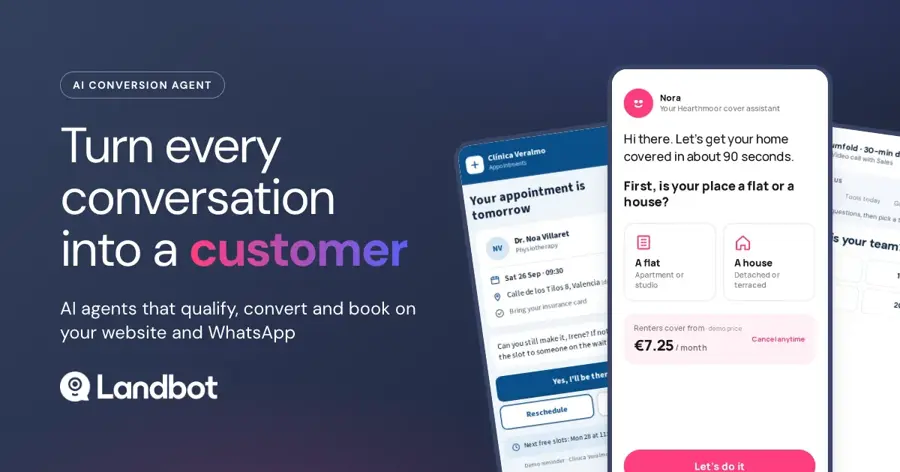
Landbot is a no-code builder for structured chatbots and AI agents on the web and WhatsApp, popular for lead qualification and booking flows. Start at landbot.io.
Strengths
Landbot is cheaper than HubSpot for pure lead capture and works with any CRM. Button-led flows ask the right questions, score the answers and push them to HubSpot, Salesforce, Pipedrive or Zoho on Professional. eesel AI's pricing breakdown notes that a mostly-button lead bot really costs $36 to $88 a month, while AI-heavy support use can push the bill far higher because extra AI chats cost $0.10 each.
Landbot scores 4.4 from 70 Capterra reviews. One marketing director wrote: "I have been using Landbot for 4 years now and it has been a fantastic way to interact and to collect sales and after-sales leads for our business."
Key features
- Visual flow builder: no-code blocks for qualification and booking
- AI Agent block: adds generative answers inside a flow
- WhatsApp: own number from Professional
- CRM integrations: HubSpot, Salesforce, Pipedrive and Zoho on Professional
Pros
- Cheap, predictable lead capture
- Strong WhatsApp support
- Free plan after the 14-day trial
Cons
- AI chats are metered and add up
- CRM integrations need Professional
- Extra seats cost $25/month each
Landbot pricing: Free, then Starter from $36/month billed annually ($45 monthly); Professional $88/month annually ($110 monthly); Professional with WhatsApp $176/month annually (checked October 2026). See pricing
Verdict: choose Landbot if lead capture is the main job and your budget is under $100 a month.
Related: Best AI chatbot builders Best AI lead generation tools
Zendesk – best for midsize support teams
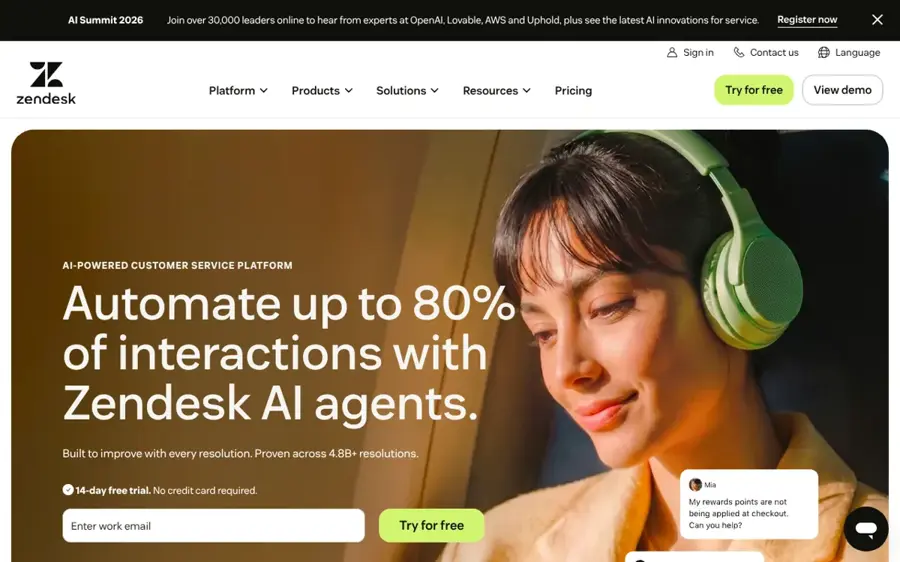
Zendesk is a full customer service suite with ticketing, messaging, voice, a help center and built-in AI agents that can also run employee service desks. See zendesk.com.
Strengths
Zendesk is the step up when you have a real support team, several channels and SLAs to hit. On the plans page, AI agents come with every Suite and Support plan, billed on automated resolutions, and the same omnichannel routing handles "customer or employee requests", so one platform can cover both external support and an internal IT or HR help desk.
Reviews are rough, and I'd read them before signing. Zendesk has a 1.7 TrustScore from 742 Trustpilot reviews. One reviewer wrote: "The setup was confusing and took longer than expected. Definitely not worth the hassle for the price." Another described a $12,000 invoice for setup help.
Key features
- AI agents: included in Suite and Support plans, priced per automated resolution
- Omnichannel routing: for customer and employee requests
- Agent copilot: auto assist drafts replies and suggests next steps
- Knowledge management: one content source for bots and people
Pros
- Scales to large, multi-channel teams
- Covers customer and employee service
- Mature reporting and routing
Cons
- Very poor Trustpilot rating
- Setup can need paid help
- Per-agent pricing climbs quickly
Zendesk pricing: No free plan (free trial); then from $19 per agent/month billed yearly; the tier built around AI agents is $55 per agent/month (checked October 2026). See pricing
Verdict: choose Zendesk if you have 10+ agents and need one system for every channel; below that, it's probably more than you need.
Microsoft Copilot Studio – best for internal help desks on Microsoft 365
Microsoft Copilot Studio is a low-code platform for building AI agents grounded in SharePoint, websites and files, published to Teams, websites and other channels. See the official product page.
Strengths
If your company runs on Microsoft 365, Copilot Studio is the natural home for an internal help desk bot. Agents answer IT, HR and policy questions from SharePoint inside Teams, and Layer 3 Labs' small business guide lists IT helpdesk tickets among the core SMB use cases. Microsoft also notes on its pricing page that users licensed for Microsoft 365 Copilot can build and use internal agents "at no additional cost".
It isn't plug-and-play. In a detailed r/copilotstudio post, a developer automating tasks for a small Microsoft 365 company wrote: "The product is not ready for non-technical users." They still recommended starting now for its permissions and Teams integration.
Key features
- Grounded answers: from SharePoint, websites and uploaded files
- Permission-aware: agents respect existing Microsoft 365 access rights
- Actions: Power Automate flows and API calls
- Channels: Teams, web widget and voice
Pros
- Fits existing Microsoft 365 security
- Included for Microsoft 365 Copilot users building internal agents
- Strong Teams integration
Cons
- Steep learning curve, per user reports
- Credit-based billing is hard to predict
- Overkill outside the Microsoft stack
Microsoft Copilot Studio pricing: No free plan (free trial); then $200/month per 25,000-credit pack, or pay-as-you-go; internal agents included with the $30/user Microsoft 365 Copilot add-on (checked October 2026). See pricing
Verdict: choose Copilot Studio if your files live in SharePoint and your staff live in Teams.
Related: Microsoft AI review
ChatGPT Business – best for an internal team assistant
ChatGPT Business is OpenAI's shared workspace for teams, with company knowledge, workspace agents, apps that connect to internal tools, and admin controls. See openai.com.
Strengths
Not every business needs a customer-facing bot. Many need a smart assistant that answers staff questions from company documents, drafts emails and summarises meetings. ChatGPT Business does that. Looking at OpenAI's business pricing, you get company knowledge, workspace agents, apps connecting to internal tools, SAML SSO and "no training on your business data by default". eesel AI notes the plan was renamed from ChatGPT Team in August 2025 and needs at least two seats.
It's a general assistant, not a support desk, so it won't run your website chat. A GetApp reviewer summed up the trade-off: "Sometimes answers are not fully accurate." (GetApp). Keep a human check on anything that goes to customers.
Key features
- Company knowledge: answers grounded in connected business sources
- Workspace agents: custom agents for repeat workflows
- Apps: connect to internal tools
- Admin and security: SAML SSO, MFA and central billing
Pros
- One tool for every employee
- Low per-seat price
- No training on business data by default
Cons
- Not built for customer-facing chat
- Minimum of two seats
- Answers still need checking
ChatGPT Business pricing: No free Business plan; then Standard seats from $20/user/month billed annually ($25 monthly); Premium seats $100/user/month annually (checked October 2026). See pricing
Verdict: choose ChatGPT Business if you want an AI helper for staff, not a bot for customers.
Related: ChatGPT review Best ChatGPT alternatives
Which type of AI chatbot fits your business?
Before you compare features, decide which of these five types you need. Most small businesses need just one; midsize businesses often run two, one for customers and one for staff.
| Type | Fits you if | Picks to look at | Typical monthly cost |
|---|---|---|---|
| Website support bot | Customers ask the same 20 questions about orders, hours, pricing or policies | Tidio, Chatbase | $25 to $150 |
| Helpdesk AI agent | You already run a ticket queue with several agents | Intercom Fin, Zendesk | Seats plus about $1 per resolution |
| Lead capture bot | Visitors need qualifying and booking before sales calls them | HubSpot Customer Agent, Landbot | $36 to $90+ per seat |
| Internal help desk bot | Staff keep asking IT, HR and policy questions | Copilot Studio, Chatbase, Zendesk | $200 credit pack, or included with Copilot licences |
| Team AI assistant | You want every employee to have an AI helper for daily work | ChatGPT Business | $20 to $25 per user |
Choose a support bot if ticket volume is your pain, and a lead bot if missed enquiries are. TechLion's 2026 small business guide cites HubSpot data that 52% of leads arrive after standard business hours, which is the clearest case for a lead bot. Choose an internal help desk bot if your IT or operations person spends half the day answering the same questions. New to the topic? Read our plain-English guide to AI chatbots.
The cost of setting up an AI chatbot for your business
The plan price is only one line on the bill. Plan for three costs: setup, monthly subscription and usage.
Setup first. For SaaS tools like Tidio, Chatbase and Landbot, setup is mostly your time: writing or cleaning help articles, connecting your site and testing answers. Denser's 2026 pricing guide puts one-time setup at $0 to $2,000 for small businesses and $2,000 to $30,000 for mid-market companies that need CRM and multichannel integration. Some vendors charge a fixed fee: HubSpot requires $1,500 onboarding for Professional. Agency-built bots with booking or inventory integrations cost $3,997 to $5,997 to set up plus $147 to $497 a month, according to TechLion. If you're going that route, see our guide to AI chatbot development services.
Then the subscription. Denser's guide puts a capable small business chatbot at $19 to $89 a month, and mid-market companies at $100 to $500.
Usage is where budgets break. Here's what one AI-handled conversation costs on each metered tool:
- Intercom Fin: $0.99 per outcome.
- HubSpot Customer Agent: about $0.50 per resolution, per eesel AI.
- Landbot: $0.10 per AI chat beyond your allowance.
- Chatbase: $40 per 1,000 extra message credits.
Model a real month before you sign. At 500 AI resolutions, Fin costs about $495 in usage on top of seats, which surprised me when I worked it out.
Choosing the right AI chatbot for business
Start with one job
Pick the job that costs you most today: unanswered chats, lost leads or internal interruptions. Buy for that.
Follow your existing stack
The best business AI chatbot is probably the one that plugs into what you already pay for. HubSpot users should test Customer Agent first. Zendesk and Intercom users should test their built-in agents.
Fix your content first
Every bot here answers from your documents. Clean your top 20 help articles before launch; I'd say that matters more than the vendor.
Price per resolution, not per plan
Ask each vendor what a resolved conversation costs at your volume, including seats and overage. Then compare that number. Our guide to AI agents for customer support walks through the maths.
Free vs paid: what you actually get
Free plans exist for Tidio, HubSpot (CRM tools only, no AI agent) and Landbot. They're for testing, not running a business.
- Free gets you: a working widget, basic flows, a handful of AI conversations and vendor branding on your site.
- Paid gets you: enough AI conversations for real traffic, human handoff, CRM and helpdesk integrations, analytics and branding removal.
- Trials matter more than free plans. Intercom, Zendesk, Landbot and HubSpot all offer trials of their full AI features. Run your real top 50 questions through the bot during the trial.
The budget rule: under 50 chats a month, a free plan is enough. Above a few hundred, you're paying for usage whatever you choose.
Final verdict
For most small businesses, I'd pick Tidio: it's cheap, quick to launch and good enough at both support and lead capture. Chatbase makes sense if your knowledge lives in docs and you want the bot live this week. HubSpot Customer Agent is worth it if leads matter more than tickets and you already use HubSpot. Once you have a real support team, look at Intercom Fin or Zendesk, though Zendesk's reviews give me pause. For staff, Copilot Studio fits Microsoft 365 and ChatGPT Business fits everywhere else.
Selling online? Our ecommerce chatbot roundup covers Shopify-first tools like Gorgias. Want to build your own? Start with our AI chatbot builder picks.
FAQ
Which AI chatbot is best for my business?
For most small businesses, Tidio is the best starting point because it combines live chat, a help desk and the Lyro AI agent from $24.17 a month. Pick HubSpot Customer Agent if lead capture into a CRM is the priority, Intercom Fin for larger support teams, and Copilot Studio or ChatGPT Business for internal staff help.
Which AI chatbot is best for business use?
It depends on who the bot serves. For customers, Tidio, Chatbase and Intercom Fin lead on support, while HubSpot and Landbot lead on lead capture. For employees, Copilot Studio suits Microsoft 365 companies and ChatGPT Business suits teams that want one assistant for writing, research and company knowledge.
How much does an AI chatbot cost for a small business?
Most small businesses pay $19 to $89 a month for a capable SaaS chatbot, according to Denser's 2026 guide, plus usage fees per AI conversation. Setup is often free for self-serve tools, but HubSpot charges $1,500 onboarding for Professional, and agency-built bots typically cost several thousand dollars up front.
Sources
- Tidio Pricing (Tidio)
- Tidio Reviews (Trustpilot)
- Pricing - Chatbase (Chatbase)
- Chatbase Reviews (Trustpilot)
- Service Software Pricing (HubSpot)
- HubSpot's Customer Agent Hits 70% Resolution Rate in 12 Months (CX Today)
- HubSpot customer service software: a hands-on 2026 review (eesel AI)
- Intercom Pricing | Plans for every team size (Intercom)
- Fin Reviews (Trustpilot)
- AI Agent & Chatbots Pricing for Web & WhatsApp (Landbot)
- Landbot pricing 2026: plans, AI chats, WhatsApp, and real costs (eesel AI)
- Landbot Reviews 2026 (Capterra)
- Zendesk Pricing Plans (Zendesk)
- Zendesk Reviews (Trustpilot)
- Microsoft Copilot Studio | Create AI Agents (Microsoft)
- Copilot Studio pricing (Microsoft)
- Copilot Studio for Small Business: Build AI Agents (Layer 3 Labs)
- Copilot Studio evaluation for a small Microsoft 365 company (Reddit, r/copilotstudio)
- Business Pricing (OpenAI)
- ChatGPT Team review: Business seats, features, and buying checks (eesel AI)
- ChatGPT Reviews, Pricing & Ratings (GetApp NZ)
- How Much Does an AI Chatbot Cost in 2026? Full Pricing Guide (Denser)
- AI Chatbot for Small Business Websites: Costs, Lead Capture, and When to Skip One (TechLion Dev)