Best AI voice generator in 2026: 7 tools compared side by side
ElevenLabs leads for realism, Murf and WellSaid suit business teams, and Hume and Fish Audio win on price. Here is how the 7 best AI voice generators compare.
 Written byFahad HashmiContributing writer, AI in energy and industry
Why you can trust The AI Future
Our writers research every product, link each claim to its source and correct mistakes openly. Companies can't pay for coverage or see reviews before they're published.
Read our editorial policy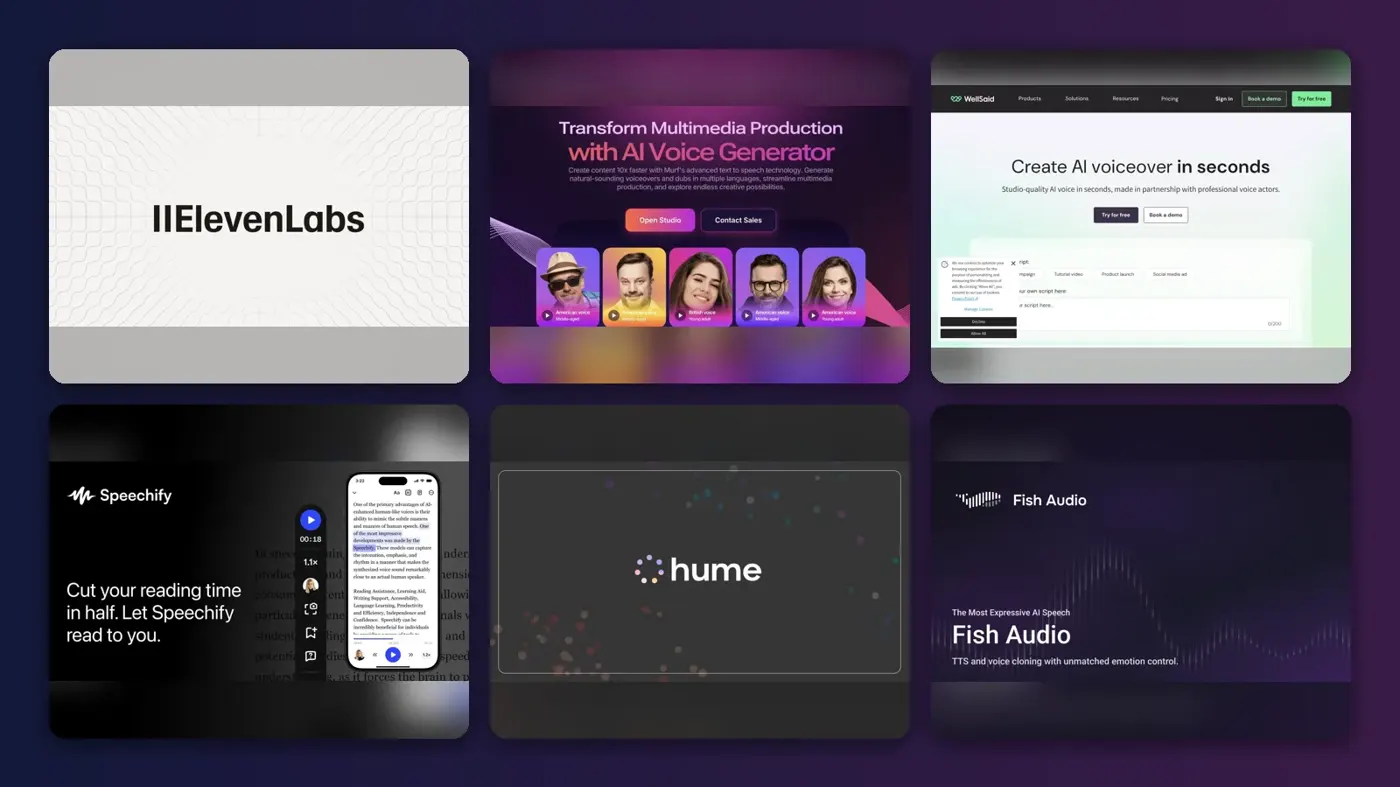
The best AI voice generator for most people in late 2026 is ElevenLabs: it has the most expressive voices, the biggest voice library and a $6 entry plan that includes a commercial license. If you make business training or explainer videos, Murf AI and WellSaid are easier to manage in a team. If you mainly want cheap, high-quality voice cloning, Fish Audio and Hume AI cost far less per minute.
An AI voice generator turns written text into speech that sounds like a person. You paste a script, pick a voice (or clone your own), adjust pacing and emphasis, and download an audio file you can drop into a video, podcast, course or app. Below we compare seven tools on voice quality, control, licensing and real cost per minute, using official documentation, published independent tests and user ratings, as of late October 2026.
Key takeaways
- ElevenLabs is the default pick. It covers text to speech, cloning, dubbing and voice agents, and its Starter plan costs $6 a month with commercial rights, according to HappyRobot’s pricing breakdown.
- Free plans are for testing, not publishing. ElevenLabs, Murf and Fish Audio all withhold commercial rights on their free tiers, so check the license before you post a monetized video.
- Budget by minutes, not by plan name. Most tools meter characters or credits. A 10-minute voice over uses roughly 9,000 characters, which is the number to compare.
- PlayHT is gone. Meta acquired its parent company PlayAI in July 2025 and the platform was shut down, so ignore older lists that still recommend it.
How we ranked them
To be clear about method: we did not record or generate audio ourselves for this article. We compared the tools using vendor documentation, recent third-party pricing breakdowns, independent comparison tests by outlets such as The Neuron and Dupple, and user ratings on G2. Every price below links to the page we took it from. G2 user ratings appear in each pick where we could confirm them on G2’s own comparison pages in October 2026; we give no star ratings of our own because nobody on our team ran these tools for this piece.
We scored each tool on five things, roughly in this order of weight:
- Voice quality and realism. Does it sound like a person reading, or a machine reciting? Independent tests and user reviews carry most of this.
- Control. Can you direct emotion, pace, pauses and pronunciation without re-generating the whole clip?
- Licensing. Which plan first grants commercial rights, and are cloned voices treated differently?
- Cost per finished minute. We converted each plan’s credits or character limits into approximate minutes of narration.
- Workflow fit. API for developers, timeline editor for video makers, team workspaces for companies.
A simple mental model helps here. Modern voice AI works in two stages. A text model reads your script and predicts how it should be spoken (where the stress falls, where to pause, what emotion fits). An audio model then turns that plan into a waveform in a chosen voice. Tools differ mostly in how much of the first stage they let you steer. Some, like ElevenLabs v3, take inline tags such as [whispers]. Others, like Hume’s Octave, try to infer delivery from the meaning of the text. Studio tools like Murf and WellSaid give you sliders and a timeline instead.
The 7 best AI voice generators at a glance
| # | Tool | Category | Best for | Free tier | Starts at |
|---|---|---|---|---|---|
| 1 | ElevenLabs | Voice AI platform | Best overall, expressive voices | Yes (limited) | $6/mo |
| 2 | Murf AI | Studio voice over | Business and training voice overs | Yes (limited) | $19/mo |
| 3 | WellSaid | Enterprise voice over | Corporate and e-learning teams | Yes (limited) | $10/mo |
| 4 | Speechify Studio | Voice over and dubbing studio | Voice over plus dubbing in one browser app | Yes | $288/yr |
| 5 | Hume AI (Octave) | Emotional text to speech | Emotion-aware speech on a budget | Yes (limited) | $3/mo |
| 6 | Fish Audio | Voice cloning | Cheap voice cloning at volume | Yes (limited) | $20/mo |
| 7 | Descript | Video and audio editor | AI voice over inside a video editor | Yes (limited) | $16/mo |
Annual-billing prices are shown where that is the cheapest entry point (Murf, WellSaid, Descript). Fish Audio’s $20 is the list price; promotions have been lower.
The 7 best AI voice generators in 2026, ranked
ElevenLabs – best for expressive, realistic voices
ElevenLabs is a full voice AI platform: text to speech, voice cloning, dubbing, sound effects, speech to text, music and conversational voice agents. Try it at elevenlabs.io.
Why it stands out
Its Eleven v3 model supports more than 70 languages and accepts bracketed audio tags like [excited], [sighs] or [laughs] to direct performance, according to ElevenLabs’ v3 announcement, which now says v3 is generally available and that Eleven v4 has since been released. The Neuron covers the platform’s breadth and reports ElevenLabs lowered prices in May 2026. On G2 it holds 4.5 out of 5 from more than 1,200 reviews, with one reviewer highlighting the "Ease of navigating the dashboard. Makes it very simple."
The credit math is the thing to understand. On Multilingual v2, one character costs one credit, so roughly 1,000 credits buys a minute of audio; Flash and Turbo cost about half a credit per character, per HappyRobot. Starter gives you about 30 minutes a month on the high-quality model, or close to an hour on the faster ones.
Key features
- Audio tags: direct emotion and non-verbal sounds inline in v3.
- Text to Dialogue: multi-speaker scenes from one script.
- 70+ languages on Eleven v3.
- Instant and professional voice cloning.
- Dubbing, sound effects, music and voice agents on the same platform.
Pros
- Most expressive voices in this list
- Commercial rights from $6 a month
- Huge voice library and a mature API
Cons
- Credits run out quickly if you re-generate takes
- Free plan cannot be used commercially and needs attribution, per Dupple
- Professional cloning starts at the $22 Creator plan
ElevenLabs pricing: Free (10,000 credits, about 10 minutes, no commercial license) → paid plans from $6/month: Starter $6 (30,000 credits), Creator $22 (121,000 credits, professional voice cloning), Pro $99 (600,000 credits), Scale $299, Business $990, Enterprise custom, per HappyRobot (checked October 2026). Official site
Murf AI – best for business and training voice overs
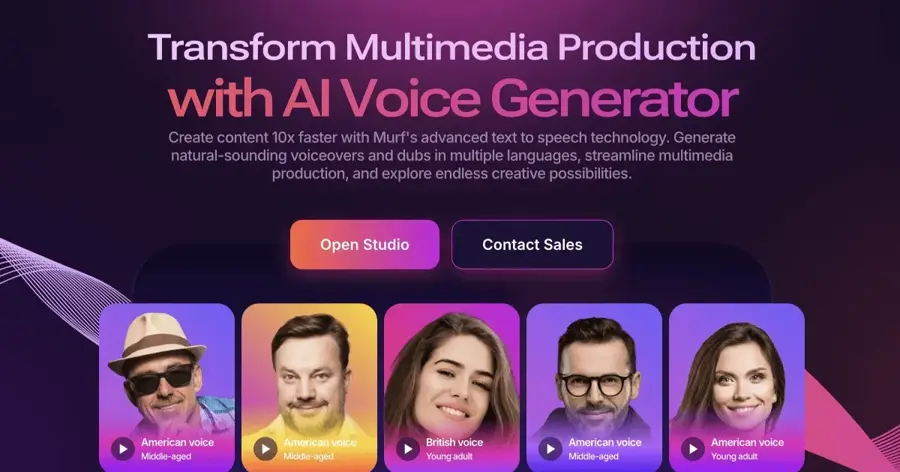
Murf is a studio-style AI voice over tool: paste a script, split it into blocks, choose voices and tune delivery on a timeline. Try it at murf.ai.
Why it stands out
The Neuron describes Murf as feeling "more like a production studio than a developer-first voice API." It has the highest G2 score in this group, 4.7 out of 5 from about 1,400 reviews; one user wrote: "I have been using Murf ai for about two years, and it has been impressive from the beginning" (G2). Its allowance is annual, so Creator’s 24 hours a year works out to about two hours of finished audio a month, which is generous for a solo creator.
Key features
- Timeline editor: adjust pitch, speed and pauses, synced with video or slides.
- 200+ voices in 30+ languages, per Dupple.
- Team workflow for shared projects.
- Streaming text-to-speech API and a Voice Changer API.
Pros
- Easy visual editing for non-technical teams
- Commercial rights on the entry paid plan
- Strong user ratings
Cons
- Free plan does not let you download audio
- Voice cloning appears limited to Enterprise, so confirm before you buy
- Less expressive control than ElevenLabs v3’s tags
Murf AI pricing: Free (10 minutes total, no downloads, no commercial rights) → paid plans from $19/month billed annually: Creator $29 monthly or $19 annually (24 hours of generation per year, commercial rights), Business $99 monthly or $66 annually (96 hours per year), Enterprise custom with voice cloning, per Smallest.ai’s October 2026 breakdown (checked October 2026). Official site
WellSaid – best for corporate and e-learning teams
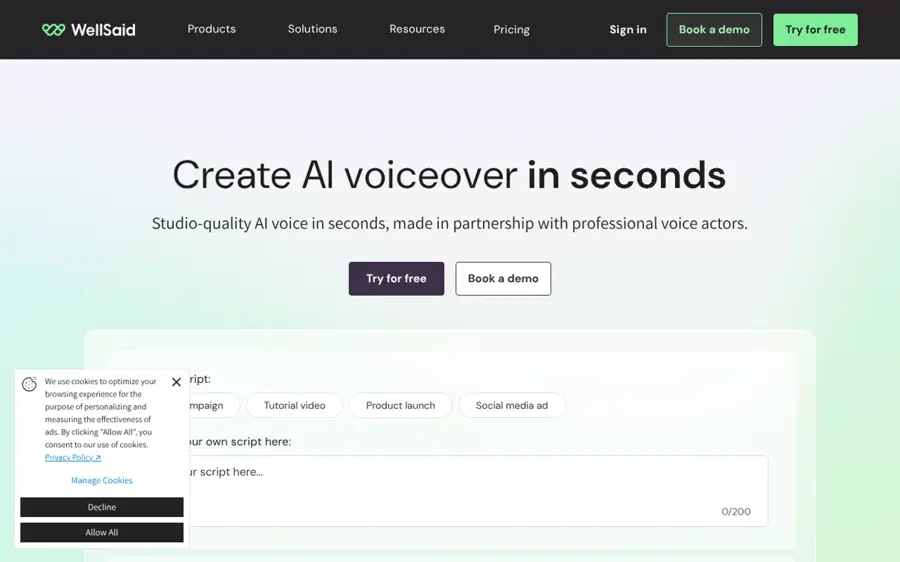
WellSaid focuses on consistent, brand-safe voices for corporate content, built on its Caruso voice model. Try it at wellsaid.io.
Why it stands out
The Neuron reports that "WellSaid says its voices are modeled on licensed recordings by real voice actors." If your legal team asks where a voice came from, WellSaid has an answer. WellSaid Studio scores 4.6 out of 5 on G2 from 132 reviews, with G2’s summary noting one user praised the "unparalleled" variety of voices. The trade-off is volume: 20 downloaded minutes a month on Starter is tight for weekly content.
Key features
- Licensed-actor voices for clear usage rights.
- Caruso voice model for consistent delivery across modules.
- Speech Marks API: word-level timing for captions and e-learning tools.
- Team Workspaces plus caption and timing controls.
Pros
- The clearest answer on voice provenance here
- Same-sounding voice across hundreds of modules
- Built for L&D and compliance teams
Cons
- Low download caps on Starter
- Business plan is expensive per seat
- Fewer creative and character voices than ElevenLabs
WellSaid pricing: Free tier with capped annual downloads, per Dupple → paid plans from $10/month billed annually: Starter $10 annually or $19 monthly (240 minutes per year), Pro $33 annually or $49 monthly, Business $160 per user per month billed annually, per The Neuron (checked October 2026). Official site
Speechify Studio – best for voice over plus dubbing in one browser app
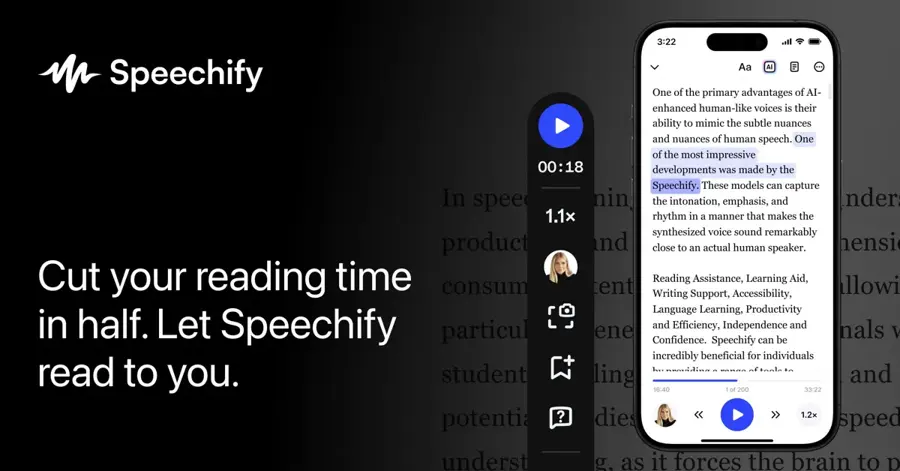
Speechify is best known as a reading app, but Speechify Studio is a separate browser workspace for voice overs, AI dubbing, voice cloning and stock media. Try it at speechify.com.
Why it stands out
It lets solo creators write, voice, dub and assemble short videos in one tab, according to The Neuron. Credits are metered by the second (3,600 per hour), per Dupple, so an hour of audio costs the same however many words you fit in. G2 does not yet show an overall star rating; its "Meets Requirements" score is 8.9 out of 10, based on 19 reviews, so treat user sentiment as thin.
Key features
- AI voice over with 50+ studio voices.
- AI dubbing in the same workspace.
- Voice cloning included.
- Stock images, audio and video for faceless YouTube and social clips.
- Per-second credits for predictable costs.
Pros
- One tool instead of three for short videos
- Easy to budget
- Bundled stock library saves time
Cons
- Annual billing on the listed plans
- Smaller voice library than ElevenLabs or Murf
- Very few independent reviews so far
Speechify Studio pricing: Free plan → paid plans from $288 per user per year (Basic); Professional $385 per user per year; Enterprise by contact, per The Neuron. Text-to-speech reading plans are sold separately (checked October 2026). Official site
Hume AI (Octave) – best for emotion-aware speech on a budget
Hume builds what it calls emotionally intelligent voice AI; its Octave model infers how a line should be delivered from the meaning of your script. Try it at hume.ai.
Why it stands out
Octave is LLM-based, so it does not need manual tags to sound natural, per Dupple. Character for character, Hume is the cheapest subscription here: Creator’s 140,000 characters is roughly 150 minutes of narration for $14, or about 11 minutes per dollar. One caution: CostBench could only confirm a commercial license on Enterprise and flags commercial licensing as a hidden-cost risk, with a low confidence score on its own data. We could not verify a G2 or Trustpilot rating for Hume, so we have left user sentiment out rather than guess.
Key features
- Octave TTS: infers emotion and delivery from context.
- EVI: a speech-to-speech interface for real-time voice apps.
- Voice cloning listed on Free through Pro.
- Character-based plans from 10,000 characters a month.
Pros
- Less manual directing
- Very low entry price
- Cloning on low tiers
Cons
- Commercial license terms on lower plans are unclear; check before publishing paid work
- More developer-focused than studio-focused
- No verified user ratings we could cite
Hume AI pricing: Free (10,000 characters/month) → paid plans from $3/month: Starter $3 (30,000 characters), Creator $14 (140,000), Pro $70 (1,000,000), Scale $200, Business $500, per CostBench (checked October 2026). Official site
Fish Audio – best for cheap voice cloning at volume
Fish Audio is a fast-growing voice cloning platform that can clone a voice from about 15 seconds of audio. Try it at fish.audio.
Why it stands out
It is very cheap per minute, especially on promotions, and in March 2026 it released its S2 model weights and inference code under Apache 2.0, though commercial deployment needs a separate license. Watch the byte-based API billing: English characters are one byte each, accented Latin letters usually two, and scripts like Chinese, Arabic or Hindi three to four, so non-English narration costs more per word, as Smallest.ai explains. We could not verify a third-party rating on G2 or Trustpilot.
Key features
- Fast cloning from about 15 seconds of audio.
- 80+ languages with cross-lingual cloning.
- Open S2 weights for self-hosting.
- Pay-as-you-go API on s2-pro.
Pros
- Lowest cost per minute for heavy users
- Good fit for many cloned voices
- Technical teams can self-host
Cons
- Free tier is personal use only
- API pricing penalizes non-Latin scripts
- Cloned community voices raise consent questions you must manage
Fish Audio pricing: Free (8,000 credits, personal non-commercial use only) → paid plans from $20/month list: Plus $20 (200 minutes of S1/S2 generation, commercial use), Pro $150 (up to 1,620 minutes), API $15 per million UTF-8 bytes on s2-pro, per Smallest.ai. Promotional annual pricing has been much lower ($5.50 and $37.50 a month as of early 2026) (checked October 2026). Official site
Descript – best for AI voice over inside a video editor
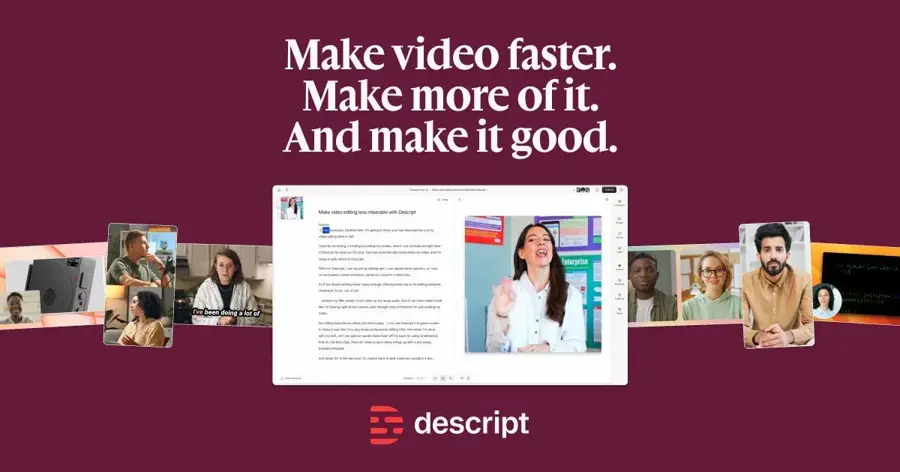
Descript is a text-based audio and video editor: you edit a recording by editing its transcript, and AI voices sit inside that editor. Try it at descript.com.
Why it stands out
It is the most practical choice when the AI voice over is one step in a larger edit, such as fixing a flubbed line in a podcast or narrating a screen recording. You are paying for an editor first and a voice generator second: if all you need is narration, a dedicated tool gives you more voices per dollar, but if you need to cut, caption and voice a video in one place, Descript removes a whole export-import loop. We did not verify a current G2 or Trustpilot score for Descript.
Key features
- Transcript-based editing for audio and video.
- AI voices drawing on monthly AI credits, per Castmagic.
- Captions and export in the same app.
- Free plan with 60 media minutes a month.
Pros
- No separate voice tool for existing Descript users
- Fast to learn
- Free plan to try the workflow
Cons
- AI voices compete for the same credits as other AI features
- Free exports are watermarked
- Smaller voice selection than dedicated generators
Descript pricing: Free (60 media minutes/month, 100 one-time AI credits, watermarked 720p export) → paid plans from $16/month billed annually: Hobbyist $24 monthly or $16 annually (400 AI credits), Creator $35 or $24 (800 credits), Business $65 or $50 (1,500 credits), per Castmagic, verified August 2026 (checked October 2026). Official site
How to choose the right AI voice generator
Start with what you are making, then filter by license and volume. This small decision table covers most cases:
| If you need... | Start with | Why |
|---|---|---|
| The most realistic, emotional narration | ElevenLabs | Audio tags and the deepest voice library |
| Training or explainer videos for a company | Murf AI or WellSaid | Studio editors, team features, clearer rights |
| Lots of cloned voices on a small budget | Fish Audio or Hume AI | Lowest cost per minute |
| Voice over inside a video edit | Descript or Speechify Studio | Editing and voice in one workspace |
| A real-time voice app or agent | ElevenLabs or Hume AI | Low-latency APIs and conversational products |
Then run through this checklist before paying:
- Commercial rights: which plan first includes them, and does that cover cloned voices?
- Real minutes: convert credits or characters into minutes of your typical script.
- Languages and accents: test your actual language, not just English demos.
- Pronunciation control: can you fix brand names and jargon once and reuse the fix?
- Export formats: do you need WAV, high sample rates or word timestamps for captions?
- Consent: if you clone a voice, do you have written permission from its owner?
A worked example: what a 10-minute voice over really costs
Say you narrate a 1,500-word explainer video. At a typical 150 words per minute, that is 10 minutes of audio. At roughly six characters per word including spaces, it is about 9,000 characters. Here is how far each entry plan stretches, using the quotas cited above (our estimates, before any re-takes):
| Plan | Monthly allowance | ~10-minute scripts per month |
|---|---|---|
| ElevenLabs Starter ($6) | 30,000 credits | About 3 (about 6 on Flash) |
| Hume Creator ($14) | 140,000 characters | About 15 |
| Fish Audio Plus ($20 list) | 200 minutes | About 20 |
| Murf Creator ($19 annual) | 24 hours a year (~2 hours/month) | About 12 |
| WellSaid Starter ($10 annual) | 20 downloaded minutes | About 2 |
In practice, plan for two to three generations per paragraph while you tune delivery. That can halve these numbers, which is why heavy users of ElevenLabs often move up to Creator.
Free vs paid: what you actually get
Every tool here has an AI voice generator free option, but the free tiers share three limits:
- No commercial use. ElevenLabs’ free plan has no commercial license, Murf’s has no commercial rights, and Fish Audio’s is restricted to personal, non-commercial use, per HappyRobot, Smallest.ai on Murf and Smallest.ai on Fish Audio.
- Small quotas. Expect about 10 minutes of audio a month, sometimes in total rather than monthly.
- Missing exports or watermarks. Murf’s free plan blocks downloads; Descript watermarks free exports.
Paying unlocks commercial licensing, voice cloning, higher-quality models or sample rates, and team features. For a creator publishing a few videos a month, a $6 to $20 plan is usually enough. Teams and app developers should budget for usage-based API billing instead of flat plans.
Where it breaks
AI voice generators are good enough for most narration, but they fail in predictable ways. Knowing these saves you from re-generating blindly.
- Names, numbers and jargon. Brand names, acronyms and figures like "2026" or "$4.5M" get read inconsistently. Spell them phonetically or use the tool’s pronunciation dictionary.
- Long-form drift. Over a long script, tone and pacing can wander between paragraphs. Generating in shorter chunks keeps a voice consistent.
- Emotion overshoot. Expressive models can over-act. A single [excited] tag can carry into the next sentence. Keep direction sparse.
- Non-English quality. A tool that supports 70+ languages will not sound equally good in all of them. Accents and less common languages need testing.
- Vendor risk. When Meta bought PlayAI in July 2025, PlayHT’s API went offline weeks later and accounts, audio and voice clones were deleted by the end of 2025. Keep local copies of your audio and any voice samples you own.
- Consent and misuse. Cloning someone’s voice without permission can break platform rules and, in many places, the law. Use only your own voice or voices you are licensed to use.
Final verdict
For most people, ElevenLabs is the best AI voice generator in 2026. It sounds the most human, gives you the most control, and starts at a price that includes commercial rights. Murf AI is the better fit if you want a studio editor and your team makes training or marketing videos, while WellSaid suits companies that need licensed, consistent voices. If cost per minute is what matters, Hume AI and Fish Audio stretch a small budget much further, as long as you check their commercial terms. Video makers who already edit in Descript can skip a separate tool entirely.
Voice is only one part of a content stack. If you also make music, see our Suno AI review; for AI video, read our Sora review. Our list of the best AI tools for productivity covers the assistants many people use to draft scripts in the first place, and our guide to writing better AI prompts helps you get cleaner scripts out of them.
FAQ
How to make a voice over using AI?
Write and tighten your script first, ideally reading it aloud once. Paste it into an AI voice generator such as ElevenLabs or Murf, pick a voice that fits your audience, and generate a short test paragraph. Adjust pacing, pauses, emphasis and pronunciations, then generate the full script in sections. Download the audio (WAV if you plan to edit), and line it up with your video in an editor, or use a tool like Descript that does both. Make sure your plan includes commercial rights before you publish.
Is there a truly free AI voice generator?
Yes, but with limits. ElevenLabs, Hume AI, Murf, Fish Audio and Descript all have free plans, typically around 10 minutes of audio, and most do not allow commercial use. They are fine for testing voices and personal projects.
Is ElevenLabs AI voice worth paying for?
If you publish voice content regularly, yes. The $6 Starter plan adds a commercial license and instant voice cloning, and Creator at $22 adds professional cloning and about 121 minutes a month on the high-quality model, per HappyRobot.
Can I use AI voices on YouTube?
Generally yes, if your plan grants commercial rights and you check YouTube’s current rules on disclosing realistic synthetic content. Do not clone a real person’s voice without permission.
What is the most realistic AI speech generator?
Independent comparisons from Dupple and The Neuron both put ElevenLabs first for overall realism, with Hume’s Octave and Fish Audio as strong, cheaper challengers.
Sources
- The 8 Best AI Voice Generators in 2026 (Tested and Ranked) (Dupple)
- Best AI Voice Generators for Business Content in 2026 (The Neuron)
- ElevenLabs Pricing in 2026: Plans, Credits, and Real Per Minute Costs (HappyRobot)
- Eleven v3 (ElevenLabs)
- ElevenLabs vs PlayHT Alternatives (2026): PlayHT Is Gone (Cognitive Future)
- Murf AI Pricing: Plans, Cost & What You Get in 2026 (Smallest.ai)
- Hume AI Pricing 2026 (CostBench)
- Fish Audio Pricing: Plans, API Billing & Commercial Use in 2026 (Smallest.ai)
- Descript Pricing (2026): Every Plan, What's Actually Free (Castmagic)
- Murf.ai vs WellSaid Studio (G2)
- ElevenLabs vs Murf.ai (G2)
- Murf.ai vs Speechify Studio AI Voice Generator (G2)