9 best math AI tools in 2026: solvers, tutors and chatbots compared
The best math AI tools in 2026, from free solvers like Photomath to Wolfram|Alpha and AI tutors, compared on accuracy, steps, price and where each one breaks.
 Written byFahad HashmiContributing writer, AI in energy and industry
Why you can trust The AI Future
Our writers research every product, link each claim to its source and correct mistakes openly. Companies can't pay for coverage or see reviews before they're published.
Read our editorial policy
The best math AI for most people in 2026 is a pairing, not a single app: a dedicated math AI solver such as Photomath or Wolfram|Alpha for checking the actual answer, plus a chatbot tutor such as Gemini, ChatGPT or Claude for explaining why it works. If you only want one free tool, Photomath gives unlimited step-by-step solutions for school-level math without paying. If you want an AI that is good at harder math and word problems, the top chatbots now score at or near 100% on competition-style tests, but they still make arithmetic and reading mistakes on real homework.
This guide compares nine math AI tools: camera solvers, computer algebra engines, AI tutors and general chatbots. We compared them using official pricing pages, app store listings, published benchmark results and independent reviews, as of late October 2026. Nobody at The AI Future ran a hands-on test for this piece, so where we describe accuracy or behaviour, we say who measured it.
Key takeaways
- Photomath is the best free math AI for school students. Its free tier gives step-by-step solutions with no time limits, according to My Engineering Buddy.
- Wolfram|Alpha is the most reliable engine for college math, but step-by-step solutions need Pro, which is $5 a month for students billed annually.
- Chatbots are now very strong at math, with caveats. On the AIME 2026 leaderboard, the top models score 100%, yet MathArena lists these final-answer competitions as deprecated because they no longer separate the best models.
- Use tutoring modes if you need to learn, not just finish. Gemini Guided Learning, ChatGPT study mode, Claude learning mode and Khanmigo all walk you through a problem instead of handing over the answer.
- Always verify. Every tool here can misread a photo or a word problem. Plug the answer back into the original question before you hand it in.
How we ranked them
We did not hands-on test these apps. Instead, we ranked them on five things you can check from public evidence:
- Correctness model. Does the tool compute answers with a symbolic math engine, or does a language model generate them? Engines are more reliable on pure calculation; language models are better at reading messy word problems.
- Explanation quality. Are steps included, and are they free? We checked each official pricing page or app store listing.
- Coverage. Arithmetic to calculus, or further into linear algebra, proofs and statistics?
- Learning support. Can it tutor you without giving the answer away?
- Cost and user sentiment. Free tier limits, paid price, and what app store ratings and reviewers report.
Prices below were checked in October 2026 and are in US dollars unless stated. App store prices can vary by country.
The 9 best math AI tools at a glance
| # | Tool | Category | Best for | Free tier | Starts at |
|---|---|---|---|---|---|
| 1 | Photomath | Camera solver | Free camera solving, K-12 | Yes | $9.99/mo |
| 2 | Gauth | Solver and study app | Homework help across subjects | Yes (limited) | $11.99/mo |
| 3 | Wolfram|Alpha | Computational engine | College math, exact answers | Yes (limited) | $5/mo |
| 4 | Symbolab | Step-by-step solver | Cheap step-by-step practice | Yes (limited) | $6.99/mo |
| 5 | Mathway | Answer solver | Quick answers, many subjects | Yes (limited) | $9.99/mo |
| 6 | ChatGPT | AI chatbot | Word problems and explanations | Yes | $8/mo |
| 7 | Google Gemini | AI chatbot | Guided step-by-step tutoring | Yes | $4.99/mo |
| 8 | Claude | AI chatbot | Socratic tutoring, proofs | Yes | $20/mo |
| 9 | Khanmigo | AI tutor | Tutor that won't give answers | Yes (limited) | $4/mo |
Notes: the free tiers of Wolfram|Alpha, Symbolab and Mathway give final answers but limit or charge for full steps. Khanmigo is free for teachers only. Wolfram|Alpha's $5 is the student plan billed annually, and app store prices can vary by country.
The 9 best math AI tools in 2026, ranked
Photomath – best for free school math
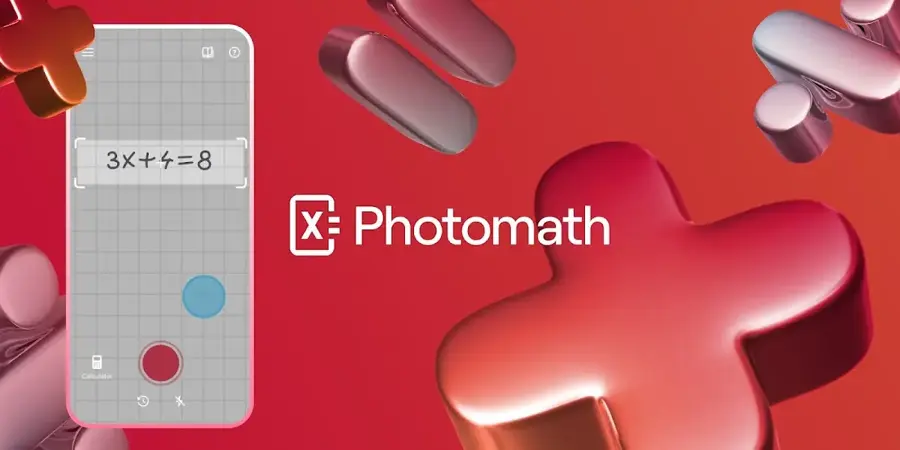
Point your phone camera at a printed or handwritten problem and Photomath returns the answer with step-by-step explanations, from arithmetic to calculus. Google owns the app; find it at photomath.com.
Why it stands out
Photomath is the easiest recommendation for "math ai free" searches because the free version is not a teaser. My Engineering Buddy describes it as covering "most K-12 and introductory college math with no ads or time limits," though it notes coverage becomes unreliable past introductory college calculus, so engineering students will outgrow it. The same review reports ratings of 4.6 on the App Store and 4.2 on Google Play, and one App Store reviewer wrote that "the free version gives enough explanation for you to understand the solution of the problem" (Apple App Store).
Key features
- Camera input: scans printed and handwritten problems
- Step-by-step solutions: included free, with multiple solution methods
- Word problem instructions: listed on its App Store page
- Interactive graphs: plus a built-in scientific calculator
- Plus extras: animated tutorials and textbook-specific solutions
Pros
- Free step-by-step solutions with no daily cap reported
- Fast, reliable camera input for printed problems
- Multiple methods help you match your teacher's approach
Cons
- Weak beyond introductory calculus
- No conversational follow-up like a chatbot
- Textbook solutions and animated tutorials are paid
Photomath pricing: Free → paid plans from $9.99/month, or $69.99/year for Photomath Plus with a 7-day trial, per My Engineering Buddy (checked October 2026). See pricing
Related: Best free AI tools for students
Gauth – best for homework across subjects
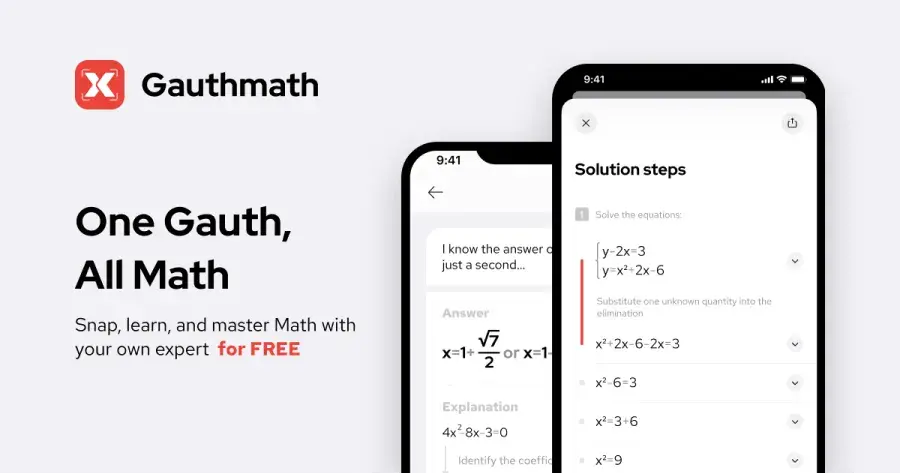
Gauth is an AI solver and study app for math, physics, chemistry, biology and more: snap or type a problem and you get a step-by-step explanation. Find it at gauthmath.com.
Why it stands out
Gauth has the strongest app store score in this list: 4.8 out of 5 from roughly 1.5 million ratings on the App Store. The expert-help option is a real differentiator when the AI gets stuck on a problem it cannot parse. Reviews show the split you would expect. One reviewer credited the app because "my handwriting has gotten better, and my grades have gotten better!" Another, in a 4-star review, pushed back on the voice tutor: "I don't want to have to listen to some creepy fake AI person teaching me something."
Key features
- Step-by-step solving: from a photo or typed problem
- AI live tutor: with voice and a virtual whiteboard
- DeepThinking mode: for deeper reasoning on hard problems
- Study converter: turns notes or lecture links into quizzes and flashcards
- Expert help: 24/7 access to subject experts
Pros
- Covers math plus sciences in one app
- Human backup when the AI fails
- Very high App Store rating at large volume
Cons
- Highest monthly price among dedicated solvers
- Easy to use as an answer machine rather than a learning tool
- Pricing varies by region and offer, which makes comparison harder
Gauth pricing: Free (with limits) → Gauth PLUS from $11.99/month, $31.99/quarter or $99.99/year on the US App Store, with regional variations and occasional discounted trials (checked October 2026). See pricing
Related: Best free AI tools for students
Wolfram|Alpha – best for college math and exact answers
Wolfram|Alpha is a computational knowledge engine built on the Wolfram Language: type math in plain notation or natural language and it computes exact results. Use it at wolframalpha.com.
Why it stands out
This is the engine side of the mental model explained below. It does not guess; it computes. That makes it the best tool for verifying answers from a chatbot, and the natural choice once your coursework passes what Photomath handles, from calculus and linear algebra to differential equations and statistics. The trade-off is less forgiving input for messy word problems, and the free Basic plan stops at the final answer, as the pricing page states. The standalone iOS app has a modest 2.8 out of 5 from 133 ratings on the US App Store, a small sample (one reviewer: "Good app. Haven't noticed any bugs."), and most people use the website, which that score does not reflect.
Key features
- Natural-language input: or standard math notation
- Exact results: with plots and alternate forms
- Step-by-step solutions: with Pro
- Practice problems: with hints, plus guided calculators (Pro)
- Uploads and photos: file uploads and photo input in the mobile apps (Pro)
Pros
- Exact symbolic computation, the most reliable for checking work
- Deep coverage well beyond high school
- Inexpensive student plan billed annually
Cons
- Steps are paywalled
- Mobile app rating is weak on a small sample
Wolfram|Alpha pricing: Free answers without steps → Student Pro from $5/month billed $60 annually; Student Pro Premium is $8.25/month billed $99 annually (checked October 2026). The iOS app lists Pro for Students at $9.99 monthly or $59.99 yearly. See pricing
Related: Best free AI tools for students
Symbolab – best for cheap step-by-step practice
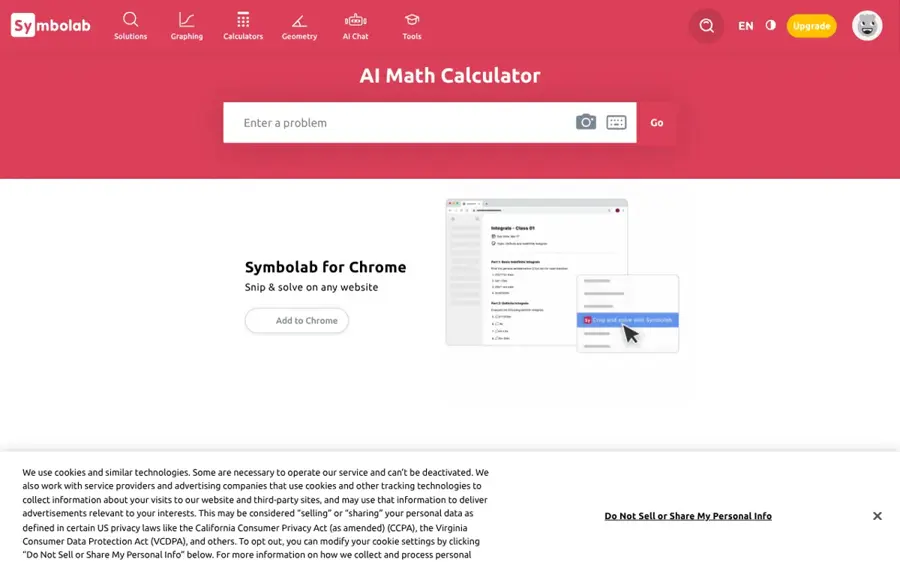
Symbolab is a step-by-step math solver with calculators for algebra, trigonometry, calculus, matrices and more, on the web and in mobile apps. Use it at symbolab.com.
Why it stands out
At about $2.50 a month on the annual plan, Symbolab Pro is the cheapest way to unlock unlimited worked steps among the dedicated solvers here. According to My Engineering Buddy, free users now see mainly final answers, which pushes regular users toward Pro. The same review lists 4.6 on the App Store from about 25,500 ratings and 4.4 on Google Play, but flags common billing complaints, non-refundable payments and occasional incorrect answers, and notes Trustpilot shows 2.8 from only five reviews.
Key features
- Calculators: algebra, trigonometry, calculus, matrices and more
- Step-by-step solutions: full worked steps with Pro
- Practice problems: built in
- Graphing: included
- Camera input: in the mobile apps
Pros
- Cheapest annual plan for full step-by-step solutions
- Broad calculator coverage through calculus
- Works on web and mobile
Cons
- Free tier has become restrictive
- Auto-renewal and refund complaints reported
- Math and STEM only
Symbolab pricing: Free answers with limited steps → Pro from $6.99/month, $24.90 for six months or $29.99/year, per My Engineering Buddy (checked October 2026). See pricing
Related: Best free AI tools for students
Mathway – best for quick answers across subjects
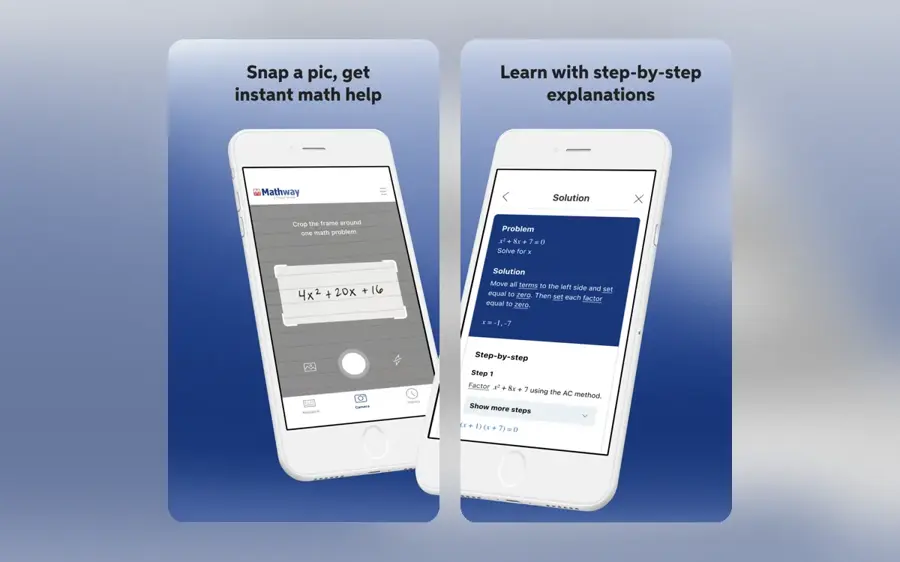
Mathway gives instant answers across 11 subjects, from basic math to calculus, statistics, chemistry and linear algebra. Chegg owns it, having bought it in 2020 for "approximately $100 million in cash," according to Tool Directory. Use it at mathway.com.
Why it stands out
Mathway's strength is breadth: one input box handles algebra, trig, stats and chemistry. Its weakness is the same as other camera solvers. Tool Directory says accuracy "dips mainly at the input stage," where blurry photos or ambiguous notation get misread, so check the parsed problem before trusting the result. Tool Directory lists a 4.84 out of 5 rating across 113 reviews. On price, Symbolab undercuts it for steps, and Photomath gives steps free for school-level problems.
Key features
- 11 subjects: basic math through calculus, statistics, chemistry and linear algebra
- Photo input: snap a problem instead of typing it
- Graphing: built in
- Premium steps: step-by-step explanations on the paid plan
Pros
- Wide subject coverage in one tool
- Simple, fast interface
- Free answers for quick checks
Cons
- Ads on the free version
- Pricier than Symbolab for similar step-by-step access
Mathway pricing: Free answers with ads → Premium from "around $9.99/month or $39.99/year," per Tool Directory's August 2026 review, with a 7-day trial in the mobile apps (checked October 2026). See pricing
Related: Best free AI tools for students
ChatGPT – best for word problems and explanations
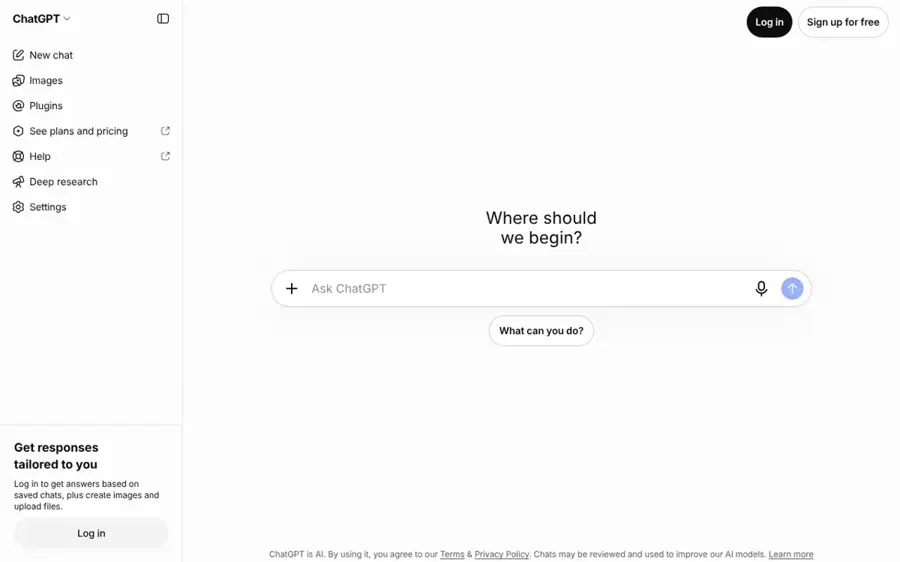
OpenAI's general assistant reads a typed or photographed problem, explains its reasoning in plain language, and lets you argue back and forth. Try it at chatgpt.com.
Why it stands out
ChatGPT is the most flexible ai for math in this list. It handles the translation step in the worked example below better than any camera solver, and OpenAI models sit at the top of the AIME 2026 leaderboard, with GPT-5.5 scoring 100% in its highest reasoning setting. The catch is that a language model generates answers rather than computing them. Use the thinking setting for anything multi-step, and confirm final numbers with Wolfram|Alpha or by substitution. Our prompting guide covers how to ask for steps you can actually check.
Key features
- Photo or typed input: for any kind of problem
- Follow-up questions: such as "why did you divide there?"
- Study mode: launched in mid-2025, it guides you through problems instead of giving direct answers (TechCrunch)
- Thinking slider: on Plus with GPT-6
- Practice problems: generated at your level
Pros
- Best at understanding messy word problems
- Unlimited back-and-forth on your own questions
- Study mode for learning rather than copying
Cons
- Can make confident arithmetic slips
- Strongest reasoning sits on paid plans
- Free tier may show ads
ChatGPT pricing: Free (Luna model, with ads possible) → paid plans from $8/month (Go); Plus is $20/month and Pro from $100/month, per Dupple (checked October 2026). See pricing
Related: ChatGPT review
Google Gemini – best for guided step-by-step tutoring
Gemini is Google's AI assistant, and its free Guided Learning mode teaches you a problem step by step rather than just solving it. Try it at gemini.google.com.
Why it stands out
Guided Learning is the closest thing to a patient human tutor in a general chatbot. Google describes it as a "collaborative thinking partner that helps you get it — each step of the way" (TechCrunch). Gemini models also score near the top of the AIME 2026 leaderboard, with Gemini 3.1 Pro Preview at 98.33%. The same LLM limits apply: it is slower than a camera solver when you just want to check an answer, and you should still verify the final value.
Key features
- Guided Learning: breaks problems into steps and adapts explanations
- Visual aids: diagrams and videos alongside text
- Quizzes: to check your understanding
- Google workflow: fits alongside Google Classroom, Docs and Lens
- Gemini 3.1 Pro: on Google AI Pro
Pros
- Guided Learning is free and built for studying
- Low-cost AI Plus tier
- Least friction if you already use Google tools
Cons
- Slower than a solver for quick checks
- Best models and limits sit on paid tiers
Google Gemini pricing: Free → paid plans from $4.99/month (Google AI Plus); Google AI Pro is $19.99/month, per Price Per Token (checked October 2026). Students in some countries can get AI Pro free for a year; see our best free AI tools for students for the current offer. See pricing
Claude – best for Socratic tutoring and proofs
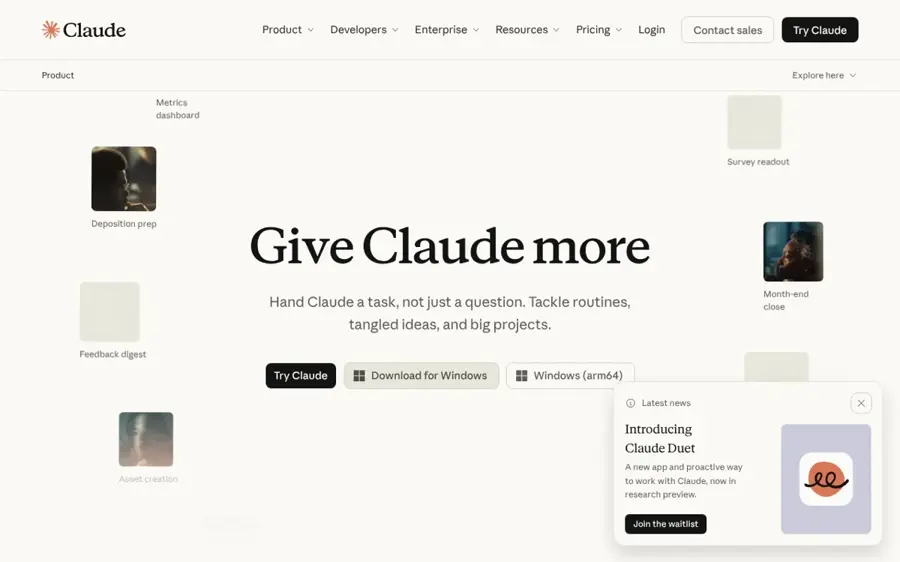
Anthropic's assistant explains math clearly and handles long, multi-part problems and proofs well. Try it at claude.ai.
Why it stands out
Claude is a strong choice when the hard part is reasoning, not arithmetic: structuring an induction proof, explaining an epsilon-delta argument, or checking whether your own written solution has a gap. Claude Opus 4.8 is listed at 100% on the AIME 2026 leaderboard at its maximum setting. Like ChatGPT and Gemini, it does not have a symbolic engine behind every answer, so pair it with a solver for numeric results.
Key features
- Learning mode: available to all users from the style dropdown, it takes a "Socratic approach" and guides you to your own solution (AlternativeTo)
- Long problems: handles multi-part problem sets and proofs
- Work review: checks your own written solution for gaps
- Free and paid plans: Free, Pro and Max
Pros
- Learning mode open to all users
- Clear, well-structured explanations of proofs
- Good at reviewing your own work for errors
Cons
- No camera-first solver workflow
- Free plan has tighter usage limits
Claude pricing: Free → paid plans from $20/month (Pro), with higher-usage Max plans (checked October 2026). Our full Claude review lists current limits. See pricing
Related: Claude AI review
Khanmigo – best for tutoring with guardrails
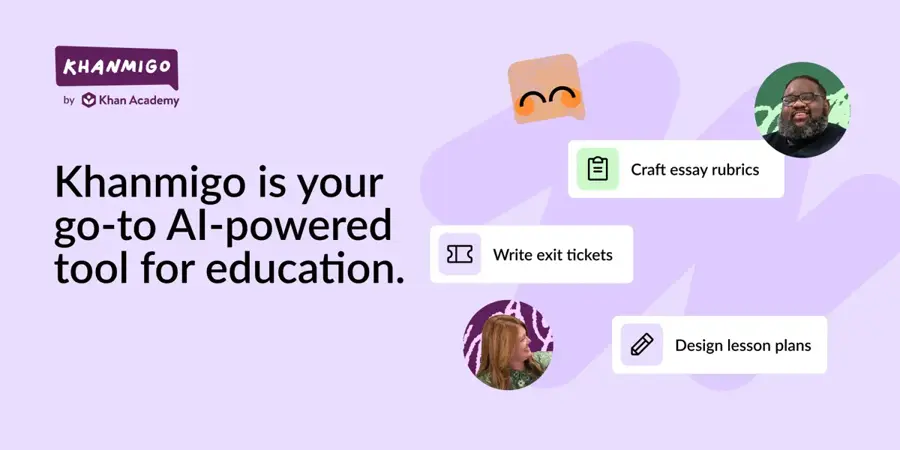
Khanmigo is Khan Academy's AI tutor, designed to guide students through Khan Academy's content, including math, rather than hand over answers. Find it at khanmigo.ai.
Why it stands out
Khanmigo is the opposite of an answer engine, which is exactly why parents and teachers like it. It ties tutoring to Khan Academy's structured lessons, so a student who gets stuck on fractions is pointed back to the concept, not just the solution. We found no comparable public app store rating for Khanmigo specifically. Educators comparing classroom tools should also read our MagicSchool AI review.
Key features
- Personalized tutoring: on Khan Academy's content, including math
- Answer guardrails: designed to guide rather than give solutions
- Teacher tools: lesson planning and student-work summaries
- District plans: pricing on request
Pros
- Lowest paid price in this list
- Built for younger students and parents
- Free for teachers
Cons
- Frustrating if you just need an answer checked
- Tied to Khan Academy's curriculum
- Less suited to advanced university math
Khanmigo pricing: Free for teachers → learners and parents from $4/month or $44/year, per the Khanmigo pricing page (checked October 2026). See pricing
How math AI actually works
A simple mental model helps you pick the right tool. There are two engines under the hood, and most apps now combine them.
| Engine | How it gets the answer | Strong at | Weak at |
|---|---|---|---|
| Computer algebra system (CAS) | Applies exact rules: factoring, differentiation, integration | Exact algebra and calculus, consistent results | Understanding sentences, explaining in plain language |
| Large language model (LLM) | Predicts a reasoned solution token by token, often with a "thinking" pass | Word problems, explanations, follow-up questions, proofs | Can produce confident arithmetic slips or misread the question |
Camera apps add a third stage in front: optical character recognition (OCR) turns your photo into a typed expression. That stage is where many errors start. A blurry minus sign or an exponent read as a coefficient sends a perfect solver off to solve the wrong problem.
A worked example
Take this word problem: A phone plan costs $12 a month plus $0.05 per text. Your bill is $19.40. How many texts did you send?
- Translate to math. 12 + 0.05x = 19.40. This is the step a CAS cannot do on its own and an LLM does well.
- Solve. 0.05x = 7.40, so x = 148. Any CAS gets this right every time. An LLM usually does too, but this is where a slip like 7.40 / 0.05 = 14.8 can creep in.
- Check. 12 + 0.05 × 148 = 12 + 7.40 = 19.40. Correct.
The practical lesson: use a chatbot to set the problem up and explain it, and use a solver (or a quick substitution like step 3) to confirm the number.
How to choose the right math AI tools
Start from what you need the output for, then match the engine type. This decision guide covers most cases:
- You need to check a homework answer fast: Photomath (free, school level) or Wolfram|Alpha (college level).
- You need to understand a word problem: ChatGPT or Gemini, then verify the number with a solver.
- You are studying for an exam: Gemini Guided Learning, ChatGPT study mode, Claude learning mode or Khanmigo. Ask it to quiz you.
- You are in university STEM: Wolfram|Alpha Pro for computation, Claude or ChatGPT for proofs and explanations.
- You also need science help: Gauth covers several subjects and adds human experts.
- You are a parent or teacher: Khanmigo, because it is designed not to give answers away.
Two more checks before you commit. First, read your school's policy on AI; many allow tutoring modes but not submitting AI-generated solutions. Second, try the free tier on five problems from your actual course before paying, since coverage varies a lot by topic.
Free vs paid: what you actually get
| Tool | Free tier gives you | Paying adds |
|---|---|---|
| Photomath | Answers and step-by-step solutions | Animated tutorials, textbook solutions |
| Gauth | Limited solves and explanations | More usage, live tutor, expert access |
| Wolfram|Alpha | Final answers, plots | Step-by-step, practice problems, uploads, longer compute |
| Symbolab | Final answers, basic calculators | Full step-by-step solutions |
| Mathway | Answers with ads | Step-by-step explanations |
| ChatGPT | Luna model, limited uploads, possible ads | GPT-6 thinking, more uploads, no ads on Plus |
| Gemini | Guided Learning, standard limits | Gemini 3.1 Pro access, higher limits, storage |
| Claude | Learning mode, tighter limits | Higher limits, stronger models |
| Khanmigo | Teachers only | Student and parent tutoring |
The short version: for school math, free is genuinely enough if you combine Photomath with a free chatbot tutor. Paying makes sense in two cases. College students who need verified steps get the most value per dollar from Wolfram|Alpha's student plan or Symbolab's annual plan. Heavy chatbot users who rely on long reasoning chains benefit from a paid ChatGPT, Gemini or Claude plan, because the strongest thinking settings and higher limits sit there.
Where it breaks
Every math AI has failure modes. Knowing them saves you from handing in a confident wrong answer.
- Photo misreads. OCR confuses minus signs, exponents, fractions and handwriting. Always compare the parsed expression on screen with your original problem.
- Arithmetic slips in chatbots. LLMs generate each step. A dropped decimal in step two ruins everything after it, even when the method is right.
- Wrong setup. A solver solves exactly what you give it. If you set up the equation wrong, it will correctly solve the wrong equation.
- Method mismatch. Your teacher may want completing the square, not the quadratic formula. Tools pick their own method unless you ask.
- Benchmarks overstate everyday reliability. Top models score 100% on AIME 2026, but Developers Digest notes each score averages four runs over 30 problems, confidence intervals are wide, and MathArena now treats these final-answer contests as deprecated. Clean competition problems are not the same as a blurry worksheet photo.
- Learning loss. Using any tool to skip the thinking means you will meet the problem again on a test without help. Tutoring modes exist because of this, as TechCrunch noted when Google and OpenAI launched them.
The fix is the same in every case: substitute your answer back into the original problem, and when two tools disagree, trust the symbolic engine on the number and the chatbot on the explanation.
Final verdict
For most students, the best math AI setup in 2026 costs nothing: Photomath for free step-by-step solving and Gemini Guided Learning for tutoring. Move to Wolfram|Alpha Pro on the student plan once you reach college calculus or beyond, since exact computation matters more than friendly explanations at that level. If you want one app that does everything including science and human help, Gauth is the most complete option, at the highest monthly price. For proofs and long reasoning, ChatGPT and Claude are the strongest explainers, as long as you verify the numbers.
Whatever you choose, treat the AI as a second opinion, not the final word.
FAQ
What is the best AI for math?
For school-level math, Photomath is the best free option because it gives step-by-step solutions without paying. For college math, Wolfram|Alpha is the most reliable because it computes answers with a symbolic engine. For explanations and word problems, ChatGPT, Gemini and Claude are the strongest; use their tutoring modes and verify final numbers.
What is the best math AI?
There is no single winner for every user. A dedicated math AI solver (Photomath, Wolfram|Alpha, Symbolab) is best for checking answers, while a chatbot tutor (Gemini, ChatGPT, Claude, Khanmigo) is best for learning. Most people get the best results by combining one of each.
What AI is good at math?
The leading general models are very good at competition math: on the AIME 2026 leaderboard, OpenAI's GPT-5.5 and Anthropic's Claude Opus 4.8 both score 100% at their highest settings, and Gemini 3.1 Pro Preview scores 98.33%. Those are the model versions on the leaderboard when it was compiled; newer releases such as GPT-6 in ChatGPT and Claude Opus 5.5 had not yet been added. On everyday homework, they still make occasional arithmetic and reading mistakes, so pair them with a solver such as Wolfram|Alpha.
Is there a good math AI free?
Yes. Photomath's free tier includes step-by-step solutions, and Gemini, ChatGPT and Claude all have free plans with tutoring modes. Wolfram|Alpha, Symbolab and Mathway give free final answers but charge for full steps.
Sources
- Photomath Review 2026: Free Tier, Plus Pricing, and Google Acquisition Explained (My Engineering Buddy)
- Photomath (Apple App Store)
- Gauth: AI Study Companion (Apple App Store)
- Select a Student Plan (Wolfram|Alpha)
- WolframAlpha (Apple App Store)
- Symbolab's Free Tier Now Has Daily Limits: Is the Pro Plan Worth It in 2026? (My Engineering Buddy)
- Mathway (Tool Directory)
- Khanmigo pricing (Khan Academy)
- ChatGPT for Students in 2026: Free Plans, Plus Tier, and the Smart Way to Use Both (Dupple)
- Gemini Pricing & Plans (2026) (Price Per Token)
- Google takes on ChatGPT's Study Mode with new Guided Learning tool in Gemini (TechCrunch)
- Claude's learning mode is now available to all users with new coding styles (AlternativeTo)
- AIME benchmark leaderboard (Developers Digest)
- Symbolab - AI Math Solver App (Apple App Store)
- Google AI plans (Google Gemini)
- Claude plans and pricing (Claude Help Center)