Best AI resume builders in 2026: 7 picks for every budget
The best AI resume builder for most people is Teal. Here are 7 picks compared on tailoring, ATS readiness, price and user ratings, checked October 2026.
 Written byMuhammad Usman SiddiquiFounder and editor-in-chief
Why you can trust The AI Future
Our writers research every product, link each claim to its source and correct mistakes openly. Companies can't pay for coverage or see reviews before they're published.
Read our editorial policy
Short answer: the best AI resume builder for most people in 2026 is Teal, because it tailors your resume to each job and tracks your applications in one place. If you want a polished resume from scratch on a tight budget, pick Kickresume. If you hate subscriptions, Rezi sells lifetime access for a one-time $149.
Everything else on this list is a specialist. Jobscan checks how well you match a job post. Resume Worded scores and critiques what you already have. Enhancv makes the best-looking documents. And ChatGPT is the free do-it-yourself option if you are willing to write good prompts.
The stakes are real. In a June 2026 Resume Genius survey of US hiring managers, 58% said they use AI to screen resumes and applications, and 58% said they had already received AI-generated resumes or cover letters. So an AI resume generator is now table stakes. Your edge comes from using it well, not from using it at all.
Key takeaways
- Teal is the best all-rounder. Job-specific tailoring, a match score and an application tracker, from $13 a week or $29 a month.
- Kickresume is the budget pick. Premium drops to $8 a month on yearly billing, and the free plan still includes limited AI tools.
- Rezi is the only one-time purchase here. Lifetime access costs $149, about five months of most rivals' monthly plans.
- Free plans are for testing, not job hunting. Most cap exports, templates or AI use. Pay for one month during an active search, then cancel.
- AI drafts still need you. 82% of hiring managers in the Resume Genius survey said they are concerned about candidates using AI in applications. Edit every line so it sounds like you.
How we ranked them
We did not hands-on test these tools for this piece. Instead, we compared them using official product and help pages, independent pricing trackers, published reviews from outlets that did test them (mainly Zapier's resume builder roundup, last reviewed in September 2026), and thousands of user reviews on Trustpilot. All prices were checked in October 2026.
We scored each tool on five things:
- Tailoring. Can it rewrite your resume for a specific job description, not just generate generic bullets?
- ATS readiness. Does it produce clean, parseable files and help you match the keywords recruiters filter on?
- Output quality. Do independent reviewers and users say the AI writing is usable with light edits?
- Value. What does a typical two-to-three-month job search actually cost, including cancellation friction?
- Reputation. What do paying users say, especially about billing and refunds?
Trustpilot scores quoted below are as displayed in late October 2026. They reflect customer service and billing as much as product quality, so treat them as one signal among several.
Tools that cover the whole workflow rank higher. Specialists rank lower, but within their niche they are often the best choice.
The 7 best AI resume builders at a glance
| # | Tool | Category | Best for | Free tier | Starts at |
|---|---|---|---|---|---|
| 1 | Teal | Resume builder + job tracker | Tailoring for each job and tracking applications | Yes (limited) | $13/week |
| 2 | Kickresume | Resume builder | Building a resume from scratch on a budget | Yes (limited) | $8/mo (yearly) |
| 3 | Rezi | ATS resume builder | ATS-friendly resumes without a subscription | Yes (limited) | $29/mo or $149 lifetime |
| 4 | Enhancv | Design-led resume builder | Design-forward resumes | Yes | $16.50/mo (semiannual) |
| 5 | Jobscan | ATS optimization | Checking your match against a job post | Yes (limited) | $29.98/mo (quarterly) |
| 6 | Resume Worded | Resume and LinkedIn feedback | Scoring and feedback on an existing resume | Yes (limited) | $19/mo (yearly) |
| 7 | ChatGPT | General AI assistant | Free, flexible DIY writing help | Yes | $8/mo |
The 7 best AI resume builders in 2026, ranked
Teal – best for tailoring and tracking applications
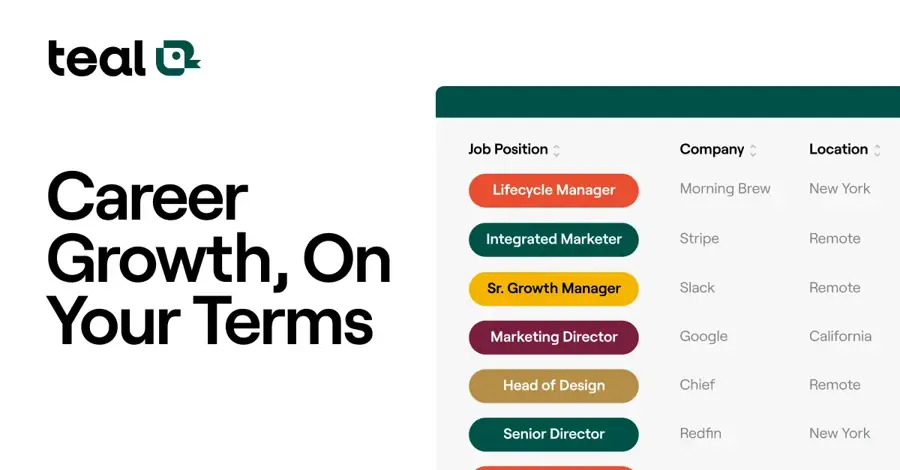
Teal combines an AI resume builder with a job tracker, so you can tailor a resume to every job you save. tealhq.com
Why it stands out
Teal treats a resume as something you adapt for every application, which is how hiring actually works now. Zapier picked it as the best tool for tracking multiple job applications and lists a "More generous free plan than most" as a pro, though Toolradar notes the free tier is limited to building and exporting one resume. On Trustpilot, Teal holds a 4.2 rating from 116 reviews, with one user writing, "Teal made the difficult process so much easier!"
Key features
- Job saving: save job posts, including through its browser extension
- Match score: compares your resume against each saved job
- AI writing: suggests bullet points and summaries to close the gaps
- Job tracker: manage your whole application pipeline in one place
- Unlimited resumes and AI generations on Teal+
Pros
- Tailoring is tied to each specific job post
- Built-in tracker replaces a spreadsheet
- Quarterly plan ($79) works out to about $26 a month
Cons
- Weekly plan costs about $56 a month if your search drags on
- Free plan limits you to one exported resume
- Some users complain about low-quality job listings on the platform
Teal pricing: Free → Teal+ from $13/week, $29/month or $79/quarter, per Toolradar's October 2026 pricing check (checked October 2026). See pricing on tealhq.com
Kickresume – best for building a resume from scratch
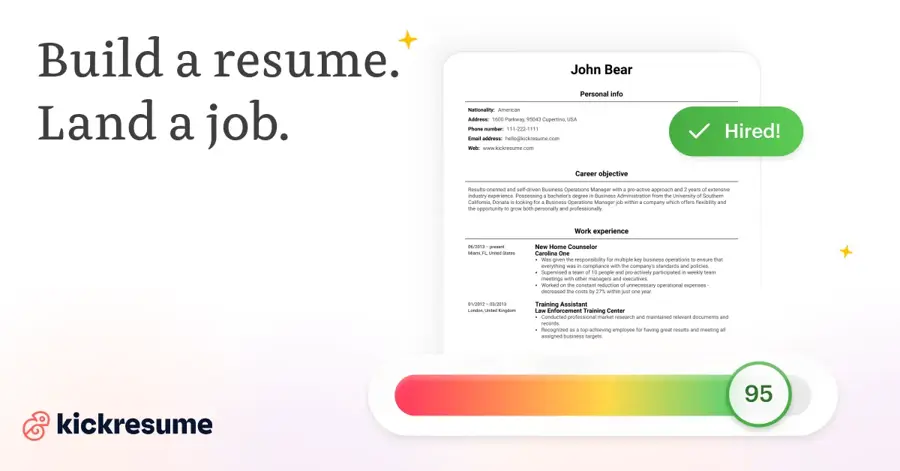
Kickresume builds a full resume from a short questionnaire based on your job title, then lets you refine it in a template editor. kickresume.com
Why it stands out
Kickresume's generator is the standout. Zapier's tester called it the best tool for generating a resume from scratch and wrote "color me impressed" about the AI-generated starter resume. The company claims 8 million job seekers have used it. Zapier describes the free plan as having no AI features, while Kickresume says it includes limited AI use, so expect only a taste before you hit a paywall. On Trustpilot, Kickresume scores 4.6 from 3,895 reviews. One user called it the "Easiest resume building and improvement service I've ever used." Another warned that "their templates are a bit immature in their design and I wouldn't recommend it for professionals without a lot of tweaking."
Key features
- Two-step AI generator: a full draft resume from your job title
- AI resume checker: compares your resume to successful ones in its database
- Cover letter writer: powered by GPT-4.1, per Kickresume's own comparison page
- 40+ templates on Premium, plus a personal website
Pros
- Strong one-shot generator for blank-page starts
- Cheapest yearly price on this list
- 14-day money-back guarantee
Cons
- Some templates feel too playful for senior or corporate roles
- Monthly plan ($24) is pricey if you only need a few weeks
- Free AI use is very limited
Kickresume pricing: Free (4 basic templates, limited AI toolbox) → Premium from $8/month billed yearly, $18/month quarterly or $24/month, per Kickresume (prices verified July 2026; checked October 2026). See pricing on kickresume.com
Rezi – best for ATS-friendly resumes without a subscription
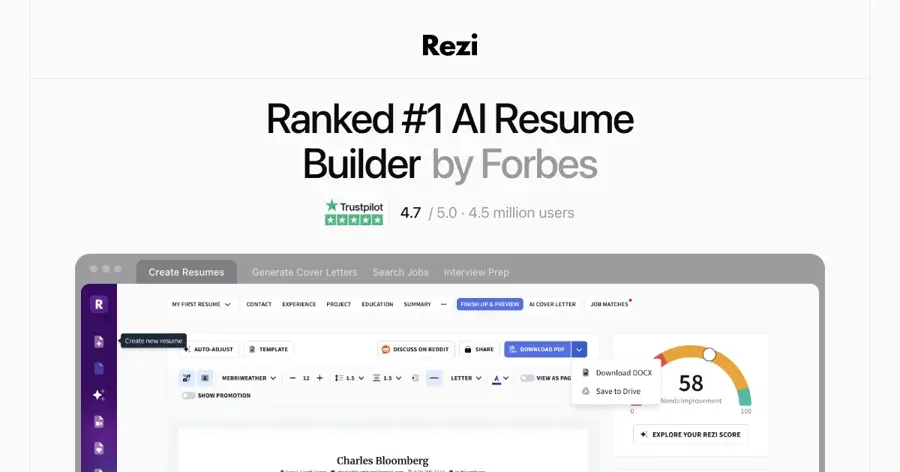
Rezi is an ATS-focused resume builder that writes bullet points with AI and keeps layouts simple enough for applicant tracking systems to parse. rezi.ai
Why it stands out
The lifetime deal is the reason Rezi makes this list. At $149, it pays for itself after about five months of a typical $29 plan, and it covers your next job search too. Rezi's Trustpilot page, listed under the rezi.io domain, shows 4.7 from 272 reviews, though some critics are blunt: "Half of what they promise is just scam."
Key features
- AI bullet writer: writes and rewrites bullet points
- Keyword targets: checks your content against the keywords you need
- ATS-safe layouts: deliberately simple templates that parse cleanly
- Monthly resume review included on Pro
Pros
- Lifetime plan avoids recurring charges
- ATS-first approach suits most corporate applications
- 30-day money-back guarantee on lifetime access
Cons
- Plain templates are less suited to creative fields
- Free plan caps you at 1 resume and 3 PDF downloads
- Monthly price matches pricier rivals
Rezi pricing: Free → Pro $29/month, or lifetime access for a one-time $149, per Toolradar's October 2026 check (checked October 2026). See pricing on rezi.ai
Enhancv – best for design-forward resumes
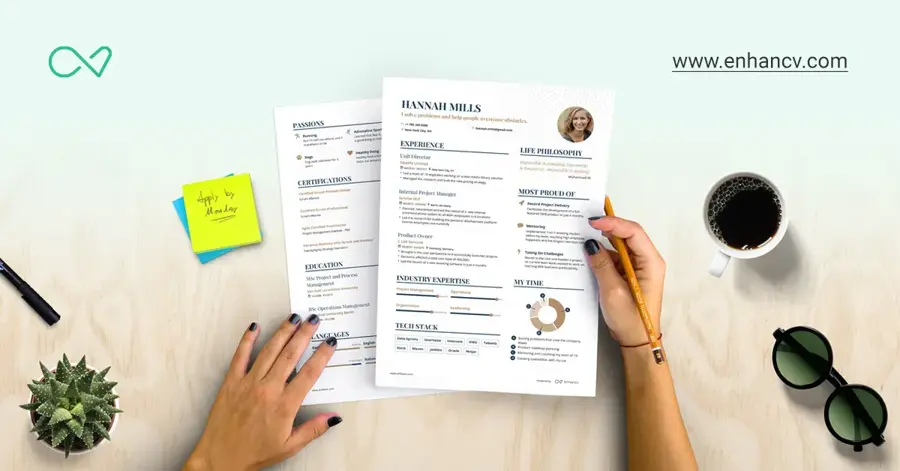
Enhancv is a resume builder known for modern, visual layouts, with built-in content and ATS checks on Pro. enhancv.com
Why it stands out
Enhancv's help center does not label its Content Analyzer or ATS Check as AI features, so think of it as a design-led builder with smart checks rather than an AI writer first. That is not a bad thing: many people already draft content in ChatGPT and just need a better layout. Enhancv scores 4.6 from 1,007 Trustpilot reviews. One reviewer wrote, "I have used this software during two different job searches. I can’t imagine using anything else."
Key features
- Multiple resumes and cover letters on Pro
- 20 optional sections: awards, books, certificates and more, with unlimited entries
- Content Analyzer: flags mistakes in your resume
- ATS Check: compares your resume to a job posting, per Enhancv's help center
Pros
- Best-looking templates on this list
- Extra sections let you show personality and side projects
- Quarterly plan's resume and cover letter quota doubled from 150 to 300 in July
Cons
- Lighter on AI writing than Teal or Kickresume
- Free plan limits are not clearly published
- Visual layouts need care to stay ATS-friendly
Enhancv pricing: Free → Pro $29/month, about $19.67/month quarterly or $16.50/month semiannually, per PricingSaaS's July 2026 snapshot (checked October 2026). See Pro plan details
Jobscan – best for checking your match against a job post
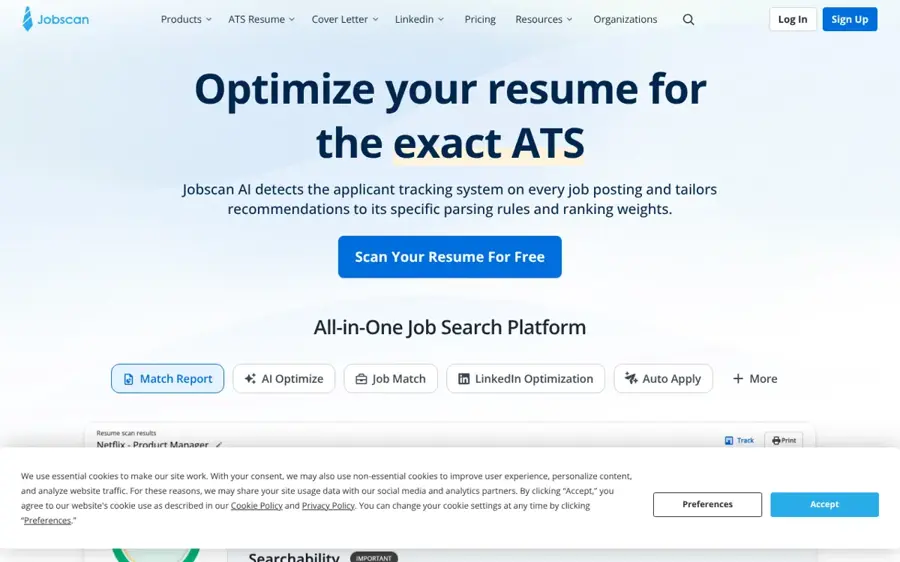
Jobscan is an ATS optimization tool first: paste a job description, upload your resume and see how well they match. jobscan.co
Why it stands out
Jobscan earns its spot because ATS screening is not going away. With 58% of hiring managers using AI to screen applications in the Resume Genius survey, a tool that shows exactly where you fall short is useful. Zapier picked it as the best tool for optimizing your CV for ATS. One Trustpilot reviewer put it simply: "JobScan helps your resume talk to robots as opposed to humans, which leads to a human actually reviewing your resume." Jobscan rates 4.3 from 345 reviews. Do not chase a perfect match rate, though: stuffing keywords makes a resume worse for the human who reads it next.
Key features
- Match rate: scores your resume against a specific job description
- Gap analysis: shows missing hard skills, soft skills and keywords
- Free scans: 5 at signup and 5 more each month
- Builder-agnostic: works alongside any resume tool
Pros
- Clear, job-specific keyword gap analysis
- Useful free tier for occasional checks
- Pairs well with any builder on this list
Cons
- Expensive month to month
- Some users find the interface less intuitive
- Native job search tools are limited
Jobscan pricing: Free → paid plans from about $29.98/month billed quarterly or $49.95/month, per Zapier (checked October 2026). See pricing on jobscan.co
Resume Worded – best for feedback on an existing resume
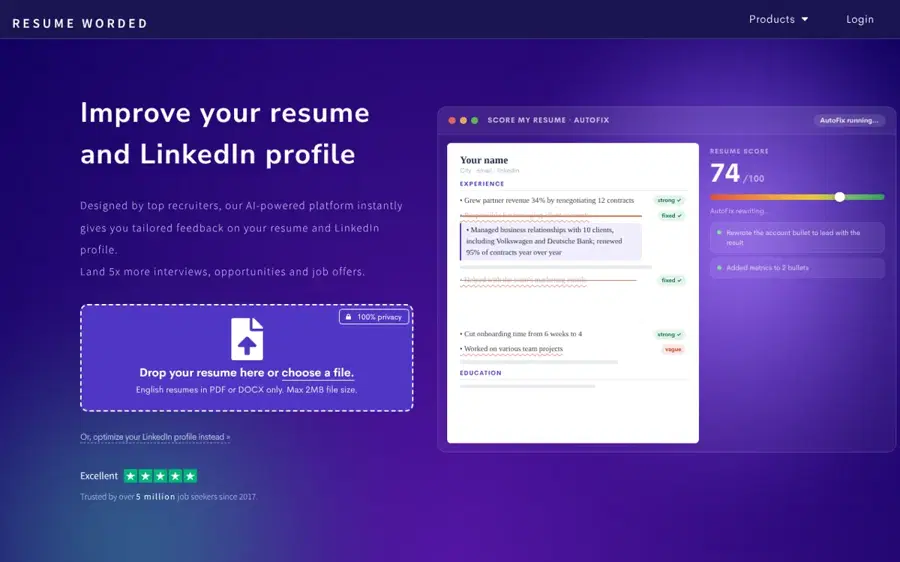
Resume Worded scores your existing resume and LinkedIn profile, then gives line-by-line feedback. resumeworded.com
Why it stands out
Resume Worded has the highest user rating on this list, 4.8 from 3,009 Trustpilot reviews. One user wrote, "I've used this tool on each of my 3 last job searches. It really does work." Zapier picked it as the best tool for leveraging your LinkedIn profile. The weak spot is consistency: Zapier noted that its "CV scoring can swing a lot when compared with others," so use the score as a guide, not gospel.
Key features
- Resume scoring: rates your existing resume
- Line-by-line feedback: on impact, wording and structure
- LinkedIn review: scores and critiques your profile too
Pros
- Detailed, actionable feedback on bullets and wording
- Covers LinkedIn as well as your resume
- Very strong user reviews
Cons
- $49/month is steep on monthly billing
- Less useful if you are starting from zero
Resume Worded pricing: Limited free plan → paid plans from $19/month billed yearly, $33/month quarterly or $49/month, per Zapier (checked October 2026). See pricing on resumeworded.com
ChatGPT – best for free DIY resume writing
ChatGPT is a general AI assistant, not a resume builder, but it is very good at the hardest part: turning vague duties into specific, results-focused bullet points. chatgpt.com
Why it stands out
ChatGPT gives you no templates, no ATS scoring and no job tracker. What it gives you is flexibility for free. Paste a job description and your current resume, ask it to identify gaps and rewrite three bullets with measurable results, and you will get most of what paid AI writers offer. Our guide to writing better AI prompts covers the techniques that work best. Claude works just as well for this if you prefer it.
Key features
- Bullet rewriting: turns duties into results-focused lines
- Job tailoring: rewrites your summary for a new job description
- Cover letters: drafts letters, LinkedIn summaries and interview prep
- Bring your own template: paste the text into Google Docs, Word or a builder above
Pros
- Free plan is genuinely useful for resume writing
- Rewrites for any job description in seconds
- Handles the whole application, not just the resume
Cons
- No templates, formatting or ATS checks
- Generic output if your prompts are vague
- Can invent details, so fact-check every line
ChatGPT pricing: Free → Go about $8/month, Plus $20/month, Pro $100 or $200/month, per CometAPI's 2026 pricing guide (checked October 2026). See pricing
Related: ChatGPT review
How to choose the right AI resume builder
Do not start with features. Start with where you are in your search. Here is the quick decision guide:
- Choose Teal if you are applying to 10+ jobs and need to tailor each resume and track where you stand.
- Choose Kickresume if you have no resume yet, or you are changing careers and need a full draft fast.
- Choose Rezi if you want an ATS-safe resume and expect to job hunt again in the next few years.
- Choose Enhancv if you work in a creative or customer-facing field where design signals quality.
- Choose Jobscan if your resume is good but you are not getting callbacks.
- Choose Resume Worded if you are mid-career and want honest feedback on what you already have.
- Choose ChatGPT if your budget is zero and you are comfortable editing your own layout.
Whichever you pick, check three things before you pay:
- Export format. Make sure you can download a clean PDF and, ideally, a Word file.
- Job description tailoring. The best AI resume builder based on a job description beats a generic generator every time. Look for a match score or keyword gap view.
- Cancellation terms. Zapier flagged "Too much friction when cancelling subscriptions" at Resume.io and warned of auto-renewal complaints at ResumeNerd. Set a calendar reminder the day you subscribe.
One more rule: never let AI invent experience. Hiring managers are watching for it. In the Resume Genius survey, 86% agreed AI will create new challenges in assessing whether a resume reflects a candidate's real abilities. If an interviewer asks about a bullet you did not write, it shows. The bigger shift in how hiring works is covered in our piece on AI and jobs.
Free vs paid: what you actually get
Every tool on this list has a free tier. Almost none of them is enough for a serious job search on its own. Here is what the free plans typically include, and where they stop.
| Tool | What free gets you | What paid unlocks |
|---|---|---|
| Teal | Job tracking, one exported resume, limited AI | Unlimited resumes, match score, unlimited AI |
| Kickresume | 4 basic templates, limited AI toolbox | 40+ templates, unlimited AI writer and checker |
| Rezi | 1 resume, limited AI, 3 PDF downloads | Unlimited resumes and AI, monthly review |
| Enhancv | Basic builder | Multiple resumes, 20 sections, Content Analyzer, ATS Check |
| Jobscan | 5 scans at signup, 5 per month | Unlimited scans and deeper reports |
| Resume Worded | Limited scoring and feedback | Full line-by-line feedback and LinkedIn review |
| ChatGPT | Full chat access on the free model | Stronger models and higher usage limits |
The smart budget move is simple. Use free tiers to build a draft and test which tool you like. Then pay for one month of a single tool during your most active application window. At $29 a month for Teal, Rezi or Enhancv, a two-month search costs about $58. That is a small cost next to a stalled search.
Avoid stacking subscriptions. A builder plus Jobscan plus ChatGPT Plus can quietly cost $100 a month. A free ChatGPT account, one paid builder and Jobscan's free scans cover most people.
If you also want to polish grammar and tone, our Grammarly review covers a tool many job seekers already have. Students on a tight budget should also check our list of free AI tools for students.
Final verdict
Most people should start with Teal. It does the thing that matters most in 2026: it tailors your resume to each job and keeps your search organized. If money is tight, build a draft with free ChatGPT or Kickresume's free plan, then pay for Teal only while you are actively applying.
Pick Kickresume for the fastest blank-page start and the cheapest yearly price. Pick Rezi if you never want another subscription. Add Jobscan if you are getting no callbacks. Use Resume Worded or Enhancv when your content or design needs a second pair of eyes.
And remember the tool is not the point. The AI generated resume that gets interviews is the one you edited until every line was specific, true and yours.
FAQ
What is the best AI resume builder in 2026?
Teal is the best AI resume builder for most people because it combines job-specific tailoring, a match score and an application tracker, from $29 a month. Kickresume is the best budget option at $8 a month billed yearly, and Rezi is best if you want a one-time $149 lifetime plan instead of a subscription.
Is there a completely free AI resume builder?
Every tool here has a free plan, but most limit exports, templates or AI use. The most capable free route is ChatGPT's free plan for writing, paired with a free template in Google Docs or Word. Kickresume's free plan also allows unlimited resumes using its four basic templates.
Can recruiters tell if a resume was written by AI?
Often, yes, when the text is generic. In a June 2026 Resume Genius survey, 58% of hiring managers said they had received AI-generated resumes or cover letters, and 82% were concerned about it. AI detection is unreliable, as our AI detector guide explains, but vague, buzzword-heavy bullets stand out to human readers.
Do AI resume builders beat applicant tracking systems?
They help, but no tool guarantees it. Builders like Rezi and Teal use simple, parseable layouts and highlight missing keywords, while Jobscan shows your match rate against a specific posting. You still need to tailor each resume honestly. Keyword stuffing can pass a filter and then fail with the human reader.
Is ChatGPT good enough to write my resume?
For the writing, often yes. ChatGPT is strong at rewriting bullets around results and tailoring a summary to a job description. It does not format resumes, score them against an ATS or track applications, and it can invent details. Use it for drafting, then paste the text into a proper template and fact-check every line.
Sources
- AI's Impact on Hiring in 2026 (Resume Genius)
- The best resume builders (Zapier)
- Teal HQ Pricing (Toolradar)
- Rezi Pricing (Toolradar)
- Alternative to Teal (Kickresume)
- Enhancv Pricing Plans & History (2026) (PricingSaaS)
- Why upgrade to Pro (Enhancv Help Center)
- ChatGPT Pricing 2026: Free vs Go vs Plus vs Pro (CometAPI)
- Teal reviews (Trustpilot)
- Kickresume reviews (Trustpilot)
- Rezi reviews (Trustpilot)
- Enhancv reviews (Trustpilot)
- Jobscan reviews (Trustpilot)
- Resume Worded reviews (Trustpilot)
- ChatGPT Pricing (OpenAI)