7 best AI writers in 2026, compared side by side
Looking for the best AI writer? We compared Claude, ChatGPT, Gemini, Grammarly, Jasper, Sudowrite and Notion AI on price, limits and who each one suits.
 Written byMuhammad Usman SiddiquiFounder and editor-in-chief
Why you can trust The AI Future
Our writers research every product, link each claim to its source and correct mistakes openly. Companies can't pay for coverage or see reviews before they're published.
Read our editorial policy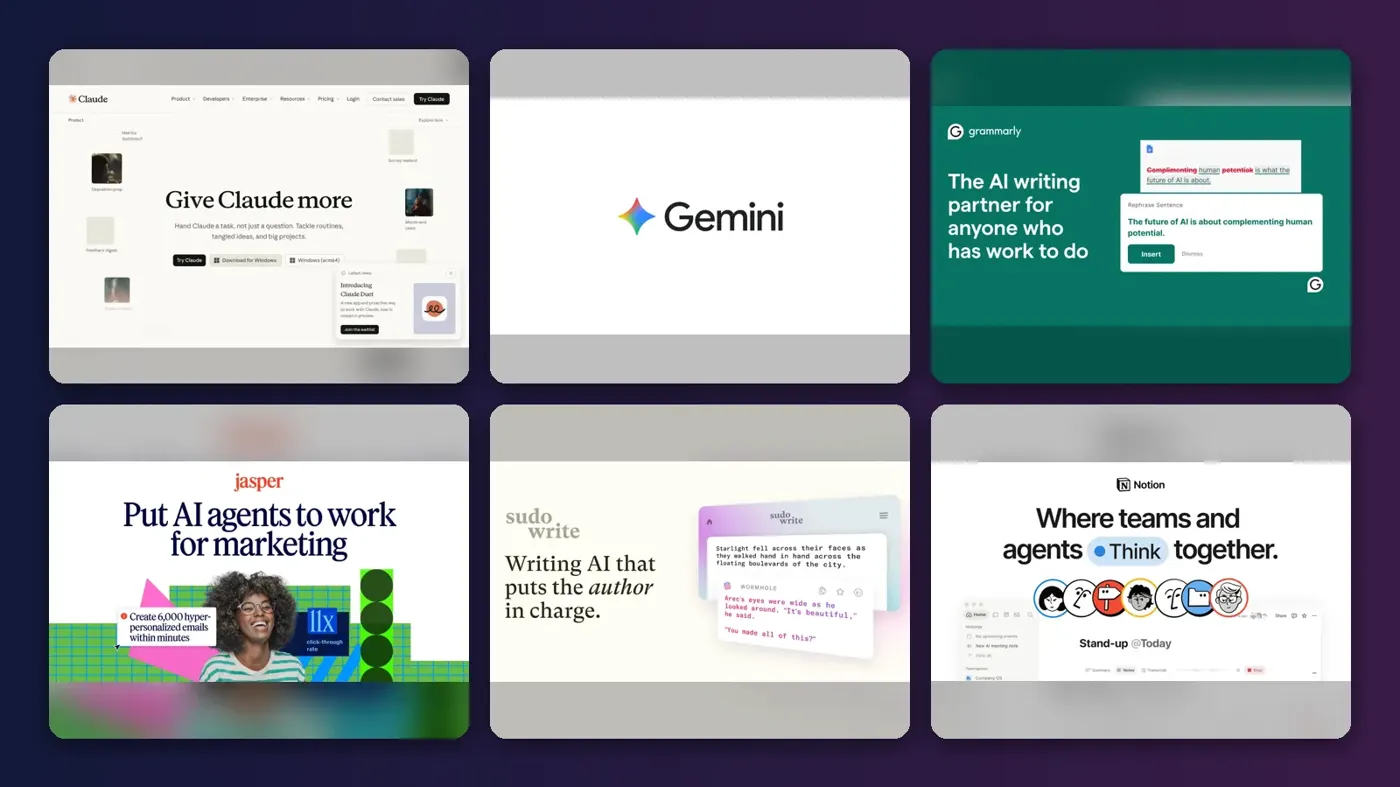
Short answer: if you want one AI writer for long-form drafts, essays and editing, start with Claude. If you want a single assistant that also does research, images and spreadsheets, pick ChatGPT. Everything else on this list is a specialist: Grammarly for polishing, Jasper for marketing teams, Sudowrite for fiction, Gemini for the tightest budget and Notion AI for teams already living in Notion.
That is the verdict. The rest of this guide shows how we got there. We compared seven AI writing tools using their official plan details, recent pricing coverage, published third-party ratings and user feedback, all checked in late October 2026. Prices are in US dollars and can change by country, app store or promotion, so confirm on the vendor's site before you pay.
Key takeaways
- $20 a month is the standard price for a serious AI writer. Claude Pro, ChatGPT Plus and Google AI Pro all sit at or just under that mark.
- General assistants beat most dedicated "AI writer" apps for everyday writing. Specialist tools only win when you need their niche: brand voice, fiction planning or grammar checks inside every app.
- Every tool on this list except Jasper and Sudowrite has a free plan. Start free, find your limit, then upgrade.
- Watch the usage caps, not just the price. Free plans cap messages, prompts or credits, and that is where you feel the difference.
How we ranked them
Nobody at The AI Future ran a hands-on lab test of these seven tools for this article. Instead, we checked current plans and limits against official pages and recent pricing guides published between July and October 2026, read independent ratings on G2 and Capterra where we could access them, and reviewed published third-party tests. Where we have a full review on this site, we link to it. Each pick also carries our editorial score out of 5, based on this research. We scored every tool on five criteria:
- Writing quality and range: how well it handles drafts, rewrites, tone and long documents.
- Control: can you feed it your voice, style guide or source material?
- Workflow fit: does it live where you already write?
- Value: what you get per dollar, including the free plan.
- Limits: how quickly caps, credits or missing features get in your way.
General assistants rank high because they replace the most tasks. Specialists rank lower overall, but each one is the best pick for a specific job.
The 7 best AI writers at a glance
| # | Tool | Category | Best for | Free tier | Starts at |
|---|---|---|---|---|---|
| 1 | Claude | General assistant | Long-form writing and editing | Yes | $17/mo |
| 2 | ChatGPT | General assistant | All-round writing plus research | Yes | $8/mo |
| 3 | Google Gemini | General assistant | Budget writers in Google's ecosystem | Yes | $4.99/mo |
| 4 | Grammarly | Editing assistant | Editing and polishing anywhere you type | Yes | $12/mo |
| 5 | Jasper | Marketing writing platform | Marketing teams and brand voice | No | $59/mo |
| 6 | Sudowrite | Fiction writing | Fiction and novel writing | No | $10/mo |
| 7 | Notion AI | Workspace AI | Teams that write and plan in Notion | Yes (limited) | $20/mo |
Starts at is the cheapest paid plan, billed annually where that is cheaper.
The 7 best AI writers in 2026, ranked
Claude – best for long-form writing and editing
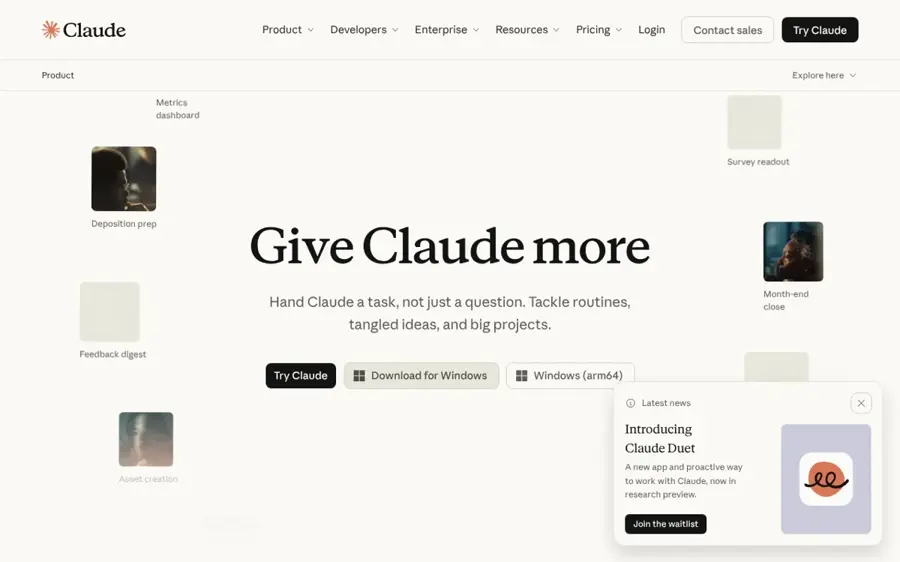
Claude is Anthropic's AI assistant, and the one we would hand to anyone whose main job is writing: essays, reports, long blog posts, newsletters and edits of your own drafts. Try it at claude.ai.
Why it stands out
In our editorial view, Claude suits writing-first work best: you can give it a style brief and source files in a Project and ask for blunt critique as well as drafts. Usage is the thing to watch. The free plan runs on a rolling five-hour window and Pro gets you at least five times the free usage per session, plus a weekly limit, according to BenchLM's plan breakdown, so long sessions with big pasted documents burn through allowance fast. We could not access a current G2 or App Store rating page for Claude, so we are not quoting one; our editorial score is 4.5 out of 5. Verdict: if writing is the main thing you do, Claude Pro is the $20 we would spend first.
Key features
- Long-form drafting: handles long drafts, structural edits and careful rewrites.
- Projects: keep reference files and instructions together so it writes with your brief in view.
- Document summaries: condenses big documents you paste or upload.
- Free models: the free plan includes Sonnet and Haiku.
Pros
- Strong at long-form drafts and close editing
- Will give blunt critique, not just drafts
- Annual Pro pricing drops to $17/month
Cons
- Free plan limits arrive fast on long sessions
- Anthropic does not publish exact usage caps
- Fewer extras like image generation or ad-free web research than some rivals
Claude pricing: Free → paid plans from $17/month (Pro billed annually, or $20 monthly); Max at $100/month (5x Pro usage) or $200/month (20x); Team standard seats at $25/month, or $20 billed annually (checked October 2026, BenchLM). See pricing
Related: Claude AI review
ChatGPT – best for all-round writing plus research
ChatGPT is the most complete general-purpose AI writer, drafting, rewriting, researching, analyzing files and generating images in one place. Try it at chatgpt.com.
Why it stands out
On October 7, 2026, OpenAI began rolling out GPT-6 and a feature called Intelligent UI, which adds charts, forms, calculators and other interactive pieces to an answer when that format helps. Let's Data Science reports that "paid ChatGPT tiers use GPT-6 Sol for this experience and Free and Go use GPT-6 Luna." For pure writing the useful point is the opposite: "A response can remain plain text when that is the clearest format," as the same report puts it, so your drafts stay drafts. Go at around $8 a month is the cheapest paid tier from a major lab. We could not access a current G2 or App Store page for ChatGPT, so no score is quoted; our editorial score is 4.5 out of 5. Verdict: if you want one AI subscription for everything, not just writing, pick ChatGPT Plus.
Key features
- GPT-6 Sol: the full model on every paid plan from Plus up.
- Intelligent UI: interactive charts, forms and calculators when they help, plain text when they don't.
- Deep Research and file analysis: research and data work in the same chat as your draft.
- Image generation: visuals without a second subscription.
- Custom GPTs and Projects: reusable setups for repeat writing tasks.
Pros
- Handles writing, research, files and images in one app
- Cheapest paid entry from a major lab with Go
- Widest feature set on this list
Cons
- Free and Go users get the lighter GPT-6 Luna
- Free plan limits file uploads and Deep Research, and may show ads in some regions (CometAPI)
- Default prose can sound generic without a good prompt
ChatGPT pricing: Free → paid plans from about $8/month (Go); Plus at $20/month; Pro at $100/month (5x Plus usage) or $200/month (20x); Business from $20 to $30 per user per month (checked October 2026, CometAPI). See pricing
Related: ChatGPT with GPT-6 review
Google Gemini – best for budget writers in Google's ecosystem
Gemini is Google's AI assistant, sold to consumers through the Google AI plans, with a plan ladder that starts lower than anyone else's. Try it at gemini.google.com.
Why it stands out
Google AI Pro includes more access to Gemini 3.1 Pro, Deep Research, a 1 million token context window and 5 TB of storage, according to Krater's September 2026 breakdown. That storage has real value if you were going to pay for cloud space anyway, and the context window lets you paste a whole manuscript or a pile of research notes and ask questions across all of it. As a pure writing tool it fits less well: the plans are built around research, storage and media perks, which is great value if you use them and wasted money if you only want drafts. No G2 or App Store score could be verified; our editorial score is 4.0 out of 5. Verdict: the best AI writer for the money if you already live in Google and want storage thrown in.
Key features
- 1 million token context: work across very long documents in one go.
- Deep Research: gathers sources for you.
- Gemini 3.1 Pro: more access on the Pro plan.
- 5 TB of storage: bundled with Google AI Pro.
Pros
- Cheapest paid tier on this list at $4.99/month
- Storage bundle can replace a plan you already pay for
- Strong for research-heavy writing
Cons
- Many Pro perks (storage, video, cloud credits) are irrelevant to writing
- Best value only if you use Google's ecosystem
- Plan names and perks change often
Google Gemini pricing: Free → paid plans from $4.99/month (Google AI Plus); Google AI Pro at $19.99/month; Google AI Ultra at $99.99/month (5x tier) or $199.99/month (20x tier) (checked October 2026, Krater). See pricing
Grammarly – best for editing and polishing anywhere you type
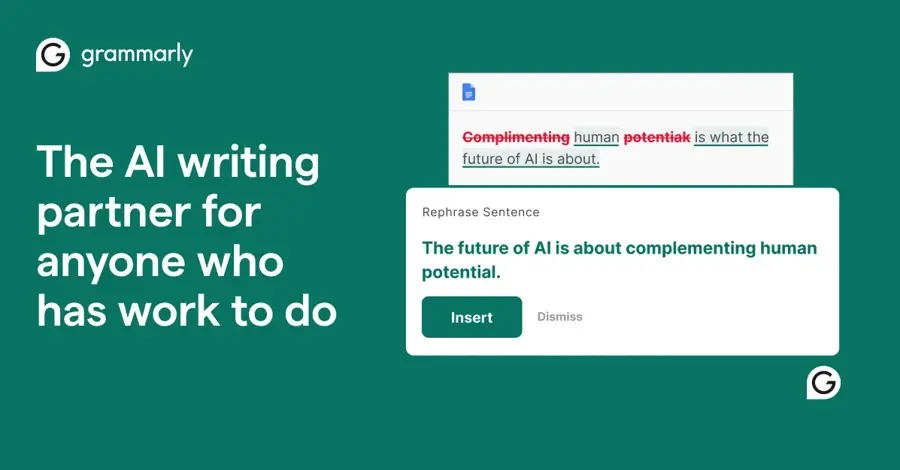
Grammarly is the editing layer that follows you into email, docs, browsers and chat apps, checking spelling, grammar and tone and rewriting text in place. See grammarly.com.
Why it stands out
It suits professionals and non-native English writers who want polished text everywhere they type, without copying into a chatbot. In October 2025 the parent company renamed itself from Grammarly to Superhuman, but the writing product keeps the Grammarly name, as Carly's pricing guide explains. It is not a first-draft machine; it works best after you or another AI writer have produced something. Grammarly holds 4.7 out of 5 on G2 from 14,088 reviews, and our editorial score is 4.0. Verdict: keep a free account as your final pass, and pay only if you write all day.
Key features
- Works everywhere: email, docs, browsers and chat apps.
- Grammar, spelling and tone checks: the core editing pass.
- Generative rewrites: shorten, expand or rewrite text in place.
- AI prompt allowance: 100 a month free, 2,000 per member on Pro.
Pros
- Useful free plan, enough to see whether rewrites suit your voice
- Strong for tone and clarity edits
- Very large G2 review base
Cons
- Monthly billing is expensive at $30, a 2.5x gap over annual
- Not built for long first drafts
- Rewrites can flatten a distinctive voice
Grammarly pricing: Free → paid plans from $12/member/month billed annually (Pro, or $30 billed monthly, with a 7-day free trial); Business, bundled with the Superhuman suite, at about $33/member/month billed annually (checked October 2026, Carly). See pricing
Related: Grammarly AI review
Jasper – best for marketing teams and brand voice
Jasper is an AI writing platform built for marketing teams producing a lot of on-brand content across channels. See jasper.ai.

Why it stands out
Its core idea is brand control: Brand Voice, a style guide and a knowledge base combine into what Jasper calls Brand Context, so every blog post, ad and email sounds like the same company. Agents run on credits: the Optimization Agent costs 100 credits per run and the Research and Translation agents 40 each, according to Activepieces, a competing automation company, so check Jasper's own rate card. Jasper's pricing page says standard content creation in Chat and Canvas doesn't use credits. For a solo writer it is hard to justify: $69 a month buys more than three Claude Pro or ChatGPT Plus subscriptions. Jasper has 4.7 out of 5 on G2 from 1,318 reviews; our editorial score is 3.5. Verdict: worth it for marketing teams with brand rules, overkill for anyone writing alone.
Key features
- Brand Voice: two voices on Pro, unlimited on Business.
- Brand Context: style guide and knowledge base applied to every piece.
- Campaign tools: turn one brief into many formats.
- Agents: research, optimization and translation.
Pros
- Keeps teams consistent across channels
- Built-in research and translation agents
- Strong G2 rating from business users
Cons
- No free plan, only a 7-day trial
- Expensive for individuals
- Agents use credits on top of the subscription
Jasper pricing: No free plan → Pro from $59/seat/month billed yearly or $69 monthly (one seat, two Brand Voices, 7-day free trial); Business is custom-priced with a 12-month commitment (checked October 2026, Jasper). See pricing
Sudowrite – best for fiction and novel writing
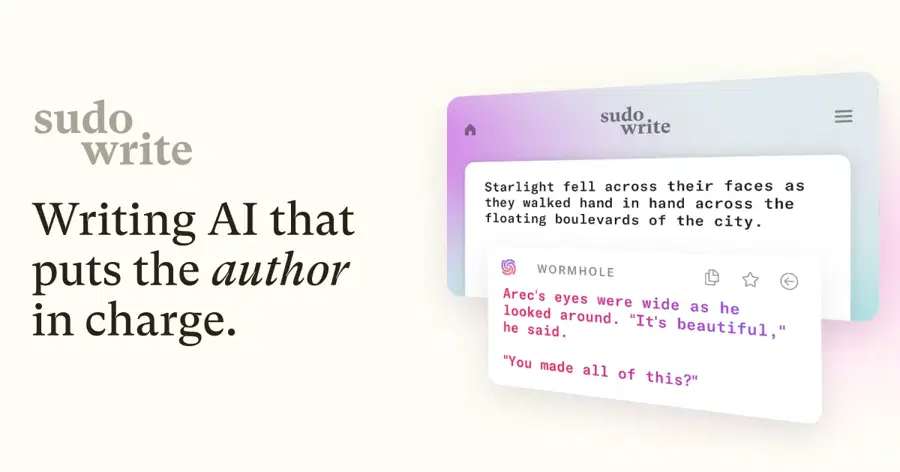
Sudowrite is an AI writer made for novelists, short-story writers and screenwriters, organized around a story rather than a blank chat box. See sudowrite.com.
Why it stands out
General assistants can write fiction, but none of them keep track of your characters and plot threads the way a dedicated tool does. Every AI action spends credits, and that is the main complaint: one author on Capterra wrote, "I burned through the words within a week." Another reviewer called it "a fantastic tool for writing fictional stories." It scores 4.5 out of 5 on Capterra, though from only four reviews, so treat it as a small sample; our editorial score is 4.0. If you plan to draft heavily, budget for Professional rather than the entry tier. Verdict: if you write fiction, try Sudowrite before any general chatbot.
Key features
- Story Bible: characters, settings and outline in one place.
- Brainstorm and expand: grow scenes from your outline.
- Describe and revise: rework passages in your voice.
- Credit rollover: unused Max credits roll over for 12 months.
Pros
- Built around stories, not chat
- Annual Hobby plan is just $10/month
- Keeps long projects consistent
Cons
- No free plan
- Credits run out fast on heavy drafting
- Not useful for non-fiction work like cover letters or product pages
Sudowrite pricing: No free plan (trial only) → Hobby & Student from $10/month billed yearly or $19 monthly; Professional at $22/month yearly or $29 monthly; Max at $44/month yearly or $59 monthly (checked October 2026, Krater). See pricing
Notion AI – best for teams that write and plan in Notion
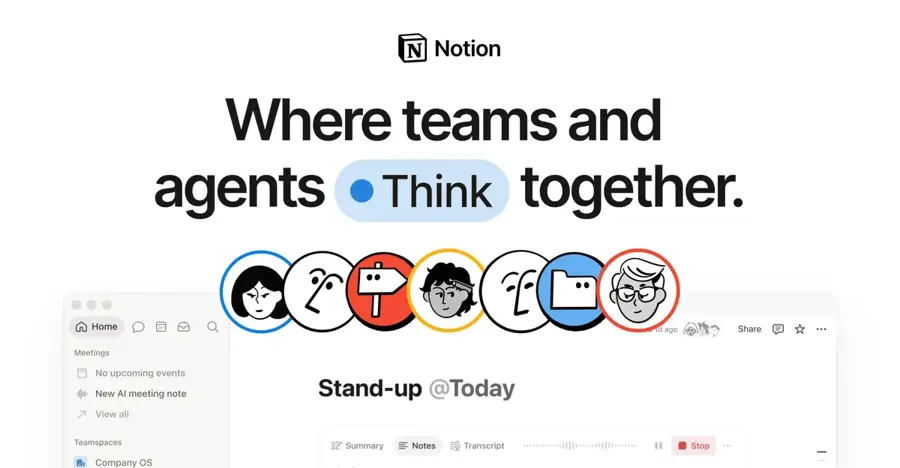
Notion AI writes, summarizes and answers questions inside your Notion workspace, so it can draft a project update from your notes or pull answers from a team wiki. See notion.com.
Why it stands out
The pricing change is the key detail. Full AI is now only on Business and Enterprise and the standalone AI add-on has been discontinued, per Krater, so getting full Notion AI means moving your team to Business. That is great value if you were heading there anyway, and an expensive writing tool if you weren't. Custom Agents bill separately at $10 per 1,000 Notion credits. Notion holds 4.6 out of 5 on G2 from 13,886 reviews, with one reviewer headline reading "All-in-One, Flexible Workspace with a Clean UI and Powerful Notion AI." Our editorial score is 3.5. Verdict: a smart upgrade for Notion teams, not a reason to switch to Notion.
Key features
- Workspace context: writes with your pages as source material.
- Notion Agent: included on Business.
- AI Meeting Notes: bundled on Business.
- Enterprise Search and Research mode: both listed as beta on Notion's pricing page.
Pros
- Uses context the other tools can't see
- No new app to learn if your team uses Notion
- Agent, meeting notes and search in one plan
Cons
- Full AI requires the $20/member Business plan
- AI add-on for cheaper plans is gone
- Weaker for standalone long-form writing
Notion AI pricing: Limited AI trial on Free and Plus ($10/member/month) → full AI from $20/member/month (Business); Enterprise custom (checked October 2026, Notion). See pricing
Related: Notion AI review Best AI tools for productivity
How to choose the right AI writer
Most people overthink this. Start with what you write most, then match the tool to it.
| If you mostly write... | Choose | Why |
|---|---|---|
| Essays, reports, long articles | Claude | Strong long-form drafting and editing |
| A mix of writing, research and data | ChatGPT | Widest feature set in one app |
| On a budget of under $5 a month | Gemini (AI Plus) | Cheapest paid tier from a major lab |
| Emails and documents you need polished | Grammarly | Works wherever you type |
| Marketing content for a brand | Jasper | Brand Voice and team controls |
| Novels or screenplays | Sudowrite | Story Bible and fiction tools |
| Team docs and wikis in Notion | Notion AI | Writes with your workspace as context |
Choose a general assistant if you write many kinds of things
If you want one bill, start here. Claude and ChatGPT both cover blog posts, emails, outlines and rewrites well.
Choose a specialist if one job dominates your week
A fiction writer gets more from Sudowrite's structure than from a blank chat window. A marketing lead gets more from Jasper's brand controls than from pasting a style guide into every prompt.
Check where you write
If you spend the day in Gmail and Docs, Gemini or Grammarly reduce copy-and-paste. If your team lives in Notion, Notion AI sees the context the others can't.
Your prompts matter more than the tool
A clear brief, an example of your voice and a stated audience lift every AI writer on this list. Our guide on how to write better AI prompts walks through the basics.
Know the rules
Many schools, publishers and employers restrict or ban passing off AI text as your own. Use AI to draft, outline and edit, then make the final work yours. AI detectors are also widely used to flag AI writing, though their accuracy is contested and false positives happen.
Free vs paid: what you actually get
Free AI writing tools are good enough to judge fit. They are rarely good enough for daily heavy use. Here is what changes when you pay.
- Claude: free uses a rolling five-hour window with Sonnet and Haiku; Pro adds at least 5x the usage per session (BenchLM).
- ChatGPT: free and Go get GPT-6 Luna; Plus and above get GPT-6 Sol (Let's Data Science). Free also limits file uploads and Deep Research (CometAPI).
- Gemini: free gives base model access; Pro adds more Gemini 3.1 Pro use, Deep Research and 5 TB of storage (Krater).
- Grammarly: 100 AI prompts a month free versus 2,000 on Pro (Carly).
- Notion AI: a capped trial on Free and Plus; full AI only on Business (Krater).
- Jasper and Sudowrite: no free plan at all, only trials.
Our budget rule is simple. Use free plans for two weeks. If you hit a limit three times, pay for that one tool. Don't stack subscriptions: two general assistants at $20 each mostly overlap, so pick one and add a specialist only when a real job demands it.
If cash is tight, the cheapest useful setup is ChatGPT Go at about $8 or Google AI Plus at $4.99, plus a free Grammarly account for final checks. That gets you a capable AI writer and an editor for under $10 a month.
Final verdict
Most people should start with Claude or ChatGPT. Pick Claude if writing quality and editing are the priority. Pick ChatGPT if you want writing plus research, files and images in one subscription. Either costs $20 a month at the standard tier.
Then add a specialist only for a clear need. Grammarly for polish. Sudowrite for fiction. Jasper for brand-heavy marketing teams. Notion AI if your team already works there. Gemini wins on price, especially if the 5 TB of storage replaces something you already pay for.
If you only pick one, pick Claude Pro. It is the best AI writer for people whose work is mostly words.
Writing a CV next? See our roundup of the best AI resume builders.
FAQ
Which AI tool is best for content writing?
For blog posts, articles and newsletters, Claude is our top pick because of its long-form drafting and editing. ChatGPT is a close second and adds research and images. If you write content for a brand as part of a marketing team, Jasper's Brand Voice and team controls make it the better choice, though it starts at $59 a month (billed yearly) with no free plan.
What is the best AI for writing?
For most people, the best AI for writing is a general assistant: Claude for writing-first work, ChatGPT for the widest feature set. Specialists win in their niche: Sudowrite for fiction, Grammarly for editing anywhere you type, and Notion AI for teams in Notion. Try the free plans first and pay for the one you keep reaching for.
Is there a good free AI writer?
Yes. Claude, ChatGPT, Gemini and Grammarly all have free plans, and Notion offers a limited AI trial. Free tiers cap usage, so expect to hit limits on long sessions. Jasper and Sudowrite offer trials only.
Can I use an AI writer for school or work?
Often, but check the rules first. Many schools and publishers ban submitting AI-generated text as your own work. Using AI to brainstorm, outline or edit is more widely accepted, but policies vary, so read yours.
Sources
- OpenAI Brings GPT-6 and Intelligent UI to ChatGPT (Let's Data Science)
- ChatGPT Pricing 2026: Free vs Go vs Plus vs Pro (CometAPI)
- Claude pricing plans (BenchLM)
- Gemini Pricing 2026: Google AI Plus, Pro, Ultra and API Costs Explained (Krater)
- Grammarly pricing (Carly)
- Grammarly Reviews (G2)
- Jasper Pricing: Which Plan Is Worth Buying in 2026? (Activepieces)
- Jasper Reviews (G2)
- Sudowrite pricing in 2026 (Krater)
- Sudowrite Reviews (Capterra)
- Notion AI Pricing 2026 (Krater)
- Notion Reviews (G2)
- Jasper pricing (Jasper)
- What plans are available? (Sudowrite Docs)
- Notion pricing (Notion)