Humanize AI: the 8 best AI humanizer tools in 2026, compared
Want to humanize AI text so it reads naturally? We compared 8 AI humanizers on price, free limits, user ratings and honest positioning.
 Written byMuhammad Usman SiddiquiFounder and editor-in-chief
Why you can trust The AI Future
Our writers research every product, link each claim to its source and correct mistakes openly. Companies can't pay for coverage or see reviews before they're published.
Read our editorial policy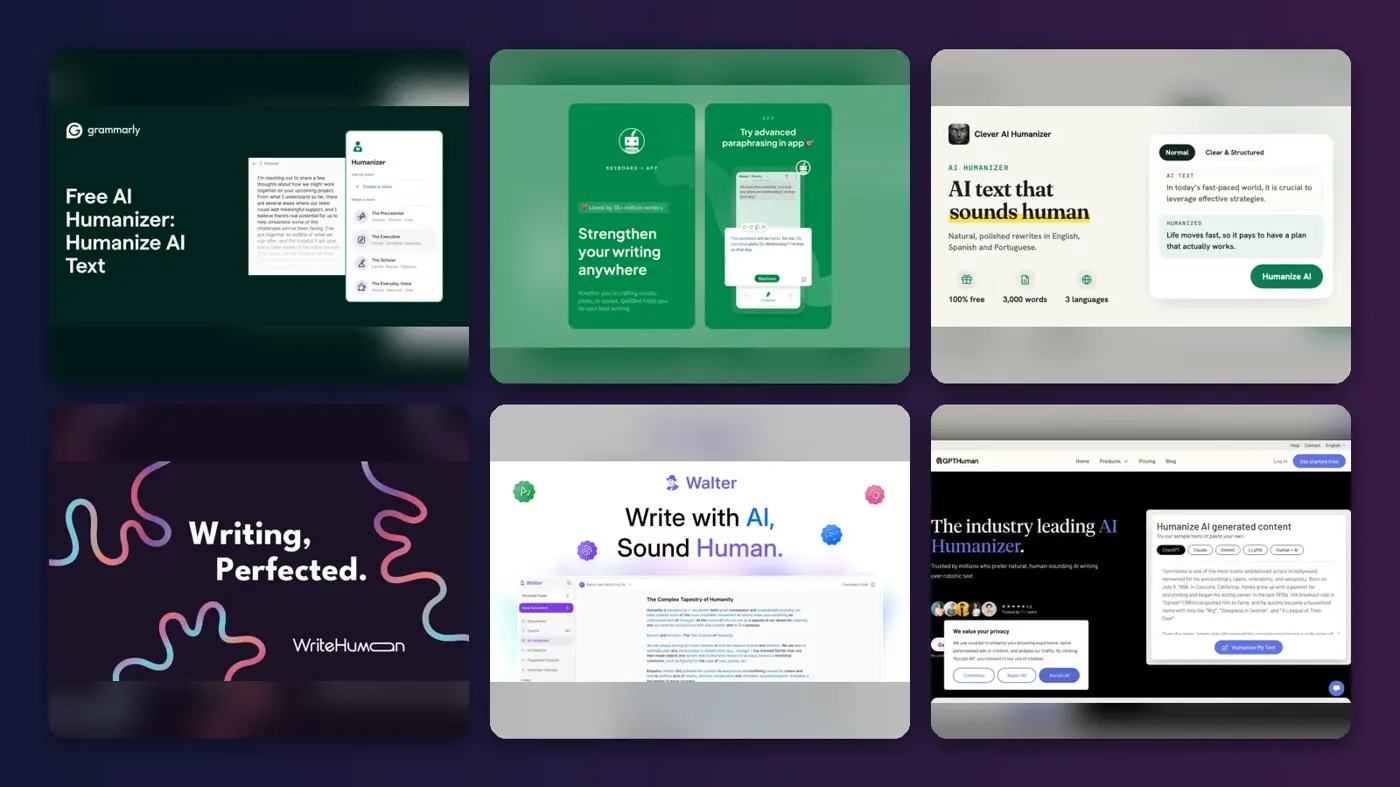
Short answer: if you want to humanize AI text so it reads like a person wrote it, most people should start with the free Grammarly AI humanizer. It is free on the web, it is backed by a writing tool millions already use, and it says openly that it is "not intended to bypass AI detectors". If you need more control on a budget, pick QuillBot. If you want a free AI humanizer that takes longer drafts, try Clever AI Humanizer.
The best way to humanize AI content is still to edit it yourself: add your own examples, cut the filler and fix the rhythm. A humanizer AI tool can speed that up. It cannot replace it, and it will not make someone else's words yours.
We compared eight popular humanize AI tools using their official pages, published independent tests, pricing trackers and user reviews on Trustpilot and G2, as of late October 2026. Nobody at The AI Future ran hands-on tests for this piece, so every performance claim below is attributed to whoever made it. And one rule up front: many schools, universities and publishers ban passing off AI-written text as your own. We ranked these tools for making AI-assisted drafts read naturally, not for fooling a detector.
Key takeaways
- Grammarly is the safest default. Free basic humanizer, clear guidance on intended use, and Pro at $12 a month if you want the full version.
- Free plans are small. Most free tiers cap you at 125 to 1,000 words per run, and some are one-off trials rather than real free plans.
- Budget $8 to $15 a month for a paid humanizer. Heavy users can get 70,000 words a month for $13.
- No tool guarantees anything. Detectors and humanizers both change constantly, and Turnitin now flags text it thinks was run through a humanizer.
- Your own edit matters most. Personal detail, specific facts and varied sentences do more than any rewrite button.
How we ranked them
We did not run our own test batch, and we will not pretend otherwise. Instead, we scored each AI humanizer on five things you can check from public evidence:
- Output quality and meaning. Does it keep your point intact and read cleanly? We relied on published hands-on reviews such as Scribbr's guide and vendor feature lists.
- Honesty of positioning. Tools that market themselves for legitimate editing ranked above tools built around the promise of evading detection.
- Free plan value. Real ongoing free use beats a one-off trial.
- Price per word. Monthly cost against word allowance.
- User trust. Ratings and complaints on Trustpilot and G2, especially about billing and refunds.
We did not rank tools by how often they slip past AI detectors. That would reward cheating, and it is also a moving target. Turnitin added AI bypasser detection in 2025, a feature "designed to help identify text that has been modified by AI humanizer tools", currently limited to English. Any bypass score you read online can be out of date within weeks.
The 8 best AI humanizers at a glance
| # | Tool | Category | Best for | Free tier | Starts at |
|---|---|---|---|---|---|
| 1 | Grammarly AI Humanizer | Writing assistant | Most people, work and study drafts | Yes | $12/mo |
| 2 | QuillBot AI Humanizer | Paraphrasing suite | Students and short passages | Yes (limited) | $8.33/mo |
| 3 | Clever AI Humanizer | AI humanizer | Free use on longer drafts | Yes | Free |
| 4 | WriteHuman | AI humanizer | Comparing several rewrites | Yes (limited) | $12/mo |
| 5 | Walter Writes AI | AI humanizer | High monthly volume on a budget | No | $8/mo |
| 6 | GPTHuman | AI humanizer | Occasional paid use | No | $8.25/mo |
| 7 | Undetectable AI | Humanizer and detector suite | A humanizer plus detector checks | No | $5/mo |
| 8 | StealthWriter | Humanizer with AI scan | Generous daily free runs | Yes (limited) | $20/mo |
Prices are the cheapest paid plan; yearly billing where offered. Walter Writes, GPTHuman and Undetectable AI offer one-off trials, not ongoing free plans.
The 8 best humanize AI tools in 2026, ranked
Grammarly AI Humanizer – best for most people
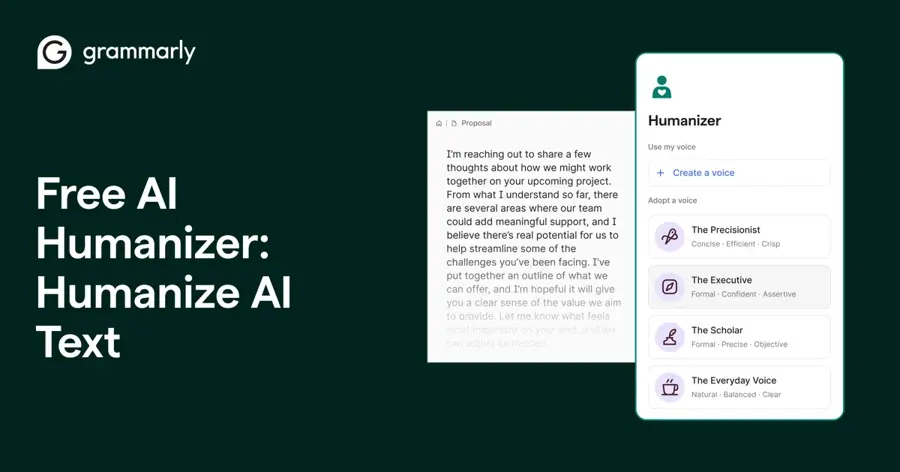
A free humanizer from the company behind the Grammarly writing assistant, built to make AI-generated text sound more natural. If you only pick one, pick this. Try it at grammarly.com.
Why it stands out
Grammarly is the only big name here that states its intended use plainly: the humanizer page says it is "not intended to bypass AI detectors". That is the kind of positioning a school will not frown at, which matters for students and non-native English writers. User sentiment on the wider product is strong, at 4.7 out of 5 on G2 from 14,088 reviews, though those reviews are mostly about grammar checking, not the humanizer. For plans, the Superhuman rebrand and detector accuracy, read our full Grammarly AI review.
Key features
- Free basic humanizer: runs on the web with no payment.
- Humanizer agent: preset tones and custom voices in six languages with a free account.
- Full version on Pro: unlocks the complete humanizer.
- One ecosystem: grammar checks, tone suggestions and a free AI detector alongside it.
Pros
- Free to start, no payment needed
- Clear, honest positioning for legitimate editing
- Saves juggling three subscriptions
Cons
- The full humanizer needs Pro
- G2 ratings reflect the whole product, not the humanizer alone
- Branding is now split between Grammarly and Superhuman, which confuses some users
Grammarly AI Humanizer pricing: Free → paid plans from $12/month billed annually or $15 monthly (Pro); Business is $33/month billed annually (checked October 2026). See pricing
Related: Grammarly AI review
QuillBot AI Humanizer – best for students and short passages
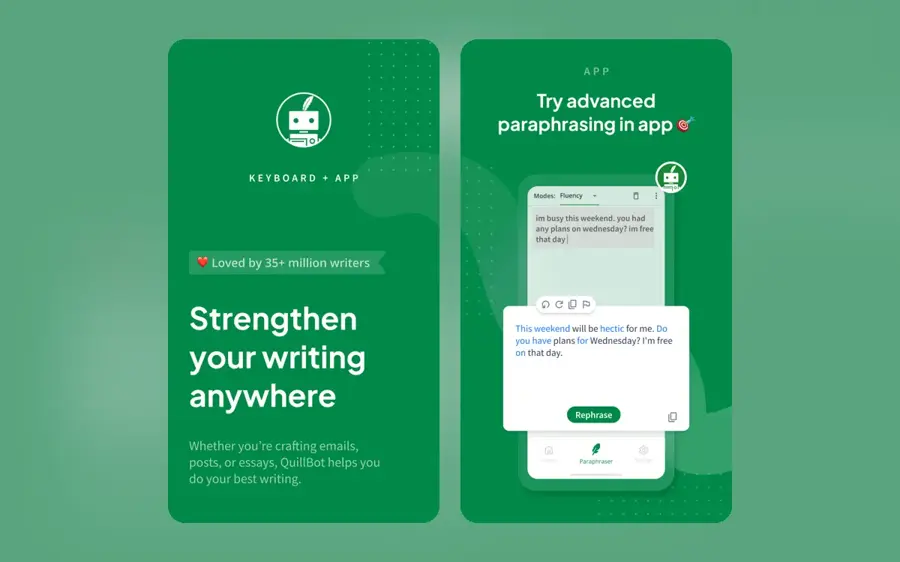
A humanizer that rewrites short passages in a more natural voice, next to QuillBot's paraphraser, grammar checker and citation tools. The best value for students who edit paragraph by paragraph. Try it at quillbot.com.
Why it stands out
In Scribbr's comparison, QuillBot's humanizer is described as fast, with output that is grammatically accurate and flows naturally. The word-level control is the real advantage: you can accept a rewrite and then fix individual words, which keeps the result closer to your own voice. QuillBot scores 4.8 out of 5 on Trustpilot from 13,908 reviews, with one five-star reviewer summing it up as "It's quick and easy". The catch is the free limit: a 1,500-word essay takes a dozen passes, and you only get six a day.
Key features
- Colour-coded changes: see exactly what the rewrite altered.
- Word swaps: replace individual words from a dropdown.
- No sign-in needed: the free version works straight away.
- Bundled tools: paraphraser, grammar checker and citation tools in one account.
Pros
- Very cheap Premium, with a student discount
- Edit word by word after each rewrite
- Strong user reputation
Cons
- Free tier is tiny: 125 words a run, 6 uses a day
- Trustpilot score covers all of QuillBot, not just the humanizer
QuillBot AI Humanizer pricing: Free (125 words at a time, 6 uses a day) → Premium from $8.33/month on an annual plan, or $6.25/month at the student rate, per Scribbr's 2026 guide (checked October 2026). Official site
Clever AI Humanizer – best for free use on longer drafts
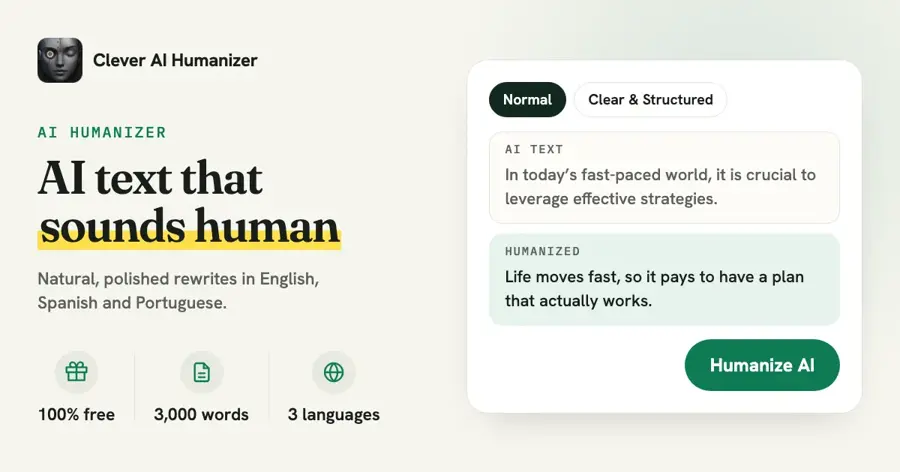
A free humanizer with three writing styles and a built-in AI writer, for anyone who wants to work on longer drafts without a subscription. The strongest free option for long text, but verify the output yourself. Try it at cleverhumanizer.ai.
Why it stands out
Clever AI Humanizer is one of the most searched humanizers right now, and the appeal is real free use on longer text. A disclosure on the evidence, though: the most detailed review we found, on Handy Recovery, says the tool comes from the team behind CleverFiles, maker of Disk Drill, and Handy Recovery is itself a CleverFiles site, so treat its glowing test numbers with caution. That review does list downsides, including "occasional small grammar quirks" and some output that "leaned a little 'too clean.'" We found no independent Trustpilot or G2 rating for the tool.
Key features
- Three styles: Casual, Formal and Academic.
- Built-in AI writer: drafts 100 to 1,000 words and humanizes them in one go.
- Content history: saved for logged-in users.
- No sign-up for core features: start without an account.
Pros
- Genuinely free, with generous per-run limits
- Handles longer drafts than most free tiers
- Writer and humanizer in one place
Cons
- Best-known review comes from a site linked to its own developer
- No browser extension or built-in plagiarism check
- Free limits are reported inconsistently
Clever AI Humanizer pricing: Free. A January 2026 review reports a cap of 1,000 words per run, rising to 7,000 words a day with a free sign-up, though the same page also quotes a different monthly figure (checked October 2026). Official site
WriteHuman – best for comparing several rewrites
A humanizer that returns several variations per run, so you can pick the version closest to your voice. Worth it if choosing between versions helps you write; otherwise cheaper tools do the job. See writehuman.ai.
Why it stands out
WriteHuman has a solid user base, at 4.0 out of 5 on Trustpilot from 307 reviews. One five-star reviewer wrote, "Multiple variations per run is the real win." The complaints are about money, not quality: a one-star reviewer on the same page wrote, "They do not offer refund if their product fails, locking you into an expensive financial obligation." Try the free runs first.
Key features
- Multiple variations: several rewrites returned per run.
- Small free allowance: 3 requests a month at 250 words each.
- Yearly or monthly billing: the yearly plan cuts the price by 40%.
- Pick-your-voice workflow: choose the version that sounds most like you.
Pros
- Compare options instead of accepting the first rewrite
- Decent Trustpilot score
- Yearly plan is fairly priced
Cons
- Free tier is only 750 words a month
- Refund complaints from users
- $20 monthly billing is steep for this category
WriteHuman pricing: Free (3 requests a month) → paid plans from $12/month billed yearly ($144 a year) or $20 billed monthly, per Dupple's October 2026 price check (checked October 2026). Official site
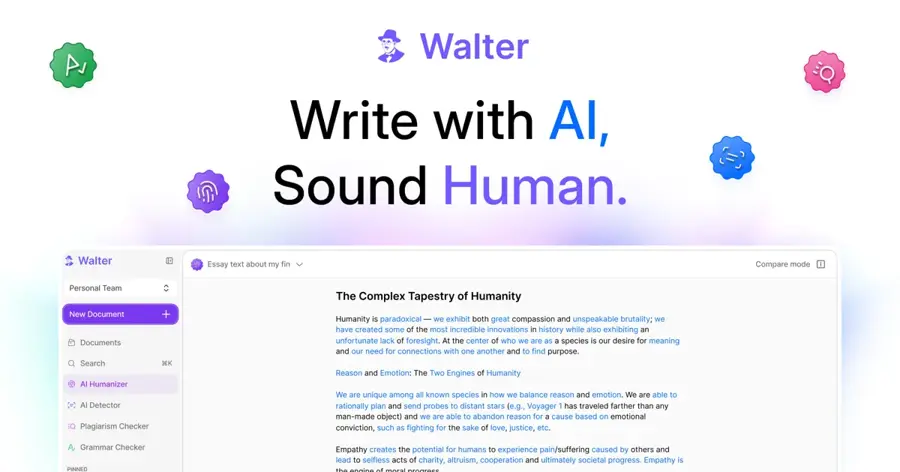
Walter Writes AI – best for high monthly volume on a budget
A humanizer with adjustable rewrite strength, a built-in AI checker and support for more than 80 languages, aimed at content teams and heavy users. Pick it for volume on a budget, and edit the output before you use it. See walterwrites.ai.
Why it stands out
On price per word, Walter Writes is hard to beat: Pro at $13 for 70,000 words works out to under 2 cents per 100 words. User trust is the weak spot. It scores 2.5 out of 5 on Trustpilot from 49 reviews; a four-star reviewer called it a "Solid tool that works well," while a one-star reviewer dismissed it as "a GPT-Wrapper". Its marketing also leans heavily on detector claims, which we discount. Our full Walter Writes AI review covers it in more depth.
Key features
- Three rewrite strengths: Simple, Standard and Enhanced. Use Simple for light smoothing so more of your phrasing survives.
- Built-in AI checker: in the same dashboard.
- 80+ languages: not only English.
- Large word allowances: from 30,000 to 500,000 words a month.
- Teams plan: for content teams.
Pros
- Lowest cost per word on this list
- Scales from solo use to teams
- Light-touch mode keeps more of your voice
Cons
- Poor Trustpilot score
- Marketing focuses on detector evasion
- No clear free plan size or overage policy
Walter Writes AI pricing: No free plan (limited trial) → paid plans from $8/month for 30,000 words (750 per request); Pro $13 for 70,000 words (1,500 per request); Elite $26 for 200,000 words; Teams $99 for 500,000 words, per Toolradar's October 2026 listing (checked October 2026). Official site
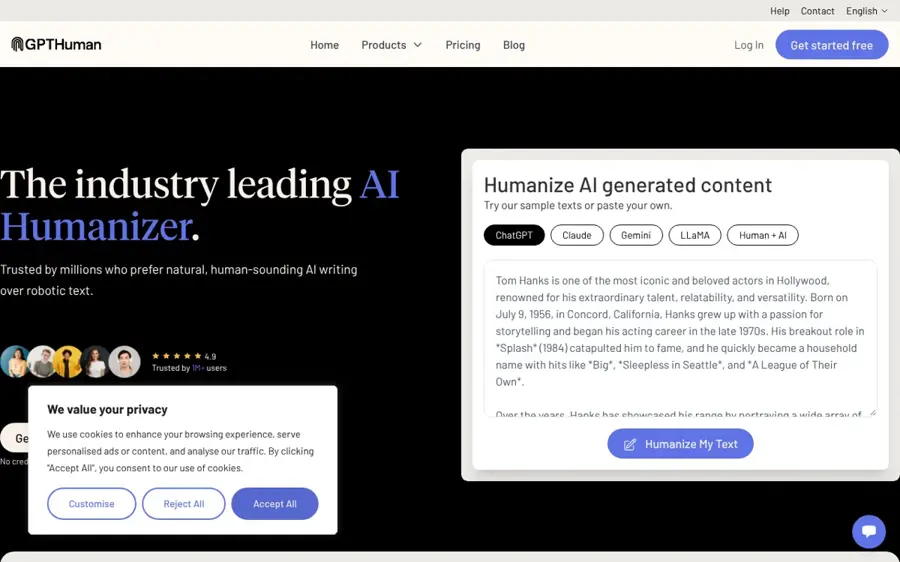
GPTHuman – best for occasional paid use
A standalone AI humanizer for occasional users who want a simple paid tool without extra features. Fine if you have a specific reason to choose it; most people are better served higher up this list. See gpthuman.ai.
Why it stands out
GPTHuman is popular in search, but the public evidence on it is thin. The trial is a one-off 300 words with no monthly free allowance, according to Dupple's free-plan comparison, so you will need to pay to judge it properly. Yearly billing brings it in line with QuillBot on price. We could not find a verified Trustpilot or G2 rating (a similarly named product, GPTHumanizer, is a different company). For our full assessment, read our GPTHuman AI review.
Key features
- Standalone humanizer: one job, no bundled extras.
- Simple, focused interface: little to learn.
- 300-word trial: a one-off chunk to try it.
- Longer passages on paid plans: beyond the trial limit.
Pros
- Easy to pick up
- Reasonable yearly price
- No feature clutter
Cons
- No ongoing free plan
- No independent rating found
- Easily confused with similarly named tools
GPTHuman pricing: No free plan (300-word trial) → paid plans from $8.25/month billed yearly ($99 a year) or $15 billed monthly, per Dupple (checked October 2026). Official site
Related: GPTHuman AI review
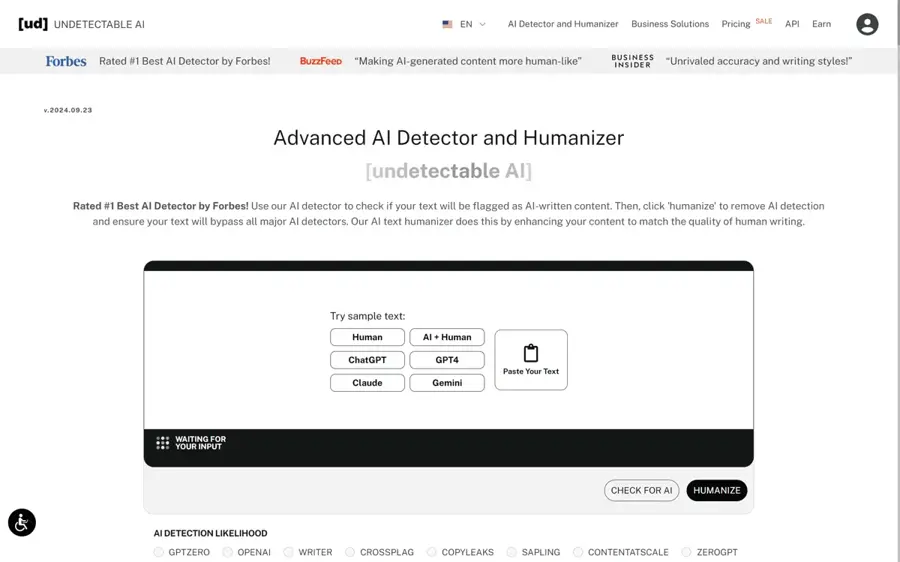
Undetectable AI – best for a humanizer plus detector checks
One of the best-known humanizers, sold alongside its own AI detector and writing tools. Cheap, but check your bank statements and mind how you use it. See undetectable.ai.
Why it stands out
The yearly price is low and the brand is established, but the name says what the product is built around, and that positioning is exactly what gets students into trouble. If you use it, use it to smooth a draft you have written or heavily shaped yourself. Its Trustpilot score is middling at 3.5 out of 5 from 856 reviews. Billing is the recurring complaint; one one-star reviewer wrote that "they continued to take money out of my account for months before i noticed". Set a calendar reminder if you subscribe.
Key features
- AI humanizer: rewrites AI-generated text.
- Own AI detector: check text in the same suite.
- Writing tools: sold as part of the same package.
- 250-word trial: a one-off test before paying.
Pros
- Cheapest yearly entry price here
- Detector and humanizer in one place
- Large user base
Cons
- No ongoing free plan
- Positioning centred on evading detection
- Billing complaints on Trustpilot
Undetectable AI pricing: No free plan (250-word trial) → paid plans from $5/month billed yearly ($60 a year) or $9.99 billed monthly, per Dupple (checked October 2026). Official site
Related: Best AI detectors
StealthWriter – best for generous daily free runs
A humanizer with a built-in AI scan and one of the most generous daily free allowances, handy for trying a humanizer on full-length text before you pay. Good for free experiments; there are better places to spend $20. See stealthwriter.ai.
Why it stands out
The free tier is the reason it makes the list: 1,000 words per input and ten runs a day beats almost every rival, per Dupple's October 2026 check. That makes it a cheap way to test whether a humanizer helps your writing at all. The downsides are price and positioning: the paid plan costs more than most of this list, the brand is built around stealth, and we found no independent rating to weigh its quality.
Key features
- 1,000 words per input: on the free tier.
- 10 humanizations a day: free, every day.
- Built-in AI scan: 10 free scans a day.
- Monthly paid plan: Starter for heavier use.
Pros
- Large free daily allowance
- Works on full-length text for free
- Scan and rewrite in one place
Cons
- Expensive paid plan
- Brand built around evasion
- No independent rating found
StealthWriter pricing: Free (1,000 words per input, 10 runs a day) → paid plans from $20/month billed monthly (Starter), per Dupple (checked October 2026). Official site
How to choose the right humanize AI tools
Start with what you are actually trying to fix. Most people use a humanizer because an AI draft sounds stiff, repetitive or generic. That is a style problem, and the cheapest fix is usually the right one.
Match the tool to the job
- Choose Grammarly if you want a free, low-risk option and already use it for grammar.
- Choose QuillBot if you are a student, edit in short sections and want word-level control for under $9 a month.
- Choose Clever AI Humanizer if you need a free AI humanizer for longer drafts and are willing to check the output closely.
- Choose WriteHuman if you like comparing several versions before picking one.
- Choose Walter Writes if you process tens of thousands of words a month and price per word matters most.
Check the per-request limit
A 750-word cap means splitting every long document. Look at words per run, not only words per month.
Read the billing terms
Several tools here draw refund and cancellation complaints. Check how to cancel before you subscribe.
Protect your privacy
You are pasting your text into a third-party server, so do not upload confidential work documents unless your employer allows it.
Know the rules where you write
Many universities treat submitting AI-generated text as your own as academic misconduct, whether or not it was humanized, and many publishers require disclosure. If you are unsure how detectors judge text in the first place, our explainer on how AI detectors work and our roundup of the best AI detectors are good places to start.
Free vs paid: what you actually get
The phrase "humanize AI free" covers a lot of very different offers. Here is the honest picture from the pricing we checked.
| Type of offer | Examples | What you get |
|---|---|---|
| Real free plan | Grammarly, QuillBot, Clever AI Humanizer, StealthWriter | Ongoing free use, from 125 words a run (QuillBot) to 1,000 words a run (StealthWriter, Clever) |
| Small monthly free allowance | WriteHuman | 3 requests of 250 words a month |
| One-off trial | GPTHuman, Undetectable AI | 250 to 300 words, then you pay |
| Paid plan | All of the above | $5 to $20 a month for 30,000 words or more, longer inputs, extra modes |
Other free options exist too. Scribbr lists HumanizeAI.pro at 400 words per run with no account required, for example. For occasional use, a free plan plus your own editing is enough. Paying only makes sense if you process long documents every week, need several languages or want team features.
One more thing: free general chatbots can do a lot of this job. Ask ChatGPT, Claude or Gemini to "rewrite this in a plainer, more conversational style, keep my examples, vary sentence length" and you will often get a result as good as a dedicated tool. If you write a lot with AI, our guide to the best AI writers may serve you better than a humanizer.
Final verdict
Most people should use the free Grammarly AI humanizer and stop there. It does the legitimate job well, it costs nothing to start and its maker is upfront that it is for natural-sounding writing, not for beating detectors. Students on a budget should add QuillBot Premium at $8.33 a month. Heavy users who care about cost per word should look at Walter Writes, with eyes open about its reviews.
Whichever you choose, treat the output as a draft. AI detectors are imperfect in both directions: in a June 2026 test of human-written articles reported by The Decoder, some detectors flagged genuine human writing, while others scored it perfectly. Humanizers are just as unpredictable. The only reliable way to make text sound like you is to put yourself into it.
FAQ
How to humanize AI content?
Treat the AI output as a rough draft and edit it in five steps:
- Add what only you know. Personal examples, opinions, data from your own work or class notes.
- Cut the filler. Delete generic openers, repeated summaries and stock phrases.
- Vary the rhythm. Mix short and long sentences, and break up lists that all sound the same.
- Check every fact. AI drafts invent details; verify names, figures and sources.
- Read it aloud. Anything you would not say, rewrite.
A humanizer can help with steps 2 and 3. Steps 1, 4 and 5 are on you. If your school or employer requires it, disclose that you used AI.
Is there a completely free AI humanizer?
Yes. Grammarly's basic web humanizer, QuillBot's free tier, Clever AI Humanizer and StealthWriter's free tier all offer ongoing free use, with limits ranging from 125 to about 1,000 words per run as of October 2026.
Can AI detectors spot humanized text?
Sometimes. Turnitin launched AI bypasser detection to identify text modified by humanizer tools, currently in English only. Detector accuracy is contested in both directions, and false positives on human writing happen, so no humanizer and no detector should be treated as certain.
Is using an AI humanizer cheating?
It depends on the rules you write under, and they are usually clear. Polishing your own AI-assisted draft for work is generally fine. Submitting AI-written text as your own in a class that bans it is misconduct, humanized or not. Check your syllabus, school policy or publisher guidelines.
Sources
- Grammarly AI Humanizer (Grammarly)
- Plans (Superhuman)
- Grammarly Reviews (G2)
- Best AI Humanizer Tools Compared (2026 Guide) (Scribbr)
- QuillBot Reviews (Trustpilot)
- Clever AI Humanizer Review (Handy Recovery)
- Walter Writes AI (Toolradar)
- Walter Writes Reviews (Trustpilot)
- Best Free AI Humanizers in 2026: Free Plan Limits Compared (Dupple)
- WriteHuman Reviews (Trustpilot)
- Undetectable AI Reviews (Trustpilot)
- New Turnitin Detection Feature Helps Identify Use of AI Humanizer Tools (Campus Technology)
- Authors Guild test finds some AI detectors perfectly identify human writing while others fail on every single text (The Decoder)