Turbo AI review 2026: is Turbo AI free? Features, pricing, pros and cons
Turbo AI (formerly TurboLearn) turns lectures, PDFs and videos into notes, flashcards and quizzes. Here's what the free plan really includes and where it slips.
 Written byRahis SaifiCo-founder and news editor
Why you can trust The AI Future
Our writers research every product, link each claim to its source and correct mistakes openly. Companies can't pay for coverage or see reviews before they're published.
Read our editorial policy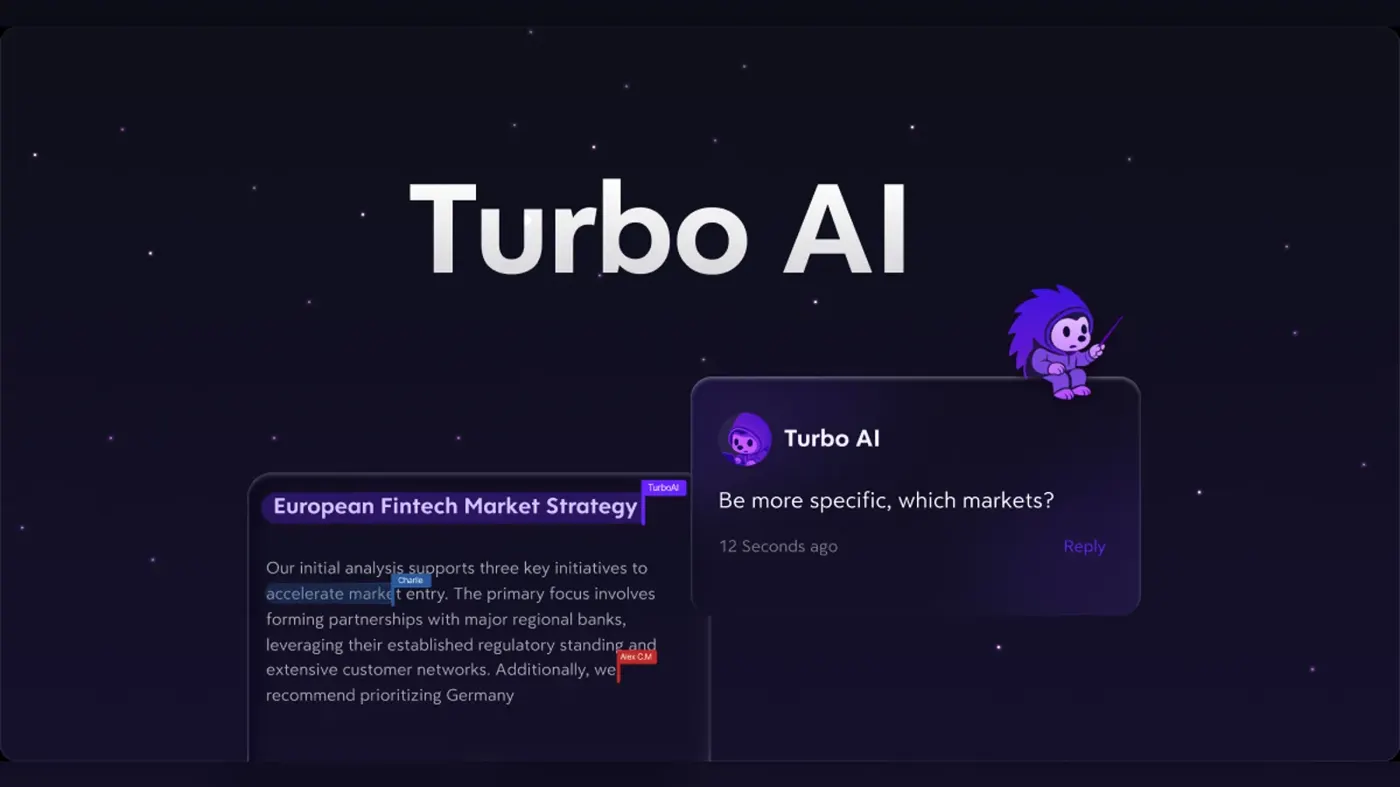
Our verdict on Turbo AI (formerly TurboLearn AI)
Turbo AI is a fast, tidy AI note maker that works well for single-speaker lectures and clear videos. Use it as a first draft for study notes and check them against your slides; skip it for multilingual, math-heavy or group recordings, and read the pricing carefully before subscribing.
Pricing Free (small caps: about 2 audio hours/month, 1 PDF, 5 quizzes, 10 chats); Premium $19.99/mo or $9.99/mo billed yearly ($119.88); App Store prices vary
Visit Turbo AI (formerly TurboLearn AI)Short answer first: Turbo AI (it used to be called TurboLearn AI) is an AI note maker for students. You feed it a lecture recording, a PDF or a YouTube video, and it turns that into organised notes, flashcards, quizzes and even a podcast-style audio summary. Is Turbo AI free? Yes, there's a free plan, but it's tight. Premium costs $19.99 a month, or $9.99 a month if you pay for a year, according to The Front Desk Review's September 2026 pricing check.
Now a confession, because this is a review and you deserve to know how it was made. Nobody on our team ran Turbo AI through a hands-on test for this piece. I didn't record a lecture, I didn't time anything, and there are no screenshots of my kitchen table. What we did: we compared Turbo AI using app-store data, published independent tests (tl;dv and Unite.AI did the most detailed ones), reporting on the company and about 40 recent user reviews, as of late October 2026. When someone else did the testing, I'll name them.
The headline? Turbo AI is very good at making messy material look tidy. Whether that tidy-looking material is correct is a different question, and it's the one that matters most for AI studying.
Turbo AI at a glance
| Item | Details |
|---|---|
| Our rating | 3.5 / 5 |
| Best for | Students who want structured notes, flashcards and quizzes from lectures, PDFs and videos |
| Free plan | Yes, with small limits (roughly 2 audio hours a month, 1 PDF, 5 quizzes, 10 chat messages) |
| Paid | Premium $19.99/month or $9.99/month billed yearly ($119.88) |
| Platforms | Web, iPhone/iPad, Android |
| Website | turbo.ai |
Scores (out of 10): features 8, ease of use 7.5, value 7, performance 6.5.
What is Turbo AI?
Turbo AI is a study app built by two college dropouts, Rudy Arora and Sarthak Dhawan, who started working on it in fall 2023 after struggling with their own lecture notes. It launched in January 2024, and by June 2026 the company had made $13 million in lifetime revenue with a team of just 10 people, according to Let's Data Science, which cites Business Insider and TechCrunch. The same report says it raised only $750,000 in outside funding and has stayed profitable.
It's big, too. TechCrunch reported in October 2025 that the founders had grown it to about five million users with what they say is eight-figure annual recurring revenue. Much of that growth came from TikTok: the company paid creators $5 per video plus bonuses for viral ones, per Let's Data Science. That's worth knowing when you see a wall of glowing short-form videos about it.
If you searched for "turbolearn ai", it's the same product. The App Store listing still reads "Turbo AI - Notetaker (formerly Turbolearn AI)", and the old turbolearn.ai pricing page now redirects to turbo.ai, as The Front Desk Review noticed. And while it started with students, the company says it's now used by consultants, lawyers and doctors as well.
Key features
AI notes from lectures, PDFs and videos
This is the whole point of the app. You can record a live lecture, upload audio, drop in a PDF or paste a YouTube link, and Turbo AI produces formatted notes with headings, tables, equations and diagrams. The App Store description promises "rich notes" with diagrams, equations, tables and emojis, and notes sync between the app and the website.
Does it work? For clean, single-speaker material, mostly yes. Janine Heinrichs at Unite.AI pasted a YouTube link and got notes back in "a few seconds", saying it did "an excellent job" summarising the key points. More on the messier cases below, because that's where the cracks show.
Flashcards and quizzes
From any set of notes, Turbo AI can generate flashcards and multiple-choice quizzes. In Unite.AI's test, the quizzes came grouped by topic with hints and explanations for wrong answers, and the reviewer found them hard enough to need real recall. Matt Leppington at tl;dv found custom flashcard prompts gave more relevant cards than the defaults. That's a nice touch, since generic AI flashcards are often too easy to be useful.
Chat with your notes
There's a built-in chatbot that answers questions using your notes. Unite.AI got a "clear and concise answer" straight away. Some App Store reviewers collected by JustUseApp weren't so lucky and complain the chat often replies that it doesn't know.
Podcasts
Turbo AI can turn notes into a short audio "podcast" so you can revise on a bus or a walk. Unite.AI's came out at about three minutes with natural-sounding voices. tl;dv's experience with a Russian lesson was rougher: Russian words were spelled out phonetically in English, which, honestly, sounds hilarious and useless in equal measure.
Folders and sync
Notes live in custom folders and sync in real time across web and mobile. It's basic, but it's what you want from an AI for notes you'll revisit all semester.
Pricing and plans
Turbo AI keeps its pricing oddly hard to pin down. The official pricing page wasn't something we could load directly, and The Front Desk Review found the old turbolearn.ai pricing URL returning errors in September. So the table below comes from independent checks, and you should confirm the price in the app before you pay.
| Plan | Price | What you get |
|---|---|---|
| Free | $0 | Notes, flashcards, quizzes and chat with small caps: about 2 hours of audio a month, 1 PDF upload, 5 quizzes, 10 chat messages |
| Premium (monthly) | $19.99/month | Unlimited PDFs, audio, YouTube videos, quizzes and flashcards, plus podcasts and priority processing |
| Premium (annual) | $9.99/month, billed $119.88 a year | Same as monthly, at half the price |
Prices checked October 2026, based on The Front Desk Review (pricing last read September 2, 2026) and matching the figures tl;dv reported in March 2026.
What the free plan really includes
So, is Turbo AI free to use? Technically yes, but think of the free plan as a demo. Turbo AI doesn't clearly publish the limits; tl;dv called them "not publicly stated" and got cut off after two audio recordings, with the quiz stopping after three answers. Matt Leppington summed it up neatly: "Free offers you limited access to everything. Paid just removes the limits." If you have one lecture a week to process, you might squeak by. If you're cramming for finals, you won't.
Watch the in-app prices
The App Store side is messier. AppPricingLab lists nine different in-app purchases, from a $9.99 weekly plan to yearly plans between $19.99 and $119.99, plus a "50% Off Forever Monthly" offer at $7.49. JustUseApp users report paying between $14.99 and $19.99 a month. In other words, what you see may depend on when and where you subscribe, and on which discount pop-up catches you. One more thing: The Front Desk Review mentions a Mark Cuban Foundation scholarship for students who can't afford a paid plan, which is worth asking about.
Performance and independent testing
Since we didn't test it ourselves, here's what the people who did found. Two detailed hands-on reviews tell quite different stories, and the difference is mostly about what they fed it.
Unite.AI: smooth with clean inputs
Janine Heinrichs at Unite.AI (updated March 2026) ran each feature on a YouTube video and came away impressed. Notes arrived in seconds, the chatbot answered immediately, the quizzes were properly challenging, and the podcast took only a few minutes. Her complaints were small: slow uploads at times, limited formatting control and slow support. Her verdict called it "a powerful all-in-one study tool".
tl;dv: shaky with messy inputs
Matt Leppington's test for tl;dv was tougher, and worth noting is that tl;dv makes a competing AI notetaker. He recorded a one-hour Russian lesson and uploaded five PDF grammar guides. The results:
- The transcript invented languages nobody spoke. In his words, "It hallucinated languages we never spoke, merged speakers into one".
- There was no speaker labelling, and it tagged the student as the lecturer.
- Notes were fast, taking about a minute.
- Of five PDFs, only the first two were summarised. The other three were silently skipped, and nothing told him.
- Asked for 30 flashcards, it made 43, some unclear, and default flashcards inherited the transcript's errors.
His conclusion on language lessons: "For conversational language learning, I simply couldn't trust it."
Put the two together and a pattern appears. Turbo AI shines on a single, clear speaker or a well-structured video. It struggles with multiple speakers, other languages, math-heavy content and long multi-file uploads. App Store reviewers echo that: on JustUseApp, people mention math that "didn't fully generate correctly" and quizzes that mark wrong answers as correct. HyScaler's February 2026 overview flagged the same thing, noting summaries and quizzes sometimes don't match the source.
That's the bit that bugs me most. A tool that makes errors look neat is riskier than one that looks messy, because you're less likely to check. If you use it, skim your notes against the slides at least once.
Privacy
According to HyScaler's reading of the developer disclosures, the app collects personal information, audio, purchase history and product interactions, and uses identifiers to track users across other apps and websites. The developer says data is encrypted in transit and you can request deletion. If you're recording classmates or a professor, check your school's rules on recording lectures first.
Turbo AI alternatives worth considering
- NotebookLM. Google's notebook tool is the comparison most reviewers reach for. HyScaler's review pits Turbo AI against NotebookLM directly, and it's a natural pick if you mostly work from PDFs and documents.
- Knowt. A free plan with paid Plus and Ultra tiers, recommended by Text Blaze for "Students who want notes plus quiz-based studying."
- Otter. If transcription accuracy of meetings and lectures matters more than flashcards, read our Otter AI review. For homework problems rather than notes, our Gauth AI review covers a different kind of study helper, and if you already keep notes in Notion, see our Notion AI review.
Want a wider list? Our roundup of the best free AI tools for students has more options that won't cost you anything.
Verdict: who should use it and who should skip it
Is Turbo AI good? For the right job, yes. If you sit through lectures with one clear speaker, or study from well-made YouTube videos, Turbo AI turns them into tidy notes, decent flashcards and quizzes faster than you could type them. The annual plan, at about $10 a month, is fair for a heavy user.
Skip it, or at least stay on the free plan, if your material is multilingual, math-heavy, or recorded in noisy group settings. Independent testing shows it can quietly drop content and invent things, and its pricing is less transparent than it should be. Use it as a first draft for your notes, not the final word.
We give Turbo AI 3.5 out of 5.
FAQ
Is Turbo AI free?
There's a free plan, but it's limited. Independent checks put it at about 2 hours of audio a month, 1 PDF, 5 quizzes and 10 chat messages. Premium removes the limits for $19.99 a month or $9.99 a month billed yearly, as of September 2026.
What is Turbo AI?
Turbo AI, formerly TurboLearn AI, is an AI note maker that turns lectures, PDFs and YouTube videos into notes, flashcards, quizzes and audio summaries. It was founded by Rudy Arora and Sarthak Dhawan and launched in January 2024.
Is Turbo AI free to use?
You can sign up and use every feature for free, within small usage caps. Regular users usually hit those caps quickly, so expect to pay if you plan to process more than a lecture or two.
Ratings around the web
Ratings as of 27 Oct 2026. Scores change over time; follow the links for the latest.
What users are saying
We read about 40 recent written reviews: 37 App Store reviews collected by JustUseApp and three Google Play reviews shown by Grand Screen, plus tl;dv's summary of Reddit threads. Most short reviews were positive, but many are one-liners of uncertain authenticity, while the negative reviews were longer and more specific about accuracy, uploads and pricing. JustUseApp's own analysis of the same reviews skews negative (46% positive), and tl;dv found Reddit opinion mixed.
Common praise
- Neatly organised notes from lectures
- Recordings catch points missed in class
- Saves time when teachers talk fast
Common complaints
- Inaccurate or incomplete notes, especially math and long recordings
- Uploads that stall or fail
- Confusing paywalls, limits and pricing
Based on: Turbo AI App Store reviews (JustUseApp), Turbo AI Google Play reviews (Grand Screen), Turbo AI: My Honest Take (tl;dv), incl. Reddit summary
What we like
- Turns lectures, PDFs and YouTube videos into well-structured notes in seconds to a minute
- Flashcards, quizzes with explanations, chat and podcast summaries in one app
- Custom flashcard prompts produce more relevant cards
- Syncs across web, iPhone, iPad and Android
- Annual plan works out to about $10 a month
What could be better
- Independent testing found hallucinated transcripts and silently skipped PDFs
- Struggles with multiple speakers, other languages and math-heavy content
- Free plan limits are tight and not clearly published
- Confusing, inconsistent in-app pricing and pop-up discounts
- Users report stalled uploads and notes that can't be deleted
Sources
- TurboLearn AI pricing and plan details (The Front Desk Review)
- Founders scale AI study app to $13M revenue (Let's Data Science)
- 20-year-old dropouts built AI notetaker Turbo AI and grew it to 5 million users (TechCrunch)
- Turbo AI - Notetaker (AppFollow)
- Turbo AI: My Honest Take on the 2026 Study App Hype (tl;dv)
- TurboLearn AI Review (Unite.AI)
- Turbo AI (TurboLearn AI) Review 2026: Is It Safe? (HyScaler)
- Turbo AI - Notetaker, App Store data (AppPricingLab)
- Turbo AI - Notetaker, Google Play data (AppPricingLab)
- Turbo AI - Notetaker reviews (JustUseApp)
- Turbo AI - Notetaker reviews (Grand Screen)
- 12 Best Free TurboLearn AI Alternatives for Students (Text Blaze)