Best AI detector for job applications in 2026: 8 picks and the legal risks
The best AI detectors recruiters use on cover letters and written answers, with prices, independent accuracy data, bias evidence and the legal risks of relying on scores.
 Written byBurhan AqibSenior writer, policy and analysis
Why you can trust The AI Future
Our writers research every product, link each claim to its source and correct mistakes openly. Companies can't pay for coverage or see reviews before they're published.
Read our editorial policy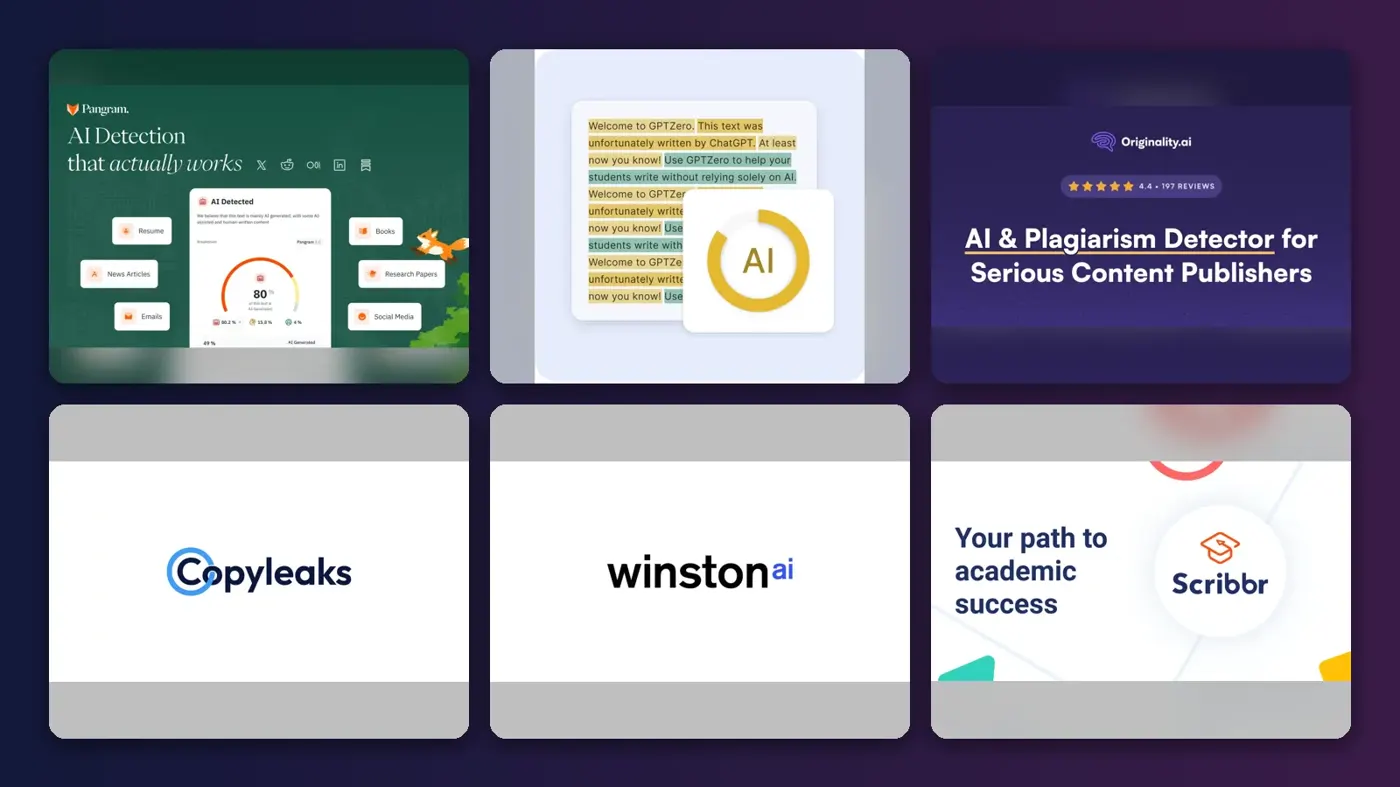
If you want an AI detector for job applications that you can defend, I'd start with Pangram. It had the lowest false positive rate in the most detailed independent study we found, which included résumés. On a tight budget? GPTZero has the best free plan. And if you hire writers and care most about not accusing honest people, look at Originality.ai.
One warning first. An AI score isn't proof that a candidate cheated. Research shows detectors can flag non-native English writers far more often, and AI hiring tools now fall under laws such as New York City's Local Law 144. Use a detector to decide where to look harder, not who to cut.
Prices below were checked in late October 2026. For the wider market, see our guide to the best AI detectors.
Key takeaways
- AI-written applications are now routine: 58% of hiring managers say they've received AI-generated résumés or cover letters, per a 2026 Resume Genius survey.
- Cover letters and written answers are the only sensible targets, since résumés are short and formulaic, which is where detectors are weakest.
- Pangram leads on accuracy and GPTZero on value, and most small teams will probably need $0 to $20 a month.
- The bias is documented: a Stanford study found seven detectors flagged 61% of essays by non-native English writers as AI.
- A detector can become a regulated hiring tool, because if its score drives who moves forward, NYC Local Law 144 and anti-discrimination law can apply.
Ranking method
Nobody at The AI Future ran hands-on tests for this roundup. We compared each tool using official pricing and help pages, published independent studies and third-party user reviews, as of late October 2026, and ranked them on six criteria weighted for hiring:
- False positive risk: how often independent tests caught it flagging human writing. We gave this the most weight.
- Independent accuracy: results in academic studies, not vendor marketing.
- Fit for application text: minimum length, short or bulleted text, and languages.
- Team workflow: batch uploads, seats, reports and API access.
- Price and free allowance: what a small hiring team would pay.
- User feedback: ratings on Capterra, GetApp and similar sites.
We left out Turnitin, which employers can't buy. Most study figures come from a roundup of 2026 research by SaaS CRM Review and the Chicago Booth study by Brian Jabarian and Alex Imas. I'd treat their numbers as signals, not a league table.
The 8 best AI detectors for job applications at a glance
| # | Tool | Category | Best for | Free tier | Starts at |
|---|---|---|---|---|---|
| 1 | Pangram | AI detector | High-stakes screening of written answers | Yes | $20/mo |
| 2 | GPTZero | AI detector | Small hiring teams on a budget | Yes | $8.33/mo |
| 3 | Originality.ai | AI and plagiarism checker | Hiring writers and content staff | Yes (limited) | $12.95/mo |
| 4 | Copyleaks | AI and plagiarism checker | Multilingual and enterprise hiring | No | $13.99/mo |
| 5 | Winston AI | AI detector | Shareable reports for a small team | No | $10/mo |
| 6 | Scribbr AI Detector | Free AI checker | One-off checks of a cover letter | Yes | Free |
| 7 | QuillBot AI Detector | Free AI checker | Candidates checking their own drafts | Yes (limited) | $8.33/mo |
| 8 | Grammarly AI Detector | Writing assistant add-on | Teams already paying for Grammarly | Yes | $12/mo |
Starting prices are the cheapest paid plan in US dollars, billed annually where cheaper. Winston AI offers a 14-day trial, not a lasting free plan. Confirm prices with each vendor before you buy.
The best AI detectors for job applications in 2026, ranked
Pangram – best for high-stakes screening of written answers
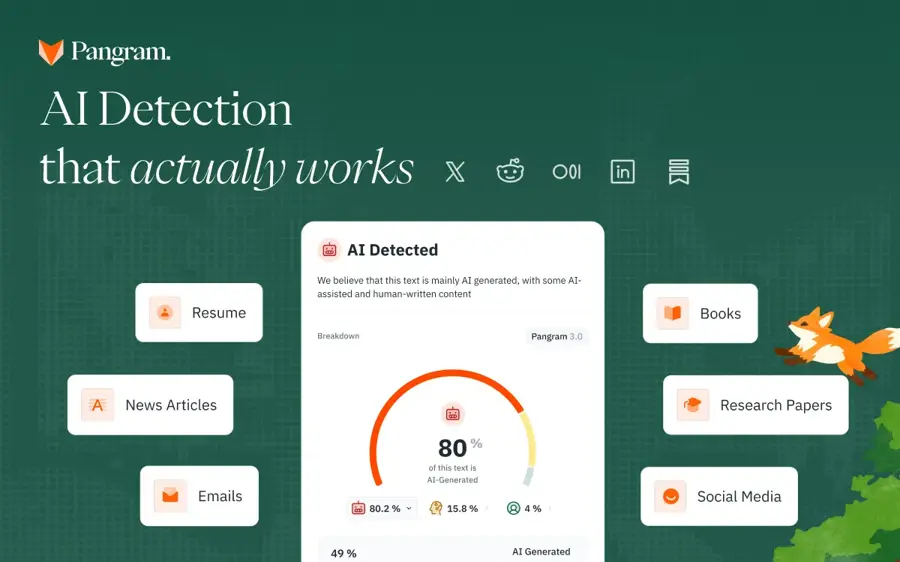
Pangram is a paid-first AI detector built for accuracy on difficult text, and the tool to choose if a wrong call would be expensive. Try it at pangram.com.
The case for it
Pangram has the strongest independent results on résumé-length text. Chicago Booth researchers tested about 2,000 human passages, including résumés of roughly 1,000 words, against AI versions from four models. All three commercial tools kept false positives below 1%, but Pangram's was "essentially 0 across most decision thresholds," and the authors called it "the only AI detector maintaining policy-grade levels on our main metrics," per the Chicago Booth Review.
There are no big review-site scores yet, but one associate computer science professor, quoted by eesel, wrote: "Currently Pangram does seem to have the best detector out there." Verdict: the safest pick if you'll act on results.
Key features
- 20+ languages: plus a Google Docs add-on and browser extension, per eesel
- Team plans: $20 per seat with a two-seat minimum
- API credits: $10 a month included on Individual
- Plagiarism check: on paid plans
Pros
- Best independent record on false positives
- Tested on résumés, not just essays
- API access for applicant tracking workflows
Cons
- Won't score texts under about 50 words
- Few public user reviews yet
Pangram pricing: Free (2,000 words a day, per eesel); paid plans from $20/month. Professional is $65/month (checked October 2026). See pricing
Related: Is any AI detector accurate? Best AI detectors compared
GPTZero – best for small hiring teams on a budget
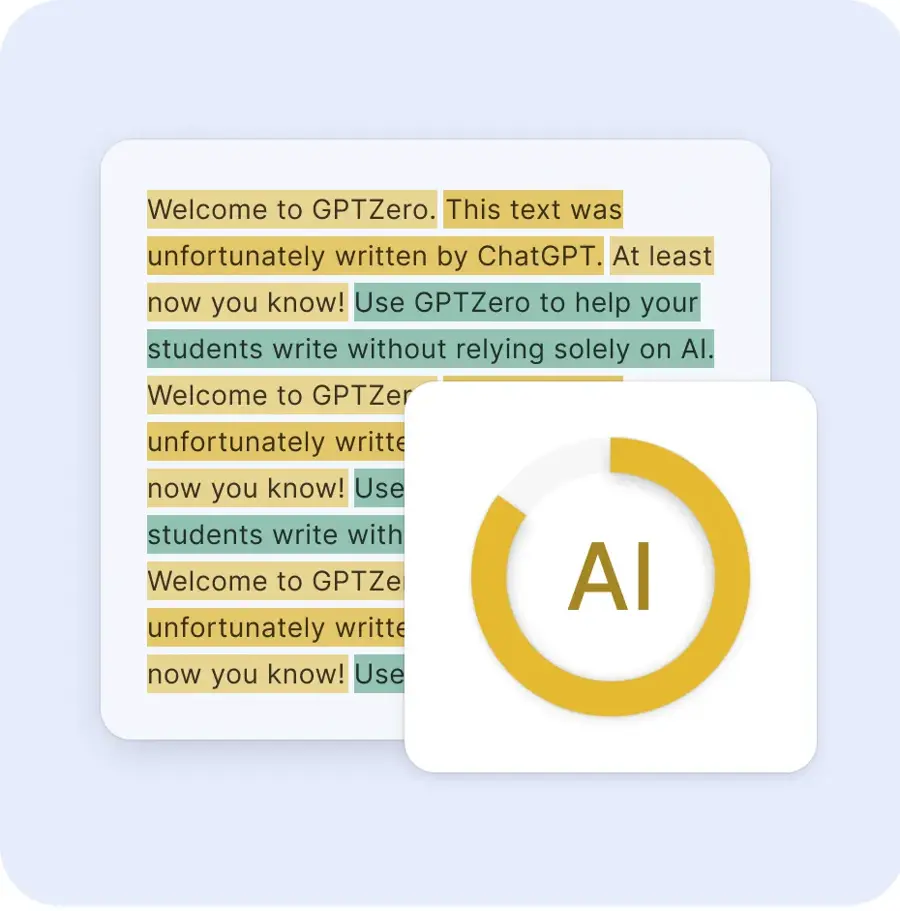
GPTZero is one of the best-known AI checkers, with the most useful free plan of any major detector and batch tools for a stack of applications. Try it at gptzero.me.
The case for it
On GPTZero's Capterra listing, organisations use it to "screen job applicants". Independent results are good on clean AI text: in the Chicago Booth study its false negatives ran at roughly 0% to 2%, per the Chicago Booth Review.
It's weaker on long, mixed documents, catching none of 40 hybrid papers in one Springer study, as SaaS CRM Review reports. Capterra lists only two user reviews so far, and ToolsForHumans advises testing it on your own genuine writing first, "because false positives are a well-documented issue." Verdict: probably the best place for a small team to start.
Key features
- Free plan: 10,000 words a month
- Batch scanning: up to 250 files at once on higher plans
- Sentence-level results: document, sentence and word-level classifications
- Writing Replay: shows how a document was composed
Pros
- Most generous free allowance
- Strong on unedited AI text
- Annual billing saves about 45%
Cons
- Struggles with hybrid and heavily edited writing
- Few business user reviews
GPTZero pricing: Free (10,000 words a month); paid plans from $8.33/month billed annually ($14.99 monthly), per ToolsForHumans (checked October 2026). See pricing
Related: How AI detectors work
Originality.ai – best for hiring writers and content staff
Originality.ai combines AI detection, plagiarism and fact-checking, and is a good fit when the job itself is writing, such as marketing, editorial or content roles. Try it at originality.ai.
The case for it
For a candidate writing test, Originality.ai checks copying and AI in one scan, and it's careful with human writing. In one 2026 Springer study it classified all 48 human texts correctly and caught 83% of AI texts, but only 2% of hybrid texts, per SaaS CRM Review.
So it rarely accuses an honest candidate. It can miss edited AI text, though. On Capterra it holds a 5.0 out of 5 rating, though from only seven reviews. Verdict: the right pick for writing tests, but I wouldn't count on it to catch light AI polish.
Key features
- AI checker: sentence-level highlighting
- Plagiarism checker: in the same scan
- Fact and hallucination check: flags claims worth verifying
- Writing replay: in its browser extensions
Pros
- Very low false positive rate in independent studies
- Several checks in one scan
- Pay-as-you-go option
Cons
- Weak on blended human and AI text
- Monthly credits expire
Originality.ai pricing: Free (10,000 words one time); paid plans from $12.95/month billed yearly, or $14.95 monthly, for 200,000 words a month (checked October 2026). See pricing
Copyleaks – best for multilingual and enterprise hiring
Copyleaks is an AI and plagiarism checker covering more than 30 languages, with team seats suited to larger hiring operations. Try it at copyleaks.com.
The case for it
Looking at the plans, Pro covers AI detection in 30+ languages, batch uploads and 25 seats. Independent results are encouraging on rewritten text: it scored 100% on paraphrased AI text and 87.5% on non-native-style rewrites in a 2026 JAIT study, and flagged none of 40 human papers in a Springer study, per SaaS CRM Review. It missed most fully AI-written long papers, though, which gives me pause.
It holds a 4.4 out of 5 rating on Capterra from 91 reviews, and one reviewer wrote: "Altogether, I have a positive attitude towards Copyleaks." Verdict: likely the best fit for global teams that need many seats.
Key features
- 30+ languages: AI detection beyond English
- Team seats: 25 seats on Pro
- API and MCP access: for custom and AI-assistant workflows
- Unified credits: one credit covers 250 words or one image
Pros
- Strong multilingual coverage
- Low false positives on human papers in testing
- Good value per seat
Cons
- No free plan
- Results vary a lot by text length
Copyleaks pricing: No free plan; paid plans from $13.99/month billed yearly (Personal). Pro is $74.99/month billed yearly with 25 seats, per SaaS CRM Review (checked October 2026). See pricing
Related: Best AI detectors compared
Winston AI – best for shareable reports for a small team
Winston AI is a credit-based AI and plagiarism detector with PDF reports you can attach to a candidate file. Try it at gowinston.ai.
The case for it
Winston suits a team that needs a paper trail: paid plans include shareable PDF reports and OCR, per its prices page. It's also honest about limits, and its help center rates bullet-point lists as a limited use case, per SaaS CRM Review. Winston's own guide to AI detection in hiring says résumé checks are "the least reliable, as they are written in bullet points."
It wasn't in the main independent studies we reviewed. On GetApp it shows 4.0 out of 5, but from a single review. Verdict: good for documentation, but I'd pair it with a better-tested tool before you act.
Key features
- Shareable PDF reports: attach evidence to a hiring file
- OCR: scans pictures and handwriting
- Plagiarism detection: on paid plans
- 14 languages: per its GetApp listing
Pros
- Clear reports for documenting decisions
- Candid about which texts it can't judge
- Cheap on annual billing
Cons
- Little independent accuracy data
- Free option is a 14-day trial only
Winston AI pricing: No free plan (14-day trial with 2,000 credits); paid plans from $10/month billed annually (Essential, $18 monthly), per its help center (checked October 2026). See pricing
Related: Winston AI review Best AI detectors compared
Scribbr AI Detector – best for one-off checks of a cover letter
Scribbr offers an unlimited free AI checker with no sign-up, which makes it a quick second opinion on a single cover letter. Try it at scribbr.com.
The case for it
Scribbr's free detector allows unlimited checks of up to 1,200 words each, without an account, and sorts text into AI-generated, AI-refined and human-written. That middle label fits hiring, where many candidates polish their own drafts. Scribbr says plainly that "no AI Detector can provide complete accuracy."
Its own vendor test scored the free version at 78%, per SaaS CRM Review. We couldn't verify a detector-specific rating on a major review site, so we haven't quoted one. Verdict: fine as a free second opinion, though it's no screening system.
Key features
- Unlimited free checks: up to 1,200 words each
- No account needed: paste and scan
- AI-refined label: separates polished human text from AI text
- Four languages: English, German, French and Spanish
Pros
- Completely free for everyday use
- Nuanced verdicts, not just yes or no
- No sign-up or data storage, says Scribbr
Cons
- No team features or saved history
- Accuracy figures are vendor-reported
Scribbr AI Detector pricing: Free (unlimited checks of 1,200 words); the premium AI check comes with a plagiarism check from $19.95 per document, per SaaS CRM Review (checked October 2026). See pricing
Related: Scribbr AI Detector review Is any AI detector accurate?
QuillBot AI Detector – best for candidates checking their own drafts
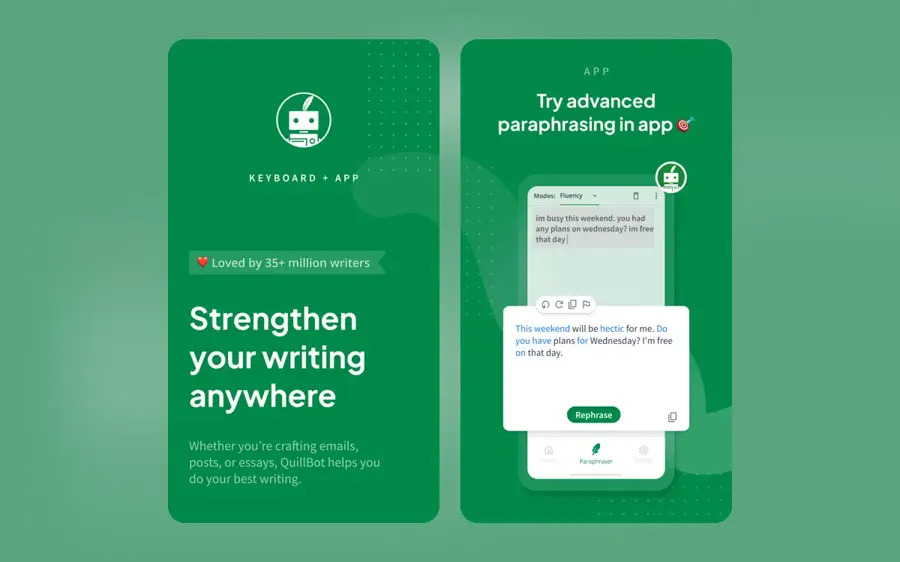
QuillBot's free AI detector gives a quick AI, AI-refined or human verdict, and is most useful to job seekers checking their own cover letters. Try it at quillbot.com.
The case for it
QuillBot leans towards calling unclear text human, which cuts false accusations but raises misses: 95.5% detection at baseline in the JAIT study, but just 22.3% on non-native-style rewrites, per SaaS CRM Review. One caution for recruiters: the same company sells paraphrasing and humanizer tools.
QuillBot as a whole scores 4.5 out of 5 on Capterra from 157 reviews, but at least one reviewer was blunt about the detector, writing that "some tools like ai detector, image background removing tool, etc not worked properly." Verdict: a handy self-check for candidates, but too weak for screening others, in my view.
Key features
- Three-way verdict: AI-written, AI-refined or human
- Free scans: 6 a day, up to 1,200 words each
- Minimum length: 80 words
- Writing suite: grammar and citation tools alongside
Pros
- Generous free daily scans
- Low tendency to accuse
- Cheap Premium on annual billing
Cons
- Misses a lot of rewritten AI text
- Same company sells rewriting tools
QuillBot AI Detector pricing: Free (6 scans a day); Premium from $8.33/month billed annually, per SaaS CRM Review (checked October 2026). See pricing
Related: Best AI detectors compared
Grammarly AI Detector – best for teams already paying for Grammarly
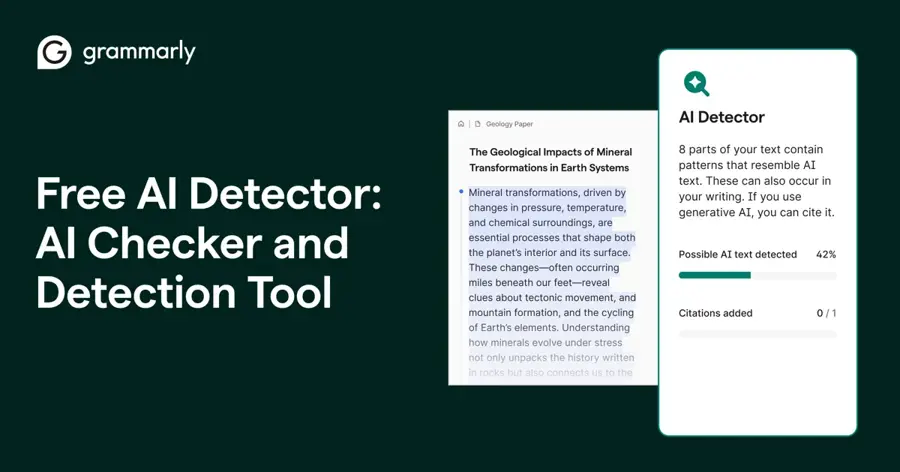
Grammarly's AI detector shows what share of a text looks AI-generated, free on the web and built into Grammarly Pro. Try the free web version.
The case for it
Grammarly's own page concedes that "AI detectors can get it wrong." Independent numbers are weak on harder text: 90.9% at baseline but 2.1% on non-native-style rewrites in the JAIT study, per SaaS CRM Review. Its guide also warns that rewrites from Grammarly's own AI agents will likely be flagged. Odd, but honest.
Grammarly overall rates 4.7 out of 5 on Capterra from 7,225 reviews, for the whole product. Verdict: convenient, but the weakest screening tool here, I think.
Key features
- Percentage score: share of a text that looks AI-generated
- Free web checker: no account needed
- In-app detection: included with Pro
Pros
- Free and quick
- No new tool to buy for Grammarly teams
- Plain about its own limits
Cons
- Collapses on non-native-style text
- Flags text polished with Grammarly's own AI
- Not built for screening others
Grammarly AI Detector pricing: Free web checker; Grammarly Pro from $12/month per member billed annually (checked October 2026). See pricing
Related: Grammarly AI review Best grammar AI tools
Choosing the right AI detector for job applications
Decide what you will check, and skip the résumé
Résumés are the worst text to run through a detector: short, bulleted and full of stock phrases. Winston AI's hiring guide says highly optimised résumés "may accidentally resemble AI-generated patterns," and Turnitin's own guide says it can't reliably judge bullet points, per SaaS CRM Review. Cover letters, essay answers and writing tests give a detector far more to work with.
Pick for false positives first
A missed AI cover letter costs you little. A false flag, though, can cost you the best applicant. Our explainer on whether AI detectors are accurate shows why even a 1% error rate produces lots of wrong flags when most applicants are honest.
Match the tool to your volume
GPTZero fits a few dozen applications a month at no cost, Pangram fits when results must hold up, Copyleaks handles several languages, and Originality.ai suits a writing test.
Write the policy before you buy the tool
Decide in advance what a high score means: a conversation or a short live exercise, not an automatic rejection. Tell candidates what AI use you allow; many polish their writing with AI, as our guide on how to use AI to write a résumé explains. For a fuller process, see how to use AI in recruiting.
False positives, bias and the legal risk of relying on detectors
Every detector makes a statistical guess, as our guide on how AI detectors work explains. Even OpenAI pulled its own classifier in 2023 "due to its low rate of accuracy," after it wrongly labelled human text as AI 9% of the time, according to OpenAI.
The bias problem
In a 2023 Stanford study, seven detectors were "near-perfect" on essays by US-born eighth-graders but classified 61.22% of TOEFL essays by non-native English writers as AI. Senior author James Zou warned that "foreign-born students and workers might be unfairly accused of or, worse, penalized," per Stanford HAI.
Newer commercial tools do much better in lab tests, but results still swing with writing style: in a 2026 JAIT study, several popular detectors fell to between 2% and 25% accuracy on AI text rewritten in a non-native style, per SaaS CRM Review. Candidates are adapting: 60% of US job seekers have changed or considered changing how they write so their application isn't mistaken for AI, according to Greenhouse.
NYC Local Law 144
New York City's Local Law 144 bars employers from using an automated employment decision tool unless it has had a bias audit within the past year, the results are public and candidates get notice, according to the city's Department of Consumer and Worker Protection. A tool counts if it produces a score or classification that substantially assists or replaces a human hiring decision, per a 2026 compliance guide, which puts penalties at up to $500 for a first violation and $500 to $1,500 after that, with each day counting separately.
Whether an AI detector is an AEDT depends on how you use it. A recruiter who occasionally pastes in a cover letter is a long way from a system that auto-rejects anything scoring above 80%; the second looks much more like what the law targets, as far as I can tell. Enforcement has been light so far: a December 2025 state audit found the city received only two complaints in two years and missed at least 17 potential compliance problems, per the National Law Review. Get legal advice if a score feeds decisions on New York City candidates.
EEOC guidance and federal law
In January 2025, the EEOC removed its AI hiring guidance from its website. The law it explained didn't change. Title VII still bans hiring practices with a disparate impact on protected groups, including national origin, and the Uniform Guidelines still require selection procedures with adverse impact to be validated as job-related, as the National Law Review explains. A detector that flags non-native writers more often invites exactly that question.
States are filling the gap. Illinois now makes it a violation to use AI that "has the effect of" discriminating and requires notice to applicants, from January 1, 2026. California's rules on automated decision systems took effect in October 2025, per the same National Law Review analysis. This isn't legal advice, but my reading is simple: keep records, keep a human in the loop, and don't let a detector score be the sole reason for a rejection.
Free vs paid: what you actually get
Free plans cover testing and the odd cover letter. Paying buys volume, teams and documentation.
| Need | Free is enough? | What paying adds |
|---|---|---|
| A second opinion on one cover letter | Yes: Scribbr, GPTZero or QuillBot | Little |
| Screening 20 to 50 written answers a month | Usually: GPTZero's 10,000 free words | Batch uploads and higher limits from about $8 a month |
| Writing tests for content roles | Partly | Plagiarism and fact checks (Originality.ai, Copyleaks) |
| Documented, defensible decisions | No | Shareable reports, saved history and seats (Winston AI, Pangram Team) |
| Feeding scores into an applicant tracking system | No | API access, plus the legal review that comes with automation |
The budget answer: most small teams should start on GPTZero's free plan, then move to Pangram at $20 a month if they find themselves acting on results.
Candidates checking their own drafts don't need to pay, and they should skip humanizers: many employers ban passing off AI text as your own, and our AI resume builder roundup covers honest alternatives.
Final verdict
If you're only picking one AI detector for job applications, I'd pick Pangram. It has the strongest independent record on false positives, and $20 a month is modest next to a bad hiring call.
If budget is tight, GPTZero's free plan is a sensible start.
Whatever you choose, use the score to decide where to look harder, then look: ask about the candidate's process or set a short live task. For the deeper reasoning, read our explainer on whether AI detectors can be used in hiring. A detector can point you to a question. It can't answer it for you.
FAQ
Can recruiters detect AI in my résumé?
Not reliably. Résumés are short and formulaic, which is where detectors are weakest, and no major applicant tracking system publicly documents a built-in AI authorship score, per ResumeGeni. Recruiters are more likely to notice generic wording and claims you can't explain at interview than to rely on a detector score.
Is it legal to use an AI detector on job applications?
Generally yes, but how you use it matters. If a detector score substantially drives hiring decisions, it may count as a regulated automated tool under laws such as NYC Local Law 144 or Illinois' 2026 rules. Anti-discrimination law also applies if the tool disadvantages protected groups. Take legal advice before automating decisions.
Are AI detectors biased against non-native English speakers?
The evidence says they can be. A 2023 Stanford study found seven detectors flagged 61% of essays by non-native English writers as AI-generated. Newer tools perform better in lab tests, but results still vary sharply with writing style, so treat flags on second-language writing with extra caution.
Should I reject a candidate whose cover letter scores as AI?
No, not on the score alone. Every detector makes mistakes, and many candidates legitimately polish their writing with AI or grammar tools. Use a high score as a reason to ask about their process, request a short live writing task, or discuss the work at interview.
Sources
- Do AI Detectors Work Well Enough to Trust? (Chicago Booth Review)
- 11 Best AI Detectors (2026): Studies, Costs, Free Limits (SaaS CRM Review)
- AI-Detectors Biased Against Non-Native English Writers (Stanford HAI)
- New AI classifier for indicating AI-written text (OpenAI)
- The Federal Government Removed Its Hiring Guidance. Four States Are Writing Their Own (National Law Review)
- NYC Local Law 144 Enforcement Is Ramping Up in 2026 (Strategic Micro Systems)
- Automated Employment Decision Tools (AEDT) (NYC Department of Consumer and Worker Protection)
- Can AI Detectors Be Used During the Hiring Process? (Winston AI)
- AI Detection Tools Recruiters Use in 2026 (ResumeGeni)
- AI's Impact on Hiring in 2026 (Resume Genius)
- 6 in 10 Job Seekers Are Rethinking How They Write to Avoid Sounding Like AI (Greenhouse)
- Pangram pricing in 2026: plans, credits, and API rates (eesel AI)
- Pricing (Pangram)
- Pricing (GPTZero)
- GPTZero review 2026 (ToolsForHumans)
- GPTZero Software Reviews (Capterra)
- Pricing (Originality.ai)
- Originality.AI Pricing 2026 (Capterra)
- Pricing (Copyleaks)
- Copyleaks Reviews 2026 (Capterra)
- Pricing (Winston AI)
- How much does it cost? (Winston AI Help Center)
- Winston AI 2026 Pricing, Features, Reviews & Alternatives (GetApp)
- AI Detector: Trusted AI Checker for ChatGPT, Copilot & Gemini (Scribbr)
- QuillBot Reviews 2026 (Capterra)
- Free AI Detector (Grammarly)
- Grammarly Prices and Plans (Grammarly)
- Grammarly Reviews 2026 (Capterra)