Best AI bio generators in 2026: 8 picks for every budget
The best AI bio generators for Instagram, LinkedIn and websites in 2026, from free ChatGPT and no-signup tools to LinkedIn Premium, with prices.
 Written byFahad HashmiContributing writer, AI in energy and industry
Why you can trust The AI Future
Our writers research every product, link each claim to its source and correct mistakes openly. Companies can't pay for coverage or see reviews before they're published.
Read our editorial policy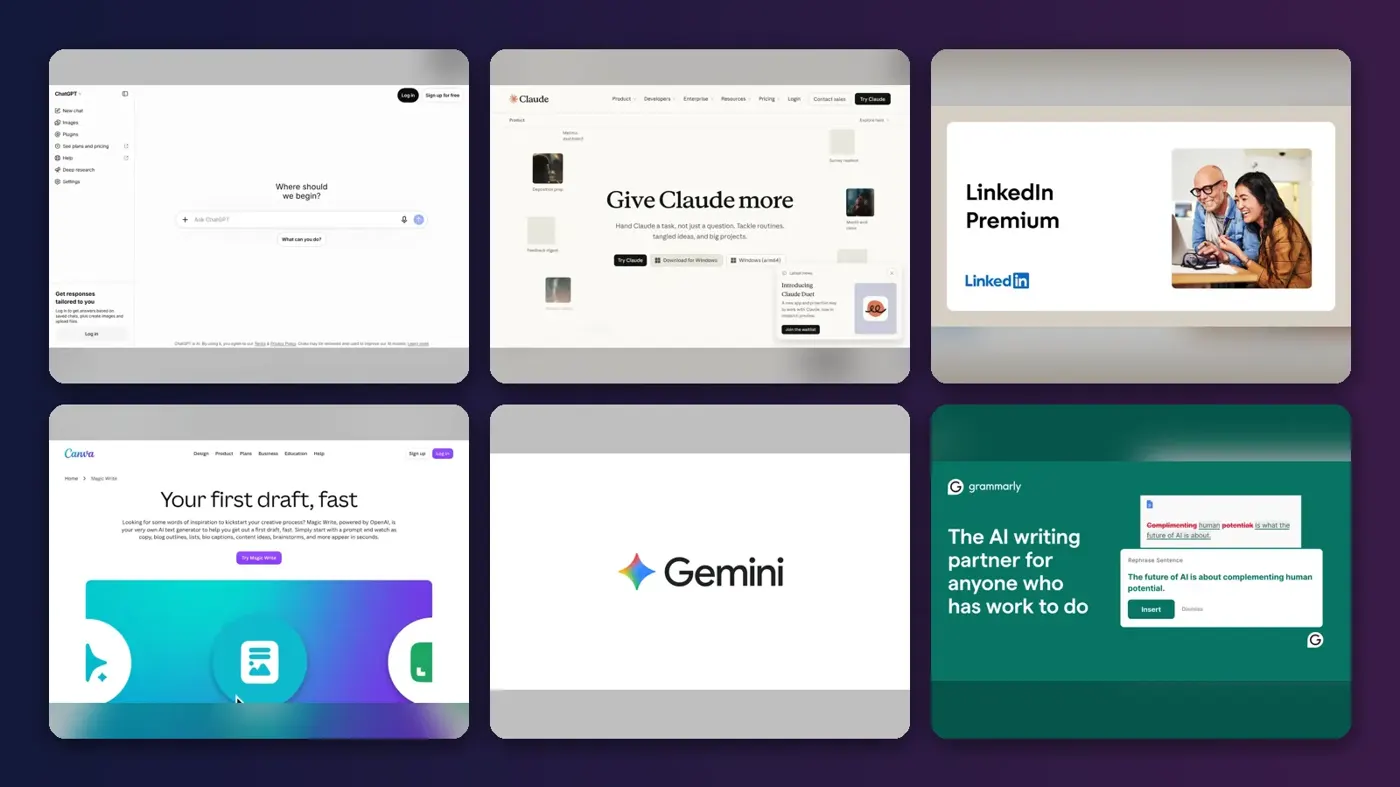
The best AI bio generator for most people in 2026 is ChatGPT: it's free, it writes a bio for any platform in seconds, and you can keep asking for shorter, warmer or more formal versions until it fits. Want the draft to sound less like a template? Use Claude. If the bio is for LinkedIn, the Premium writing assistant drafts your headline and About section right inside your profile, though I think the price is hard to justify for that alone.
An AI bio is a short self-description written by a language model from a few facts you give it: your role, your niche, a result or two and the tone you want. The eight tools below all do that, but they differ in where they work, how well they respect character limits and what they cost. We compared them using product and pricing pages, app store and Trustpilot ratings, and published guides, as of late October 2026. We left out adult-content dating bio tools on purpose.
Key takeaways
- You probably don't need to pay: ChatGPT, Claude and Gemini all have free plans, and Ahrefs and Kontentino run free bio generators with no account needed.
- General chatbots beat one-click generators for anything longer than a social bio, because you can feed them real details and edit in rounds.
- LinkedIn is the exception: its Premium assistant works on your actual profile, but Premium Career costs $39.99 a month.
- Character limits are where AI fails most, so count the result yourself before you paste it.
Our ranking method
Nobody at The AI Future ran hands-on tests or took screenshots for this roundup. We built the ranking from vendor documentation, pricing pages checked in October 2026, App Store and Trustpilot ratings, and third-party guides. Six criteria decided the order.
- Bio quality: whether the output can be specific and personal, based on how much context the tool accepts.
- Control: tone, length, language and the ability to ask for revisions.
- Platform fit: support for limits like Instagram's 150 characters or LinkedIn's 220-character headline.
- Free access: how much you get without paying or signing up.
- Price: the cheapest paid plan that removes the main limits.
- User sentiment: public ratings, with a note on what those ratings actually measure.
General assistants rank highest because one tool can cover most of the bios you'll ever need. Single-purpose generators rank lower but win on speed. Prices are in US dollars and can vary by country.
The 8 best AI bio generators at a glance
| # | Tool | Category | Best for | Free tier | Starts at |
|---|---|---|---|---|---|
| 1 | ChatGPT | General assistant | Most people, any platform | Yes | $8/mo |
| 2 | Claude | General assistant | Natural, on-voice bios | Yes | $20/mo |
| 3 | LinkedIn Premium | Built-in profile AI | LinkedIn headline and About | No | $39.99/mo |
| 4 | Canva Magic Write | Design + text AI | Bios inside media kits and one-pagers | Yes (limited) | $144/yr |
| 5 | Google Gemini | General assistant | Cheap upgrade, Google users | Yes | $4.99/mo |
| 6 | Grammarly | Writing assistant | Polishing a bio where you type | Yes (limited) | $12/mo |
| 7 | Ahrefs Bio Generator | Free web tool | Quick social bios, no signup | Yes | Free |
| 8 | Kontentino Bio Generator | Free web tool | Instagram's 150-character bio | Yes | Free |
Notes: Claude Pro drops to $17 a month on annual billing. LinkedIn Premium Career is about $19.99 a month when paid yearly, and eligible members get a free trial. Canva Pro is billed at US$144 a year. Ahrefs and Kontentino are free tools from companies that sell paid marketing software.
The best AI bio generators in 2026, ranked
ChatGPT – best for most people
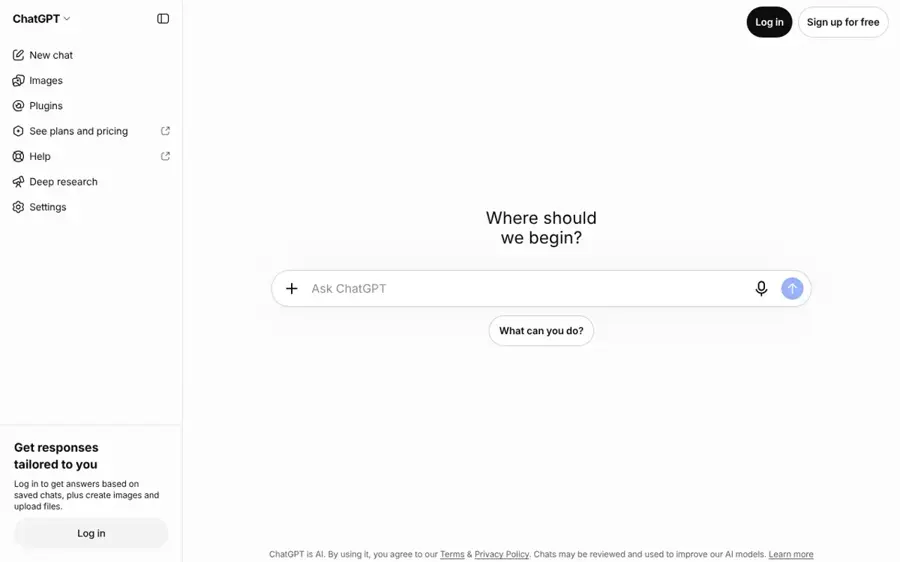
ChatGPT is OpenAI's general assistant, and the most flexible free AI bio generator: give it your facts and a platform, and it returns as many versions as you want. Try it at chatgpt.com.
Strengths
Range is why it ranks first. The same chat writes a 150-character Instagram bio, a third-person speaker bio and a 2,000-character LinkedIn About section, and you can steer each with follow-ups like "cut the adjectives" or "add one number". It also has the gentlest price ladder: going by AI Business Weekly, Free is $0, Go is $8 and Plus is $20 a month, and the Free plan includes unlimited everyday text chats, subject to safeguards. The catch? Free and Go show ads.
Users rate it highly. The iOS app holds a 4.8 out of 5 average on the App Store from about 11.8 million ratings, though that score reflects the whole app, not bio writing specifically, so it's a loose guide at best.
Key features
- Revisions are unlimited, so you can ask for five variants and then refine the best one.
- It writes any length, from first-person social bios to third-person professional bios.
- Memory can reuse facts about you across chats if you allow it.
- Apps cover web, iOS, Android and desktop.
Pros
- Free plan is enough for bio writing
- Handles every platform and format
- Cheap $8 Go tier if you hit limits
Cons
- Default output leans on stock phrases like "passionate about"
- Often misses exact character counts
- Ads on Free and Go plans
ChatGPT pricing: Free, then paid plans from $8/month (checked October 2026). See pricing
Related: ChatGPT review Best alternatives to ChatGPT
Claude – best for natural, on-voice bios
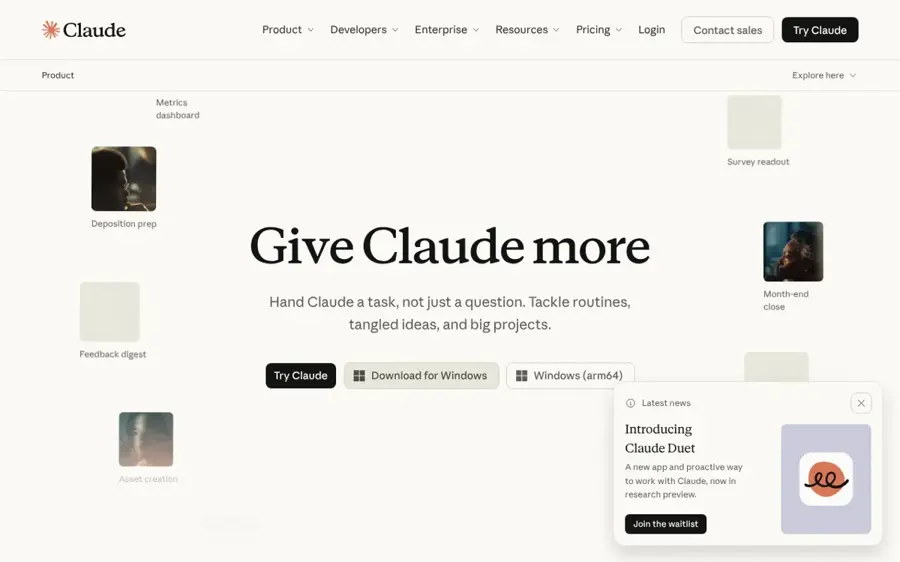
Claude is Anthropic's assistant, and it's the pick when you want a bio that sounds like a person rather than a profile template. Try it at claude.ai.
Strengths
Claude works the same way as ChatGPT, so the reason to choose it is style. It responds well to a pasted writing sample ("match the voice of this paragraph"), which is probably the fastest way to stop a bio from sounding generic. Looking at Anthropic's pricing, the free plan includes the Sonnet and Haiku models, memory and up to five Projects.
Pro costs US$20 a month, or US$17 a month billed annually, per Sandlabs' October 2026 pricing check. The iOS app is rated 4.7 out of 5 on the App Store from about 291,000 ratings.
Key features
- Voice matching works by pasting a sample and asking it to copy the rhythm.
- Projects keep your career facts in one place (up to five on Free).
- A long context window lets it read a full CV or portfolio before drafting.
- Free web search can pull public details if you ask it to.
Pros
- Drafts tend to read less formulaic
- Free plan covers occasional bio writing
- Good at cutting a draft down without losing meaning
Cons
- Free usage limits reset on a schedule, so heavy sessions can stall
- No image or design output for a media kit
- Pro is $20 with no cheaper tier
Claude pricing: Free, then paid plans from $20/month, or $17/month billed yearly (checked October 2026). See pricing
Related: Claude AI review
LinkedIn Premium – best for LinkedIn headline and About
LinkedIn Premium includes Profile Writing Assistance, which drafts your headline and About section from inside your profile. Learn more at premium.linkedin.com.

Strengths
This is the only pick that writes the bio where it will live. Per LinkedIn Help, you click "Show me options" under your headline or "Show me an option" in the About editor, then save, edit, skip or request another option. For the Experience section it offers a Proofread action once you've written at least 20 words.
The cost is the problem. Premium Career is $39.99 a month, or about $19.99 a month on an annual plan, according to SalesBread's 2026 price guide. LinkedIn does offer a free trial to eligible members who haven't had one in the last 12 months, which should be enough to rewrite your profile once. The LinkedIn app is rated 4.8 out of 5 on the App Store, a score for the whole app.
Key features
- Headline options come as several drafts, each within LinkedIn's field.
- About drafts arrive as a one-click suggestion you can edit before saving.
- Experience proofreading becomes available after 20 words of input.
- A revert button takes you back to your original text in one tap.
Pros
- Works directly on your profile
- Uses your existing career data
- Free trial covers a one-off rewrite
Cons
- Most expensive pick by far
- Only useful for LinkedIn
- Suggestions are based on what is already on your profile, so a thin profile gives thin output
LinkedIn Premium pricing: No free plan; Premium Career from $39.99/month, or about $19.99/month billed yearly (checked October 2026). See pricing
Related: Best AI resume builders
Canva Magic Write – best for bios inside media kits and one-pagers
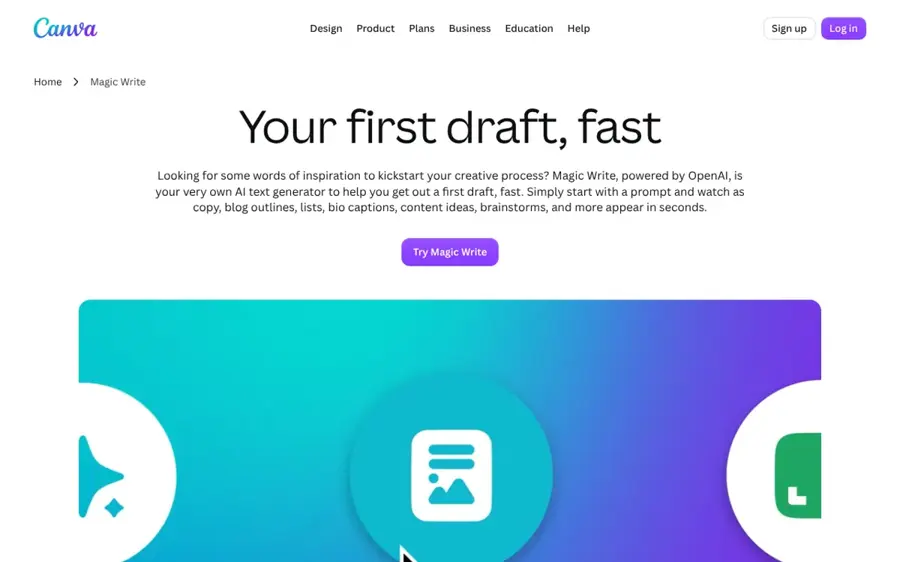
Magic Write is Canva's built-in text generator, so you can write a bio and place it in a speaker sheet, media kit or link-in-bio graphic without switching apps. Try it at canva.com.
Strengths
If your bio ends up in a design anyway, writing it in Canva saves a copy-paste step and lets you see how long it looks on the page. Canva says Magic Write is powered by OpenAI and can write "social media captions and profile bios", with 25 free queries before you need Pro. Canva's pricing page now describes the Free plan as "Limited access to Standard and Premium AI", so I'd treat the free allowance as a trial rather than a working budget.
Canva Pro costs US$144 a year and gives "10x more AI than Canva Free", per the same page. The Canva iOS app holds a 4.9 out of 5 rating on the App Store from about 3.6 million ratings, mostly for its design tools.
Key features
- You can generate the bio directly in a text box.
- Templates for media kits, one-pagers and social graphics are ready to drop it into.
- You can refine or revise a Magic Write draft in a click.
- Brand Kit keeps fonts and colours consistent around the bio.
Pros
- Writing and layout in one place
- Large template library
- Good for creators building a media kit
Cons
- Small free allowance
- Less control over voice than a full chatbot
- Pro is billed yearly at $144
Canva Magic Write pricing: Free (limited); then Pro from US$144/year (checked October 2026). See pricing
Google Gemini – best for cheap upgrade and Google users
Gemini is Google's assistant, with a free plan and the cheapest paid tier in this list. Try it at gemini.google.com.
Strengths
For bios, Gemini does the same job as ChatGPT and Claude. Its useful extra is Gems, which the Gemini plans page puts on the Free plan: you can save a custom "bio writer" with your tone rules and reuse it, instead of pasting instructions every time.
Paid plans start low. Google AI Plus is $4.99 a month, AI Pro is $19.99 and AI Ultra starts at $99.99, per the same page. The iOS app is rated 4.7 out of 5 on the App Store from about 2.4 million ratings.
Key features
- Gems are saved custom assistants for repeat tasks like bios.
- Canvas offers side-by-side editing for longer drafts.
- AI Plus at $4.99 doubles Free usage limits.
- It works alongside Docs and Gmail.
Pros
- Free plan includes Gems
- Lowest-priced upgrade here
- Strong mobile app
Cons
- Free plan uses the lighter Flash-Lite model
- Output can be generic without a detailed prompt
- Plan names and features change often
Google Gemini pricing: Free, then paid plans from $4.99/month (checked October 2026). See pricing
Related: Gemini vs ChatGPT
Grammarly – best for polishing a bio where you type
Grammarly is a writing assistant that runs in your browser and apps, so it can generate or tighten a bio inside the LinkedIn, Instagram or website field itself. Try it at grammarly.com.
Strengths
Grammarly is less a bio generator than a finishing tool. Its strength is checking tone and grammar in the place you paste the text, which catches the small errors that make a bio look careless. On the plans page, Free gets 100 AI prompts a month and Pro gets 2,000 per member, plus tone detection and sentence rewrites.
Pro is listed at $12. The Grammarly iOS keyboard app is rated 4.7 out of 5 on the App Store from about 228,000 ratings.
Key features
- Tone detection shows whether your bio reads confident, formal or friendly.
- The free plan has 100 AI prompts a month for drafting or rewriting.
- It works in the field itself through a browser extension and mobile keyboard.
- Full-sentence rewrites tighten a wordy line in one click.
Pros
- Catches errors where you publish
- Free prompts cover several bios a month
- Mobile keyboard for Instagram and TikTok bios
Cons
- Weaker at first drafts than a chatbot
- Best features need Pro
Grammarly pricing: Free (100 prompts/month); then Pro from $12/month (checked October 2026). See pricing
Related: Grammarly AI review Best grammar AI tools
Ahrefs Bio Generator – best for quick social bios with no signup
Ahrefs' Social Media Bio Generator is a free web tool: describe yourself, pick a tone and get several short bios. Try it at ahrefs.com.
Strengths
This is the fastest path from nothing to a usable draft. Ahrefs pitches it for personal branding, influencer marketing and business promotion, and explains that it runs on a language model that generates text from your input.
Ratings need care here: Ahrefs scores 2.1 out of 5 on Trustpilot from 322 reviews, but those are almost entirely about its paid SEO software and billing, not the free writing tools.
Key features
- No account is needed: open the page and generate.
- Each run gives several bios to choose from.
- A sibling tool is dedicated to Instagram bios.
- Related free tools include username, caption and hashtag generators.
Pros
- Completely free
- Very fast for short social bios
- No signup or card
Cons
- Little control beyond the input box
- No memory or revision loop
- Output needs editing to sound personal
Ahrefs Bio Generator pricing: Free (checked October 2026). Ahrefs' paid SEO plans are separate and not needed. See pricing
Related: Best AI writing tool alternatives
Kontentino Bio Generator – best for Instagram's 150-character bio
Kontentino's free Instagram Bio Generator is built around Instagram's 150-character limit, with tone, language and emoji controls. Try it at kontentino.com.
Strengths
Most generators treat length as a suggestion. Kontentino's tool says it's optimized for Instagram's 150-character limit, needs no login, and lets you pick a tone (creative, professional, casual, bold and more), choose a language and toggle emojis on or off. If you want more options, a "Generate more" button adds another batch.
Kontentino the company holds a 4.8 out of 5 rating on Trustpilot from 48 reviews, mostly from social media teams using its paid scheduling platform. One reviewer sums up that platform in four words: "Approvals are top notch."
Key features
- Output is sized for Instagram's 150 characters.
- Tone presets include creative, professional, casual and bold.
- An emoji toggle keeps it clean or adds emojis.
- You can generate in English, Spanish and more.
Pros
- Free with no login
- Respects Instagram's length limit
- Simple controls
Cons
- Instagram-only (sibling tools cover other platforms)
- Short bios only; no long-form option
Kontentino Bio Generator pricing: Free (checked October 2026). Kontentino's paid social platform has a 14-day trial and priced plans by users and features. See pricing
Choosing the right AI bio generator
Start from the platform's limit
The field decides the tool. An Instagram bio has 150 characters, per Kontentino. A LinkedIn headline allows 220 characters, but only the first 60 to 70 show in search results, and the About section allows 2,600 characters with about 300 visible before "See more", according to AuthoredUp. For short bios a one-click tool is fine. For a 2,600-character About section, use a chatbot where you can iterate.
Feed it facts, not adjectives
Language models fill gaps with clichés. If you give it "creative, hardworking marketer", you get "passionate marketer who loves storytelling". If you give it "B2B marketer, 6 years, grew a newsletter from 2,000 to 31,000 subscribers", you get a bio someone remembers. Paste three concrete facts and one sentence you've written yourself.
Check length yourself
Models read and write in tokens, which are chunks of words, not individual characters, so they often overshoot exact limits. Ask for five variants under the limit, then paste the best one into a character counter or the platform field before you save it. Our guide to writing better prompts for ChatGPT, Claude and Gemini covers constraints like this in more detail.
Edit for voice before you publish
Read the bio aloud. If you wouldn't say it to someone at a conference, rewrite it. Our tips on making AI writing sound more human help here.
A worked example: one brief, three bios
A bio is a compression problem: you start with a fixed set of facts and squeeze them into different budgets. The brief below is the kind you'd paste into any tool above.
Freelance UX designer, Lisbon. 8 years. Fintech and health apps. 40+ product launches. Open for Q1 projects. Tone: friendly, direct.
A good Instagram result keeps the role, niche, proof and call to action, and drops everything else: "Freelance UX designer in Lisbon. I make fintech and health apps easier to use. 8 years, 40+ launches. Booking Q1 projects below." That's 128 characters, leaving 22 spare for an emoji or a line break.
For a LinkedIn headline, the first 60 to 70 characters carry the weight, so the role and niche go first: "Freelance UX designer for fintech and health apps | 40+ launches". For the About section, the same facts expand into three short paragraphs: what you do, a specific result, and how to reach you. The budget there is 2,600 characters, but the first 300 do most of the work.
| Bio type | Limit | What to keep | Best tool type |
|---|---|---|---|
| 150 characters | Role, niche, one proof point, call to action | Kontentino, Ahrefs, any chatbot | |
| LinkedIn headline | 220 characters (60–70 visible) | Role and niche up front | LinkedIn Premium, chatbot |
| LinkedIn About | 2,600 characters (~300 visible) | Hook, results, contact | ChatGPT, Claude, LinkedIn Premium |
| Speaker or website bio | Usually 50–150 words | Third person, credentials, current work | ChatGPT, Claude, Canva |
Free versus paid plans
For bio writing, free plans are probably enough. A bio is a few hundred words at most, and you might rewrite yours a handful of times a year. Paying makes sense in a few cases.
- If you write bios for other people, agencies, PR teams and event organisers producing dozens of bios a week will hit free limits. ChatGPT Go at $8 or Gemini AI Plus at $4.99 is the cheapest fix.
- If you want the bio inside a design, Canva Pro's AI allowance matters when you build media kits or speaker sheets regularly.
- If you're job hunting on LinkedIn, Premium bundles the writing assistant with other job-search features, so the writing alone doesn't justify $39.99, but the full package might. Try the free trial first.
The limits
- Invented details: ask for a bio with thin input and a model may add awards, years or clients you never mentioned. Check every claim against the facts you supplied.
- Clichés: phrases like "passionate about", "results-driven" and "helping brands grow" show up again and again. Delete them on sight.
- Length overruns: character counts are a weak spot, and a bio that's 162 characters will be cut off or rejected by the platform.
- Privacy: anything you paste into a free tool may be stored by the vendor, so leave out phone numbers, home addresses and client names you aren't allowed to share.
Final verdict
Use ChatGPT if you want one free tool for every bio. I'd pick Claude if voice matters more than speed, and Gemini if you want the cheapest upgrade or already work in Google's apps. For LinkedIn specifically, use the Premium free trial to rewrite your headline and About section in place, then cancel if you don't need the rest. For a quick Instagram bio, Kontentino's free generator is the most length-aware option, and Ahrefs is a decent no-signup alternative.
Honestly, the tool matters less than the input. Give it real facts, count the characters and edit the result until it sounds like you.
FAQ
Is there a free AI bio generator?
Yes. ChatGPT, Claude and Gemini all have free plans that write bios well, and Ahrefs and Kontentino offer free bio generators that work without an account. For most people, a free AI bio generator is all they need.
Which AI is best for a LinkedIn bio?
LinkedIn Premium's Profile Writing Assistance is the most convenient, because it drafts your headline and About section directly from your profile. If you don't want to pay, ChatGPT or Claude can probably write an equally good About section if you paste in your experience and a few concrete results.
Is it OK to use an AI bio as-is?
You can, but you shouldn't. AI drafts are a starting point. Remove generic phrases, confirm every fact and add one detail that only you would include.
Can AI write a dating profile bio?
General assistants like ChatGPT and Claude can help you draft a friendly, honest dating profile. Be truthful about yourself, and avoid tools built for explicit content. If you're curious about AI matchmaking services rather than bio writing, see our Keeper AI review.
Sources
- ChatGPT Pricing: Full Breakdown of Every Plan, Cost and Limit (AI Business Weekly)
- ChatGPT App (Apple App Store)
- Plans & pricing (Claude by Anthropic)
- Claude Pro Plan (2026): Price in USD + AUD, Limits, and Is It Worth It? (Sandlabs)
- Claude by Anthropic App (Apple App Store)
- Enhance your profile with LinkedIn's Profile Writing Assistance (LinkedIn Help)
- Advance Your Career or Small Business (LinkedIn Premium)
- LinkedIn Premium Pricing 2026: All Plans Compared (SalesBread)
- LinkedIn: Community & Network App (Apple App Store)
- Magic Write: AI Text Generator & AI Writer (Canva)
- Canva Pricing: Compare Free, Pro, Business and Enterprise plans (Canva)
- Canva AI Photo & Video Editor App (Apple App Store)
- Google AI Pro & Ultra plans (Google)
- Google Gemini App (Apple App Store)
- Grammarly Prices and Plans (Grammarly)
- Grammarly: AI Keyboard & Voice App (Apple App Store)
- Free AI Social Media Bio Generator (Ahrefs)
- Plans & Pricing (Ahrefs)
- Ahrefs Reviews (Trustpilot)
- Instagram Bio Generator - Free AI Tool (Kontentino)
- Kontentino Reviews (Trustpilot)
- Social Media Packages Pricing (Kontentino)
- LinkedIn Character Limits 2026: All Limits + Best Post Length Data (AuthoredUp)