8 best AI writing tools alternatives in 2026 (free and paid)
Paying too much for an AI writer? We compare eight AI writing tools alternatives, from Claude and Gemini to QuillBot and Sudowrite, on price, limits and user ratings.
 Written byRahis SaifiCo-founder and news editor
Why you can trust The AI Future
Our writers research every product, link each claim to its source and correct mistakes openly. Companies can't pay for coverage or see reviews before they're published.
Read our editorial policy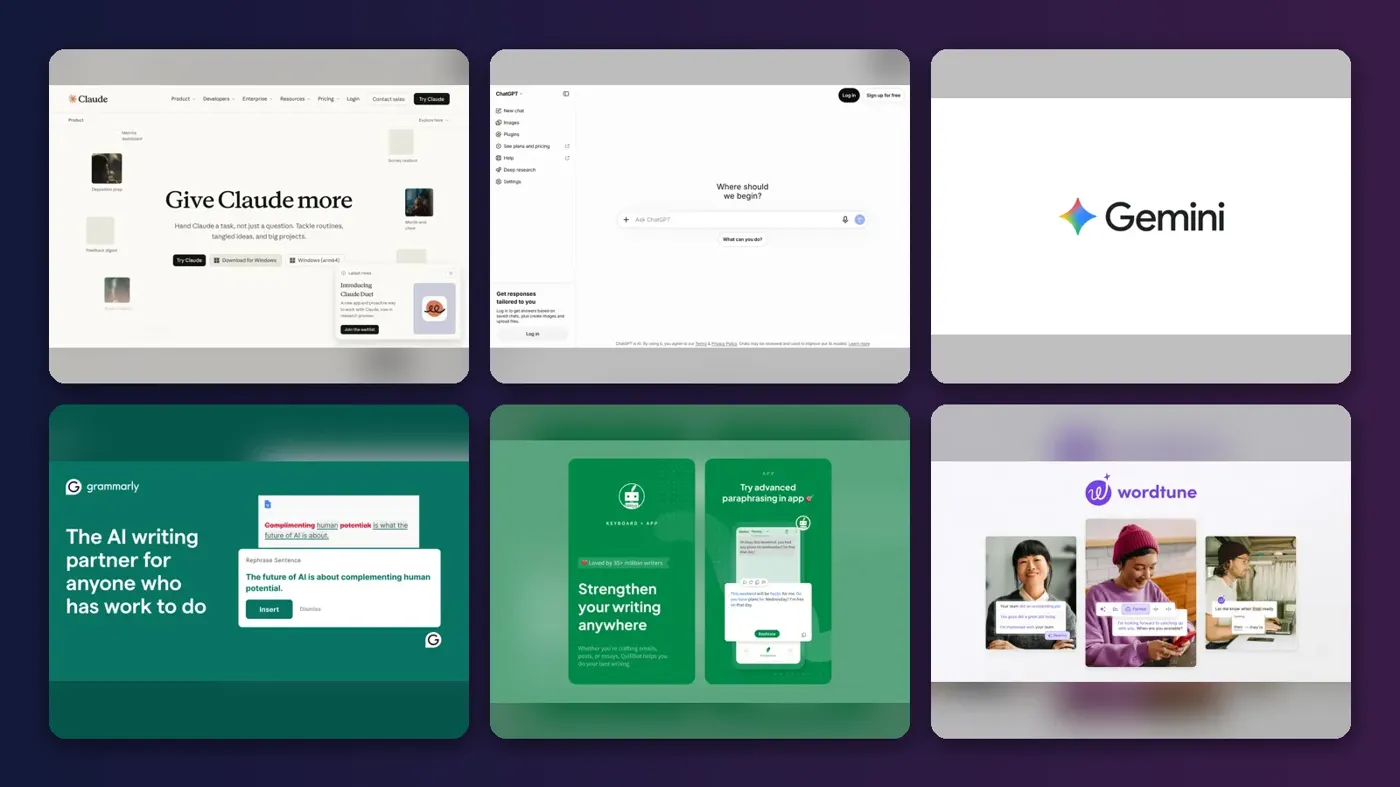
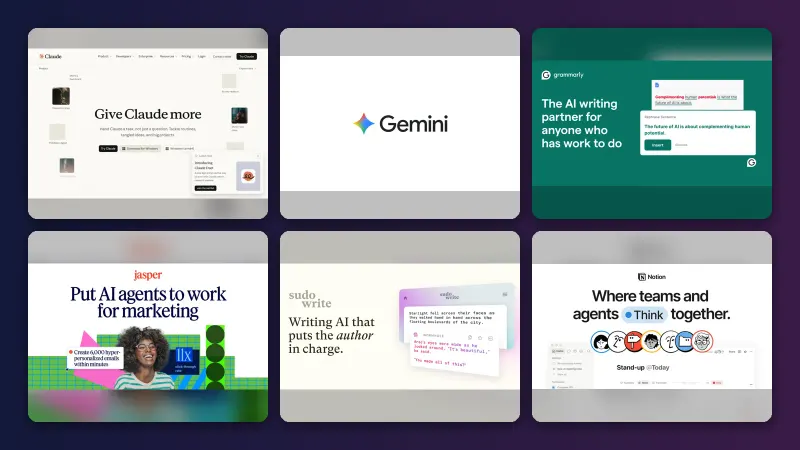
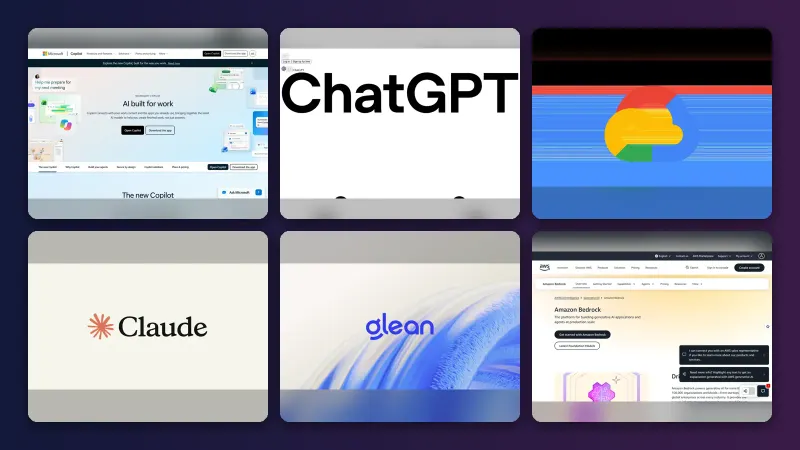
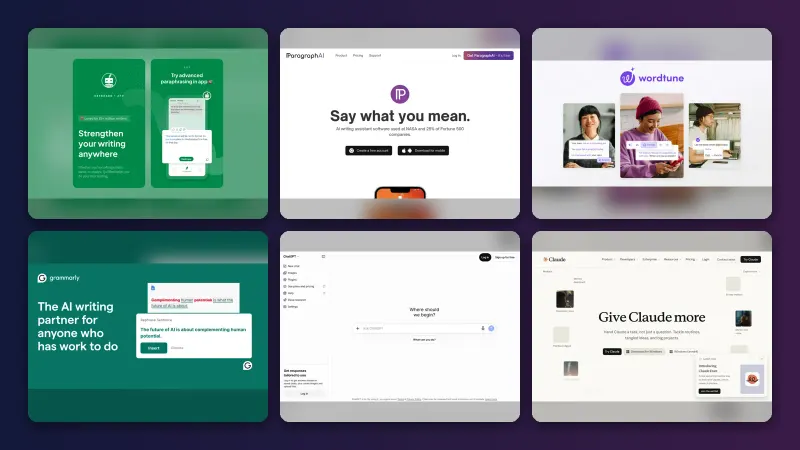
The best AI writing tools alternatives in late 2026 are Claude, ChatGPT and Google Gemini for drafting, Grammarly, QuillBot and Wordtune for editing, Sudowrite for fiction and Rytr for a free plan. Most cost far less than Jasper, whose Pro plan is $59 a month billed yearly or $69 monthly, according to the company's pricing page.
That gap matters because the market has shifted under paying customers. Google cut Google AI Plus to $4.99 a month in June. Writesonic now sells itself as an "AI Search Visibility Platform". Rytr's plans now centre on communication features rather than templates alone.
This guide compares eight alternatives on price, limits and what real users say. Prices were checked against official pages and pricing trackers in October 2026.
Key takeaways
- A general chatbot replaces most paid writers. Claude, ChatGPT and Gemini all have free plans and draft long-form text well.
- Editing tools are cheaper than drafting tools. QuillBot and Wordtune both cost under $10 a month on annual billing.
- Fiction writers need a specialist. Sudowrite is built around novels and screenplays, but it has no free plan.
- Ratings split by product type. On Trustpilot, QuillBot scores 4.8 while ChatGPT, Claude and Gemini all sit below 2.
- Check billing terms before you start a trial. Surprise renewals are the most common complaint across every tool in this list.
How we ranked them
Nobody at The AI Future ran hands-on tests for this piece. We compared each tool using official pricing and help pages, third-party pricing trackers and public user reviews, as of late October 2026. Each tool was judged on six criteria:
- Writing range: how many jobs it covers, from emails to long reports and fiction.
- Free plan: whether you can do real work without paying.
- Price of entry: the cheapest paid plan, monthly and annual.
- Limits: word caps, credits and usage resets.
- User sentiment: Trustpilot scores and recent reviews.
- Billing fairness: trials, cancellations and refund terms.
General assistants rank higher because they replace the most tasks. Specialists rank lower overall but often win inside their niche. Prices are in US dollars and can change by country.
Why people look for an alternative
Three reasons come up again and again: price, limits and billing.
Pricing
Marketing-focused writers charge marketing-team prices. Jasper Pro costs $69 a month on monthly billing, according to Jasper's pricing page, and its Business plan is custom-priced. By contrast, Claude Pro is $20 a month in the US, and QuillBot Premium works out to $8.33 a month billed annually, according to eesel AI.
Usage limits
Limits frustrate users of even the biggest tools. Claude Pro has a session limit that "will reset every five hours" plus a weekly cap, according to Anthropic's help centre. Trustpilot's AI summary of recent Claude reviews says people "frequently struggle with strict usage limits." Sudowrite meters every AI action with monthly credits, according to Krater.
Billing complaints
Billing is the sharpest pain point. A June 2026 Jasper reviewer on Trustpilot wrote: "Be very careful doing the free trial." A Grammarly reviewer warned of being "charged 2 times higher for the next period without any notifications." CostBench lists auto-renewal charges and charges after cancellation among Rytr's hidden costs.
The 8 best AI writing tools alternatives at a glance
| # | Tool | Category | Best for | Free tier | Starts at |
|---|---|---|---|---|---|
| 1 | Claude | General assistant | Long-form drafting and editing | Yes | $20/mo |
| 2 | ChatGPT | General assistant | All-round writing help | Yes | $8/mo |
| 3 | Google Gemini | General assistant | Gmail and Google Docs users | Yes | $4.99/mo |
| 4 | Grammarly | Editing assistant | Polishing text in every app | Yes | $12/mo |
| 5 | QuillBot | Paraphraser | Students on a budget | Yes (limited) | $8.33/mo |
| 6 | Wordtune | Rewriter | Sentence-level rewrites | Yes (limited) | $6.99/mo |
| 7 | Sudowrite | Fiction writer | Novels and screenplays | No | $10/mo |
| 8 | Rytr | Short-form writer | Free short copy | Yes (limited) | $9/mo |
Notes: ChatGPT's $8 is the Go plan; QuillBot, Wordtune and Sudowrite prices are annual billing. Rytr's $9 figure comes from CostBench and could not be confirmed on Rytr's redesigned pricing page.
The best AI writing tool alternatives in 2026, ranked
Claude – best for long-form drafting and editing
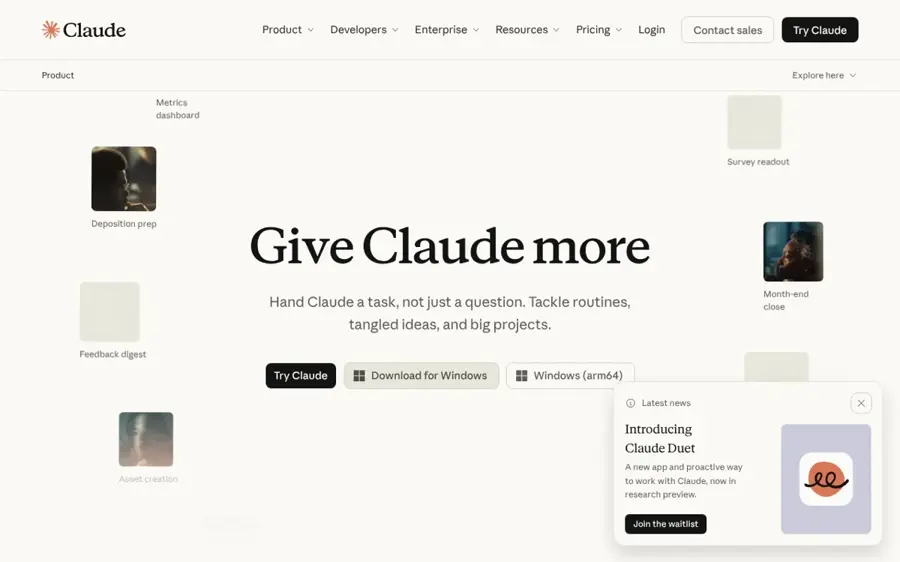
Claude is Anthropic's AI assistant, used for drafting, rewriting and editing long documents. It runs on the web, desktop and mobile at claude.ai.
Why it stands out
Claude's free plan includes web search, Projects (up to five), file creation and its Claude Docs feature, according to Anthropic's pricing page. Pro adds Research and more usage. For writers, that means drafting, sourcing and editing in one place.
User ratings are poor. Claude scores 1.5 from 2,071 reviews on Trustpilot. One October reviewer wrote: "Makes a lot of mistakes. Doesn't always fact check unless you tell it to." Our take: treat it as a drafting partner, not a fact source.
Key features
- Claude Docs: create and edit documents on every plan.
- Projects: keep files and instructions for one piece of work together.
- Research: multi-step web research on paid plans.
- Microsoft 365 and Outlook add-ins: on Pro and higher.
- Memory and user preferences: keeps your style notes between chats.
Pros
- Strong free plan with web search and docs.
- Handles long files and long drafts.
- Annual billing discount on Pro.
Cons
- Five-hour and weekly usage limits on Pro.
- Low Trustpilot score, with billing complaints about usage credits.
Claude pricing: Free → paid plans from $20/month (checked October 2026). See pricing
Related: Claude AI review Claude vs ChatGPT compared
ChatGPT – best for all-round writing help
ChatGPT is OpenAI's general assistant, which drafts, summarises, rewrites and analyses files. It is available at chatgpt.com.
Why it stands out
ChatGPT has the widest set of plans. Go costs about $8 a month, Plus is $20 and Pro starts at $100, according to a CometAPI pricing breakdown. OpenAI's help centre says Go is now available in every supported country and gives "unlimited everyday text chats."
Reviews are mixed to negative. ChatGPT scores 1.6 from 3,845 reviews on Trustpilot. One October reviewer wrote: "Some days it runs like a dream then the next day its just wants to destroy everything while making things better."
Key features
- Go plan: a low-cost tier with higher limits than Free.
- Projects and custom GPTs: reusable instructions for repeat writing jobs.
- File uploads: edit and summarise your own documents.
- Think mode: deeper reasoning, available on Go, per OpenAI.
- Image generation: covers social graphics alongside copy.
Pros
- Low-cost Go plan for light users.
- Covers almost any writing task.
- Large library of custom GPTs.
Cons
- No annual billing for Go, Plus or Pro, per OpenAI.
- OpenAI says it may test ads in Go.
- Users report inconsistent output day to day.
ChatGPT pricing: Free → paid plans from about $8/month (checked October 2026). See pricing
Related: ChatGPT with GPT-6 review Best ChatGPT alternatives
Google Gemini – best for Gmail and Google Docs users
Google Gemini is Google's AI assistant, with paid plans that add writing help inside Gmail, Docs and other Google apps. It lives at gemini.google.com.
Why it stands out
Price is the headline. Google AI Plus dropped to $4.99 a month in June and gives "2x higher usage limits" than Free, 9to5Google reported. Google AI Pro costs $19.99, according to Krater. Google's plans page says paid tiers bring Gemini to Gmail, Docs and more.
The Gemini brand scores 1.4 from 1,393 reviews on Trustpilot, though many complaints concern the voice assistant rather than writing. One September reviewer wrote that it "Can't manage to follow more than one command."
Key features
- Workspace integration: help writing inside Gmail and Docs on paid plans.
- Large uploads: up to 1,500 pages of files on higher tiers, per Google.
- Deep Research and Canvas: on the free plan.
- Gems: saved custom assistants for repeat tasks.
- Storage bundle: Google One storage comes with paid plans.
Pros
- Cheapest paid entry in this list.
- Works where many people already write.
- Generous free features.
Cons
- Plan names and tiers change often.
- Weak Trustpilot score.
Google Gemini pricing: Free → paid plans from $4.99/month (checked October 2026). See pricing
Grammarly – best for polishing text in every app
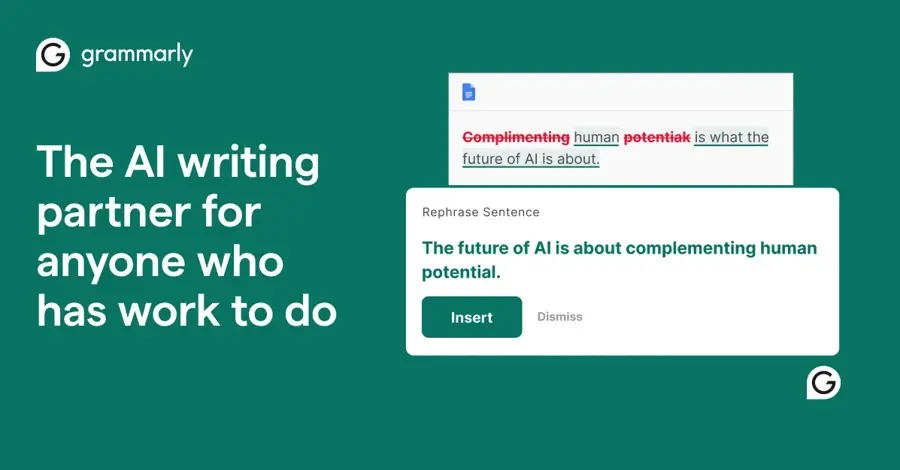
Grammarly is an editing assistant that checks grammar, tone and clarity, and generates text from prompts across apps and browsers. Find it at grammarly.com.
Why it stands out
Grammarly fixes what other tools draft. Its plans page lists 100 AI prompts a month on Free and 2,000 per member on Pro, plus AI-text detection and a plagiarism check. Pro is listed at $12. Krater reports it as $30 monthly or $12 billed yearly.
Grammarly scores 3.1 from 10,484 reviews on Trustpilot. Trustpilot's AI summary says people find it "very helpful for checking spelling, basic grammar errors." A January reviewer wrote: "Grammarly is a helpful service. But the customer service is bad."
Key features
- Tone detection and adjustment: see and change how text sounds.
- Full-sentence rewrites: on Pro.
- AI prompts: 100 a month free, 2,000 on Pro.
- Plagiarism and AI detection: listed among Pro features.
- Style guides and brand tones: one each on Pro.
Pros
- Works inside most apps and browsers.
- Useful free tier for basic checks.
- Team features included in Pro.
Cons
- Monthly billing is much pricier than annual.
- Billing and upsell complaints on Trustpilot.
Grammarly pricing: Free → paid plans from $12/month billed yearly (checked October 2026). See pricing
Related: Grammarly AI review Best grammar AI tools
QuillBot – best for students on a budget
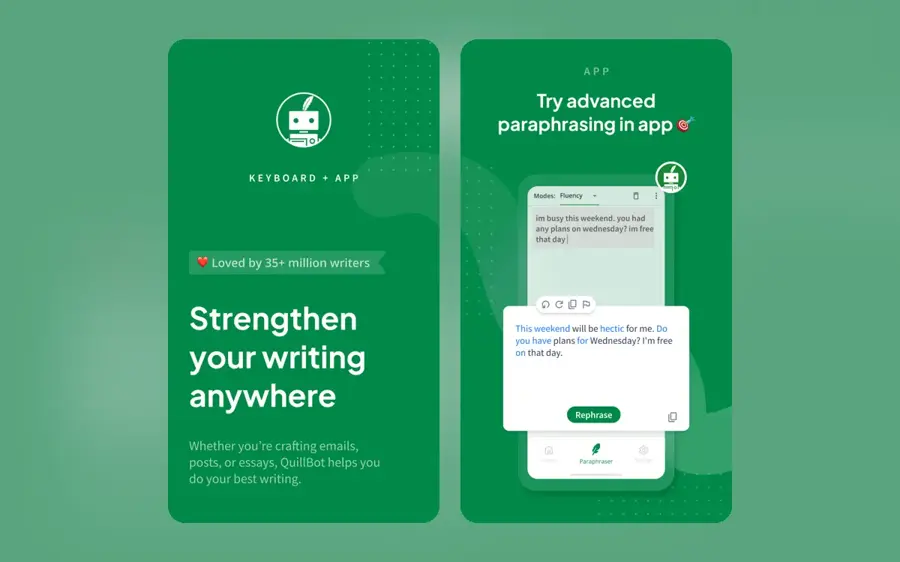
QuillBot is a paraphrasing, summarising and grammar tool aimed at students and researchers. It is available at quillbot.com.
Why it stands out
QuillBot has the best user score in this list: 4.8 from 14,577 reviews on Trustpilot. One October reviewer wrote: "All functions of Quillbot are great and very useful for research work. But there is a limitation due to payment."
The free plan caps paraphrasing at 125 words at a time and summaries at 1,200 words, according to eesel AI. Premium costs $19.95 monthly or $99.95 a year, and includes a 25,000-word monthly plagiarism allowance.
Key features
- Paraphraser: multiple rewrite modes, two on Free.
- Summarizer: condenses long readings.
- Grammar checker: basic version on Free.
- Plagiarism checker: Premium only.
- Team pricing: from $2.91 per user at volume, per eesel AI.
Pros
- Highest Trustpilot rating here.
- Very cheap on annual billing.
- Built for academic work.
Cons
- Tight free limits.
- Not a full drafting tool.
- Rewording others' work can still count as plagiarism under school rules.
QuillBot pricing: Free → paid plans from $8.33/month billed yearly (checked October 2026). See pricing
Related: Best grammar AI tools
Wordtune – best for sentence-level rewrites
Wordtune is a rewriting and summarising tool that suggests new phrasings for sentences as you write. It is available at wordtune.com.

Why it stands out
Wordtune does one job: better sentences. Its plans page lists 10 rewrites and 3 summaries on Basic and 30 rewrites on Advanced, with Unlimited removing caps. Advanced costs $6.99 a month billed annually and Unlimited $9.99, according to CostBench. Students and nonprofits can get 30% off.
Wordtune scores 4.2 from 578 reviews on Trustpilot. A recent reviewer wrote: "Ask AI feature is by far my most favourite!" Others reported that Ask AI on iOS had been down for weeks.
Key features
- Rewrites: alternative phrasings for any sentence.
- AI summaries: for articles and documents.
- Grammar and spelling checks: on every plan.
- Vocabulary and fluency help: on Unlimited.
- Three-day trial: card required.
Pros
- Cheap on annual billing.
- Helpful for non-native English writers.
- Education discount.
Cons
- No refunds, per Wordtune's FAQ.
- Daily caps on lower plans.
- Recent reports of iOS feature outages.
Wordtune pricing: Free → paid plans from $6.99/month billed yearly (checked October 2026). See pricing
Sudowrite – best for novels and screenplays
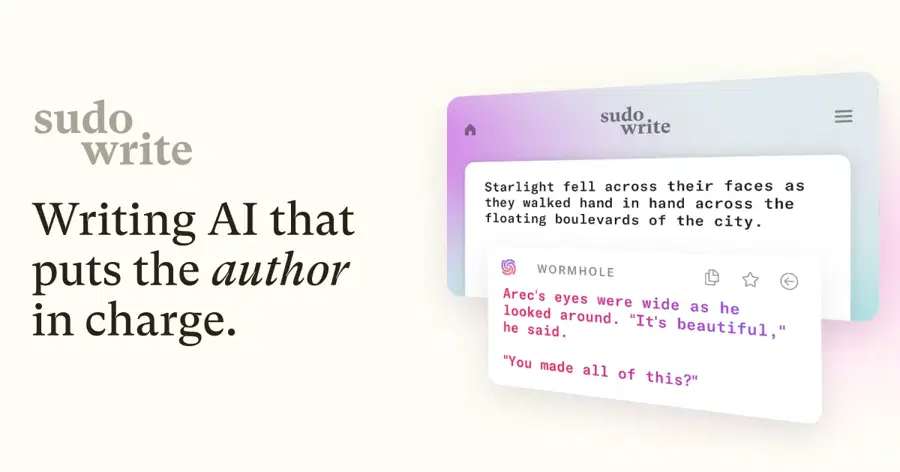
Sudowrite is a long-form creative writing app for authors, with tools for brainstorming, outlining, drafting and feedback. It is at sudowrite.com.
Why it stands out
Sudowrite is built for fiction, not marketing copy. The company says it uses "the latest Claude models by Anthropic" alongside in-house fiction models such as Muse. It also says it does not use your writing to train models and claims no rights over your work.
Plans run from $10 a month billed yearly ($19 monthly) to $44 yearly for Max, according to AffMaven. There is no free plan, only a trial, per Krater. Sudowrite scores 3.0 from just 33 reviews on Trustpilot. One reviewer wrote: "The app works well, it's reasonably priced and fun to use. But the writing is pretty horrible."
Key features
- Story tools: outlines, characters and scene drafting.
- Feedback: beta-reader style critique of your chapters.
- Rewrite and describe: rework dialogue and prose.
- 30+ languages: per the company.
- Credit rollover: on Max, unused credits last 12 months.
Pros
- Designed around fiction workflows.
- Clear easy-cancel policy.
- Does not train on your writing.
Cons
- No free plan.
- Credits meter every action.
- Small, mixed review base.
Sudowrite pricing: No free plan → paid plans from $10/month billed yearly (checked October 2026). See pricing
Related: NovelAI review
Rytr – best for free short copy
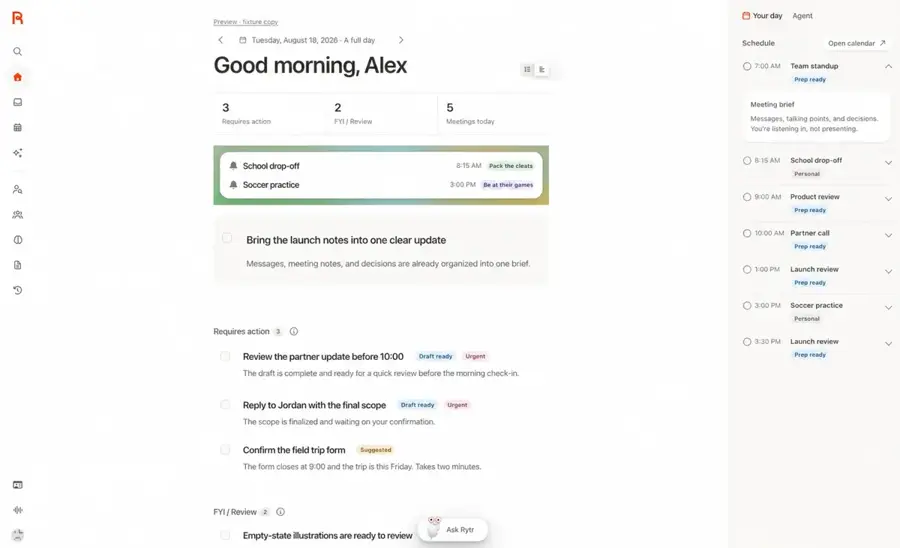
Rytr is a template-based writing assistant for emails, social posts and short copy, now expanding into communication tools. It is at rytr.me.
Why it stands out
Rytr's free plan gives 10,000 characters a month, 40+ writing use cases and 30+ languages, according to its pricing page. The paid Lite plan removes the character limit. Higher Personal and Pro plans add connected sources, "Engage actions," person research and daily briefings. Yearly billing saves 20%.
Rytr scores 4.4 from 2,449 reviews on Trustpilot, though Trustpilot notes it has not invited reviews recently. One 2024 reviewer called it "a fantastic AI writing assistant." CostBench puts paid plans at $9 and $29 a month.
Key features
- 40+ use cases: templates for emails, ads and posts.
- 30+ languages: on every plan.
- Unlimited characters: from Lite upwards.
- Briefings and research: on Personal and Pro.
Pros
- Usable free plan.
- Low entry price.
- Simple for short copy.
Cons
- Product direction is shifting.
- Most Trustpilot reviews predate the redesign.
- Not suited to long-form work.
Rytr pricing: Free → paid plans from about $9/month (checked October 2026). See pricing
AI writing tools updates to know in 2026
Several writing tools changed course this year. Here is what changed, according to company pages and reporting:
- Google cut prices. AI Plus fell from $7.99 to $4.99 and storage doubled to 400 GB, 9to5Google reported.
- Writesonic moved into AI search. Its pricing page now leads with tracking which AI prompts "recommend your competitors instead of you," per Writesonic.
- Rytr added communication tools. Relationships, Engage actions and briefings now sit beside its writing templates, per Rytr.
- ChatGPT Go went global. It is now available in all supported countries, OpenAI says.
- Jasper added credits. Features such as GEO Hub and Agents now run on credits on the Business plan, Jasper says.
How to choose the right AI writing tool
Start with the job, not the brand
Drafting reports, emails and blog posts? Start with a general assistant. Fixing your own writing? Pick an editor such as Grammarly or Wordtune. Writing a novel? Sudowrite is purpose-built. For more drafting options, see our roundup of AI writers.
Use the free plan for a week first
Every pick except Sudowrite has a free tier. Run your real tasks through it before paying. You will hit the limits fast if the tool suits you.
Compare annual and monthly prices
The gap is large. Grammarly Pro is $30 monthly versus $12 yearly, per Krater. QuillBot is $19.95 versus $8.33. Only commit yearly once you know you will keep using it.
Read the cancellation terms
Wordtune offers no refunds. Sudowrite promises one-click cancellation. Claude's usage-credit toggle has drawn complaints from users who did not notice it. Set a reminder before any trial ends.
Match the tool to the document
Specialist jobs often have specialist tools. Job seekers can compare AI resume builders, and people leaving a role can use AI resignation letter tools. Better prompts improve any of them, as our prompt-writing guide explains.
Which alternative should you choose?
- You want one tool for everything: ChatGPT or Claude.
- You live in Gmail and Google Docs: Google Gemini, from $4.99.
- You mostly edit your own writing: Grammarly.
- You are a student on a tight budget: QuillBot.
- English is your second language: Wordtune or Grammarly.
- You write fiction: Sudowrite.
- You need short copy for free: Rytr.
Schools and publishers set their own rules on AI-assisted work. Many ban passing off AI text as your own, so check the policy before you submit anything.
Verdict
Our take: most people paying for a marketing writer can switch to a general assistant and save money. Claude ranks first for long-form drafting, and ChatGPT is the safest all-rounder. Gemini is the cheapest way in. Pair any of them with Grammarly or QuillBot for editing.
What happens next: prices are falling at the low end while vendors add credit systems at the top. Expect more changes before 2027. Re-check pricing pages before you renew.
FAQ
What is the best alternative to AI writing tools like Jasper?
For most people, a general assistant such as Claude or ChatGPT is the best alternative. Both have free plans and paid tiers from about $8 to $20 a month. Jasper Pro costs $59 to $69 a month. Teams that need brand-voice controls may still prefer Jasper's Business plan.
What is the best free AI writing software?
Claude, ChatGPT and Google Gemini all offer free plans that handle drafting, rewriting and summarising. For editing, Grammarly's free plan covers grammar and spelling. QuillBot, Wordtune and Rytr also have free tiers, but with tight word, rewrite or character limits.
Is Grammarly better than QuillBot?
They do different jobs. Grammarly is stronger for checking tone and grammar across apps. QuillBot is stronger for paraphrasing and summarising, and is cheaper at $8.33 a month billed yearly. QuillBot also has a much higher Trustpilot score, at 4.8 versus Grammarly's 3.1.
Which AI writing tool is best for writing a book?
Sudowrite is built for fiction, with tools for outlining, drafting and chapter feedback. Plans start at $10 a month billed yearly, and there is no free plan. General assistants such as Claude also handle long manuscripts well, especially for editing and structure.
Are AI writing tools allowed in school or at work?
It depends on the policy. Many schools and publishers ban submitting AI-generated text as your own work. Some allow AI for brainstorming or editing if you disclose it. Check your school's or employer's rules before using any AI tool for assessed or published work.
Sources
- Plans & Pricing (Jasper)
- Google AI Plus gets price drop to $4.99 and storage bump (9to5Google)
- Pricing | Writesonic AI Search Visibility Platform (Writesonic)
- What is the Pro plan? (Claude Help Center)
- Plans & pricing (Claude by Anthropic)
- A complete guide to Quillbot pricing (eesel AI)
- Sudowrite pricing in 2026 (Krater)
- Rytr: 4 hidden costs beyond the price tag (CostBench)
- ChatGPT Pricing 2026: Free vs Go vs Plus vs Pro (CometAPI)
- What is ChatGPT Go? (OpenAI Help Center)
- Gemini pricing 2026 (Krater)
- Google AI Pro & Ultra plans (Google)
- Grammarly Prices and Plans (Grammarly)
- Grammarly pricing 2026 (Krater)
- Wordtune Pricing and Plans (Wordtune)
- Wordtune pricing 2026 (CostBench)
- Sudowrite plans and pricing (Sudowrite)
- Sudowrite Pricing 2026 (AffMaven)
- Simple pricing for the work you do (Rytr)
- Claude reviews (Trustpilot)
- ChatGPT reviews (Trustpilot)
- Gemini Google reviews (Trustpilot)
- Grammarly reviews (Trustpilot)
- QuillBot reviews (Trustpilot)
- Wordtune reviews (Trustpilot)
- Sudowrite reviews (Trustpilot)
- Rytr reviews (Trustpilot)
- Jasper reviews (Trustpilot)