7 best enterprise AI solutions for 2026, compared side by side
We compared Copilot, ChatGPT Enterprise, Gemini, Claude, Glean, Bedrock and watsonx Orchestrate on price, security and fit to find the right enterprise AI for you.
 Written byBurhan AqibSenior writer, policy and analysis
Why you can trust The AI Future
Our writers research every product, link each claim to its source and correct mistakes openly. Companies can't pay for coverage or see reviews before they're published.
Read our editorial policy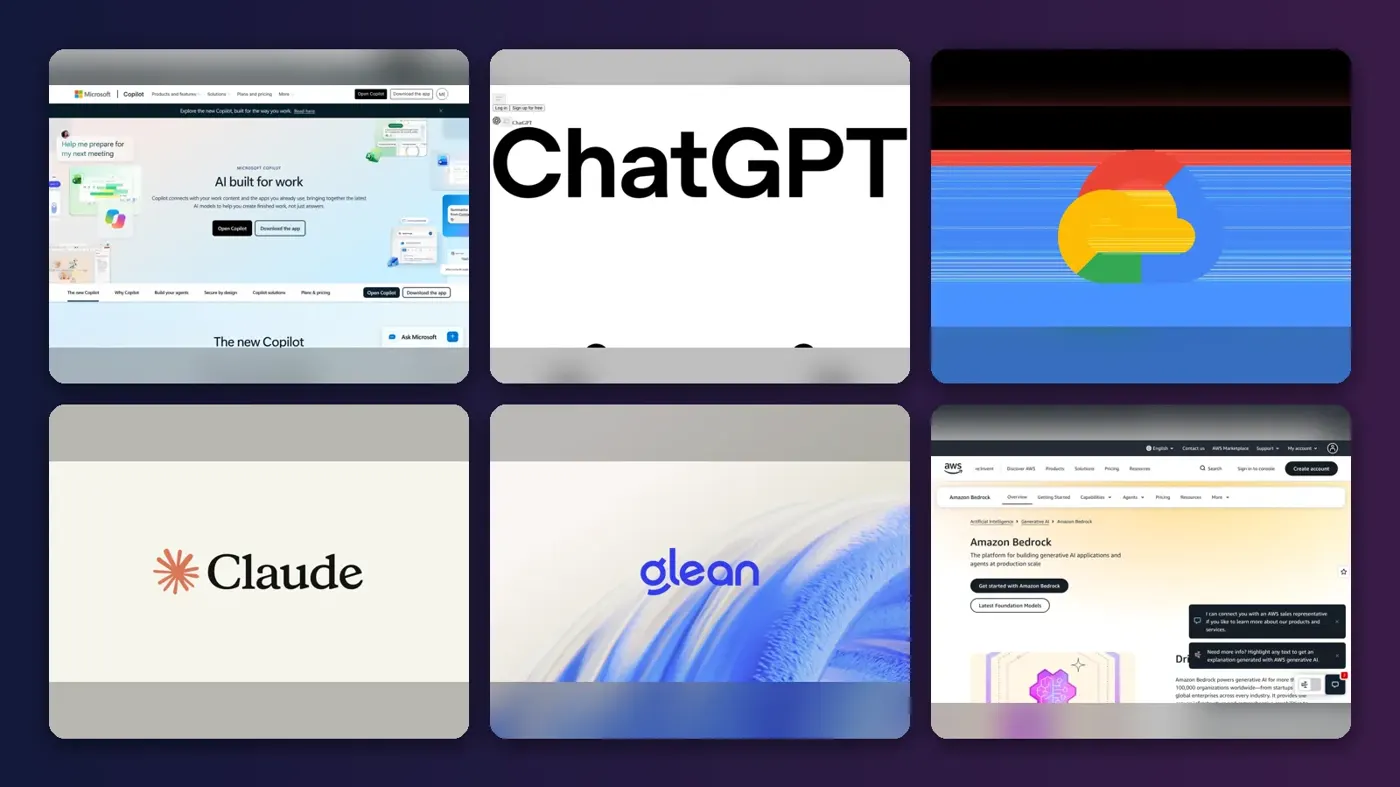
Short answer: if your company already runs on Microsoft 365, start with Microsoft 365 Copilot. It lives inside Word, Excel, Outlook and Teams, so adoption is the easiest of any enterprise AI solution on this list. If you want the strongest general assistant regardless of your office suite, pick ChatGPT Enterprise. If you need to build your own AI products, skip the chat apps and go to Amazon Bedrock.
Everything else here is a specialist. Claude Enterprise is the pick for long documents and code, Gemini Enterprise for Google shops, Glean for company-wide search, and IBM watsonx Orchestrate for running agents across SAP, ServiceNow and HR systems. Below you get the side-by-side comparison, current pricing checked in October 2026, and a clear "choose X if" for each pick.
Key takeaways
- The sticker price is not the real price. Coworker's Q3 2026 price index found the realized all-in cost of enterprise AI runs 1.7x to 3x the sticker price once base licenses, seat minimums and usage meters are counted.
- $20 to $30 per seat is the going rate for published business tiers: ChatGPT Business is $20 per user per month billed annually, Claude Team is $25 per seat and Microsoft 365 Copilot Enterprise is $30 per user.
- Most true enterprise tiers are quote-only. ChatGPT Enterprise, Claude Enterprise and Glean all require a sales call.
- Buy the assistant, build the exceptions. Off-the-shelf tools cover most knowledge work. Platforms like Bedrock are for the 10% of use cases that are unique to your business.
How we ranked them
To be plain about it: nobody at The AI Future ran hands-on tests of these platforms. Enterprise contracts, single sign-on setups and data integrations are not something we can simulate fairly. Instead we compared each solution using official pricing and product pages, independent pricing trackers, and verified user reviews on Capterra and PeerSpot, as of late October 2026. We scored each pick on six criteria:
- Fit with your existing stack: how well it works with the email, documents and business apps you already pay for.
- Security and administration: SSO, SCIM, audit logs, data retention controls and whether your data is used for training.
- Breadth of use: how many teams and tasks it can realistically cover.
- Agent and automation depth: whether it can take actions across systems, not just answer questions.
- Pricing transparency: whether you can estimate your bill without a sales call.
- User sentiment: ratings and written feedback from verified users on independent review sites.
Prices are in US dollars and change often. Treat every number as a starting point for negotiation, not a final quote.
Our top picks at a glance
| # | Tool | Category | Best for | Free tier | Starts at |
|---|---|---|---|---|---|
| 1 | Microsoft 365 Copilot | Office suite AI | Microsoft 365 companies | No | $21/user/mo |
| 2 | ChatGPT Enterprise | General assistant | Company-wide AI assistant | Yes (limited) | $20/user/mo |
| 3 | Gemini Enterprise | Work agent | Google Workspace companies | No | $21/user/mo |
| 4 | Claude Enterprise | General assistant | Long documents and coding | Yes (limited) | $25/user/mo |
| 5 | Glean | Enterprise search | Finding company knowledge | No | Custom quote |
| 6 | Amazon Bedrock | Build platform | Building custom AI apps | Yes (limited) | Pay per use |
| 7 | IBM watsonx Orchestrate | Agent orchestration | Cross-system workflows | No | $530/mo |
Notes: "Starts at" is the cheapest published business tier. For ChatGPT and Claude that is the Business or Team plan; the Enterprise plans themselves are quote-only. The free tiers for ChatGPT and Claude are consumer plans without enterprise controls. Gemini Enterprise and watsonx Orchestrate offer 30-day free trials instead.
The 7 best enterprise AI solutions in 2026, ranked
Microsoft 365 Copilot – best for Microsoft 365 companies
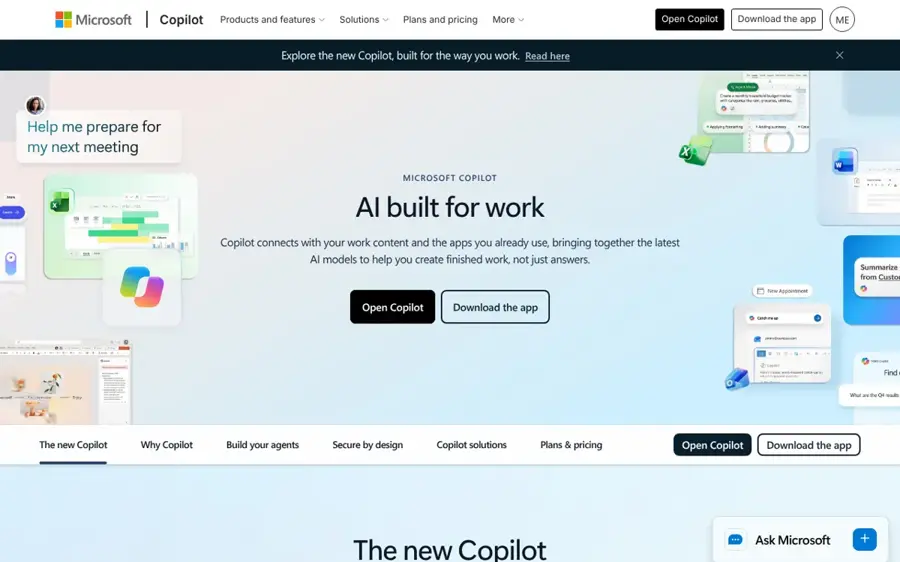
Microsoft 365 Copilot puts AI inside Word, Excel, PowerPoint, Outlook and Teams, grounded in your company's email, files and meetings. See Microsoft 365 Copilot for enterprise.
Why it stands out
Copilot wins on distribution. eWeek notes that it doesn't require a separate app or login if your organization already runs on Microsoft 365, because it shows up in the apps people open every morning. That removes the biggest barrier to enterprise AI: getting employees to actually use it. Verified users on Capterra give it 4.5 out of 5 from 28 reviews, and one executive assistant at a security firm wrote that it "excels in its ability to seamlessly integrate with various Microsoft 365 applications".
The catch is cost. Coworker's price index puts the Enterprise tier at $30 per user per month, but $69 to $90 per seat all-in once the required E3 or E5 base license is counted. Agents built in Copilot Studio also bill extra, at $200 per 25,000 credits. Another Capterra reviewer flagged "high cost, sometimes inaccurate answers, or dependency on the Microsoft system."
Key features
- In-app assistance: drafts, summaries and analysis inside Word, Excel, PowerPoint and Outlook.
- Teams meeting recaps: notes and action items from your calls.
- Work grounding: answers draw on your mail, calendar and files under existing permissions.
- Copilot Studio: build custom agents, billed through consumption credits.
- Microsoft admin stack: managed with the identity and compliance tools IT already uses.
Pros
- No new app to roll out
- Deepest Office integration available
- Fits existing Microsoft security and compliance setup
Cons
- Real cost far above the per-seat sticker
- Little value if you are not on Microsoft 365
- Pricing paths are fragmented and change often
Microsoft 365 Copilot pricing: No free plan → Copilot Business add-on around $21/user/month list (annual), Enterprise around $30/user/month on top of Microsoft 365 (checked October 2026). See pricing
Related: Microsoft AI and Copilot review
Verdict: if your company lives in Microsoft 365, this is the default choice. Just budget for the full license, not the add-on.
ChatGPT Enterprise – best for a company-wide AI assistant
ChatGPT Enterprise is OpenAI's top business plan, adding enterprise security, data residency and larger context to the most widely used AI assistant. Start at chatgpt.com.
Why it stands out
ChatGPT is the tool most of your employees already know, which shortens training to almost nothing. OpenAI's business pricing page lists GPT-6-family models across Business and Enterprise, with Enterprise adding SCIM, EKM, role-based access controls, data residency in ten regions and 24/7 priority support with SLAs. It also states there is no training on your business data by default. On Capterra, ChatGPT holds 4.4 out of 5 from 407 reviews. One executive assistant summed it up as "a powerful multiplier for ideation, research, and technical execution, provided you treat its outputs as high-quality drafts rather than unverified final facts."
Budget is the unknown. Enterprise is quote-only, and Coworker reports figures of $45 to $75 per seat with a roughly 150-seat floor, though OpenAI has not confirmed them. For teams of 2 to 200, ChatGPT Business is a published, cheaper alternative.
Key features
- Latest OpenAI models: GPT-6 family access with flexible limits.
- Connectors: links to Google Workspace, Slack, GitHub and Microsoft 365.
- Workspace agents: custom agents for repeatable workflows.
- Codex: OpenAI's coding agent is included in business plans.
- Enterprise controls: SCIM, EKM, custom retention and regional data residency.
Pros
- Familiar interface means fast adoption
- Works with both Google and Microsoft stacks
- Strong security and residency options
- Published Business tier for smaller teams
Cons
- Enterprise price is quote-only
- Reported seat minimums for Enterprise
- Still makes confident errors that need review
ChatGPT Enterprise pricing: Free consumer plan → Business from $20/user/month billed annually ($25 monthly), Premium seats $100/month, Enterprise custom (checked October 2026). See pricing
Related: OpenAI review Best AI like ChatGPT
Verdict: the safest choice if you want one assistant for every department and you are not locked into one office suite.
Gemini Enterprise – best for Google Workspace companies
Gemini Enterprise is Google Cloud's work agent that connects to your email, documents, code and business apps under each employee's existing permissions. See Gemini Enterprise.

Why it stands out
Google pitches Gemini Enterprise as one agent rather than a platform you assemble. Its product page lists over 100 supported integrations, including Google Workspace, Microsoft 365, Slack, Confluence, Jira, Salesforce, ServiceNow and BigQuery. It also lets admins set a budget cap per project so an agent pauses instead of overspending, which is a practical answer to runaway usage costs. Google says your prompts, outputs and tuning data are never used to train its models. Gemini scores 4.6 out of 5 from 96 reviews on Capterra, the highest of the general assistants here, though those reviews cover Gemini broadly rather than the Enterprise edition alone.
Be careful with the roadmap. Google's own page notes that not every feature shown is available right now. Coworker's index lists $21 per seat for Business and "from $30" for Standard and Plus, with consumption overages billed on top.
Key features
- 100+ connectors: data stays where it lives and access follows user permissions.
- Memory across sessions: remembers tasks, facts and methods across devices.
- Background jobs: long tasks run on a secure Google Cloud machine after you log off.
- Budget caps: per-project spending limits with costs tracked by team.
- Model routing: sends each job to the model that fits cost and speed.
Pros
- Native fit for Google Workspace
- Connects to Microsoft 365 too
- Built-in spending controls
- 30-day free trial of Plus
Cons
- Some advertised features are not yet live
- Upper tiers partly quote-only
- Usage overages on top of seats
Gemini Enterprise pricing: No free plan (30-day trial) → Business from around $21/user/month, Standard and Plus from $30 (checked October 2026). See pricing
Verdict: the obvious pick for Google Workspace companies, and the one with the best built-in cost guardrails.
Claude Enterprise – best for long documents and coding
Claude Enterprise is Anthropic's business plan for its Claude models, bundling chat, Claude Code and enterprise search with full admin controls. See claude.com.
Why it stands out
Claude is the pick when the work is reading, reasoning and writing at length. Anthropic's pricing page lists a context window of up to 1M tokens, plus Claude Code, enterprise search and Claude for Microsoft 365 in its Team and Enterprise plans. Enterprise adds SCIM, audit logs, a Compliance API, custom data retention and a HIPAA-ready offering. On Capterra, Claude rates 4.4 out of 5 from 62 reviews. A sales specialist praised how well it "processes large amounts of information and summarizes documents", while other reviewers complained about usage limits.
Watch the billing model. Coworker reports that Claude Enterprise pairs a base seat fee with usage billed at API rates, so heavy users can cost far more than the seat price suggests. Anthropic now offers both a self-serve and a sales-assisted Enterprise plan, billed annually.
Key features
- Long context: up to 1M tokens for large contracts, reports and codebases.
- Claude Code: Anthropic's coding agent included in business plans.
- Enterprise search: answers drawn from connected company tools.
- Compliance tooling: audit logs, Compliance API and retention controls.
- Spend controls: limits at user and organization level.
Pros
- Strong at long documents and structured writing
- Coding agent included
- Self-serve Enterprise option
Cons
- Usage-based billing makes costs hard to predict
- Users report tight usage limits
- Fewer native office-suite hooks than Copilot or Gemini
Claude Enterprise pricing: Free consumer plan → Team Standard from $25/seat/month, Team Premium $125/seat/month, Enterprise custom (checked October 2026). See pricing
Related: Claude AI review Claude AI vs ChatGPT
Verdict: choose Claude if your teams live in long documents, policies or code, and model your usage before you sign.
Glean – best for finding company knowledge
Glean is an enterprise search and AI assistant platform that connects to your work apps and answers questions with permission-aware, cited results. See glean.com.

Why it stands out
Glean solves a specific, expensive problem: nobody can find anything. It says it connects to 275+ work apps and data sources, supports 40+ LLMs and runs at 99.9%+ uptime across core search and AI services. Because it sits above your tools rather than inside one suite, it suits companies running a mix of Microsoft, Google, Slack, Jira and Salesforce. A reviewer on PeerSpot who builds agents on it wrote: "I use Glean daily for my queries and various solutions more than ChatGPT." The same reviewer asked for more models and faster routing.
Glean does not publish prices. Coworker reports $40 to $50 per seat with a roughly 100-seat minimum, which puts it out of reach for small teams.
Key features
- Unified search: one query across documents, tickets, chats and wikis.
- Permission-aware answers: users only see what they already have access to.
- Agent builder: governed agents for support desks and internal workflows.
- Model choice: works across dozens of LLMs.
- Industry setups: templates for banking, healthcare, retail and engineering.
Pros
- Works across mixed software stacks
- Strong permission handling
- Large connector library
Cons
- No published pricing
- Reported 100-seat minimum
- Overlaps with search built into Copilot and Gemini
Glean pricing: No free plan → custom quote, reported around $40–50/seat/month (checked October 2026). See pricing
Related: Best AI search tools
Verdict: worth it for large companies whose knowledge is spread across many apps; overkill under 100 people.
Amazon Bedrock – best for building custom AI apps
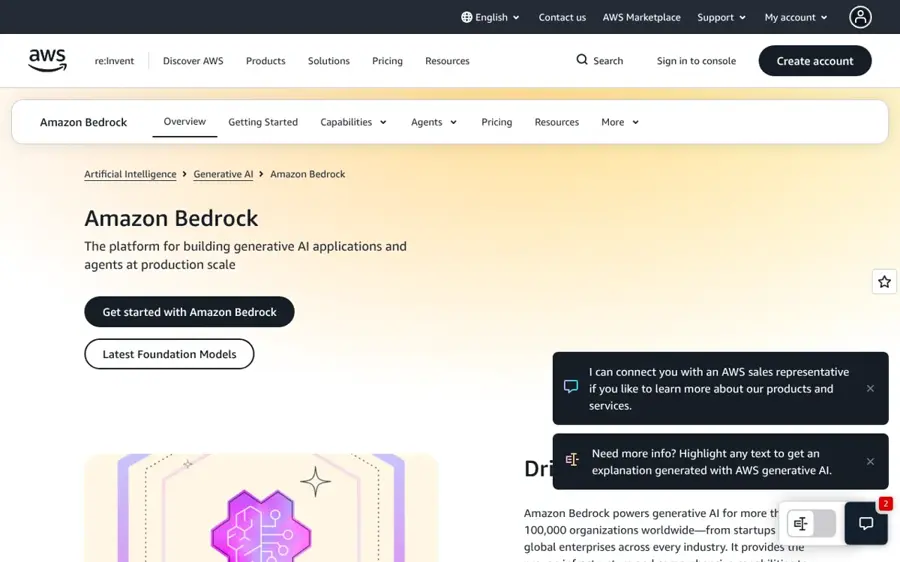
Amazon Bedrock is AWS's managed platform for building generative AI applications and agents on top of models from many providers. See Amazon Bedrock.
Why it stands out
Bedrock is for when you are building, not buying. AWS says it powers generative AI for more than 100,000 organizations and gives you hundreds of foundation models, plus AgentCore for deploying agents with any framework. Its pricing page lists providers including Anthropic, OpenAI, Google, Meta, Mistral AI and DeepSeek. AWS states Bedrock never stores or uses your data to train models, and that it is in scope for ISO, SOC, GDPR and FedRAMP High and is HIPAA eligible. A PeerSpot reviewer using it for invoice-processing agents at a logistics company said a key benefit is that "users do not have to worry about the infrastructure".
The trade-off is effort. You need engineers, and you pay per token, per image or per model unit, so cost depends entirely on your design. Batch inference on select models runs 50% lower than on-demand pricing.
Key features
- Model choice: swap between providers without re-platforming.
- AgentCore: build, connect and monitor agents in production.
- Knowledge Bases: ground answers in your own data.
- Guardrails: content filtering and automated reasoning checks.
- Cost tools: prompt caching, model distillation and intelligent prompt routing.
Pros
- Widest model selection
- Strong compliance coverage
- Fits teams already on AWS
Cons
- Requires developers to deliver value
- Usage costs are hard to forecast
- No ready-made employee assistant
Amazon Bedrock pricing: Free to start → pay per use, varying by model and tier (checked October 2026). See pricing
Related: AI development companies Best open source AI tools
Verdict: the right base for custom AI products, especially if your data already sits on AWS.
IBM watsonx Orchestrate – best for cross-system workflows
IBM watsonx Orchestrate is an agent platform for building, connecting and governing AI agents that automate work across enterprise systems. See IBM watsonx Orchestrate.

Why it stands out
Orchestrate is built for processes that touch several systems at once, like onboarding or procurement. A PeerSpot reviewer described using it to coordinate IT access, HR records and notifications, and reported that one onboarding workflow's turnaround time came down by roughly 30 to 40%. The same reviewer noted that "some advanced configuration areas have a steep learning curve for new users." IBM's pricing page lists a HIPAA-ready option and a dedicated data space, and you can buy through IBM Cloud or AWS Marketplace.
Unusually for this category, prices are published. Macha's guide, citing IBM's pricing page, lists $530 a month for Essentials and $6,360 a month for Standard, after a 30-day free trial.
Key features
- Multi-system orchestration: one workflow across ServiceNow, SAP, Teams and internal apps.
- Human approvals: route judgment calls to a person.
- Agent catalog: prebuilt agents and partner tools.
- Governance: manages agents built elsewhere, including on Bedrock.
- Tiered capacity: Essentials covers up to 4,000 monthly active users.
Pros
- Published starting prices
- Strong for regulated, multi-step workflows
- Human-in-the-loop built in
Cons
- Steep learning curve for advanced setups
- Not a daily chat assistant
- Standard tier is a big jump in cost
IBM watsonx Orchestrate pricing: No free plan (30-day trial) → Essentials from $530/month, Standard from $6,360/month (checked October 2026). See pricing
Related: What is agentic AI? Agentic AI vs AI agents
Verdict: pick it when your problem is coordinating work between systems, not answering questions.
How to choose the right enterprise AI solutions
Start from the stack you already pay for
Choose Copilot if you run Microsoft 365. Choose Gemini Enterprise if you run Google Workspace. Choose ChatGPT Enterprise or Claude Enterprise if you run a mix, or if you want the assistant that employees will reach for first. This single question settles most decisions.
Model the real cost, not the seat price
Two $25 stickers can produce very different bills. Coworker found that half the platforms it tracks now carry a consumption meter somewhere in the bill. Ask each vendor for base license requirements, seat minimums and what happens when a heavy user exceeds the included usage.
Check security before features
Your shortlist should support SSO, SCIM, audit logs, custom retention and a clear no-training commitment. If you handle health data, confirm a HIPAA-ready offering in writing. Our guide to AI data governance tools covers the policy side.
Separate "buy" from "build"
Use an off-the-shelf assistant for general knowledge work. Reserve Bedrock or Orchestrate for workflows that are unique to your business and worth engineering time. Mixing the two jobs into one platform decision usually slows both down.
Free vs paid: what you actually get
Free consumer plans from ChatGPT and Claude are fine for an individual testing ideas, but they lack what an enterprise needs. On Claude's pricing page, for example, the Free and Pro plans show no SSO, no SCIM, no audit logs and no central billing. Letting staff use personal free accounts for company work is how sensitive data leaks.
| What you need | Free or consumer plans | Business and Enterprise plans |
|---|---|---|
| Single sign-on and SCIM | No | Yes (SCIM usually Enterprise only) |
| Audit logs and compliance API | No | Enterprise tiers |
| No training on your data by default | Varies, often opt-out | Yes |
| Central billing and admin | No | Yes |
| Data residency and SLAs | No | Enterprise tiers |
The cheapest legitimate route is a 30-day trial. Gemini Enterprise Plus and watsonx Orchestrate both offer one, and Bedrock lets you start for free and pay only for what you use. Run a pilot with 20 to 50 users, measure time saved, then negotiate.
Final verdict
If you only pick one, pick the assistant that matches your office suite: Microsoft 365 Copilot for Microsoft shops, Gemini Enterprise for Google shops. If you want the most capable assistant independent of your suite, ChatGPT Enterprise is the safest bet, with Claude Enterprise close behind for document-heavy and engineering teams.
Add Glean once your company is large enough that search across apps becomes a real cost. Bring in Amazon Bedrock or IBM watsonx Orchestrate only when you have a specific workflow worth building around. Want more on rolling these out? Read our guide to why AI transformation is a governance problem.
FAQ
How to build an enterprise AI solution?
Start with one measurable business problem, not the technology. Pick a platform such as Amazon Bedrock, connect it to clean, permissioned data, add guardrails and human approval for risky actions, then pilot with a small group. Gartner forecasts that more than 40% of agentic AI projects will be canceled by the end of 2027, mostly over cost and unclear value, so define success metrics early.
What are the best enterprise AI solutions in 2026?
For most companies the best enterprise AI solutions are Microsoft 365 Copilot, ChatGPT Enterprise, Gemini Enterprise and Claude Enterprise as general assistants. Glean leads for company-wide search. Amazon Bedrock is the strongest base for building custom apps, and IBM watsonx Orchestrate for automating workflows across many systems.
How much do enterprise AI solutions cost?
Published business tiers run about $20 to $30 per user per month. Coworker's Q3 2026 index puts the median published per-seat price at $25, but realized costs run 1.7x to 3x higher once base licenses, minimums and usage meters are included. Enterprise tiers from OpenAI, Anthropic and Glean are quote-only.
Is my data used to train the models?
Not by default on the enterprise plans covered here. OpenAI states there is no training on business data by default, Google says Gemini Enterprise data is never used to train its models, and AWS says Bedrock never stores or uses your data for training. Always confirm retention terms in your contract.
Should we buy an AI solution or hire an enterprise AI development company?
Buy first. Off-the-shelf assistants cover drafting, summarizing, search and analysis for most teams. Hire an enterprise AI development company only for workflows unique to your business, such as custom agents tied to legacy systems. Our overview of AI development companies explains what to look for.
Sources
- AI Pricing Cheat Sheet: Compare ChatGPT, Claude, Gemini, and More (eWeek)
- Enterprise AI Price Index, Q3 2026 (Coworker AI)
- Business Pricing (OpenAI)
- Plans & pricing (Claude by Anthropic)
- Gemini for Business: The Universal Work Agent (Google Cloud)
- Glean – Enterprise AI that Works (Glean)
- Amazon Bedrock – Build genAI applications and agents at production scale (AWS)
- Amazon Bedrock Pricing (AWS)
- IBM watsonx Orchestrate Pricing (IBM)
- IBM watsonx Orchestrate Pricing 2026 (Macha)
- Microsoft 365 Copilot Reviews 2026 (Capterra)
- ChatGPT Reviews 2026 (Capterra)
- Claude Reviews 2026 (Capterra)
- Gemini Reviews 2026 (Capterra)
- Amazon Bedrock reviews 2026 (PeerSpot)
- Glean Platform reviews 2026 (PeerSpot)
- IBM watsonx Orchestrate reviews 2026 (PeerSpot)
- Over 40% of Agentic AI Projects Likely to Be Abandoned by 2027 – Gartner Forecast (CDO Magazine)
- Microsoft 365 Copilot for enterprise (Microsoft)