8 best AI hairstyle changers in 2026: free and paid picks compared
The best AI hairstyle changer apps for 2026, compared on realism, men's styles, free limits and price, from YouCam Makeup to Gemini and Fotor.
 Written byMuhammad Usman SiddiquiFounder and editor-in-chief
Why you can trust The AI Future
Our writers research every product, link each claim to its source and correct mistakes openly. Companies can't pay for coverage or see reviews before they're published.
Read our editorial policy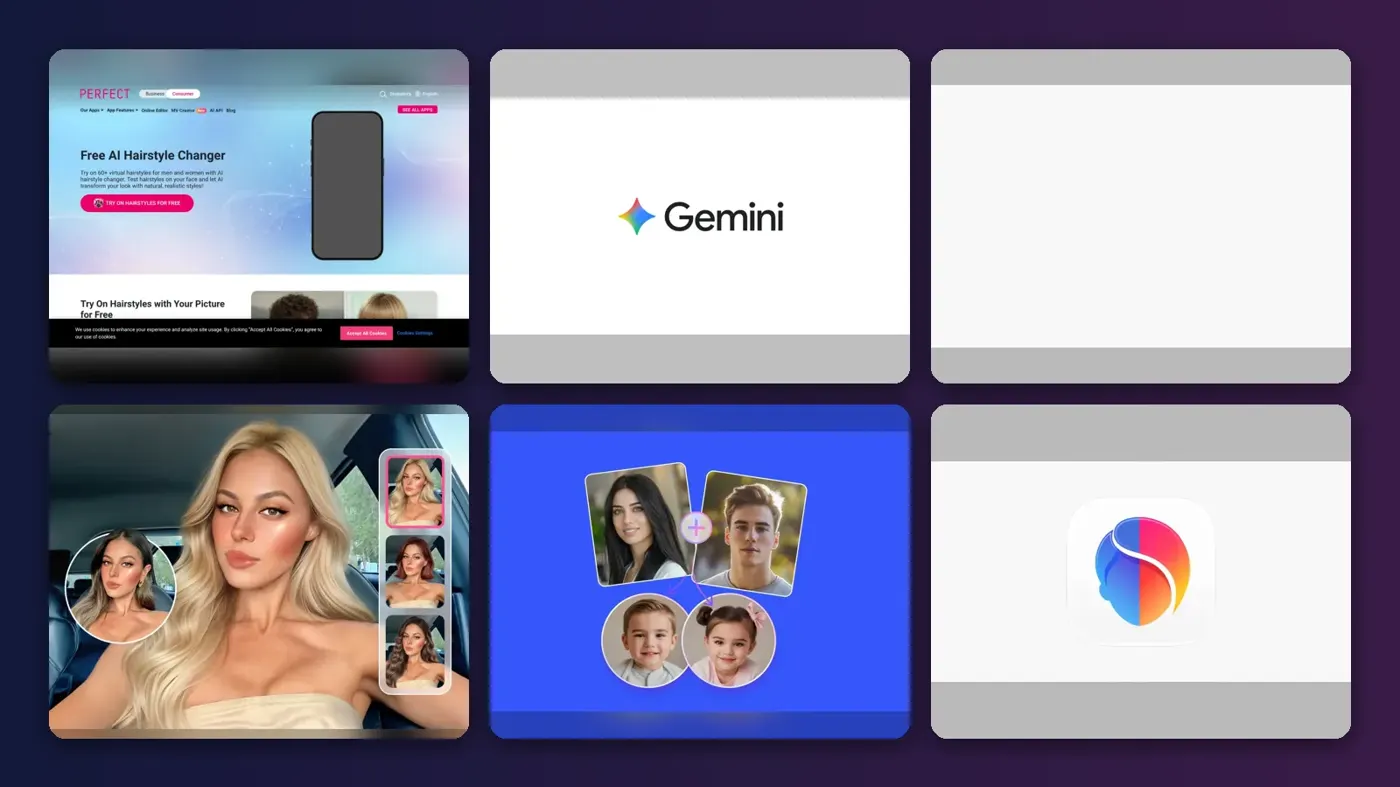
Short answer: if you want the best AI hairstyle changer for most people, start with YouCam Makeup. It has more than 250 preset styles, a reference-photo try-on and a 4.7-star App Store rating. If you would rather describe a cut in your own words and pay nothing, use Google Gemini. Everything else on this list is a specialist: Adobe Firefly for commercially safe images, BeautyPlus for no-sign-up browser previews, and FaceApp or Fotor if you mainly want men's cuts and beards.
We compared eight AI hair changer tools using official product pages, app store listings, pricing pages and independent write-ups, as of late October 2026. Nobody at The AI Future ran hands-on tests or took screenshots for this roundup, so we point you to the sources behind every claim. If you only want zero-cost options, our free hairstyle AI tools list goes deeper on free limits.
Key takeaways
- YouCam Makeup is the best all-rounder. It offers 250+ presets, a custom try-on from a reference photo and a hair colour changer, with Premium from $5.99 a month.
- Prompt-based editors are now a real option. Gemini, Firefly and Krea let you type "short textured crop, same face" instead of scrolling filters.
- "Free" rarely means unlimited. Most tools give daily credits or a handful of try-ons. BeautyPlus is the main exception on the web.
- For a free AI hairstyle male look, Fotor and FaceApp are the strongest picks. Both list fades, buzz cuts and beard tools.
- Only edit photos of yourself, or of people who have agreed. Making deceptive images of real people without consent is harmful and illegal in many places.
How we ranked them
This ranking is based on research, not hands-on testing. We read each vendor's official pages, app store listings and pricing, plus independent comparisons such as Dupple's October 2026 check of free limits. We scored every tool on seven criteria:
- Realism: how well the tool keeps your face, skin tone and hairline intact.
- Style range: the number of presets, or how flexible the prompt editing is.
- Men's and women's coverage: fades, crops and beards as well as bobs, bangs and long layers.
- Free tier: what you can actually do before you pay.
- Price: the cheapest paid plan and how clearly it is explained.
- Ease of use: how quickly you get from upload to a usable preview.
- Privacy and rights: how the vendor handles your photo and whether you can use results commercially.
The 8 best AI hairstyle changers at a glance
| # | Tool | Category | Best for | Free tier | Starts at |
|---|---|---|---|---|---|
| 1 | YouCam Makeup | Beauty app | Most people | Yes (limited) | $5.99/mo |
| 2 | Google Gemini | AI assistant | Describing any cut in words | Yes | $4.99/mo |
| 3 | Adobe Firefly | Image editor | Commercially safe previews | Yes (limited) | $9.99/mo |
| 4 | BeautyPlus | Web and app editor | No-sign-up browser try-ons | Yes | $8.49/mo |
| 5 | Fotor | Photo editor | Men's cuts and beards | Yes (limited) | $8.99/mo |
| 6 | FaceApp | Face editing app | Quick phone filters | Yes (limited) | $4.99/wk |
| 7 | Krea | Image editor | Creative, editorial looks | Yes | $9/mo |
| 8 | TryHair AI | Hairstyle app | Pay-per-try on a budget | Yes (limited) | $1.99 one-time |
The best AI hairstyle changers in 2026, ranked
YouCam Makeup – best for most people
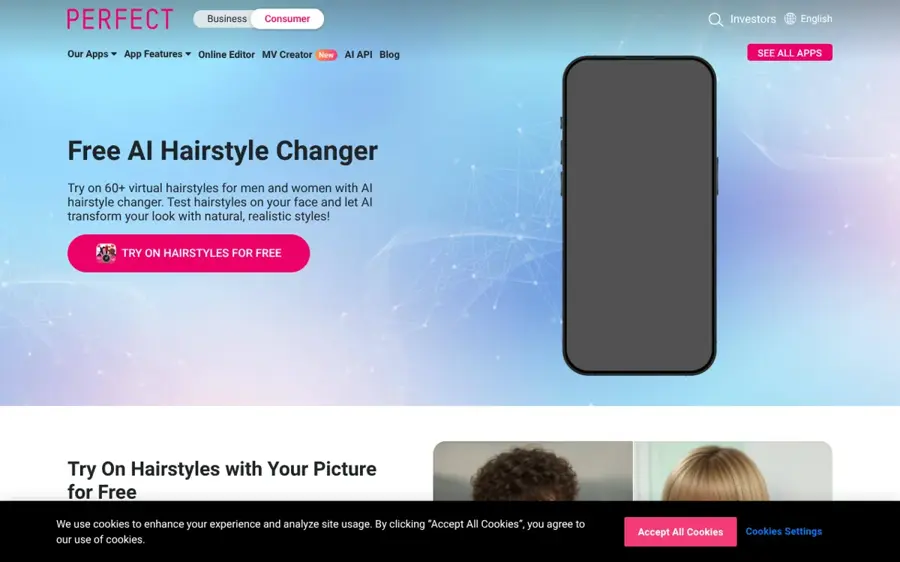
YouCam Makeup is Perfect Corp's beauty app, with a dedicated AI hairstyle changer for men and women on iOS, Android and the web.
Why it stands out
YouCam has the deepest preset library here. Its App Store listing describes more than 250 preset styles, from short cuts to waves and bangs, plus a Custom Hair Try On that copies a hairstyle from a reference photo and can keep your natural colour. That last feature matters: you can screenshot a cut from Instagram and see it on your own face before you book.
The app holds a 4.7 out of 5 rating from about 156,000 App Store ratings. One reviewer wrote that "you can even change ur hair color" and called the results "SUPER REALISTIC", although that review dates from 2019. Perfect Corp's own feature page says "There are both male and female haircuts to choose from." The catch is credit maths in the browser version: Dupple found the online editor gives two full previews after sign-up, and that its terms are inconsistent on whether a preview costs one credit or two. For a fuller look at the app, read our YouCam AI review.
Key features
- 250+ presets: short, long, curly, bangs and men's cuts.
- Custom Hair Try On: applies a style from any reference photo.
- Hair colour changer: natural shades and bold colours.
- Beard try-on: useful for testing a full grooming change.
- Web editor: the YouCam Online Editor works in a browser.
Pros
- Largest preset library on this list
- Reference-photo try-on removes guesswork
- Strong, long-running App Store rating
Cons
- Online credits are confusing and run out fast
- Commercial use is limited to the Pro plan, per Dupple
YouCam Makeup pricing: Free → Premium from $5.99/month in the App Store, or $9.99/month for 100 credits in the online editor (checked October 2026). See pricing
Verdict: the safest first download if you want to try many looks fast.
Google Gemini – best for describing any cut in words
Google Gemini is Google's AI assistant, and its Nano Banana image model edits your uploaded photo from a plain-English prompt.
Why it stands out
Gemini is not a hairstyle app, and that is its strength. You are not limited to a preset grid. Upload a front-facing selfie and ask for "a mid-length shag with curtain bangs, keep my face exactly the same", and the model edits the hair only. Google's image generation page says the free tier uses Nano Banana 2, which is "Free of charge", while the newer Nano Banana 2.1 needs a Google AI plan. Google also promotes character consistency, to "Maintain a character's appearance across generated images", which helps when you want the same face in several cuts.
The Gemini iOS app shows a 4.7-star rating from 1.4 million reviews, according to App Pricing Lab. Two trade-offs: Google adds "an invisible SynthID watermark, as well as a visible watermark" to generated images, and there are no hair-specific tools such as bang filters or a hairline slider. You get out what you put into the prompt. Our guide to Gemini photo prompts helps here.
Key features
- Prompt-based edits: any cut, length, texture or colour you can describe.
- Character consistency: keeps your face steady across several images.
- Reference blending: combine your photo with an image of the cut you want.
- SynthID: invisible watermark marks the image as AI-made.
- Free model: Nano Banana 2 at no cost.
Pros
- Unlimited style range, not tied to presets
- Free tier is genuinely useful
- Cheap upgrade at $4.99/month
Cons
- Visible watermark on images
- Results depend heavily on your prompt
- No numeric free limits published
Google Gemini pricing: Free → paid plans from $4.99/month for Google AI Plus, with Google AI Pro at $19.99/month (checked October 2026). See pricing
Verdict: the best free choice if you know the cut you want and can describe it.
Related: Best AI image generators
Adobe Firefly – best for commercially safe previews
Adobe Firefly is Adobe's generative AI app, with a free hairstyle tool that turns a photo and a text prompt into several hair previews.

Why it stands out
Firefly works like Gemini, but with more control over output. Adobe's hairstyle page says you upload a JPEG, PNG or WEBP of at least 512 x 512 pixels, describe the cut, and Firefly "will produce multiple variations" to compare. Adobe advises a "clear, well-lit" photo at a front-facing or three-quarter angle, and notes that "The more detail you add, the more accurate your preview will be."
The big reason to choose it is rights. Adobe states that "Content generated with Adobe Firefly models is commercially safe", which matters for salons, stylists and creators making client mock-ups. Partner models from Google and OpenAI are also in the app, but Adobe tells you to check their terms separately. Dupple's comparison rates it as one of the few free tools that clearly addresses commercial use, but notes Adobe publishes no daily generation count.
Key features
- Multiple variations: several previews per prompt.
- Colour previews: describe a shade and see it on your photo.
- Model choice: Adobe's own models plus partner models.
- Large uploads: files up to 100MB.
- Creative Cloud links: continue editing in Photoshop or Express.
Pros
- Clear commercial-safety statement for Firefly models
- No subscription needed to start
- Good fit for salon and client work
Cons
- Daily free limit is not published
- Partner models carry different terms
- No one-tap preset grid
Adobe Firefly pricing: Free → paid plans from $9.99/month for Firefly Standard with 2,000 credits, per Dupple's October 2026 check (checked October 2026). See pricing
Verdict: pick Firefly if the image will be used for work, not just for fun.
Related: Best AI picture tools
BeautyPlus – best for no-sign-up browser try-ons
BeautyPlus is a selfie and beauty editor whose web-based AI hairstyle tool needs no account or app install.
Why it stands out
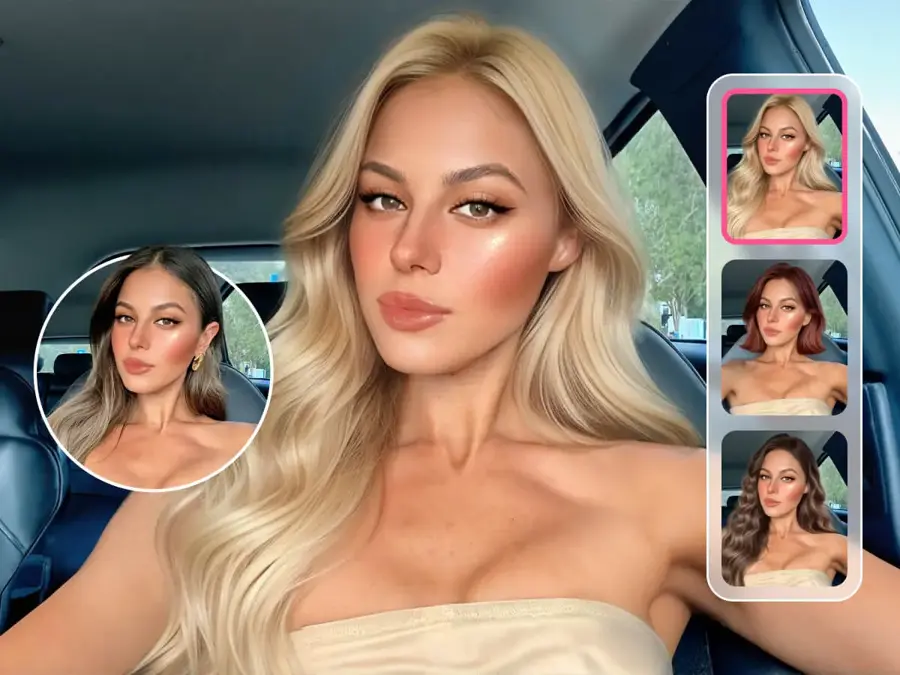
BeautyPlus has the lowest friction on this list. Its hairstyle page promises you can "Try on and customize unlimited hairstyles, bangs, and popular hair colors for free", with "zero cost, no registrations or subscriptions, no ads or popups." There is a Bangs Filter covering everything "from curtain bangs to see-through fringe", plus a separate haircut simulator for men.
Independent feedback is mixed on the app side. A Kimola analysis of Google Play reviews found praise such as "This app is useful and very nice", but also complaints like "Tons of locked features only with pro." The web page is also silent on watermarks and commercial use, Dupple notes.
Key features
- No sign-up: upload and try straight away in a browser.
- Bangs filter: curtain, blunt and see-through fringe templates.
- Text commands: adjust length, colour and texture in words.
- Men's simulator: separate haircut tool for men.
Pros
- Unlimited free web try-ons, per BeautyPlus
- Fastest route from photo to preview
- Strong for bangs and fringe decisions
Cons
- No stated watermark or commercial-use terms
- App users complain about paywalled features
BeautyPlus pricing: Free on the web → app Premium from $8.49/month, per BeautyPlus figures quoted by Dupple (checked October 2026). See pricing
Verdict: the best free AI hairstyle changer if you never want to make an account.
Fotor – best for men's cuts and beards
Fotor is an online photo editor with an AI haircut simulator, a beard simulator and a hair editor for fine-tuning results.
Why it stands out
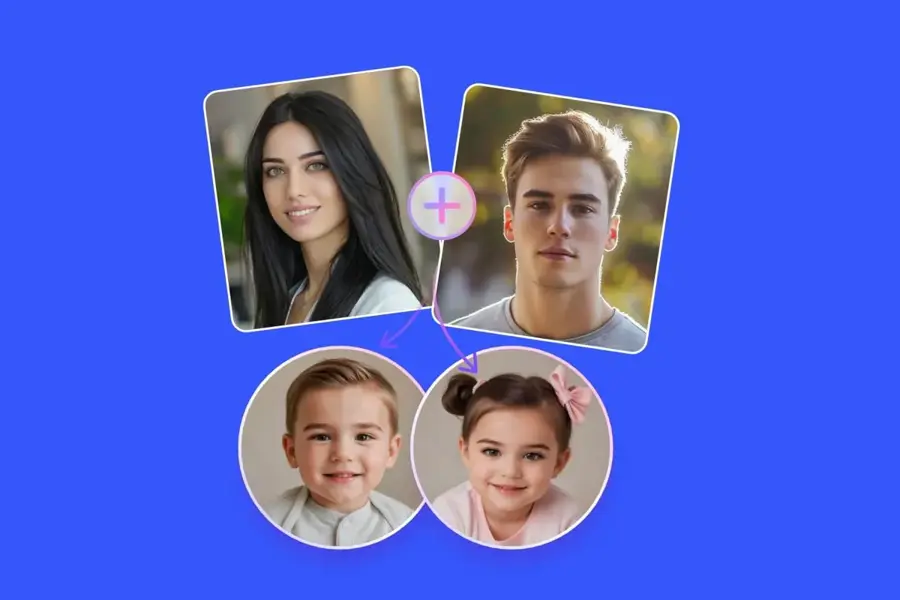
Fotor is the strongest pick if you are searching for a free AI hairstyle male tool. Its hairstyle changer page advertises "100+ Virtual Hairstyles" and names men's options directly: buzz cut, slicked back, short curly hair, mullet, wolf cut, dreadlocks and long cuts. There is a bald option and an AI beard simulator, so you can test a full grooming change in one place. After the try-on, the hair editor lets you adjust hairline and volume.
Fotor scores 4.5 out of 5 from 1,096 reviews on Capterra, though not all of it is glowing. One reviewer complained that "It penalizes and limits accessiblilty of program features on the basis of ability to pay." The hairstyle page also mentions free credits but does not say how many you get.
Key features
- 100+ hairstyles: including wolf cut, mullet and buzz cut.
- Beard simulator: pair a beard with the new cut.
- Batch try-on: see several styles in one click.
- Hair editor: tweak hairline, volume and accessories.
- Apps: iOS and Android as well as web.
Pros
- Best men's coverage on this list
- Post-edit tools for hairline and volume
- Solid Capterra rating across many reviews
Cons
- Free credit count is not stated
- Pricing is per feature, which some users dislike
Fotor pricing: Free → Fotor Pro from $8.99/month, with Pro+ at $19.99/month (checked October 2026). See pricing
Verdict: choose Fotor if your question is "fade or crop, beard or no beard?"
Related: Best AI picture tools
FaceApp – best for quick phone filters
FaceApp is a long-running face editing app with hairstyle, hair colour, volume and beard filters on iOS and Android.
Why it stands out
FaceApp is built for speed. Its App Store listing says you can change hair colour and hairstyle, add volume, and use an advanced tool to find a hairstyle and colour that suits you. It holds a 4.7 out of 5 rating from about 1.8 million ratings, and one reviewer wrote: "The new hair colors are soooo cool."
Privacy is the reason it is not higher. A July 2026 FaceApp review by AISO Tools notes photos are processed on FaceApp's servers, not on your phone, and recalls past scrutiny of the developer by US lawmakers. The same review says some free exports carry a watermark. Read the privacy policy before you upload anyone's face but your own.
Key features
- Hairstyle filters: one-tap cuts on your selfie.
- Hair colour and volume: separate controls for each.
- Style finder: suggests a hairstyle and colour combination.
- Beard and moustache: useful for men's grooming previews.
Pros
- Huge user base and high App Store rating
- Very fast, filter-style workflow
- Good for men's beard pairings
Cons
- Cloud processing raises privacy questions
- Watermarks on some free exports
- Weekly pricing adds up
FaceApp pricing: Free → Pro from about $4.99/week or $39.99/year, per AISO Tools (checked October 2026). See pricing
Verdict: fine for a quick laugh or gut check, but pay yearly if you pay at all.
Krea – best for creative, editorial looks
Krea is a generative image and video platform whose editor can restyle hair from a written prompt.
Why it stands out
Krea suits people who want a styled, editorial image rather than a quick salon preview. Krea's own FaceApp alternatives article is honest that "Krea is not a face-filter app": there are no one-tap presets, and you write prompts such as a short textured crop in golden-hour light. Dupple reports the hairstyle page says you can "try as many hairstyles as you want" without sign-up or a card.
Third-party sentiment is weaker than the product. CostBench reports a 3.1 out of 5 Trustpilot score from 103 reviews, with complaints about support, billing and inconsistent output. The free plan also excludes a commercial licence.
Key features
- Prompt editing: describe cut, texture and lighting together.
- Free daily compute: 100 compute units a day, per Krea.
- Upscaling: up to 2K on the free plan.
- Model choice: several image models on paid plans.
Pros
- Generous free daily allowance
- Best for stylised, photo-shoot results
- Cheap Basic plan with commercial licence
Cons
- No presets, so slower for casual users
- Low Trustpilot score and billing complaints
Krea pricing: Free → paid plans from $9/month for Basic, per CostBench (checked October 2026). See pricing
Verdict: a creator's tool. Skip it if you just want to show your barber a picture.
Related: Best AI image generators
TryHair AI – best for pay-per-try on a budget
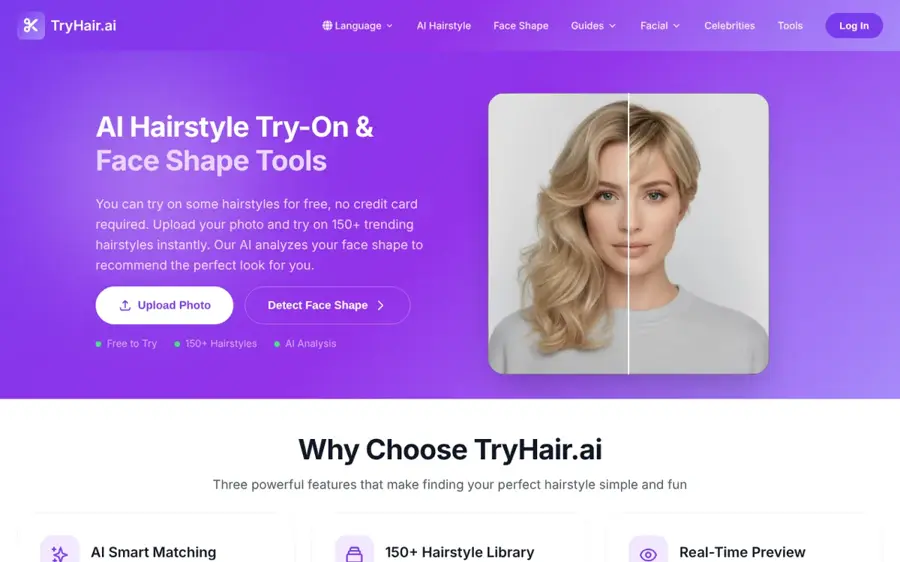
TryHair AI is a dedicated hairstyle try-on service that sells small one-time packs as well as a monthly membership.
Why it stands out
TryHair AI is the budget answer for people who only need a few previews before one haircut. Dupple's comparison lists five free try-ons at sign-up with no card, then five try-ons for $1.99 or 20 for $4.99 as one-time purchases. That is far cheaper than a weekly app subscription if you will use it once.
The trade-off is transparency. Dupple notes the site does not explain how the packs relate to the $9.99/month membership, and it could not confirm whether downloads are watermarked. We found few independent user reviews, so treat it as a low-cost experiment rather than a long-term tool.
Key features
- Five free try-ons: no credit card at sign-up.
- One-time packs: no subscription needed.
- Referral credits: more try-ons for inviting friends.
- Membership: unlimited access from $9.99/month.
Pros
- Cheapest way to pay for a few previews
- No recurring charge required
Cons
- Unclear pack and membership terms
- Little independent user feedback
- Watermark policy not stated
TryHair AI pricing: Free (5 try-ons) → packs from $1.99 one-time, membership from $9.99/month, per Dupple (checked October 2026). See pricing
Verdict: worth $2 before a big chop. Not worth a subscription.
How to choose the right AI hairstyle changer
Decide between presets and prompts
Preset apps like YouCam, Fotor and FaceApp are faster when you are browsing for ideas. Prompt editors like Gemini, Firefly and Krea are better when you already know the cut. Choose a preset app if you want inspiration. Choose a prompt editor if you have a reference photo from your stylist's Instagram.
Use the right photo
Every tool works better with a clear, front-facing, well-lit photo with your hair pulled back from your face. Adobe recommends a front-facing or three-quarter angle and at least 512 x 512 pixels. A blurry selfie in a dark bathroom gives blurry results, whatever you pay.
Check men's coverage before you commit
Many apps lean towards long and coloured styles. If you want fades, crops or beard pairings, Fotor and FaceApp list these explicitly. With Gemini, add details such as "skin fade, 2 inches on top" to the prompt.
Read the privacy and rights terms
Your face is biometric data. FaceApp processes photos in the cloud, and many tools do not state how long they keep uploads. Only upload photos of yourself, or of people who have clearly agreed. Creating deceptive or intimate images of real people without consent causes real harm and is illegal in many countries. If you will use the image commercially, Firefly's models and Krea's paid plans state commercial terms most clearly.
Pick a colour tool separately if colour is the main question
Most hairstyle changers handle colour, but specialist tools go further on shades and highlights. See our best AI hair color changers and our explainer on what hair colour suits me with AI.
Free vs paid: what you actually get
Free plans are enough for most people who just want to preview a new cut. You pay when you want more previews, better models, no watermark or commercial rights. Here is how the free and paid tiers compare, using the sources above:
| Tool | What free gets you | What paying adds |
|---|---|---|
| YouCam Makeup | App presets; two full online previews after sign-up | Premium features from $5.99/mo; Pro for commercial use |
| Google Gemini | Nano Banana 2 edits, with watermark | Nano Banana 2.1 and 2x usage from $4.99/mo |
| Adobe Firefly | Limited daily generations | 2,000 credits from $9.99/mo |
| BeautyPlus | Unlimited web try-ons, no sign-up | App Premium from $8.49/mo |
| Fotor | Some free credits | Pro from $8.99/mo |
| FaceApp | Core filters; some watermarked exports | Pro from about $4.99/wk or $39.99/yr |
| Krea | 100 compute units a day, no commercial licence | 5,000 units and commercial licence from $9/mo |
| TryHair AI | Five try-ons | Packs from $1.99; membership $9.99/mo |
The budget rule is simple. If you are previewing one haircut, stay free or buy a small pack. If you are a stylist showing clients options every week, a monthly plan with clear commercial terms, such as Firefly Standard, pays for itself. Watch out for weekly app subscriptions: a weekly plan can easily cost more over a year than a dedicated design tool.
Final verdict
If you only pick one, pick YouCam Makeup. It has the widest preset range, a reference-photo try-on and years of strong user ratings. Choose Google Gemini if you want a free AI hairstyle changer that can do any cut you can describe. Choose Adobe Firefly if the image is for client or commercial work. Choose BeautyPlus if you will not create an account, and Fotor if you mainly want men's cuts and beards.
Whatever you use, treat the result as a conversation starter with your stylist, not a promise. AI can show you the shape of a cut. It cannot tell you how your hair texture will behave on a rainy Tuesday. For more photo tools, see our best AI image generators and free AI headshot generators.
FAQ
What is the best AI hairstyle changer?
For most people, YouCam Makeup is the best AI hairstyle changer, thanks to its 250+ presets and reference-photo try-on. Google Gemini is the best free option if you are happy to describe the cut in words.
Is there a free AI hairstyle changer for men?
Yes. Fotor lists men's cuts such as buzz cut, mullet and wolf cut plus a beard simulator with free credits. BeautyPlus has a free men's haircut simulator in the browser, and Gemini can do any men's cut from a prompt.
Can an AI hair changer keep my face the same?
The good ones mostly do. Preset apps only change the hair region. With prompt editors, add "keep my face and expression exactly the same" to your prompt, and use a clear, front-facing photo.
Are AI hairstyle apps safe to use?
It depends on the vendor's privacy policy. Some apps, such as FaceApp, process photos on their servers. Read the policy, avoid uploading other people's photos without permission, and never upload images of children you are not responsible for.
Do AI hairstyle changers add a watermark?
Some do. Gemini adds a visible watermark plus an invisible SynthID mark, and FaceApp watermarks some free exports. Many web tools do not say either way, so check before you share a result.
Can I use AI hairstyle previews commercially?
Only if the plan allows it. Adobe says Firefly model outputs are commercially safe, Krea includes a commercial licence on paid plans, and YouCam limits commercial use to Pro, according to Dupple. Check each tool's terms first.
Sources
- Best Free AI Hairstyle Generators in 2026: Limits Compared (Dupple)
- Is Adobe Firefly Free in 2026? (Dupple)
- Free AI Hairstyle Changer (Perfect Corp)
- YouCam Makeup: Face Editor (App Store)
- Nano Banana image generation (Google Gemini)
- Google AI plans (Google)
- Google Gemini iOS app data (App Pricing Lab)
- Free hairstyle app (Adobe Firefly)
- AI Hairstyle Changer (BeautyPlus)
- Free hairstyle apps (BeautyPlus)
- BeautyPlus user feedback report (Kimola)
- Free AI Hairstyle Changer (Fotor)
- Fotor Pricing 2026 (Capterra)
- FaceApp: Perfect Face Editor (App Store)
- FaceApp Review 2026 (AISO Tools)
- Best FaceApp alternatives in 2026 (Krea)
- All Krea AI Plans & Pricing (CostBench)