Best lawyer AI tools in 2026: 10 picks for every budget
The best lawyer AI tools in 2026, from CoCounsel and Harvey for firms to free AI legal help with ChatGPT, with current prices and honest limits.
 Written byBurhan AqibSenior writer, policy and analysis
Why you can trust The AI Future
Our writers research every product, link each claim to its source and correct mistakes openly. Companies can't pay for coverage or see reviews before they're published.
Read our editorial policy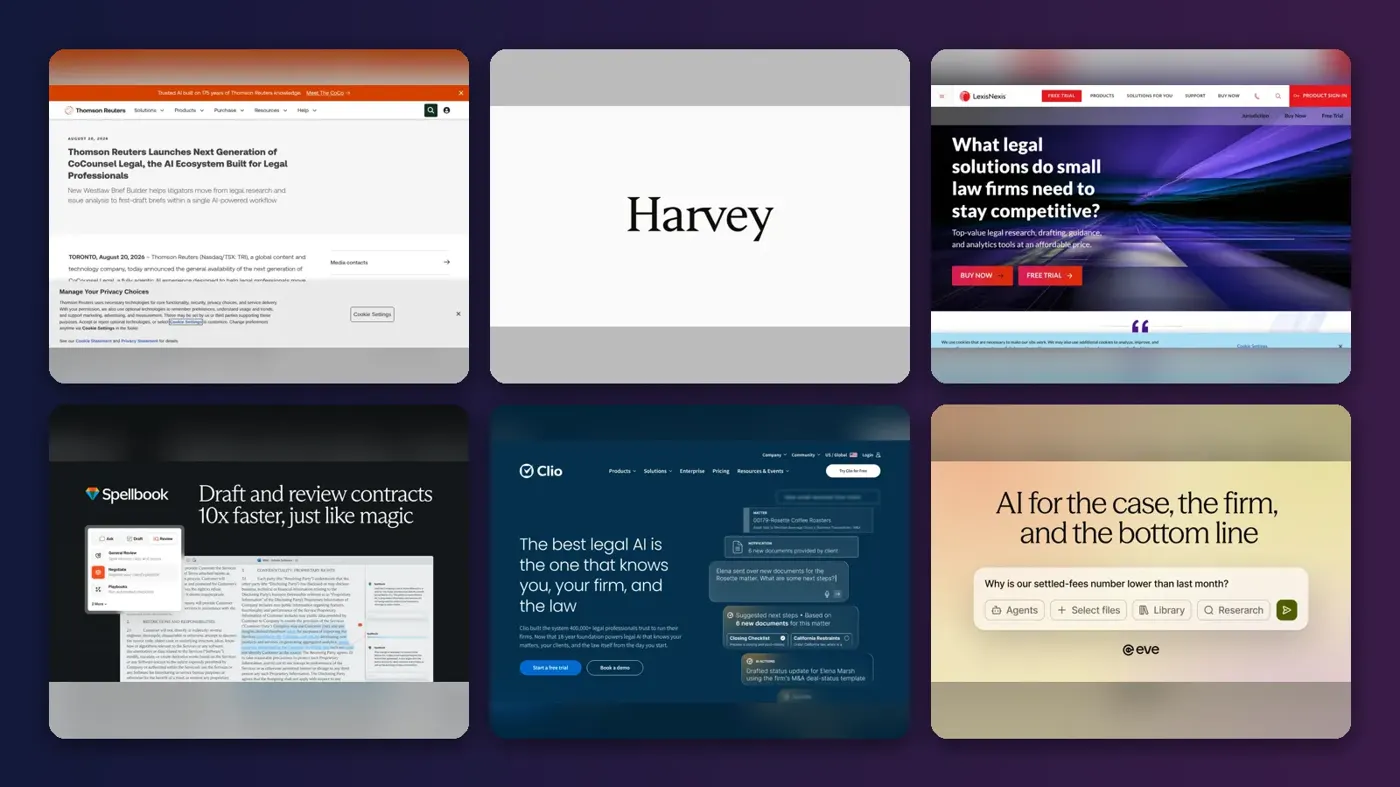
Short answer: if you are a practising lawyer, the best lawyer AI for most firms in 2026 is CoCounsel Legal, because it checks its answers against Westlaw and Practical Law. If you draft contracts all day, pick Spellbook. If you are not a lawyer and want free AI legal help to understand a problem, start with ChatGPT or Claude, then pay a real attorney before you file or sign anything.
The legal AI market is now crowded and expensive. Harvey was valued at $11 billion in March 2026, Anthropic launched Claude for Legal in May, and most professional tools still hide their prices behind a sales call. Below are the 10 AI lawyer tools we think are worth your shortlist, from free consumer options to enterprise platforms, with every price we could confirm as of late October 2026.
Key takeaways
- No AI is your attorney. These tools help lawyers work faster and help you understand the law. None of them can represent you in court or take responsibility for advice.
- Grounded research beats general chatbots for case law. Tools tied to Westlaw or Lexis content cut the risk of fake citations, which have now appeared in over a thousand US court filings.
- Most professional legal AI is quote-only. Expect roughly $250 to $500 per seat per month for a research platform, and annual contracts that auto-renew.
- Consumers can get a lot for under $20 a month. ChatGPT and Claude have free tiers, and Rocket Lawyer's AI legal assistant comes with a $149-a-year membership.
How we ranked them
To be clear up front: nobody at The AI Future ran hands-on tests of these tools, and we did not take our own screenshots. We compared each one using official product pages and press releases, pricing write-ups, independent legal-tech reporting and published user ratings, as of late October 2026. We scored them on seven criteria:
- Accuracy and grounding: whether answers are tied to verified legal sources, and whether citations can be checked.
- Depth of legal workflow: research, drafting, document review, case management or all of these.
- Fit with existing tools: Microsoft Word, document management systems and practice software.
- Price transparency: whether you can see the price before you talk to sales.
- Value for small firms: whether a solo or five-lawyer firm can justify the cost.
- Data security: controls for confidential and privileged client material.
- Third-party reputation: ratings and reviews on sites such as G2 and Trustpilot, where available.
The 10 best lawyer AI tools at a glance
| # | Tool | Category | Best for | Free tier | Starts at |
|---|---|---|---|---|---|
| 1 | CoCounsel Legal | Research and drafting | Most law firms | No | Custom quote |
| 2 | Harvey | Enterprise legal AI | Large firms | No | Custom quote |
| 3 | LexisNexis | Legal research | Lexis research users | No | Custom quote |
| 4 | Spellbook | Contract drafting | Contract work in Word | No | Custom quote |
| 5 | Clio | Practice management | Small firm operations | No | $49/mo |
| 6 | Eve | Plaintiff case management | Plaintiff firms | No | Custom quote |
| 7 | Paxton | Research and drafting | Solo lawyers | No | $250/mo |
| 8 | Claude | General assistant | Flexible legal assistant | Yes (limited) | $17/mo |
| 9 | ChatGPT | General assistant | Free legal help | Yes | $8/mo |
| 10 | Rocket Lawyer | Legal documents | AI legal document generator | No | $12.41/mo |
The best lawyer AI tools in 2026, ranked
CoCounsel Legal – best for most law firms
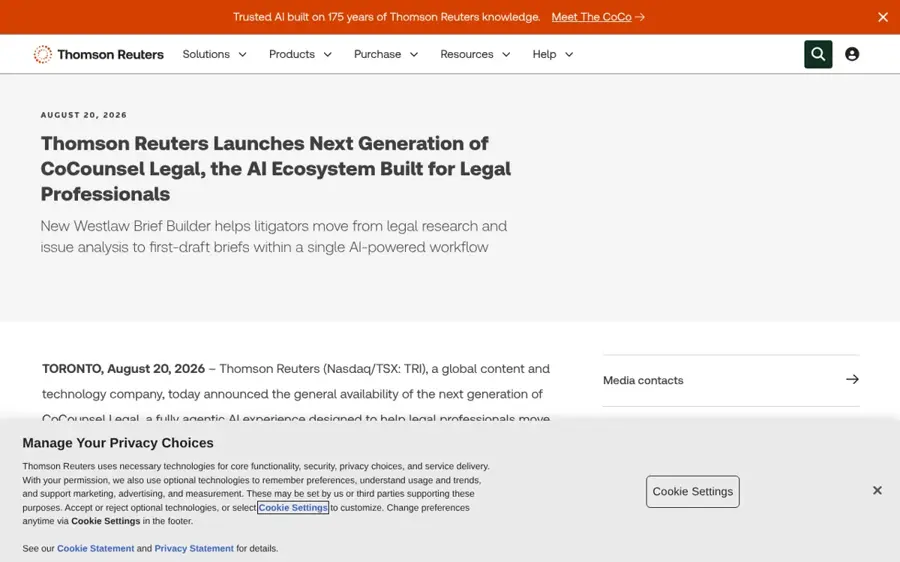
CoCounsel Legal is Thomson Reuters' AI assistant for research, drafting and document review, built on top of Westlaw and Practical Law. Learn more at Thomson Reuters.
Why it stands out
The big risk with legal AI is a confident answer that cites a case that does not exist. CoCounsel's answer to that is its content. The next-generation version, launched on August 20, 2026, adds Deep Research Verify, which checks whether cited Westlaw and Practical Law authority actually supports a given assertion. It also adds Westlaw Brief Builder for first-draft briefs and Tabular Analysis, which reviews up to 10,000 documents against up to 100 questions. Thomson Reuters says one million professionals in 107 countries and territories use CoCounsel.
It holds a 4.8 out of 5 rating on G2, though that is based on a small number of reviews. One reviewer headline sums up the core use case: "Efficient Legal Case Search with CoCounsel." Verdict: if your firm already pays for Westlaw, this is the default choice.
Key features
- Deep Research Verify: checks that cited authority supports the claim.
- Westlaw Brief Builder: research and issue analysis into a first-draft brief.
- Drafting Agent in Word: drafts and reviews agreements from plain-English instructions.
Pros
- Grounded in Westlaw, KeyCite and Practical Law content
- Strong G2 rating
- Works inside Microsoft Word
Cons
- No published price, free plan or free trial
- Newest features launched in the US first, with Canada, the UK and Australia later
CoCounsel Legal pricing: No free plan → custom pricing on request from Thomson Reuters (checked October 2026). See pricing
Harvey – best for large firms
Harvey is an enterprise legal AI platform used by large law firms and in-house teams for research, drafting and reviewing large document sets. Learn more at harvey.ai.

Why it stands out
Harvey is the best-funded name in legal AI. It raised $200 million at an $11 billion valuation in March 2026, up from $8 billion in December. Its client list goes back to early adopters such as Allen & Overy (now A&O Shearman), where 3,500 lawyers ran around 40,000 queries during a trial, and Ashurst, which rolled it out worldwide.
Its Vault feature runs prompts across large document collections, which suits due diligence and disputes. Harvey is also one of the platforms Claude for Legal connects to. We could not find a public G2 or Trustpilot rating with enough reviews to be useful. Verdict: excellent if you are a large firm with budget and a rollout team; overkill for a solo practice.
Key features
- Legal AI assistant: research, drafting and question answering for lawyers.
- Vault: runs prompts over large document collections.
- AI agents: multi-step workflows, the focus of its 2026 funding.
Pros
- Proven at some of the world's largest firms
- Strong funding means fast product development
- Good for large-scale document review
Cons
- No published pricing or self-serve plan
- Built for big firms, not individual buyers
Harvey pricing: No free plan → custom enterprise pricing on request (checked October 2026). See pricing
LexisNexis – best for Lexis research users
Lexis+ with Protégé is LexisNexis' AI research and drafting assistant, built into the Lexis+ research platform. Learn more at LexisNexis.
Why it stands out
Lexis+ AI was rebranded as Lexis+ with Protégé in February 2026. According to Vaquill's pricing breakdown, the May 2026 update added more than 300 pre-built workflows, a no-code workflow builder, agentic skills, collaboration workrooms and routing between models from Anthropic, Google and OpenAI.
The catch is cost and contracts. LexisNexis publishes no per-seat rate for the AI layer. Vaquill reports a base Lexis+ single-user plan of about $171 a month and all-in estimates of roughly $250 to $500 per seat per month. It also flags Better Business Bureau complaints about contract terms and cancellation. Verdict: the natural pick if your firm already lives in Lexis; read the renewal terms closely.
Key features
- Conversational research: ask questions and get answers drawn from Lexis content.
- Drafting and summaries: first drafts and document summaries.
- 300+ workflows: pre-built tasks plus a no-code builder.
Pros
- Grounded in a large legal research database
- Broad set of ready-made workflows
- Has a small-firm sales track
Cons
- No public price for the AI features
- Annual contracts that often auto-renew
LexisNexis pricing: No free plan → custom quotes; reported all-in costs of about $250 to $500 per seat per month (checked October 2026). See pricing
Spellbook – best for contract work in word
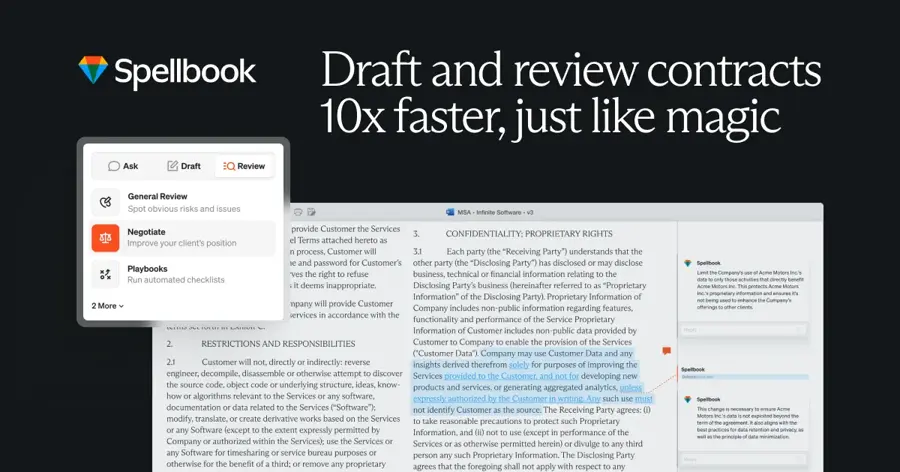
Spellbook is an AI contract drafting and review tool that runs inside Microsoft Word, aimed at transactional lawyers and in-house teams. Learn more at spellbook.com.
Why it stands out
Spellbook does one job and stays where contract lawyers already work: Word. It raised a $50 million Series B in October 2025, and in March 2026 its CEO told BetaKit it was "on track to hit $100 million USD in annual recurring revenue in 2026", with more than 4,000 customers in 80 countries.
Public reviews are mixed. CostBench lists a Trustpilot score of 2.5 out of 5 from just 10 reviews as of July 2026, too small a sample to draw strong conclusions. It also cites a median contract of $25,470 a year from six buyer reports. Verdict: the best AI legal document generator for lawyers who draft and redline all day.
Key features
- Works in Word: drafting and review without leaving your document.
- Contract review: flags risky or missing terms.
- Clause drafting: suggests language from plain-English prompts.
Pros
- Fits existing contract workflows
- Fast-growing, with a large customer base
- 7-day free trial for lawyers
Cons
- No public pricing
- Weak Trustpilot score, though from few reviews
Spellbook pricing: No free plan (7-day trial) → custom quotes; median reported spend about $25,470 a year (checked October 2026). See pricing
Clio – best for small firm operations
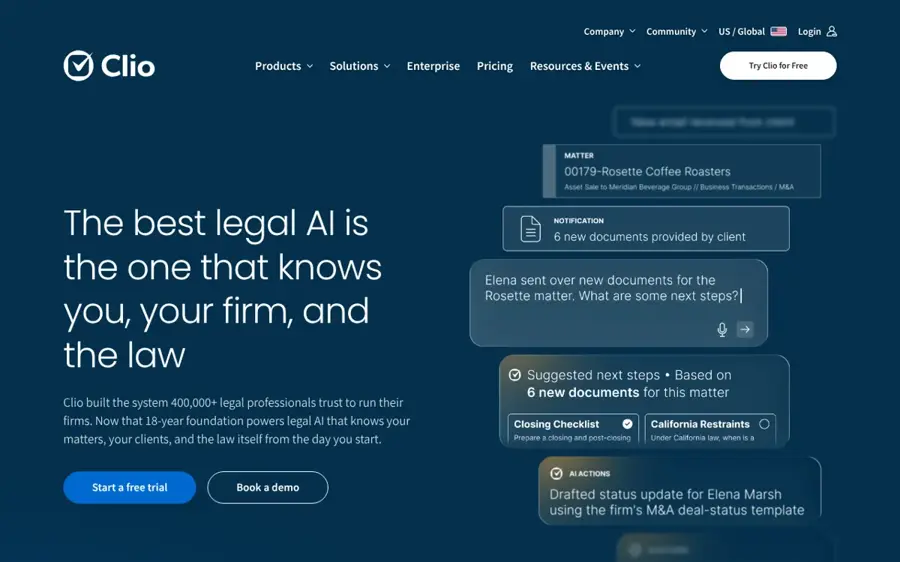
Clio is practice management software for law firms, covering matters, billing and client intake, with AI features layered on top. Learn more at clio.com.
Why it stands out
Clio is where a small firm's admin lives, so its AI can work on your actual matters, time entries and documents. Clio completed its $1 billion acquisition of vLex in November 2025, which brought the Vincent AI research assistant into its Clio Work product. The older Clio Duo add-on has been replaced by Manage AI, according to AI Tools Bakery.
Only the entry plan has a public price: EasyStart from $49 per user per month. AI Tools Bakery reports the last listed prices of $89 for Essentials, $109 for Advanced and $149 for the top plan, now called Expand, with Manage AI reported at $39 to $59 extra per user. Verdict: start here if your firm's bottleneck is running the practice, not researching the law.
Key features
- Practice management: matters, calendars, billing and client portal.
- Manage AI: AI help inside your firm's own data.
- Clio Work with Vincent AI: legal research and drafting from the vLex deal.
Pros
- One system for operations and AI
- Entry price is public and relatively low
- 7-day free trial
Cons
- Most plan and AI add-on prices are no longer published
- Clio Work pricing is demo-only
Clio pricing: No free plan (7-day trial) → paid plans from $49/user/month (checked October 2026). See pricing
Eve – best for plaintiff firms
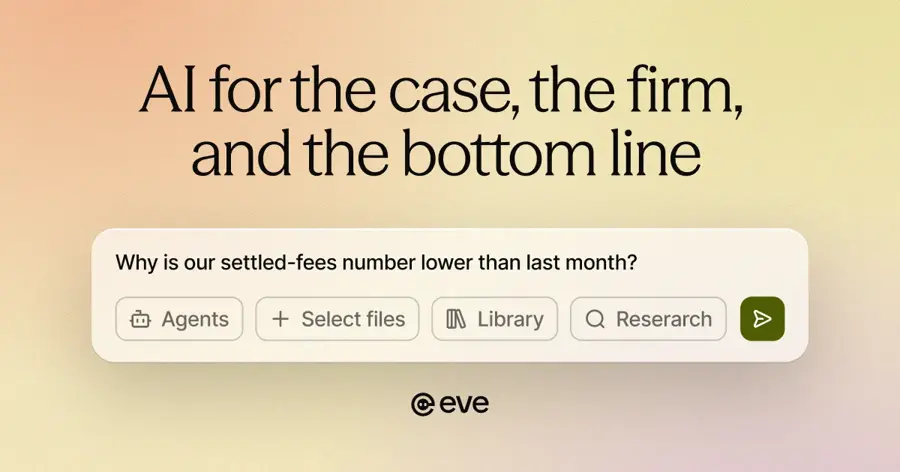
Eve is an AI platform built for plaintiff law firms, helping with case intake, medical record review, demand letters and heavy caseloads. Learn more at eve.legal.
Why it stands out
Most legal AI is sold to defence firms and corporate legal teams. Eve picked the other side. It raised a $103 million Series B at a valuation above $1 billion in October 2025, led by Spark Capital. At that point it reported more than 450 plaintiff firms as clients, handling over 200,000 cases a year, and said firms using Eve had recovered over $3.5 billion in settlements and judgments.
We did not find a public rating with enough reviews to quote. Verdict: if you run a personal injury or employment plaintiff practice, put Eve on the demo list before any general tool.
Key features
- Plaintiff-focused workflows: built around how contingency firms work.
- Document and record review: pulls key facts from large case files.
- Drafting support: first drafts of case documents.
Pros
- Built specifically for plaintiff practice
- Well funded, with hundreds of firm clients
- Focused on high-volume work
Cons
- No published pricing
- Not useful outside plaintiff work
Eve pricing: No free plan → custom pricing via demo (checked October 2026). See pricing
Paxton – best for solo lawyers
Paxton is an AI legal assistant for research, drafting and document analysis, sold with self-serve plans for individual lawyers. Learn more at paxton.ai.

Why it stands out
Paxton is one of the few legal research assistants you can sign up for without a long sales process. CostBench lists an Individual plan at $500 per user per month billed monthly, or $250 per month billed annually, with Enterprise on a custom quote. Its own page also lists other figures, so confirm the current rate with Paxton before you budget.
The same source notes some users report a learning curve. Verdict: a practical middle ground between a $20 chatbot and a five-figure enterprise contract.
Key features
- Legal research: answers with citations to check.
- Drafting: memos, letters and other documents.
- Document analysis: upload files and ask questions.
Pros
- Self-serve pricing for individuals
- Big discount for annual billing
- Free trial reported
Cons
- Pricing information varies between sources
- Still a large monthly spend for a solo
Paxton pricing: No free plan → reported from $250/user/month billed annually (checked October 2026). See pricing
Claude – best for a flexible legal assistant
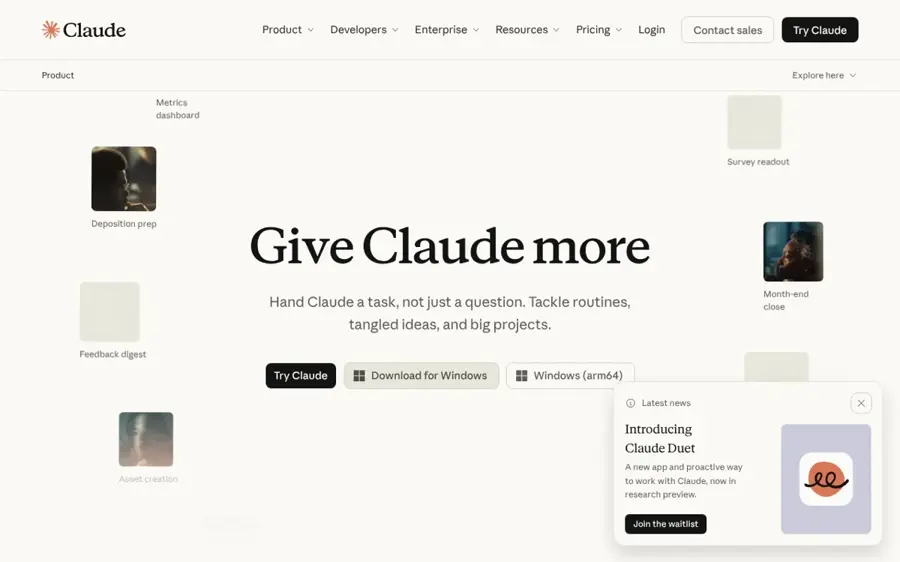
Claude is Anthropic's general AI assistant, which now offers legal plugins and connectors to legal platforms through Claude for Legal. Try it at claude.ai.
Why it stands out
On May 14, 2026, Anthropic launched Claude for Legal, connecting Claude Cowork to 20 legal platforms and adding 12 practice-area plugins, including commercial, corporate, employment, privacy, IP and litigation. Connectors include iManage, NetDocuments, Docusign, Relativity, Everlaw, Harvey and Thomson Reuters' CoCounsel, Westlaw and Practical Law. Anthropic said that "legal professionals have become the most engaged Claude Cowork users of any knowledge-work function."
There is a catch. A review by Terms.law notes the plugins are scaffolds that work best customised with your own playbooks, and that Lexis and Thomson Reuters connectors need your own subscriptions. Verdict: the most flexible option if you want one assistant for legal and non-legal work.
Key features
- 12 practice-area plugins: starting points for common legal tasks.
- 20 legal connectors: document management, e-discovery and research tools.
- Long-document work: reads and summarises contracts and filings.
Pros
- Free tier for trying it out
- Low entry price compared with legal-only tools
- Connects to many tools firms already use
Cons
- Not grounded in case law unless you connect a research service
- Plugins need setup to be useful
Claude pricing: Free → paid plans from $17/month (Pro, billed annually) (checked October 2026). See pricing
Related: Claude AI review
ChatGPT – best for free legal help
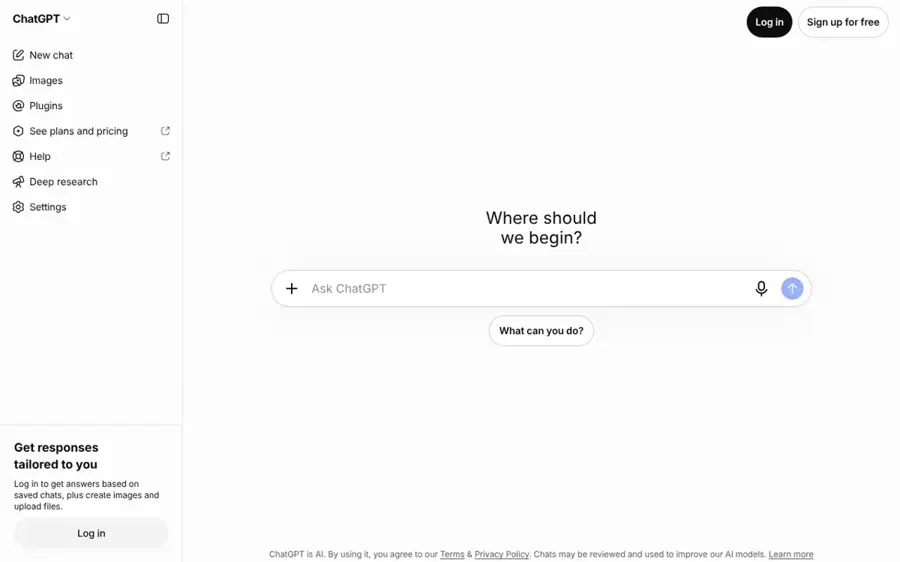
ChatGPT is OpenAI's general AI assistant, and for many people it is the first stop for AI legal advice and plain-English explanations. Try it at chatgpt.com.
Why it stands out
If you are not a lawyer, ChatGPT is the easiest way to get free AI legal help (or a free AI legal document generator for simple letters): explaining a lease clause, outlining your options in a dispute, or drafting a polite demand letter. It has a free tier, a Go plan at $8 a month and Plus at $20 a month.
The risk is real, though. The Charlotin database tracked by the Maryland State Bar Association counted 1,240 reported instances of fake AI-generated content in US filings by late July 2026. In 2026 alone, 405 of those came from people representing themselves. Verdict: great for understanding a problem, never for filing anything you have not checked.
Key features
- Plain-English explanations: turns legal jargon into something readable.
- File uploads: summarise a contract or letter you received.
- Drafting: letters, emails and first-pass documents.
Pros
- Free tier and cheap paid plans
- Easy to use with no legal background
- Handles a wide range of tasks
Cons
- Can invent case law and citations
- Not tied to verified legal databases
ChatGPT pricing: Free → paid plans from $8/month (Go); Plus at $20/month (checked October 2026). See pricing
Related: ChatGPT with GPT-6 review Best ChatGPT alternatives
Rocket Lawyer – best for an AI legal document generator
Rocket Lawyer is an online legal service for individuals and small businesses, combining document templates, an AI legal assistant and access to attorneys. Learn more at rocketlawyer.com.
Why it stands out
Rocket Lawyer is our pick for consumers and small business owners who need documents more than research. Every plan on its pricing page includes an AI legal assistant with "AI-powered answers to unlimited questions", plus unlimited contract uploads to "see a list of key terms and red flags".
Plans run from $149 a year (Standard) to $249 (Plus) and $349 (Pro), billed yearly after a free 7-day trial. Verdict: the best value if you want templates, AI review and a lawyer on call in one subscription.
Key features
- AI legal Q&A: unlimited questions on every plan.
- AI contract review: highlights key terms and red flags.
- Document templates: common personal and business documents.
Pros
- Clear, published pricing
- Free 7-day trial
- AI plus access to legal professionals
Cons
- Billed yearly, so the monthly figure is not a monthly plan
- Templates are not tailored legal advice
Rocket Lawyer pricing: No free plan (7-day trial) → paid plans from $12.41/month, billed $149 yearly (checked October 2026). See pricing
How to choose the right lawyer AI tools
Start with who you are
Lawyers and consumers need different products. A firm needs grounded research, confidentiality controls and integration with Word and its document system. A consumer needs plain explanations, documents and a cheap way to reach a human. Choose CoCounsel or Lexis+ if you research case law daily. Choose Rocket Lawyer or ChatGPT if you are handling a personal or small business matter.
Insist on checkable citations
The sanctions are piling up. In 2025 the Charlotin database recorded 97 monetary sanctions and 59 disciplinary referrals tied to fake AI content. Pick a tool that links every authority to a source you can open, and read it. Tools tied to Westlaw or Lexis reduce the risk; they do not remove your duty to check.
Check where client data goes
Ask every vendor whether your data trains its models, where it is stored, and who can access it. Rules on AI and data protection vary by country, and our guide to AI regulation in 2026 covers the basics. Be careful with meeting tools too: a note taker like Otter.ai is handy for internal calls, but think twice before recording privileged client conversations.
Get the contract terms in writing
Many legal AI vendors sell annual contracts that auto-renew. CostBench reports a 10% annual increase on Spellbook renewals, and Vaquill flags cancellation complaints about Lexis contracts. Ask for the renewal cap, exit terms and per-seat price before you sign.
Free vs paid: what you actually get
An AI lawyer free option is real, but it is limited. A free AI legal assistant can explain and draft; it cannot verify case law or protect client data the way paid tools do. Here is the trade-off in plain terms.
| What you need | Free tools (ChatGPT, Claude free tiers) | Paid professional tools |
|---|---|---|
| Explaining a legal concept | Good | Good |
| Drafting a letter or simple document | Good, needs checking | Good, with firm templates |
| Case law with reliable citations | Risky | Grounded in Westlaw or Lexis |
| Bulk document review | Limited by upload caps | Thousands of documents |
| Confidential client data | Check settings carefully | Enterprise security controls |
| Typical cost | $0 to $20 a month | About $250 to $500 per seat a month |
One more warning on "robot lawyer" marketing. In February 2025 the US Federal Trade Commission ordered DoNotPay to pay $193,000 in monetary relief over unsupported claims about its robot lawyer service. If a tool promises to replace an attorney, treat that as a red flag. For the bigger picture, see our explainer on whether lawyers will be replaced by AI.
Final verdict
If you only pick one as a firm, pick CoCounsel Legal. Its tie to Westlaw and its citation checking address the biggest risk in legal AI. Choose Harvey if you are a large firm with budget and want a vendor that helps you build workflows. Choose Spellbook if contracts are your whole day, and Clio if admin, not research, is what slows you down.
Solo lawyers on a budget should look at Paxton or a paid Claude plan with the legal plugins. Consumers should use ChatGPT or Claude to understand the problem, then use Rocket Lawyer for documents and a licensed attorney for anything that goes to court. Cheap AI is fine for learning. It is not fine as your only check.
FAQ
How to use AI for legal representation?
You can't use an AI attorney as your legal representative. No AI tool is licensed to practise law or appear in court for you. You can use it to understand your situation, organise facts, draft questions and prepare first drafts. Then have a licensed attorney review anything you file. Our guide to better AI prompts helps you ask clearer questions. If you represent yourself, check every case citation against an official source.
How to integrate AI into legal practice?
Using AI for law works best when you start with one low-risk, repetitive task, such as summarising documents or first drafts of routine letters. Pick a tool that fits your existing systems, write a firm AI policy covering confidentiality and citation checks, and train staff. Pilot it for a few weeks on closed matters, measure time saved, then expand to research and drafting.
How to choose reliable AI for legal automation?
Look for tools grounded in verified legal databases, with citations you can click and check. Ask vendors about data retention, model training, encryption and access controls. Compare published ratings on sites like G2, and run a pilot on your own documents. Avoid any product that claims to replace a lawyer or hides all pricing and contract terms.
Sources
- Best AI lawyer apps in 2026: free and paid, honestly compared (AI Lawyer)
- Clio pricing (2026): every plan, the AI add-ons, and what Clio stopped publishing (AI Tools Bakery)
- On track to hit $100-million USD ARR, Spellbook partners with Canadian Bar Association (BetaKit)
- ChatGPT (OpenAI)
- Claude (Anthropic)
- Paxton AI pricing 2026 (CostBench)
- Spellbook pricing 2026 (CostBench)
- Harvey (software) (Wikipedia)
- Legal AI startup Harvey raises funds at $11 billion valuation (Bloomberg Law)
- Eve: $103 million at $1 billion valuation raised to transform plaintiff law firms with AI (Pulse 2.0)
- Anthropic launches Claude for Legal (ABA Journal)
- Spellbook raises $50M Series B to expand AI contract review platform (Business Wire)
- Clio (Clio)
- ChatGPT pricing 2026: Free vs Go vs Plus vs Pro (CometAPI)
- Eve (Eve Legal)
- CoCounsel Legal pricing (G2)
- Harvey (Harvey)
- Legal solutions for small law firms (LexisNexis)
- Confronting the hard numbers behind lawyers, AI and phantom precedents (Maryland State Bar Association)
- Paxton (Paxton AI)
- Rocket Lawyer (Rocket Lawyer)
- Pricing (Rocket Lawyer)
- Spellbook (Spellbook)
- Claude for Legal review (Terms.law)
- Thomson Reuters launches next generation of CoCounsel Legal (Thomson Reuters)
- Lexis+ AI pricing 2026 (Vaquill)