10 best free picture AI generators in 2026, compared and ranked
Looking for a free picture AI generator? We compared 10 free tools by daily limits, photo editing, rights and upgrade cost. Gemini leads for most people.
 Written byBurhan AqibSenior writer, policy and analysis
Why you can trust The AI Future
Our writers research every product, link each claim to its source and correct mistakes openly. Companies can't pay for coverage or see reviews before they're published.
Read our editorial policy
Short answer: the best free picture AI generator for most people right now is probably Google Gemini. It gives you a fixed daily allowance of around 20 images, handles both text-to-image and photo edits, and needs nothing more than a Google account. Hit that cap? Microsoft Bing Image Creator keeps going for free, just slower.
Everything else on this list is a specialist. Leonardo.Ai gives you the most daily volume, Ideogram is the one to use when your picture needs readable words, and Stable Diffusion is the only truly unlimited option if you've got a decent graphics card. We compared ten free tools using help pages, pricing pages, independent reviews and user ratings, as of late October 2026. I'd start with Gemini and only move on when its limits annoy you. For paid tools too, see our full AI image generator roundup.
Key takeaways
- Gemini looks like the best all-round free option. DataCamp puts the free allowance at about 20 images a day with Nano Banana 2.
- Bing Image Creator rarely runs out. You get 15 fast creations a day, then free standard-speed creations up to 200 prompts in 24 hours.
- Free plans often make your images public. Leonardo.Ai and Ideogram both do this on free accounts, so skip them for confidential client work.
- Check commercial rights before you publish: Bing's free output is personal use only, according to DataCamp's review of Microsoft's terms.
- Your prompt probably matters more than the tool, and a clear description of subject, style, lighting and framing beats switching apps.
Our ranking method
Nobody at The AI Future ran hands-on tests for this roundup, and we don't have screenshots of our own to show you. We compared each free picture AI generator using documentation, pricing pages, published independent tests (from DataCamp, Zapier and others) and user ratings on Trustpilot, as of October 2026. Six criteria decided the order.
- Free allowance: how many pictures you can make without paying, and how clearly the limit is stated.
- Image quality: how good the results are, based on published comparisons.
- Photo editing: whether you can upload your own photo and change it.
- Ease of use: how fast a beginner gets a usable picture.
- Rights and privacy: who owns free output, whether it can be used commercially, and whether it goes public.
- Upgrade cost: how cheap the first paid plan is if you outgrow the free one.
The 10 best free picture AI generators at a glance
| # | Tool | Category | Best for | Free tier | Starts at |
|---|---|---|---|---|---|
| 1 | Google Gemini | Chat assistant | Most people | Yes (limited) | $4.99/mo |
| 2 | Bing Image Creator | Image generator | Unlimited casual use | Yes | Free |
| 3 | ChatGPT | Chat assistant | Conversational edits | Yes (limited) | $8/mo |
| 4 | Leonardo.Ai | Creative platform | Daily volume | Yes (limited) | $12/mo |
| 5 | Meta AI | Chat assistant | Quick edits in social apps | Yes | $7.99/mo |
| 6 | Ideogram | Design and text | Text in images | Yes (limited) | $20/mo |
| 7 | Canva | Design platform | Social posts and layouts | Yes (limited) | $12/mo |
| 8 | Adobe Firefly | Creative suite | Commercial work | Yes (limited) | $9.99/mo |
| 9 | Krea | Multi-model platform | Trying many models | Yes (limited) | $5.25/mo |
| 10 | Stable Diffusion | Open-weight model | Unlimited local generation | Yes | Free |
The best free picture AI generators in 2026, ranked
Google Gemini – best for most people
Google Gemini is Google's AI assistant, and its free plan includes image generation and editing with the Nano Banana image models. Try it at gemini.google.com.
Strengths
Gemini wins because its free limit is simple. DataCamp ranks it the best free AI image generator for most users and reports roughly 20 images a day at up to 1K resolution on Nano Banana 2, with the stronger Nano Banana Pro capped at around two a day. On Google's own plans page, "Image generation and editing" sits on the free tier.
It's also one of the better tools for changing a photo you already have. Zapier says Nano Banana is "especially good at incorporating existing images", and the Gemini iPhone app listing mentions camera and lighting controls, multi-image blending and posters with sharp text. People are less kind to the assistant overall: Gemini scores 1.4 out of 5 from 1,417 Trustpilot reviews, mostly about the chatbot rather than images.
Key features
- The free plan runs Nano Banana 2 for text-to-image and image editing.
- You can combine several uploaded images into one scene.
- Text rendering gives readable words for posters and cards.
- Images carry a SynthID invisible watermark and C2PA credentials, per DataCamp.
- It's available on the web, Android and iPhone.
Pros
- Clear daily allowance, no token maths
- Strong at editing your own photos
- Free with any Google account
Cons
- Free output tops out around 1K resolution
- Best model (Nano Banana Pro) is limited to a couple of images a day
- Limits can change when demand spikes
Google Gemini pricing: Free, then paid plans from $4.99/month (Google AI Plus), with Google AI Pro at $19.99/month, per Zapier (checked October 2026). See pricing
Verdict: if you only pick one free tool, I'd pick Gemini.
Bing Image Creator – best for unlimited casual use
Bing Image Creator is Microsoft's free image generator and editor, free for anyone with a personal Microsoft account. Use it at bing.com/images/create.
Strengths
This is the most generous free tool that needs no setup. Going by Microsoft's help page, you get 15 free fast creations every day, and once they're used you can "continue creating for free at our standard speed", up to 200 prompts per 24 hours. Each click can produce several images. You can choose between Microsoft's MAI-Image-2.5-Flash and MAI-Image-2e models, and photo edits run on MAI-Image-2.5-Flash.
The trade-offs are rights and accounts. DataCamp notes that free outputs are restricted to non-commercial personal use, and Microsoft says work or school accounts aren't supported. Trustpilot's Bing page sits at 1.6 out of 5 from 632 reviews, though those reviews cover Bing as a whole, so I wouldn't read much into that score.
Key features
- You get 15 fast creations a day, then slower standard speed.
- Two MAI models let you pick the look you prefer.
- You can upload a photo and change it with words.
- A toggle adds an optional visible watermark to label AI images.
- Microsoft Rewards points buy more fast creations.
Pros
- Effectively unlimited for casual use
- No paid plan needed at all
- Simple interface inside Bing
Cons
- Personal Microsoft account only
- Free output is non-commercial
- Standard speed can be slow
Bing Image Creator pricing: Free, with no paid plan; Microsoft Rewards points buy extra fast creations (checked October 2026). See the help page
Related: Bing AI review Microsoft AI review
Verdict: the best backup when your Gemini allowance runs out.
ChatGPT – best for conversational edits
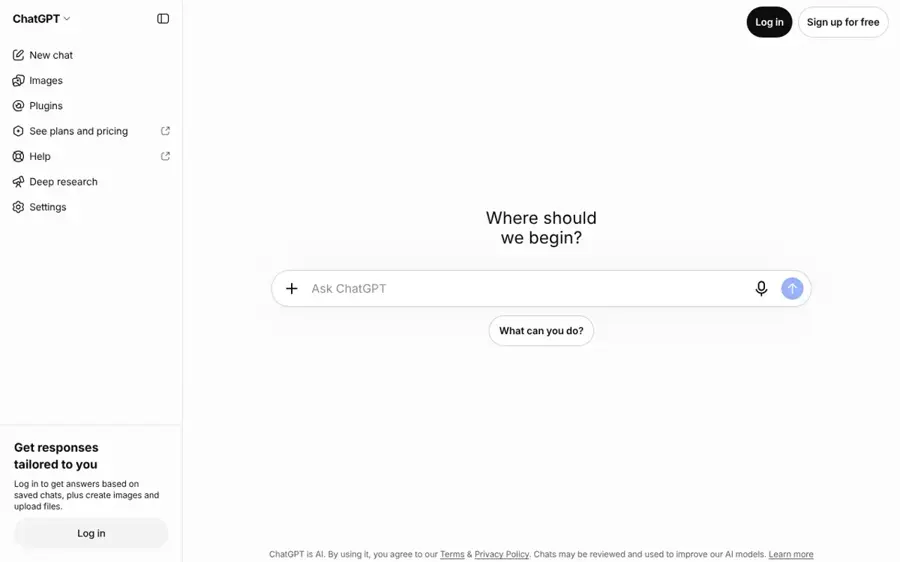
ChatGPT is OpenAI's chatbot, and every account can create and edit images by describing them in plain language. Start at chatgpt.com.
Strengths
ChatGPT is the easiest tool to learn, in my view. You describe a picture, then refine it in the same chat ("make the lighting warmer") without starting over. DataCamp calls it the best free choice for beginners and for photorealism, but warns the free cap is tight: around 2 to 3 images in a rolling 24 hours, a figure based on community reports because OpenAI doesn't publish it.
Zapier, which tests these tools hands-on, says models like GPT Image 2.5 are getting very good "at rendering tricky concepts repeatedly", and notes free users get limited image generation. On Trustpilot, ChatGPT scores 1.6 out of 5 from 3,884 reviews, which reflect the chatbot in general rather than its images.
Key features
- You can iterate on one image across follow-up messages.
- Upload a picture and restyle it.
- Text in images is strong, which suits cards and simple graphics.
- The same features run in the iPhone and Android apps.
Pros
- The simplest workflow on this list
- High photorealism for occasional images
- No new account needed if you already use ChatGPT
Cons
- Very small free allowance
- OpenAI doesn't publish the exact free limit
ChatGPT pricing: Free, then paid plans from $8/month (Go), Plus $20/month and Pro $100/month, per Zapier (checked October 2026). See pricing
Related: ChatGPT review Best AI like ChatGPT
Verdict: ideal for a few great pictures a day, and no use for volume.
Leonardo.Ai – best for daily volume
Leonardo.Ai is a creative platform with its own image models, image-to-image tools and upscaling, and a free plan that refills every day. Visit leonardo.ai.
Strengths
If you need lots of pictures for free, Leonardo stretches furthest. Free accounts get 150 fast tokens a day with no carryover, according to eesel, and DataCamp estimates that works out to around 25 to 37 standard images a day. The catch: free creations are public, and eesel reports that on the free plan "you don't hold the IP, Leonardo does". That's a steep price for free images.
Users rate it well. Leonardo.Ai holds 4.7 out of 5 from 1,564 Trustpilot reviews, and eesel quotes a Capterra reviewer who said "The free version is quite generous, and the paid version is worth the money".
Key features
- The 150 daily tokens reset every 24 hours.
- Several models are on offer, including Leonardo's own Phoenix plus third-party options.
- Image-to-image turns a photo or sketch into new art.
- Upscaling and editing live in the same workspace.
Pros
- Most free images per day of any cloud tool here
- Good for game art, concept art and characters
- Highly rated by users
Cons
- Free creations are public
- Leonardo keeps rights to free-plan images
- Token costs vary by model, so counting is harder
Leonardo.Ai pricing: Free, then paid plans from $12/month (Essential), Premium $30 and Ultimate $60, per eesel (checked October 2026). See pricing
Related: Leonardo AI review
Verdict: the volume pick, as long as public images are fine for you.
Meta AI – best for quick edits in social apps
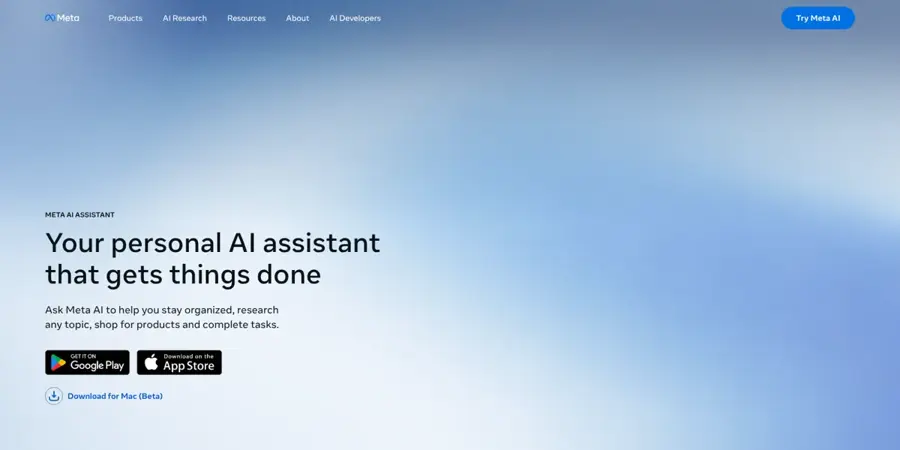
Meta AI is Meta's free assistant, built into WhatsApp, Instagram, Facebook and Messenger, and it generates and edits pictures with the Muse Image model. Try it at meta.ai.
Strengths
Meta AI's advantage is that it's already in apps you use. Zapier describes Muse Image as "an excellent chat-based image generator" and says its editing is surprisingly good: you can mark up an image, describe the change and steer it. Zapier also found its text accuracy "wasn't as good as ChatGPT's".
User reviews are thin and harsh. Meta AI's Trustpilot page shows 1.5 out of 5 from 91 reviews, an unclaimed profile that covers far more than images, so it's weak evidence either way.
Key features
- The Muse Image model handles text-to-image and editing in chat.
- You can draw on an image to show what to change.
- It lives inside WhatsApp and Instagram, so no extra app is needed.
- It's free, with optional extra usage through Meta One.
Pros
- Free and already on your phone
- Good at quick, fun photo edits
- Easy to share results straight to chats
Cons
- Weaker text rendering than ChatGPT
- Privacy settings live inside Meta's apps
Meta AI pricing: Free, then more usage through Meta One from $7.99/month, per Zapier (checked October 2026). Official site
Verdict: the fastest way to make a meme or quick edit from your phone.
Ideogram – best for text in images
Ideogram is an image generator known for readable text inside pictures, which makes it popular for posters, thumbnails and logos. Visit ideogram.ai.
Strengths
Most generators still mangle words. Ideogram was built to get them right, and DataCamp names it the best free tool for text in images. The free plan is weekly, not daily: 10 slow credits per week, each covering up to four images, with waits that DataCamp says can stretch past 20 minutes at peak times. DataCamp also reports that Ideogram 4.0 was released as an open-weight model in June 2026.
Not every tester is convinced on image quality; Zapier says Ideogram "lags behind the frontier at the moment". Users give it 3.8 out of 5 from 168 Trustpilot reviews.
Key features
- Text rendering gives clean lettering for signs, covers and logos.
- Weekly free credits stretch to about 40 images at the cheapest settings.
- Transparent backgrounds and logo tools are listed in its docs.
- Ideogram 4.0 has open weights, so it can be run elsewhere.
Pros
- The best free choice for words in pictures
- Commercial use allowed on free output, per DataCamp
- Good for posters and social graphics
Cons
- Slow queue on the free plan
- Free images are public
- Overall realism trails Gemini and ChatGPT
Ideogram pricing: Free, then paid plans from $20/month, per Costbench (checked October 2026). See pricing
Verdict: use it whenever the picture needs words people can read.
Canva – best for social posts and layouts
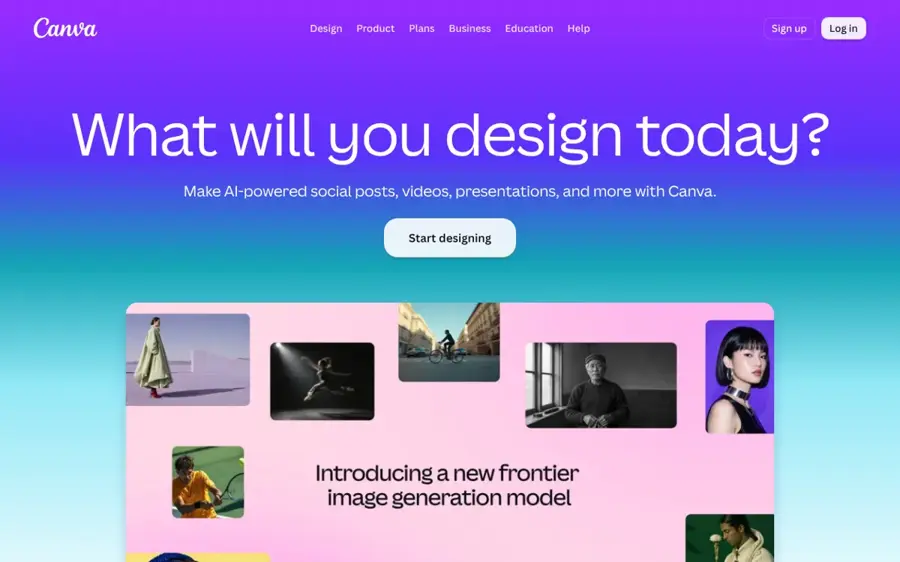
Canva is a design platform with a built-in AI image generator, so you can create a picture and drop it straight into a template. Start at canva.com.
Strengths
Canva isn't the strongest generator, but it's the most useful if the image is only part of the job. On the pricing page, the free plan shows "Limited access to Standard and Premium AI" alongside 1.6 million templates. DataCamp says free image generation works better as a supplement than as a primary workflow and that its text rendering is weaker than Ideogram's or ChatGPT's.
Canva is well liked overall, with 4.0 out of 5 from 8,082 Trustpilot reviews.
Key features
- AI image generation sits inside the design canvas.
- The free plan includes 1.6M+ templates.
- A drag-and-drop editor adds text, logos and layouts.
- Pro gets 10x more AI, per Canva's pricing page.
Pros
- Image and layout in one place
- Very easy for beginners
- Huge free template library
Cons
- Small free AI allowance
- Weaker image detail and text than dedicated tools
Canva pricing: Free, then paid plans from US$144/year (Pro, about $12/month); Business US$250 per person per year (checked October 2026). See pricing
Verdict: best when the picture is going straight into a post or flyer.
Adobe Firefly – best for commercial work
Adobe Firefly is Adobe's generative AI app for images, video and audio, with a free daily allowance and tight links to Photoshop. Use it at firefly.adobe.com.
Strengths
Firefly's case is legal comfort. DataCamp notes its first image model was trained on licensed Adobe Stock images and public domain content, though Adobe's IP indemnification only covers paid subscribers. Dupple reports that Adobe's free plan offers free daily generations across image, video and audio but doesn't publish the daily count.
Trustpilot feedback is limited and negative, at 1.7 out of 5 from just 30 reviews on an unclaimed page. Zapier also suggests the other models now in Photoshop are "probably better than Firefly".
Key features
- Daily free generations cover images, video and audio.
- Its first image model used licensed training data.
- Photoshop integration brings Generative Fill and more.
- Partner models are available inside Adobe apps.
Pros
- Clearer training story for client work
- Fits existing Adobe workflows
- No card needed to start
Cons
- Adobe doesn't state the free daily limit
- Indemnification only on paid plans
- Few and poor user reviews
Adobe Firefly pricing: Free, then paid plans from $9.99/month (Firefly Standard, 2,000 monthly credits), per Dupple (checked October 2026). See plans
Verdict: the safer pick for work you plan to sell.
Krea – best for trying many models
Krea is a creative platform that puts dozens of image and video models, including its own Krea models, FLUX and Nano Banana, behind one account. Visit krea.ai.
Strengths
Krea is the place to compare models side by side. Looking at the pricing, the free plan gets 100 compute units a day, and the platform calls itself trusted by "40M+ creators". The same page lists models from Krea, Black Forest Labs, Google, OpenAI, Ideogram and others, each costing a different number of units.
Users are mixed, I'd say: Krea scores 3.6 out of 5 from 177 Trustpilot reviews.
Key features
- The 100 free daily units can be spent on any supported model.
- Models include Krea, FLUX, Nano Banana, Ideogram and more.
- Real-time and video tools come on paid plans.
- The entry plan, Basic, starts at $5.25/month.
Pros
- Try many top models without separate accounts
- Lowest paid entry price on this list
- Good for finding a style you like
Cons
- Unit costs make free limits hard to predict
- Commercial licence is a paid feature
Krea pricing: Free, then paid plans from $5.25/month (Basic), Pro $21 and Max $63 (checked October 2026). See pricing
Related: Best AI image generators
Verdict: a great sampler, then upgrade cheaply if you like it.
Stable Diffusion – best for unlimited local generation
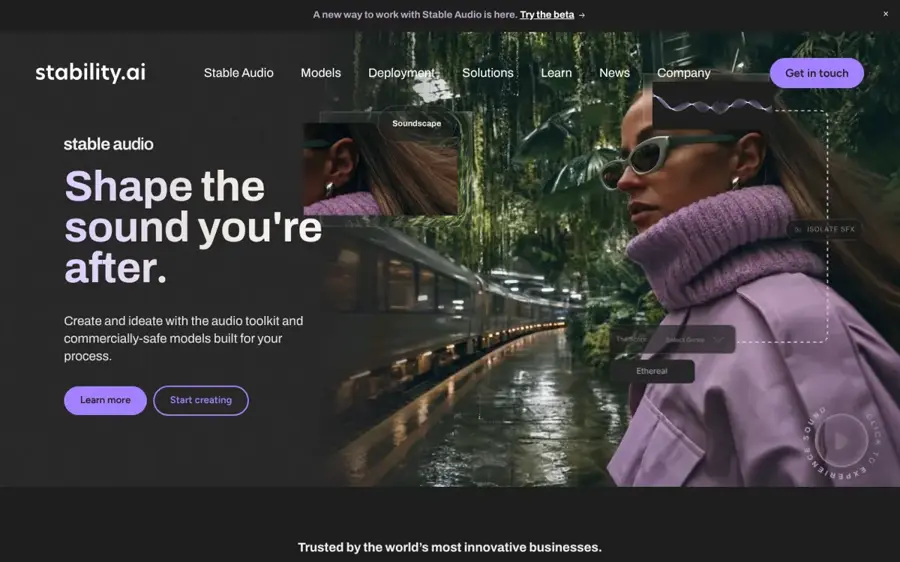
Stable Diffusion is Stability AI's open-weight image model family, which you download and run on your own computer. Learn more at stability.ai.
Strengths
This is the only option here with no platform cap. DataCamp explains that once Stable Diffusion 3.5 is set up locally there are no usage limits, watermarks or internet requirements. The Medium version needs about 10GB of graphics memory, and ComfyUI is now the main interface. Individuals and companies earning under $1 million a year can use it commercially under Stability's community licence, per DataCamp.
The price is setup time. DataCamp is blunt about the Python, drivers and troubleshooting involved: "If that sounds annoying, it is."
Key features
- It runs locally, so your pictures stay on your machine.
- There are no limits beyond what your hardware allows.
- ComfyUI and Forge are popular free front ends.
- A huge community supplies custom models and add-ons.
Pros
- Truly unlimited and private
- Free commercial use for most individuals
- Total control over style and settings
Cons
- Needs a capable graphics card
- Technical setup is required
- Models and add-ons take time to learn
Stable Diffusion pricing: Free to download and run; enterprise licence needed above $1 million in annual revenue, per DataCamp (checked October 2026). Official site
Verdict: for tinkerers with a good GPU, nothing else is as free, and honestly it's fun to run.
Choosing the right picture AI generator
Start with what the picture is for
Choose Gemini or ChatGPT if you want one great picture or a photo edit. Choose Ideogram if it needs text. Choose Canva if it's going into a post or flyer. Choose Leonardo.Ai or Bing Image Creator if you need lots of drafts.
Count the real free limit
"Free" means very different things. Gemini gives a daily number, Ideogram a weekly one, and Leonardo and Krea use tokens that vary by model. If you need 30 images today, Leonardo or Bing will get you there. ChatGPT won't.
Check who owns and sees your pictures
Leonardo.Ai and Ideogram make free images public, and Bing's free output is non-commercial. For client or brand work, Firefly or a paid plan is the safer route. Our guide on whether you can copyright AI art explains the wider rules.
Use your own photos responsibly
Most of these tools let you upload a photo and change it. Use photos of yourself, or of people who have agreed. Making intimate or deceptive images of real people without their consent is harmful and illegal in many places, and mainstream tools prohibit it in their rules.
Write a better prompt before you switch tools
Describe the subject, setting, style, lighting and framing in one or two sentences. Our AI photo prompt guide walks through it step by step, and it will improve results in any app on this list.
Free versus paid plans
Free plans are good enough for personal projects, social posts and experimenting. What paid plans add is shown below.
| What you get | Free plans | Paid plans |
|---|---|---|
| Volume | About 2 to 3 images a day (ChatGPT) up to 20 a day (Gemini) | Hundreds or thousands a month |
| Best models | Often limited, such as Nano Banana Pro at about 2 a day | Full access to top models |
| Privacy | Public by default on Leonardo.Ai and Ideogram | Private generation |
| Rights | Non-commercial on Bing; Leonardo keeps rights | Commercial licences, sometimes indemnity |
| Speed | Slow queues at busy times | Priority generation |
The cheapest upgrades are small. Gemini's AI Plus costs $4.99 a month, Krea Basic is $5.25 a month and ChatGPT Go is $8. If you need bigger prints from a free image, an upscaler such as Gigapixel AI can be cheaper than a higher image plan. For editing tools rather than generators, see our list of AI picture tools.
Final verdict
Most people should start with Gemini: about 20 free images a day, strong photo editing and no setup. Use Bing Image Creator when you run out, ChatGPT for a few careful edits, and Ideogram whenever your picture needs words.
Leonardo.Ai suits you if you need volume and don't mind public images, and I think Firefly is the safer choice if you plan to sell the work. Got a good graphics card and some patience? Stable Diffusion is the only free picture AI generator with no limits at all. It surprised me how few of the others come close on rights, which is where I'd look first before publishing anything.
FAQ
How to use AI for pictures?
Open a free tool such as Gemini, Bing Image Creator or ChatGPT, sign in, and type a description of the picture you want. Include the subject, style, lighting and framing. Review the results, then ask for changes in plain language, like "make it brighter" or "change the background to a beach", until it looks right.
How to AI your photos?
Upload your photo to a tool that supports editing, such as Gemini, ChatGPT, Bing Image Creator or Meta AI. Then describe the change: a new background, a painting style, different lighting or a costume. Only use photos of yourself or people who have agreed, and check the result for odd details before sharing.
How to AI an image?
To turn an existing image into AI art, use an image-to-image tool. Upload the picture to Gemini, Leonardo.Ai or ChatGPT, describe the style you want, such as watercolour, anime or 3D render, and generate. Most tools keep the composition and change the look. Try several prompts and keep the best version.
How to use AI on a photo?
AI can edit, restyle, extend or upscale a photo. For edits and restyling, upload it to Gemini or Bing Image Creator and describe the change. For removing objects or extending edges, Adobe Firefly and Canva work well. For sharper, bigger prints, use an AI upscaler. Save the original first so you can compare.
Where can I use AI to generate images?
You can generate images free in Google Gemini, Bing Image Creator, ChatGPT, Meta AI (inside WhatsApp and Instagram), Leonardo.Ai, Ideogram, Canva, Adobe Firefly and Krea. All work in a web browser, and most have phone apps. For unlimited private generation, you can run Stable Diffusion on your own computer.
Sources
- The Best Free AI Image Generators to Use in 2026 (DataCamp)
- The best AI image generators (Zapier)
- Help - Bing Image Creator (Microsoft)
- Google AI Pro & Ultra plans (Google)
- Google Gemini App (App Store)
- Leonardo.AI pricing 2026: plans, tokens, and the real cost (eesel AI)
- Is Adobe Firefly Free in 2026? (Dupple)
- Best Free AI Image Generators 2026 (Costbench)
- Krea pricing (Krea)
- Canva Pricing: Compare Free, Pro, Business and Enterprise plans (Canva)
- Gemini Google Reviews (Trustpilot)
- Bing Reviews (Trustpilot)
- Chatgpt Reviews (Trustpilot)
- Leonardo.Ai Reviews (Trustpilot)
- Meta Reviews (Trustpilot)
- Ideogram AI Reviews (Trustpilot)
- Canva Reviews (Trustpilot)
- Firefly Adobe Reviews (Trustpilot)
- Krea Reviews (Trustpilot)