AI selfie generator free: the 7 best tools in 2026 for your own photos
The best free AI selfie generators for turning your own photos into new portraits, compared on free limits, likeness, privacy and price.
 Written byAlap ZahidReviews and guides editor
Why you can trust The AI Future
Our writers research every product, link each claim to its source and correct mistakes openly. Companies can't pay for coverage or see reviews before they're published.
Read our editorial policy
Short answer: I think the best AI selfie generator free option for most people is Google Gemini. Upload one clear photo of yourself, describe the look you want, and its free Nano Banana 2 model edits your selfie into a new portrait. If you want tighter control over multi-step edits, use ChatGPT. If you live in Instagram or WhatsApp, Meta AI is already in your pocket.
Everything else on this list is a specialist: one-tap art styles, beauty looks or trend effects. One rule applies to all of them. Only upload photos of yourself, or of someone who has clearly agreed. We left out any app built to undress people or make sexual images, and you should avoid them too.
Key takeaways
- Google Gemini is probably the best free AI selfie generator right now. Free accounts can edit their own photos with Nano Banana 2, within limits that reset every five hours up to a weekly cap.
- ChatGPT seems the strongest at keeping your face consistent across edits. OpenAI says its Images 2.5 model is better at preserving the subjects in reference photos.
- Free means limited almost everywhere. Expect usage caps, watermarks or a handful of credits. Paid plans start at about $5 a month.
- Consent isn't optional. In the US, the Take It Down Act now makes sharing non-consensual intimate images, including AI fakes, a crime.
Our ranking method
Nobody at The AI Future ran hands-on tests for this roundup. We compared each AI selfie tool using official product pages, pricing pages, independent coverage, app store ratings and user reviews, as of late October 2026. We scored each tool on six criteria:
- Likeness: how well it keeps your real face recognisable after the edit.
- Free tier: what you can actually make without paying.
- Control: whether you can direct outfit, background, lighting and style.
- Ease of use: how fast you go from upload to a usable selfie.
- Privacy: data retention, training defaults and how your photos might be reused.
- Safety and billing: responsible content rules and how users rate subscriptions and refunds.
The 7 best free AI selfie generators at a glance
| # | Tool | Category | Best for | Free tier | Starts at |
|---|---|---|---|---|---|
| 1 | Google Gemini | AI assistant | Best overall free selfies | Yes | $4.99/mo |
| 2 | ChatGPT | AI assistant | Detailed, multi-step edits | Yes (limited) | $8/mo |
| 3 | Meta AI | AI assistant | Instagram and WhatsApp users | Yes | Free |
| 4 | Fotor | Photo editor | One-tap art styles | Yes (limited) | $9.99/mo |
| 5 | Dreamina | Image and video generator | Daily free credits | Yes (limited) | ~$18/mo |
| 6 | YouCam Makeup | Beauty app | Makeup and glam looks | Yes (limited) | $5.99 (in-app) |
| 7 | Glam AI | Mobile effects app | Trend filters on your phone | Yes (limited) | $5.99 (in-app) |
The best AI selfie generators in 2026, ranked
Google Gemini – best overall free selfies
Google Gemini is Google's AI assistant, and its built-in Nano Banana image models can restyle a selfie you upload, from a new background to a full portrait makeover, on the free plan.
Strengths
Google's plans page lists image generation and editing in the free tier. You don't get a fixed image count. According to LaoZhang's October 2026 guide, which quotes the Gemini help centre, free usage "refreshes every 5 hours until you reach your weekly limit." Free accounts use Nano Banana 2, while paid Google AI plans get the newer Nano Banana 2.1. The same guide notes that you can generate images at 13 but edit them only at 18, which matters for a selfie tool. Honestly, the weekly cap is the part I'd want spelled out.
The practical upside is control. You can say "keep my face exactly the same, change the background to a beach at sunset" and refine one detail at a time. Users like the app overall: Gemini holds a 4.7-star rating from 1.4 million reviews on the Apple App Store, per App Pricing Lab. That rating covers the whole app, not just image tools.
Key features
- Photo upload plus prompt: edit your own selfie in plain English.
- Conversational edits: change one thing at a time without starting over.
- Usage meter: check what is left under Settings, then Usage limits.
- Multiple references: Nano Banana 2 handles several reference images, per LaoZhang.
- Age rules: photo editing is limited to users 18 and older.
Pros
- Genuinely free for occasional use
- One good photo is enough
- Strong at keeping edits realistic
- Cheapest paid upgrade on this list
Cons
- No published image count, so limits feel unpredictable
- No preset styles: you write the prompts
- Likeness can drift with big changes
Google Gemini pricing: Free, then paid plans from $4.99/month for Google AI Plus, with AI Pro at $19.99/month, per ProPakistani's October 2026 price check (checked October 2026). See pricing
Verdict: if you only try one free AI selfie generator, try this one.
ChatGPT – best for detailed, multi-step edits
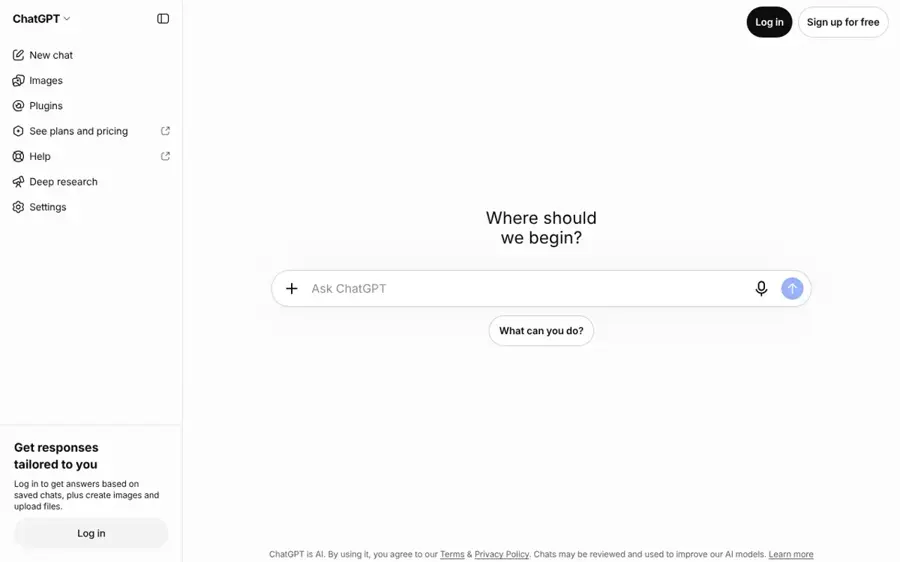
ChatGPT is OpenAI's assistant; free users can upload a selfie and ask it to restyle the photo, within a weekly image limit.
Strengths
OpenAI released ChatGPT Images 2.5 in September 2026 to all tiers. As 9to5Mac reported, OpenAI says the model "is better at preserving the subjects in your reference photos, and follows editing instructions more reliably across multiple turns." For a selfie, that's probably the whole game: you want to still look like you after five rounds of tweaks.
The free tier has limits. TechRepublic notes that on the free plan, "Generation is limited and slower than on paid plans." Engadget adds that OpenAI uses a single weekly limit and enrols free accounts in model training by default, so turn off "Improve the model for everyone" in Data Controls before uploading your face. The ChatGPT app holds a 4.8-star rating from 6.1 million App Store reviews, per App Pricing Lab.
Key features
- Images 2.5: sharper detail and more natural lighting, per OpenAI.
- Multi-turn editing: refine the same selfie across several messages.
- Sketch: draw a rough layout to guide the image.
- Library: uploads are saved for reuse, with a 500MB cap on free accounts.
- Training opt-out: in Settings, then Data Controls.
Pros
- Best at following long, specific instructions
- Keeps subjects consistent across edits
- Free to start
Cons
- Weekly image cap with no published number
- Training on your data is on by default
- Free and Go tiers show ads, per Engadget
ChatGPT pricing: Free, then paid plans from $8/month for Go, per Engadget (checked October 2026). See pricing
Related: ChatGPT with GPT-6 review Best AI like ChatGPT
Verdict: as good as Gemini for most selfies, and better for long edit chains; switch off training first.
Meta AI – best for Instagram and WhatsApp users
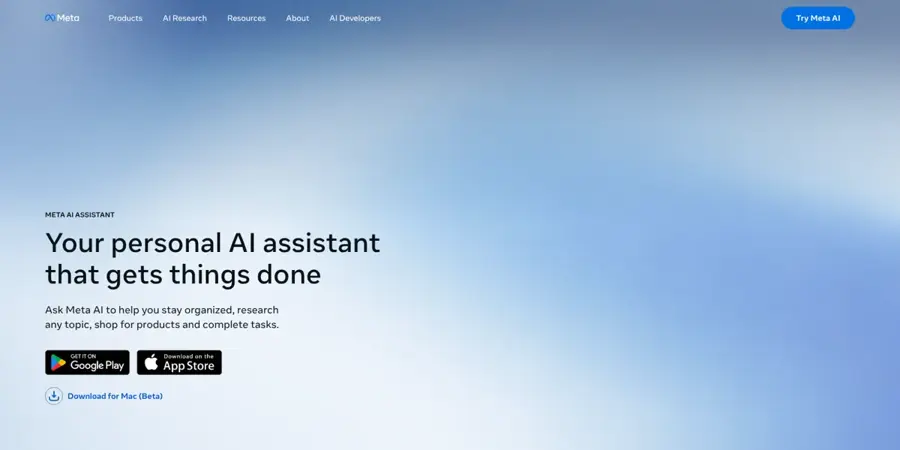
Meta AI is the assistant built into Instagram, WhatsApp, Facebook and Messenger, and its "Imagine me" feature turns your selfies into new scenes at no cost.
Strengths
Imagine me has been around since 2024. As Android Central explained at launch, you take three selfies (straight on, from the left and from the right), then type "Imagine me" followed by a scene. In July 2026 Meta added Muse Image, its first in-house image model, to the Meta AI app, WhatsApp and Instagram Stories in select countries. Tech Insider reports that basic image generation is free, with paid tiers for heavier use.
Results are mixed. A Tom's Guide writer who used Meta AI on their own selfies summed it up: "Some enhanced photos I love, some were disappointing." I think privacy is the bigger question. DIYPhotography reported in January 2025 that Meta tested putting AI images of users who had onboarded to Imagine yourself into their own feeds, and a Meta spokesperson told CNET these images "can only be generated for users who have onboarded." Read the terms before you hand over your face.
Key features
- Imagine me: type a prompt and see yourself in a new scene.
- Works inside chats: use it in Instagram, WhatsApp, Facebook and Messenger.
- Edit by chatting: ask it to change glasses, hair or the background.
- Muse Image: Meta's newer image model, rolling out by country.
Pros
- Free and already installed for billions of people
- Fast for fun, shareable selfies
- No new app or account needed
Cons
- Edits don't always land on the first try
- Your selfies may feed Meta's suggested content
- Features vary by country
Meta AI pricing: Free for everyday use; paid tiers for higher limits have been reported, per Tech Insider (checked October 2026). Official site
Verdict: the easiest free option if you already use Meta's apps; check your privacy settings.
Fotor – best for one-tap art styles
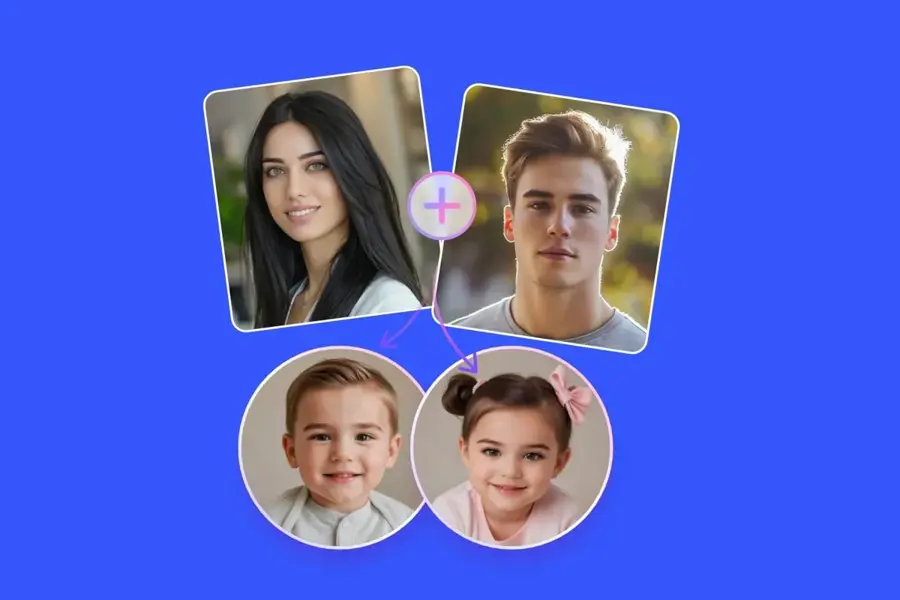
Fotor is an online photo editor with a dedicated AI selfie generator that turns your photo into anime, oil painting, game art and other styles.
Strengths
Fotor suits people who would rather pick a style than write a prompt. Its selfie generator page lists styles including "anime, Disney character, game art, illustration, and oil painting," plus avatar and business-portrait uses. The pricing page lists a Basic plan that's "Free forever" with "Limited Free credits."
Watch the billing. Fotor holds a 3.5 rating from 1,594 reviews on Trustpilot. Trustpilot's AI summary says reviewers find the platform "quite easy to navigate," but renewals and refunds are a recurring complaint in reviews there.
Key features
- Style presets: anime, illustration, oil painting and more.
- No prompts needed: upload and pick a look.
- Avatar uses: profile pictures for social and gaming accounts.
- Full editor: touch-ups and background removal in the same app.
Pros
- Easiest option for non-prompters
- Wide range of artistic styles
- Works in the browser
Cons
- Small free credit allowance
- Renewal complaints on Trustpilot
- Less control than Gemini or ChatGPT
Fotor pricing: Free, then paid plans from $9.99/month, per Dupple (checked October 2026). See pricing
Related: Best AI picture tools
Verdict: the quickest way to an artsy profile picture; set a renewal reminder if you subscribe.
Dreamina – best for daily free credits
Dreamina is CapCut's AI image and video studio, with an AI selfie generator that restyles an uploaded photo using its Seedream models.
Strengths
Dreamina's big draw is that free credits come back every day instead of running out after one trial. Its own 2026 guide says the "published August 2026 baseline was 120 daily credits," and tells you to confirm today's allowance in your account. The selfie page describes uploading your photo, adding a prompt such as "anime character with vibrant colors," then choosing aspect ratio and resolution.
User feedback on billing is poor. Dreamina's unclaimed Trustpilot page shows 1.5 stars from 36 reviews, with one reviewer warning: "I have paid the subscription. But I can't use any credit." Stick to the free credits unless you're sure you need more.
Key features
- Image-to-image: turn a selfie into anime, headshot or art styles.
- Daily credits: a recurring free allowance rather than a one-off trial.
- Interactive editing: select one spot and tell the AI what to change.
- Upscale and expand: enlarge or extend the finished image.
Pros
- Free allowance refreshes daily
- Image and video tools in one place
- Aspect ratio presets for profiles and stories
Cons
- Very weak Trustpilot score over billing
- Free exports can carry watermarks
- Credit costs vary by model
Dreamina pricing: Free, then paid plans from about $18/month (Basic), per Vmake's mid-2026 breakdown; prices vary by region (checked October 2026). Official site
Related: CapCut AI video maker guide Best AI image generators
Verdict: good for playing with styles every day for free; be wary of subscribing.
YouCam Makeup – best for makeup and glam looks
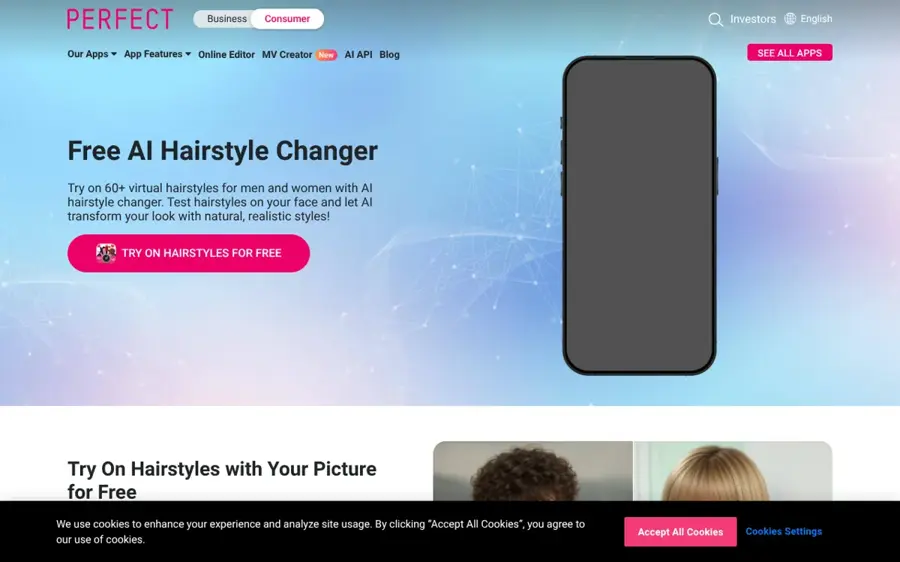
YouCam Makeup is Perfect Corp's beauty app, and its AI Agent turns a front-facing selfie into styled portraits, from natural glow to editorial looks.
Strengths
YouCam is built around your face, not around scenes. Perfect Corp's own guide walks you through opening "AI Agent," uploading "a clear front-facing photo," and using prompts like "Give me a natural glowing selfie look." It also has real-time AR makeup try-on, and I like that it's a legitimate, consent-based use of selfie AI: you trying looks on yourself.
App users rate it highly: 4.7 stars from 152,300 App Store reviews, per App Pricing Lab. The company's Trustpilot page is a different story at 1.5 stars from 28 reviews, mostly about trials and refunds.
Key features
- AI Agent: describe the look you want in a prompt.
- AR makeup try-on: test makeup in real time on camera.
- Portrait styles: business, soft glam, everyday and fantasy.
- Free download: on iPhone and Android, with in-app purchases.
Pros
- Strong at beauty and makeup edits
- Very high App Store rating
- Simple four-step flow
Cons
- Premium features sit behind in-app purchases
- Trial and refund complaints on Trustpilot
- Narrower than general image tools
YouCam Makeup pricing: Free download; then in-app purchases from $5.99 to $79.99, per App Pricing Lab (checked October 2026). Official site
Related: Best free AI headshot generators
Verdict: the pick for beauty-first selfies; cancel trials you don't want.
Glam AI – best for trend filters on your phone
Glam AI is a mobile photo and video effects app from Glam Labs that applies trending AI styles and effects to your own pictures.
Strengths
Glam AI is about speed and trends rather than precise edits. It's free to download and holds a 4.5-star rating from 27,900 App Store reviews, per App Pricing Lab, which lists 10 in-app purchases from $5.99 to $59.99. Toolradar describes a limited free plan with paid tiers that bundle third-party models such as Nano Banana Pro and Kling.
Pricing reports vary between sources and app stores, so check the price shown in the app before you subscribe. For a full breakdown, read our Glam AI review.
Key features
- Trend effects: ready-made styles for photos and short videos.
- Mobile-first: built for quick edits on your phone.
- Multiple models: paid tiers bundle third-party image and video models, per Toolradar.
- Free download: limited free use before paying.
Pros
- Fun, fast, shareable results
- Strong App Store rating
- Photo and video in one app
Cons
- Small free allowance
- Confusing, inconsistent pricing reports
- Less control over likeness
Glam AI pricing: Free download; then in-app purchases from $5.99, per App Pricing Lab (checked October 2026). Official site
Verdict: fine for trend posts; not the tool for a portrait you'll keep.
Choosing the right AI selfie generator
Start with what you'll do with the selfie
A profile picture for work needs realism, so use Gemini or ChatGPT, or a dedicated tool from our free AI headshot generator roundup. A fun story post or avatar suits Fotor, Dreamina or Meta AI. Beauty looks belong in YouCam Makeup.
Choose a prompt tool if you want control
Choose Gemini or ChatGPT if you want to direct every detail. Choose Fotor or Glam AI if you would rather tap a style and be done. Prompt tools take five minutes longer and probably give you a better shot at looking like yourself. If you're new to prompting, our guide to writing better AI prompts helps.
Check the privacy terms before you upload your face
Your face is biometric data. Look for three things: whether uploads are used for training (ChatGPT does by default on free accounts, per Engadget), how long photos are kept, and whether the company can reuse your images. Meta's Imagine features are a reminder that "free" can mean your selfies feed other features.
Use only your own photos, or photos with clear consent
Making selfies of yourself is fine. Making images of a friend, partner or stranger without their permission isn't. Creating intimate or deceptive images of a real person without consent causes real harm and is illegal in many places. In the US, the Take It Down Act makes it a crime to share non-consensual intimate imagery, including AI-generated images. Since May 2026, platforms must remove such images within 48 hours of a report or face civil penalties of up to $53,088 per violation, PetaPixel reported. Don't use any app that markets itself on undressing photos or making sexual images of people.
Read the billing reviews first
Several picks here have strong app ratings but weak Trustpilot scores driven by renewals and refunds. Start free, and if you pay, set a calendar reminder a few days before the renewal date.
Free vs paid: what you actually get
Free AI selfie tools are good enough for a handful of images a week. Paid plans buy volume, speed and a better model, not a different kind of result.
| Tool | What free gets you | What paying adds |
|---|---|---|
| Google Gemini | Nano Banana 2, limits reset every 5 hours up to a weekly cap | Nano Banana 2.1 and higher limits (AI Plus from $4.99/month) |
| ChatGPT | Images 2.5 with a weekly cap and slower generation | Higher limits and faster images (Go from $8/month) |
| Meta AI | Imagine me and basic image generation | Higher limits on reported paid tiers |
| Fotor | Limited free credits | More credits and editing tools ($9.99/month) |
| Dreamina | Daily free credits (120 a day as of August 2026, per Dreamina) | Monthly credits and watermark-free exports (~$18/month) |
| YouCam Makeup | Basic looks and try-on | Premium styles via in-app purchase |
| Glam AI | Limited use | More effects and models via in-app purchase |
The budget move: start with Gemini free. If you hit the cap often, Google AI Plus at $4.99 a month is the cheapest upgrade on this list. Only pay for an app subscription if you need its specific styles. If you don't need your own face in the picture at all, a general text-to-image tool may be a better fit; see our best AI image generators or our Artspace AI review.
Final verdict
I'd start with Google Gemini. It's free, needs only one good photo and, as far as I can tell, gives you the most control over the result of the free options. Choose ChatGPT if you plan to refine one selfie over many rounds and want your face to stay consistent. Choose Meta AI if you just want something fun inside Instagram or WhatsApp.
Pick Fotor or Dreamina for art styles, YouCam Makeup for beauty looks and Glam AI for trend effects.
Whatever you choose, use your own photos, check the privacy settings, and never make images of someone else without their consent. Curious about how far the technology goes? Read can AI make a portrait?
FAQ
Is there a completely free AI selfie generator?
Yes, with limits. Google Gemini, ChatGPT and Meta AI all let you edit or generate selfies on free accounts. None publishes a fixed image count: Gemini's limits reset every five hours up to a weekly cap, and ChatGPT uses a weekly limit. Apps like Fotor and Dreamina give free credits, and paying adds volume and removes watermarks.
What is the best free AI selfie generator?
Google Gemini is the best free AI selfie generator for most people in late 2026. You upload one clear photo, describe the look, and refine it in conversation using the free Nano Banana 2 model. ChatGPT is a close second and stronger at keeping your face consistent across several rounds of edits.
How do I make an AI selfie of myself?
Take a well-lit, front-facing photo with a plain background. Upload it to a tool like Gemini or ChatGPT and write a clear prompt, such as "keep my face exactly the same, put me in a café with soft window light." Then ask for one change at a time. Meta AI's Imagine me asks for three selfies from different angles instead.
Is it legal to make AI selfies of other people?
Only with their clear consent, and even then, never sexual or deceptive images. In the US, the Take It Down Act makes sharing non-consensual intimate images, including AI fakes, a crime, and platforms must remove them within 48 hours of a report. Many other countries and US states have similar laws. Stick to photos of yourself.
Are AI selfie apps safe for my privacy?
It depends on the app, so check before uploading. ChatGPT trains on free users' data by default unless you opt out in Data Controls. Meta has used images from its Imagine features to suggest content in users' feeds. Read each app's privacy policy, turn off training where you can, and delete uploads you no longer need.
Sources
- Google AI plans (Google)
- Gemini image generation free limit 2026 (LaoZhang)
- Google AI Plus to be severely downgraded after November 13 (ProPakistani)
- Google Gemini: pricing, rankings and IAP items (App Pricing Lab)
- OpenAI releases ChatGPT Images 2.5 (9to5Mac)
- ChatGPT free features 2026 (Engadget)
- What is free ChatGPT in 2026 (TechRepublic)
- ChatGPT: pricing, rankings and IAP items (App Pricing Lab)
- Meta's 'Imagine Me' AI lets users reinvent themselves across all apps (Android Central)
- How to use Meta AI Muse Image (Tech Insider)
- I used Meta AI to enhance my selfies (Tom's Guide)
- Meta is using your selfies to create AI ads of you (DIYPhotography)
- AI selfie generator (Fotor)
- Fotor pricing (Fotor)
- Fotor reviews (Trustpilot)
- Best AI for headshots (Dupple)
- Free AI selfie generator (Dreamina)
- Dreamina free AI video generator: credits and paid plans (Dreamina)
- Dreamina AI video generator review (Vmake)
- Dreamina CapCut reviews (Trustpilot)
- AI selfie generator: create AI portraits and avatars (Perfect Corp)
- YouCam Makeup: pricing, rankings and IAP items (App Pricing Lab)
- Perfect Corp. reviews (Trustpilot)
- Glam AI: Video & Photo Editor pricing and rankings (App Pricing Lab)
- Glam AI pricing 2026 (Toolradar)
- Social media platforms must now remove sexual deepfakes within 48 hours (PetaPixel)