7 best free AI garden design tools in 2026, compared
The best free AI garden design tools in 2026, from Gemini to dedicated apps like ReimagineHome and Arden, with free limits, prices and who each one suits.
 Written byMuhammad Usman SiddiquiFounder and editor-in-chief
Why you can trust The AI Future
Our writers research every product, link each claim to its source and correct mistakes openly. Companies can't pay for coverage or see reviews before they're published.
Read our editorial policy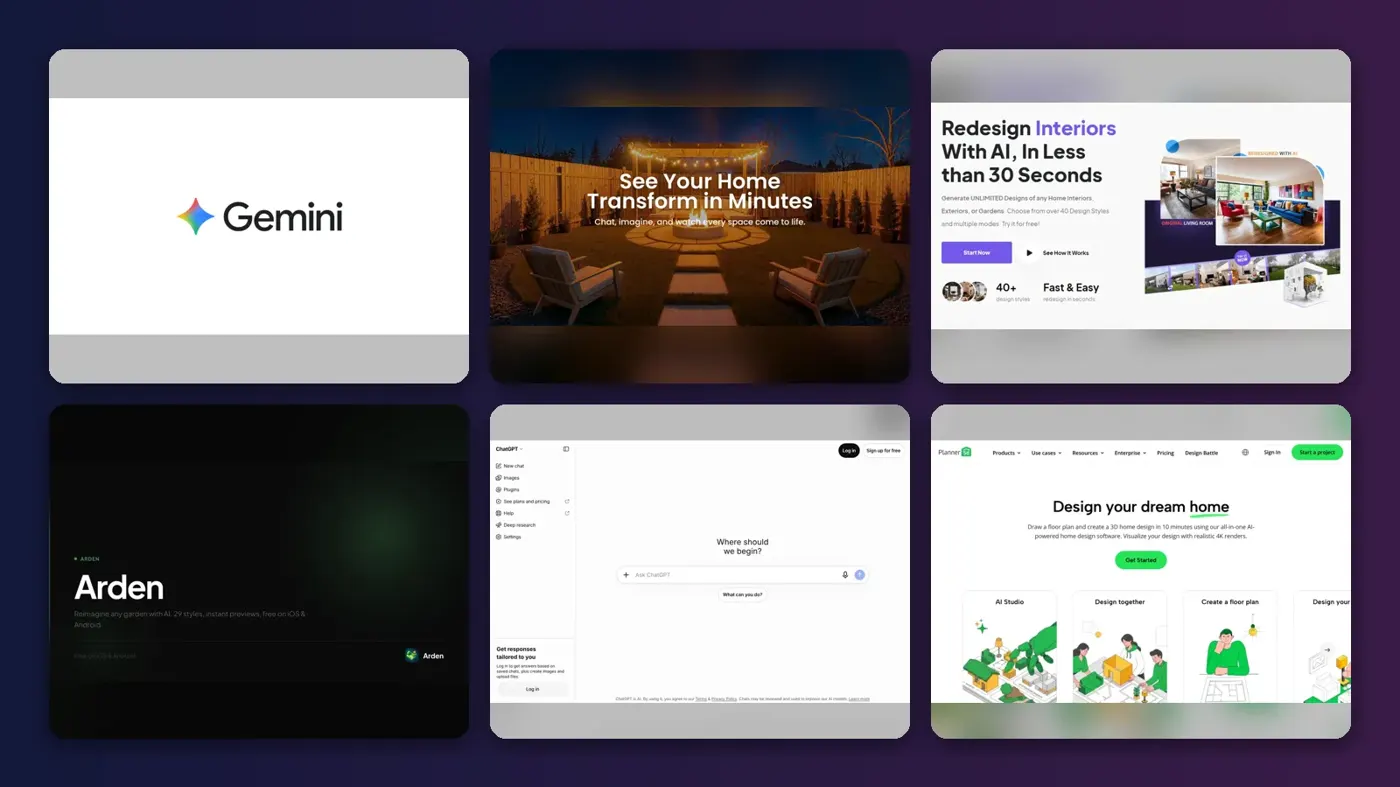
Short answer: I think the best free AI garden design tool for most people is Google Gemini. Its free plan includes image generation and editing, so you can upload a photo of your yard, ask for a cottage border or a gravel patio, and keep refining the picture in plain English. If you want a dedicated garden redesign app instead, start with ReimagineHome, which gives you five free designs with no credit card.
The rest of this list covers more specific jobs: phone apps built only for gardens, planners that let you draw beds to scale, and a drag-and-drop tool that uses real plants and pavers. We compared seven tools using official product and pricing pages, app store listings, published hands-on write-ups and user reviews, as of late October 2026. Prices and free limits change often, so check each vendor before you commit.
Key takeaways
- Gemini is probably the best free starting point: it works in a browser or app, and lets you edit your own yard photo through conversation.
- Dedicated apps like ReimagineHome, HomeDesigns AI and Arden are built to restyle the garden while leaving your walls and layout alone, which general chatbots can't always manage.
- "Free" usually means a few designs. Most garden apps give you a handful of free generations, then ask for a subscription or a credit pack.
- AI images work as mood boards. For bed sizes, spacing and real plants, pair a picture with a planner such as Planner 5D or iScape.
Our ranking method
Nobody at The AI Future tested these tools hands-on for this roundup. We built the ranking from official documentation, pricing pages, app store listings, independent write-ups and public user reviews, and we scored each tool on six criteria:
- Free value: how much you can actually do before paying, and whether you need a card to start.
- Photo realism: whether it redesigns your real yard from a photo rather than inventing a new one.
- Structure handling: whether the house, fences and paths stay where they're.
- Garden depth: number of garden styles, plant suggestions and outdoor-specific tools.
- Practical output: whether you get something a landscaper or a DIY weekend can use, like a layout or materials list.
- User sentiment: what real reviewers on Trustpilot and the app stores say.
The 7 best free AI garden design tools at a glance
| # | Tool | Category | Best for | Free tier | Starts at |
|---|---|---|---|---|---|
| 1 | Google Gemini | General AI assistant | Free photo edits by chat | Yes | Free |
| 2 | ReimagineHome | AI home redesign | Free trial redesigns, no card | Yes (limited) | $14/mo |
| 3 | HomeDesigns AI | AI home redesign | Many styles and high volume | Yes (limited) | $22/mo |
| 4 | Arden | Garden design app | Garden-only phone app | Yes (limited) | $4.99 credit pack |
| 5 | ChatGPT | General AI assistant | Plant advice plus images | Yes (limited) | $8/mo |
| 6 | Planner 5D | 2D/3D planner | Layouts drawn to scale | Yes | $9.99/mo |
| 7 | iScape | Landscape design app | Placing real plants and pavers | Yes (limited) | $14.99/mo |
The best AI garden design tools in 2026, ranked
Google Gemini – best for free photo edits by chat
Google's Gemini assistant can generate and edit images on its free plan, so you can upload a photo of your garden and redesign it by describing changes. Try it at gemini.google.com.

Strengths
Most dedicated garden apps lock you into preset styles. Gemini works the other way round. You describe what you want ("replace the lawn with a wildflower meadow and add a curved brick path to the shed") and then ask for tweaks in follow-up messages. Google's plans page lists image generation and editing as part of the free tier, alongside Deep Research and Canvas, which you can use to research plants for your climate in the same chat.
The trade-off is control. Gemini is a general tool, so it's likely to change parts of the photo you wanted to keep, and Google doesn't publish a fixed free image allowance on that page. Paid Google AI plans raise usage limits; Plus, Pro and Ultra each offer higher caps, with Ultra listed at $199.99 a month. We didn't find a garden-specific user review worth quoting, so judge it on a few free attempts with your own photo. Honestly, with nothing to pay, I'd start here.
Key features
- Photo editing by prompt: upload your yard and describe the redesign.
- Follow-up edits: refine one element at a time in the same chat.
- Plant research: ask about sun, soil and hardiness alongside the picture.
- Web and mobile: works in a browser and in the Gemini app.
Pros
- Free with no garden-specific paywall
- No fixed style list, so any idea is fair game
- Combines design images with planting advice
Cons
- Can alter the house or boundaries if you're not specific
- No layout, measurements or plant lists by default
- Free usage limits aren't spelled out on the plans page
Google Gemini pricing: Free, then paid Google AI plans add higher limits, up to Ultra at $199.99/month (checked October 2026). See pricing
Verdict: if you only try one free tool, try this one first.
ReimagineHome – best for free trial redesigns with no card
ReimagineHome is an AI redesign tool for interiors, exteriors and gardens that restyles your own photo. You can start at reimaginehome.ai.

Strengths
It has one of the clearest free offers in this category. The homepage promises that the "First 5 designs are free, with the same AI and quality as paid plans", with no credit card required. That's enough to try your front yard and back garden in a couple of styles before you decide anything. Honestly, it's the lowest-risk offer on this list.
Even the cheapest Essential plan includes "Basic landscaping and exterior edits" and watermark-free images, with paid plans running from $14 to $99 a month. User feedback is thin: its Trustpilot page has a single review, which rates it 3 stars and says "you need to try over and over (use a lot of credits)" to get close to what you want. Expect some trial and error.
Key features
- Photo redesign: restyles your actual garden or exterior.
- Landscaping edits: included even on the entry plan.
- Before/after view: compare the original and the redesign.
- Watermark-free exports: share results with a landscaper.
Pros
- Five free designs, no card needed
- Covers house exteriors as well as the garden
- Low entry price if you want more
Cons
- Advanced features sit on higher tiers
- Very few public user reviews
- Getting the exact result can burn credits
ReimagineHome pricing: Free (5 designs), then paid plans from $14/month (checked October 2026). See pricing
Related: Best AI apps for interior design
Verdict: the best no-risk way to test a dedicated AI redesign app.
HomeDesigns AI – best for many styles and high volume
HomeDesigns AI redesigns interiors, exteriors and gardens from one photo, and offers a free AI landscape tool on its site. Visit homedesigns.ai.

Strengths
Its pitch is "Structure-Lock": the company says "Your walls, windows and layout stay exactly as they are. Only the design changes," and it lists 200+ styles and spaces. For gardens that matters, because the most common complaint about general image tools is that they redraw your house. There's a free AI landscape design page to try before paying.
Paid plans are generous on volume. Standard costs $22 a month for 100 design credits, with Pro (1,000 credits) and Expert (2,000) above it, and one photo redesign uses one credit. Trustpilot reviews are mixed, and the complaints seem to centre on billing rather than the images. The average is 3.3 from 1,386 reviews; one August 2026 reviewer called it a "Standard bait-and-switch" over the sign-up flow, while others praise how quickly it produces ideas.
Key features
- Structure-Lock: keeps the house and layout fixed.
- 200+ styles and spaces: including gardens and exteriors.
- Sky and weather swap: preview a garden in different light.
- Commercial license: useful for landscapers pitching clients.
Pros
- Built-in focus on preserving your real structure
- Large credit allowances on paid plans
- Free landscape tool to try first
Cons
- Trustpilot users complain about subscriptions and cancellation
- No full free plan beyond the trial tools
HomeDesigns AI pricing: Free landscape tool, then paid plans from $22/month (checked October 2026). See pricing
Related: Best AI landscape design tools
Verdict: pick it if you'll generate dozens of designs, and read the billing terms before you subscribe.
Arden – best garden-only phone app
Arden is an iPhone and Android app that redesigns a photo of your yard, patio or balcony in one of 29 garden styles. Download it from justarden.com.

Strengths
Arden does one thing: gardens. Its site lists 29 styles, from Japanese Zen to Desert, and it returns four design variations per photo. You can then type changes such as swapping plants, adding a path or removing a fence. On the FAQ, you can "download the app for free, try core previews" and only upgrade for more volume or detail.
Payment is flexible. The App Store listing shows in-app purchases from a $4.99 design pack up to $39.99, and the site offers an annual plan for unlimited designs or one-off credit packs for a single project. We couldn't find independent user reviews of Arden to quote, so treat its claims as the developer's own.
Key features
- 29 garden styles: compare looks on your real yard.
- Four variations per photo: more options from one generation.
- Text edits: swap plants, add paths, remove objects.
- Plant and layout suggestions: based on your photo.
Pros
- Designed only for outdoor spaces
- Credit packs avoid a subscription
- Works for balconies as well as big gardens
Cons
- Free use is limited to core previews
- Few independent reviews so far
- Phone only, no full web editor
Arden pricing: Free download; then in-app packs from $4.99 (checked October 2026). See pricing
Related: Best AI landscape design tools
Verdict: the best choice if you want a focused garden app on your phone and hate subscriptions.
ChatGPT – best for plant advice plus images
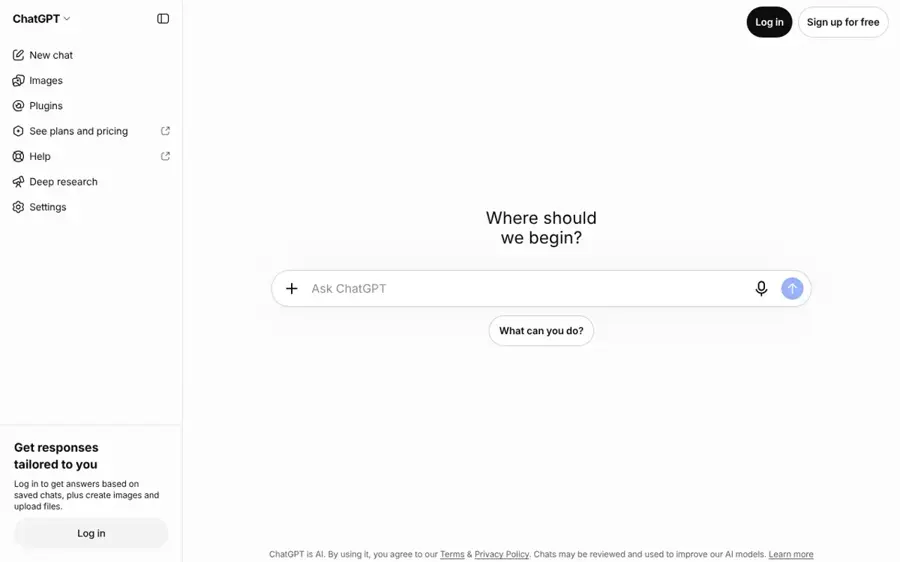
OpenAI's ChatGPT can identify plants in your photos, suggest what to grow and generate redesign images on its free plan. Use it at chatgpt.com.
Strengths
ChatGPT is strongest as a garden adviser. In an older TechRadar write-up (using a paid plan), the author photographed a struggling bed and found that "ChatGPT accurately identified most of the plants" before suggesting perennials suited to partial sun. That kind of back-and-forth is something image-only apps don't offer.
Its redesign images are less reliable. The blogger behind Addicted 2 Decorating uploaded her front yard to the free version and noted that even after a corrected prompt, "It still gave me a new house", though she found the result useful for inspiration. Free users get roughly 2 to 3 images per 24 hours, according to CometAPI, so write detailed prompts.
Key features
- Plant identification: from a photo of your beds.
- Image generation and editing: on the free plan, with daily limits.
- Conversational planning: ask about sun, spacing and maintenance.
- Voice and mobile: talk through ideas while standing in the garden.
Pros
- Best mix of advice and visuals
- Free to start
- Handles follow-up questions well
Cons
- Small free image allowance
- May redraw your house or driveway
- Plant suggestions still need checking against local conditions
ChatGPT pricing: Free, then paid plans from about $8/month (Go) or $20/month (Plus) (checked October 2026). See pricing
Related: ChatGPT with GPT-6 review Best AI like ChatGPT
Verdict: use it to decide what to plant, then use a dedicated tool to picture it.
Planner 5D – best for layouts drawn to scale
Planner 5D is a 2D and 3D home planner with a garden planner and an AI Studio for concept images. Start free at planner5d.com.

Strengths
AI images look great but don't tell you how big a bed is. Planner 5D does. Its free plan costs $0 with no time limit and lets you create unlimited projects in 2D and 3D with half the catalogue. The iOS listing confirms a Garden Planner "to bring your outdoor ideas to life". Its AI Studio, which the company says covers landscape concepts, draws on paid credits.
Prices differ by platform, so I'd check which one you're signing up through: the website lists Premium at $19.99 monthly or $59.99 a year, while the App Store lists $9.99 a month. User reviews are weak: Planner 5D scores 2.6 from 883 reviews on Trustpilot, where the AI summary says many reviewers "felt heavily misled by the billing system".
Key features
- 2D and 3D planning: draw beds, patios and paths to scale.
- Garden planner: outdoor objects alongside the home catalogue.
- AI Studio: concept images and edits with credits.
- Cross-platform: web and mobile projects stay in sync.
Pros
- Genuinely free plan with no time limit
- Real measurements, not just pictures
- Useful for combined house and garden projects
Cons
- AI features need paid credits
- Free catalogue is only 50% of items
- Mixed user reviews
Planner 5D pricing: Free, then paid plans from $9.99/month on iOS, $19.99/month on the web (checked October 2026). See pricing
Related: Best AI apps for interior design
Verdict: the free tool to use once you know what you want and need to fit it in.
iScape – best for placing real plants and pavers
iScape is a landscape design app that lets you drop real plants, pavers and furniture onto a photo of your yard, in 2D or augmented reality. Find it at iscapeit.com.

Strengths
iScape is less about generative AI and more about precision. You place items from a library of "thousands of real-world materials, plants, pavers, furniture", then get an inventory of everything in the design, which makes shopping easier. The company cites a 4.6 user rating and nearly 4 million downloads on its site.
It's free to download, but the full library sits behind a subscription. The App Store listing shows Plus at $14.99 a month and Pro at $29.99 a month or $299.99 a year. A comparison by Arden's developer, a competitor, describes it as having a "Moderate learning curve" with 30 to 60 minutes per design, so plan for some effort.
Key features
- Photo and AR design: 2D on a photo or 3D augmented reality.
- Real product library: plants, pavers and hardscape at true scale.
- Materials inventory: a list of everything you placed.
- PDF proposals: for Pro users quoting clients.
Pros
- Results based on real, buyable items
- Strong for hardscape planning
- Useful for professional landscapers
Cons
- Manual work, not one-click AI
- Full library needs a paid plan
- Pro is expensive for a one-off project
iScape pricing: Free download, then paid plans from $14.99/month (checked October 2026). See pricing
Related: Best AI landscape design tools
Verdict: the right pick when you need a shopping list, not just a pretty picture.
Choosing the right AI garden design tools
Start with the job, not the tool
Ask what you need next. If you're hunting for a style, use an image tool like Gemini, ReimagineHome or Arden. If you're ready to build, you need measurements, so move to Planner 5D or iScape. Choose Gemini if you want free and flexible. Choose ReimagineHome or HomeDesigns AI if you want your house left untouched.
Use a good photo
Every photo-based tool works better with a wide, level shot taken in soft daylight. Include fixed features like fences and doors so the AI has reference points. Take one photo per area rather than squeezing the whole garden into one frame.
Be specific in prompts
Name the style, the plants and what must stay. "Keep the house, driveway and fence exactly as they are" saves a lot of wasted generations, as the Addicted 2 Decorating experiment shows. Our guide to writing better prompts for ChatGPT, Claude and Gemini covers the basics.
Check plants against your climate
An AI render may show lavender thriving in a shady, wet corner. Before you buy anything, check sun hours, soil and hardiness with a local nursery or a chatbot that can explain its reasoning. Planning a kitchen refresh at the same time? Our free AI kitchen design tools list uses the same photo-first approach indoors.
Free vs paid: what you actually get
Free tiers fall into three groups. General assistants such as Gemini and ChatGPT are free to use with daily limits. Dedicated redesign apps give you a small trial: five designs on ReimagineHome, core previews on Arden and a free landscape tool on HomeDesigns AI. Planners like Planner 5D are free for basic layouts but charge for AI features and the full catalogue.
| What you get | Free | Paid |
|---|---|---|
| Number of designs | A handful, or a daily cap | 100 to unlimited per month, depending on plan |
| Image quality | Often the same model (ReimagineHome says so explicitly) | Higher resolution and advanced tools on top tiers |
| Plant and object libraries | Partial (Planner 5D: 50% of catalogue) | Full libraries |
| Commercial use | Rarely | Included on some plans, such as HomeDesigns AI |
For a single garden project, a one-off credit pack (Arden from $4.99) or one month of a $14 to $22 plan is probably enough. Cancel straight afterwards, since several Trustpilot reviewers of HomeDesigns AI complain about cancellation. Landscapers presenting to clients get more from iScape Pro or a high-credit HomeDesigns AI plan. If you design for clients regularly, our AI landscape design tools roundup goes deeper into professional options, and our AI image generator guide covers general image tools.
Final verdict
I'd start with Google Gemini: it's free, flexible and good enough to test ideas on your own yard photo. If the result redraws your house, spend your five free ReimagineHome designs next, since keeping the structure is what it sells. Arden looks like the better phone app if you only care about gardens, and ChatGPT is the one I'd ask what to plant. Once the picture is settled, switch to Planner 5D or iScape to measure it out. That combination costs nothing until you need volume, and it probably gives a landscaper a clear enough brief.
FAQ
Which AI is best for garden design?
For most people, Google Gemini is the best free AI for garden design, because its free plan includes image generation and editing on your own photos. For a dedicated tool that keeps your house unchanged, ReimagineHome (five free designs) and HomeDesigns AI are stronger. Arden is the best garden-only phone app.
Is there a completely free AI garden design tool?
Gemini and ChatGPT are free to use with daily limits, and Planner 5D has a free plan with no time limit for 2D and 3D layouts. Dedicated AI redesign apps usually offer a small free trial, such as ReimagineHome's five designs, then charge a subscription or credit pack.
Can AI design my garden from a photo?
Yes. Upload a clear photo of your yard, pick a style or describe the changes, and tools like ReimagineHome, HomeDesigns AI, Arden or Gemini return a redesigned image in seconds. Treat it as inspiration: it won't give you exact measurements, plant spacing or a check that plants suit your climate.
What is the best AI garden design app for iPhone?
Arden is the most focused garden app, with 29 styles and four variations per photo. iScape suits people who want to place real plants and pavers by hand. The Gemini and ChatGPT apps are free alternatives that also answer planting questions.
Will an AI garden planner replace a landscape designer?
No. AI garden planners are best for exploring styles and showing a professional what you want. A designer still handles drainage, soil, levels, structures and local planting knowledge. A good AI image simply makes that first conversation faster and cheaper.
Sources
- Google AI Pro & Ultra plans (Google)
- REimagineHome: AI home redesign (REimagineHome)
- REimagineHome Pricing | Plans & Credits (REimagineHome)
- Reimaginehome Reviews (Trustpilot)
- Planner 5D Reviews (Trustpilot)
- AI Design for Interiors, Exteriors & Gardens: pricing (HomeDesignsAI)
- Free AI Landscape Design (HomeDesigns.AI)
- HomeDesigns AI Reviews (Trustpilot)
- Arden: AI Garden Designer, Landscape Visualizer & Backyard Planner (Arden)
- AI Garden Design: Arden Yard App (App Store)
- Best AI Garden Design Tools Compared (2026) (Arden)
- I finally found a practical use for AI, and I may never garden the same way again (TechRadar)
- How To Use Chat GPT For Decorating And Landscaping Ideas (Addicted 2 Decorating)
- ChatGPT Free Image Limit: How Many Can You Make in 2026? (CometAPI)
- ChatGPT Pricing 2026: Free vs Go vs Plus vs Pro (CometAPI)
- Pricing (Planner 5D)
- Planner 5D: AI Home Design (App Store)
- iScape: #1 Landscape Design App for iOS & Android (iScape)
- iScape (App Store)