Best AI headshot generator free options in 2026: 8 tools compared
The best free AI headshot generators turn your own selfie into a LinkedIn-ready portrait. We compare 8 free and low-cost tools on price, likeness and privacy.
 Written byMuhammad Usman SiddiquiFounder and editor-in-chief
Why you can trust The AI Future
Our writers research every product, link each claim to its source and correct mistakes openly. Companies can't pay for coverage or see reviews before they're published.
Read our editorial policy
Short answer: the best AI headshot generator for free is Google Gemini. Upload a clear photo of yourself, ask for a professional studio headshot, and its free tier will usually give you something LinkedIn-ready in a few tries. ChatGPT is the close second. If you need a large, consistent set of professional AI headshots for a company page or a print brochure, pay $35 to $59 once for a dedicated service like Aragon, HeadshotPro or InstaHeadshots.
Everything below assumes one thing: you are turning your own photos into a headshot. That is what these tools are built for, and it is the only use we cover. We compared eight tools using official pricing pages, help docs, published third-party tests and Trustpilot reviews, as of late October 2026. If you want broader image tools, see our guide to the best AI image generators.
Key takeaways
- General AI assistants are now the best free option. Gemini and ChatGPT both let free users upload a photo and generate edited images, with limits that reset over time.
- Dedicated headshot services are not free, but they are cheap. Entry prices run from $17 at Try it on AI to $39 at HeadshotPro and $59 at InstaHeadshots, all one-time payments.
- "Free" usually means free to preview. InstaHeadshots lets you see results before paying; Fotor gives a small number of free credits.
- Read the refund rules before you download. Aragon and HeadshotPro both tie refunds to not having downloaded your photos.
- Only use photos of yourself. Creating realistic images of someone else without their consent can be harmful and is illegal in many places.
How we ranked them
Nobody at The AI Future ran hands-on tests for this roundup. We built the ranking from official product and pricing pages, help-centre documentation, published comparisons by other reviewers, and customer reviews on Trustpilot, all checked in October 2026. We scored each tool on six criteria:
- Free access: what you can actually do without paying, and whether you can preview before you buy.
- Likeness: how well third-party testers and users say the results still look like the real person.
- Price per usable headshot: not just the sticker price but how many images you get and how many are likely to be keepers.
- Control: whether you can choose clothing, background, crop and lighting.
- Privacy: how long your photos are kept, whether they train models, and whether you can delete them.
- Refund terms: what happens if the results do not look like you.
The 8 best free and low-cost AI headshot generators at a glance
| # | Tool | Category | Best for | Free tier | Starts at |
|---|---|---|---|---|---|
| 1 | Google Gemini | General AI assistant | Free headshots from one photo | Yes | $4.99/mo |
| 2 | ChatGPT | General AI assistant | Prompt-level control | Yes (limited) | $8/mo |
| 3 | Fotor | Photo editor | Template-based headshots | Yes (limited) | $9.99/mo |
| 4 | InstaHeadshots | Headshot service | Preview before paying | Yes (limited) | $59 one-time |
| 5 | Try it on AI | Headshot service | Lowest paid price | No | $17 one-time |
| 6 | HeadshotPro | Headshot service | Teams and companies | No | $39 one-time |
| 7 | Aragon | Headshot service | Realism and editing | No | $35 one-time |
| 8 | BetterPic | Headshot service | 4K and print use | No | $35 one-time |
The best AI headshot generators in 2026, ranked
Google Gemini – best for free headshots from one photo
Google Gemini is Google's AI assistant, and its built-in Nano Banana image model can turn a single selfie into a professional-looking portrait on the free plan.
Why it stands out
Google's plans page lists "image generation and editing" as part of the free tier. You do not get a fixed number of images: Google uses compute-based limits that, as LaoZhang's October 2026 guide summarises from the Gemini help centre, refresh every five hours up to a weekly cap. The same guide notes that free accounts use Nano Banana 2, while paid plans get the newer Nano Banana 2.1.
The practical upside is control. You describe the outfit, backdrop and lighting in plain English, and you can ask for small fixes ("keep my face the same, make the background lighter grey") without starting over. The catch is that you do the art direction yourself, and you get one image at a time rather than a batch of 50.
Key features
- Photo upload plus text prompt: edit your own picture into a studio-style headshot.
- Conversational edits: refine one detail at a time in the same chat.
- Free usage limits: reset every five hours, up to a weekly cap.
- Usage meter: check what is left under Settings, then Usage limits.
- Age rules: image editing requires users to be 18 or older, according to LaoZhang.
Pros
- Genuinely free for occasional use
- Only one good photo needed
- Full control over clothing, crop and background
- Easy to iterate on a single favourite
Cons
- No published image count, so limits can feel unpredictable
- You write the prompts; there are no headshot presets
- Likeness can drift if you ask for big changes
Google Gemini pricing: Free → paid plans from $4.99/month for Google AI Plus, with AI Pro at $19.99/month, per ProPakistani's October 2026 price check (checked October 2026). See pricing
Related: Grok vs Gemini comparison Best AI image generators
Verdict: if you only try one free tool, try this one.
ChatGPT – best for prompt-level control
ChatGPT is OpenAI's assistant; free users can upload a photo and ask it to create a polished headshot from it, within weekly image limits.
Why it stands out
TechRepublic confirms that the free tier includes image uploads and image creation, but notes that "Generation is limited and slower than on paid plans." Engadget adds that OpenAI does not publish exact numbers and now uses a single weekly limit that you can check under Settings, then Usage.
ChatGPT works much like Gemini: upload a well-lit photo, describe the result, then tweak it. The privacy default matters here. Engadget reports that OpenAI enrols free accounts in model training by default, so turn off "Improve the model for everyone" in Data Controls before you upload your face.
Key features
- Image upload and editing: works from a photo you already have.
- Natural-language control: specify suit colour, backdrop, framing and mood.
- Library: uploads are saved for reuse, with a 500MB cap on free accounts.
- Training opt-out: available in Settings, then Data Controls.
Pros
- Free to start, no headshot package to buy
- Strong at following detailed instructions
- Useful for other career tasks, like rewriting your LinkedIn summary
Cons
- Weekly image cap with no published number
- Free and Go tiers show ads, per Engadget
- Training on your data is on by default
ChatGPT pricing: Free → paid plans from $8/month for Go, per Engadget (checked October 2026). See pricing
Related: ChatGPT with GPT-6 review Best AI like ChatGPT
Verdict: as good as Gemini for most people; turn off training first.
Fotor – best for template-based headshots
Fotor is an online photo editor with a dedicated AI headshot generator that applies ready-made business styles to your selfie.
Why it stands out
Fotor suits people who do not want to write prompts. Its headshot page offers "dozens of built-in" templates, including ID, creative portfolio and real estate looks, and says uploaded photos are "automatically wiped from our encrypted servers within 24 hours." Its pricing page lists a Basic plan that is "Free forever" with "Limited Free credits," plus a separate one-time headshot purchase. Dupple's September 2026 comparison puts the free allowance at two headshots and the subscription at $9.99/month.
Be careful with billing. Fotor holds a 3.5 rating on Trustpilot, where Trustpilot's AI summary says reviewers report "frustration over unexpected annual" renewals. One recent reviewer titled their review "Auto-renewed with no reminder."
Key features
- Headshot templates: corporate, creative, ID and real estate styles.
- No prompts needed: pick a style and upload.
- 24-hour deletion: uploads are removed within a day, per Fotor.
- Full editor: background removal and touch-ups in the same app.
Pros
- Easiest free option for non-prompters
- Clear short data-retention promise
- Editing tools on hand for final fixes
Cons
- Very small free allowance
- Many Trustpilot complaints about renewals and refunds
- Less control than a prompt-based tool
Fotor pricing: Free → paid plans from $9.99/month, per Dupple (checked October 2026). See pricing
Related: Best AI picture tools
Verdict: fine for a quick free try; set a reminder if you subscribe.
InstaHeadshots – best for previewing before paying
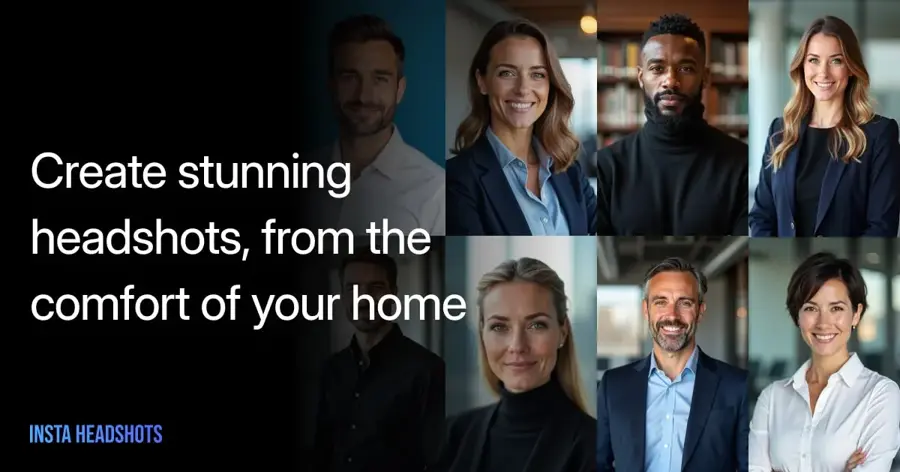
InstaHeadshots is a dedicated headshot service that trains on a few of your selfies and only charges you if you like the results.
Why it stands out
This is the closest a full headshot service gets to free. Its homepage promises "Pay only after you love your headshots" and says results are ready in about 15 minutes. Fast.io's May 2026 test called it the fastest full-session generator it tried and praised the watermarked preview, but flagged "occasional minor artifacts" and uneven consistency within a batch.
The site displays a 5/5 rating from more than 17,000 reviews; note that these figures are the company's own claim.
Key features
- Watermarked preview: see results before you pay.
- Selfie training: upload a few photos and the model learns your face.
- Speed: about 15 minutes to results, per the company.
- Multiple looks: business, business casual and casual styles.
Pros
- No risk until you choose to download
- Fast turnaround
- Larger batches than a free assistant
Cons
- Highest entry price on this list
- Some artifacts reported by testers
InstaHeadshots pricing: Free preview → paid packages from $59 one-time (checked October 2026). See pricing
Verdict: the safest way to try a paid-quality service with nothing up front.
Try it on AI – best for the lowest paid price
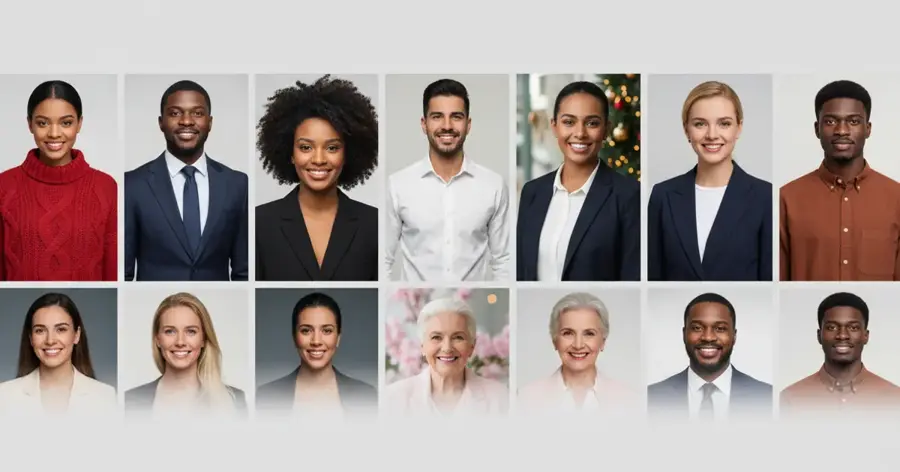
Try it on AI is a budget headshot service that says it needs just one selfie.
Why it stands out
The company's pricing page says headshots "start at $17," with no subscription, and claims delivery in about two minutes from a single photo. Independent testers are more cautious: Fast.io found "inconsistent quality across batches" and some unrealistic pose and wardrobe combinations.
Users are mostly positive. It holds 4.7 from 414 reviews on Trustpilot, where one reviewer wrote that it "was the only site that produced quality photos that actually looked like me!" Trustpilot also notes the company has not invited reviews recently, so the sample may not be representative.
Key features
- One-selfie input: per the company.
- Fast delivery: roughly two minutes, as claimed.
- LinkedIn style: a dedicated preset for profile photos.
- One-time payment: no subscription.
Pros
- Cheapest dedicated service we found
- Minimal effort to get started
- Strong Trustpilot rating
Cons
- No free tier
- Testers report uneven quality
- Big marketing claims are hard to verify
Try it on AI pricing: No free plan → from $17 one-time (checked October 2026). See pricing
Verdict: worth $17 if free tools miss the mark and your budget is tight.
HeadshotPro – best for teams and companies
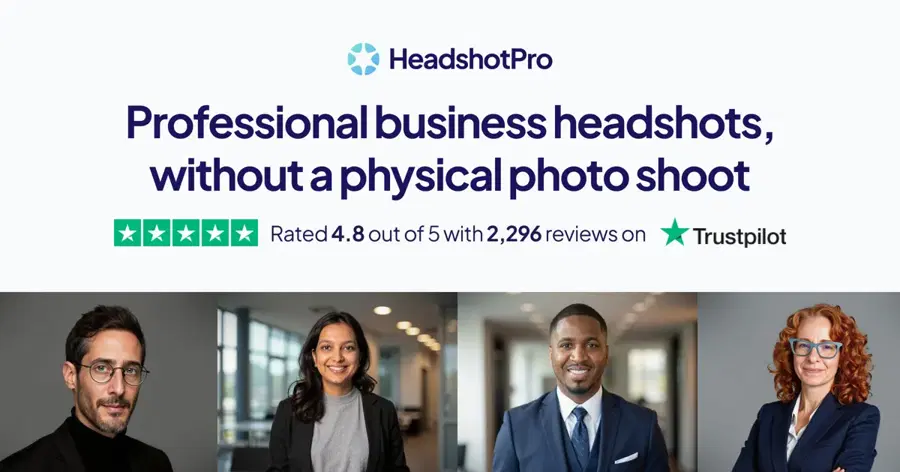
HeadshotPro is a headshot service for individuals and companies, with admin tools for rolling out matching photos across a whole team.
Why it stands out
Its pricing page lists an individual plan at $39 one-time for 50 headshots in 30 minutes, with one free redo. Team credits cost $25.35 per person at volume, and include an admin dashboard, bulk download and a SOC 2 Type II report. Fast.io's reviewers noted that results "lean formal and serious, not warm or approachable."
It scores 4.7 from more than 3,600 reviews on Trustpilot. One October 2026 reviewer wrote: "My face and skin weren’t altered, and the price was great." Its refund rule matters, though: Magic Hour notes refunds require that no photos have been downloaded and fewer than 14 days have passed.
Key features
- 50 headshots for $39: on the individual plan.
- Team admin: email invites, reminders and progress tracking.
- Style control: admins pick styles so everyone matches.
- Profile-worthy guarantee: refund if you get no usable photo.
Pros
- Best tooling for company rollouts
- Clear, public pricing
- Strong user ratings
Cons
- No free tier
- Formal look may not suit creative roles
- Downloading can void the refund
HeadshotPro pricing: No free plan → from $39 one-time (checked October 2026). See pricing
Verdict: the default pick for HR teams standardising staff photos.
Aragon – best for realism and editing
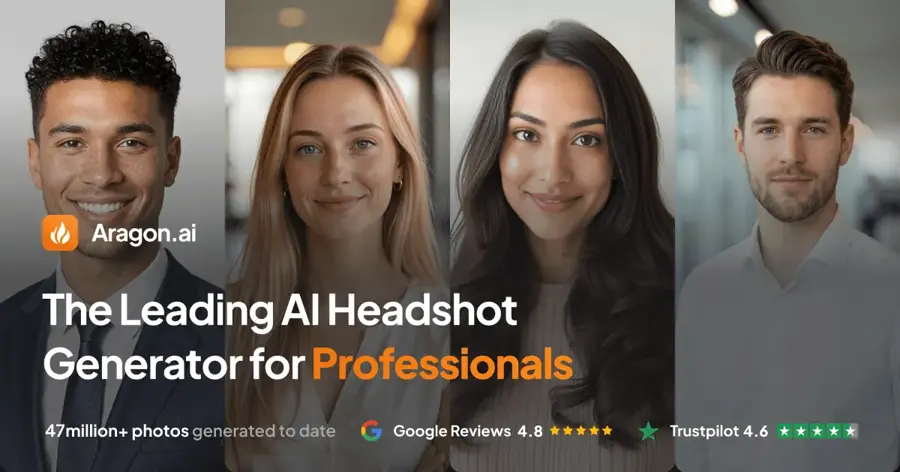
Aragon is one of the best-known AI headshot services, generating up to 100 portraits from a few of your selfies.
Why it stands out
Third-party testers rate its realism highly. Fast.io said it "consistently produced the most realistic headshots in our testing," and Dupple praised its Remix tool for adjusting backgrounds after generation. Dupple lists plans at $35 for 40 headshots, $45 for 60 and $75 for the Executive tier.
Aragon's pricing page says Basic and Standard photos are 896 x 1088 pixels, rising to 1792 x 2176 on Executive. On Trustpilot it holds 4.6 from more than 7,300 reviews. One reviewer admitted "some of my initial headshots didn’t look quite like me" before using the review feature to fix them.
Key features
- Up to 100 headshots: depending on plan.
- Remix and edit tools: change backgrounds after generation.
- Free redo: on request via support.
- Privacy controls: delete your account and data any time, per Aragon.
Pros
- Strong realism in independent comparisons
- Good post-generation editing
- SOC 2 Type II compliant, per the company
Cons
- No free tier
- Lower resolution on entry plans
- Refunds depend on not downloading
Aragon pricing: No free plan → from $35 one-time, per Dupple (checked October 2026). See pricing
Verdict: pay for Aragon when the headshot has to pass as a studio photo.
BetterPic – best for 4K and print use
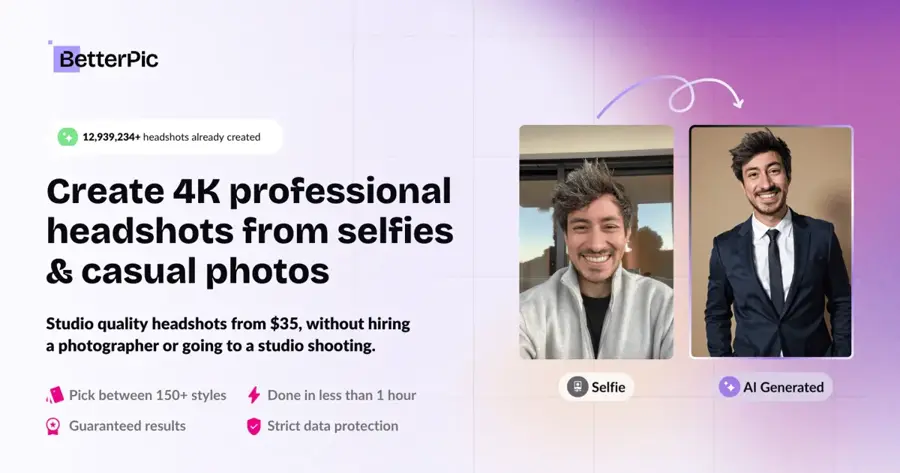
BetterPic is a headshot service that delivers 4K images on every plan, with optional manual retouching.
Why it stands out
Its pricing page lists 20 4K headshots on Basic, 60 on Pro and 120 on Expert, each with a commercial licence and a 7-day refund policy. Fast.io called it "the only generator we tested that outputs 4K resolution as standard" and priced plans at $35 to $79. That makes it the best fit for conference banners or printed brochures.
BetterPic shows a 4.7 rating from 1,026 reviews on its own site, where one customer wrote: "Could update my linkedin profile pic in minutes, crazy."
Key features
- 4K output: on all plans.
- AI upload check: flags weak source photos before generation.
- Manual edits: human touch-ups available.
- Commercial licence: included.
Pros
- Highest standard resolution
- Useful upload feedback
- Clear licence terms
Cons
- No free tier
- Only 20 images and one style on Basic
BetterPic pricing: No free plan → from $35 one-time, per Fast.io (checked October 2026). See pricing
Verdict: the one to buy if your headshot is going on paper.
How to choose the right AI headshot generator
Start free, then pay only if you must
Most people should start with Gemini or ChatGPT. If three or four attempts do not produce something you would put on LinkedIn, move to InstaHeadshots, where you can preview before paying. Only then spend $35 to $75 on a full session.
Match the tool to where the photo will live
LinkedIn and email avatars are small, so a free tool is usually enough. For a company website, a matching set matters more, which favours HeadshotPro. For print, choose BetterPic or Aragon's Executive tier for the higher resolution.
Check the privacy terms before uploading your face
Your face is biometric data. Fotor says it deletes uploads within 24 hours; Aragon says you can delete your account and data at any time; HeadshotPro lists 30-day automatic results deletion among its plan features. On ChatGPT, switch off model training first.
Read the refund rules first
Choose InstaHeadshots if you want zero risk: it charges only after you approve results. Choose Aragon or HeadshotPro if you are happy to judge the preview carefully, because downloading can end your refund eligibility.
Use only your own photos
These tools are for making headshots of yourself, or of colleagues who have agreed to it through a company rollout. Making realistic, deceptive or intimate images of real people without their consent is harmful and is illegal in many places. Do not upload someone else's pictures.
Free vs paid: what you actually get
| Free (Gemini, ChatGPT, Fotor) | Paid ($17 to $79 one-time) | |
|---|---|---|
| Images per session | One at a time, within usage limits | 20 to 120 or more per package |
| Input photos | Usually one | One to several selfies |
| Styles | Whatever you describe, or a few templates | Curated outfits and backgrounds |
| Resolution | Varies | Up to 4K on some plans |
| Consistency across a team | Hard to achieve | Built in on team plans |
| Support and refunds | None | Redos and refunds, with conditions |
BetterPic, a paid service with an obvious interest in the answer, argues in its free vs paid guide that free generators can produce "plasticky" skin and subtly warped features. That matches the complaint you see in forums: a user on Microsoft's Tech Community asked for a free option that "doesn't mess up face shape / eyes / teeth." The fair summary: free tools are good enough for a profile picture if you are willing to retry and pick carefully. Paid tools save time and give you volume.
Final verdict
If you only pick one, pick Google Gemini. It is free, needs one photo, and lets you fix details in conversation. ChatGPT is a near-equal alternative. If free results do not look like you, try InstaHeadshots, since you pay only if you like what you see. For budgets under $20, Try it on AI is the cheapest dedicated service. Teams should choose HeadshotPro, and anyone who needs studio-grade realism or print resolution should pay for Aragon or BetterPic. If you are also refreshing your CV, our best AI resume builders guide is a natural next step.
FAQ
How to make an AI headshot?
Take a sharp, recent photo of yourself facing a window, with the camera at eye level and your shoulders in frame. Upload it to Gemini or ChatGPT and ask for a professional studio headshot with your chosen outfit and a plain background, asking it to keep your face unchanged. Compare the result with the original, retry if features drift, and download the best one.
What is the best AI headshot generator for free?
Google Gemini is the best free option in late 2026. Its free tier includes image generation and editing, with limits that reset every five hours up to a weekly cap. ChatGPT is a close second. Fotor offers a small free allowance with ready-made templates, and InstaHeadshots lets you preview a full set free before paying.
Are AI headshots acceptable for LinkedIn?
Generally yes, as long as the picture still looks like you. The point of a profile photo is that people recognise you on a video call or at a meeting. Check the result at small profile size, as Picsart's headshot guide recommends, and avoid versions that change your face shape, age or hairline.
Is it safe to upload my photos to an AI headshot generator?
It depends on the provider's terms. Read the privacy policy before uploading. Look for short retention periods, such as Fotor's 24-hour deletion, an account deletion option like Aragon's, and a model-training opt-out like ChatGPT's Data Controls setting. Only upload photos of yourself.
How many photos do I need?
Free assistants like Gemini and ChatGPT work from one photo, and Try it on AI says it needs only one selfie. Most dedicated services ask for several varied selfies so they can learn your face. Good lighting and a sharp focus matter more than the number of photos.
Sources
- Google AI Pro & Ultra plans (Google)
- Gemini Apps limits & feature availability (Google)
- Gemini Free Image Limit: How Many Images You Can Make and Upload (LaoZhang AI)
- Google AI Plus to Be Severely Downgraded After November 13 (ProPakistani)
- What Is Free on ChatGPT in 2026? (TechRepublic)
- ChatGPT: What's free in 2026 and what isn't? (Engadget)
- Free AI Headshot Generator (Fotor)
- Pricing (Fotor)
- Fotor Reviews (Trustpilot)
- 8 Best AI Headshot Generators in 2026 (Dupple)
- Best AI Headshot Generators in 2026: 9 Tools Tested and Compared (Fast.io)
- Most Realistic AI Headshot Generator (InstaHeadshots)
- Try it on AI pricing (Try it on AI)
- Try it on AI Reviews (Trustpilot)
- AI Headshot Pricing: Plans for Individuals & Teams (HeadshotPro)
- HeadshotPro Reviews (Trustpilot)
- 8 AI headshot generators: privacy and fit (Magic Hour)
- Aragon.ai Pricing (Aragon)
- Aragon AI Reviews (Trustpilot)
- Professional 4K Headshots pricing (BetterPic)
- Free Vs Paid AI Headshot Generators For LinkedIn And Professional Use (BetterPic)
- Which AI headshot generator is best to make headshots for LinkedIn? (Microsoft Community Hub)
- AI Headshot Generator for Professional Photos (Picsart)