Tripo AI review 2026: features, pricing, free plan and what users say
Tripo AI turns text or photos into 3D models with some of the cleanest geometry around, but its free plan is limited and billing complaints are common.
 Written byBurhan AqibSenior writer, policy and analysis
Why you can trust The AI Future
Our writers research every product, link each claim to its source and correct mistakes openly. Companies can't pay for coverage or see reviews before they're published.
Read our editorial policy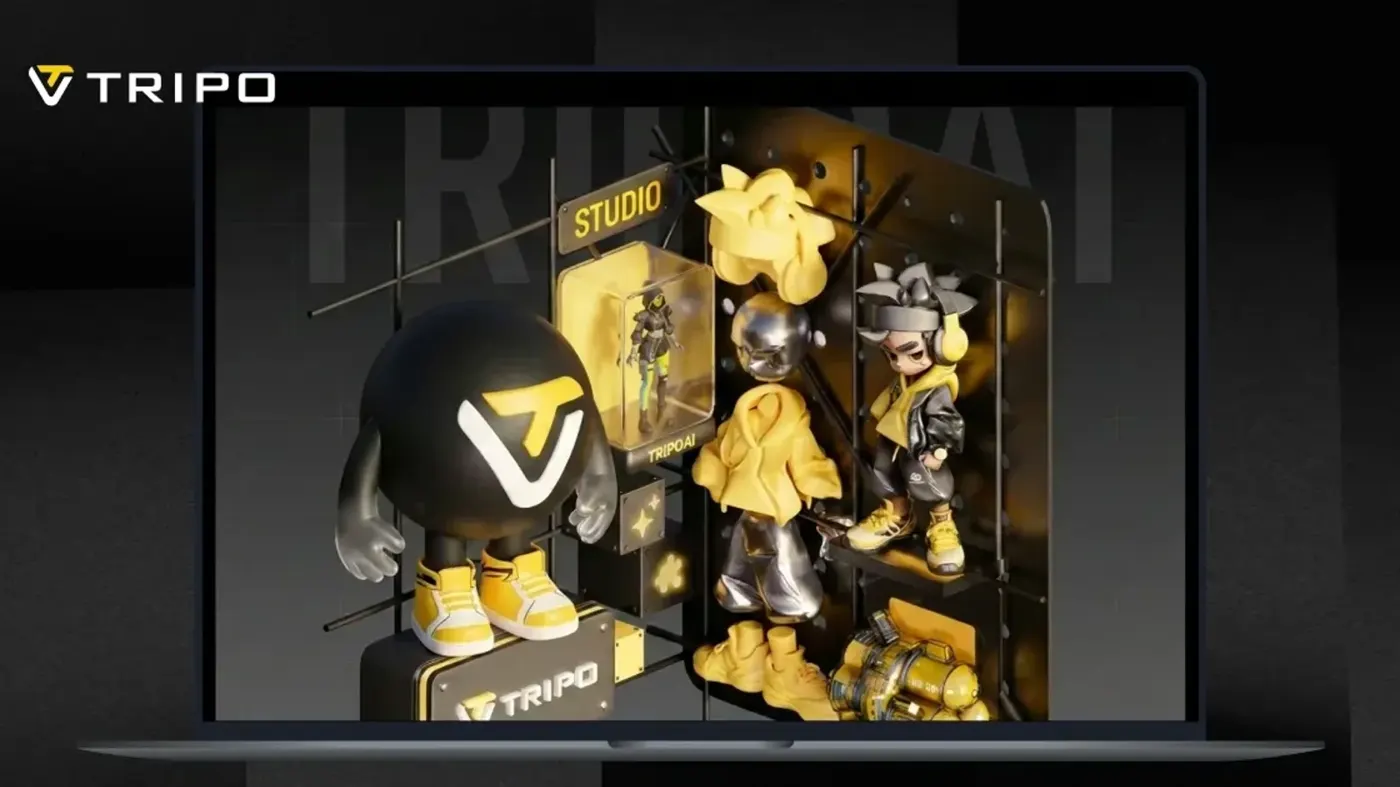
Our verdict on Tripo AI
Tripo AI produces some of the cleanest AI-generated 3D geometry available in late 2026, with a broad toolset and a capable API. Game developers, 3D printing hobbyists and pipeline builders should use it on a paid plan; skip it if you want a genuinely free tool or are wary of strict subscription and refund terms.
Pricing Free (200 credits/mo, non-commercial); Pro $20/mo billed annually ($240/yr); Max $90/mo billed annually; Team $55/seat/mo annual or $110 monthly; credit packs from $10
Visit Tripo AITripo AI is a web and mobile tool that turns a text prompt or a photo into a textured 3D model in seconds to minutes. It has a free plan with 200 monthly credits, and paid plans start at $20 a month on annual billing, according to the company's pricing page. Independent tests rate its geometry among the best in the category. User reviews, however, are split sharply between praise for the models and complaints about billing and cancellations.
This review was compiled from Tripo's official pages, published independent tests, video reviews and about 50 recent user reviews, as of late October 2026. Nobody at The AI Future ran a hands-on test of Tripo for this piece. Where others tested it, they are named.
The short version: Tripo AI 3D is a strong pick for game artists, 3D printing hobbyists and developers who want a clean base mesh fast. It is a weaker pick for anyone who wants a no-strings free tool, or who cannot tolerate a fiddly cancellation process.
Tripo AI at a glance
| Item | Details |
|---|---|
| Our rating | 4.0 / 5 |
| Best for | Game assets, 3D printing, fast prototyping, API pipelines |
| Free plan | Yes: 200 credits a month (about 13 models), public models, non-commercial use |
| Paid plans | Pro $20/mo, Max $90/mo (billed annually), Team $55/seat/mo annual |
| Platforms | Web (Tripo Studio), Android, API |
| Website | tripo3d.ai |
What is Tripo AI?
Tripo AI is an AI 3D model generator. You type a prompt or upload an image, and it returns a textured mesh you can download. Its homepage describes exports in GLB, FBX, OBJ and USD for game engines, and STL, 3MF and OBJ for 3D printing.
The company is led by founder and CEO Simon Song. On March 25, 2026, it announced $50 million in new funding backed by Alibaba and Baidu Ventures. In the same release, Tripo said its platform serves more than 6.5 million creators and 90,000 developers, with nearly 100 million 3D assets generated.
Its Android app is published by Holymolly Limited, a Hong Kong company, according to the Google Play listing. Some people search for it as "triple ai" or "tripo 3d ai". They all point to the same product.
Tripo runs two current model lines. According to a March 2026 company release, Smart Mesh P1.0 is built for fast, low-poly output and "can generate production-ready low-poly 3D assets in as little as two seconds." H3.1 is the high-fidelity flagship, aimed at detailed characters and hard-surface objects. The company's API page lists a v3.1 model dated February 11, 2026, in its code samples.
Key features
Text to 3D and image to 3D
The core is simple. Type a description or drop in a photo, sketch or concept art. Tripo builds a textured model. The company says multi-view input, several photos of one object, can produce more accurate results than a single image. Multi-view to 3D is a paid feature on the pricing page.
Two generation modes
The homepage offers a choice between "sculpted detail or production-ready geometry". High Detail Model output goes up to 2 million polygons for rendering, VFX and printing. Smart Mesh produces clean quad meshes from 500 to 25,000 polygons for games.
Textures up to 8K
Tripo generates full PBR texture sets (albedo, normal, metallic and roughness) up to 8K, or flat base-color textures for stylized work. The free plan is capped at 4K textures, and 8K is unlimited only on Max and Team, per the pricing page.
Segmentation, retopology and editing
Smart segmentation splits a model into parts. You can then retopologize, transform or retexture each part, or repaint with a "Magic Brush". For printing, the company says segmentation can cut large models into pieces sized for a print bed.
Auto-rigging and animation
Tripo can add a skeleton to characters and creatures automatically. The Android app also offers a preset motion library, and animated characters export with the chosen motion.
DCC bridge and API
Paid plans include a DCC bridge to Blender, 3ds Max, Unity, Unreal, Maya, Cocos, Godot and ZBrush. Developers can use the Tripo API, which the company prices at 1 credit = $0.01 and says supports GLB, FBX, OBJ and USDZ. There is also a command-line tool for connecting AI coding agents.
Built-in image generation
Tripo now includes image generators for creating reference art before the 3D step. The pricing table lists Nano Banana on the free plan, with Nano Banana Pro, Nano Banana 2, GPT Image 2 and Midjourney on paid tiers. If you only need flat images, a dedicated AI image generator is a better fit.
Tripo AI pricing and plans
Tripo uses monthly credits. The table below reflects the official pricing page, checked October 2026. Prices shown are per month on annual billing.
| Plan | Price | Monthly credits | Key limits |
|---|---|---|---|
| Free | $0 | 200 (about 13 models) | 1 task at a time, public models, non-commercial use, 10 stored models, 15 exports (H2.5 only) |
| Pro | $20/mo ($240/yr) | 3,000 (about 200 models) | Private models, commercial use, 10 concurrent tasks, unlimited exports |
| Max | $90/mo ($1,080/yr) | 25,000 (about 1,660 models) | 100 concurrent tasks, unlimited 8K textures, beta access |
| Team | $55/seat/mo annual ($110 monthly) | 90,000 (about 6,000 models) | Shared workspace, centralized billing |
Extra credits cost $10 for 1,000, with bonus credits on larger packs of $100, $500 and $1,000.
What the free plan really includes
The free plan is a trial, not a working tier. Models are public and cannot be used commercially. More important, the pricing table limits free exports to 15, and only from the older H2.5 model. That means models made with the current H3.1 or Smart Mesh lines cannot be downloaded without paying.
That detail explains a cluster of recent complaints. One October 2026 Trustpilot reviewer wrote: "You create a model but can't download it—not even a single one". Another called the free trial pointless "Just to force you to pay."
Our take: the Pro plan is where Tripo becomes usable. At $240 a year, it costs about the same as Meshy Pro, which Meshy lists at $20 billed monthly with 1,000 credits.
Performance and independent testing
The most detailed public test comes from a competitor. Marcus Chen, who works on the Meshy team, published a comparison on HackerNoon of Meshy 6, Tripo v3.1 and Rodin Gen-2.5. He ran five prompt categories through each vendor's API between April and May 2026. His conflict of interest is disclosed, and it makes the results on Tripo more notable, not less.
In his test, Tripo led on geometry. Blind reviewers picked Tripo's untextured mesh over Rodin's 77.9% of the time on single-image input. Chen also rated Tripo's quad topology "Strongest overall". Tripo was the fastest on image to 3D, at a median of 99 seconds, against 195 seconds for Meshy. Meshy was faster on text to 3D. Tripo was also the cheapest per call, at $0.18.
| Measure (HackerNoon test) | Meshy 6 | Tripo v3.1 | Rodin Gen-2.5 |
|---|---|---|---|
| Text-to-3D median latency | 88 s | 128 s | 158 s |
| Image-to-3D median latency | 195 s | 99 s | 190 s |
| Cost per call | $0.20 | $0.18 | $0.25 |
| Geometry rank (white mesh) | 3rd | 1st | 2nd |
Textures were closer. Chen found Meshy on par with Tripo for textured single-image output, with Tripo ahead on multi-view. His conclusion was that "No single tool won across the board."
A comparison by SelfCAD reached a similar split. It says Tripo "excels at retaining the exact shape of images", while Meshy is the more creative and beginner-friendly option. SelfCAD also notes Tripo can have "a slightly steeper learning curve than Meshy."
User reports add caveats. A Google Play reviewer said in August 2026 that faces come out wrong even at 4K and maximum face count, with "Sharp jawlines and narrow cheek bones" turned into rounded features. Game developers on Reddit remain cautious about any AI 3D tool. One commenter in r/aigamedev wrote that "No AI 3D gen is good enough to create assets without manual work." Others report good results. A user in the same forum said of Tripo: "I did no cleanup. The geo was pretty clean."
Our take: the evidence supports Tripo's claim to clean geometry. It does not support the idea that output is always ready for a game without touch-ups. Plan for some cleanup in Blender, especially for characters and faces.
Who Tripo AI is for
- Indie game developers who need props, creatures and base meshes quickly and can retopologize or optimize afterwards.
- 3D printing hobbyists turning photos into figures. Trustpilot reviewers describe making resin figures for a garden railway and printable files for historical wargaming.
- Developers and studios building automated pipelines through the API. One Reddit user describes chaining an image generator, Tripo's API and Blender scripts.
- Product and AR designers who want quick visual prototypes. Animators can also use the rigging tools; see our guide to AI animation tools.
Skip it if you only want to try AI 3D for free, if you need artist-grade faces, or if you dislike subscription services with strict refund rules.
Tripo AI alternatives
Meshy
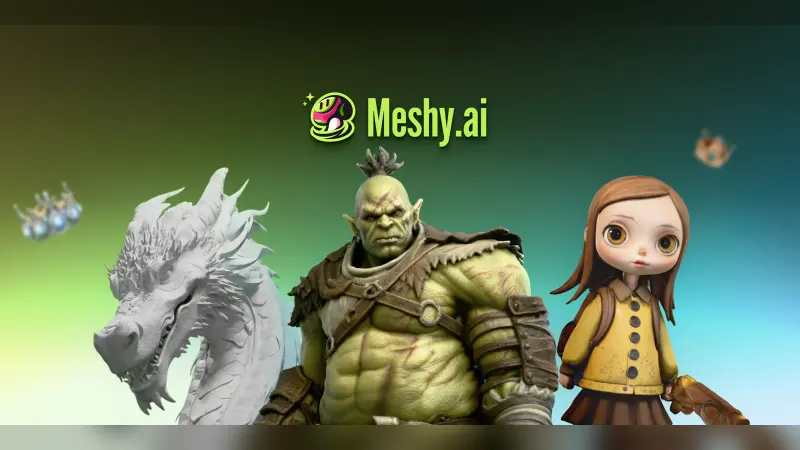
Meshy is Tripo's closest rival. It offers a free plan with 100 monthly credits under a CC BY 4.0 license, Pro at $20 a month and Ultra at $100 a month, per its pricing page. Tests suggest it is faster on text to 3D and stronger on creative texturing. Read our Meshy AI review.
Rodin (Hyper3D)
Rodin placed second on geometry in the HackerNoon test and was "Strong on fine detail", at $0.25 per API call. Its Trustpilot score is much lower than Tripo's, at 2.8 from 57 reviews, as shown on Tripo's Trustpilot page.
Hunyuan3D or Blender with an AI agent
Tencent's Hunyuan3D is a frequent Reddit suggestion. One r/aigamedev user called it "by far the best". Other commenters in the same thread recommend driving Blender through an AI assistant for simple, blocky shapes. For a wider list, see our roundup of 3D AI studio tools and our guide on whether AI can make 3D models.
Verdict: should you use Tripo AI?
Tripo AI is one of the strongest AI 3D generators available in late 2026 on the measure that matters most to many users: clean, accurate geometry. A competitor's own blind test put it first on mesh quality and topology. The feature set is broad, from Smart Mesh low-poly output to 8K textures, rigging and an API.
The weak points are commercial, not technical. The free plan cannot export current-model downloads, and recent reviews describe hard-to-find cancellation flows, unexpected renewals and refused refunds. If you subscribe, choose the billing period carefully, keep receipts and confirm any cancellation in writing.
Our rating: 4.0 out of 5. Use it for game assets, printing and pipelines. Skip it if you want a genuinely free tool.
What happens next: Tripo says it is researching Tripo W1.0, an early-stage world model project, according to its March release. Rivals including Meshy are shipping quickly too, so expect prices and model rankings to keep shifting.
FAQ
Is Tripo AI free?
Partly. Tripo AI has a free plan with 200 credits a month, enough for about 13 models. Free models are public and non-commercial, and exports are limited to 15 from the older H2.5 model. To download models made with current models, or to use them commercially, you need a paid plan starting at $20 a month on annual billing.
Is Tripo AI safe and legit?
Tripo AI is a real, venture-backed company. It announced $50 million in funding in March 2026, backed by Alibaba and Baidu Ventures. Its Trustpilot score is 4.4 from 508 reviews. However, many recent reviews report billing and cancellation problems, so keep receipts and confirm any cancellation in writing.
Can you use Tripo AI models commercially?
Only on a paid plan. Tripo's pricing page lists free-plan models as public and non-commercial. Pro, Max and Team plans include private models and commercial use. Check the current terms of service before you sell products or ship a game that uses generated assets, because rights terms can change.
Is Tripo AI better than Meshy?
It depends on the job. In a test published on HackerNoon by a Meshy employee, Tripo v3.1 led on untextured geometry, topology and image-to-3D speed. Meshy 6 was faster on text to 3D and matched Tripo on textured single-image output. Both cost $20 a month for their entry paid plans.
Can Tripo AI make 3D printable models?
Yes. Tripo exports STL, 3MF and OBJ files and says its segmentation can split large models into parts sized for a print bed. Many Trustpilot and Google Play reviewers use it for resin and FDM prints. Expect to check meshes in a slicer or Blender before printing.
What file formats does Tripo AI export?
Tripo lists GLB, FBX, OBJ and USD for games and animation, and STL, 3MF and OBJ for printing. Its API also supports USDZ. The Android app exports GLB and FBX. Free accounts face export limits, so check the plan before you build a project around downloads.
What video reviewers say
Videos load from YouTube only when you press play.
Ratings around the web
Ratings as of 2 Nov 2026. Scores change over time; follow the links for the latest.
What users are saying
We read about 50 recent user comments: roughly 31 of the most recent Trustpilot reviews (July to October 2026), 8 reviews Trustpilot highlights in its summaries, 3 Google Play reviews and 8 Reddit comments in r/aigamedev. Users who mention output quality are often positive, but the most recent Trustpilot reviews are dominated by billing and cancellation complaints, so this sample skews more negative than Tripo's 4.4 Trustpilot and 4.3 Google Play averages.
Common praise
- Easy, fast photo-to-3D conversion
- Clean geometry suited to 3D printing and games
- Intuitive interface for beginners
Common complaints
- Hard-to-find cancellation and unexpected renewals
- Refunds refused and slow support
- Free plan blocks downloads of current-model output
Based on: Trustpilot reviews of Tripo3d, Trustpilot reviews of Tripo3d (page 2), Trustpilot reviews of Studio Tripo3d, Google Play reviews of Tripo, r/aigamedev: practical workflow for AI-generated 3D assets, r/aigamedev: AI for base meshes
What we like
- Led a competitor's blind test on geometry and quad topology
- Fast image to 3D: 99-second median in HackerNoon's test
- Two modes: high-detail meshes up to 2M polygons or clean low-poly Smart Mesh
- 8K PBR textures, segmentation, auto-rigging and a DCC bridge to major 3D apps
- Affordable API at about $0.18 per call in independent testing
What could be better
- Free plan exports only 15 models, and only from the older H2.5 model
- Many recent reviews report hard cancellations, unwanted renewals and refused refunds
- Faces and characters often need manual cleanup
- Unused monthly credits do not roll over, according to user reports
Sources
- Pricing - Tripo AI | Plans for Every 3D Creator (Tripo AI)
- Tripo AI 3D model Generator | Text & Images to 3D in Seconds (Tripo AI)
- Tripo Developers: AI 3D Generation API (Tripo AI)
- Tripo AI Announces $50 Million in Funding and New Models for Production-Ready 3D Generation (Digital Media Net)
- Tripo AI Introduces Smart Mesh P1.0, Defining a New Phase for AI 3D Production (Newsfile)
- How I stress-tested 3 AI 3D generators on the same inputs (HackerNoon)
- Meshy vs Tripo: Best AI 3D Model Generator in 2026 (SelfCAD)
- Tripo3d Reviews (Trustpilot)
- Tripo3d Reviews, page 2 (Trustpilot)
- Studio Tripo3d Reviews (Trustpilot)
- Tripo - AI 3D Model Generator (Google Play)
- Solo dev question: what's your practical workflow for AI-generated 3D assets? (Reddit)
- I noticed Blender Guru using AI for base meshes (Reddit)
- Question about 3D asset generation - best tool? (Reddit)
- Meshy Official Pricing (Meshy)