How to use Seedance AI: lip sync feature, text and image‑to‑video guide (2026)
Learn how to use Seedance AI's lip sync feature, text-to-video and image-to-video in Dreamina, with Seedance 2.5 vs 2.0, credits and copy-paste prompts.
 Written byMuhammad Usman SiddiquiFounder and editor-in-chief
Why you can trust The AI Future
Our writers research every product, link each claim to its source and correct mistakes openly. Companies can't pay for coverage or see reviews before they're published.
Read our editorial policy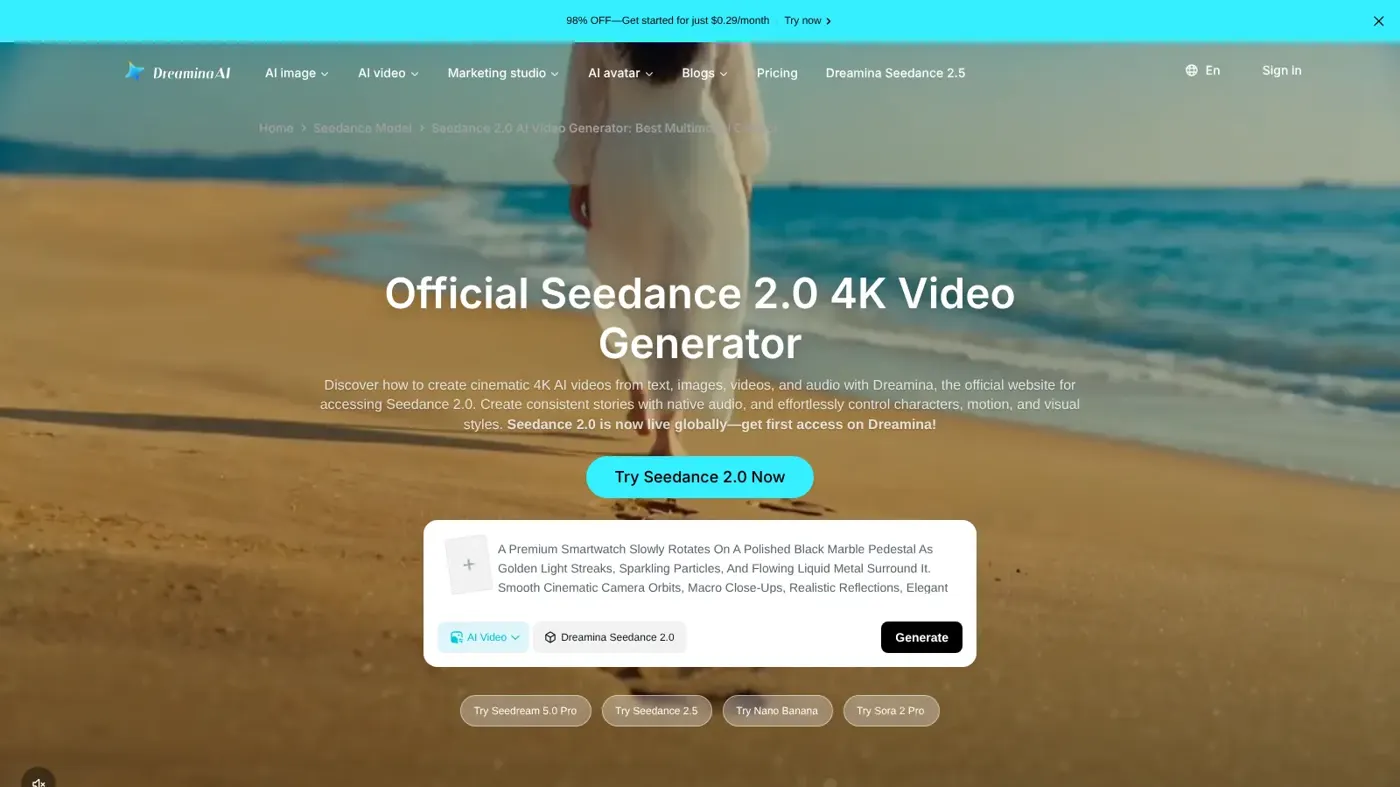
To use Seedance AI's lip sync feature, open Dreamina (ByteDance's official creative app), pick a Seedance model under AI Video, upload a reference image and an audio clip, and write a prompt that tells the model to sync the character's mouth to that audio. You can also skip the audio file and type the dialogue straight into your prompt: Seedance generates the sound and the matching mouth movements in one pass. The same screen handles plain text-to-video and image-to-video.
By the end of this guide you'll know where Seedance is officially available, which version to pick, and how to make your first clip in about 15 minutes. We built every step from ByteDance's own pages and Dreamina's official guides, checked in late October 2026. Nobody at The AI Future tested Seedance hands-on for this piece, so where we mention results, we say whose they are. If you're brand new to AI video, start with our pillar guide on how to generate video with AI and come back.
If you'd rather watch first, this walkthrough from Sebastien Jefferies covers using Seedance 2.5 inside Dreamina from start to finish.
What Seedance AI is, and which version is current
Seedance is ByteDance's video generation model family, built by its Seed research team. Seedance 2.0 uses what ByteDance calls "a unified multimodal audio-video joint generation architecture that supports text, image, audio, and video inputs" (ByteDance Seed). In plain terms, it makes the picture and the sound together, which is why lip sync works without a separate tool.
The newest version is Seedance 2.5, which ByteDance released at the end of July 2026 (TechNode). According to the official Seedance 2.5 page, it can make videos up to 30 seconds in a single generation, with the option to extend twice. Seedance 2.0 is still offered alongside it, in Pro, Fast and Mini variants, on Dreamina (Dreamina pricing guide).
| Model | Best for | Dreamina cost at 720p (credits per second) |
|---|---|---|
| Seedance 2.5 | Longer clips (up to 30 seconds), complex references, editing | 37 |
| Seedance 2.0 Pro | High-quality 2.0 clips with audio | 17 |
| Seedance 2.0 Fast | Quick drafts and testing ideas | 8 |
| Seedance 2.0 Mini | The cheapest experiments | 5 |
Credit charges are from Dreamina's Seedance price guide, checked October 2026.
Where you can officially use Seedance
Seedance is not a standalone app. You reach it through ByteDance's own products. Avoid lookalike "Seedance" websites that aren't run by ByteDance; the official routes are these:
- Dreamina (dreamina.capcut.com). ByteDance's AI image and video platform. Its homepage features Seedance 2.5 and its Seedance 2.0 page lists the model's full reference features. This guide uses Dreamina.
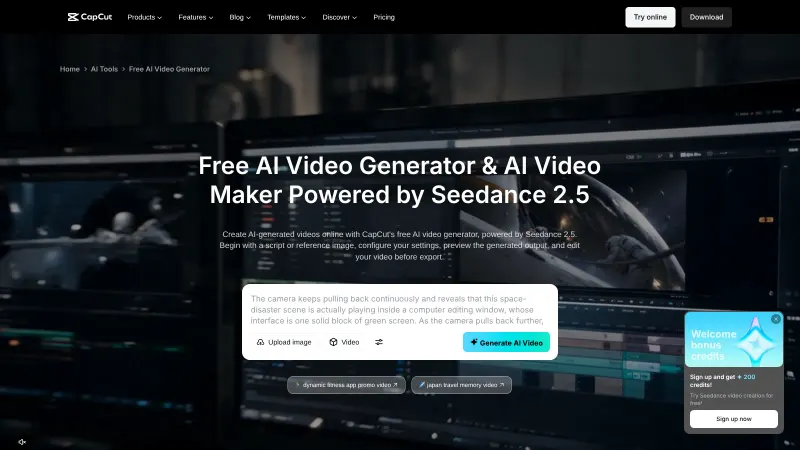
- CapCut. Seedance 2.0 began rolling out in CapCut's AI Video and Video Studio tools in March 2026, starting in a handful of markets (TechCrunch), and CapCut later announced a US rollout, warning that "it might take some time for the model to reach everyone" (No Film School). See our CapCut AI video maker guide for that route.
- Pippit. ByteDance's marketing tool also gets the model, per TechCrunch.
- BytePlus ModelArk (API). For developers, BytePlus says the Dreamina Seedance 2.5 API is "now fully available", with clips of 4 to 30 seconds at 480p or 720p (BytePlus).
- China only: Jianying, Jimeng AI and Doubao (TechCrunch, TechNode).
What you need before you start
- A Dreamina account. Sign up free at dreamina.capcut.com on a laptop or desktop browser.
- Credits. Dreamina advertises free access to get started (Dreamina), but Seedance clips use credits quickly, so most people need a plan (see the table below).
- A short idea. One scene, one action, five to 15 seconds.
- Optional files. A still image for image-to-video, and a short audio clip (up to 15 seconds) if you want lip sync to your own voice.
Dreamina plans and credits (checked October 2026)
Dreamina sells monthly memberships (Basic, Standard, Advanced and Super are named on its pricing pages) with a shared pool of credits you spend across models. These are the figures Dreamina published for the US:
| Item | What Dreamina lists |
|---|---|
| Basic plan, regular price | $15/month with 1,575 credits (Dreamina) |
| Introductory offer from 21 October 2026 | $0.29 for the first month for eligible US users, then $15/month; not available if you already used the earlier 90%-off offer (Dreamina) |
| A 10-second Seedance 2.5 clip at 720p | 370 credits |
| A 30-second Seedance 2.5 clip at 720p | 1,110 credits |
| A 10-second Seedance 2.0 Fast clip at 720p | 80 credits |
Watch out: the introductory price is a recurring subscription, not a one-off charge, and prices and credit allowances differ by country (Dreamina offer FAQ). Earlier October promotions showed different first-month prices (CapCut), so check the amount at checkout in your own account.
Step 1: open AI Video and pick a Seedance model
Go to Dreamina and log in. Click AI Video. In the model menu, select a Seedance model, according to Dreamina's official Seedance guide. If you're learning, pick Seedance 2.0 Fast or Mini: they cost a fraction of Seedance 2.5, so your mistakes are cheap.
You should now see a prompt box, settings for aspect ratio and duration, and buttons for adding reference files.
Step 2: make a text-to-video clip
Text-to-video is the simplest mode. You type a description and Seedance builds the scene, motion and sound from words alone. ByteDance says the model works even when you only use "a few words" (TechCrunch), but detail gives you more control.
Write your prompt in this order: subject, action, setting, camera, light, sound. Here is an example to adapt:
Example prompt: A baker in a flour-dusted apron lifts a tray of croissants out of a brick oven. Small, cosy bakery at dawn, warm orange light through the window. Slow push-in from a medium shot to a close-up of the tray. Sound: oven door creak, crackle of pastry, soft radio music in the background.
Choose an aspect ratio (9:16 for TikTok and Reels, 16:9 for YouTube), set a short duration, and click Generate. For more prompt patterns, see our AI video prompt guide.
This video from Ryan Wei walks through text-to-video with Seedance 2.0 in Dreamina, if you'd like to see the interface in action.
Step 3: turn an image into a video
Image-to-video animates a still picture while keeping its look. Dreamina says Seedance preserves "character identity, product details, and scene composition" from your image (Dreamina).
- In AI Video, choose the frame option. Dreamina's guide says to use Single-frame mode to upload a first frame (and, if you like, a last frame) to guide the AI (Dreamina).
- Upload your image. A product shot, an illustration or a character you designed works best.
- Describe only the motion and sound, not what's already visible.
Example prompt: The paper lantern in the image slowly lifts off the table and drifts toward the open window. Camera stays still. Gentle breeze, paper rustling, distant wind chimes.
Watch out: CapCut said that in its initial rollout it restricts making videos from images or videos that contain real faces (No Film School, TechCrunch). If your upload is refused, that's likely why. Use an illustrated or AI-designed character instead. For other image-animation tools, see our list of the best image to video AI tools.
Step 4: use the Seedance lip sync feature
There are two ways to get a talking character in Seedance. Both rely on the model's joint audio and video generation, which BytePlus says syncs audio "from ambient effects to human speech" (BytePlus).
Option A: type the dialogue into your prompt
Put the spoken line in quotation marks and say who says it. Seedance generates the voice and the mouth movements together.
Example prompt: Medium close-up of a cartoon fox shopkeeper behind a wooden counter, camera locked. The fox smiles and says in English: "Welcome in. Fresh apples today." Warm shop lighting, faint bell over the door.
Option B: sync to your own audio file
- Switch to Multiframes (Dreamina's multimodal mode) and upload a character image plus an audio clip (Dreamina). Seedance 2.0 accepts up to 9 images, 3 videos and 3 audio clips per project, with audio up to 15 seconds each (Dreamina).
- Refer to each file by name in the prompt with the @ symbol, as Dreamina's guide describes.
- Ask for lip sync to that audio. One of Dreamina's own showcase prompts for Seedance 2.5 asks for "precise lip sync to Audio 1" (Dreamina).
Example prompt: Use @Image1 as the character. She stands at a microphone on a small stage, camera locked at chest height. She sings with precise lip sync to @Audio1. Soft blue spotlight, slight haze.
This short from Heydin shows the one-image-plus-one-audio approach for music videos.
Real people: only yourself, or with consent. Lip syncing a real person's face makes them appear to say words they never said. Only do it with your own face and voice, or with clear permission from the person. ByteDance's developer route makes this a rule: on the API side, a real person must pass a liveness check before appearing in a Seedance 2.0 generation, which "prevents impersonation and unauthorized use of someone's likeness" (ComfyUI docs). Making deceptive videos of real people without consent can be harmful and is illegal in many places. For avatar-style talking videos of yourself, a dedicated tool may suit you better; see our HeyGen guide.
Step 5: review, refine and download
When the clip finishes, play it with sound on. If it misses, click Regenerate, or change one thing in your prompt and try again. Dreamina's guide also lists one-click tools such as Generate soundtrack to add audio and Interpolate frames to smooth motion. When you're happy, click Download in the top-right corner (Dreamina).
Clips made with the model carry an invisible watermark that helps identify them off-platform, according to ByteDance (TechCrunch).
Example: a complete worked example
Let's put it together. Say you run a small tea shop and want a 10-second vertical clip where your illustrated mascot invites people in.
- Prepare the image. Use a drawing of your mascot, a round teapot character with a face. It's not a real person, so there are no consent issues.
- Record the line. Record yourself saying "Come in, the kettle's on!" slowly and clearly, about 3 seconds long.
- Set up. In AI Video, choose Seedance 2.0 Fast, Multiframes mode, 9:16, and a 10-second duration. Upload the image and the audio.
- Write the prompt.
Example prompt: Use @Image1 as the character, a cheerful teapot mascot sitting on a wooden shop counter. Camera locked, medium shot. The teapot looks at the viewer and speaks with precise lip sync to @Audio1, then a puff of steam rises from its spout. Background: cosy tea shop with shelves of tins, warm afternoon light. Sound: gentle kettle whistle after the line, soft café ambience.
- Check the cost. At Dreamina's listed rate, 10 seconds of Seedance 2.0 Fast at 720p uses 80 credits (Dreamina). The same clip on Seedance 2.5 would use 370.
- Generate and review. Watch the mouth on the word "kettle". If the sync drifts, shorten the line or remove any movement instructions.
- Finish. Once you like a draft, re-run your final prompt on Seedance 2.5 or 2.0 Pro for higher quality, then download.
Common mistakes and how to fix them
- Mushy mouth movements. Long lines are the usual cause. In Cutout.pro's published testing, five to ten words per line worked best, and head-movement instructions like "nodding" competed with lip sync (Cutout.pro). Keep the camera and head still while the character speaks.
- Your upload is rejected. Images with real faces may be blocked in CapCut's rollout (TechCrunch). Use an illustrated character, or your own verified likeness where that's offered.
- Running out of credits fast. You're drafting on Seedance 2.5. Draft on Fast or Mini, then upgrade the final take. Dreamina suggests this two-model workflow itself (Dreamina).
- The scene ignores your reference. You forgot the @ name. Refer to every file in the prompt, such as @Image1 or @Audio1 (Dreamina).
- Copyrighted characters get blocked. CapCut says it blocks unauthorised generation of intellectual property (No Film School). Create original characters.
Tips to get better results
- Describe sound like a sound designer. Name the source and surface ("boots on wet cobblestone") and anchor big moments with a timing cue such as "thunder at 3s", as Cutout.pro suggests.
- Speak a little slower than normal when you record your own audio. The same guide recommends about 80% of your natural pace.
- One shot, one idea. Start with a single scene before trying multi-shot prompts.
- Specify the language of dialogue in the prompt, for example "says in Spanish:".
- Reuse what works. Save prompts that give good results and change one detail at a time.
FAQ
Does Seedance AI have a lip sync feature?
Yes. Seedance generates audio and video together, so a character's mouth moves with the speech it produces. You can type dialogue into your prompt or upload an audio clip and ask for lip sync to it in Dreamina's multimodal mode. Dreamina's own showcase prompts for Seedance 2.5 include "precise lip sync" to an uploaded audio track.
Is Seedance 2.0 free?
Not really for regular use. Dreamina advertises free access to get started, but Seedance clips use credits. In the US, the Basic plan lists $15 a month with 1,575 credits, and an introductory offer from 21 October 2026 cuts the first month to $0.29 for eligible users. Prices vary by country, so check checkout.
What is the newest Seedance version?
Seedance 2.5, released by ByteDance at the end of July 2026. It makes clips up to 30 seconds in one generation and can extend them twice, according to ByteDance's Seed page. Seedance 2.0 remains available in Pro, Fast and Mini versions, which cost fewer credits per second on Dreamina.
Can I lip sync a video of a real person?
Only of yourself, or of someone who has clearly given consent. CapCut restricted real-face uploads during its rollout, and ByteDance's API route requires a liveness check before a real person can appear in a generation. Making someone appear to say things they didn't is harmful and can be illegal.
Is Seedance available in CapCut?
Yes, in a phased rollout. Seedance 2.0 started appearing in CapCut's AI Video and Video Studio tools in March 2026 in markets such as Brazil, Indonesia and Mexico, and CapCut later announced US availability. It may not reach every account at once.
How long can a Seedance video be?
It depends on the model. Seedance 2.0 launched with clips of up to 15 seconds. Seedance 2.5 makes up to 30 seconds in a single generation, and BytePlus lists 4 to 30 seconds for its API. Longer pieces are made by extending clips or stitching several together in an editor.
Next steps
You now know where to find Seedance, how to make text-to-video and image-to-video clips, and how to use the lip sync feature safely. To compare it with other platforms, try our Kling AI guide or the Higgsfield AI tutorial, which also offers Seedance models. If you're still choosing a tool, our roundup of the best AI video generators compares the main options side by side.
Sources
- ByteDance's new AI video generation model, Dreamina Seedance 2.0, comes to CapCut (TechCrunch)
- Seedance 2.0: The Most Controversial AI Video Model in the World Just Landed in the US (No Film School)
- Seedance 2.0 (ByteDance Seed)
- Seedance 2.5 (ByteDance Seed)
- ByteDance launches Seedance 2.5 video-generation model (TechNode)
- Dreamina: Free AI Video & Image Generator Powered by Multiple Models (Dreamina)
- Official Seedance 2.0: Your Multimodal 4K Video Generator (Dreamina)
- How To Use Seedance 2.0: Dreamina's Tutorial for Perfect AI Videos (Dreamina)
- Seedance Pricing: $0.29 First Month, 98% OFF (Dreamina)
- Seedance 2.5 & 2.0 Pricing: $0.29 First Month (Dreamina)
- Dreamina October Discount FAQ | Seedance Pricing (Dreamina)
- Dreamina Seedance Price: Read Plans, Credits, and Renewal Costs (CapCut)
- Dreamina-seedance-2.5 API Now Fully Available to Clients (BytePlus)
- Seedance 2.0 Real Human - Verified real person video generation (ComfyUI Docs)
- Seedance 2.0 Audio Guide: Dialogue, SFX, BGM, and Lip Sync Tips (Cutout.pro)
- This Is How To Use Seedance 2.5 in Dreamina Like a PRO (The Only Guide You Need) (YouTube, Sebastien Jefferies)
- Seedance 2.0 Review: How to Use Text to Video in Dreamina | Tutorial | (Full AI Video Test & Review) (YouTube, Ryan Wei)
- Dreamina Seedance 2.0 Just Changed AI Music Videos (1 Image + 1 Audio ) (YouTube, Heydin)