10 AI tools you should know in 2026, compared by category
The AI tools you should know in 2026, one or two per job: chat, writing, image, video, audio, coding, research and productivity, with current prices.
 Written byMuhammad Usman SiddiquiFounder and editor-in-chief
Why you can trust The AI Future
Our writers research every product, link each claim to its source and correct mistakes openly. Companies can't pay for coverage or see reviews before they're published.
Read our editorial policy
Short answer: the AI tools you should know in 2026 are ChatGPT or Claude for everyday thinking and writing, Perplexity for cited research, and one specialist for the work you do most, whether that is images (Midjourney), video (Runway), voice (ElevenLabs), music (Suno) or code (Cursor). If you only pick one, I'd pick ChatGPT. If you write or analyse documents for a living, Claude is probably the better call.
The rest of this list exists because no single assistant does everything well, and I doubt one will soon. Below are 10 tools across eight categories, one or two per job, with prices checked on official pricing pages in late October 2026. It's a short list you can actually afford to run.
Key takeaways
- Start with one general assistant: ChatGPT, Claude and Gemini all have free plans, and their main paid tiers sit around $20 a month, so pay for one.
- Add specialists only where your hours go. A $10 Midjourney plan or a $6 ElevenLabs plan likely beats a second $20 chatbot if you make images or audio every week.
- Read the fine print on credits, because Runway, ElevenLabs, Suno and Notion all meter usage with them, and the sticker price is only half the story.
- Cursor changed hands: SpaceX bought it, and it's now sold through The X Subscription with Grok and X Premium.
Our ranking method
Nobody at The AI Future ran hands-on tests for this roundup. We compared each tool using official product and pricing pages, published independent tests, third-party ratings and user feedback, as of late October 2026. Each pick was judged on the criteria below.
- Output quality: what independent reviewers and published tests say about results.
- Free tier: whether you can get real value before paying.
- Price to value: what the cheapest useful paid plan costs and what it includes.
- Risk: pricing changes, legal issues or user backlash you should know about before you commit.
Prices are in US dollars and can vary by country, app store and billing period. Confirm on the vendor's page before you buy. This list will probably look different in a year; see how fast AI is advancing.
The 10 AI tools you should know in 2026 at a glance
| # | Tool | Category | Best for | Free tier | Starts at |
|---|---|---|---|---|---|
| 1 | ChatGPT | Chat assistant | All-round assistant | Yes | $20/mo |
| 2 | Claude | Chat assistant | Writing and long documents | Yes | $20/mo |
| 3 | Grammarly | Writing | Polishing everyday writing | Yes | $12/mo |
| 4 | Midjourney | Image | Striking, artistic images | No | $10/mo |
| 5 | Runway | Video | Creators making AI video | Yes (limited) | $12/mo |
| 6 | ElevenLabs | Audio (voice) | Voiceovers and dubbing | Yes | $6/mo |
| 7 | Suno | Audio (music) | Making songs from a prompt | Yes | $8/mo |
| 8 | Cursor | Coding | Agent-first coding | Yes (limited) | $8/mo |
| 9 | Perplexity | Research | Fast answers with citations | Yes | $20/mo |
| 10 | Notion AI | Productivity | Team docs and agents | Yes (limited) | $20/member/mo |
Notes: ChatGPT also sells a cheaper Go plan whose price varies by region. Claude Pro is $17/month billed annually. Runway, Suno and Grammarly prices shown are annual billing. Cursor's $8 Plus tier only includes Grok models.
The best AI tools in 2026, ranked by category
ChatGPT – best for an all-round assistant
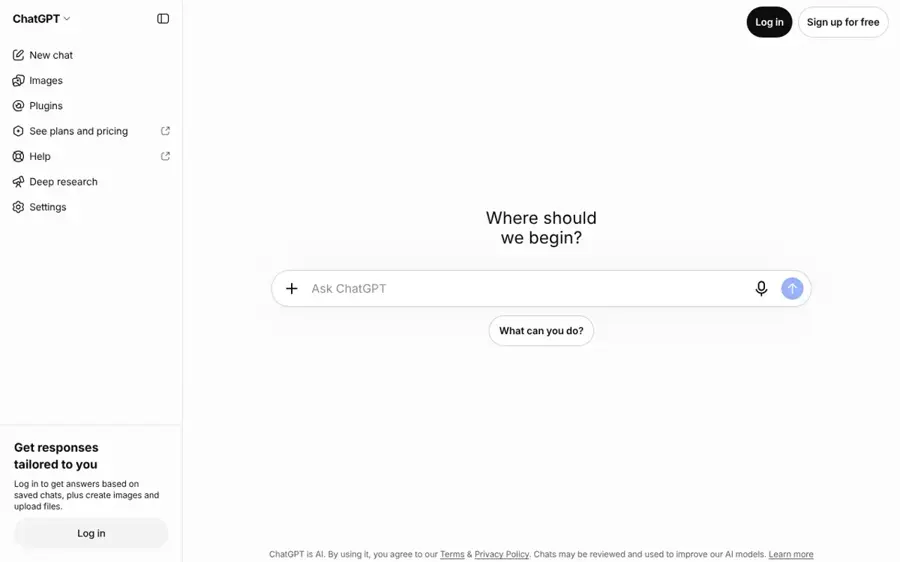
ChatGPT is OpenAI's general assistant for writing, analysis, images and research, and still, I think, the safest default for most people. Try it at chatgpt.com.
Strengths
OpenAI moved ChatGPT to GPT-6 in October. Paid Plus, Pro, Business and Enterprise users get GPT-6 Sol, while Free and Go accounts get the lighter GPT-6 Luna, Android Headlines reported. The same update added Intelligent UI, which can answer with clickable diagrams or small tools instead of plain text, and OpenAI claims web search answers arrive 44% faster than before.
It ranks first because it covers the most ground in one app, which is what I'd want from a default. The free plan includes unlimited everyday text chats, and the Go plan adds more image generation, file uploads and data analysis, though OpenAI is testing ads on Go in some regions.
Key features
- GPT-6 Sol: the full model on Plus and higher plans
- Intelligent UI: interactive charts, diagrams and mini tools inside answers
- Deep research: multi-step web research reports
- Projects and custom GPTs: keep files and instructions together
Pros
- Handles almost any everyday task
- Generous free plan with unlimited text chat
- Plus at $20 gets the flagship model
Cons
- Free and Go users get the lighter Luna model
- Ads are being tested on Go in some regions
ChatGPT pricing: Free, then paid plans from $20/month for Plus (OpenAI Help Center), with a cheaper Go tier in all supported countries and Pro tiers above that (checked October 2026). See pricing
Related: ChatGPT with GPT-6 review Best ChatGPT alternatives
Verdict: If you only pay for one AI tool this year, I'd make it ChatGPT Plus.
Claude – best for writing and long documents
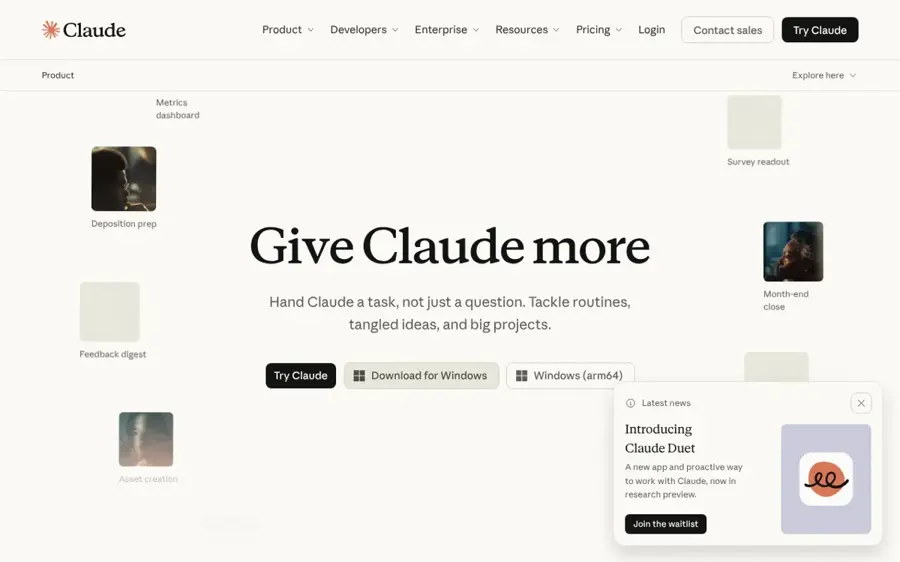
Claude is Anthropic's assistant, favoured by writers, analysts and developers for careful reasoning, long files and clean prose. Try it at claude.ai.
Strengths
Claude's official pricing page lists a context window of up to 1M tokens on every plan, including Free, which matters if you work with contracts, reports or codebases (a big deal, in my view). Paid plans add Opus models, Research, Claude Code and Claude in Chrome. In October Anthropic opened a research preview of Claude Duet, a proactive agent that sends a morning brief from your connected apps and asks for approval before sending messages or making payments, MacRumors reported.
On Capterra, Claude holds a 4.4 out of 5 rating from a small pool of 62 reviews, as noted in our Claude review.
Key features
- Up to 1M-token context: on every plan, per Anthropic
- Claude Code: agentic coding, included from Pro
- Research: multi-step research on paid plans
- Artifacts, Docs and Slides: build documents and small apps in chat
Pros
- Strong at long-form writing and analysis
- Huge context window even on Free
- Claude Code included with Pro
Cons
- Usage limits can bite on Pro
- No image generation
Claude pricing: Free, then paid plans from $20/month for Pro, or $17/month billed annually; Max is $100/month and Ultra $200/month (checked October 2026). See pricing
Related: Claude AI review Claude vs ChatGPT comparison
Verdict: I'd choose Claude over ChatGPT if most of your work is writing, editing or reading long documents.
Grammarly – best for polishing everyday writing
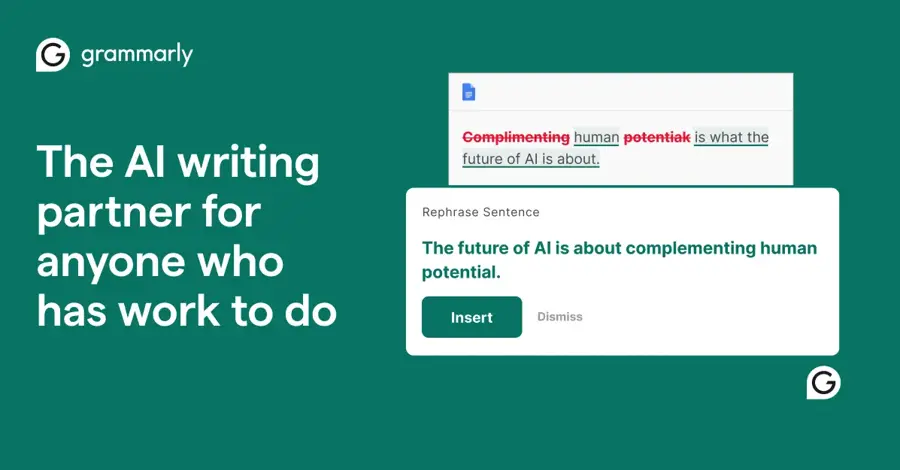
Grammarly checks grammar, tone and clarity everywhere you type, and adds AI rewriting, an AI detector and plagiarism checks on paid plans. Try it at grammarly.com.
Strengths
Grammarly's plans page says it's trusted by over 40 million people. The free plan includes 100 AI prompts a month, while Pro raises that to 2,000 prompts per member and adds full-sentence rewrites, tone adjustment, an AI text detector and plagiarism checks. Grammarly is now part of Superhuman, and our Grammarly AI review covers what changed.
Users seem to like it: it scores 4.7 out of 5 from more than 14,000 reviews on G2.
Key features
- Works everywhere you type: browser, desktop apps and mobile keyboard
- Tone and rewrites: adjust tone and rewrite full sentences on Pro
- AI prompts: 100 a month free, 2,000 on Pro
- AI detector and plagiarism: flag AI-like text and accidental copying
Pros
- Instant fixes without leaving your app
- Useful free plan
- Strong user ratings
Cons
- AI detection isn't fully reliable
- Overlaps with features in ChatGPT and Claude
Grammarly pricing: Free, then paid plans from $12/month for Pro (annual billing) (checked October 2026). See pricing
Related: Grammarly AI review Best grammar AI tools Best AI writing tool alternatives
Verdict: Get Grammarly if you write a lot of email and documents; I'd skip it if you already draft everything in a chatbot.
Midjourney – best for striking, artistic images
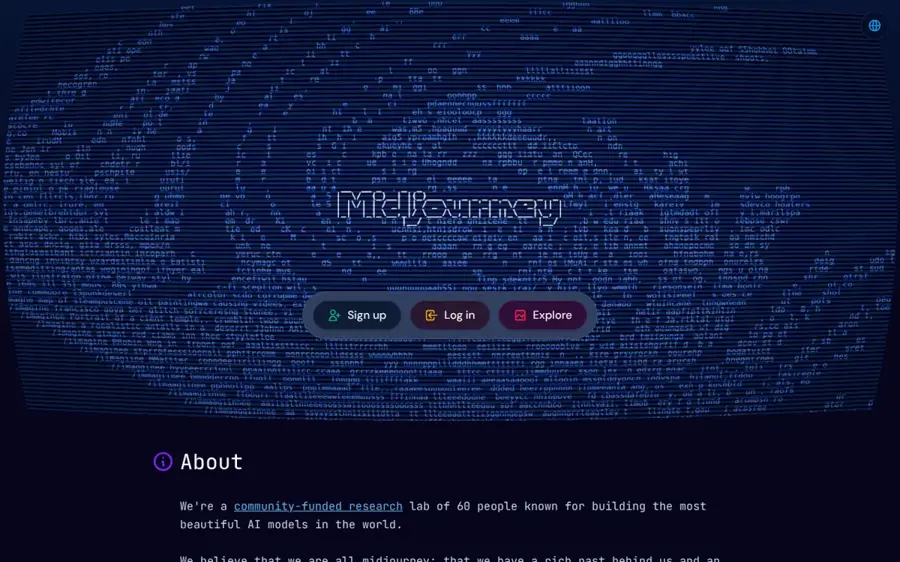
Midjourney is a subscription image and video generator known for distinctive, polished visuals. Try it at midjourney.com.
Strengths
Midjourney made V8.1 its default model in 2026. According to the official update, V8.1 follows detailed prompts better, renders text better, and produces images in about 4 seconds in SD and 12 seconds in HD.
Zapier's reviewer, in its roundup of AI image generators, writes that other apps now beat it on prompt adherence and editing, but "I still feel Midjourney produces some of the most visually appealing and interesting results with great textures and colors." That matches its reputation, as far as I can tell: pick it for looks, not for precise edits.
Key features
- V8.1 model: faster, better text rendering and prompt following
- HD mode: twice the size and 4x the resolution of V7
- Style references: keep a consistent look across images
- Video: SD video on every plan, HD from Standard
Pros
- Some of the best-looking images available
- Fast generation on V8.1
- Commercial use on all paid plans
Cons
- No free plan
- Stealth (private) mode only on Pro and Mega
Midjourney pricing: No free plan, then paid plans from $10/month, or $8/month billed annually; Standard $30, Pro $60, Mega $120 (checked October 2026). See pricing
Related: Best AI image generators
Verdict: Pay for Midjourney when the image has to look great; ChatGPT or Gemini will probably do when it only has to be accurate.
Runway – best for creators making AI video
Runway is an AI video studio that bundles its own Gen-4.5 model with third-party models like Kling and Seedance in one credit system. Try it at runwayml.com.
Strengths
Runway's pricing page says it's trusted by 60M+ creators. The Standard plan's 625 monthly credits buy about 52 seconds of Gen-4.5 video, and every paid plan includes access to all its video and image models, music and voice generation, 4K upscaling and no watermarks.
In an independent test of 11 video generators using the same cinematic prompt, the reviewer named Runway best for motion and creative styles.
Key features
- Gen-4.5: Runway's own video model
- Third-party models: Kling 4.0, Seedance and Nano Banana Pro on paid plans
- Agentic collaborator: plan and edit projects with an AI assistant
- 4K upscaling: included from Standard
Pros
- Many top video models in one place
- No watermarks on paid plans
- Strong for stylised, creative work
Cons
- 625 credits is under a minute of Gen-4.5
- Free plan is a one-time 125 credits
Runway pricing: Free (125 one-time credits), then paid plans from $12/month billed annually or $15 monthly; Pro $28, Max $76 annually (checked October 2026). See pricing
Related: Best AI video generators
Verdict: Runway is worth it if video is part of your job; for occasional clips, a free generator will likely do.
ElevenLabs – best for voiceovers and dubbing
ElevenLabs is an AI voice platform for text to speech, voice cloning, dubbing, sound effects and music. Try it at elevenlabs.io.
Strengths
The free plan gives you 10,000 credits a month, roughly 10 minutes of speech, plus speech to text, sound effects, voice design and music. The $6 Starter plan adds a commercial licence, instant voice cloning and the Dubbing Studio. Its Eleven v3 model supports 70+ languages, multi-speaker dialogue and audio tags such as [whispers] and [sighs], according to ElevenLabs.
Per-minute costs fall as you scale: about $0.36 a minute in extra usage on Starter versus about $0.17 on Pro, by ElevenLabs' own estimate. Use voice cloning only with your own voice or with clear permission from the speaker (that one's non-negotiable for me).
Key features
- Text to speech: expressive voices in 70+ languages
- Voice cloning: instant from Starter, professional from Creator
- Dubbing Studio: translate video while keeping the voice
- Sound effects and music: generate audio beyond speech
Pros
- Usable free plan
- Very cheap $6 entry plan
- Wide feature set beyond voices
Cons
- Credits run out quickly for long audio
- Commercial use needs a paid plan
ElevenLabs pricing: Free, then paid plans from $6/month (Starter); Creator $22, Pro $99 (checked October 2026). See pricing
Related: Best AI voice generators
Verdict: For podcasts, explainers or YouTube narration, ElevenLabs Starter is probably the cheapest serious upgrade you can make.
Suno – best for making songs from a prompt
Suno turns a text prompt or your own recording into a full song with vocals, and its Studio adds editing and stems. Try it at suno.com.
Strengths
Suno launched its v6 models in 2026, built with Warner Music Group, BMG and Believe, in three versions: v6 and v6-wild for paying users and v6-mini for everyone, Suno says. On the US App Store it holds a 4.9 rating from roughly 380,000 reviews, as noted in our Suno review.
Not everyone's happy. After v6, one Reddit user quoted by MusicTech wrote: "Every song comes out flat, the voices are muddy, the sound is abysmal." I'd try the free tier before you commit, and note that free songs carry no commercial rights.
Key features
- v6 models: flagship, wild and mini versions
- Suno Studio: MIDI, effects and automation on Premier
- Stem separation: split vocals and instruments on paid plans
- Your own voice: record, upload and create with it
Pros
- Fastest route from idea to finished song
- Free plan with 50 credits a day
- Commercial rights from $8/month
Cons
- Vocal quality on v6 divides users
- Free songs have no downloads or commercial rights
Suno pricing: Free, then paid plans from $8/month for Pro (annual billing); Premier $24/month annually (checked October 2026). See pricing
Related: Suno AI review
Verdict: Suno is the music tool to know, but I'd try v6 on the free plan before paying.
Cursor – best for agent-first coding
Cursor is an AI code editor built around agents that can plan, write and test code across your repositories. Try it at cursor.com.
Strengths
Cursor 3 introduced an Agents Window that runs many agents in parallel, locally, in worktrees, in the cloud or over SSH, plus a Design Mode for pointing agents at UI elements, per the official changelog. The product is strong; the pricing is the catch.
SpaceX bought Cursor in a deal reportedly worth $60 billion, and Cursor is now sold through The X Subscription alongside Grok and X Premium, The New Stack reported. The $8 Plus plan only includes Grok models. Claude, GPT and Gemini need the $30 Premium tier and are billed separately at API prices. Read our Cursor review before you switch.
Key features
- Agents Window: run parallel agents across repos and environments
- Design Mode: annotate UI elements for the agent
- /best-of-n: run the same task across several models and compare
- Cloud agents and code reviews: from the $30 Premium tier
Pros
- One of the most capable agentic editors
- Parallel agents and worktrees built in
- Cheap entry at $8 for Grok-only use
Cons
- Third-party models cost extra on every tier
- Bundled with X features many developers won't want
Cursor pricing: Free (limited), then paid plans from $8/month (Plus, Grok models only); Premium $30, Super $100, Ultra $200, with third-party model usage billed separately (checked October 2026). See pricing
Related: Cursor review
Verdict: Cursor is still the editor to know, but if you mainly want Claude for coding, Claude Code on a Claude Pro plan might cost less.
Perplexity – best for fast answers with citations
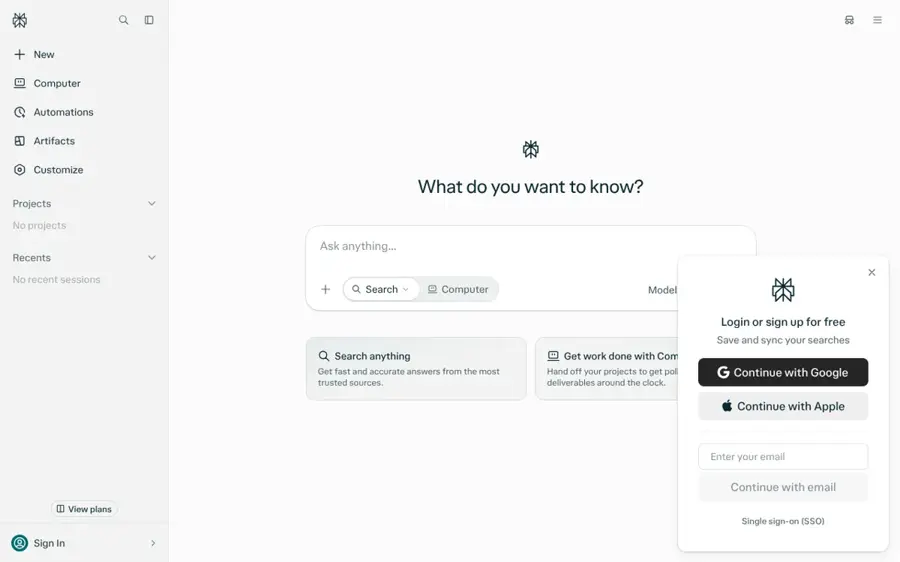
Perplexity is an AI answer engine that searches the web and gives you a summary with sources on every answer. Try it at perplexity.ai.
Strengths
Pro costs $20 a month, or $17 billed annually, and adds Deep Research, a model picker, premium sources such as PitchBook and Statista, and Perplexity Computer with 4,000 one-time bonus credits, according to Krater's breakdown of the official pricing page. Max is $200 a month.
The same analysis flags a user complaint worth knowing: a September r/perplexity_ai thread titled "Perplexity Pro is an absolute joke now" argued that the best models and recurring agent credits moved behind Max. For pure cited search, though, the free plan remains useful.
Key features
- Citations on every answer: check the source in one click
- Deep Research: longer, multi-source reports on Pro
- Model picker: choose the model per query on Pro
- Premium data sources: PitchBook and Statista on Pro
Pros
- Quickest way to get sourced answers
- Useful free tier
- Annual discount on Pro
Cons
- Pro's agent credits are one-time only
- Top models increasingly reserved for Max
Perplexity pricing: Free, then paid plans from $20/month for Pro ($17/month annually); Max $200/month (checked October 2026 via Krater's reading of the pricing page, as Perplexity's site blocked our fetch). See pricing
Related: Perplexity vs ChatGPT
Verdict: Use Perplexity's free plan for research; upgrade only if you need Deep Research every day.
Notion AI – best for team docs and agents
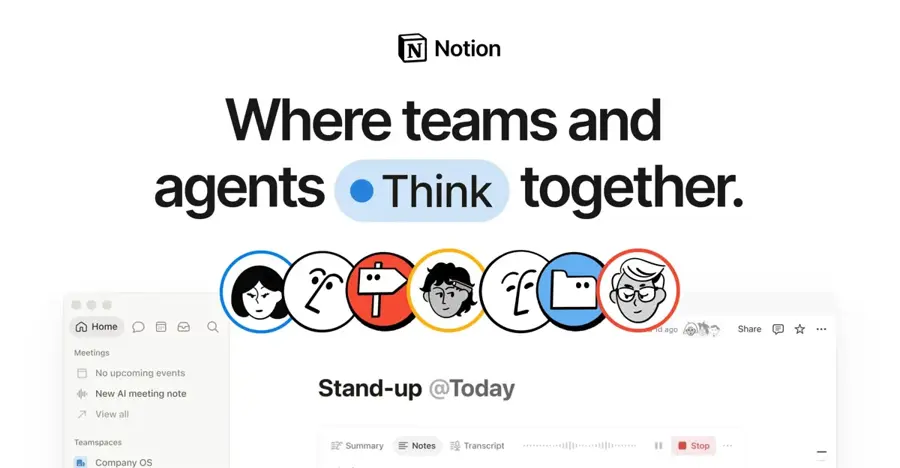
Notion AI adds an agent, meeting notes and enterprise search to Notion's workspace of docs, wikis and databases. Try it at notion.com.
Strengths
Notion's pricing page shows that Free and Plus plans only get a trial of Notion AI. Full access to Notion Agent, AI Meeting Notes and Enterprise Search starts on Business. Custom Agents that run tasks on their own are free to try, then cost $10 per 1,000 monthly Notion credits.
Notion itself scores 4.6 out of 5 on G2 and 4.7 on Capterra, as noted in our Notion AI review, though those ratings cover the whole app, not just the AI. The advantage is context: the agent already has your team's pages.
Key features
- Notion Agent: chat, generate, autofill and translate inside your workspace
- AI Meeting Notes: transcribe and summarise calls on Business
- Enterprise Search: search across connected apps (beta)
- Custom Agents: automate repeat tasks with credits
Pros
- AI that already knows your team's docs
- Agents can run tasks on their own
- One tool for docs, wiki and AI
Cons
- Full AI only on the $20 Business plan
- Agent usage costs extra credits
Notion AI pricing: Free (AI trial only); then Plus $10/member/month; full AI from Business at $20/member/month; extra agent credits $10 per 1,000 (checked October 2026). See pricing
Related: Notion AI review Best AI tools for productivity
Verdict: Notion AI is probably worth it only if your team already runs on Notion; otherwise a general assistant is cheaper.
Choosing the right AI tools you should know in 2026
Pick one assistant, not three
Go for ChatGPT if you want the broadest tool, Claude if you write and analyse documents, and Google Gemini if you live in Google apps: its Google AI Plus plan costs $4.99 a month, and Pro at $19.99 adds Google's flagship Gemini 4 Argon model. Run the free tiers side by side for a week, then pay for one. Our guide to writing better prompts will help you get more out of whichever you choose.
Add a specialist where your hours go
Midjourney suits weekly visuals, Runway suits video work, ElevenLabs suits narration and Suno suits music. One specialist tied to real work is worth more than a second chatbot, I'd say.
Do the credit maths before you subscribe
Runway's $12 plan buys under a minute of its top video model, so compare credits with the output you need, not the headline price. ElevenLabs' free tier is about 10 minutes of speech.
Check what your employer already pays for
Many companies already license ChatGPT, Claude, Gemini, Microsoft Copilot or Notion with stronger data protection than personal accounts. Use those for client or company work. If you're comparing platforms at the infrastructure level, see our guide to cloud-native AI platforms.
Free vs paid: what you actually get
| Tool | What free gets you | What paying adds |
|---|---|---|
| ChatGPT | Unlimited everyday text chat on the lighter GPT-6 Luna | GPT-6 Sol, more images, uploads and deep research |
| Claude | Sonnet and Haiku models, up to 5 projects, web search | Opus, Research, Claude Code, much higher limits |
| ElevenLabs | About 10 minutes of speech a month | Commercial licence, voice cloning, dubbing |
| Suno | 50 credits a day on v6-mini, no downloads | v6 models, commercial rights, downloads, stems |
Free plans are for trying and light use; paid plans buy better models, higher limits and commercial rights. If you sell what you make, whether songs, voiceovers or images, you probably need a paid plan. For more no-cost options, see our guide to free AI models.
Final verdict
I think most people should start with ChatGPT Plus at $20 a month, or Claude Pro if writing is the core of the job. If budget is tight, Google AI Plus at $4.99 gets you surprisingly far. For research, Perplexity's free plan and Gemini Notebook, the tool Google renamed from NotebookLM in July, cost nothing to start. Then add one specialist: Midjourney for images, Runway for video, ElevenLabs for voice, Suno for music or Cursor for code. Two tools, roughly $26 to $40 a month, should cover most of what's here. For the bigger picture on where these tools are heading, read our overview of current trends in AI.
FAQ
What are the AI tools you should know in 2026?
Start with a general assistant (ChatGPT, Claude or Gemini), Perplexity for research, and one specialist for your main job: Midjourney for images, Runway for video, ElevenLabs for voice, Suno for music, Cursor for coding or Notion AI for team docs.
What is the best AI in 2026 overall?
For most people, ChatGPT is probably the best all-round pick because it covers the widest range of tasks, and GPT-6 Sol is now the default on paid plans. Claude is the better choice for long documents and careful writing, and Gemini is the best value for Google users.
How much should I budget for AI tools?
$20 a month is the standard price for a top assistant. Specialists start lower: ElevenLabs from $6, Suno from $8, Midjourney from $10 and Runway from $12 a month on annual billing. Two well-chosen tools typically cost $26 to $40 a month.
Sources
- OpenAI Rolls Out GPT-6 Models to ChatGPT (Android Headlines)
- What is ChatGPT Go? (OpenAI Help Center)
- What is ChatGPT Plus? (OpenAI Help Center)
- ChatGPT pricing (OpenAI)
- Plans & pricing (Claude by Anthropic)
- Anthropic Launches Claude Duet, a Proactive AI Agent (MacRumors)
- Claude reviews (Capterra)
- Google AI Pro & Ultra subscriptions (Google)
- Gemini 4 Argon (Google AI for Developers)
- Grammarly Prices and Plans (Grammarly)
- Grammarly reviews (G2)
- V8.1 is now the default model on Midjourney (Midjourney)
- Comparing Midjourney Plans (Midjourney)
- The best AI image generators (Zapier)
- AI Image and Video Pricing (Runway)
- Which AI Video Generator Looks the Most Real in 2026? I Tested 11 With the Same Cinematic Prompt (Substack)
- ElevenLabs Pricing for Creators & Businesses (ElevenLabs)
- Eleven v3: Most Expressive AI TTS Model Launched (ElevenLabs)
- Introducing v6 (Suno)
- Suno Pricing (Suno)
- Suno - AI Songs & Music (Apple App Store)
- “The death of Suno”: Reddit users have turned against Suno after v6 model update (MusicTech)
- New Cursor Interface: Cursor 3 changelog (Cursor)
- Cursor Pricing (Cursor)
- The X Subscription bundles Cursor with Grok and X Premium. But Claude now costs extra. (The New Stack)
- Perplexity Pricing 2026: Pro, Max and Sonar API Costs (Krater)
- Perplexity Pro (Perplexity)
- NotebookLM is now Gemini Notebook (Google)
- Notion Pricing Plans (Notion)