Enterprise AI adoption in 2026: 8 tools that turn pilots into results
Nearly every big company uses AI, but few see profit from it. These 8 enterprise AI adoption tools, with October 2026 prices, help close the gap.
 Written byBurhan AqibSenior writer, policy and analysis
Why you can trust The AI Future
Our writers research every product, link each claim to its source and correct mistakes openly. Companies can't pay for coverage or see reviews before they're published.
Read our editorial policy
Short answer: most companies should build their enterprise AI adoption plan around one assistant that lives where employees already work. That means Microsoft 365 Copilot if you run on Microsoft, Gemini Enterprise if you run on Google, and ChatGPT or Claude if you want the strongest general model. Then add a governance layer and an adoption layer, because buying seats is the easy part. Getting people to use them well, safely and in ways that show up on the P&L is where most programmes stall (and honestly, I think that's where most of the budget should go).
The numbers back that up. In McKinsey's The state of AI in 2026: On the road to ROI, nearly nine in ten respondents report regular AI use in at least one business function, yet only 37% attribute any EBIT impact to it, a share that's essentially unchanged from a year earlier. Below are the eight tools I'd shortlist to close that gap, with prices checked in late October 2026.
Key takeaways
- Pick the assistant that matches your stack. Copilot for Microsoft 365 shops, Gemini Enterprise for Google Workspace, ChatGPT or Claude when model quality and flexibility matter most.
- Standard seats cost about $18 to $30 per user per month. ChatGPT Business and Claude Team both start at $20 billed annually, Copilot Business at $18, Copilot Enterprise at $30.
- Usage isn't the same as value. McKinsey finds 80% of respondents say AI improved their own productivity, but enterprise-level financial impact has barely moved.
- Budget for adoption and governance, not just licences. Tools like WalkMe and Credo AI exist because rollout, training and risk control are where programmes fail.
Enterprise AI adoption in 2026
The big surveys measure different things, so check the definitions before you compare numbers.
- Large organisations are nearly all using AI somewhere. Stanford HAI's 2026 AI Index reports that organisational adoption reached 88%. McKinsey's 2026 survey, which drew 1,719 responses from 97 countries between May and June 2026, puts regular use in at least one function at nearly nine in ten, according to a summary by Information & Data Manager.
- Scaling is the real divide. In the same McKinsey data, the share of respondents scaling AI across the enterprise rose from 38% to 44% in a year. Among organisations with at least $1 billion in revenue it was 54%; among smaller ones, about a third.
- Agents are moving fastest at big companies. Large organisations scaling agents in one or more functions rose from 27% to 40%, while smaller organisations stayed flat at 22% (IDM summary of McKinsey).
- The wider economy is far behind. The US Census Bureau's Business Trends and Outlook Survey found that 19.8% of all US businesses used AI in any business function as of May 3, 2026. That climbs to 37% for firms with 250 or more employees, 39.7% in the Information sector and 33.9% in Finance and Insurance, but only about 14% in Retail.
- Risk is rising with use. The Stanford AI Index counted 362 documented AI incidents, up from 233 in 2024.
My read: for large firms, AI access is table stakes and the edge probably comes from redesigning workflows. Mid-sized firms are likely still piloting, and I'd rather see one well-chosen platform than five scattered tools.
Our ranking method
Nobody at The AI Future ran hands-on tests or took screenshots for this roundup. We compared each tool using official product, pricing and help pages, published pricing analyses and verified user reviews on sites such as Capterra, Software Advice and PeerSpot, as of late October 2026. We scored each tool on six criteria:
- Fit with existing stack: how well it plugs into the email, documents and data employees already use.
- Breadth of use cases: how many roles and tasks it can realistically cover.
- Security and admin controls: SSO, SCIM, audit logs, data retention and no training on business data by default.
- Adoption support: analytics, training aids and features that help non-technical staff get value.
- Price transparency and value: published per-seat prices, flexibility and hidden costs.
- User feedback: what verified reviewers praise and complain about.
Assistants rank highest because employees touch them daily; the specialist platforms solve narrower problems, which seems a fair trade. Prices are in US dollars and exclude tax.
The 8 best enterprise AI adoption tools at a glance
| # | Tool | Category | Best for | Free tier | Starts at |
|---|---|---|---|---|---|
| 1 | Microsoft 365 Copilot | Workplace assistant | Microsoft 365 organisations | Yes (limited) | $18/user/mo |
| 2 | ChatGPT Business | General assistant | Broad company-wide rollout | Yes (limited) | $20/user/mo |
| 3 | Claude | General assistant | Knowledge work and coding | Yes (limited) | $20/user/mo |
| 4 | Gemini Enterprise | Agent platform | Google Workspace organisations | No | $21/user/mo |
| 5 | Glean | Enterprise search and agents | Finding company knowledge | No | Custom |
| 6 | Writer | Agent platform | Marketing and revenue teams | No | Custom |
| 7 | WalkMe | Digital adoption platform | Training and in-app guidance | No | Custom |
| 8 | Credo AI | AI governance | Risk and compliance teams | No | Custom |
Notes: the free options for Copilot, ChatGPT and Claude are consumer or individual tiers, not suitable for company data. Gemini Enterprise offers a 30-day free trial of its Plus edition. Annual billing prices shown; monthly billing costs more.
The best enterprise AI adoption tools in 2026, ranked
Microsoft 365 Copilot – best for Microsoft 365 organisations
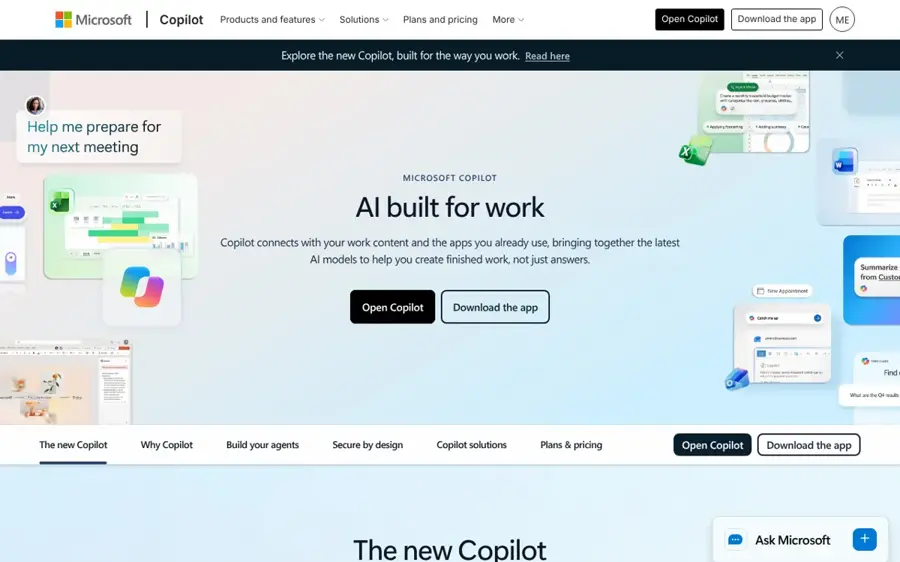
Microsoft 365 Copilot puts an AI assistant inside Word, Excel, PowerPoint, Outlook and Teams, grounded in your organisation's files, mail and meetings.
Strengths
Adoption is mostly a distribution problem, and Copilot solves distribution. Employees don't need to learn a new app; the assistant appears in the tools they open every morning. It draws on your organisation's data through Microsoft Graph, and the Business tier is limited to organisations with up to 300 users, according to eesel AI's pricing breakdown. Watch the total cost: eesel notes that every user also needs a qualifying Microsoft 365 base licence, so the combined per-user cost can run from about $24 to well over $60 a month.
Verified reviewers on Capterra rate it 4.5 out of 5 across 28 reviews. One executive assistant praised how it "excels in its ability to seamlessly integrate with various Microsoft 365 applications", while another reviewer flagged "high cost, sometimes inaccurate answers, or dependency on the Microsoft system."
Key features
- In-app assistance: drafting, summarising and analysis inside Office apps.
- Graph grounding: answers drawn from your mail, files, chats and meetings.
- Agents: build task-specific agents for repeat work.
- Two tiers: Business for up to 300 users and Enterprise for larger organisations.
Pros
- No new interface for staff to learn
- Uses data already in Microsoft 365
- Fits existing Microsoft admin and compliance tooling
Cons
- Add-on cost on top of base licences
- Strongest only if your data lives in Microsoft
- Some users report inaccurate outputs
Microsoft 365 Copilot pricing: Free Copilot app for individuals; then Business $18/user/month billed annually, Enterprise $30/user/month (checked October 2026). See pricing
Related: Microsoft AI review Best AI business assistants
Verdict: if your company lives in Outlook and Teams, start here.
ChatGPT Business – best for broad company-wide rollout
ChatGPT Business is OpenAI's team workspace for ChatGPT, with connectors to Google Workspace, Slack, GitHub and Microsoft 365, plus admin and spend controls.
Strengths
ChatGPT is the assistant many employees already use personally, which lowers the training burden. Looking at OpenAI's business pricing, Standard seats are $20 per user per month billed annually ($25 monthly) and Premium seats are $100 ($125 monthly), and you can mix seat types. Business covers teams of 2 to 200 people; Enterprise adds SCIM, data residency in ten regions and custom retention at custom prices.
A verified reviewer on PeerSpot said the shared workspace "is what really makes ChatGPT Team - Enterprise feel like a team tool rather than an individual assistant", but wanted "better usage analytics" tied to business outcomes.
Key features
- Mixed seat types: Standard for most staff, Premium for power users.
- Workspace agents: customised workflows for repeat tasks.
- Connectors: Google Workspace, Slack, GitHub, Microsoft 365 and more.
- Admin controls: SAML SSO, MFA, usage analytics and spend controls.
- No training on business data by default.
Pros
- Familiar interface lowers training costs
- Transparent per-seat pricing
- Works across Microsoft and Google stacks
Cons
- Business plan caps at 200 employees
- Enterprise features need a sales contract
- Reviewers want deeper outcome analytics
ChatGPT Business pricing: Free personal tier, then paid plans from $20/user/month billed annually (checked October 2026). See pricing
Related: Claude AI vs ChatGPT Best AI like ChatGPT
Verdict: the safest default when you need one assistant for every department.
Claude – best for knowledge work and coding
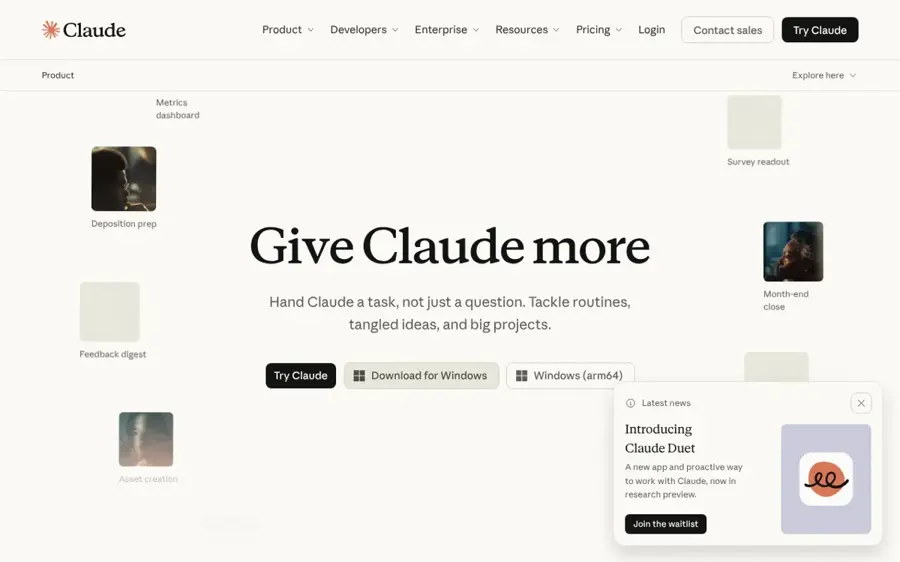
Claude from Anthropic offers Team and Enterprise plans that bundle chat, Claude Code and Cowork with workplace connectors and admin controls.
Strengths
Claude suits organisations where writing, analysis and software development are the main AI workloads. Going by Anthropic's help article, Team Standard seats are $20 per member per month billed annually ($25 monthly) and Premium seats at $100 ($125 monthly), with a two-seat minimum and up to 150 seats. Team includes SSO, role-based permissions, spend caps and enterprise search. The Enterprise plan page adds SCIM, audit logs, a compliance API, data retention controls and a HIPAA-ready offering, and says prompts and outputs aren't used for model training by default.
A research and consulting user on PeerSpot called it "a really good platform" that stands out for email writing, but noted issues with Claude "halting or hallucinating occasionally".
Key features
- Claude Code: coding agent for terminal, IDE and Slack.
- Cowork: hand off research, documents and repetitive tasks.
- Enterprise search: one place to query connected company tools.
- Connectors: Google Drive, Gmail, GitHub, Microsoft 365 and Slack.
- Spend controls: caps at organisation and user level.
Pros
- Strong for writing, analysis and code
- Team plan includes SSO and spend caps
- Clear seat pricing
Cons
- Team plan tops out at 150 seats
- Weekly usage limits apply per member
- Occasional hallucinations reported
Claude pricing: Free personal tier; then Team from $20/member/month billed annually; Enterprise via sales (checked October 2026). See pricing
Related: Claude AI review Claude AI vs ChatGPT
Verdict: the pick when your heaviest AI users write, analyse or code all day.
Gemini Enterprise – best for Google Workspace organisations
Gemini Enterprise is Google Cloud's agent platform for work, connecting Gemini to email, documents, code, data and business apps from one prompt box.

Strengths
Google pitches it as "one universal agent" that works with what you already have, with per-project budget caps so agents pause instead of overspending, according to its product page. Pricing is confusing because two products share the name. Coworker AI's analysis explains that Gemini inside Workspace is now bundled into Workspace plans, while standalone Gemini Enterprise starts at $21 per seat per month for the Business edition (1 to 300 seats) and "starting at $30" for Standard and Plus. Google offers a 30-day free trial of the Plus edition without sales help.
A reviewer on PeerSpot praised its "workspace native integration" and agentic workflows with Jira and Slack, but pointed to "a steeper learning curve for advanced agentic features".
Key features
- One agent across apps: email, docs, code, data and business apps.
- Budget caps: per-project limits with costs tracked to teams.
- Industry skills: purpose-built agents for areas such as financial services.
- Self-serve trial: 30 days of the Plus edition.
Pros
- Natural fit for Google Workspace
- Built-in cost controls for agents
- Free trial without a sales call
Cons
- Two similarly named products confuse buyers
- Consumption charges can apply beyond quotas
- Advanced agent features take time to learn
Gemini Enterprise pricing: No free plan (30-day trial), then paid plans from $21/seat/month for Business edition (checked October 2026). See pricing
Related: Gemini AI vs ChatGPT Best enterprise AI solutions
Verdict: the obvious choice for Google shops, as long as you read the fine print on editions.
Glean – best for finding company knowledge
Glean is an enterprise search, assistant and agent platform that connects to your work apps and returns permission-aware answers from company knowledge.

Strengths
Many AI rollouts disappoint because the assistant can't see the right internal documents. Glean attacks that problem directly. Its site lists more than 275 connectors to work apps and data sources, support for 40-plus language models, and permission-aware access so people see only what they're allowed to see. Being model-agnostic also avoids tying your programme to one AI vendor.
A reviewer on PeerSpot said Glean "places emphasis on security features, has full visibility and debugging support", while suggesting it "can implement more models" and speed up some steps.
Key features
- Enterprise search: one search box across connected apps.
- 275+ connectors: broad coverage of SaaS tools.
- Agents: workflows with branching, approvals and recovery.
- Model choice: works with dozens of LLMs.
Pros
- Solves the "AI cannot find our docs" problem
- Respects existing permissions
- Not locked to one model provider
Cons
- No public pricing
- Overlaps with search features in Copilot, ChatGPT and Claude
Glean pricing: No free plan; then custom pricing via sales (checked October 2026). See pricing
Related: Best enterprise AI solutions Best AI data governance tools
Verdict: worth it when knowledge is scattered across dozens of systems.
Writer – best for marketing and revenue teams
Writer is an enterprise agent platform for marketing and revenue teams, grounded in your brand, product and customer knowledge.
Strengths
Writer is built to turn one top performer's process into a repeatable team workflow. Its homepage describes Playbooks (reusable shared workflows), Skills, shared Projects and an "Enterprise Brain" context layer, and says it never retains or trains on customer data. Governance runs at user, agent, connector and data level, with audit logs exportable to a SIEM. The plans page shows a smaller tier for up to five users with five Playbooks and three active connectors, and an enterprise tier with unlimited Playbooks, advanced orchestration, approvals and agent observability. No public prices are listed.
We couldn't find a verified third-party review of Writer's enterprise platform on the review sites our tools could access, so I'd treat vendor claims with care and ask for customer references.
Key features
- Playbooks: reusable, shareable agent workflows.
- Enterprise Brain: brand, product and customer context for agents.
- Brand voice controls: departmental voice and personality profiles.
- Governance: audit logs, role-based access, SAML SSO and SCIM.
Pros
- Strong focus on brand consistency
- Granular agent governance
- Works with preferred LLMs
Cons
- No public pricing
- Narrower focus than general assistants
- Limited independent reviews
Writer pricing: No free plan listed; then custom pricing via sales (checked October 2026). See pricing
Related: Best AI writers Best enterprise AI solutions
Verdict: choose it when marketing output and brand control drive your AI business case.
WalkMe – best for training and in-app guidance
WalkMe is a digital adoption platform that overlays guidance, walkthroughs and contextual AI help on top of the business apps employees use.

Strengths
WalkMe is on this list because adoption is a behaviour problem, not just a licensing one. On the pricing page you'll find in-app guides, tooltips, personalised onboarding, workflow automation, contextual AI assistance and analytics that show where people drop off in a process. That data shows whether new AI-enabled workflows are actually used.
A consultant who supports WalkMe clients wrote on PeerSpot that it would help if WalkMe were "operational on all possible SAP and especially non-SAP tools", noting "comparatively high" manual setup effort. On Software Advice, a 2026 reviewer said it "really removes the mundane tasks from our plate."
Key features
- In-app guidance: walkthroughs, tooltips and notifications.
- Flow analytics: completion and drop-off across journeys.
- Behavioural segments: target guidance by how people work.
- AI Insights: plain-language questions return tables or charts.
Pros
- Measures real usage, not just logins
- Reduces repetitive support questions
- Works on top of existing apps
Cons
- Quote-only pricing
- Significant setup effort
- Coverage varies across non-SAP tools
WalkMe pricing: No free plan; then custom quote (checked October 2026). See pricing
Related: AI transformation is a problem of governance Best enterprise AI solutions
Verdict: add it when licences are bought but usage is flat.
Credo AI – best for risk and compliance teams
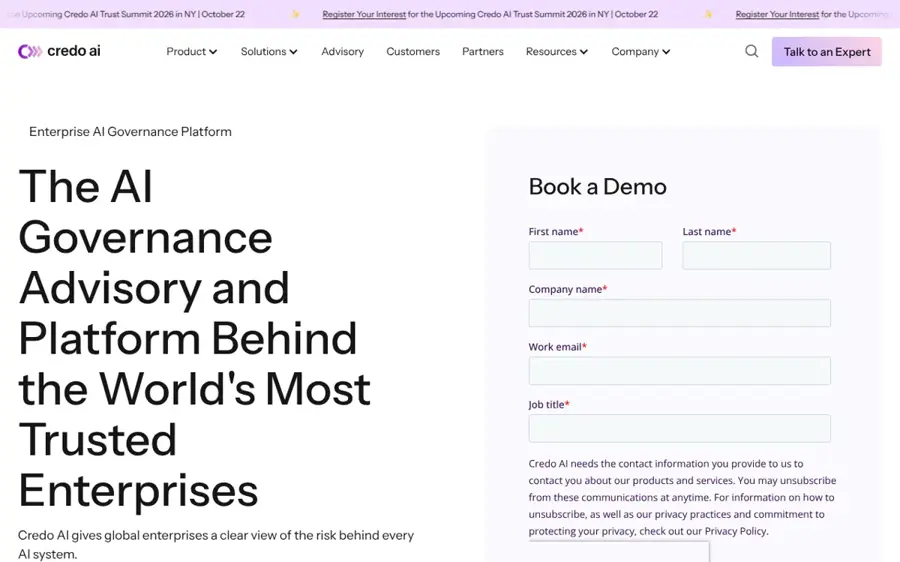
Credo AI is an AI governance platform that helps enterprises register AI systems and agents, enforce policy, manage risk and track regulatory requirements.
Strengths
Scaling the way McKinsey describes needs guardrails, and agents raise the stakes because they act on their own. Credo AI offers an AI registry, a vendor portal, a risk centre, regulation automation and an "AI Adoption Tracking" solution, plus forward-deployed advisory staff, according to its website. Credo AI says it was named a Leader in the Forrester Wave, a third-party analyst rating, though you should read the report itself before relying on it. Pricing is available through a demo.
Key features
- AI registry: inventory of agents, models and applications.
- Policy packs: regulatory intelligence for major AI standards and laws.
- Vendor risk: assess third-party AI tools before you buy.
- Adoption tracking: see which AI is in use across the business.
Pros
- Purpose-built for AI governance
- Covers third-party and in-house AI
- Advisory support available
Cons
- No public pricing
- Mainly for larger, regulated organisations
Credo AI pricing: No free plan; then custom pricing via demo (checked October 2026). See pricing
Related: Best AI governance consulting tools Best AI data governance tools
Verdict: I think it becomes essential once you have more than a handful of AI systems in production.
Choosing the right enterprise AI adoption tools
Start from your stack, not the leaderboard
The best model is pointless if nobody opens it, and I'd say that's the most common mistake. Match the assistant to where your documents and email already live.
Price the full seat, not the headline
Copilot needs a base Microsoft licence. Gemini Enterprise can add consumption charges. ChatGPT and Claude Premium seats cost five times Standard. About 20% of McKinsey respondents said AI operating costs, including token costs, constrained their AI use (IDM summary). Model the cost per active user, not per licence.
Plan governance before scale
Risk rises with autonomy. Set an AI policy, an approved-tools list and an inventory before rolling agents into finance, HR or legal. Our guides to AI governance consulting, AI governance certification and AI regulation cover the basics.
Measure outcomes, not logins
Track time saved on specific workflows, cycle times and error rates, not active users.
Use a quick decision rule
- Choose Microsoft 365 Copilot if your company runs on Outlook, Teams and SharePoint.
- Choose ChatGPT Business if you want one familiar assistant across a mixed stack.
- Choose Claude if writing, analysis and coding are your main AI workloads.
- Choose Gemini Enterprise if you run on Google Workspace and want agent cost caps.
- Add Glean, WalkMe or Credo AI if knowledge access, usage or risk is your bottleneck.
Free versus paid plans
Free tiers for Copilot, ChatGPT and Claude are personal products without SSO, central billing or company-grade data terms. Staff pasting company data into them is likely how shadow AI starts.
| What you need | Free personal tiers | Paid business plans |
|---|---|---|
| SSO and user provisioning | No | Yes (SCIM usually on Enterprise tiers) |
| No training on business data by default | Varies; often opt-out | Yes, per OpenAI and Anthropic plan pages |
| Usage analytics and spend controls | No | Yes |
| Connectors to company tools | Limited | Broad |
| Audit logs and compliance APIs | No | Enterprise tiers |
For a 100-person company, Standard seats on ChatGPT Business or Claude Team cost about $2,000 a month billed annually, based on the $20 list prices above. Copilot Business adds $1,800 a month on top of existing Microsoft licences. Adoption and governance platforms are quote-only, so ask for pricing early in the process.
Final verdict
If you only pick one, pick the assistant that matches where your employees already work: Microsoft 365 Copilot for Microsoft shops, Gemini Enterprise for Google shops, and ChatGPT Business as the default for everyone else. Choose Claude when your power users write, analyse or code all day. Then spend real effort on the unglamorous layers. Glean fixes knowledge access, WalkMe fixes usage, and Credo AI fixes oversight. The survey data points one way: enterprise AI adoption in 2026 is no longer about access. It's about turning access into measurable results, and I doubt most firms have cracked that yet. For a wider view of platforms, see our enterprise AI solutions roundup and our explainer on agentic AI.
FAQ
What is the enterprise AI adoption rate in 2026?
It depends on who you ask. Stanford HAI's 2026 AI Index puts organisational adoption at 88%, and McKinsey's 2026 survey finds nearly nine in ten respondents' organisations use AI regularly in at least one function. The Census Bureau, which surveys all US businesses including very small ones, found 19.8% used AI as of May 2026, rising to 37% among firms with 250 or more employees.
Why do enterprise AI projects stall after the pilot?
McKinsey's data shows most organisations haven't redesigned workflows around AI, so individual productivity gains don't reach the bottom line. Only 37% of respondents attribute any EBIT impact to AI. Security and risk concerns, costs and scattered tools are other common blockers.
How much does enterprise AI cost per employee?
Standard seats for major assistants cost about $18 to $30 per user per month as of October 2026: $18 for Copilot Business, $20 for ChatGPT Business and Claude Team billed annually, $21 for Gemini Enterprise Business and $30 for Copilot Enterprise. Premium or power-user seats cost around $100.
Do we need an AI governance tool?
Small teams can start with a written policy and an approved-tools list. Once you run several AI systems or agents that touch customer data or decisions, a dedicated platform such as Credo AI, or outside help from AI governance consultants, becomes much easier to justify.
Sources
- The state of AI in 2026: On the road to ROI (McKinsey)
- Agent Use Follows Industry Value, Not Hype (Information & Data Manager)
- The 2026 AI Index Report (Stanford HAI)
- Large Firms With at Least 20 Employees Biggest AI Users (US Census Bureau)
- Microsoft Copilot pricing 2026: Business vs Enterprise plans (eesel AI)
- Business Pricing (OpenAI)
- What is the Team plan? (Claude Help Center)
- Claude Enterprise plan (Anthropic)
- Gemini for Business: The Universal Work Agent (Google Cloud)
- Gemini Enterprise Pricing 2026, Explained (Coworker AI)
- Glean – Enterprise AI that Works (Glean)
- WRITER - Reach the frontier of enterprise growth (Writer)
- WRITER plans (Writer)
- Digital Adoption Platform Pricing (WalkMe)
- WalkMe - Digital Adoption Platform (WalkMe)
- Credo AI - The Trusted Leader in AI Governance (Credo AI)
- Microsoft 365 Copilot Reviews 2026 (Capterra)
- ChatGPT Team - Enterprise reviews 2026 (PeerSpot)
- Claude for Enterprise reviews 2026 (PeerSpot)
- Google Gemini AI reviews 2026 (PeerSpot)
- Glean Platform reviews 2026 (PeerSpot)
- WalkMe reviews 2026 (PeerSpot)
- WalkMe Reviews (Software Advice)