8 best AI development solutions in 2026: platforms compared
The best AI development solutions in 2026, from Amazon Bedrock to Hugging Face, compared on price, model choice, agents and governance.
 Written byMuhammad Usman SiddiquiFounder and editor-in-chief
Why you can trust The AI Future
Our writers research every product, link each claim to its source and correct mistakes openly. Companies can't pay for coverage or see reviews before they're published.
Read our editorial policy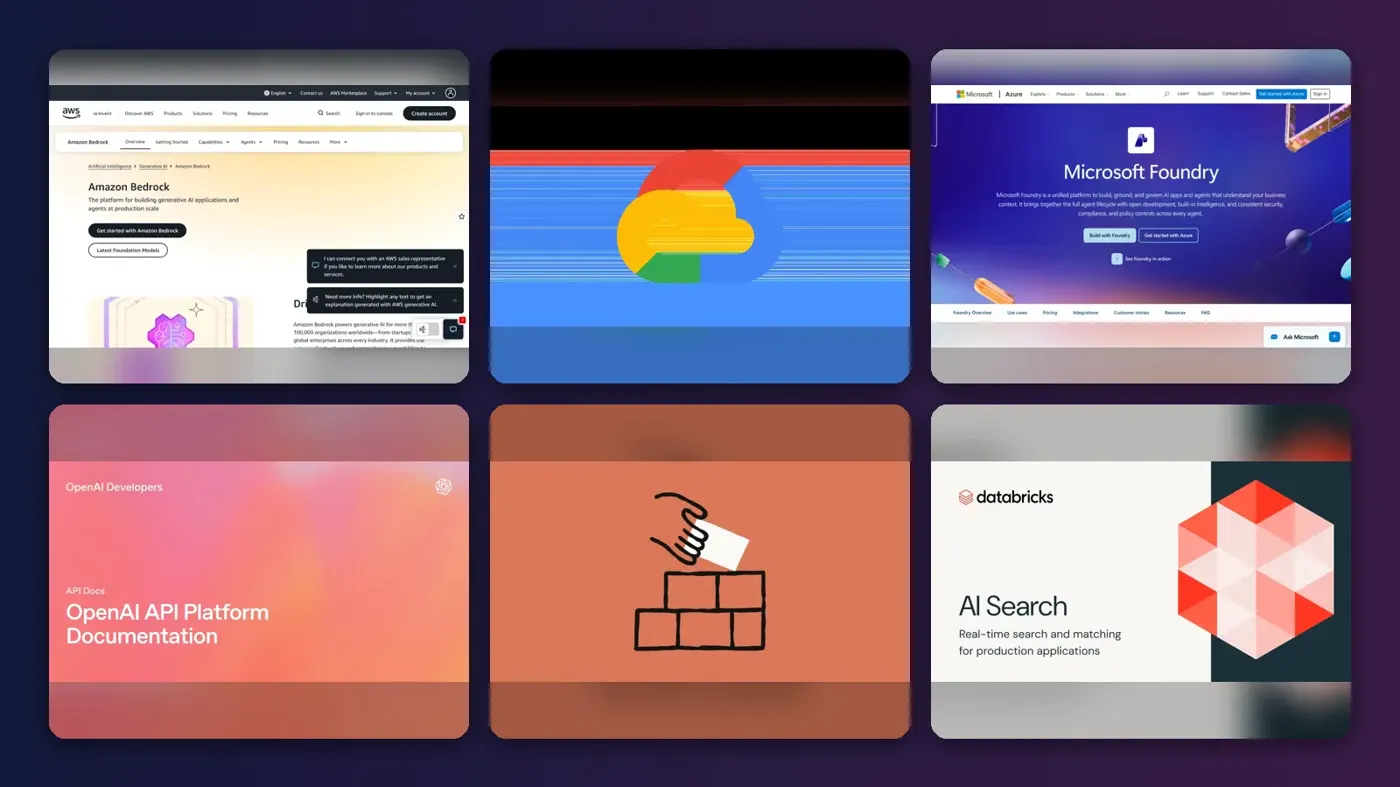
The best AI development solutions in 2026 are the big model platforms, and I think most teams should start with Amazon Bedrock. It gives you hundreds of models from different labs behind one API, plus agents, guardrails and fine-tuning, so you aren't locked into a single model vendor. If your company already lives on Google Cloud or Microsoft Azure, pick their platform instead. Everything else on this list is probably a specialist pick.
Below we compare eight AI software solutions on price, model choice, agent tooling and governance, and explain when to hire a custom AI development company instead. Prices were checked on official pages in late October 2026.
Key takeaways
- Pick a platform before you pick a model. Bedrock, Google's Gemini Enterprise Agent Platform and Microsoft Foundry all host models from several labs, so you can switch models later without rebuilding.
- You pay per token, not per seat. Model APIs bill per million tokens. Entry models cost as little as $0.10 per million input tokens at OpenAI and Anthropic, while flagship models run $10 or more.
- Batch work is half price. Bedrock, OpenAI and Anthropic all list roughly 50% discounts for batch jobs that don't need an instant answer.
- Hire outside help for the hard parts. A custom AI software development company makes sense when you lack data engineers or need a regulated deployment, not for a simple chatbot.
Our ranking method
Nobody at The AI Future ran hands-on tests for this roundup, and we don't have client results to report. We compared each platform using official product, pricing and documentation pages, published news coverage and verified user reviews on PeerSpot, as of late October 2026, scoring each on six criteria:
- Model choice: how many models and providers you can reach from one account.
- Agent tooling: built-in support for agents, tool use, memory and orchestration.
- Data and customization: retrieval (RAG), fine-tuning and connections to your own data.
- Governance and security: guardrails, access controls, audit logs and data residency.
- Pricing and ease of starting: how predictable the bill is and what free credits exist.
- User feedback: what verified reviewers on PeerSpot praise and complain about.
Multi-model cloud platforms rank highest because they reduce lock-in. Direct model APIs come next, then data and open-source specialists. Prices are in US dollars and change often.
The 8 best AI development solutions at a glance
| # | Tool | Category | Best for | Free tier | Starts at |
|---|---|---|---|---|---|
| 1 | Amazon Bedrock | Multi-model cloud platform | Production apps on AWS | Yes (limited) | Pay per token |
| 2 | Gemini Enterprise Agent Platform | Multi-model cloud platform | Google Cloud and data teams | Yes (limited) | Pay as you go |
| 3 | Microsoft Foundry | Multi-model cloud platform | Microsoft and .NET shops | Yes (limited) | Pay as you go |
| 4 | OpenAI API | Model API | Direct access to GPT models | No | $0.10/1M tokens |
| 5 | Claude Platform | Model API | Agentic coding and long tasks | No | $0.10/1M tokens |
| 6 | Databricks | Data and AI platform | AI on your own data | Yes (limited) | Pay as you go |
| 7 | Hugging Face | Open-source model hub | Open models and prototypes | Yes | $9/mo |
| 8 | IBM watsonx.ai | Enterprise AI studio | Regulated and hybrid setups | Yes (limited) | Pay as you go |
The best AI development solutions in 2026, ranked
Amazon Bedrock – best for multi-model production apps
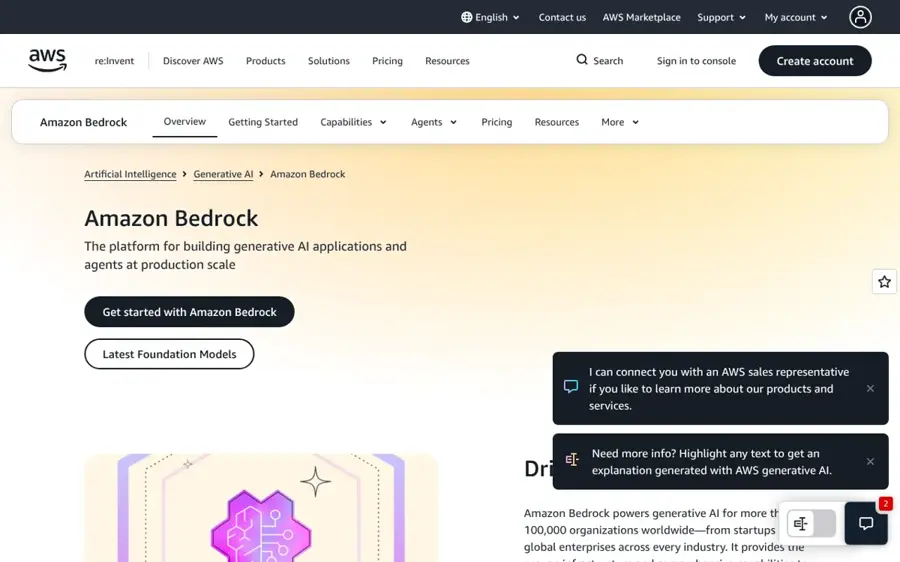
Amazon Bedrock is AWS's managed service for building generative AI apps and agents with models from many providers through one API.
Strengths
Bedrock's main strength is choice. The pricing page lists models from Anthropic, OpenAI, Google, Meta, Mistral AI, DeepSeek, Qwen, xAI, Cohere and Amazon's own models, among others. AWS says more than 100,000 organizations use it, per its product page. For agents, it adds AgentCore and Bedrock Managed Agents powered by OpenAI.
Reviewers back up the ease-of-use pitch. One solutions reviewer on PeerSpot wrote that with Bedrock "users do not have to worry about the infrastructure" and can "focus on the business solution." The catch: pricing varies by model, region and tier.
Verdict: If you're only picking one platform and you're on AWS or cloud-neutral, I'd pick Bedrock.
Key features
- Hundreds of models: one API across many labs, with evaluation tools to compare them.
- AgentCore: build, connect and run agents at scale with any framework.
- Knowledge Bases and fine-tuning: ground answers in your own data or customize models.
- Guardrails: AWS claims they can block up to 88% of harmful content.
Pros
- Widest model choice of any cloud platform
- Fits neatly into existing AWS security and billing
- Strong agent tooling for production
Cons
- Pricing varies by model and tier, which makes budgets harder
- Best value only if you already run on AWS
Amazon Bedrock pricing: Pay per token or per image, varying by model; a "get started for free" path is offered, and batch inference costs 50% less than on-demand (checked October 2026). See pricing
Related: Best enterprise AI solutions
Gemini Enterprise Agent Platform – best for Google Cloud and data teams
Gemini Enterprise Agent Platform is Google Cloud's platform for building, scaling and governing AI agents, and it is the new name for Vertex AI.

Strengths
Google announced the rebrand at Cloud Next '26 and described the platform as an evolution of Vertex AI, according to THE Journal. The official page lists Google's Gemini 4 Argon, Anthropic's Claude model family and open models such as Gemma in Model Garden. It also bundles Google Antigravity for orchestrating agents and notebooks wired into BigQuery.
Users rate it well but flag rough edges. A reviewer on PeerSpot wrote, "Based on my experience, I would rate Google Vertex AI a 9 out of 10," while noting that "the interface needs to be more user-friendly."
Verdict: Choose it if your data lives in Google Cloud. Otherwise, I think Bedrock is the simpler default.
Key features
- Model Garden: Gemini, Claude and open models in one catalog.
- Agent Studio: evaluate, tune and deploy large models for your apps.
- Google Antigravity: a desktop app and CLI to steer and orchestrate multiple agents.
- MLOps tools: pipelines, model registry, feature store and drift monitoring.
Pros
- Best native link to BigQuery and Google data
- Strong mix of Google and third-party models
- $300 in free credits for new customers
Cons
- Recent rename means older docs and tutorials use the Vertex AI name
- Interface can feel complex for newcomers
Gemini Enterprise Agent Platform pricing: New customers get $300 in free credits; after that you pay for tools, storage and compute used, with model and machine prices on the pricing page (checked October 2026). See pricing
Microsoft Foundry – best for Microsoft and .NET shops
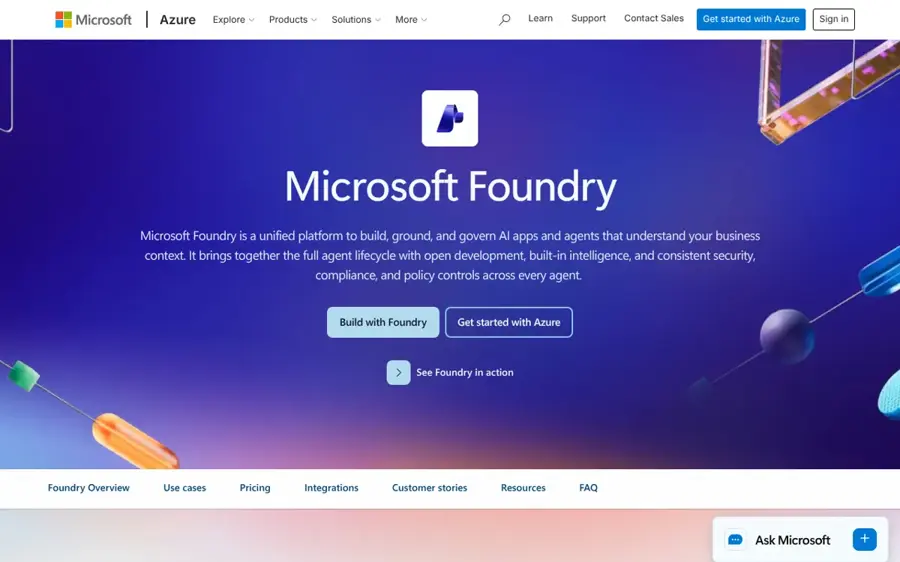
Microsoft Foundry is Azure's platform for building AI apps and agents, bringing models, agent hosting, search and machine learning under one portal.
Strengths
Foundry bundles models, agent hosting, Foundry IQ (the evolution of Azure AI Search) and Azure Machine Learning, per the official page. The pricing page says you can reach more than 11,000 models and that the Foundry platform itself is free to explore, with each feature billed at its normal rate. Its ties to Entra ID, Purview, SharePoint and Fabric are probably the real draw.
A reviewer on PeerSpot who builds multi-agent chatbots on it said Foundry reduced development effort compared with a hybrid custom build, but added that "the community support was on a lower side" compared with AWS and Google Cloud.
Verdict: Choose Foundry if your identity, documents and data already live in Microsoft.
Key features
- Foundry Models: more than 11,000 foundation, open and industry models with benchmarking and model routing.
- Foundry Agent Service: host agents that automate business processes with humans in control.
- Foundry IQ: retrieval and search over your company knowledge.
- Foundry Local: run models on local devices.
Pros
- Deepest integration with Microsoft 365, SharePoint and Fabric
- Unified governance and monitoring
- Platform itself is free to explore
Cons
- Smaller developer community than AWS or Google
- Billing spreads across many Azure services
Microsoft Foundry pricing: Free to explore; features are billed at Azure rates, new Azure accounts get a $200 credit for 30 days, and a pre-purchase plan offers 5% to 15% discounts (checked October 2026). See pricing
Related: Microsoft AI review Best enterprise AI adoption tools
OpenAI API – best for direct access to GPT models
The OpenAI API gives developers direct access to OpenAI's GPT-6 family through the Responses API, with SDKs for Python, JavaScript, Go, Java, .NET and Ruby.
Strengths
Going direct gets you OpenAI's newest models first and the simplest billing. The pricing page lists four flagship models, from gpt-6-luna at $0.10 per million input tokens and $0.50 per million output tokens, up to gpt-6-astra at $10 and $50. Batch rates are half that.
Watch the fine print: data-residency endpoints on newer models cost 10% more, and from November 1, 2026 so do FedRAMP endpoints. You also handle security and infrastructure yourself.
Verdict: Go direct if you're committed to GPT models and want them the day they ship.
Key features
- GPT-6 family: four tiers from cheap and fast to flagship.
- Responses API: one endpoint for text, tools and multi-step work.
- Prompt caching: cached input billed at a fraction of the normal rate.
- Batch and Fast mode: cheaper batch jobs, or faster responses at a higher price.
Pros
- Newest OpenAI models first
- Cheapest entry model is very low cost
- Simple, well-documented API
Cons
- No free API tier
- 10% uplift for data-residency endpoints
OpenAI API pricing: No free plan; pay per token, from $0.10 per million input tokens for gpt-6-luna (checked October 2026). See pricing
Related: OpenAI review
Claude Platform – best for agentic coding and long tasks
The Claude Platform is Anthropic's developer platform for building with Claude models through the Messages API, plus managed infrastructure for long-running agents.

Strengths
Anthropic prices four current models on its platform page: Haiku 5.5 from $0.10 per million input tokens, Sonnet 5.5 at $2/$10, Opus 5.5 at $4/$20 and Fable 5.1 at $10/$50. Anthropic's docs recommend Opus 5.5 for most workloads and Fable 5.1 for the hardest long-horizon agent work. Batch processing saves 50%.
The tooling is built for agents, with up to 1 million tokens of context, code execution, web search and memory stores. Claude models are also sold through Bedrock and Google Cloud.
Verdict: I'd pick Claude if your product is an agent that writes code or works through long, multi-step jobs.
Key features
- Four model tiers: Haiku, Sonnet, Opus and Fable.
- 1M-token context: with compaction and context editing for long runs.
- Computer use: lets Claude operate a browser or desktop for apps with no API.
- MCP and Skills: connect tools and teach the model your procedures.
Pros
- Strong focus on coding and agent workflows
- Available direct or through AWS and Google Cloud
- Clear per-model pricing
Cons
- No free API tier
- Top-tier model is expensive for high volume
Claude Platform pricing: No free plan; pay per token, from $0.10 per million input tokens for Haiku 5.5 (checked October 2026). See pricing
Related: Claude AI review
Databricks – best for AI on your own data
Databricks is a data and AI platform for building agents and machine learning models directly on top of your company's data.
Strengths
Databricks makes sense when the hard part of your project is the data, not the model. Its AI product page covers agents grounded in enterprise data, vector search, model serving, training and managed MLflow. Billing is pay-as-you-go per second, per the pricing page.
PeerSpot users give Databricks an average of 8.2 out of 10 on its review page. Cost is the recurring complaint: one governance lead wrote that it is "not as forgiving as other platforms such as Snowflake," after beginner mistakes raised their bill.
Verdict: Choose Databricks when your AI project is really a data project.
Key features
- Agent Bricks: build agents with synthetic data, custom evaluation and automated tuning.
- AI Search: vector database with real-time syncing.
- Unity Gateway: one control plane for models, agents, MCP servers and tools.
- Model Training: fine-tune open models or pretrain custom ones.
Pros
- Best option when data engineering is the bottleneck
- Runs across AWS, Azure and Google Cloud
- Free Edition for learning
Cons
- Costs can climb fast without careful setup
- Steeper learning curve than model APIs
Databricks pricing: Free Edition for students and hobbyists (non-commercial); paid use is pay-as-you-go, with discounts for committed use (checked October 2026). See pricing
Related: Best enterprise AI solutions
Hugging Face – best for open models and prototypes
Hugging Face is the main hub for open-source AI models, datasets and demo apps, with paid hosting and inference for production.
Strengths
Hugging Face is where you go if you want open models you can inspect, fine-tune and host yourself. Its Inference Providers feature puts partners such as Groq, Together and Replicate behind one API. Dedicated Inference Endpoints start at $0.033 per hour, and basic CPU Spaces and ZeroGPU Spaces are free, per the pricing page.
PeerSpot users give it 8.2 out of 10 and rank it fifth among AI development platforms on its review page. One student reviewer said that "having free access to Hugging Face helped me a lot" when building chatbots, while an enterprise architect called multi-GPU scaling "challenging."
Verdict: Start here if you want open models, low cost and no lock-in.
Key features
- Model and dataset hub: Git-based repos for open models and data.
- Inference Providers: one API across many inference partners.
- Inference Endpoints: dedicated, autoscaling hosting from $0.033 per hour.
- Spaces: host demos, with free CPU and ZeroGPU tiers.
Pros
- Largest catalog of open models
- Generous free tier for prototyping
- Cheap entry point for paid features
Cons
- You manage more of the stack yourself
- Scaling large GPU workloads takes expertise
Hugging Face pricing: Free, then paid plans from $9/month (PRO), Team at $20 per user per month and Enterprise from $50 per user per month (checked October 2026). See pricing
Related: Best open source AI tools
IBM watsonx.ai – best for regulated and hybrid setups
IBM watsonx.ai is IBM's AI development studio for building predictive and generative AI across models, frameworks and hybrid infrastructure.
Strengths
watsonx.ai stands out for companies that can't put everything in one public cloud. IBM's product page stresses hybrid infrastructure and pairs generative AI with Decision Optimization for planning problems.
Pricing is low at the entry level. The pricing page lists IBM's own Granite models such as granite-4h-small at $0.0636 per million input tokens, plus third-party models from Meta, Mistral and others. The trial includes up to 300,000 tokens and 20 compute hours a month. We couldn't find verified user reviews for the current product to quote.
Verdict: Choose watsonx.ai when compliance and hybrid deployment matter more than model variety.
Key features
- Granite models: IBM's own low-cost models alongside third-party ones.
- Prompt Lab and Agent Lab: build prompts, RAG flows and agents.
- Decision Optimization: combine optimization with generative AI.
- Hybrid deployment: run on supported infrastructure, not just one cloud.
Pros
- Built for hybrid and regulated environments
- Very low per-token prices for Granite models
- Free trial with monthly allowances
Cons
- Smaller developer community than the big clouds
- Advanced support with SLAs costs extra (from $200 a month)
IBM watsonx.ai pricing: Free trial; then pay-as-you-go per token and per compute hour, with Essentials and Standard plans (checked October 2026). See pricing
Related: Best enterprise AI solutions
Platform or a custom AI development company?
A platform gives you building blocks. Someone still has to build the pipeline, connect your systems and test results. You have three options.
- Build in-house if you have an engineer who knows APIs and a narrow use case.
- Hire a custom AI software development company for legacy integrations, regulated deployments or speed you can't hire for.
- Buy a turnkey product if a ready-made tool already does 80% of what you need.
We break down the trade-offs in turnkey AI system vs building your own. If you're comparing agencies, including a custom AI development company in the USA, our guide to AI development companies covers what to ask. Good partners name the platform they build on, confirm you own the code and offer a fixed-scope pilot first.
Choosing the right AI development solutions
Start with where your data lives
Moving data is slow and expensive, and it's the step teams tend to underestimate. If it sits in AWS, Google Cloud, Azure or Databricks, start with that vendor's platform. You inherit its security, access controls and billing on day one.
Prototype with two models, not one
Run your real task through a cheap model and a flagship model. If the cheap one is good enough, list prices above suggest token costs can likely drop by 90% or more.
Price the whole system, not just tokens
Tokens are often the smallest line, though that's a rule of thumb, not a law. Vector search, hosted endpoints, storage and support add up. Google bills deployed models even when idle.
Check governance before you scale
Ask for guardrails, audit logs, data residency and role-based access before going live. Our guide to enterprise AI adoption tools covers the rollout side.
Free vs paid: what you actually get
Free tiers here are trial budgets, not free products.
| Platform | Free option | What paid adds |
|---|---|---|
| Gemini Enterprise Agent Platform | $300 credit for new Google Cloud customers | Production usage of models, training and hosting |
| Microsoft Foundry | Platform free to explore; $200 Azure credit for 30 days | Model usage, agent hosting, search |
| Databricks | Free Edition (non-commercial) | Commercial use, scale, committed-use discounts |
| Hugging Face | Hub, CPU and ZeroGPU Spaces | Private storage, GPUs, endpoints, team controls |
| IBM watsonx.ai | Trial: 300,000 tokens and 20 compute hours a month | Fine-tuning, model hosting, support options |
| OpenAI API and Claude Platform | None | Pay per token from the first call |
Free credits cover a proof of concept. After launch, you'll want to budget for bills that move with traffic.
Final verdict
I think most teams should start with Amazon Bedrock for its model choice and agent tooling. Choose Gemini Enterprise Agent Platform if your data is in Google Cloud, and Microsoft Foundry if you run on Microsoft. Go direct to the OpenAI API or Claude Platform when you want one lab's newest models first. Pick Databricks when the data is the hard part, Hugging Face for open models on a budget, and IBM watsonx.ai for hybrid, regulated setups. Honestly, I'd skip the specialists until a big platform proves too limited; that seems the cheaper way to find out.
FAQ
What are AI development solutions?
AI development solutions are the platforms, APIs and services used to build custom AI software, such as chatbots, agents and prediction models. They range from model APIs like OpenAI and Claude to full cloud platforms like Amazon Bedrock that add hosting, data connections, guardrails and monitoring.
Which AI development platform is best for beginners?
Hugging Face is the easiest free place to learn, with free Spaces and open models. For a real app, a single model API such as OpenAI or Claude is simplest: you need an API key and a few lines of code.
How much does it cost to build custom AI software?
Platform costs start low: entry models cost about $0.10 per million input tokens at OpenAI and Anthropic. The bigger cost is usually people, whether in-house engineers or a custom AI development company that builds and maintains the system.
Should I hire a custom AI development company or build in-house?
Build in-house if you have engineers and a narrow use case. Hire a custom AI software development company when you need legacy integrations, strict compliance or speed you can't hire for. Either way, insist on owning your code, data and prompts.
Can I switch AI models later?
Yes, if you plan for it. Multi-model platforms such as Amazon Bedrock, Gemini Enterprise Agent Platform and Microsoft Foundry let you swap models behind the same API. Keep prompts and evaluation tests in your own code so you can compare models quickly.
Sources
- Amazon Bedrock Pricing (AWS)
- Amazon Bedrock – Build genAI applications and agents at production scale (AWS)
- Gemini platform (Google Cloud)
- Gemini platform pricing (Google Cloud)
- Google Announces New Gemini Enterprise Agent Platform (THE Journal)
- Microsoft Foundry (Microsoft Azure)
- Microsoft Foundry - Pricing (Microsoft Azure)
- OpenAI API Platform Documentation (OpenAI)
- Pricing | OpenAI API (OpenAI)
- Claude Platform (Anthropic)
- Pricing - Claude Platform Docs (Anthropic)
- Databricks AI: build and deploy AI agent systems (Databricks)
- Databricks Pricing (Databricks)
- Free Edition (Databricks)
- Pricing (Hugging Face)
- Team & Enterprise Plans (Hugging Face)
- Inference Providers (Hugging Face)
- IBM watsonx.ai (IBM)
- IBM watsonx.ai Pricing (IBM)
- Amazon Bedrock reviews 2026 (PeerSpot)
- Gemini Enterprise Agent Platform reviews 2026 (PeerSpot)
- Microsoft Foundry reviews 2026 (PeerSpot)
- Databricks reviews 2026 (PeerSpot)
- Hugging Face reviews 2026 (PeerSpot)