10 best AI phone number lookup tools in 2026: caller ID, spam blocking and APIs
The best AI phone number lookup tools for screening unknown callers and blocking scams, from free Pixel and iPhone call screening to Truecaller, Hiya and Twilio Lookup.
 Written byRahis SaifiCo-founder and news editor
Why you can trust The AI Future
Our writers research every product, link each claim to its source and correct mistakes openly. Companies can't pay for coverage or see reviews before they're published.
Read our editorial policy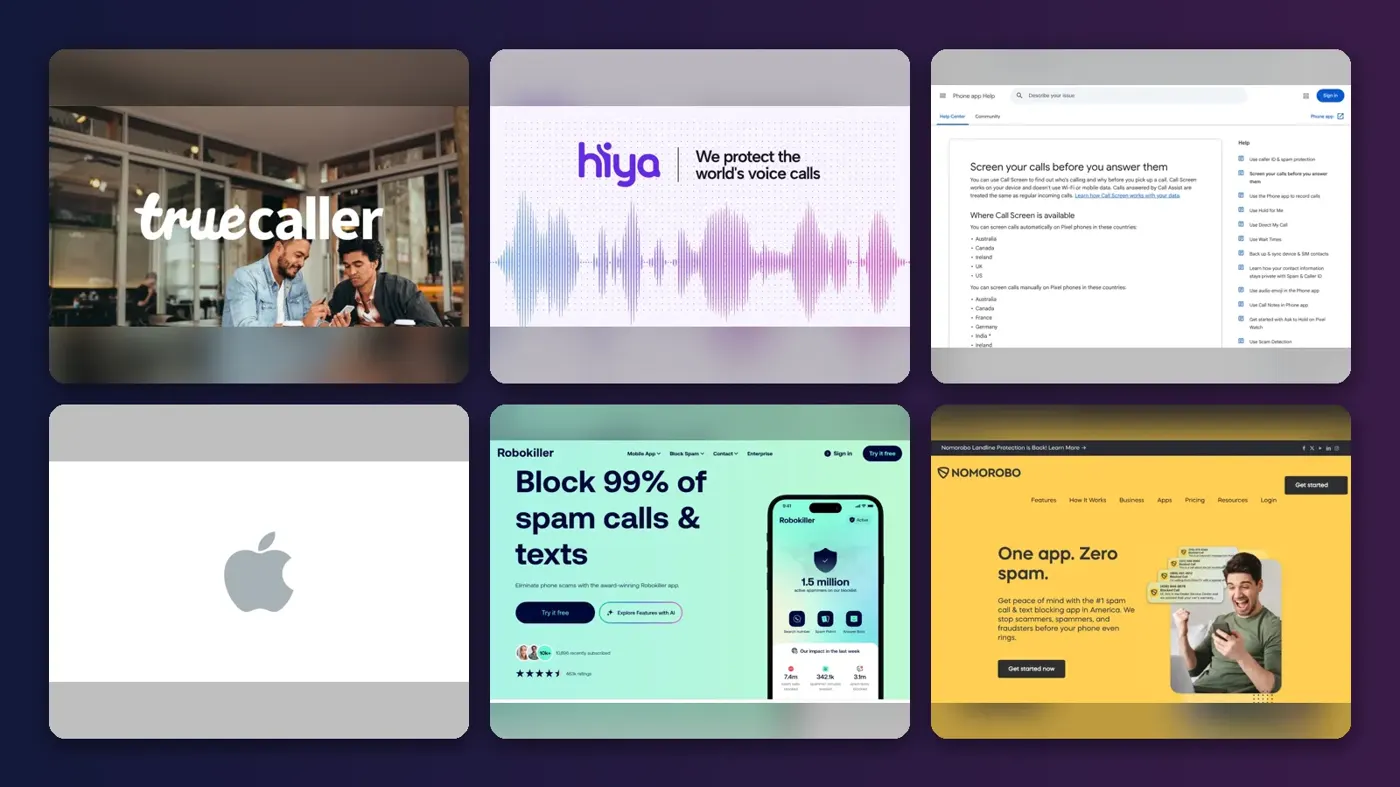
Short answer: the best AI phone number lookup tool for most people is the one already on their phone. If you have a Pixel, turn on Google Call Screen. If you have an iPhone running iOS 26, switch on Call Screening. Both are free and answer unknown callers for you. Add Truecaller or Hiya only if you want caller names and a shared spam database on top.
This roundup covers tools that tell you who is calling (when it's a business or a known spammer), screen the call with AI and block scams before your phone rings. It also covers Twilio Lookup for businesses that need to validate numbers. People-search and background-check sites that build files on private individuals are deliberately left out. Honestly, I'd try the built-in options for a month before paying anyone.
Key takeaways
- Start with what's built in. Pixel and iPhone call screening are free, run on the device and probably stop most junk calls before you hear them.
- Your carrier probably gives you free spam blocking: T-Mobile, Verizon and AT&T all include a free tier, with paid upgrades from $3.99 to $7 a month.
- Pay for an app when you want names, not just labels: Truecaller and Hiya add caller ID and number search from large crowdsourced databases.
- Businesses are better off with an API than a consumer app. Twilio Lookup validates numbers for fractions of a cent per request.
Our ranking method
Nobody at The AI Future tested these tools hands-on for this article, and we have no screenshots of our own. We compared them using official product pages, app store listings, help documentation, published independent coverage and user reviews, as of late October 2026. The scoring criteria were:
- Screening quality: whether the AI answers unknown calls, not just labels them.
- Caller identification: how much useful context you get about who is calling and why.
- Scam protection: spoofing defenses, fraud alerts and newer features such as AI voice detection.
- Price: what the free tier covers and what the cheapest paid plan costs.
- Privacy: what data the tool collects and whether processing stays on the device.
- Availability: which phones, carriers and countries it works in.
Prices are in US dollars, checked in October 2026.
The 10 best AI phone number lookup tools at a glance
| # | Tool | Category | Best for | Free tier | Starts at |
|---|---|---|---|---|---|
| 1 | Truecaller | Caller ID app | Caller names worldwide | Yes (limited) | $9.99/mo |
| 2 | Hiya | Caller ID app | Cheap AI screening and deepfake alerts | Yes (limited) | $2.99/mo |
| 3 | Google Call Screen | Built-in screening | Pixel owners | Yes | Free |
| 4 | iPhone Call Screening | Built-in screening | iPhone owners | Yes | Free |
| 5 | Robokiller | Spam blocker app | Aggressive blocking | No | Paid after free trial |
| 6 | Nomorobo | Spam blocker app | Privacy and landlines | No | $59.99/yr |
| 7 | T-Mobile ScamShield | Carrier tool | T-Mobile customers | Yes | $4/mo |
| 8 | Verizon Call Filter | Carrier tool | Verizon customers | Yes | $3.99/mo |
| 9 | AT&T ActiveArmor | Carrier tool | AT&T customers | Yes | $7/mo |
| 10 | Twilio Lookup | Business API | Developers validating numbers | Yes (limited) | $0.007/request |
The best AI phone number lookup tools in 2026, ranked
Truecaller – best for caller names worldwide
Truecaller is a caller ID and spam-blocking app built on a crowdsourced number database, with an AI assistant that can answer calls for you. Get it at truecaller.com.

Strengths
Scale is most of the story here, I think. Truecaller's App Store listing says it is "trusted by over 500 million users", and the Android app shows more than 1 billion downloads and 29.9 million reviews on Google Play. More users means more numbers flagged, which is why it identifies callers other apps label as "unknown."
The paid tiers add the Truecaller Assistant, which screens spam and unknown numbers on your behalf, plus an AI Call Scanner. The catch on iPhone: the listing states that for caller ID and spam identification, "a paid subscription is required". Truecaller has also faced privacy scrutiny, including a South African Information Regulator investigation into its crowdsourced spam labels.
Key features
- Caller ID shows names for numbers not in your contacts.
- The Truecaller Assistant screens unknown calls with AI on paid plans.
- Number search lets you look up a number that called you.
- The family plan covers up to 4 members.
Pros
- Largest crowdsourced database on this list
- Works for local and international numbers
- Free Android tier with ads
Cons
- iPhone caller ID needs a subscription
- Crowdsourced labels can be wrong or abused
- Collects identifiers that may be used for tracking, per its App Store privacy label
Truecaller pricing: Free with ads on Android; then Premium $9.99/month or $74.99/year, Family $99.99/year, Gold $249/year (checked October 2026). See pricing
Related: Best AI call assistants Best AI phone answering systems
Verdict: Pick Truecaller if you get lots of calls from numbers abroad and want names, not guesses.
Hiya – best for cheap AI screening and deepfake alerts
Hiya is a spam blocker and caller ID app with an AI call screener and AI voice detection, from the same company that powers spam labels for carriers and phone makers. Get it at hiya.com.
Strengths
Hiya's consumer app looks like the cheapest way to get AI screening on top of caller ID. Its Call Screener answers unknown calls and asks why the caller is calling, and for calls it screens, Hiya can flag signs of an AI-generated voice or risky requests.
The Android app has 263,000 reviews and 10 million-plus downloads on Google Play. Note the limits: screening and AI voice detection need carrier call forwarding and work only in the US and Canada.
Key features
- Caller ID and auto-blocking are based on Hiya's number reputation data.
- The Call Screener has AI answer unknown calls for you.
- AI voice detection alerts you to possible cloned or synthetic voices.
- Number lookup checks whether a number was reported as spam.
Pros
- Low price, with a separate $2.99 lookup plan
- Deepfake voice alerts are rare at this price
- Strong carrier-grade data behind it
Cons
- Screening needs call forwarding set up with your carrier
- Advanced features limited to US and Canada
Hiya pricing: Free app; then Lookup Plan $2.99/month, Premium $3.99/month or $24.99/year (checked October 2026). See pricing
Related: Best AI call assistants AI cybersecurity companies
Verdict: Hiya is probably the best value pick if you worry about AI voice scams.
Google Call Screen – best for Pixel owners
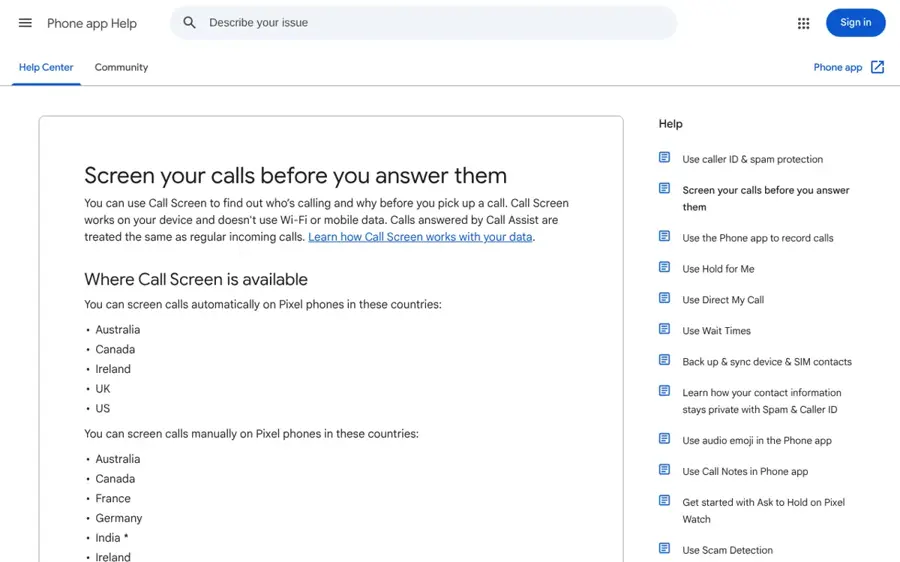
Google Call Screen is built into the Phone by Google app on Pixel phones: an AI assistant answers unknown calls, asks who is calling and shows a live transcript. Details at Google Phone app Help.
Strengths
Call Screen is the most complete free option, I think. Going by Google's help page, it "works on your device and doesn't use Wi-Fi or mobile data". On Pixel 7 and newer you can set it to screen spam, possibly faked numbers and first-time callers automatically.
Automatic screening is limited to Pixel phones in a set list of countries, including the US, UK, Canada, Australia and Ireland. Manual screening also works on selected Android phones in the US and Canada.
Key features
- Automatic screening picks off spam, faked numbers and first-time callers.
- A live transcript lets you read the caller's answer in real time.
- AI-suggested responses are generated on device.
- Saved transcripts come with optional audio recordings of screened calls.
Pros
- Free and built in
- Runs on device for privacy
- Hangs up on spam without you hearing it
Cons
- Full features are Pixel-only
- Not available in every country
- Does not work alongside third-party call recording apps
Google Call Screen pricing: Free on supported Pixel phones (checked October 2026). See availability
Related: Best AI phone answering systems
Verdict: If you own a Pixel, turn this on before you pay for anything else.
iPhone Call Screening – best for iPhone owners
Call Screening is Apple's built-in feature in iOS 26 that asks unknown callers for their name and reason for calling and shows you a transcript before you answer. Made by Apple.

Strengths
Apple took its time, but iOS 26 closed the gap with Pixel. You turn it on under Settings, Apps, Phone, then pick "Ask Reason for Calling" under Screen Unknown Callers, as Engadget explains. It works on iPhone 11 and newer. Engadget says processing stays on the device.
Coverage from TechRadar is positive: early responses were mostly favorable, with "occasional issues with people missing important calls," and the writer concluded that "it already works very well." It doesn't identify callers by name or block known spammers on its own, so pair it with a caller ID app if you need that.
Key features
- Ask Reason for Calling uses an automated voice to ask unknown callers to explain.
- A live transcript helps you decide in seconds whether to pick up.
- A silence option sends unknown numbers straight to voicemail.
- Contacts ring normally, because screening skips known numbers.
Pros
- Free on iPhone 11 and newer
- On-device processing
- Simple three-option setting
Cons
- No caller names or spam database
- Some users report missing important calls
iPhone Call Screening pricing: Free with iOS 26 (checked October 2026). See setup guide
Related: Best AI apps for iPhone
Verdict: I'd tell any iPhone owner to switch this on today. It costs nothing.
Robokiller – best for aggressive blocking
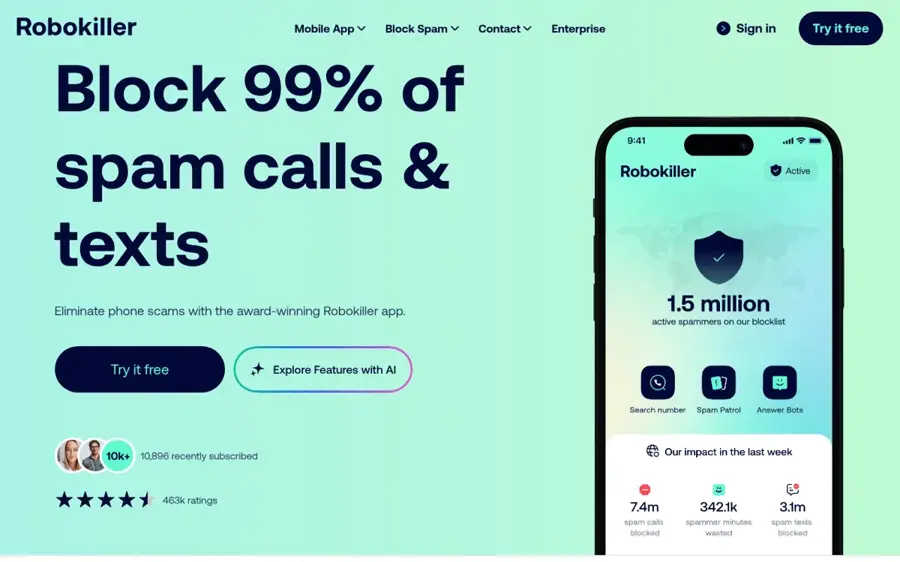
Robokiller is a spam call and text blocker that uses predictive analytics and audio fingerprinting, plus "Answer Bots" that waste scammers' time. Get it at robokiller.com.
Strengths
Robokiller goes further than labels. The company says it "uses predictive analytics and audio fingerprinting to stop spam", claims a database of 1.5 billion phone numbers and promises to cut unwanted calls by 99% in your first 30 days, per its Google Play listing. These are vendor claims.
The app has 126,000 reviews and 5 million-plus downloads on Google Play. The privacy trade-off is real: on Android, the listing says Robokiller "analyzes your SMS and Call Log data" to block spam.
Key features
- Audio fingerprinting spots robocalls by their recorded messages.
- Answer Bots play pre-recorded audio to tie up scammers.
- The spam text filter works as your default SMS app on Android.
- Allow and block lists come with a pause button for when you expect a call.
Pros
- Blocks both calls and texts
- Answer Bots are a unique deterrent
- Large number database
Cons
- Reads SMS and call log data on Android
- We couldn't confirm current subscription prices on an official page
Robokiller pricing: Free trial, then paid subscription, priced in the app (checked October 2026). See pricing
Related: AI cybersecurity companies
Verdict: Choose Robokiller if you get dozens of robocalls a day and want them gone, not just labeled.
Nomorobo – best for privacy and landlines
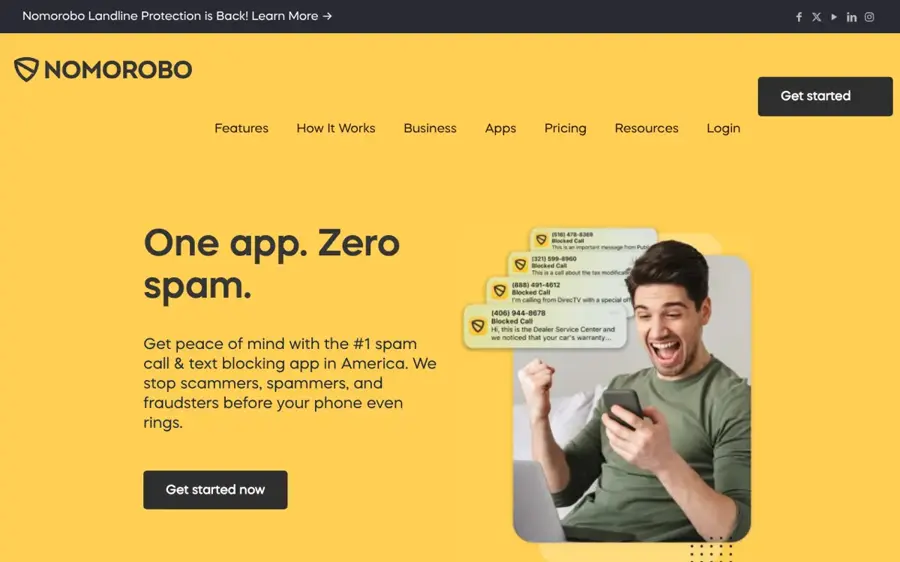
Nomorobo is a robocall and spam text blocker for smartphones and supported VoIP landlines, known for not touching your call logs. Get it at nomorobo.com.
Strengths
Nomorobo is the privacy-minded pick. Over on the pricing page, the line reads "privacy protection - we don't access your call logs", and the company claims protection from 11 million-plus robocallers. It's also the only tool here that covers supported VoIP and digital landlines, which matters if an older relative still answers the home phone.
User feedback is mixed on the cheaper tier. One Google Play reviewer of Nomorobo Basic wrote: "Basic service just keeps getting worse." Nomorobo says Basic and Max are separate services.
Key features
- Blocking stops robocalls before the phone rings.
- Call screening asks suspicious callers what they want.
- A neighbor spoofing block catches numbers that look like yours.
- Landline support covers supported VoIP and digital lines.
Pros
- Does not access call logs
- Covers landlines
- Family plan covers up to 4 devices
Cons
- No free plan
- Some users report weaker results on Basic
Nomorobo pricing: No free plan; then Max $59.99/year, Family $79.99/year (checked October 2026). See pricing
Related: Dangers of AI
Verdict: Pick Nomorobo for a parent's landline or if you refuse to share your call history.
T-Mobile ScamShield – best for T-Mobile customers
ScamShield is T-Mobile's network-level scam call, spam text and risky website blocker, managed in the T-Life app. Details at T-Mobile.

Strengths
If you're on T-Mobile, you already have a decent baseline. ScamShield is "built right into our network and works automatically at no extra cost". It flags suspected scams and can block them with Scam Block.
T-Mobile warns that turning on Scam Block "might block calls you want," so check voicemail now and then.
Key features
- Scam calls and spam texts are stopped at the network before they reach you.
- Callback protection warns you before you dial a risky number.
- Safe browsing blocks known phishing sites.
- Premium adds reverse number lookup and call categories.
Pros
- Free core protection
- No extra app needed for basic blocking
- Protects outgoing calls too
Cons
- T-Mobile customers only
- Scam Block can catch wanted calls
T-Mobile ScamShield pricing: Free with T-Mobile service; then Premium $4/month per line (checked October 2026). See pricing
Related: Best AI call assistants
Verdict: T-Mobile users should probably turn on Scam Block and skip a paid app unless they need names.
Verizon Call Filter – best for Verizon customers
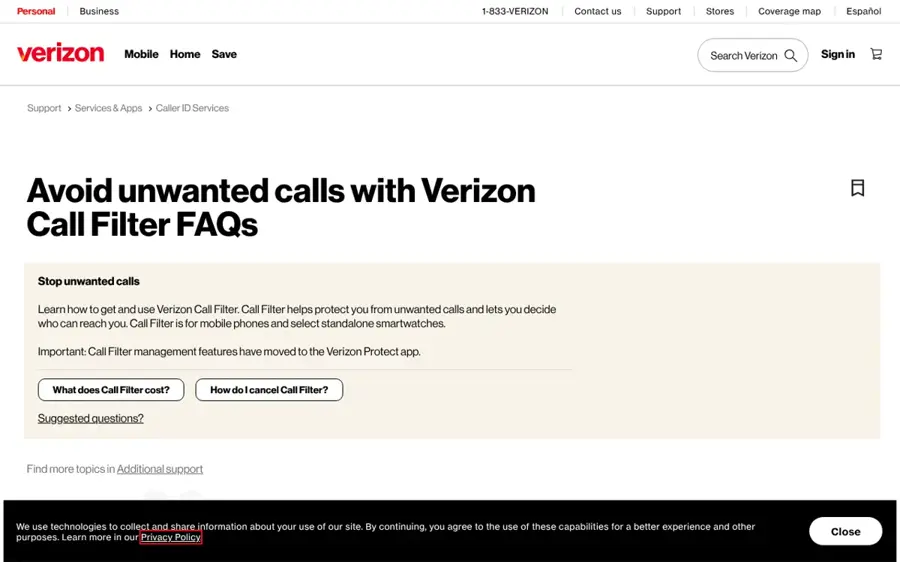
Call Filter is Verizon's spam detection and caller ID app, with a free tier and a paid Call Filter Plus upgrade. Details at Verizon.
Strengths
Call Filter is one of the most installed spam tools in the US, with 100 million-plus downloads and 636,000 reviews on Google Play. The free tier detects, blocks and reports spam. Call Filter Plus adds caller ID by name, a spam risk meter and a personal block list for $3.99 per month per line, or $10.99 a month for three or more lines.
Its neighborhood filter tackles a common scam trick: calls from numbers that share your area code and prefix. The filter "may inadvertently block some legitimate calls", Verizon's FAQ warns, because it blocks every call from that prefix, not just spam.
Key features
- The spam filter sends high-risk callers to voicemail automatically.
- On Plus, a risk meter shows each spam call's risk level.
- Plus also gives caller ID by name for unknown numbers.
- The neighborhood filter blocks up to 5 prefixes free and 10 on Plus.
Pros
- Free basic tier
- Multi-line discount for families
- 15-day trial of Plus for eligible customers
Cons
- Verizon postpaid customers only
- Neighborhood filter can block real calls
Verizon Call Filter pricing: Free, then Call Filter Plus $3.99/month per line (checked October 2026). See pricing
Related: Best AI phone answering systems
Verdict: Verizon families with three lines get good value from the $10.99 multi-line plan.
AT&T ActiveArmor – best for AT&T customers
ActiveArmor is AT&T's call and data protection app, with free spam blocking and a paid advanced tier. Details at AT&T.
Strengths
ActiveArmor's free tier blocks spam and fraud calls and is "free with every AT&T wireless plan". The $7 advanced tier is more of a security bundle: VPN, dark web monitoring and up to $1 million in identity theft insurance. According to a review by Cape, caller ID and reverse number lookup sit in the paid tier.
That same review is critical: Cape says "user feedback indicates inconsistent filtering, false positives," along with login and usability problems. Cape sells a competing service, so weigh that accordingly.
Key features
- Spam and fraud blocking is included free with AT&T wireless.
- Call categories include telemarketers, surveys, political and more.
- The advanced tier adds VPN, identity monitoring and insurance.
- Breach alerts notify you when companies you follow are hacked.
Pros
- Free for all AT&T wireless customers
- Paid tier bundles identity protection
Cons
- Caller ID costs $7/month in the bundle
- Reports of false positives
AT&T ActiveArmor pricing: Free with AT&T wireless; then advanced $7/month (checked October 2026). See pricing
Related: AI cybersecurity companies
Verdict: I'd use the free tier and only pay if you also want the VPN and identity monitoring.
Twilio Lookup – best for developers validating numbers
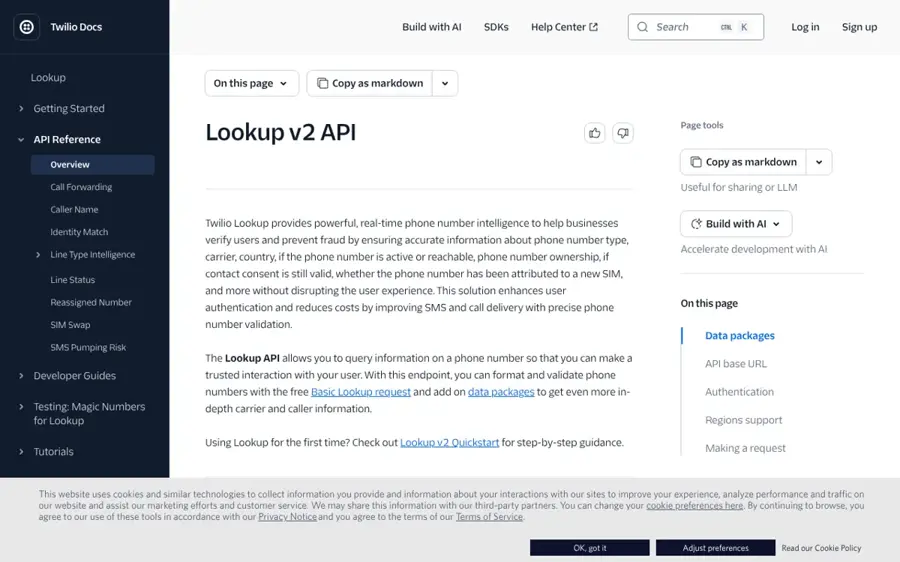
Twilio Lookup is an API that checks phone numbers in real time for format, line type, carrier, reachability, SIM swaps and fraud risk. Details at Twilio.
Strengths
This is the business side of phone number lookup. Twilio's docs describe it as "real-time phone number intelligence" to help businesses verify users and prevent fraud.
Basic formatting and validation are free. Paid data packages are priced per request: line status from $0.007, line type intelligence at $0.008 and US caller name at $0.01, per Twilio's pricing page.
Key features
- Free validation formats and checks numbers against global dialing rules.
- Line type intelligence reports mobile, landline, fixed or non-fixed VoIP and toll-free.
- An SMS pumping risk score uses machine learning to flag fraud traffic.
- SIM swap detection spots recent SIM changes in supported countries.
Pros
- Free basic validation
- Pay only per request
- Broad fraud signals in one API
Cons
- Requires developer work
- Some data packages need carrier approval
Twilio Lookup pricing: Free validation, then paid data from $0.007/request (checked October 2026). See pricing
Related: Best AI outbound calling tools
Verdict: If you run sign-ups or SMS campaigns, Twilio Lookup pays for itself in blocked fake accounts.
Choosing the right AI phone number lookup tool
Turn on what you already have first
Switch on your phone's screening and your carrier's free tier before you pay. Add an app only if calls still get through.
Decide whether you need names or just protection
Screening tells you why someone is calling. Caller ID tells you who. If your problem is robocalls, screening is enough. If you miss real calls from businesses or overseas numbers, a caller ID app like Truecaller or Hiya earns its fee.
Check the privacy label
Crowdsourced apps learn from their users. Truecaller's and Hiya's App Store listings both say some identifiers may be used to track you across other companies' apps. Google and Apple screen calls on the device.
Worried about AI voice scams? Look for live detection
Cloned voices are a growing risk, as we explain in our guide to the dangers of AI. Hiya is the only consumer pick here that advertises AI voice detection on screened calls. No tool catches everything, so agree on a family code word as a backup.
Businesses: pick an API, not an app
To validate customer numbers, use Twilio Lookup. If you only need cheap carrier checks, Vonage Identity Insights charges $0.00117 per original carrier lookup. Consumer caller ID apps aren't built for this job.
Free vs paid: what you actually get
| Feature | Free tools | Paid tools |
|---|---|---|
| AI call screening | Yes, on Pixel and iPhone | Truecaller, Hiya, Nomorobo |
| Spam labels and blocking | Carrier free tiers, Truecaller on Android | All paid apps |
| Caller name for unknown numbers | Limited | Truecaller, Hiya, Verizon Call Filter Plus |
| AI voice and fraud alerts | No | Hiya (US and Canada) |
| Spam text filtering | T-Mobile network filter | Robokiller, Nomorobo |
| Typical cost | $0 | $2.99 to $9.99 a month |
For most people, free probably covers the bulk of the job. Paid tools are worth it when you need caller names, family coverage or scam alerts during a call.
Privacy and the law: what caller ID apps can and cannot do
GDPR and your right to object
In the EU and UK, caller ID databases process personal data, so the GDPR applies. If a service relies on "legitimate interests" to show your name, Article 21 gives you the right to object, and the company must stop unless it shows compelling grounds that override your rights. Outside Europe, South Africa's Information Regulator has been investigating Truecaller under its POPIA law. For more on EU rules, see our Swiss FADP vs EU GDPR comparison and our overview of AI regulation.
FCRA limits in the US
In the US, the Fair Credit Reporting Act governs "consumer reports," meaning information used to decide someone's eligibility for credit, insurance, employment and similar purposes (15 U.S.C. § 1681a). Caller ID apps and number validation APIs aren't meant for those decisions. Don't use a spam label or a lookup result to screen a tenant, job applicant or borrower. That requires a regulated consumer reporting agency, with accuracy and dispute rights for the person.
Opting out
- Truecaller: use the unlisting page to remove your number from search. Truecaller warns that unlisting "can't be reversed" and that you lose spam protection in its app.
- Hiya: review its data policy for deletion and objection requests.
- Carriers: check your carrier's privacy settings, and correct a wrong spam label through its reporting tools.
Final verdict
If you only do one thing, turn on Google Call Screen or iPhone Call Screening today. They're free, private and, I think, good enough for most people. I'd choose Truecaller if you want caller names worldwide, and Hiya if AI voice scams worry you and you want to spend less. Nomorobo suits a landline. And if you run a business, Twilio Lookup is the default API.
FAQ
What is an AI phone number lookup?
An AI phone number lookup tool uses machine learning and shared call data to identify callers, flag spam and scam numbers and sometimes answer the call to ask why someone is calling. Examples include Google Call Screen, iPhone Call Screening, Truecaller and Hiya.
Is there a free AI phone number lookup?
Yes. Google Call Screen on Pixel and Call Screening on iPhones running iOS 26 are free and built in. T-Mobile, Verizon and AT&T include free spam blocking. Truecaller and Hiya have free tiers, though Truecaller's caller ID on iPhone needs a paid subscription.
Can AI tell me who owns a phone number?
Caller ID apps can show a name when a business or other users have linked one to the number, but results come from crowdsourced data and can be wrong. They're meant for screening calls you receive. They aren't a reliable or appropriate way to identify or locate private individuals.
Are caller ID apps safe to use?
Mainstream apps from known companies are generally safe, but they collect data. Truecaller and Hiya disclose that some identifiers may be used for tracking, while Google and Apple screen calls on the device. Read the privacy label before installing.
How do businesses validate phone numbers?
Businesses use APIs such as Twilio Lookup or Vonage Identity Insights. These check format for free, then charge fractions of a cent to return line type, carrier, reachability or SIM swap status. That helps block fake sign-ups.
How do I remove my number from Truecaller?
Go to Truecaller's unlisting page and submit your number. Truecaller says unlisting cannot be reversed and that you lose its spam protection and caller ID features. In the EU and UK you can also object to processing of your data under GDPR Article 21.
Sources
- Truecaller Premium (Truecaller)
- Truecaller: Premium Caller ID App (App Store)
- Truecaller: Phone Call Blocker (Google Play)
- Unlist phone number (Truecaller)
- Truecaller changes on the cards for South Africa (BusinessTech)
- Hiya: Spam Blocker (App Store)
- Hiya: Spam Blocker & Caller ID (Google Play)
- AI Voice Security & Branded Calling Platform (Hiya)
- Screen your calls before you answer them (Google Phone app Help)
- Call Screening in iOS 26 has finally ended my spam call nightmare (TechRadar)
- How to use call screening on an iPhone (Engadget)
- The Text & Spam Call Blocker App That Actually Works (Robokiller)
- Robokiller - Spam Call Blocker (Google Play)
- Nomorobo Pricing & Plans (Nomorobo)
- Nomorobo: The #1 Spam Call & Text Blocking App (Nomorobo)
- Nomorobo Basic Robocall Block (Google Play)
- T-Mobile ScamShield App (T-Mobile)
- Verizon Call Filter (Google Play)
- Avoid unwanted calls with Verizon Call Filter FAQs (Verizon)
- AT&T ActiveArmor Mobile Security App & Phone Protection (AT&T)
- Get or Update the AT&T ActiveArmor Security App (AT&T)
- AT&T ActiveArmor Review (Cape)
- Lookup API Pricing (Twilio)
- Lookup v2 API (Twilio)
- Identity Insights API pricing (Vonage)
- Art. 21 GDPR – Right to object (gdpr-info.eu)
- 15 U.S. Code § 1681a – Definitions (Cornell LII)
- Hiya data policy (Hiya)