Best AI elderly fall detection apps and devices in 2026: consumer features, fees and privacy compared
Compare AI fall detection for older adults: medical alert services, Apple, Pixel and Galaxy watches, plus radar and camera sensors, with monthly fees, coverage and privacy trade-offs.
 Written byFahad HashmiContributing writer, AI in energy and industry
Why you can trust The AI Future
Our writers research every product, link each claim to its source and correct mistakes openly. Companies can't pay for coverage or see reviews before they're published.
Read our editorial policy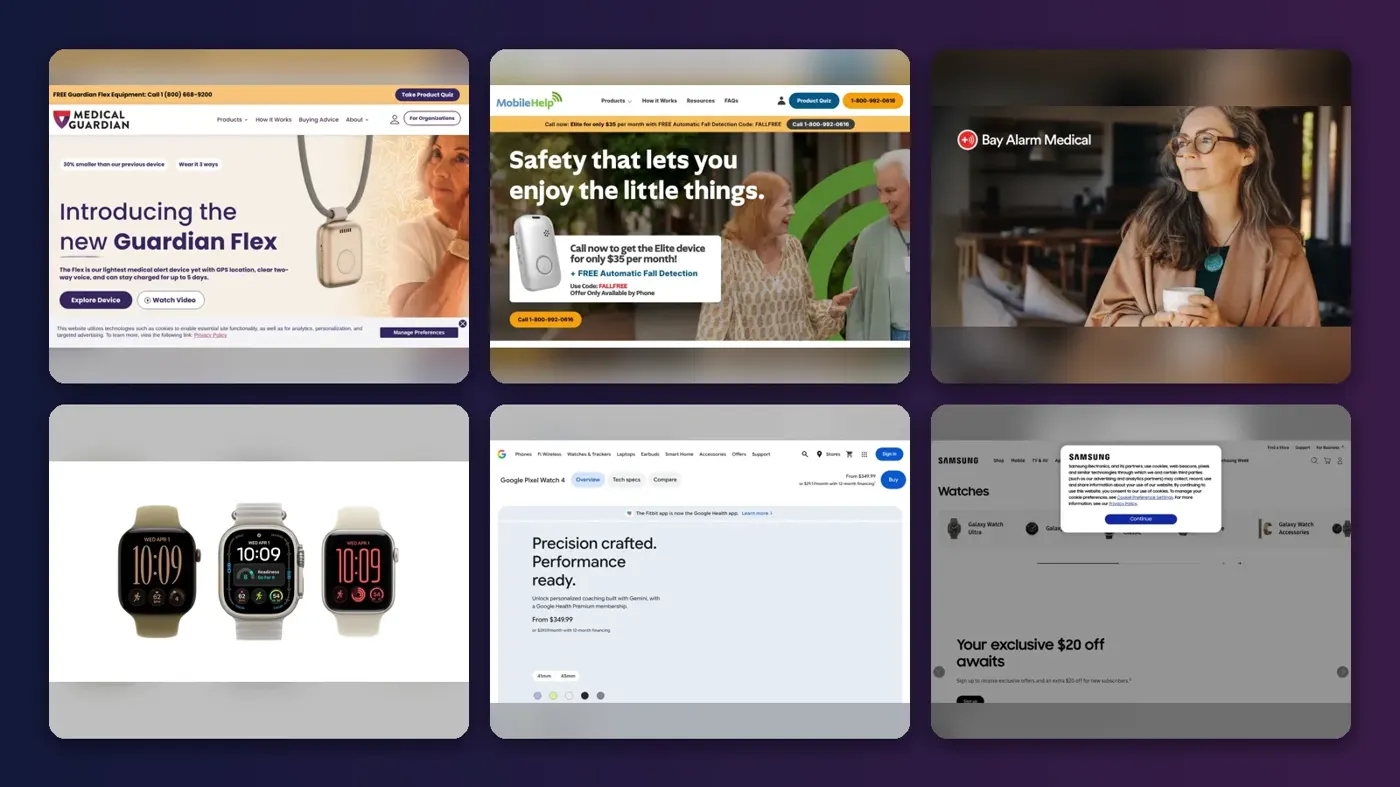
An AI elderly fall detection app or device uses motion sensors, radar or a camera plus a trained model to guess that someone has fallen, then calls for help. Three consumer features matter most: who answers the alert (a 24/7 monitoring center, emergency services or just family), where it works (home only or everywhere), and what it costs each month. Smartwatches like the Apple Watch, Galaxy Watch and Pixel Watch include fall detection with no monitoring fee. Medical alert services like Medical Guardian and Bay Alarm Medical add trained operators for roughly $28 to $42 a month once fall detection is included. For someone living alone, I'd pay for the operator.
Every system here is a smoke alarm for falls, not a doctor. None of the products below is sold as an FDA-cleared medical device for fall detection, and every vendor says plainly that it can miss falls and raise false alarms. Eight options follow, across medical alert pendants, smartwatches, and radar or camera sensors, using official pages and published third-party testing checked in late October 2026.
Key takeaways
- Monitoring is the real product: a watch can call 911 on its own, but a medical alert service puts a trained operator on the line who already knows the person's address, medications and contacts.
- Fall detection usually costs extra, and NCOA's 2026 comparison found medical alert brands charge about $5 to $16 a month on top of the base plan for it.
- Smartwatches mostly catch hard falls: Apple, Google and Samsung all describe detecting "hard" falls, and NCOA reports the Apple Watch did poorly in its testing on the mix of soft and hard falls older adults have.
- Radar and camera sensors need nothing worn, which helps people who forget or refuse a pendant, but they only cover the room they're mounted in and raise bigger privacy questions.
Our ranking method
Nobody at The AI Future tested these devices hands-on, and we didn't stage any falls. We compared each option using official product, pricing and support pages, NCOA's published fall tests, and vendor launch materials, as of late October 2026. We scored each pick on seven criteria:
- Who responds: professional 24/7 monitoring, direct emergency calls, or app alerts to family only.
- Detection evidence: independent results where they exist, such as NCOA's three-fall test, rather than vendor accuracy claims alone.
- Coverage: in-home range, GPS away from home, and dependence on Wi-Fi, cellular or a paired phone.
- Total cost: monthly fee, fall detection add-on, equipment fees and contract terms.
- Ease of use: whether an older adult has to charge, wear or operate anything.
- False alarm handling: countdowns, cancel options and how the vendor treats accidental triggers.
- Privacy: what data is collected, where it's processed and who can see it.
The 8 best fall detection options at a glance
| # | Tool | Category | Best for | Free tier | Starts at |
|---|---|---|---|---|---|
| 1 | Medical Guardian | Medical alert service | Overall monitored protection | No | $31.95/mo |
| 2 | MobileHelp | Medical alert service | Lowest fees | No | $29.95/mo |
| 3 | Bay Alarm Medical | Medical alert service | Budget home systems | No | $27.95/mo |
| 4 | Apple Watch | Smartwatch | Active iPhone users | Yes | $249 device |
| 5 | Google Pixel Watch | Smartwatch | Android users who hike or travel | Yes | $349 device |
| 6 | Samsung Galaxy Watch | Smartwatch | Samsung phone owners | Yes | $299.99 device |
| 7 | Aqara Presence Sensor FP2 | Radar sensor | Nothing-to-wear room alerts | Yes | Device only |
| 8 | D-Link DCS-8610 | AI camera | Visual check-ins with privacy masking | Yes (limited) | Device only |
"Free tier" here means fall alerts work without a monthly subscription. Medical alert prices are the lowest base plans reported by NCOA or listed by the vendor; fall detection is extra on most plans.
The best AI elderly fall detection apps and devices in 2026, ranked
Medical Guardian – best for overall monitored protection
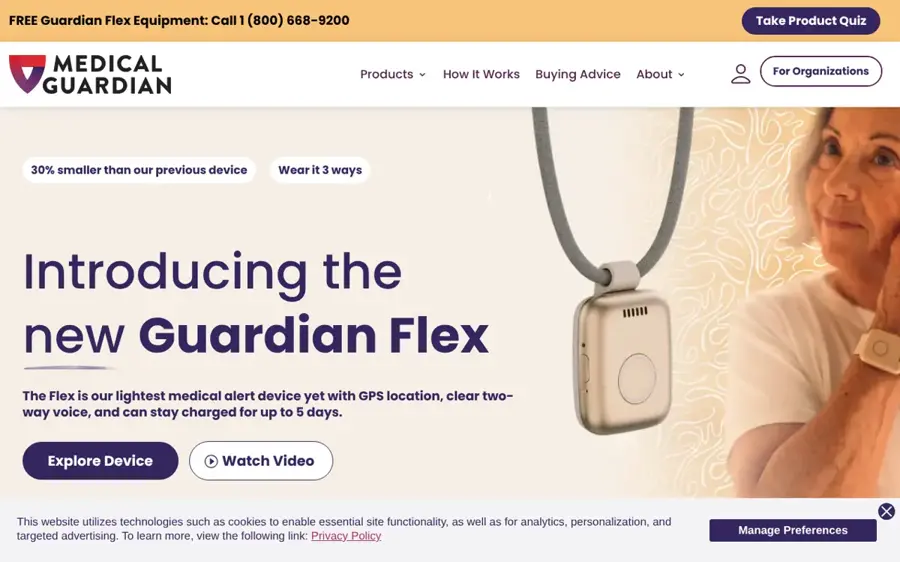
Medical Guardian is a US medical alert company that sells home and mobile help buttons with automatic fall detection and a 24/7 US-based monitoring center.
Strengths
Medical Guardian was named Best Overall in NCOA's 2026 fall detection review. In NCOA's test it detected 3 of 3 falls with an average response time of 26 seconds, offered up to 1,400 feet of in-home range and up to five days of battery life, and needed no contract. The company says on its fall detection page that its devices use a triaxial accelerometer, and that dropping the device can cause a false alarm, which you cancel by telling the operator you're fine.
Looking at the prices page, it also shows a 4.7 rating on Google and customer quotes such as "It's like wearing insurance." I'd treat vendor-displayed ratings as marketing; NCOA's test figures are the stronger evidence.
Key features
- Guardian Flex: the company's lightest mobile device, with GPS, two-way voice and up to five days of charge.
- MGMove: a smartwatch-style mobile alert with weather updates and step counting.
- Home systems: base station plus wearable button for in-home coverage.
- MyGuardian portal and app: lets family in a Care Circle see activity and device status.
Pros
- Detected 3/3 falls in NCOA's test
- Fast average response (26 seconds)
- No long-term contract
- Long battery life on mobile units
Cons
- Highest starting price of NCOA's picks
- One-time equipment fees of $149.95 to $199.95, per NCOA
- No free trial period, per NCOA
Medical Guardian pricing: No free plan; then plans from about $31.95/month plus about $10/month for fall detection, per NCOA (checked October 2026). See pricing
MobileHelp – best for lowest fees
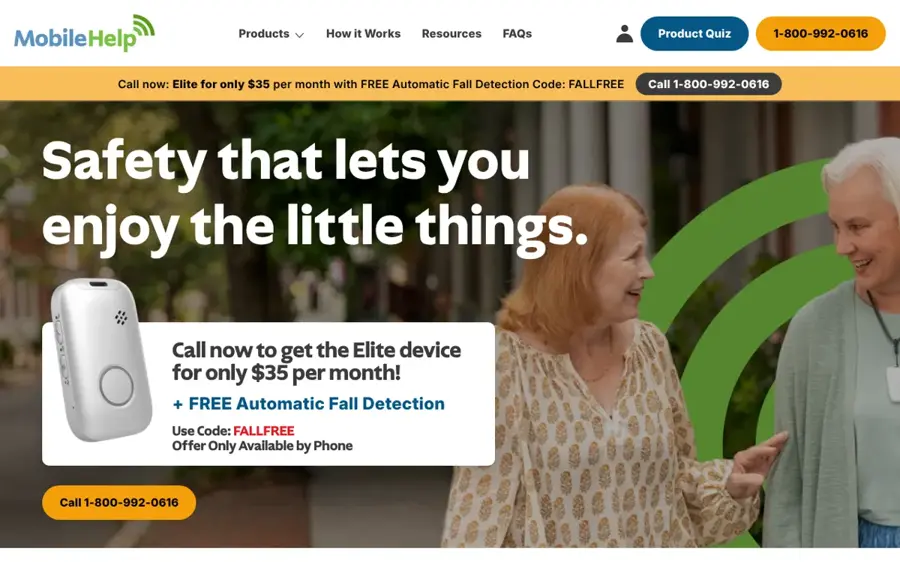
MobileHelp sells cellular home systems and on-the-go GPS devices with 24/7 monitoring and optional automatic fall detection.
Strengths
NCOA picked MobileHelp as Best Value because its $29.95 starting price was among the lowest it reviewed and because it charges no setup or equipment fees. It also detected 3 of 3 falls in NCOA's test, with a 34-second average response and up to six days of battery life.
The trade-off is commitment. NCOA notes a three-month agreement, and that the Home Landline unit has no fall detection and a short 600-foot range. For fall detection at home, the cellular home system or a mobile device is the sensible choice.
Key features
- Home cellular system: listed from $29.95 a month, no landline needed.
- Elite on-the-go device: listed from $37.95 a month, worn as a necklace or on a belt clip.
- Continuous GPS locating: for help away from home.
- Activity monitoring: step tracking on mobile devices.
Pros
- No equipment or setup fees, per NCOA
- Detected 3/3 falls in NCOA's test
- Six-day battery on mobile units
Cons
- Three-month agreement required
- Landline unit lacks fall detection
- Promos are phone-only, so prices vary by call
MobileHelp pricing: No free plan; then home system from $29.95/month, mobile from $37.95/month (checked October 2026). See pricing
Bay Alarm Medical – best for budget home systems
Bay Alarm Medical offers in-home consoles, mobile GPS devices and a smartwatch, monitored from its own US centers in Utah and Idaho.
Strengths
NCOA chose Bay Alarm Medical for Best Customer Service, noting very positive interactions with call center staff. Its devices detected 3 of 3 falls in NCOA's test with a 29-second average response. The lowest starting monthly cost in NCOA's comparison table was $27.95.
Bay Alarm's prices are unusually clear about the extras, which I appreciate. SOS Home consoles are leased free but must be returned if you cancel, adding fall detection to a home system needs an extra Auto Fall button with a $30 device fee, and mobile devices are bought outright. It also promises "never any additional fees for false alarms" on its in-home page.
Key features
- SOS Home: landline or LTE console with a wearable button worn on the wrist or neck.
- SOS All-In-One 2: mobile device for in and away from home, with optional fall detection.
- SOS Micro and SOS Smartwatch: compact GPS options with two-way talk.
- Caregiver Tracking app: real-time location, location history and low battery alerts.
Pros
- Lowest starting price in NCOA's table
- No contract required, per NCOA
- Clear disclosure of device and fall fees
Cons
- Mobile devices require a purchase
- Shorter battery life (three days), per NCOA
- No call cancellation, per NCOA
Bay Alarm Medical pricing: No free plan; then plans from about $27.95/month, with fall detection about $10/month extra, per NCOA (checked October 2026). See pricing
Apple Watch – best for active iPhone users
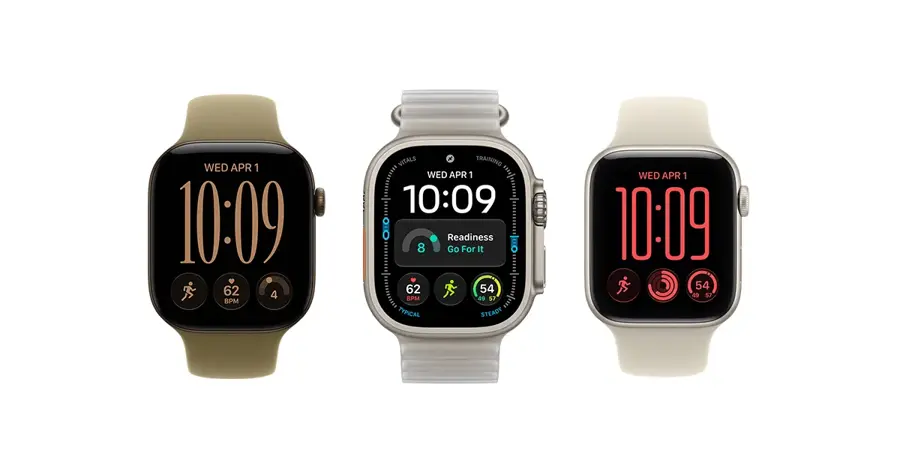
Apple Watch includes built-in Fall Detection on Apple Watch SE, Series 4 and later, and Ultra models, with no subscription needed.
Strengths
As Apple's support article describes it, when the watch detects a hard fall it taps your wrist, sounds an alarm and shows an alert. If you stay still for about a minute, it starts a 30-second countdown, then calls emergency services, plays a recorded message with your coordinates, and texts your emergency contacts. The feature turns on automatically if your age is 55 or over, and with iPhone 14 or later or an Apple Watch Ultra 3, alerts can go via satellite where Emergency SOS via satellite is available.
The caveat is the kind of fall. Apple itself says the watch "cannot detect all falls." NCOA reports the Apple Watch "performed poorly" in its fall detection testing and only caught hard falls, so it doesn't recommend it as a primary device for older adults. That seems fair to me.
Key features
- Automatic emergency call: after about a minute of no movement and a 30-second countdown.
- Emergency contact texts: location sent after the call ends.
- Fall history: falls are logged in the Health app.
- Satellite fallback: on supported iPhone and Ultra 3 setups.
Pros
- No monthly monitoring fee
- Calls emergency services directly
- Auto-on for users 55 and over
Cons
- Detects hard falls only, per NCOA
- No professional operator who knows your medical history
- Daily charging and an iPhone are required
Apple Watch pricing: Free feature; then watch from $249 for the Apple Watch SE 3 at launch, per BetaNews (checked October 2026); cellular service is extra. See pricing
Google Pixel Watch – best for Android users who hike or travel
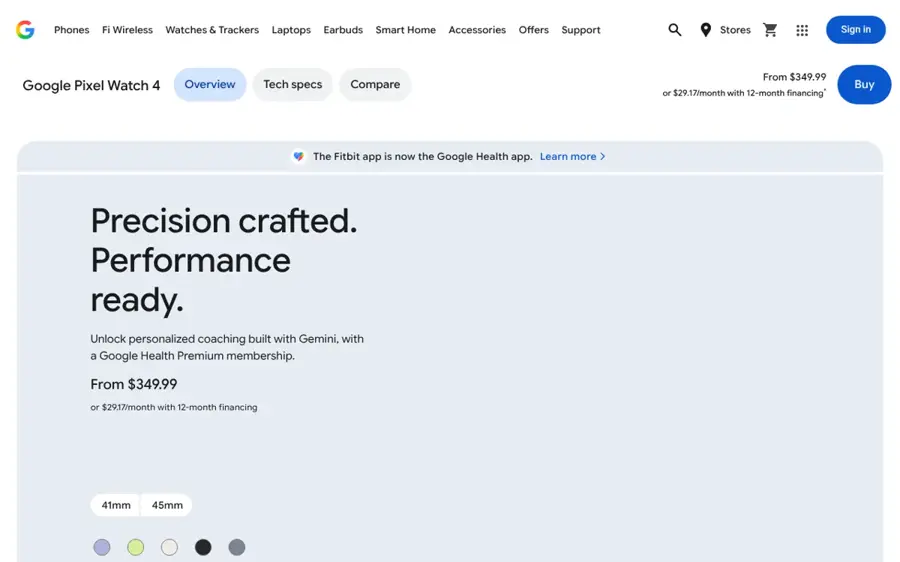
Google Pixel Watch uses motion sensors and on-device machine learning to spot hard falls and call emergency services.
Strengths
Google's launch post explains the flow: if the watch detects a hard fall and you haven't moved for about 30 seconds, it vibrates, sounds an alarm and asks if you're OK. If you don't respond within about a minute, it calls emergency services and plays an automated message. Google says it tested the model against burpees, jumping and swimming to cut false alarms.
The Pixel Watch 4 LTE added standalone satellite messaging to emergency services, per BetaNews, which probably matters for an older hiker or someone in rural areas. Note the opt-in "Help improve fall detection" setting, which may share motion data from detected falls with Google.
Key features
- On-device ML: fall classification runs on the watch.
- Automatic emergency call: with an automated message if you can't speak.
- Satellite SOS: on Pixel Watch 4 LTE.
- Personal Safety app: Emergency SOS to trusted contacts.
Pros
- No monitoring fee
- Satellite fallback on LTE model
- Clear data-sharing toggle
Cons
- Hard falls only, by Google's own description
- Needs an Android phone
- LTE costs more and needs a carrier plan
Google Pixel Watch pricing: Free feature; then Pixel Watch 4 from $349 (41mm Wi-Fi), per BetaNews (checked October 2026). See pricing
Samsung Galaxy Watch – best for Samsung phone owners
Samsung Galaxy Watch includes a Detect falls feature that sends SOS messages to chosen contacts after a hard fall.
Strengths
On Samsung's support page, fall detection is off by default and must be enabled in the Galaxy Wearable app. After a fall, the watch alerts you for 60 seconds with a popup, sound and vibration; if you don't respond, it sends SOS messages to your emergency contacts. Samsung warns that the watch "cannot detect all falls" and that active people are more likely to trigger it by accident.
Samsung's US store listed the Galaxy Watch8 from $299.99 in late October 2026, with a 4.6 average from 3,932 shopper reviews. The key difference from Apple and Google is the default response: Samsung's documented flow messages contacts rather than describing an automatic emergency call, so make sure those contacts will actually respond.
Key features
- 60-second alert: popup, sound and vibration before SOS.
- SOS messages: to contacts set in the Galaxy Wearable app.
- Manual SOS: swipe to send immediately.
- LTE models: available for use away from the phone.
Pros
- No monitoring fee
- Familiar for Samsung phone users
- Strong shopper rating on Samsung's store
Cons
- Off by default
- Relies on contacts responding
- Requires network and phone pairing
Samsung Galaxy Watch pricing: Free feature; then Galaxy Watch8 from $299.99 on Samsung US (checked October 2026). See pricing
Aqara Presence Sensor FP2 – best for nothing-to-wear room alerts
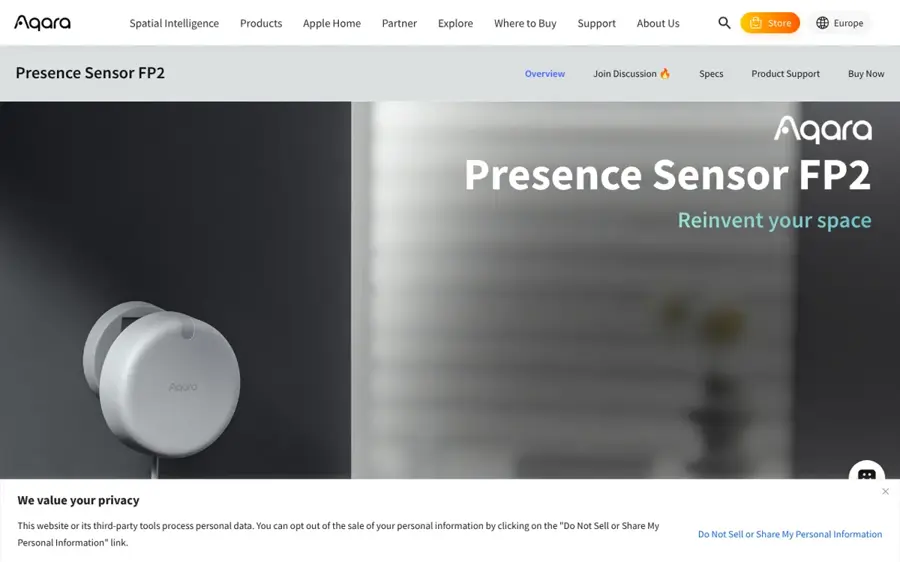
Aqara Presence Sensor FP2 is a millimeter-wave radar sensor for smart homes that can run a fall detection mode when mounted on the ceiling.
Strengths
Radar avoids the biggest failure of wearables: the person not wearing them. Per Aqara's product page, the FP2 can alert you through the app when someone falls, without a camera. Automations run locally without the cloud, and it works with HomeKit, Home Assistant, Alexa and Google Home.
Read the footnotes, though. Ceiling mounting is required, most other features (zone positioning and presence detection) stop working in fall detection mode, and Aqara states the FP2 "is not a medical device, and can only be used for notification purposes." Nobody answers the alert but you, so this likely suits a family member who lives nearby or a caregiver who checks the app.
Key features
- mmWave radar: no camera or wearable.
- Fall detection mode: ceiling mount only.
- Coverage: rooms up to 40 m² (about 430 sq ft).
- Local automations: keep running without internet.
Pros
- No subscription
- No images captured
- Works with major smart home platforms
Cons
- One room per sensor
- Not a medical device and no monitoring center
- Fall mode disables other features
Aqara Presence Sensor FP2 pricing: Free feature; then device purchase only, no subscription (checked October 2026). See pricing
D-Link DCS-8610 – best for visual check-ins with privacy masking
D-Link DCS-8610 is a 2.5K pan-and-tilt Wi-Fi camera launched in July 2026 with on-device AI fall detection and a privacy mode that masks people.
Strengths
In D-Link's launch announcement, the camera sends real-time alerts to the mydlink app when its AI detects a possible fall, and tracks people around the room. Its Hybrid Privacy Mode uses edge AI to apply a moving mosaic mask, so caregivers see posture and location as simple outlines while faces stay hidden. You can store clips on microSD or in mydlink Cloud Recording.
Availability is the catch: D-Link said in July 2026 it was rolling out globally and was on sale in Europe on Amazon EU, so check your region. A similar US option is the Kami Fall Detect Camera, which Kami Vision announced at CES 2025 with paid 24/7 monitoring and a 911 link through RapidSOS. Kami claimed 99.5% accuracy and "FDA registration", which isn't the same as FDA clearance.
Key features
- AI fall alerts: push notifications through the mydlink app.
- Hybrid Privacy Mode: real-time mosaic masking of people.
- Auto person tracking: 360-degree pan for room coverage.
- Two-way audio: talk to the person after an alert.
Pros
- Visual context helps you judge a false alarm
- Privacy masking processed on the device
- Local storage option
Cons
- No professional monitoring
- Covers one room
- Regional availability and pricing still rolling out
D-Link DCS-8610 pricing: Free feature; then device purchase; cloud recording is optional (checked October 2026). See pricing
Choosing the right AI elderly fall detection app consumer features
Start with who will answer the alert
This is the single biggest decision, I think. Medical alert services route every alert to a trained operator who can talk to the person, call a neighbor first or send EMS. Smartwatches from Apple and Google call emergency services directly. Samsung's watch messages contacts. Radar and camera sensors only notify an app, which is a weak safety net for someone living alone.
Match the device to where falls happen
Bathrooms and bedrooms at night are common trouble spots. A pendant or watch covers the whole house only if it's worn, including in the shower. A room sensor covers only its room, but needs no charging or remembering. Many families combine both.
Check the full cost, not the headline price
Ask for the monthly fee with fall detection added, any equipment or activation fee, the contract length and what happens to leased equipment when you cancel. NCOA advises adding a device to the cart to see the real total, and notes activation fees can range from $75 to $200 where they apply.
Be realistic about wearing and charging
The best detector fails if it sits on the nightstand. The medical alert devices NCOA tested last three to six days per charge; smartwatches need charging far more often. Ask the person which they'll actually wear.
Decision table
| Situation | Best fit | Why |
|---|---|---|
| Lives alone, family far away | Medical Guardian, MobileHelp or Bay Alarm Medical | Operator answers every alert 24/7 |
| Active, already uses an iPhone or Android | Apple Watch or Pixel Watch | Direct emergency calls, no fee |
| Refuses to wear anything | Aqara FP2 or a camera | Passive room coverage |
| Hikes or lives rurally | Pixel Watch 4 LTE or Apple Watch with satellite support | Satellite fallback where available |
Free vs paid: what you actually get
Here's a worked example over two years, using the figures above.
- Medical Guardian: $31.95 base plus $10 fall detection is $41.95 a month, or $1,006.80 over 24 months, plus up to $199.95 in equipment. Call it about $1,000 to $1,200.
- Bay Alarm Medical home system: $27.95 plus $10 fall detection is $37.95 a month, or $910.80 over 24 months, plus the $30 Auto Fall button. About $940.
- Apple Watch SE 3: $249 once at launch pricing. Add a carrier fee if you want the cellular model to work away from the iPhone.
The "free" options cost less because you become the monitoring center. A watch ends in a 911 call with an automated message and a text to contacts. A paid service puts an operator on the line who already has the person's address, conditions and key holder details. You pay roughly $35 to $40 a month for that human layer, which seems a fair price to me.
The limits of fall detection
Fall detection is a classification problem with two kinds of error, and every product here makes both.
- Missed soft falls. Watches tuned for "hard" falls can miss a slow slide out of a chair. NCOA's tests found the Apple Watch caught only hard falls, and two brands it tested, LifeStation and LifeFone, caught 2 of 3 falls.
- False alarms. NCOA cites a research paper in which a commercial system worn by 18 people over four months produced 84 alarms, 83 of them false. Medical Guardian and Bay Alarm both say false alarms are expected and cost nothing extra.
- Wrist placement. NCOA notes research finding wrist-worn devices less accurate than chest or waist devices, because arms move a lot.
- Connectivity and coverage. Watches need cellular, Wi-Fi calling or satellite; room sensors see one room. Dead batteries and dead zones break the chain.
I'd treat vendor accuracy claims, like Kami's 99.5%, as upper bounds: we found no independent verification.
Medical device status and privacy
These are consumer safety products, not diagnostic tools. A device sold for a medical purpose in the US generally needs FDA marketing authorization, such as a 510(k) clearance. FDA establishment registration and listing is a separate step that tells the agency where devices are made, so "FDA registered" in marketing doesn't mean "FDA cleared." Aqara states outright that the FP2 is not a medical device. If a vendor claims clearance, ask for the 510(k) number.
Privacy depends on the sensor:
- Wearables collect motion and location. Google offers an opt-in toggle to share motion data from detected falls; Apple logs falls in the Health app.
- Medical alert services hold names, addresses, health details and GPS history, and caregiver apps show live location. Read who in the family gets access.
- Radar captures movement but not images. Aqara runs automations locally.
- Cameras are the most sensitive. Look for on-device processing, privacy masking like D-Link's, local storage and clear rules on who sees footage. Kami said its monitors see only blurred snippets.
Above all, get consent. Installing a camera in an older adult's bedroom without agreement damages trust and, depending on where you live, may raise legal issues. See our guide to the dangers of AI and our GDPR and Swiss data privacy comparison for European data rights.
Facility systems such as Vayyar Care (radar) and Nobi (a ceiling light with fall detection) are sold to senior living operators, not families.
Final verdict
If the person lives alone, pay for monitoring. Medical Guardian has the strongest independent test results, MobileHelp avoids equipment fees, and Bay Alarm Medical has the lowest starting price. If the person is active and already wears a watch, turn on fall detection on an Apple Watch or Pixel Watch today; it costs nothing extra, but don't treat it as complete protection for soft falls. For someone who will not wear anything, a ceiling radar sensor like the Aqara FP2 in the bathroom is probably a cheap, private extra layer, as long as someone reliable gets the alerts.
FAQ
Do smartwatch fall detection features cost anything?
No monthly fee. Apple, Google and Samsung include fall detection on supported watches. You pay for the watch, and for a cellular plan if you want it to call without a nearby phone. You don't get a professional operator; the watch calls emergency services or messages your contacts.
Is the Apple Watch good enough as a fall detector for an elderly parent?
It helps, but it isn't a full replacement. Apple says it cannot detect all falls, and NCOA found it caught only hard falls in its testing. It suits active, tech-comfortable adults. For someone frail or living alone, a monitored medical alert service is safer.
How much does a medical alert system with fall detection cost per month?
Going by NCOA's 2026 comparison, base plans start around $28 to $39 a month, and fall detection usually adds about $5 to $16. Some brands also charge one-time equipment fees of roughly $100 to $200. Always check the final checkout total.
Are fall detection devices FDA-cleared medical devices?
The consumer products in this roundup aren't marketed as FDA-cleared for fall detection. Aqara says its FP2 is not a medical device. "FDA registered" means the maker registered an establishment, not that the device was cleared. Ask the vendor for a 510(k) number if it matters to you.
Sources
- The Best Medical Alert Systems with Fall Detection (2026) (NCOA)
- Use Fall Detection with Apple Watch (Apple Support)
- Google Pixel Watch can now detect when you fall (Google)
- Use the Detect falls feature on your Galaxy Watch (Samsung CA)
- Galaxy Watch8 buy page (Samsung US)
- Medical Alert Systems & Monitoring Devices (Medical Guardian)
- Fall Detection (Medical Guardian)
- MobileHelp homepage (MobileHelp)
- Medical Alert Costs (Bay Alarm Medical)
- Personal Emergency Response System (Bay Alarm Medical)
- Presence Sensor FP2 (Aqara)
- D-Link Brings Advanced AI Fall Detection and Privacy Protection to Home Elderly Care with the New DCS-8610 Wi-Fi Camera (D-Link)
- Kami Vision Brings A.I.-Powered Fall Detection to Homeowners and Caregivers with At-Home Camera (PR Newswire)
- Vayyar Care AI (Vayyar)
- Nobi: Fall Prevention and Detection for Senior Living (Nobi)
- Apple Watch SE 3 brings always-on display, new health features, and 5G at $249 (BetaNews)
- Pixel Watch 4 debuts with longer battery life and new AI health coach (BetaNews)
- Device Registration and Listing (FDA)
- Premarket Notification 510(k) (FDA)