Best AI cartoon generators in 2026: 8 free and paid picks
The best AI cartoon generator for photos, original characters, anime and video, with free tiers and prices checked for November 2026.
 Written byBurhan AqibSenior writer, policy and analysis
Why you can trust The AI Future
Our writers research every product from its official pages, independent tests and user reports, link each claim to its source and correct mistakes openly. Unless an article says otherwise, we haven't tested the product hands-on ourselves. Companies can't pay for coverage or see reviews before they're published.
Read our editorial policy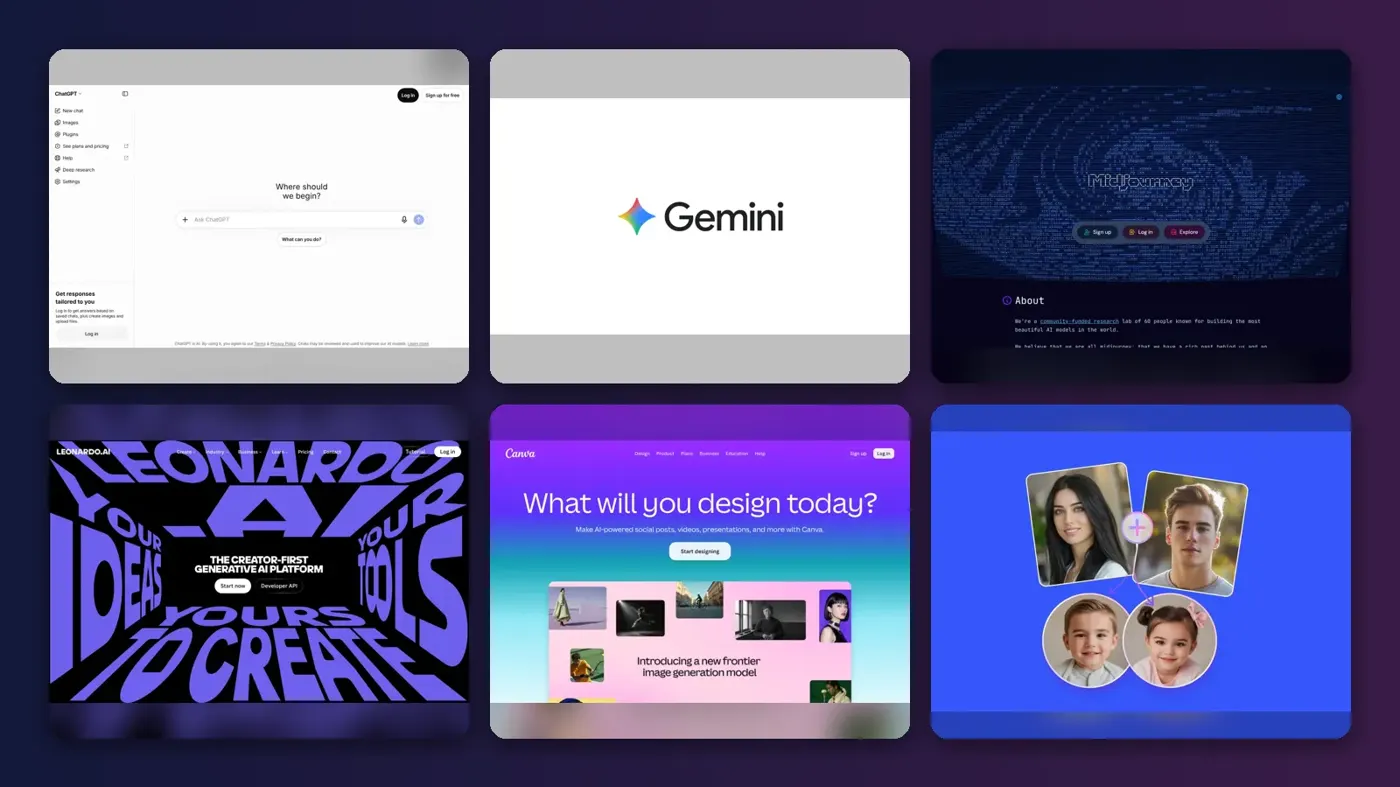
The best AI cartoon generator for most people right now is probably the one already sitting in their chat app. ChatGPT Images and Google's Gemini (running Nano Banana 2.1, released on October 6, 2026) both make cartoon images on their free tiers, and they're good at turning a plain sentence into a finished picture. If you want a particular look, though, the specialists still earn their money: Midjourney for stylised and anime art, Leonardo AI for recurring characters, Canva and Fotor for quick photo-to-cartoon edits, and Adobe Firefly if you need short animated clips too.
Cartoon generators do two jobs that people often mix up: turning a photo into a cartoon, and building an original character from text. A few do both. I've ranked eight tools by how well they handle cartoon work, with prices checked in late October and early November 2026.
Key takeaways
- Start free with ChatGPT or Gemini, since both include cartoon-capable image generation on their free plans.
- Midjourney has the strongest reputation for stylised and anime looks, but it has no free plan and starts at $10 a month.
- Keeping the same cartoon character across many images is still the hardest part, and Leonardo AI and Ideogram both sell features aimed at it.
- For a cartoon video, you'll want a tool with video built in, such as Adobe Firefly for short clips or Renderforest for narrated stories.
- Only cartoonize photos of people who've agreed to it, and read the commercial terms before selling anything you make.
Our ranking method
Nobody at The AI Future ran hands-on tests for this roundup. We compared each tool using official product and pricing pages, published independent comparisons and documentation, as of early November 2026, and judged them on six criteria:
- Cartoon style range, meaning how many looks it handles well, from flat 2D to 3D and anime.
- Character consistency, or whether you can bring the same character back in a new scene.
- Photo-to-cartoon support for turning an uploaded picture into a cartoon.
- Free access, judged by what you can actually do before paying.
- Price of the cheapest useful paid plan.
- Extras like video, text in images and design tools for finishing the result.
General assistants rank high because they're free and easy. Prices are in US dollars and vary by country and billing period.
The 8 best AI cartoon generators at a glance
| # | Tool | Category | Best for | Free tier | Starts at |
|---|---|---|---|---|---|
| 1 | ChatGPT | AI assistant | Easy cartoons from a sentence | Yes (limited) | $8/mo |
| 2 | Google Gemini | AI assistant | Editing cartoons by conversation | Yes (limited) | $5/mo |
| 3 | Midjourney | Image generator | Stylised and anime art | No | $10/mo |
| 4 | Leonardo AI | Image and video generator | Recurring characters | Yes | $12/mo |
| 5 | Adobe Firefly | Creative suite AI | Cartoon images plus short clips | Yes (limited) | $9.99/mo |
| 6 | Canva | Design app | Cartoon social posts | Yes (limited) | $12/mo |
| 7 | Fotor | Photo editor | Cheap photo-to-cartoon | Yes (limited) | $3.99/mo |
| 8 | Ideogram | Image generator | Character consistency on a budget | No | $20/mo |
The best AI cartoon generators in 2026, ranked
ChatGPT – best for easy cartoons from a sentence
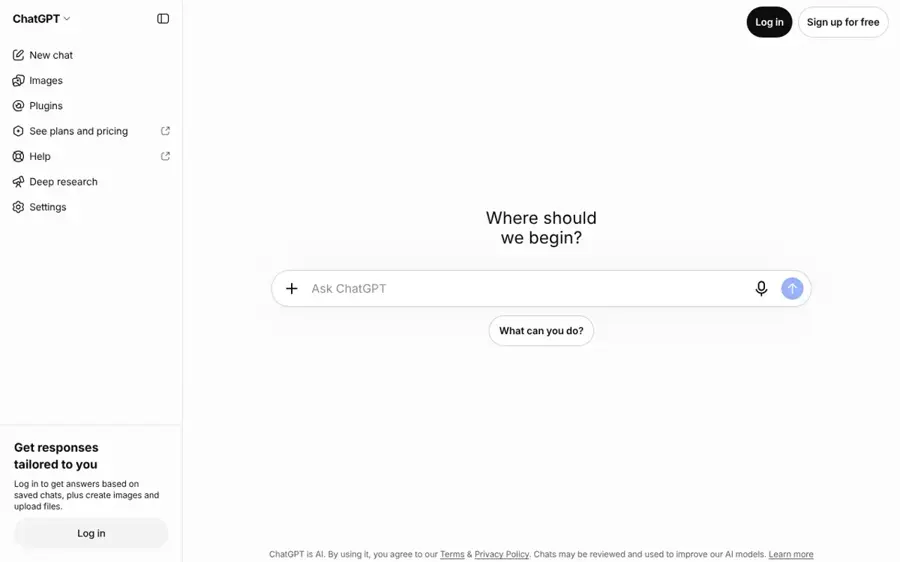
ChatGPT is OpenAI's assistant, and its built-in image tool turns a plain description or an uploaded photo into a cartoon on any plan, including Free.
Strengths
ChatGPT is the lowest-effort option here. You describe the cartoon, it draws it, and you fix things by talking ("make the fox's raincoat yellow"). Going by OpenAI help article on Images, the current version is ChatGPT Images 2.6, which "does a better job of keeping details consistent from one edit to the next." You can also save a reference photo, give it a name, and call it back later with an @ mention. That's a neat fix for casual recurring characters (your dog on a birthday card and a calendar, say).
Looping GIFs are rolling out too. Free users only get "limited image creation", though, and the bigger allowances sit on the paid plans, which start with Go at $8 a month.
Key features
- You can select part of an image and describe a change to that area.
- Saved reference photos can be reused by name in later chats.
- Any aspect ratio is supported through a picker or your prompt.
- Looping GIF creation is rolling out.
Pros
- Free to start, with no prompt skills needed.
- Conversational edits are easy to follow.
- Reference photos help keep a pet or character looking the same.
Cons
- Free image limits are low and not stated as a number.
- Less control over a specific art style than Midjourney.
- Free and Go plans may show ads.
ChatGPT pricing: Free, then paid plans from $8/month for Go and $20/month for Plus, per MacRumors (checked October 2026). See pricing
Related: ChatGPT with GPT-6 review Best AI image generators
Google Gemini – best for editing cartoons by conversation
Google Gemini includes image generation and editing on its free plan, powered by Google's Nano Banana image models.
Strengths
Gemini's image side got a refresh on October 6, when Google put Nano Banana 2.1 into the Gemini app. Tech Insider's write-up of the launch lists reported gains in keeping a reference face or logo intact across edits, plus support for up to 14 reference images and output up to 4K. It adds that Google hasn't published a full changelog, so treat those as reported rather than confirmed.
For cartoons, the useful bit is iterative editing: you can ask for a follow-up change without restating the whole prompt. I think that's what most casual users want. The paid step-up is cheap, too; Google cut AI Plus to $5 a month, according to Best AI Tools, and the Google One plans page lists "more access to image, music, and video generation models" on that tier.
Key features
- Image generation and editing are included on the free plan.
- Conversational edits keep the earlier prompt in mind.
- Up to 14 reference images are reportedly supported.
- Output goes up to 4K resolution, according to launch coverage.
Pros
- Free access to a current image model.
- AI Plus is one of the cheapest paid tiers here.
- Paid plans bundle cloud storage (400 GB on AI Plus).
Cons
- Free usage limits aren't spelled out.
- Some reported model improvements lack official confirmation.
- Fewer cartoon-specific presets than Fotor or Canva.
Google Gemini pricing: Free, then paid plans from about $5/month for AI Plus (checked October 2026). See pricing
Related: Gemini AI vs ChatGPT
Midjourney – best for stylised and anime art
Midjourney is a subscription image generator, used on the web or in Discord, with a separate Niji model line built for anime and illustration.
Strengths
If the look matters more than convenience, Midjourney is still where I'd start. Renderforest's cartoon generator comparison picks Midjourney/Niji as best for anime-style art and notes that Niji 7 launched on January 9, 2026. The main model moved on as well: V8.2 became the default on July 24, 2026, and it adds an Edit Model that replaces the older Omni Reference and Character Reference tools.
The weakness is flat 2D. Nerdbot's character consistency roundup said that when you "push it into flat 2D cartoon, chibi, or modern western animation styles", consistency "breaks down quickly". That was written about V7 in May, before V8.2, so it may have improved; I couldn't find a newer independent check.
Key features
- Niji models are tuned for anime and illustrated styles.
- V8.2 includes a new Edit Model for references and changes.
- Standard and higher plans get unlimited relaxed image generation.
- Video generation is available, with HD from the Standard plan.
Pros
- A strong reputation for stylised and painterly art.
- Dedicated anime model line.
- Commercial use is allowed on all paid plans, with a revenue cap on lower tiers.
Cons
- No free plan; the Discord quick start says you need a subscription first.
- Flat 2D cartoon consistency was weaker in V7 tests.
- Images are public unless you pay for Pro or Mega.
Midjourney pricing: No free plan; paid plans from $10/month, or $8/month billed yearly (checked October 2026). See pricing
Related: Best AI generators for anime art
Leonardo AI – best for recurring characters
Leonardo AI is a web app for image and video generation with 80+ models on paid plans and character reference tools aimed at keeping one character consistent.
Strengths
Leonardo is the pick for anyone making a webcomic, a mascot or a game with the same cartoon cast in many scenes. Nerdbot called it the "best balanced option" and said its consistency "is solid but not bulletproof", with drift on facial details after roughly 30 images of the same character. The same piece warned that it "leans toward semi-realistic outputs", so you'll probably need clear style words in your prompt for a flat cartoon look.
The free tier is real: 150 fast tokens a day. That's enough to test a character before you pay, which I'd recommend.
Key features
- Character, style and content reference tools guide new images.
- Paid plans include 80+ models.
- You can train personal models, 10 on the Essential plan.
- Premium adds unlimited relaxed image generation on select models.
- Ultimate adds unlimited relaxed video generation on select models.
Pros
- Daily free tokens for testing.
- Good balance of control and ease.
- Image and video in one subscription.
Cons
- Free creations are public and limited to the Auto model.
- Token maths takes some getting used to.
- Drifts toward semi-realistic looks without careful prompts.
Leonardo AI pricing: Free, then paid plans from $12/month (checked October 2026). See pricing
Related: Leonardo AI review Best AI image generators
Adobe Firefly – best for cartoon images plus short clips
Adobe Firefly is Adobe's credit-based generative AI app, covering images and video, and it ties into Photoshop, Illustrator and Adobe Express.
Strengths
Firefly is the strongest choice here if you want a cartoon that moves. Renderforest's comparison says its animated cartoon generator makes short clips from prompts or reference images, typically about five seconds long, which you can download as MP4 or trim together in Adobe's editors. It also mentions that Firefly mixes Adobe's own models with third-party ones, and that the conditions differ between them; that matters for brand work.
How does Firefly compare with the others for cartoons? I'd say it's a designer's tool first. It's a natural fit if you already pay for Creative Cloud, and probably overkill if you just want a cartoon avatar.
Key features
- Cartoon-style image generation from text or uploaded images.
- Short animated clips, around five seconds, from prompts or references.
- Five tiers from Free to Premium share a monthly credit system.
Pros
- Images and short cartoon video in one place.
- Works with Photoshop and Illustrator.
- Standard features stay usable after premium credits run out.
Cons
- Credits reset monthly and don't roll over.
- Clip length is short for full stories.
- Third-party models carry different terms.
Adobe Firefly pricing: Free, then paid plans from $9.99/month, per Activepieces (checked October 2026). See pricing
Related: Best AI image animators
Canva – best for cartoon social posts
Canva is a design app with a free photo-to-cartoon generator and a text-to-image tool built into the editor.
Strengths
Canva makes sense when the cartoon is one part of a bigger design, like a podcast thumbnail or a class poster. Its photo-to-cartoon tool accepts JPEG, PNG, HEIC and WebP uploads, and once it's done you can add text, frames and stickers without leaving the page. Renderforest notes that Canva's cartoon page says outputs carry no watermark.
The trade-off is control. Renderforest's comparison says keeping the same character across many illustrations is "not its main specialization", and I'd agree based on the feature list.
Key features
- Photo-to-cartoon conversion right in the editor.
- The AI Image Generator offers 20+ style presets, including Pop Art and Sketch.
- Text to Graphic makes stickers and illustrations.
Pros
- Free plan includes limited AI use.
- Finish the whole social post in one app.
- No watermark on cartoon outputs, as Renderforest reads Canva's page.
Cons
- Weak for recurring characters.
- AI allowance is shared across many tools.
- Pro is billed at US$144 a year.
Canva pricing: Free, then Pro from US$144/year, about $12/month (checked October 2026). See pricing
Related: Best AI avatar generators from a photo Best funny AI tools
Fotor – best for cheap photo-to-cartoon
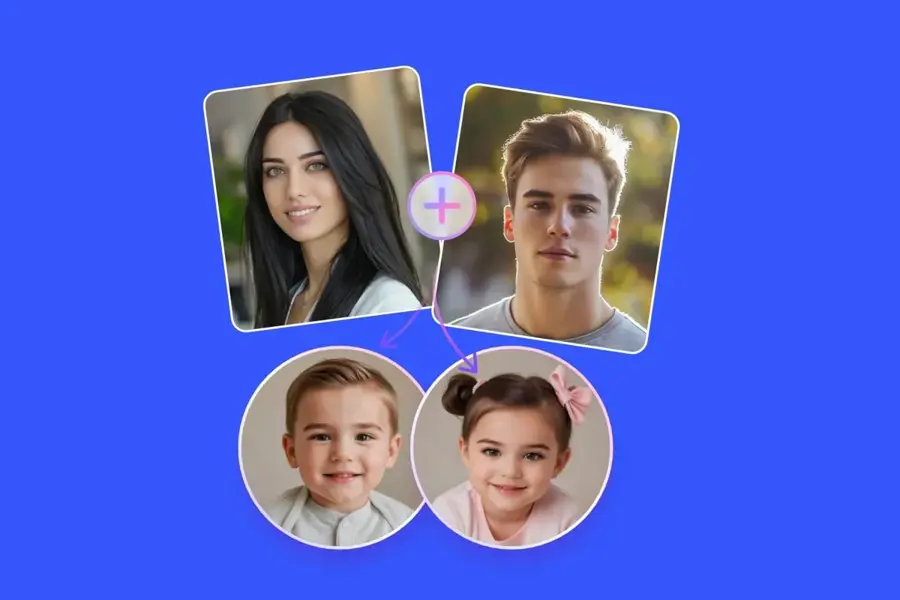
Fotor is an online photo editor with an AI cartoon generator that works from text prompts or uploaded photos.
Strengths
Fotor is the beginner's choice. Its cartoon generator page offers preset styles including a Lego look, plus prompt examples you can remix. Renderforest calls it the "best beginner-friendly cartoon generator", which feels fair.
Price is the other draw. A PricingSaaS capture of Fotor plans from November 2, 2026 lists Fotor Pro at $3.99 and Max at $13.99; Fotor shows those as billed annually. Higher tiers also include video models such as Kling 4.0, so you can animate a cartoon portrait without switching apps. Honestly, for a profile picture or a pet portrait, I'm not sure most people need more than this.
Key features
- Text-to-cartoon and photo-to-cartoon in one tool.
- Preset cartoon filters and remixable community examples.
- Video models, including Kling 4.0, on paid plans.
- Unused credits roll over for up to five months while you're subscribed.
Pros
- The cheapest paid plan in this list.
- Very little learning curve.
- Credits roll over.
Cons
- Free credits are limited.
- Not built for detailed character work.
- Some preset styles imitate named studios, which is a grey area for commercial use.
Fotor pricing: Free, then paid plans from $3.99/month billed annually (checked November 2026). See pricing
Related: Best AI image from photo tools Best AI avatar generators from a photo
Ideogram – best for character consistency on a budget
Ideogram is an image and video generator sold on credits, with unlimited character consistency included on its paid plans.
Strengths
Ideogram's appeal for cartoon makers is on its plans page: Plus at $20 a month includes 2,400 priority credits, unlimited slow credits and "unlimited character consistency". That's a useful combination if you're producing a lot of scenes with one character and don't mind waiting on slow generations.
I couldn't find an independent cartoon-specific test of Ideogram's character feature, so it ranks last here.
Key features
- All image and video models on paid plans.
- Unlimited slow credits from the Plus plan.
- Pay-as-you-go credits at 1 cent each.
Pros
- Character consistency is unlimited on paid plans.
- Clear credit costs per model and quality setting.
- Yearly billing cuts Plus to $15 a month.
Cons
- No free subscription tier listed, only pay-as-you-go.
- Little independent testing for cartoons.
Ideogram pricing: No free plan; pay-as-you-go credits, then paid plans from $20/month (checked October 2026). See pricing
Related: Best AI image generators Best free text-to-image AI tools
AI cartoon generators for videos
Still images are the easy part. If you want an AI cartoon generator for videos, you're choosing between short animated shots and a complete narrated story, and they're different products.
For short shots, Adobe Firefly's five-second clips, Leonardo's Ultimate plan (with unlimited relaxed video on select models) and Midjourney's video modes all work. For a full story with voiceover, Renderforest is built around it: you type an idea, pick a style like storybook, 3D or anime, and it generates scenes with characters and AI voiceover that you can then edit one scene at a time. Its comparison notes that free exports carry a watermark and are for personal, non-commercial use, with client work needing the Business plan. (Renderforest published that comparison, so bear in mind it's ranking itself first.)
Our guide on how to make an AI cartoon video walks through the steps, and the best image-to-video AI tools roundup covers animating stills you've already made.
Choosing the right AI cartoon maker
Decide between photo-to-cartoon and original characters
A cartoon selfie needs a photo tool like Canva or Fotor, while an original mascot or comic hero needs a text generator with reference tools, like Leonardo or Midjourney. Picking the wrong type is probably the most common reason people give up.
Test consistency before you commit
Generate the same character in five scenes on a free tier first, as Nerdbot suggests. Drift by image three? It'll be worse by image thirty.
Read the commercial terms
Midjourney allows commercial use on all plans but requires Pro or Mega for companies making over $1,000,000 a year in gross revenue. Canva's AI terms, as Renderforest summarises them, say outputs may not be unique and that licensed Canva assets inside a design keep their own licence conditions. Free plans often carry watermarks or personal-only rules too; Renderforest's free cartoon exports are both. If you're making a mascot for a business, I'd pay for the plan that clearly covers it rather than hoping a free export is fine.
Only cartoonize people who agree to it
Turning your own photo or a friend's (with their OK) into a cartoon is fine. Making images of real people without consent, especially anything intimate or deceptive, is harmful and illegal in many places, and I'd steer clear of any app that markets itself that way.
FAQ
What is the best AI cartoon generator?
For most people, ChatGPT or Google Gemini, because they're free and easy. For stylised or anime art, Midjourney is the stronger pick, and Leonardo AI is better if you need one character across many images.
What are the best free AI cartoon generators?
ChatGPT, Gemini, Leonardo AI (150 fast tokens a day), Canva, Fotor and Adobe Firefly all have free tiers. Leonardo's is the most generous for repeated testing, while Canva's is easiest for quick photo-to-cartoon edits without a watermark.
Can an AI cartoon generator make videos?
Yes. Firefly makes clips of about five seconds; Renderforest builds whole narrated cartoon videos from a script.
Is Adobe Firefly good for cartoons compared with Midjourney?
They suit different people. Firefly is better if you want cartoon images plus short animated clips inside Adobe's apps, and it has a free tier. Midjourney has the stronger reputation for art style, especially anime through Niji, but it costs at least $10 a month and has no free plan.
Can I use AI cartoons commercially?
Usually on paid plans, but the rules vary. Midjourney's paid plans allow it with a revenue limit on lower tiers, while Renderforest's free exports are personal use only. Check each tool's terms before you sell anything.