Best browsers that don't use AI in 2026: 8 picks for every budget
Want a browser without chatbots or AI summaries? These 8 free browsers don't use AI, or let you switch it off, ranked for privacy and ease.
 Written byMuhammad Usman SiddiquiFounder and editor-in-chief
Why you can trust The AI Future
Our writers research every product from its official pages, independent tests and user reports, link each claim to its source and correct mistakes openly. Unless an article says otherwise, we haven't tested the product hands-on ourselves. Companies can't pay for coverage or see reviews before they're published.
Read our editorial policy
Short answer: if you want browsers that don't use AI, start with Vivaldi. It's a full-featured desktop browser whose makers have publicly ruled out chatbots, page summaries and AI form-fillers, and it's free. Waterfox is the pick if you'd rather stay on Firefox's engine, and Tor Browser is the one to get if privacy matters more than speed.
Everything else on this list is either a hardened Firefox build, a stripped-down Chromium, or a mainstream browser that lets you switch the AI off. That last group counts, in my view, but only if you're willing to spend two minutes in settings.
Key takeaways
- Vivaldi has promised not to add an LLM chatbot, summariser or form-filling assistant to its browser.
- Waterfox's lead developer has said the browser won't include large language models for the foreseeable future.
- Tor Browser 15 removed the AI features that came with its Firefox ESR 140 base.
- Firefox now has a single "Block AI enhancements" switch, so it's a reasonable choice if you don't want to change browsers.
- Every browser here is free, so the real cost is the time it takes to move your bookmarks and passwords.
Our ranking method
We ranked these browsers by reading each project's own release notes, blog posts and feature lists, then weighing them against what someone avoiding AI actually needs.
The biggest factor was whether the maker has made a public, written commitment to keep generative AI out, or has already removed it. Next came how much work it takes to get an AI-free setup: none at all scores higher than a settings toggle. We also looked at privacy defaults like telemetry and tracker blocking, since people leaving AI browsers usually care about data too. Update speed mattered, because an abandoned fork is a security risk. Finally, we considered platform coverage (desktop and phone), extension support and how familiar the browser feels for someone switching from Chrome or Edge.
The 8 best browsers that don't use AI at a glance
| # | Tool | Category | Best for | Free tier | Starts at |
|---|---|---|---|---|---|
| 1 | Vivaldi | Chromium browser | Most people switching from Chrome | Yes | Free |
| 2 | Waterfox | Firefox fork | Firefox fans who want no LLMs | Yes | Free |
| 3 | Tor Browser | Anonymity browser | Maximum privacy | Yes | Free |
| 4 | Mullvad Browser | Privacy browser | Anti-fingerprinting with a VPN | Yes | Free |
| 5 | LibreWolf | Firefox fork | Hardened, no-telemetry Firefox | Yes | Free |
| 6 | Firefox | Mainstream browser | One-click AI blocking | Yes | Free |
| 7 | Ungoogled Chromium | Chromium build | Chrome without Google | Yes | Free |
| 8 | DuckDuckGo Browser | Privacy browser | Simple setup with an AI-free search option | Yes | Free |
The best browsers that don't use AI in 2026, ranked
Vivaldi – best for most people switching from Chrome
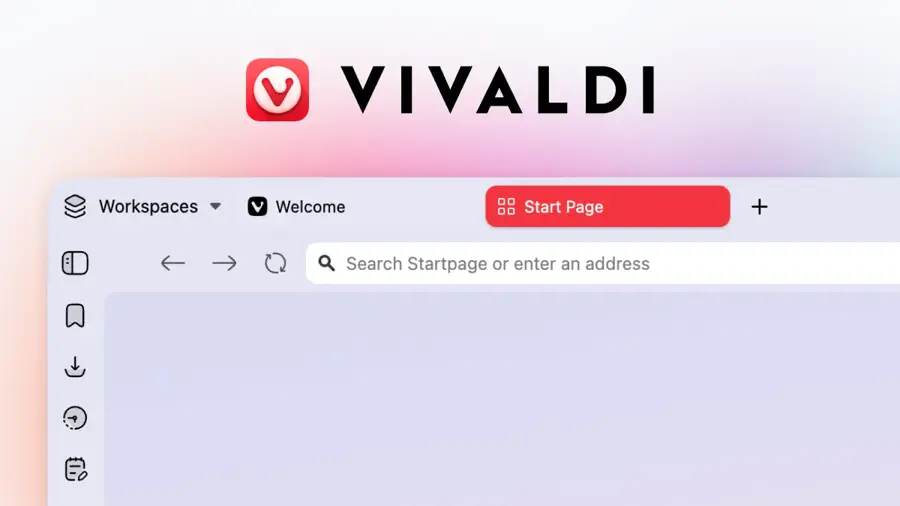
Vivaldi is a free, Chromium-based browser from an independent European company that has publicly refused to build generative AI into its product.
Strengths
Vivaldi made the clearest promise of any browser maker. In its "keep browsing human" post, the company says it won't use an LLM to add "a chatbot, a summarization solution or a suggestion engine to fill up forms for you, until more rigorous ways to do those things are available." That's a written commitment, and I'd trust it more than a hidden toggle.
It also runs Chrome extensions, so the switch is painless. Honestly, the built-in extras (mail, calendar, tab tiling) are the reason I'd recommend it even to people who don't care about AI at all.
Key features
- No AI chatbot, page summaries or AI form-filling.
- Tab stacking, tiling and a side panel for web apps.
- Built-in ad and tracker blocker.
- Mail, calendar and feed reader inside the browser.
- Works with extensions from the Chrome Web Store.
Pros
- Public, specific no-AI pledge from the CEO.
- Familiar Chromium engine, so sites rarely break.
- Huge amount of customisation.
Cons
- The pledge leaves the door open to AI "until more rigorous ways" exist.
- So many settings that it can feel cluttered at first.
Vivaldi pricing: Free, with no paid plans. See pricing
Related: Best non-AI search engines
Verdict: if you only switch once, switch to Vivaldi.
Waterfox – best for Firefox fans who want no LLMs
Waterfox is a free, open-source Firefox fork with built-in ad blocking, no telemetry and a stated refusal to ship large language models.

Strengths
Waterfox's developer, Alex Kontos, answered Mozilla's AI plans directly. His "No AI here" post argues that LLMs are black boxes you can't audit, while small local tools like translation are a different matter. That distinction seems sensible to me: you keep useful offline translation without a chatbot reading your tabs.
It's built on Firefox's extended-support releases, so updates arrive at a calmer pace. Some people will love that.
Key features
- No large language model features.
- Built-in ad blocking.
- Private, anonymised DNS over Oblivious HTTP.
- Private tabs that sit beside your normal tabs.
- No telemetry or data collection.
Pros
- Firefox engine and extensions without Mozilla's AI direction.
- Clear reasoning from the developer about what counts as AI.
- Privacy defaults are on out of the box.
Cons
- The pledge has an asterisk: local machine-learning tools like translation aren't ruled out.
- A small team, so new web features can lag behind Firefox.
Waterfox pricing: Free, with no paid plans. See pricing
Verdict: the easiest Firefox-based escape from AI.
Tor Browser – best for maximum privacy
Tor Browser routes your traffic through the Tor network and, since version 15, ships with Firefox's AI features removed.

Strengths
The Tor Project didn't just hide AI; it took it out. In the 15.0 alpha notes, the team called machine learning systems "inherently un-auditable from a security and privacy perspective" and said it had "done what we can to remove such features from the browser." Tor Browser 15.0 then went stable in late October 2025.
The trade-off is speed. Pages load more slowly over Tor, some sites block it, and every tab clears when you close the browser. I'd use it for sensitive browsing, not for streaming.
Key features
- AI chatbot sidebar and other Firefox AI features removed.
- Traffic routed through three Tor relays.
- Security levels that block JavaScript and WebAssembly on demand.
- Sessions clear automatically when you quit.
- Vertical tabs and tab groups from Firefox ESR 140.
Pros
- The strongest anonymity of any browser here.
- AI removed at the source, not just switched off.
- Free and open source.
Cons
- Noticeably slower than a normal browser.
- Some websites block or challenge Tor traffic.
- Poor fit for logged-in daily use.
Tor Browser pricing: Free, with no paid plans. See pricing
Related: Dangers of AI explained
Verdict: unbeatable for privacy, too slow for everything else.
Mullvad Browser – best for anti-fingerprinting with a VPN
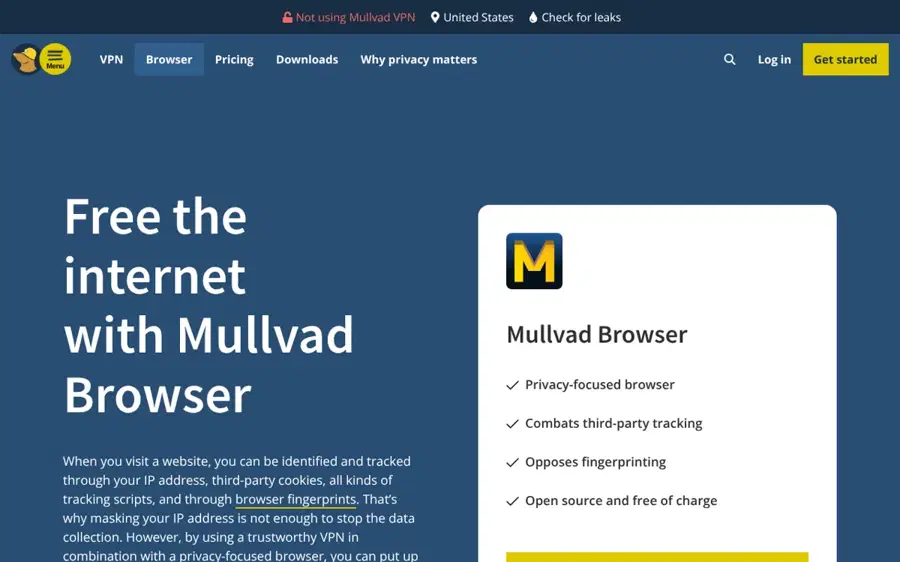
Mullvad Browser is a free privacy browser that the Tor Project built for Mullvad, designed to be used with a VPN instead of the Tor network.
Strengths
You get Tor Browser's privacy settings without the slow network. It's built from the same codebase (its release notes list fixes from the tor-browser tracker alongside its own), so I think it most likely carries over the same AI removals, though Mullvad hasn't made a separate statement about AI that I could find.
The "hide in the crowd" idea means every user looks the same to websites. That works best if you don't customise much.
Key features
- Strong anti-fingerprinting defaults.
- Blocks third-party tracking.
- Same Firefox ESR base as Tor Browser.
- Works with any VPN, including ones from other companies.
Pros
- Normal browsing speed with Tor-level fingerprint protection.
- Free and open source.
- No account needed.
Cons
- No explicit no-AI pledge from Mullvad itself.
- Adding extensions makes you easier to fingerprint.
Mullvad Browser pricing: Free, with no paid plans. See pricing
Related: Best non-AI search engines
Verdict: the best daily driver for privacy purists.
LibreWolf – best for hardened, no-telemetry Firefox
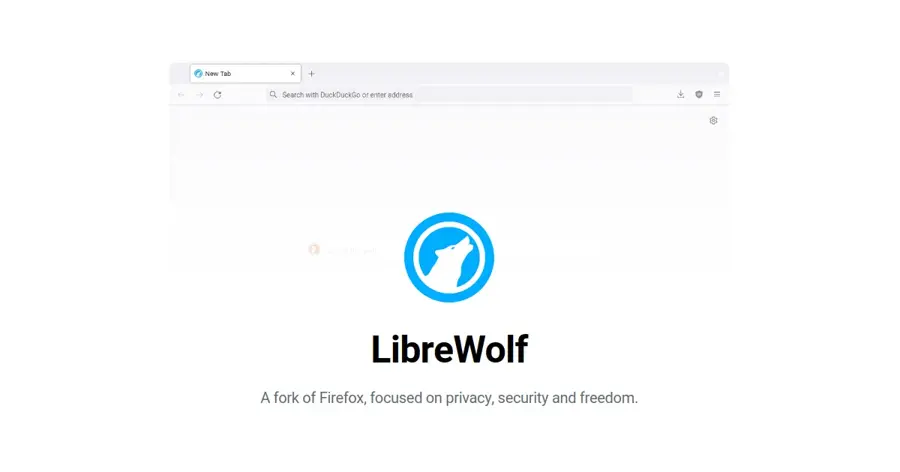
LibreWolf is a community-built version of Firefox that strips out telemetry, ships uBlock Origin and switches to privacy-friendly search.
Strengths
LibreWolf tracks the latest stable Firefox, so you get new features quickly. Its stated goal is removing "telemetry, data collection and annoyances", and I'd count unasked-for AI prompts as an annoyance. Still, it doesn't publish a specific AI pledge, so plan to check Firefox's AI controls in settings after you install it.
It's the fastest-moving option on the Firefox side.
Key features
- No telemetry or experiments.
- uBlock Origin included.
- Private search providers such as DuckDuckGo and Searx.
- Built from the latest stable Firefox source.
Pros
- Up-to-date security fixes.
- Privacy hardening without much setup.
- Community-run and open source.
Cons
- No written no-AI commitment, unlike Waterfox or Vivaldi.
- Strict defaults can break some logins and sites.
- No official mobile version.
LibreWolf pricing: Free, with no paid plans. See pricing
Verdict: great for tinkerers, but check the AI settings yourself.
Firefox – best for one-click AI blocking
Firefox is Mozilla's mainstream browser, and since version 148 it has a single switch that blocks current and future AI features.

Strengths
Firefox does use AI, so it doesn't strictly belong here. But Mozilla's AI controls arrived with Firefox 148 on February 24, and the "Block AI enhancements" toggle hides the chatbot sidebar, link previews, AI tab grouping and future features in one go. Mozilla says the setting survives updates.
I'd still rank it below the forks. Mozilla's direction is clearly toward more AI, and you're trusting a toggle to hold.
Key features
- One "Block AI enhancements" switch in desktop settings.
- Per-feature control over translations, PDF alt text, tab grouping, link previews and the chatbot sidebar.
- Preferences stay in place across updates.
- Available on Windows, Mac, Linux, Android and iOS.
Pros
- No need to switch browsers or sync.
- Large extension library.
- Labels which AI features run on-device and which send data out.
Cons
- AI is part of Mozilla's roadmap.
- The block switch is desktop-only at launch.
Firefox pricing: Free, with no paid plans. See pricing
Related: Best AI search engines
Verdict: fine if you flip the switch, but you'll need to keep an eye on it.
Ungoogled Chromium – best for Chrome without Google
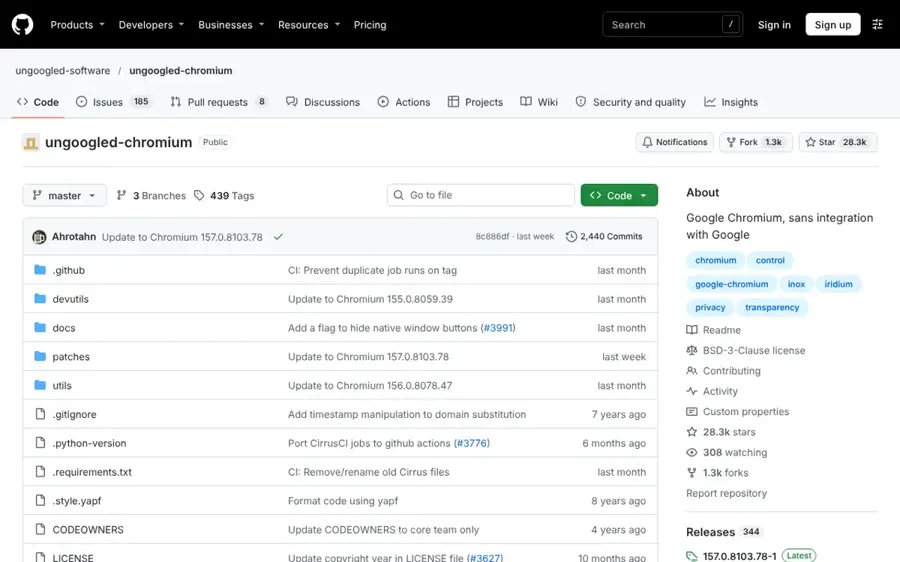
Ungoogled Chromium is Google's open-source Chromium with Google's web services and integrations stripped out.
Strengths
Gemini in Chrome depends on Google's servers and account. Ungoogled Chromium removes that integration layer, so you get the Chrome engine without the Google assistant hooks. The project keeps pace well: its repository was recently updated to Chromium 157.
It's not friendly, though. There's no automatic updater on most platforms, and installing extensions takes extra steps.
Key features
- Removes Google web service integration.
- Close to stock Chromium in look and speed.
- Community packages for Windows, Mac and Linux.
- Extra privacy flags you can toggle.
Pros
- Chrome-like experience with no Google account ties.
- Fully open source.
- Very little bloat.
Cons
- Manual updates on many platforms.
- Chrome Web Store extensions need a workaround.
- No built-in ad blocker.
Ungoogled Chromium pricing: Free, with no paid plans. See pricing
Related: Microsoft AI review
Verdict: for technical users who want Chrome's engine and nothing else.
DuckDuckGo Browser – best for simple setup with an AI-free search option
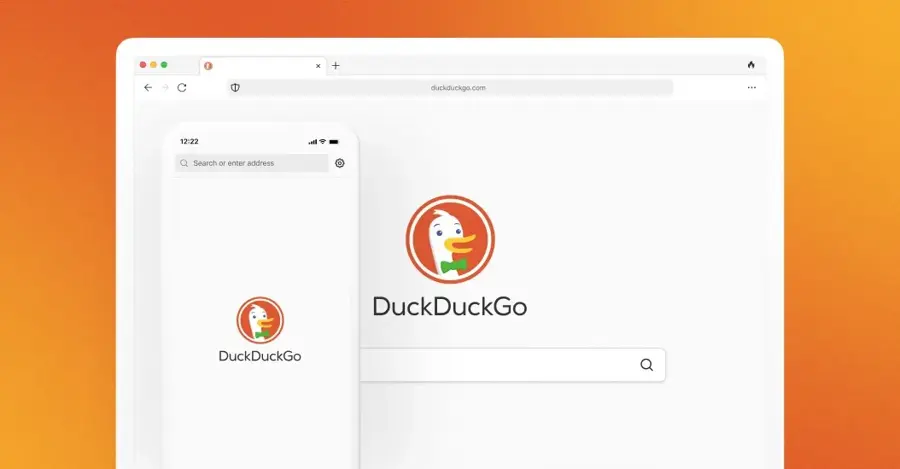
DuckDuckGo Browser is a free privacy browser for desktop and mobile, with optional AI chat and a separate No-AI search mode.
Strengths
DuckDuckGo does offer AI through Duck.ai, but it's opt-in, and you can remove the Duck.ai button from the browser. The bigger draw is No-AI search, which filters AI-generated images out of image results and removes the other AI features completely. Set that as your default and you've got an AI-free search setup in about a minute.
I'd call this the easiest option for a parent or a less technical friend.
Key features
- No-AI search that removes AI answers and filters AI images.
- Duck.ai button you can remove.
- Tracker blocking and a one-tap Fire Button to clear data.
- Apps for Windows, Mac, iPhone and Android.
Pros
- Very simple to set up.
- Works the same on phone and desktop.
- AI chat stays optional.
Cons
- AI is still built in, just hidden.
- Fewer power-user features than Vivaldi.
DuckDuckGo Browser pricing: Free, then optional paid subscriptions for extra services. See pricing
Related: Best non-AI search engines
Verdict: the gentlest way out of AI search for non-technical users.
Choosing the right browser that doesn't use AI
Decide whether a toggle is good enough
Browsers fall into two groups. Vivaldi, Waterfox and Tor Browser have committed in writing or removed AI from the code. Firefox, DuckDuckGo and Brave ship AI but let you hide it (Brave's assistant, Leo, can summarise pages and chat with any tab). If you just don't want pop-ups, a toggle's probably fine. If you object to the AI code being there at all, pick from the first group.
Match the engine to your sites
Chromium browsers like Vivaldi and Ungoogled Chromium load almost every site the way Chrome does. Firefox forks are slightly more likely to hit a site that only tests on Chrome. That's rare, but it happens with some banking and video-call pages.
Pick your search engine as well
A browser without AI can still land you on AI-written search summaries. Pair it with DuckDuckGo No-AI or another option from our list of search engines that don't use AI. If you're curious why this matters at work, our piece on shadow AI covers how AI tools slip into daily workflows unnoticed.
Check update speed before you commit
Small forks live or die by their maintainers. LibreWolf and Ungoogled Chromium follow upstream quickly; Waterfox and Tor Browser follow Firefox's slower extended-support track, which still gets security fixes. Avoid any fork whose last release is months old.
Free vs paid: what you actually get
All eight browsers are free, and none of them locks AI-free browsing behind a paywall. Where money comes in, it's for extras: Mullvad sells a VPN that pairs with its browser, and DuckDuckGo sells a subscription that adds services such as advanced Duck.ai models. Vivaldi, Waterfox, LibreWolf and Tor rely on donations, partnerships or search deals instead.
So you don't need to pay anything to stop AI showing up in your browser. If you do want to spend, I'd put the money toward a donation to the project you use; small teams like Waterfox's and LibreWolf's depend on it.
Final verdict
Most people should install Vivaldi. It has the clearest no-AI promise, it runs Chrome extensions, and it doesn't ask you to give up speed or features. Choose Waterfox if you prefer Firefox. Choose Tor Browser or Mullvad Browser if privacy is the real goal and AI is just one part of it. Firefox with "Block AI enhancements" switched on is an acceptable fallback, though I suspect Mozilla will keep pushing AI harder than its users would like.
FAQ
Which browsers don't use AI?
Vivaldi and Waterfox have both publicly said they won't add LLM features, and Tor Browser removed Firefox's AI features in version 15. Mullvad Browser, LibreWolf and Ungoogled Chromium also ship without AI assistants. Firefox, DuckDuckGo and Brave include AI but let you switch it off in settings.
Can I turn off AI in Firefox?
Yes. Since Firefox 148, desktop settings include an AI controls section with a "Block AI enhancements" toggle. It hides the chatbot sidebar, link previews, AI tab grouping and future AI features, and the choice stays in place after updates. You can also turn individual features on or off.
Are there search engines that don't use AI?
Yes. DuckDuckGo runs a separate No-AI search at noai.duckduckgo.com that removes AI answers and filters AI-generated images. Independent engines like Mojeek build their own index. Our guide to non-AI search engines compares more options.
Does Vivaldi use AI at all?
Vivaldi says it won't use a large language model to add a chatbot, page summaries or AI form-filling. It does leave room for machine learning features later "if more rigorous ways" become available, so it's a strong commitment rather than a permanent ban. For now, there's no AI assistant in the browser.
Is Brave a browser that doesn't use AI?
Not by default. Brave includes Leo, an AI assistant that can summarise pages, translate and chat about open tabs. Brave says Leo doesn't keep chats or use them for training, and you can hide it, but if you want no AI code at all, Vivaldi or Waterfox are better fits.