Cling AI review: Kling 4.0 features, pricing, free plan and verdict
Cling AI is really Kling AI, Kuaishou's video generator. We weigh Kling 4.0's 30-second clips, the credit-based plans and the support complaints.
 Written byDr. Alap ZahidReviews And Guides Editor
Why you can trust The AI Future
Our writers research every product from its official pages, independent tests and user reports, link each claim to its source and correct mistakes openly. Unless an article says otherwise, we haven't tested the product hands-on ourselves. Companies can't pay for coverage or see reviews before they're published.
Read our editorial policy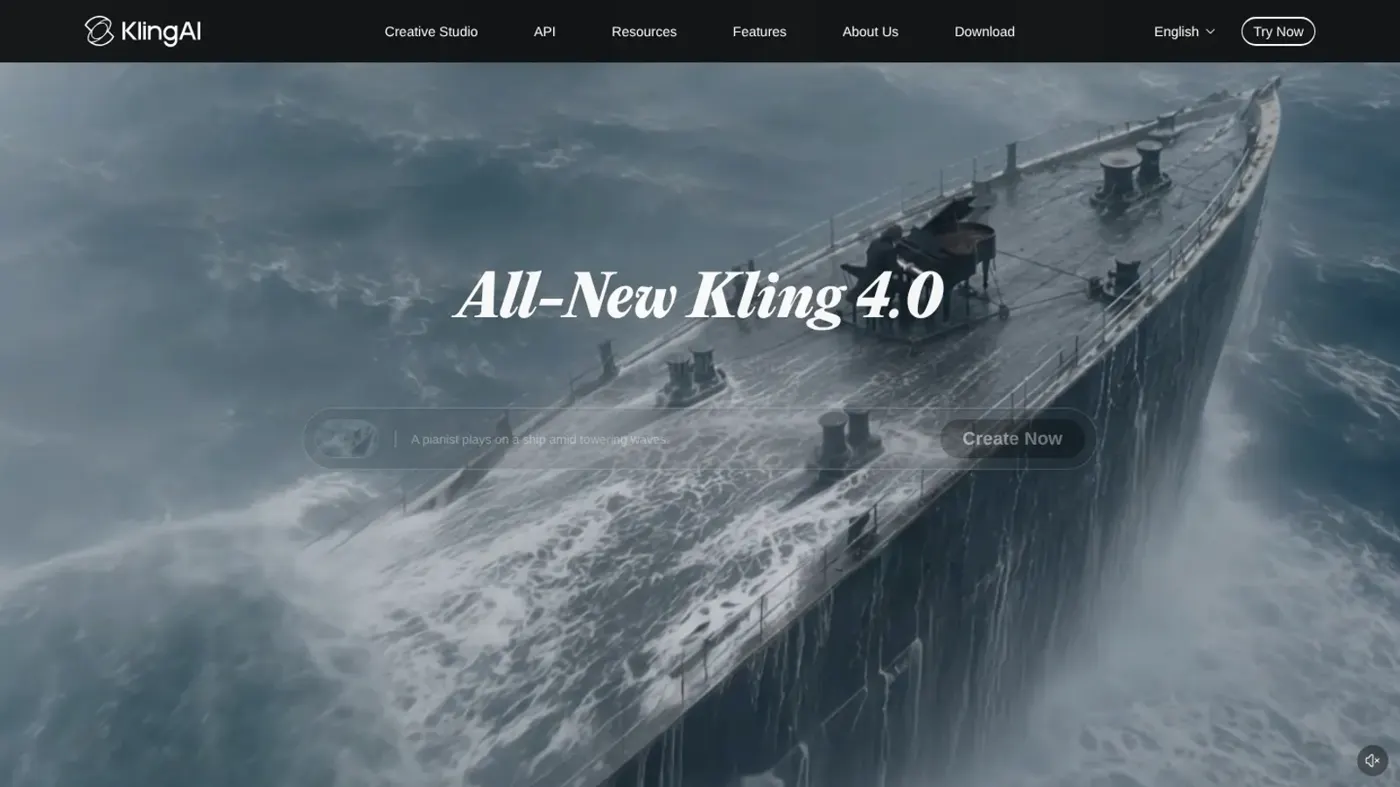
Our verdict on Kling AI (Kuaishou)
Kling AI is one of the strongest AI video generators for short ads and social clips, thanks to Kling 4.0's 30-second clips and Omni Reference. Start on Standard; skip it if you need predictable results or responsive support.
Pricing Free Basic plan; Standard $6.99 first month then $8.80/mo ($79.20/yr); Pro $25.99 first month then $32.56/mo ($293.04/yr); Premier and Ultra+ priced by credit size; API from $500
Visit Kling AI (Kuaishou)If you searched for "Cling AI", you almost certainly meant Kling AI, the video and image generator from Kuaishou, the Chinese company behind the Kuaishou short-video app. It's one of the most capable AI video tools you can pay for right now, and its new Kling 4.0 model can make clips up to 30 seconds long in one go. Is it worth it? For people who make short ads, music videos or social clips, I think yes, as long as you start on the cheapest plan and accept that some credits will go on clips you throw away.
That last part matters more than the spec sheet. The output can look superb; the reliability and the customer support are where people get burned.
Kling AI at a glance
Here's the quick version before the detail.
| Item | Details |
|---|---|
| Made by | Kuaishou Technology |
| What it does | Text-to-video, image-to-video, video editing and image generation |
| Latest video model | Kling 4.0 (launched October 15), plus a faster Kling 4.0 Flash |
| Free plan | Yes: Basic, $0, with a monthly credit claim for non-subscribers |
| Paid plans | Standard from $6.99 for the first month, then $8.80/month |
| Best for | Short ads, product videos, music videos and social clips |
| Our rating | 4 out of 5 |
Kling AI explained
Kling AI is a web app (with mobile apps too) where you describe a shot or upload a picture and get back a video clip. Kuaishou first released it in June 2024, and it's grown quickly into one of the names people compare with OpenAI's Sora, Google's Veo and Runway. The spelling trips people up all the time, hence "cling ai", "kling" and "klingai" all pointing to the same product.
It isn't only a video tool. The homepage leads with Kling 4.0 for video and Kling Image 4.0 for stills, and it now sells a developer API separately from the consumer plans. Kuaishou also leans hard on big-name credits: the site lists two Cannes Lions-winning ads made with Kling, and a feature film, ODYSSEUS: The Fall, whose 135 minutes of visuals were all generated in Kling.
Those are marketing examples, of course. Still, they tell you who Kling is pitching itself to: commercial studios and creators who want footage that could pass in an ad break, not hobbyists making one meme a month.
Key features
Kling 4.0 and 30-second clips
The headline upgrade is length. Kling 4.0 makes clips of up to 30 seconds in a single generation, where most rivals still stop well short of that. Kuaishou says the new model handles fast action, tracking shots and orbit shots more steadily, and it adds two-channel stereo audio with better lip-sync. It also supports a 21:9 ultrawide format, which is handy if you're making anything cinematic.
Some of the shiniest promises aren't live yet. 10-bit HDR output at 4K and 1080p, and extending a video up to two minutes, are both marked "coming soon" in the launch post. I wouldn't buy a plan for those until they show up in your own account.
Omni Reference and keyframes
This is the feature I'd pay attention to if you make branded content. You can feed up to 15 reference assets into one generation: up to 10 images, 5 videos (30 seconds in total) and 7 "subjects", which can include a specific voice. The idea is that your product, mascot or actor stays the same from shot to shot, which has been the weak spot of AI video for years.
On top of that, you can pin up to 10 keyframe images to set the poses, transitions and story beats you want. Prompts can now run up to 8,000 tokens, too.
Editing existing footage
Kling 4.0 can make targeted edits to a clip, such as changing a character's expression, the camera move or the background, while leaving the rest alone. There's also a "recreation" mode that copies the pacing and framing of an existing video while swapping in your own products or characters. That's clearly aimed at ad agencies remaking proven formats (and it'll raise copyright questions if you point it at someone else's work, so be careful).
Languages and accents
Generated speech covers Chinese, English, Japanese, Korean, Spanish, Portuguese, German, French and Hindi, among others. It also handles accents such as American, British and Indian English, and several Chinese dialects including Cantonese and Sichuanese. Text and logos inside the frame are supposed to stay legible during movement, which is a common failure point for AI video.
Kling Image 4.0
The image model gets less attention, but it's there. Kling lists native 8K output, better rendering of small text, sets of related images from one prompt, and long-image generation with layered editing. If you mostly need stills, though, a dedicated tool from our best AI image generators list will probably serve you better.
Canvas and agent
The creation page was rebuilt for 4.0. Inputs now sit in one box, there's a timeline for previewing and editing, and a new canvas lets you lay out nodes and connect assets. There's also an agent you can describe a project to, which then uses Kling's tools to carry out the steps. I'd guess most casual users will ignore the canvas, but teams producing dozens of variants may find it useful.
Kling AI pricing and plans
Kling runs on credits, and every generation costs some. How many depends on the model, the clip length, the resolution and whether audio's switched on, so there's no simple "one plan equals X videos" figure. That's annoying, frankly.
Here are the main monthly plans shown on the membership page:
| Plan | First month | Then per month | Paid yearly | Credits per month |
|---|---|---|---|---|
| Basic | $0 | $0 | $0 | Monthly free claim (size not stated) |
| Standard | $6.99 | $8.80 | $79.20 | 660 |
| Pro | $25.99 | $32.56 | $293.04 | 3,000 |
| Premier | Varies by credit size | Varies | Varies | 8,000 to 38,000 |
Premier comes in several credit sizes, so its price moves a lot depending on which one you pick, and there's a larger Ultra+ tier above it for heavy users. The old Ultra plan is closed to new subscribers. The first-month discounts are one-time offers per account, so budget on the "then per month" column.
The free Basic plan is genuinely free, but thin. Watermark removal and 4K are paid-only, Basic makes one video per generation against four on paid plans, and commercial use is tied to a paid subscription. You'll also find that the often-repeated "66 free credits a day" figure doesn't match the current setup: daily bonus credits go to subscribers, while non-subscribers get a monthly claim when they log in.
Credit expiry is worth knowing before you buy. Monthly subscription credits last 31 days, while credits bought separately last two years. Unused monthly credits disappear when a subscription ends.
The API is a separate purchase, sold as prepaid packages that start at $500. That's for developers building Kling into their own apps, not for individual creators.
Performance and independent testing
Kling's reputation for image quality and motion is strong, and Kuaishou can point to real productions. Amazon's House of David series publicly used AI video generation, and a short film made in Kling, Paper Phone, passed 100 million views across platforms. Those are serious credits for a tool that's been out for little more than two years.
The user reviews tell a rougher story. On Trustpilot, the kling.ai profile sits at 1.5 out of 5 from 36 reviews, and 94% of them are one-star. The older klingai.com profile is lower still, at 1.2 from 448 reviews. Both profiles are unclaimed, and Kling doesn't ask customers for reviews there, so unhappy people are likely over-represented.
Even so, the same complaints keep coming up.
The main one is paying for failures. One reviewer wrote that "Kling charges you for its failures", describing prompts that were ignored and characters whose faces changed between shots, with the credits gone either way. Another said the app added its own audio to an image-to-video ad without warning. A third, who said they'd spent over $1,000, couldn't reset their password and got no useful reply from support.
That pattern seems consistent: when Kling gets a shot right, the result is excellent, but you may need several attempts, and every attempt costs credits. Support is the weakest part of the package as far as I can tell. Honestly, I'd treat any refund as unlikely and only buy credits you're happy to lose.
Best suited to
I think Kling makes the most sense for three kinds of people. The first is marketers and small studios producing product videos and short ads, where Omni Reference can keep a product consistent. The second is music video and social creators who want stylised clips (clay animation, glitch art and felt textures are all supported styles). The third is filmmakers prototyping scenes before a real shoot.
It's a worse fit if you need one perfect clip on a deadline with no budget for retries. It's also a poor pick if you need responsive customer support, or if you're on the free plan and expect to publish watermark-free work commercially. Beginners can get going, but they'll probably want our guide to writing AI video prompts first, because vague prompts burn credits fast.
Kling AI alternatives
Runway
Runway is the usual pick for people who want AI generation inside a fuller editing workflow. In my view it's the closer match for editors, while Kling tends to win on raw clip length.
Google Veo
Veo is Google's video model, available through Google's own apps and tools. It's probably the most direct rival on realism, and it's worth comparing side by side if you already pay for Google's AI plans.
Sora
OpenAI's video app has had a bumpy ride, which we cover in our Sora AI review. For a wider view, our best AI video generators roundup and the image to video AI tools list compare more options, including free ones.
Verdict: should you use Kling AI?
Yes, with a small budget and low expectations of support. Kling 4.0's 30-second clips and Omni Reference are the most useful upgrades I've seen in AI video this year, and the Standard plan at $8.80 a month is a cheap way to find out whether it suits your work. What stops me rating it higher is the credit model: you pay for every miss, and the support complaints are too frequent to wave away.
Skip it if you need predictable results for client deadlines or hate the idea of losing money on failed renders. Everyone else should probably try the free plan, then one month of Standard, before committing to anything bigger.
FAQ
Is Cling AI the same as Kling AI?
Yes. "Cling AI" is a common misspelling of Kling AI, the video and image generator from Kuaishou. The official site is klingai.com.
Is Kling AI free?
There's a free Basic plan, but it's limited: one video per generation, a watermark, no 4K and a monthly credit claim rather than daily credits. Paid plans start at $6.99 for the first month.
How long can Kling AI videos be?
Kling 4.0 makes clips of up to 30 seconds in one generation. Extending videos to two minutes has been announced but is marked as coming soon.
Can I use Kling AI videos commercially?
Commercial use is a paid-subscriber benefit, so I wouldn't use free-plan output for client or ad work. Check the terms on your plan before you publish.
Does Kling AI refund failed generations?
Not as a rule. Credits are spent even when a clip misses your prompt.
Ratings around the web
Ratings as of 18 Nov 2026. Scores change over time; follow the links for the latest.
What we like
- Kling 4.0 makes clips up to 30 seconds in one generation
- Omni Reference takes up to 15 reference assets for consistent characters and products
- Up to 10 keyframes for control over story beats
- Native audio with stereo and lip-sync in many languages
- Cheap entry plan at $8.80 a month
What could be better
- Credits are spent on failed or off-prompt generations
- Poor customer support in user reviews
- Free plan is watermarked with no commercial use
- 4K HDR and two-minute extension still marked coming soon