8 best AI Christmas card generators in 2026, compared
Canva, Adobe Express, Gemini, ChatGPT and four more AI Christmas card generators, compared on price, print output, text accuracy and free plan limits.
 Written byFahad HashmiContributing writer, AI in energy and industry
Why you can trust The AI Future
Our writers research every product from its official pages, independent tests and user reports, link each claim to its source and correct mistakes openly. Unless an article says otherwise, we haven't tested the product hands-on ourselves. Companies can't pay for coverage or see reviews before they're published.
Read our editorial policy
Here's the short version. If you want a finished, printable card with the least fuss, an AI Christmas card generator built on templates (Canva or Adobe Express) is the safer bet, because the layout, fonts and print sizing are handled for you. If you want original artwork from a family photo or a written prompt, Google Gemini and ChatGPT both make card art on their free plans, and you can drop the image into a template afterwards.
That split matters more than any single feature. Template tools give you a card; image generators give you a picture. I've ranked eight AI Christmas card makers below with prices checked in November 2026, and I'll be upfront about where each one falls over (AI still mangles names and greetings more often than you'd hope).
Key takeaways
- Canva is my pick for most people, since its free plan includes 1.6M+ templates and limited AI, and Pro costs $144 a year.
- Gemini's free plan includes image generation and editing, which makes it the cheapest way to turn a family photo into card art.
- Check every word of generated text before you print, because AI image models still misspell names and short greetings.
- Most free plans cap AI use or exports, so a one-off batch of 20 cards may still be cheaper on a single paid month.
Our ranking method
Nobody at The AI Future ran hands-on tests for this roundup, and we didn't make our own screenshots. We compared each tool using its official plan pages, product pages, independent write-ups and public ratings on Trustpilot, Capterra and the App Store, as of early November 2026. We ranked them on six criteria:
- Card output asks whether you end up with a laid-out card or just an image.
- Text handling covers how reliably a tool puts your greeting and names on the card.
- Photo input checks whether you can start from your own family or pet photo.
- Free plan value looks at what you can make and export without paying.
- Paid value is the cheapest plan that removes the annoying limits.
- User sentiment is drawn from public ratings and written reviews.
Template-based tools rank higher because they finish the job. Pure image generators rank lower for cards specifically, even though some of them make prettier pictures.
The 8 best AI Christmas card generators at a glance
| # | Tool | Category | Best for | Free tier | Starts at |
|---|---|---|---|---|---|
| 1 | Canva | Design app | Most people | Yes (limited) | $144/yr |
| 2 | Adobe Express | Design app | Templates plus Firefly art | Yes (limited) | $9.99/mo |
| 3 | Google Gemini | AI assistant | Photo-based card art | Yes | $4.99/mo |
| 4 | ChatGPT | AI assistant | Illustrated cards and messages | Yes (limited) | $8/mo |
| 5 | Picsart | Mobile editor | Making cards on your phone | Yes (limited) | $10.50/mo |
| 6 | Venngage | Design app | Office and client cards | Yes (limited) | $19/mo |
| 7 | Magnific | Image generator | High-volume art | No | $14.50/mo |
| 8 | getimg.ai | Image generator | Guided photo-to-card art | No | $15/mo |
Notes: Canva's $144 is the yearly Pro price for one person, Picsart, Magnific and getimg.ai prices are monthly equivalents of annual billing, and Venngage's $19 comes from Capterra's listing. Magnific and getimg.ai didn't show a free tier on the plan pages we read.
The best AI Christmas card generators in 2026, ranked
Canva – best for most people
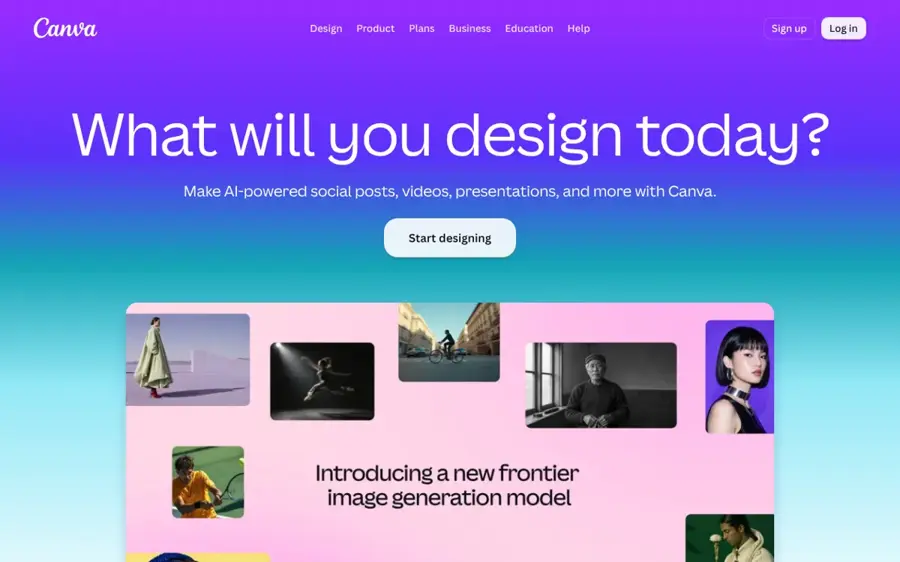
Canva is a drag-and-drop design app with card templates, built-in AI image tools and its own print service, so you can go from idea to a posted card in one place.
Strengths
Canva wins because it finishes the card. On the plans page, the free tier already includes 1.6M+ templates and "limited access to Standard and Premium AI", while Pro jumps to 3.6M+ templates and "10x more AI than Canva Free". Krea, which sells a competing generator, puts the free allowance at up to 20 AI uses. That's enough for a handful of card drafts, not a whole season of experiments.
Users seem happy with it. Canva holds 4.0 from 8,249 reviews on Trustpilot, where one reviewer wrote: "Very user friendly. Very professional results without being a professional graphic artist."
Key features
- Free and premium card templates you can edit in a browser or the mobile app.
- AI image generation and editing that share a monthly allowance by plan.
- Canva Print, with a 10% print discount on Business and Enterprise where print is offered.
- Background removal, resizing and translation on Pro.
- 5GB of storage free, 100GB on Pro.
Pros
- You get a finished, print-sized card instead of a loose image.
- The free template library is huge.
- Printing and posting can happen in the same app.
Cons
- The free AI allowance runs out quickly.
- Some elements carry watermarks unless you pay.
- One Trustpilot reviewer was charged for a Business plan after forgetting to cancel a trial.
Canva pricing: Free, then Pro at $144 a year for one person (checked November 2026). See pricing
Related: Best free AI graphic generators Best AI image generators
Adobe Express – best for templates plus Firefly art
Adobe Express is Adobe's template-first design app, with Firefly text-to-image and editing tools built into the card editor.
Strengths
Adobe Express works a lot like Canva, and for a Christmas card that's a compliment. Krea's September 2026 breakdown lists 100,000+ static and video templates on the free plan, plus free daily Firefly generations (Adobe doesn't publish the exact count). Premium adds 250 generative credits a month, brand kits and 100GB of storage.
There's a catch on image quality, and it comes from a rival, so weigh it accordingly: Krea says Firefly models "trail the frontier on photorealism and prompt adherence". For a stylised card with holly and snowflakes, I doubt you'd notice. On Capterra, one user summed it up as "pretty nice to use and gives a taste of Adobe features for free or at a really low cost."
Key features
- Over 100,000 templates on the free plan.
- Firefly text-to-image, text effects and background removal inside the editor.
- 250 generative credits a month on Premium.
- One-click resize for turning a print card into a social post.
- Works in a browser and on iOS and Android.
Pros
- The free plan needs no payment card.
- Premium is cheap at $9.99 a month.
- Capterra's listing describes the Premium credits as commercially safe.
Cons
- Adobe doesn't say how many free generations you get per day.
- Firefly images may look less realistic than newer models.
- Premium templates and brand kits sit behind the paywall.
Adobe Express pricing: Free, then paid plans from $9.99/month (checked November 2026). See pricing
Related: Best AI image generators
Google Gemini – best for photo-based card art
Google Gemini is Google's AI assistant, and its Nano Banana 2 image model can restyle your own photos into festive card artwork from a plain-English request.
Strengths
For turning a photo of your family (or your dog in a jumper) into card art, Gemini is probably the best value here. Image generation and editing are listed on the free tier on Google's plans. The App Store listing says Nano Banana 2 can blend multiple images and "design posters with sharp text", which is exactly what a card front needs.
Paid tiers are cheap. TechRadar reported that Google cut AI Plus to $4.99 a month with "twice as high" usage limits, and AI Pro costs $19.99 and can be shared with five family members, going by Izzedo's comparison. Public sentiment is rough, though: Gemini scores 1.4 from 1,443 reviews on Trustpilot, mostly over voice commands and wrong answers rather than images.
Key features
- Image generation and editing on the free plan.
- Blends several photos into one scene.
- Camera and lighting controls for edits.
- Resize outputs after generating.
- AI Plus at $4.99 a month includes 400GB of Google storage.
Pros
- The free plan covers occasional card art.
- It edits your own photos, not just new images.
- The cheapest paid tier is $4.99.
Cons
- You get an image, not a laid-out, print-ready card.
- Trustpilot ratings are very low.
- Google doesn't publish exact image limits for each plan.
Google Gemini pricing: Free, then paid plans from $4.99/month (checked November 2026). See pricing
Related: Gemini vs ChatGPT
ChatGPT – best for illustrated cards and messages
ChatGPT is OpenAI's assistant, and it can write the card message and generate the illustration in the same chat.
Strengths
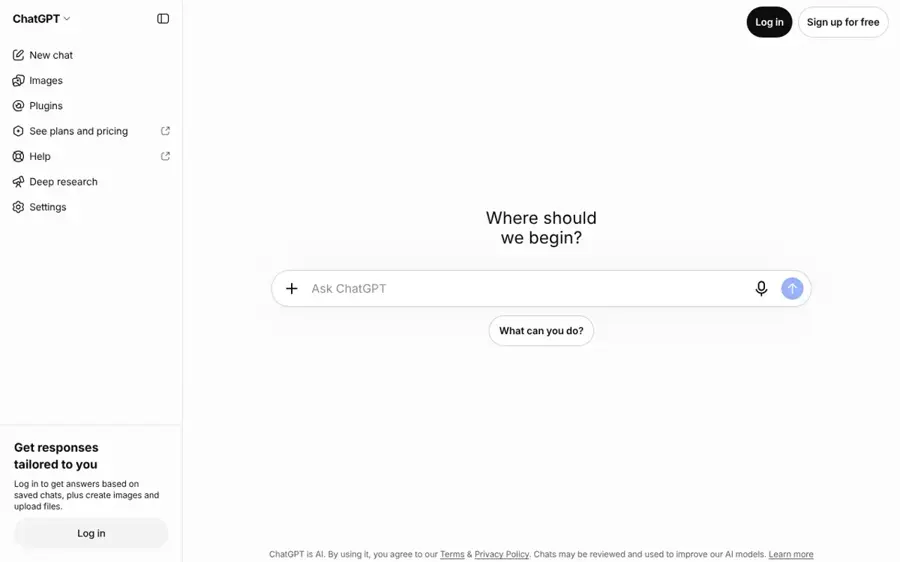
ChatGPT is the tool I'd use when the words matter as much as the picture. OpenAI's own App Store listing mentions creating "a personalized greeting card", and you can ask for a funny verse, then a matching watercolour scene, without switching apps. On the pricing page, Free gets "limited image creation", Go gets more, Plus adds "more complex and accurate image creation" and Pro is listed as unlimited.
Users are not kind to it overall. ChatGPT sits at 1.6 from 3,935 reviews on Trustpilot, with complaints about unexpected subscription charges and sudden usage limits. Go costs $8 and "may include ads", per TechRadar.
Key features
- Writes card messages and generates images in one conversation.
- Edits an uploaded photo from a text description.
- Limited image creation on the free plan.
- Faster, unlimited image creation on Pro.
- Apps on web, iOS and Android.
Pros
- The message and the picture come from one chat.
- Plus improves accuracy on complex images.
- Free plan is enough for a few drafts.
Cons
- No card templates or print sizing.
- Free image limits aren't published as a number.
- Low Trustpilot score, mainly over billing and limits.
ChatGPT pricing: Free, then paid plans from $8/month, with Plus at $20 (checked November 2026). See pricing
Related: ChatGPT with GPT-6 review Best alternatives to ChatGPT
Picsart – best for making cards on your phone
Picsart is a mobile-first photo editor and design app with templates, AI image generation and a chat assistant called Aura.
Strengths
If you'll make the card on your phone while the kids are still in their pyjamas, Picsart fits. Its App Store listing says Aura uses Nano Banana for image generation, and you also get templates, background removal and object removal in the same app. The plan comparison lists premium templates, PNG and PDF export and a batch editor that handles up to 50 images at once.
It rates well. Picsart scores 4.4 from 1,800 reviews on Trustpilot, and one reviewer called it the "best overall graphic design and photo editor available for sure". Subscription costs come up as a mixed point in the same reviews.
Key features
- Aura chat assistant that generates and edits images.
- Customisable templates for posters, cards and stories.
- Background and object removal.
- A batch editor for up to 50 images at once.
- 100GB of cloud storage on Pro.
Pros
- Strong mobile app.
- Good Trustpilot rating.
- Pro is $10.50 a month billed yearly.
Cons
- Premium templates and fonts need Pro.
- AI is credit-based, so heavy use pushes you to Ultra at $60 a month.
Picsart pricing: Free, then paid plans from $10.50/month billed yearly or $15 monthly (checked November 2026). See pricing
Related: Best AI image from photo tools
Venngage – best for office and client cards
Venngage is a business design app whose AI Christmas card generator writes the message and builds the layout from a single prompt.
Strengths
Venngage is the most business-minded pick. Its Christmas card generator produces the message, layout, colour palette and typography together, and the Brand Kit applies your company fonts, colours and logo, which suits a card sent to 200 clients. You can export a printable PDF or PNG, or share a private link.
The free plan is thin, though. On the plans page, Free gets 80 daily AI credits, 5 designs and public sharing only; PNG export starts on Premium and PDF export on Business. Capterra lists Premium at $19 and Business at $49 per user per month. It holds 4.6 from 210 reviews on Trustpilot, but Trustpilot flags that the company "hasn't invited customers recently, so reviews may not be representative".
Key features
- AI writes the greeting and designs the card from one prompt.
- Brand Kit for company fonts, colours and logos.
- AI Icon Generator for festive details.
- Printable PDF export on Business.
- Private share links on paid plans.
Pros
- Built for corporate and bulk office cards.
- Generates copy and design together.
- High Trustpilot score.
Cons
- The free plan can't download PNGs.
- PDF export needs the $49 Business plan.
- Pricier than Canva or Adobe Express for one person.
Venngage pricing: Free, then paid plans from $19/month (checked November 2026). See pricing
Related: Best free AI graphic generators
Magnific – best for high-volume art
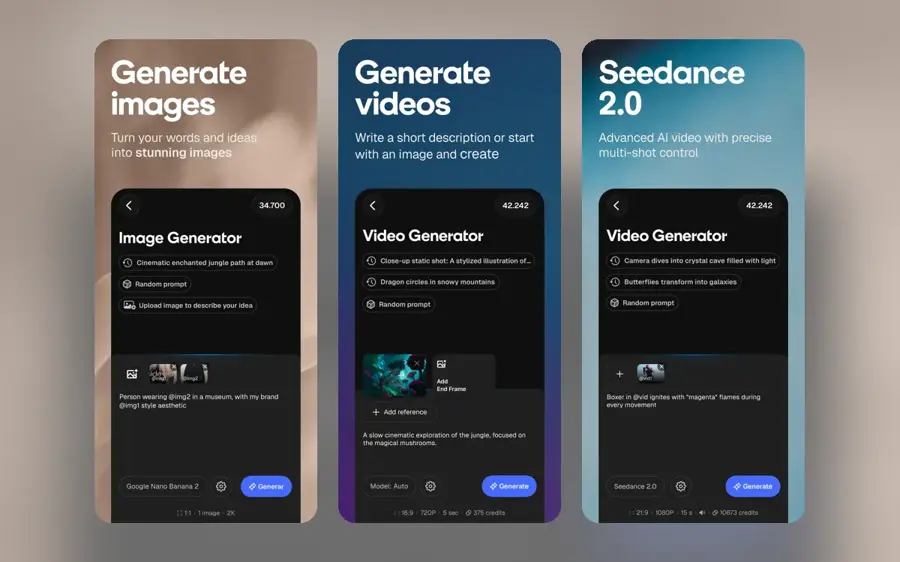
Magnific, the AI suite formerly called Freepik, bundles dozens of image and video models, stock assets and upscalers under one credit plan.
Strengths
Magnific makes sense if you want to generate lots of options and pick the best. The plans page lists Premium at $14.50 a month billed yearly with 240K credits a year that don't reset monthly, and a Nano Banana 2 2K image costs 75 credits. You also get 250M+ stock assets and a commercial AI licence.
Reviews are mixed but decent: 3.9 from 3,227 on Trustpilot. One reviewer said "The tool is intuitive, produces high-resolution images, and is also very fast", while another was disappointed that the AI music section from the Freepik days had gone.
Key features
- Access to 30+ models, including Nano Banana 2 and Nano Banana Pro.
- Yearly credit pool instead of monthly resets.
- Magnific image upscalers for print-size output.
- Brand Kit with the Magnific One image model.
- Unlimited Nano Banana 2 (1K) on the $33.75 Plus plan.
Pros
- Lots of models in one subscription.
- Built-in upscaling helps with print resolution.
- Commercial licence on paid plans.
Cons
- No free tier on the plans page.
- No card templates, so layout is up to you.
- The credit table is long and confusing.
Magnific pricing: No free plan listed, paid plans from $14.50/month billed yearly or $20 monthly (checked November 2026). See pricing
Related: Best AI image enlargers Best AI image generators
getimg.ai – best for guided photo-to-card art
getimg.ai is an AI image generator with a dedicated Christmas card maker that builds card artwork from prompts and reference photos.
Strengths
I like how honest getimg.ai's card maker page is. It tells you to put the exact greeting in quotation marks, and it says plainly that "the result is generated artwork, not an automatically assembled folded-card print file or interactive e-card." It also warns that stronger stylisation can change smaller facial and clothing details in your reference photo.
Ratings are thin. getimg.ai has 2.7 from just 11 reviews on Trustpilot, which is too small a sample to judge either way.
Key features
- Reference photo upload for family, couple and pet cards.
- Smart image resizer for different card and social sizes.
- 4K upscaling on the cheapest plan.
- Commercial rights on paid plans.
Pros
- Clear guidance on getting text right.
- Upscaling helps with printing.
- A card-specific workflow, not just a blank prompt box.
Cons
- No print-ready card layout.
- Very few public reviews.
- Cheapest plan is billed yearly at $180.
getimg.ai pricing: No free plan listed, paid plans from $180 billed yearly, about $15/month (checked November 2026). See pricing
Related: Best AI image generators
Choosing the right AI Christmas card generator
Decide between a card and a picture first
Canva, Adobe Express, Picsart and Venngage give you a laid-out card. Gemini, ChatGPT, Magnific and getimg.ai give you artwork. If you pick an image generator, budget five minutes to place the art into a template, or you'll end up printing a square image on a rectangular card.
Type the greeting yourself when it has to be right
AI models are much better at lettering than they were, but a misspelt surname on 40 printed cards is an expensive mistake. My advice: generate the artwork with space left blank, then add "Merry Christmas from the Okafor family" as real text in the editor. That way it's editable and spelt correctly every time.
Check the export format before you design
Print shops usually want a PDF or a high-resolution PNG. Venngage's free plan can't export PNGs, and getimg.ai and Magnific lean on upscalers to reach print size. A 5x7 inch card printed at 300 DPI needs 1,500 by 2,100 pixels, so a 1K image won't cut it without upscaling.
Pay for one month, not a year
Most people make cards once a year. A single month of Adobe Express Premium at $9.99 or Gemini AI Plus at $4.99 probably covers a full batch, and you can cancel before January.
Common failure points for AI cards
Text is the most common failure. Even models that advertise sharp lettering can swap letters in names or duplicate a word, so read the card at full size before you order prints.
Faces are the next problem. getimg.ai warns that heavy stylisation changes facial and clothing details, and the same applies to any tool restyling a photo; if your gran needs to look like your gran, keep the transformation light. Hands and fingers still go wrong too, for reasons covered in why AI struggles with hands.
Then there's consent: only use photos of people who're happy to be on the card.
Free vs paid: what you actually get
Free plans are fine for one or two designs. The limits show up when you try ten variations or need a print file.
| Tool | Free plan | Cheapest paid plan adds |
|---|---|---|
| Canva | 1.6M+ templates, limited AI | 10x more AI, premium templates ($144/yr) |
| Adobe Express | 100,000+ templates, unpublished daily AI limit | 250 credits a month ($9.99/mo) |
| Google Gemini | Image generation and editing | Twice the free limits, 400GB storage ($4.99/mo) |
| ChatGPT | Limited image creation | More image creation, may include ads ($8/mo) |
| Venngage | 80 daily AI credits, 5 designs, public link only | PNG export, unlimited designs ($19/mo) |
Here's a worked example with Magnific's numbers. Premium gives you 240,000 credits a year, and a Nano Banana 2 2K image costs 75, so that's 3,200 images. Say you try 30 card ideas with four variations each: 120 images, or 9,000 credits. That's under 4% of the year's pool, which tells you a paid image plan is overkill for one family's cards. I'd only pay for Magnific if you also use it for work.
Final verdict
For most households, I think Canva is the right AI Christmas card generator: the free plan probably covers a simple card, and you can print from the same app. Adobe Express is a close second and cheaper per month if you only need Premium for December. If your card starts with a family photo, I'd generate the art in Gemini's free plan first and lay it out in Canva afterwards. Honestly, that two-step combo costs nothing and likely beats any single tool here. Venngage only makes sense for company cards, where brand kits and bulk sends matter.
FAQ
Is there a free AI Christmas card generator?
Yes. Canva, Adobe Express, Picsart and Venngage all have free plans with limited AI, and Gemini and ChatGPT include image generation on their free tiers. The free plans cap AI uses or exports, so check that you can download a print-quality file before you spend time designing.
Can AI put my family photo on a Christmas card?
Yes. Gemini, ChatGPT, Picsart and getimg.ai can all restyle an uploaded photo into festive artwork. Keep the style change light if likeness matters, since stronger transformations can alter faces and clothing. Then place the result in a card template so the layout and text are under your control.
Can AI write the message inside a Christmas card?
Yes. ChatGPT and Venngage both write card messages from a short prompt, such as a funny note for a coffee-loving friend or a formal thank-you to a long-standing client. Give it the recipient, tone and length, then edit the draft so it sounds like you rather than a template.
Are AI Christmas cards good enough to print?
Usually, if you check two things. A 5x7 inch card at 300 DPI needs roughly 1,500 by 2,100 pixels, so upscale smaller images first. Then proofread every word on the card at full size, because AI-generated lettering can still misspell names and short greetings.