7 best AI family photo tools in 2026, compared side by side
The best AI family photo tools for 2026, from free Gemini portraits to Christmas cards, old photo restoration and Pixel's Add Me, plus privacy tips for kids' photos.
 Written byMuhammad Usman SiddiquiFounder and editor-in-chief
Why you can trust The AI Future
Our writers research every product from its official pages, independent tests and user reports, link each claim to its source and correct mistakes openly. Unless an article says otherwise, we haven't tested the product hands-on ourselves. Companies can't pay for coverage or see reviews before they're published.
Read our editorial policy
Short answer: if you want an AI family photo without paying anything, start with Google Gemini. Its Nano Banana image model is free to use, it takes your own photos as a starting point, and it'll turn a messy living-room snapshot into a festive portrait in a few prompts. If you'd rather talk your way through edits, ChatGPT is the close second; if you need the result on a printed card, finish it in Canva.
Everything else on this list is a specialist. Some are good at old family photos, one is a phone camera trick that gets the photographer into the shot, and one is mainly about sharpening blurry faces. I've stopped at seven, because the other candidates didn't add anything new.
Key takeaways
- Google Gemini is the best free starting point for an AI family portrait, and paid Google AI plans start at $7.99 a month.
- ChatGPT is better if you like describing changes back and forth, and its cheapest paid plan, Go, costs $8 a month.
- For old or damaged family photos, a restoration tool like MyHeritage beats a general image generator.
- If the problem is simply that one parent is never in the picture, Pixel's Add Me feature fixes it with two real photos instead of a generated one.
- Photos of children are personal data, so check each app's training and retention settings before you upload anything.
Our ranking method
Nobody at The AI Future ran hands-on tests for this roundup, and there are no original screenshots here. We compared each tool using official product and pricing pages, help articles, published coverage and public user reviews, as of late October 2026. The criteria were:
- Family fit asks how well the tool handles real people from your own photos, including groups.
- Ease of use covers whether a non-designer can get a decent result on a phone.
- Free access looks at what you get before paying.
- Paid value compares the cheapest useful plan with what it adds.
- Privacy controls checks whether you can stop your uploads being used for training or reviewed by people.
- User sentiment uses Trustpilot scores and individual reviews, read with care, since many reviews cover the wider product rather than photo features.
I left out apps built around undressing people, changing bodies or making sexual images. They don't belong in a family roundup, and making intimate or deceptive images of real people without their consent is harmful and illegal in many places.
The 7 best AI family photo tools at a glance
| # | Tool | Category | Best for | Free tier | Starts at |
|---|---|---|---|---|---|
| 1 | Google Gemini | AI image generator | Free AI family portraits | Yes | $7.99/mo |
| 2 | ChatGPT | AI image generator | Conversational edits | Yes (limited) | $8/mo |
| 3 | Canva | Design app | Christmas cards and prints | Yes (limited) | $12/mo |
| 4 | Picsart | Photo editor | Editing on your phone | Yes (limited) | $10.50/mo |
| 5 | MyHeritage | Photo restoration | Old family photos | Yes (limited) | Paid plans vary |
| 6 | Pixel Add Me | Camera feature | Getting everyone in the shot | Yes | Free |
| 7 | Remini | Photo sharpening | Fixing blurry faces | Yes (limited) | Weekly plans |
Notes: Canva's $12 is the $144 yearly Pro price split by month, and Picsart's is Pro billed yearly. I couldn't confirm MyHeritage or Remini prices.
The best AI family photo tools in 2026, ranked
Google Gemini – best for free AI family portraits
Google Gemini is Google's AI assistant, and its built-in Nano Banana model can generate new images or edit the photos you upload, which makes it the easiest free way to turn family snapshots into a styled portrait.
Strengths
The big draw is that it starts from your real photo. Upload a picture, ask Gemini to swap the background for a snowy cabin or put everyone in matching red jumpers, and it tries to keep the faces you gave it. Going by Google's own image page, you can change the background, replace an object or add an element "all while preserving the details you love". Free users get Nano Banana; paid Google AI Plus, Pro and Ultra users get Nano Banana 2.1 and a "Redo with Pro" option. Google also stamps a visible watermark and an invisible SynthID watermark on its images, which I think is the right call for family pictures that might get shared widely.
Public sentiment is a different story. Gemini scores 1.4 out of 5 on Trustpilot from 1,420 reviews, but most complaints are about the assistant generally. One reviewer wrote that it "Can't manage to follow more than one command", which matches the frustration you'll probably hit if you pile five changes into a single prompt. Ask for one change at a time.
Key features
- Edits uploaded photos with plain-language instructions.
- Can apply the style of one reference photo to another image.
- Puts readable text into images, which helps with "Merry Christmas" cards.
- Adds visible and SynthID watermarks to generated images.
Pros
- Nano Banana is available on the free plan.
- Keeps faces from your uploaded photos when editing.
- Cheapest paid tier is only $7.99 a month.
Cons
- Free use is rate-limited.
- Some chats are read by human reviewers.
- Trustpilot sentiment is poor.
Verdict: if you only try one tool for a holiday family portrait, make it this one.
Google Gemini pricing: Free, then paid plans from $7.99/month for Google AI Plus (checked October 2026), per Android Central. AI Pro is $19.99 a month. See pricing
Related: Gemini AI vs ChatGPT Best AI image generators
ChatGPT – best for conversational edits
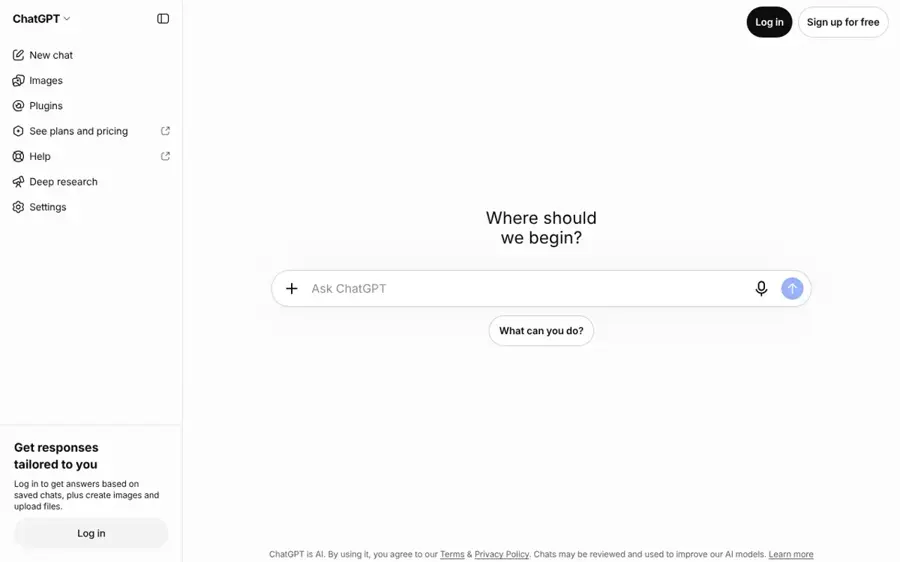
ChatGPT is OpenAI's assistant, and its ChatGPT Images feature lets you upload a family photo and refine it over a conversation, which suits people who like to tweak things step by step.
Strengths
Image generation is on every plan, including Free, according to a SmartScope summary of OpenAI's help pages dated October 5, 2026. The catch is that OpenAI doesn't publish exact image limits, so you won't know your cap until you hit it. Go gets higher limits than Free; Plus adds "Images with thinking" on top. For families with teens, SmartScope also notes that parents or guardians can restrict image creation and editing on teen accounts.
Like Gemini, ChatGPT gets rough treatment on Trustpilot: 1.6 out of 5 from 3,899 reviews. One reviewer summed up the inconsistency nicely: "Some days it runs like a dream". Most of the complaints there are about coding, accuracy and limits rather than images, so I wouldn't read too much into the score for this job.
Key features
- Generates and edits images inside a normal chat.
- Plus and higher plans add Images with thinking.
- Parents can restrict image tools on teen accounts.
- Temporary chats aren't used to train OpenAI models.
Pros
- Image tools on the free plan.
- Easy to refine a picture through follow-up messages.
- Clear privacy switches for training.
- Go costs $8 a month.
Cons
- Image limits aren't published.
- Free and Go plans may show ads.
- Training is switched on by default for personal accounts.
Verdict: choose ChatGPT if you'd rather chat your way to the picture than write one perfect prompt.
ChatGPT pricing: Free, then paid plans from $8/month for Go and $20/month for Plus (checked October 2026), per Zapier. See pricing
Related: ChatGPT with GPT-6 review Best AI like ChatGPT
Canva – best for Christmas cards and prints
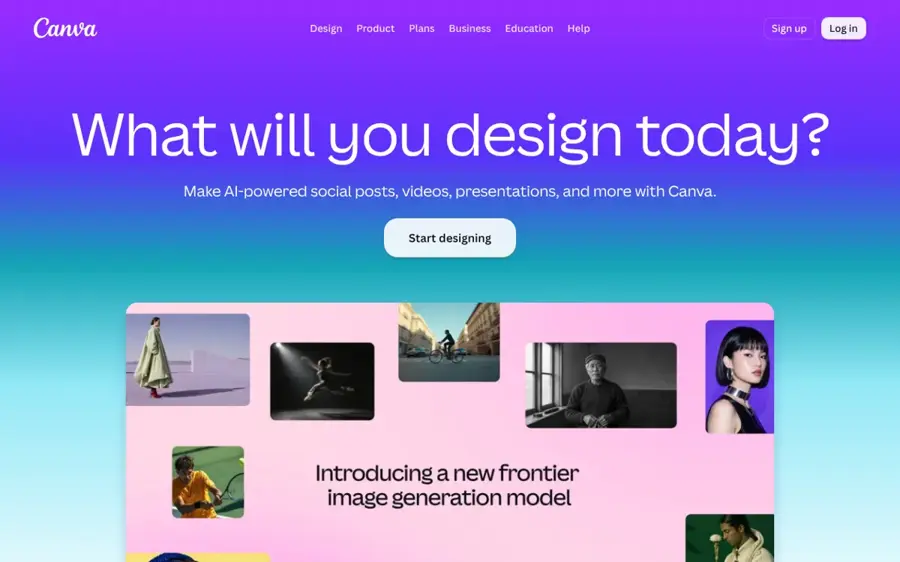
Canva is a drag-and-drop design app with an AI image generator built in, and it's where I'd take a finished family portrait to turn it into a card, calendar or print.
Strengths
Canva isn't the strongest generator here, but it's the best finisher. Its AI Image Generator can start from a text prompt or a reference photo, with style options such as Photo, Cinematic and Bokeh, and the result lands straight on your design. The free plan includes 1.6 million templates and "Limited access" to its AI tools; Pro raises that to 10 times more AI than Free, plus premium templates.
On Trustpilot, Canva holds 4.0 out of 5 from 8,119 reviews. A recent reviewer put the main gripe plainly: "I Love using Canva i just wish there were less premium required things". Expect to hit a few Pro-only elements when you're designing a card.
Key features
- Generates images from text or a reference photo.
- 1.6 million free templates, 3.6 million on Pro.
- Background remover and resize tools on Pro.
Pros
- Easiest route from portrait to printed card.
- Generous free template library.
- Works offline with Canva Offline.
Cons
- Free AI use is limited.
- Many elements need Pro to remove watermarks.
- Generator is weaker at keeping faces than Gemini.
Verdict: make the portrait elsewhere, then lay out the card here.
Canva pricing: Free, then Pro from $144/year, about $12/month (checked October 2026). See pricing
Related: Best AI image generators
Picsart – best for editing on your phone
Picsart is a photo and video editor for phone and web that bundles retouching, background removal and several AI image models, including Google's Nano Banana, into one app.
Strengths
If you'd rather stay on your phone, Picsart covers a lot in one place. Its App Store listing lists object removal, background changes, AI retouching and an assistant called Aura that uses Nano Banana for image generation. That last point matters: you're getting a similar model to Gemini, wrapped in a full editor. The paid Pro plan includes a monthly credit allowance for Nano Banana Pro generations.
Picsart scores 4.4 out of 5 on Trustpilot across 1,781 reviews. One September 2026 reviewer called it the "Best overall graphic design and photo editor available for sure". Bear in mind it was an invited review, like many on that page.
Key features
- Object remover for clearing photobombers.
- Smart Background for swapping in a festive backdrop.
- Aura assistant for chat-based image edits.
- Batch editor for up to 50 images at once.
Pros
- Free app on iPhone and Android.
- Good set of manual retouching tools.
- Access to several AI models in one place.
Cons
- Credit-based AI use is hard to predict.
- Many Trustpilot reviews are invited.
- Busy interface with a lot of upsells.
Verdict: pick it if you want manual tools too.
Picsart pricing: Free app, then Pro from $10.50/month billed yearly ($15 list price) (checked October 2026). See pricing
Related: Best AI picture tools Best image combiner AI tools
MyHeritage – best for old family photos
MyHeritage is a family history service with AI photo tools that colourise, sharpen, repair and animate old family pictures.
Strengths
This is the one I'd pick for Grandma's shoebox. MyHeritage In Color, the colourisation tool, uses technology licensed from DeOldify, and its help article says a photo typically takes 5 to 30 seconds. Your original stays untouched. The wider Photo subscription adds face sharpening, scratch and tear repair, Deep Nostalgia face animation and 20 LiveMemory videos a year.
MyHeritage holds 4.4 out of 5 on Trustpilot from more than 109,000 reviews, though much of that is about genealogy rather than photos. Usability is the common complaint. "I think your website is quite difficult to use", wrote one October 2026 reviewer.
Key features
- Colourises black-and-white photos and restores faded colour.
- Sharpens blurry faces in family photos.
- Repairs scratches and tears.
- Animates faces with Deep Nostalgia.
Pros
- Built for old family photos specifically.
- Keeps the original untouched.
- A few free colourisations to try it.
Cons
- Free results carry a MyHeritage watermark.
- Plan structure is confusing.
- Auto-renewal complaints show up in reviews.
Verdict: worth paying for if you've got a box of old prints; skip it for new festive portraits.
MyHeritage pricing: A few free colourisations, then a Photo, Complete or Omni subscription; I couldn't confirm current prices (checked October 2026). See pricing
Related: Best AI picture tools
Pixel Add Me – best for getting everyone in the shot
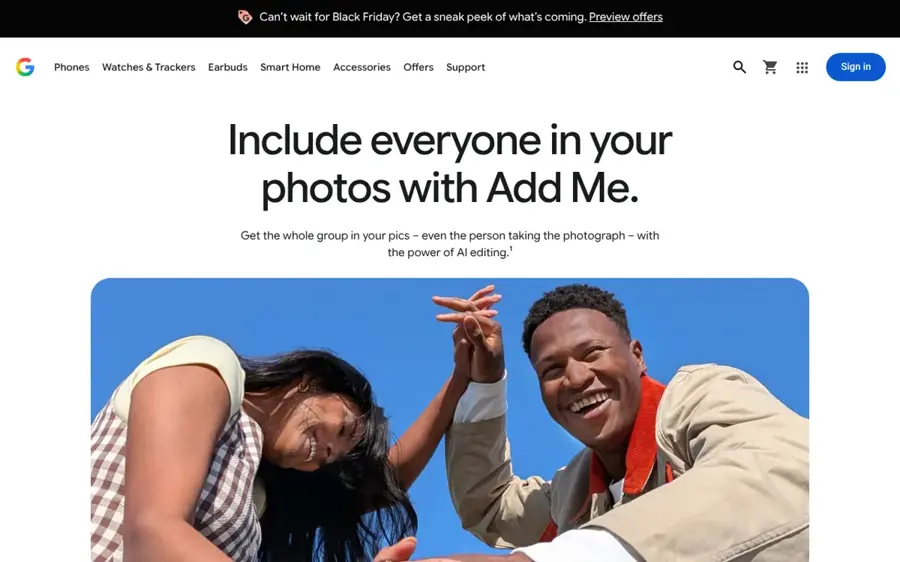
Pixel Add Me is a camera feature on Google Pixel phones that merges two real photos so the person who took the first one appears in the final group shot.
Strengths
Honestly, this is my favourite idea on the list, because nothing about the people is invented. You take a group photo, swap places with someone, and augmented reality guides the second photographer to line up the shot before the two takes are stitched together. Google's Add Me page says it can cope with a group of 20 people (and even pets). It launched with the Pixel 9 series, and Google's blog post explains its models run on the phone's own chip.
In a how-to by Tom's Guide, the feature was called "one of the most user-friendly" of the Pixel 9's AI tools.
Key features
- Merges two takes from the same session into one photo.
- Viewfinder guidance shows where the missing person should stand.
- Handles large groups and pets.
Pros
- Real photos, not generated faces.
- No extra cost on a supported Pixel.
- On-device processing.
Cons
- Only on Pixel phones.
- Needs a second person to take the other shot.
- Can't help with photos you've already taken.
Verdict: own a recent Pixel? Use it first.
Pixel Add Me pricing: No extra charge; it's built into the camera app on supported Pixel phones (checked October 2026). See details
Related: Best AI photo booth tools
Remini – best for fixing blurry faces
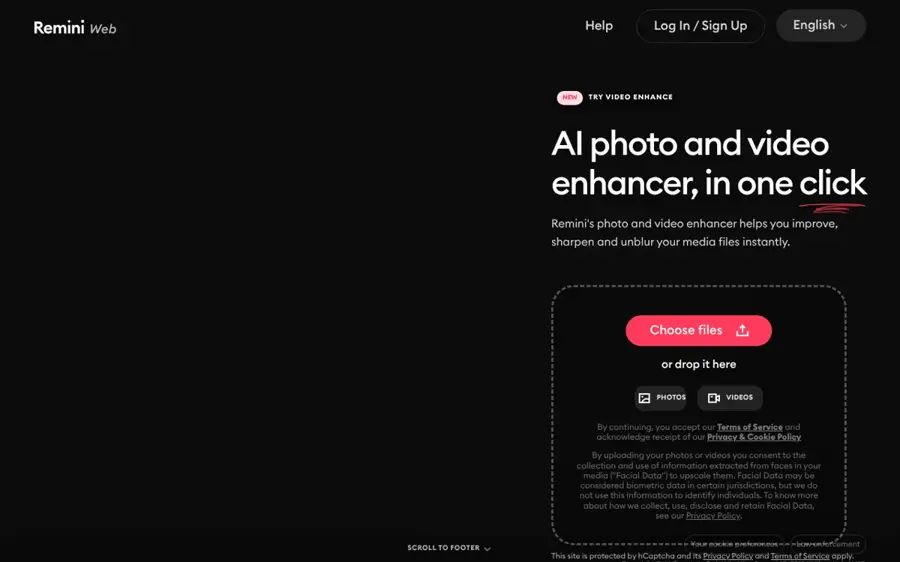
Remini is an AI app from Bending Spoons that sharpens and upscales blurry, grainy or low-resolution photos, with a focus on faces.
Strengths
Remini does one thing: it makes soft, pixelated faces look sharp. Its App Store listing pitches it at repairing old, blurry and scratched photos and claims over 100 million photos processed. Before you upload, read the line on its website: by uploading, you consent to the collection of "Facial Data", which it says may count as biometric data in some places.
Its Trustpilot page is the worst here at 1.5 out of 5, though only from 71 reviews. Billing is the recurring theme. One March 2026 reviewer complained of "Fraudulent $9.99/week charges with no way to cancel subscription". I'd only use the free version, and I'd cancel any trial the same day.
Key features
- Sharpens faces in blurry photos.
- Upscales low-resolution images to HD.
- Repairs old and scratched prints.
Pros
- Very simple one-tap workflow.
- Free to try on iPhone, Android and web.
- Good fit for small, low-quality family snaps.
Cons
- Weekly subscriptions add up fast.
- Billing complaints on Trustpilot.
- Collects facial data from uploads.
Verdict: fine for one blurry photo.
Remini pricing: Free, then weekly, monthly or yearly subscriptions; I couldn't confirm official prices (checked October 2026). See pricing
Related: Best AI picture tools
Choosing the right AI family photo tool
Start from the photo problem you actually have
A missing parent, a faded print and a plain background are three different jobs. Add Me solves the first with real photos. MyHeritage or Remini handle the second. Gemini, ChatGPT and Picsart are for the third, where you want a new setting or a festive style around faces you already have.
Give the AI clear, recent photos of each person
Generators guess less when faces are sharp, well lit and facing the camera. If you're combining people from separate photos, try to match the lighting and angle. Our guide to writing an AI photo prompt covers the wording side, and Gemini photo prompts has examples for Nano Banana.
Ask for one change per message
Stacking four edits in one prompt is where faces start to drift, in my view. Do the background first, then clothing, then small fixes.
Label AI pictures when you share them
Relatives will probably assume a Christmas card photo is real. Gemini adds a visible watermark anyway, but if you crop it out or use another tool, say it's AI-made. If you're unsure about a picture someone sent you, our guide on how to tell if a photo is AI generated helps.
Privacy when uploading photos of children
Kids' photos deserve a minute of thought before they go into any AI app. Gemini's privacy hub is blunt about it: "Human reviewers (including trained reviewers from our service providers) review some of the data we collect", and chats a reviewer has seen are kept for up to three years even if you delete your activity. That's reason enough for me to be careful.
A few practical habits help:
- In ChatGPT, turn off Improve the model for everyone under Settings, then Data controls, or use a Temporary chat, which OpenAI says isn't used for training but may be kept for up to 30 days.
- In Gemini, open Gemini Apps Activity to stop your chats improving Google AI and shorten auto-delete from the default 18 months to 3.
- Avoid uploading photos that show school uniforms, house numbers or other location clues.
- Ask other parents before you upload pictures of their children.
- Skip unknown free apps that don't explain what they do with faces; Remini at least states that it collects facial data.
Free vs paid: what you actually get
For one Christmas card, free is probably enough. Gemini's free tier includes Nano Banana, ChatGPT includes image generation on Free, and Canva's free plan has its templates. Paying mostly buys higher limits and better models: Google AI Plus at $7.99 a month gives Nano Banana 2.1 and, according to Digital Applied, 200 AI credits a month, while ChatGPT Go at $8 gets higher image limits than Free.
| Tool | Free plan gives you | Cheapest paid plan adds |
|---|---|---|
| Google Gemini | Nano Banana, rate-limited | Nano Banana 2.1, Redo with Pro, higher limits |
| ChatGPT | Limited image generation | Higher image limits on Go |
| Canva | Templates and limited AI | 10x more AI, premium elements |
| Picsart | Free app with basic tools | Monthly AI credits, 100GB storage |
| MyHeritage | A few watermarked colourisations | Unlimited, watermark-free photo tools |
I'd only pay for a batch job, like a whole family album.
Final verdict
If you only pick one, pick Google Gemini: it's free, it works from your real photos, and its watermarking is sensible for pictures of family. Choose ChatGPT if you prefer refining an image through conversation. Choose MyHeritage if the photos are decades old. And if you own a recent Pixel, I think Add Me is the most honest answer to the "Dad's never in the photo" problem, since nobody's face is generated at all.
FAQ
What's the best free AI family photo tool?
Google Gemini. Its Nano Banana model is on the free plan and edits the photos you upload while keeping the faces. Free use is rate-limited, though, so big batches probably need Google AI Plus at $7.99 a month.
Can I make an AI Christmas family photo from separate pictures?
Yes. Gemini, ChatGPT and Picsart can all work from uploaded photos. Use clear, front-facing pictures with similar lighting, ask for the group first, then add the Christmas setting in a second message. Expect to fix small face changes, and say the result is AI-made when you share it.
Is it safe to upload my kids' photos to AI apps?
It's a judgement call. Gemini says human reviewers may see some chats, and ChatGPT uses chats for training unless you switch it off. Turn off training, use temporary chats where you can, avoid location clues in photos, and get permission before uploading other people's children.
How do I write a good "Merry Christmas" AI prompt?
Describe the people, setting, clothing and text separately, and put the greeting in quotation marks so the model spells it exactly. Gemini handles readable text well.
Can AI add a missing family member to a photo?
It can, but think about consent and honesty first. For a live gathering, Pixel's Add Me merges two real photos so the photographer appears. Generators like Gemini can composite someone from another picture, though the result is an edit, not a real moment, and should be labelled as such.