Best free AI banner generators in 2026: 7 picks compared
Canva, Adobe Express, Ideogram and four more free AI banner generators compared on free limits, licence terms, text handling and upgrade price.
 Written byFahad HashmiContributing writer, AI in energy and industry
Why you can trust The AI Future
Our writers research every product from its official pages, independent tests and user reports, link each claim to its source and correct mistakes openly. Unless an article says otherwise, we haven't tested the product hands-on ourselves. Companies can't pay for coverage or see reviews before they're published.
Read our editorial policy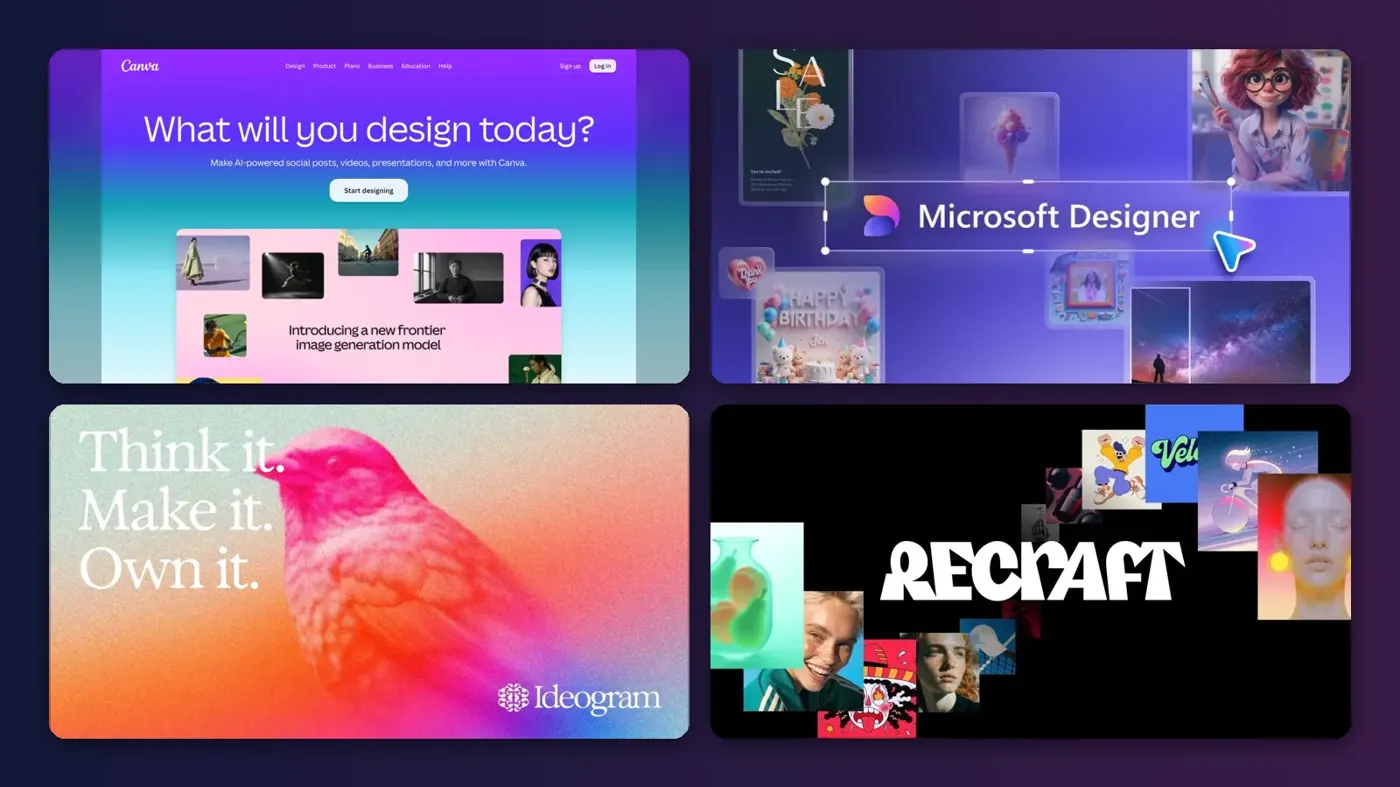
Here's the short version: if you want a free AI banner generator that does the whole job (layout, text, resizing and export), start with Canva or Adobe Express. If you only need a striking background image or clean lettering to drop into a banner, Ideogram, Recraft and Leonardo AI are stronger, but their free plans make your images public and, in a couple of cases, block commercial use. I'd pick based on that licence question first and on looks second.
An AI banner maker, for the purposes of this piece, is any tool that turns a prompt or a template into a wide-format graphic: a website hero, a YouTube channel header, a LinkedIn cover or a 728x90 display ad. Some are full design editors with AI bolted on. Others are image models with a canvas. That split matters more than any feature list, so I've flagged it for every pick.
Key takeaways
- Canva's free plan is the most complete free AI banner creator here, with 1.6 million templates and a drag-and-drop editor.
- Adobe Express Premium costs $9.99 a month and adds 250 generative credits, but the free plan already includes daily AI generations.
- Ideogram is probably the best free option for banners where the words must be spelled correctly inside the image.
- Recraft's free images are owned by Recraft and can't be used commercially, so it's a testing tool until you pay $10 to $12 a month.
- Credit systems vary a lot: 15 credits a month on Microsoft Designer and 150 tokens a day on Leonardo AI aren't comparable numbers.
Our ranking method
Nobody at The AI Future ran hands-on tests for this roundup, and there are no screenshots of our own here. We compared each tool using its official pricing and product pages, independent pricing write-ups and public user ratings on Trustpilot and Capterra, as of early November 2026. We ranked them on six criteria:
- Free tier depth is how many usable banners you can make per month without paying.
- Licence terms cover whether free output is private and whether you can use it commercially.
- Text handling is how reliably the tool puts readable words on the banner.
- Layout and resizing is whether you get a real editor with banner sizes, or only an image.
- Price to upgrade is the cost of the cheapest paid plan.
- User sentiment is the public rating and the tone of recent reviews.
The 7 best free AI banner generators at a glance
| # | Tool | Category | Best for | Free tier | Starts at |
|---|---|---|---|---|---|
| 1 | Canva | Design editor | Most people | Yes | $144/yr |
| 2 | Adobe Express | Design editor | Brand-safe AI images | Yes | $9.99/mo |
| 3 | Microsoft Designer | Design editor | Microsoft 365 users | Yes (limited) | $9.99/mo |
| 4 | Ideogram | Image generator | Text inside the image | Yes (limited) | $15/mo |
| 5 | Kittl | Design editor | Typography-led banners | Yes (limited) | $10/mo |
| 6 | Recraft | Image and vector generator | Vector and brand-style art | Yes (limited) | $10/mo |
| 7 | Leonardo AI | Image generator | Background artwork | Yes (limited) | $10/mo |
Prices marked $10/mo or $15/mo are the yearly-billing rate; monthly billing costs a few dollars more, as each pick explains.
The best free AI banner generators in 2026, ranked
Canva – best for most people
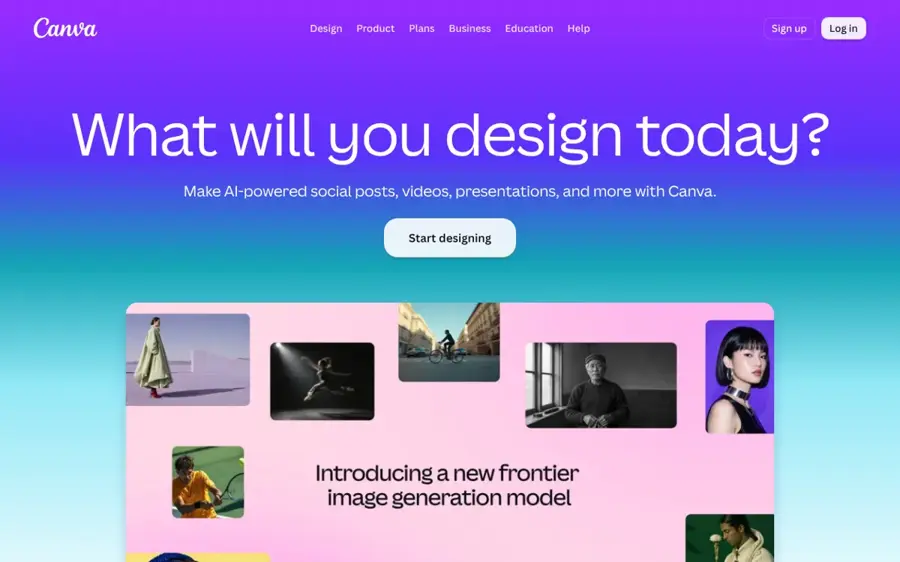
Canva is a browser and mobile design editor with templates, AI image tools and one-click resizing, which makes it the easiest way to go from idea to finished banner. It's at canva.com.
Strengths
Canva wins because the banner is the product, not just the picture. Going by Canva's plans page, the free tier gets you 1.6 million templates, more than 1,000 design types, 5GB of storage and "limited access to Standard and Premium AI". Krea's September 2026 comparison puts that free allowance at up to 20 AI uses, which is fine for a handful of banners and nowhere near enough for an ad agency.
On Trustpilot, Canva holds 4.0 from 8,248 reviews. One October 2026 reviewer sums up the free plan's main annoyance: "I just wish there were less premium required things such as having no background when downloading pictures and how some elements need premium if you don't want a watermark on them." That's the catch I'd watch for. Transparent PNG export and the resize tool sit on Pro.
Key features
- Over 1,000 design types include web banners, YouTube channel art and social covers.
- The free plan includes 4.7 million photos, videos, graphics and audio clips.
- Pro adds AI resize, background removal and translation.
- Pro gives you 10 times the AI allowance of the free plan.
- One Brand Kit with three colours is included free.
Pros
- Full editor, so you can fix the AI's layout by hand.
- Huge template library for every common banner size.
- Works in a browser with no install.
Cons
- Transparent backgrounds and some elements need Pro.
- Free AI allowance is small and shared across tools.
- Pro is sold at $144 a year, which is a bigger upfront payment than monthly rivals.
Canva pricing: Free, then Pro from US$144 a year for one person (checked November 2026). See pricing
Related: Best AI image generators How to use AI for marketing
Adobe Express – best for brand-safe AI images
Adobe Express is Adobe's template-first design app with Firefly image generation built in, running in a browser and on iOS and Android. You'll find it at adobe.com/express.
Strengths
Express is the closest thing to a straight Canva rival, and its AI side is stronger in one specific way: Firefly's credits are sold as commercially safe, which Capterra's plan breakdown lists right next to the 250 monthly generative credits on Premium. If you're making banners for a client, I think that framing is worth something, even if you never read the licence terms closely.
The free plan is more generous than I'd expected. Krea's guide notes it includes free daily generations, though Adobe doesn't publish the exact count, plus 100,000+ templates and 5GB of storage. Capterra users rate Express 4.6 from 1,244 reviews, and one review quoted there reads: "It's pretty nice to use and gives a taste of Adobe features for free or at a really low cost."
Key features
- Text-to-image, text effects and background removal are built into the editor.
- The free plan includes more than 100,000 static and video templates.
- Premium adds one-click resize across channel sizes.
- A content scheduler posts finished designs to social accounts.
- Firefly Pro at $19.99 a month raises the allowance to 4,000 credits.
Pros
- Free daily AI generations with no payment card.
- Cheapest monthly paid plan among the full editors here.
- Adobe Fonts access, 4,000+ fonts on the free tier.
Cons
- Adobe doesn't publish the free daily generation limit.
- Resize and premium templates are paid features.
- Smaller template library than Canva's.
Adobe Express pricing: Free, then Premium from $9.99/month (checked November 2026). See pricing
Related: Best AI image generators
Microsoft Designer – best for Microsoft 365 users
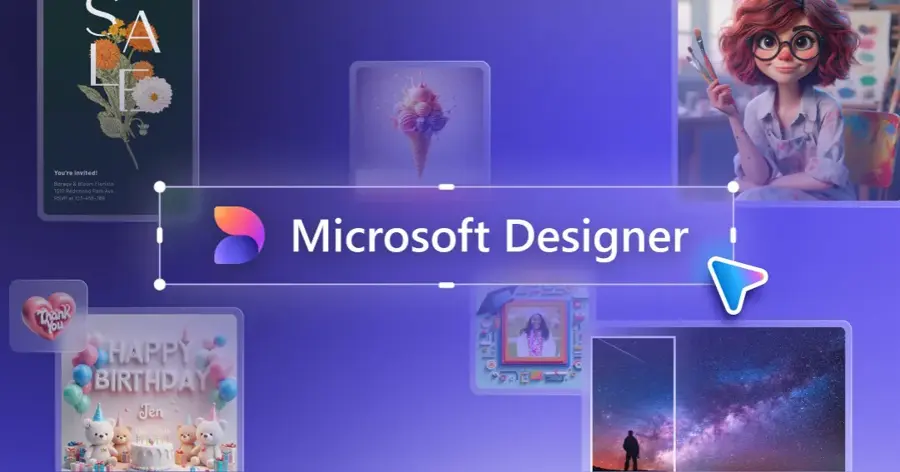
Microsoft Designer is a free, prompt-first design app that turns a sentence into several ready-made layouts for posts, invitations and banners. It runs at designer.microsoft.com, on Windows 11 and on mobile.
Strengths
The workflow is the appeal. You type something like "banner for a yard sale" and AIxploria's September 2026 write-up describes Designer lining up several layouts with headlines, colours and composition that you then edit by hand. The same source says the free account includes 15 AI credits a month, with each AI action costing one credit, while Microsoft 365 Personal at $9.99 a month raises that to 60 credits shared with Word, PowerPoint and Paint.
There's a wrinkle if you used it inside Teams. Windows Central reported that Microsoft removed the Designer bot and Designer banners from Teams by February 27, 2026, moving those jobs into Copilot. The standalone app is still live. I couldn't find a Trustpilot or Capterra rating specific to Designer, so there's no user score here.
Key features
- Prompt-to-layout generation gives you several design options per request.
- Background removal, object erase and restyling are built in.
- Projects sync to OneDrive and drop into Word or PowerPoint.
- The classic editor and templates work without spending credits.
Pros
- Genuinely free with any Microsoft account.
- Good fit if you already pay for Microsoft 365.
- Very little to learn.
Cons
- 15 credits a month runs out fast.
- Thinner template library than Canva, per AIxploria.
- No real-time co-editing for teams yet.
Microsoft Designer pricing: Free, then more credits through Microsoft 365 Personal from $9.99/month (checked November 2026)
Related: Microsoft AI review Bing AI review
Ideogram – best for text inside the image
Ideogram is a text-to-image model known for rendering readable words, which is exactly what most banners need. It's at ideogram.ai.
Strengths
Most image models still mangle a headline like "Summer Sale 40% Off". Ideogram is the one people reach for when the text has to come out right in the image itself, and that's why it ranks above the other pure generators. The free tier is thin, though: eesel AI's 2026 breakdown lists 10 slow credits a week, one generation at a time, and every free image goes public in Ideogram's feed with no way to delete it.
The cost per image depends heavily on the model. Going by the same eesel table, an Ideogram 4.0 image at Quality costs 6 credits, while older 2a Turbo images cost a fraction of a credit. On Trustpilot, Ideogram sits at 3.8 from 168 reviews; one January 2026 reviewer wrote, "We had great results using Ideogram."
Key features
- Strong typography rendering for headlines and logos in images.
- Several model generations to trade quality against credit cost.
- Plus adds private generation and uncompressed PNG export.
- Pro adds batch generation from a spreadsheet of prompts.
- A separate API runs from $0.025 to $0.10 per image.
Pros
- Usually the best free choice for words in the artwork.
- Cheap API if you generate banners in bulk.
- Clear upgrade path at $15 a month billed yearly.
Cons
- Free images are public and can't be deleted.
- Slow queue on the free plan can mean minutes per image.
- No layout editor or banner size presets like Canva's.
Ideogram pricing: Free, then Plus from $15/month billed yearly or about $20 monthly (checked November 2026). See pricing
Related: Best free text-to-image AI tools Best AI image generators
Kittl – best for typography-led banners
Kittl is a browser-based design editor built around text effects, vector illustration and print-ready graphics, with AI image tools included. It's at kittl.com.
Strengths
If your banner is mostly lettering (a shop header, a retro event banner, merch artwork), Kittl's text tools are the reason to pick it over Canva. We Are Founders' 2026 plan guide says the free tier gives you 5 projects, 500MB of storage and 100 AI tokens a month, which it estimates at roughly 50 image generations. Exports on free are low resolution and for personal use only.
User sentiment is the best in this list. Kittl scores 4.7 from 1,263 reviews on Trustpilot, and one March 2026 reviewer called it "a unique, easy to use, amazing platform." Honestly, the free plan feels like a demo; the Pro plan is where it becomes usable for real work.
Key features
- Advanced text effects and a large font library.
- Vector SVG and PDF export on Pro.
- AI image generator, background remover and upscaler.
- Expert adds Brand Kits and print-on-demand export presets.
Pros
- Typography tools beat the general editors.
- Roughly 50 free AI generations a month.
- Pro includes a commercial licence covering up to 500,000 products.
Cons
- Free exports are low resolution and personal use only.
- Only 5 projects on the free plan.
- Fewer ready-made web banner templates than Canva.
Kittl pricing: Free, then Pro from $10/month billed yearly or $15 monthly (checked November 2026). See pricing
Related: Best AI for t-shirt design
Recraft – best for vector and brand-style art
Recraft is an AI image model and editor aimed at designers, with vector generation, mockups and reusable custom styles. It's at recraft.ai.
Strengths
Recraft's standout trick is generating editable vectors, so a banner illustration scales from a 300x250 ad to a billboard without going soft. It also lets you drop in reference images and save them as a reusable style, which helps when ten banners need to look like one campaign.
The free plan, though, is the most restrictive here. Recraft's own plan FAQ is blunt: free images "are owned by Recraft", appear in the community gallery and "are not licensed for commercial use". That rules it out for any business banner unless you pay. User ratings are poor: 2.3 from 46 reviews on Trustpilot, where an October 2026 reviewer complained that every requested change "would mess up the request", though an older review called it "the best FREE AI Image Generating tool out there." A small sample, but I'd read the refund terms before subscribing.
Key features
- Vector output you can edit after generation.
- Custom styles built from your own reference images.
- The Basic plan adds third-party models such as Nano Banana and GPT Image.
- An API covers generation, inpainting, outpainting and background removal.
Pros
- Best option here for scalable vector banner art.
- Paid plans give full ownership and commercial rights.
- Top-up credits don't expire.
Cons
- Free output is owned by Recraft and can't be used commercially.
- Low Trustpilot score, with complaints about credit costs.
- Refunds only within 30 days and under 30 credits used.
Recraft pricing: Free, then Basic from $10/month billed yearly or $12 monthly (checked November 2026). See pricing
Related: Best AI image generators Best free text-to-image AI tools
Leonardo AI – best for background artwork
Leonardo AI is an image generation platform with a daily free token allowance, useful for producing the hero artwork that sits behind your banner text. It's at leonardo.ai.
Strengths
Leonardo's free tier resets daily, which suits people who make a banner or two a week. Krater's October 2026 pricing check lists 150 fast tokens a day on the free plan, with public generations and a slow queue; Apprentice is $12 a month or $10 billed yearly for 8,500 fast tokens and private images.
It ranks last only because it's a pure image tool. You'll still need Canva, Express or similar to add text and set the exact banner size. Users like it, though: 4.7 from 1,582 reviews on Trustpilot, with one October 2026 reviewer saying, "I find Leonardo to have the most intuitive interface."
Key features
- 150 fast tokens refresh every day on the free plan.
- Fine-tuned models are available on paid plans.
- Artisan at $24 a month yearly adds unlimited relaxed generations.
- Higher tiers add more concurrent jobs and a priority queue.
Pros
- Daily reset is friendlier than a weekly or monthly cap.
- Strong user rating on Trustpilot.
- Cheap entry plan at $10 a month yearly.
Cons
- Free generations are public.
- No banner layout editor or text tools.
- Token maths takes some getting used to.
Leonardo AI pricing: Free, then Apprentice from $10/month billed yearly or $12 monthly (checked November 2026)
Related: Leonardo AI review Best AI image generators
Choosing the right AI banner generator
Decide whether you need an editor or an image
A banner has two layers: the artwork and the text, logo and call to action on top. Canva, Adobe Express, Microsoft Designer and Kittl handle both. Ideogram, Recraft and Leonardo AI mainly produce the artwork. If you don't already own an editor, start with one of the first group; it's one tool instead of two.
Check the licence before the look
Free plans on Ideogram and Leonardo AI publish your images, and Recraft's free images belong to Recraft. For a client's homepage banner, that's probably a deal-breaker. For a personal YouTube header it likely doesn't matter at all.
Do the credit maths for one month
Here's a worked example. Say you need four banners a month and expect about six generations per banner before one looks right: 24 generations. Kittl's roughly 50 free generations covers that twice over. Microsoft Designer's 15 credits doesn't. Ideogram's 10 weekly credits is about 40 a month, and at 4 credits per Ideogram 4.0 default image (by eesel's table) you'd get around 10 images, so you'd have to drop to an older, cheaper model. Leonardo's 150 daily tokens is the most generous on paper, though token cost per image varies by model.
Start from the exact pixel size
Set the canvas first, then generate. A 728x90 leaderboard and a 300x250 rectangle (both long-standing standard ad sizes) need completely different compositions, and cropping a square AI image to 8:1 usually cuts off the subject. Editors with size presets save you that fight.
For prompt wording, our AI art prompt guide covers how to describe layout, empty space for text and style.
Free vs paid: what you actually get
Paying mostly buys you three things: more generations, private output and commercial rights. The table below shows where each free plan stops.
| Tool | Free AI allowance | Free output private? | Free commercial use | Cheapest paid plan |
|---|---|---|---|---|
| Canva | Limited, up to about 20 uses | Yes | Yes, with free elements | $144/year |
| Adobe Express | Daily generations, count not published | Yes | Check Adobe's terms | $9.99/month |
| Microsoft Designer | 15 credits/month | Yes | Check Microsoft's terms | $9.99/month (Microsoft 365) |
| Ideogram | 10 slow credits/week | No, public feed | Check Ideogram's terms | $15/month yearly |
| Kittl | 100 tokens/month | Yes | No, personal use only | $10/month yearly |
| Recraft | Daily credits | No, community gallery | No, owned by Recraft | $10/month yearly |
| Leonardo AI | 150 fast tokens/day | No, public | Check Leonardo's terms | $10/month yearly |
Where a cell says "check the terms", the sources we read didn't spell out commercial rights for free output, and I'd rather not guess. If a banner earns money for someone, read the vendor's licence page yourself.
My rough rule: if you make more than about ten banners a month, a $10 to $15 plan probably pays for itself in saved time alone.
Common failure modes of AI banner makers
The failure modes are predictable, and most are about text. General image models still misspell words, especially long ones or anything with numbers and percent signs, which is why Ideogram's typography focus earns it a high spot. Even with good tools, proofread every letter before you publish; a typo in a 2560-pixel-wide header is hard to miss.
Brand consistency is the second weak point. Ask for five banners and you'll often get five different colour palettes. Recraft's custom styles and the Brand Kits in Canva and Kittl help, but only on paid plans in most cases.
Then there are credits. A Recraft V4.1 Pro image costs 10 credits and some external models up to 40, per eesel AI's Recraft guide, so a free allowance can vanish in one session. Monthly subscription credits on Ideogram and Recraft also don't roll over.
Final verdict
For most readers, Canva is the AI banner generator free plan I'd start with, because you get a real editor with templates in every banner size and the AI is a bonus rather than the whole product. If you'd rather pay monthly than yearly, Adobe Express at $9.99 is the better deal, in my view. Pair either one with Ideogram when the headline has to live inside the artwork. I'd skip Recraft's free plan for anything commercial; it's a good tool, but the licence makes it a trial, not a workhorse.
FAQ
Is there a completely free AI banner generator?
Yes. Canva, Adobe Express and Microsoft Designer all have free plans that let you make and download banners with AI help. The limits are on AI usage and premium assets, not on making a banner at all. Canva and Express also give you templates already sized for web and social banners, which saves the cropping work, and Designer builds a layout straight from your prompt. Expect to hit the free AI cap within a few sessions, though.
Which free AI banner maker is best for text?
Ideogram is probably the strongest free choice when words must appear inside the generated image, since it's known for clean typography. Kittl is better for text you add and style yourself. Either way, proofread before publishing, because AI image models can still misspell headlines and numbers.
Can I use free AI banners commercially?
It depends on the tool. Recraft's free images are owned by Recraft and aren't licensed for commercial use, and Kittl's free plan is personal use only. Ideogram and Leonardo AI publish free images publicly. Check each vendor's licence page before using a banner in paid ads or client work.
What size should a website banner be?
There's no single size. Common display ad sizes include 728x90 (leaderboard), 300x250 (medium rectangle) and 160x600 (skyscraper). Website hero banners are usually much wider, often 1920 pixels or more. Set the size in your editor before generating, so the AI composes for that shape.
Do AI banner creators work on mobile?
Several do. Canva and Adobe Express have iOS and Android apps, and Microsoft Designer runs on mobile too. The others are mainly browser tools.