Best OpenArt AI alternatives in 2026: 8 picks compared
Leonardo AI is the closest OpenArt AI alternative, but Midjourney, Gemini, ChatGPT, Krea and others may suit you better. Prices and trade-offs, checked November 2026.
 Written byRahis SaifiCo-founder and news editor
Why you can trust The AI Future
Our writers research every product from its official pages, independent tests and user reports, link each claim to its source and correct mistakes openly. Unless an article says otherwise, we haven't tested the product hands-on ourselves. Companies can't pay for coverage or see reviews before they're published.
Read our editorial policy
The closest OpenArt AI alternative for most people is Leonardo AI: it's got a free daily allowance, dozens of models in one place and a cheaper entry plan ($12 a month against OpenArt's $14). If you care more about how an image looks, pick Midjourney. If you want something free, Google Gemini and ChatGPT both make images without a subscription.
I'll be honest about why this page exists. OpenArt itself is a decent product, but its credit system frustrates a lot of paying users, and its Trustpilot page shows a split crowd: 53% five-star reviews and 31% one-star, from 1,702 reviews. Below are eight options, with prices checked in early November 2026. If you'd rather judge OpenArt first, our full OpenArt AI review covers its plans and features in detail.
Key takeaways
- Leonardo AI is the most direct swap, with 150 free fast tokens a day and paid plans from $12 a month.
- Midjourney still leads on artistic style in published comparisons, but it has no free plan and starts at $10 a month.
- ChatGPT and Google Gemini both include image generation on their free tiers, which covers casual use without a separate subscription.
- Krea is the nearest like-for-like hub if you liked OpenArt for its long list of third-party models.
Our ranking method
Nobody at The AI Future ran hands-on tests of these tools for this piece. We compared them using official pricing pages, published independent comparisons and user ratings on Trustpilot and Capterra, as of early November 2026. Each tool was judged on these criteria:
- Image quality, as reported by independent testers who did run prompts through the tools.
- Model choice, since many people use OpenArt to switch between models in one place.
- Free access and how generous it is in practice.
- Entry price and how far a month of credits goes.
- Commercial use terms on the cheaper plans.
- User sentiment, from public review sites.
Prices are in US dollars, before tax, and can change with promotions or annual billing.
The 8 best OpenArt AI alternatives at a glance
| # | Tool | Category | Best for | Free tier | Starts at |
|---|---|---|---|---|---|
| 1 | Leonardo AI | Multi-model art studio | Closest OpenArt swap | Yes (limited) | $12/mo |
| 2 | Midjourney | Image generator | Artistic, stylised images | No | $10/mo |
| 3 | ChatGPT | AI assistant | Accurate prompts and text | Yes (limited) | $8/mo |
| 4 | Google Gemini | AI assistant | Free photo editing | Yes (limited) | $4.99/mo |
| 5 | Ideogram | Image generator | Text in images and posters | Yes (limited) | $20/mo |
| 6 | Adobe Firefly | Image and video suite | Commercial-safe client work | Yes (limited) | $9.99/mo |
| 7 | Krea | Multi-model creative suite | Many models in one tab | Yes (limited) | $5.25/mo |
| 8 | Canva | Design app with AI | Finished social graphics | Yes | $144/yr |
Reasons people look for an OpenArt alternative
Credits are the biggest reason. OpenArt's plans run from Starter at $14 a month (4,000 credits) to Wonder at $240 a month (106,000 credits), and video generations eat credits far faster than images: Starter's 4,000 credits cover up to about 4,000 images but only about 50 videos.
The free option is thin, too. Toolradar, which last confirmed OpenArt's prices on November 4, 2026, says there's no permanent free plan, only a trial. One Trustpilot reviewer wrote that they "received 40 credits to try the service" and that "those credits were used up during the AI chat process before I ever received a video." Another reviewer called OpenArt "an incredibly expensive middleman platform with a hidden, predatory credit drain." That's one person, but credit drain comes up again and again there.
There's one more reason. OpenArt mostly resells other companies' models (GPT Image, Nano Banana, Kling) behind its own interface. If you only use one or two, going direct is often cheaper.
The best OpenArt AI alternatives in 2026, ranked
Leonardo AI – best for a direct OpenArt swap
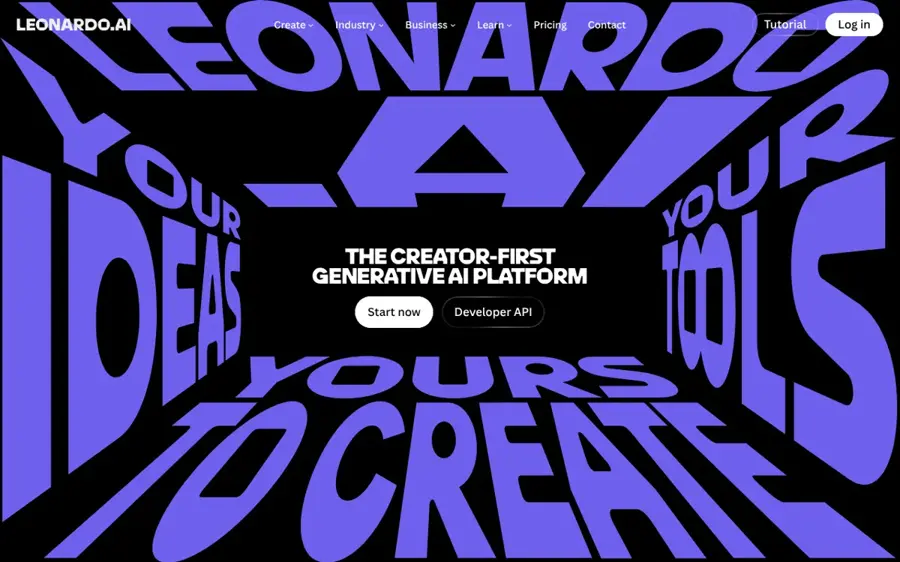
Leonardo AI is a browser-based image and video studio with 80+ models, a free daily allowance and personal model training, which makes it the most similar tool to OpenArt on this list.
Strengths
Leonardo's user ratings are far stronger than OpenArt's. It scores 4.7 out of 5 on Trustpilot from 1,582 reviews, with 87% five-star; one October 2026 reviewer said they "find Leonardo to have the most intuitive interface" after trying DZine and DALL-E.
In Dupple's September 2026 comparison, Leonardo was the pick for character consistency and game assets. I think that's the fairest summary: it covers what most OpenArt users actually do (characters, styles, quick edits) for less money. Our Leonardo AI review goes into the token maths, which is the one thing that trips people up.
Key features
- The free plan gives 150 fast tokens a day, with public creations only.
- Paid plans include 80+ models and private generations.
- You can train 10 personal models on Essential and 50 on Ultimate.
- Unused tokens roll into a token bank, up to 25,500 on Essential.
Pros
- Real daily free allowance, not a one-off trial
- Cheaper entry plan than OpenArt
- Strong user ratings and responsive support
Cons
- Free images are public
- Token costs vary by model and are hard to predict
- Unlimited relaxed mode only on Premium ($30) and up
Leonardo AI pricing: Free, then paid plans from $12/month (checked November 2026). See pricing
Related: Leonardo AI review Best AI image generators
Midjourney – best for artistic, stylised images
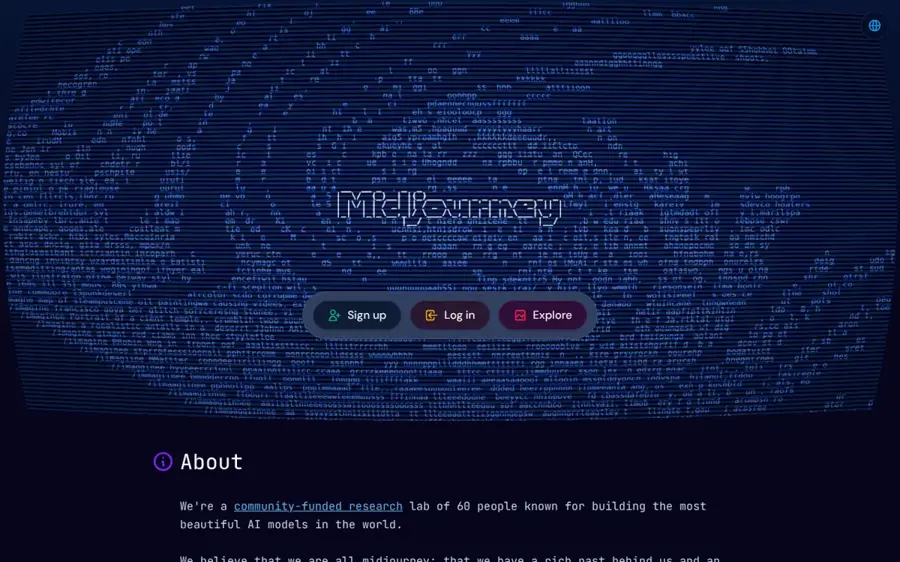
Midjourney is a subscription image and video generator, now with a full web app, known for polished, art-directed results.
Strengths
Published testers still put Midjourney first on looks. Dupple called it "still the aesthetic king" and noted V8.1 became the default model on June 10, 2026, rendering four to five times faster. The same Dupple test found its text rendering "still trails ChatGPT Images and Ideogram badly", so it's a poor fit for posters.
User reviews are a different story. Midjourney scores 1.7 on Trustpilot, with 76% one-star, and complaints centre on auto-renewals and support that runs through Discord. One September 2026 reviewer said it "doesn't follow prompt instructions." (Trustpilot skews angry, but a 1.7 is hard to ignore.)
Key features
- Four plans, from Basic with 3.3 hours of fast GPU time a month to Mega with 60 hours.
- Standard and above include unlimited image generation in Relax mode.
- Stealth mode for private images is on Pro and Mega only.
- Annual billing cuts the price by 20%.
Pros
- Distinctive image quality in published comparisons
- Unlimited relaxed images from $30 a month
- Simple, flat monthly pricing in GPU hours
Cons
- No free plan
- Weak text rendering
- Images are public unless you pay $60 or more
- Poor user ratings for billing and support
Midjourney pricing: No free plan, paid plans from $10/month, or $8/month billed yearly (checked November 2026). See pricing
Related: How to write AI art prompts Best AI image generators
ChatGPT – best for accurate prompts and text
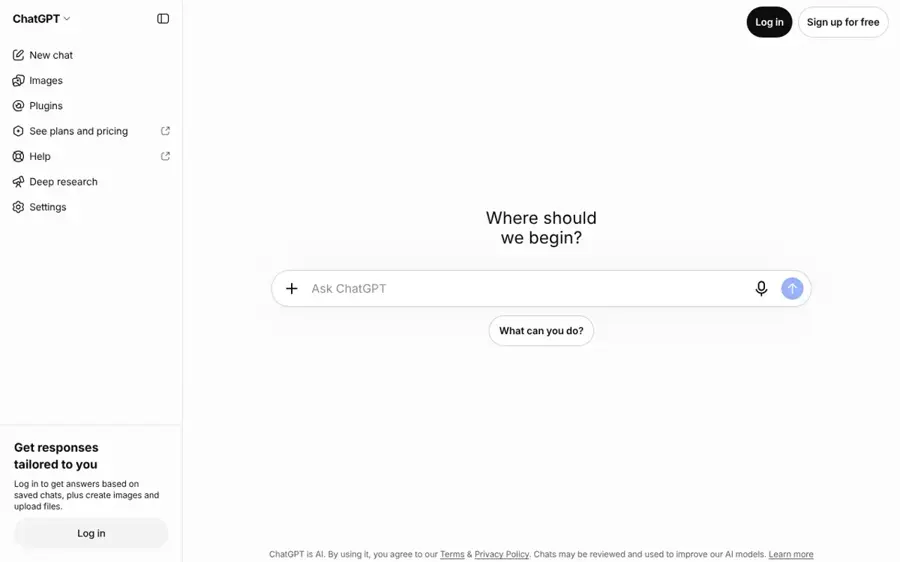
ChatGPT is OpenAI's assistant, and its built-in image generator handles everything from mockups to edits in plain conversation, on free and paid plans.
Strengths
OpenAI's image model is the same one many people pay OpenArt to reach. According to Dupple, OpenAI released ChatGPT Images 2.5 on September 8, 2026 for every ChatGPT tier, and the earlier Images 2.0 took first place in every image category on Arena's public rankings. Their tester asked for a coffee bag reading "Single Origin Ethiopia, Light Roast" and got it spelled right first time.
The downside, per the same piece, is that it's slower than lightweight models and "the house style leans clean and slightly generic." I'd still call it the easiest pick if you already pay for ChatGPT.
Key features
- Free accounts get limited image creation.
- Go ($8 a month) adds more image creation and may show ads.
- Plus ($20 a month) adds more complex and accurate image creation.
- Pro tiers include unlimited and faster image creation.
Pros
- Strong text rendering and prompt accuracy
- Free to start
- One subscription covers chat and images
Cons
- Free limits are tight
- Slower than lightweight image models
- Generic look for artistic work
ChatGPT pricing: Free, then paid plans from $8/month for Go (checked November 2026). See pricing
Related: ChatGPT GPT-6 review AI tools like ChatGPT
Google Gemini – best for free photo editing
Google Gemini is Google's assistant, and its Nano Banana image models create and edit pictures from plain-language requests, free within usage limits.
Strengths
Free access is the draw. LaoZhang AI lists three no-cost routes as of September 23, 2026: the Gemini app, AI Mode in Search (up to 25 images a day) and Google Flow (50 daily credits). Gaurav Tiwari picks Gemini for editing photos you already have, because it keeps faces and objects steady across several rounds of changes.
Dupple flags the catch: free and Pro images carry a visible Gemini watermark plus an invisible SynthID marker. On price, Google AI Plus dropped to $4.99 a month in June, Engadget reported, which makes it probably the cheapest paid upgrade here.
Key features
- Image generation and editing are included on the free plan.
- Nano Banana 2 is the default free model in the Gemini app.
- AI Plus and AI Pro raise limits and add Nano Banana Pro.
- Edits work across turns, such as changing lighting while keeping a face the same.
Pros
- Genuinely free for light use
- Very good at editing existing photos
- Cheap paid upgrade
Cons
- Visible watermark on free and Pro images
- Free limits aren't published as an image count
- No model choice outside Google's own
Google Gemini pricing: Free, then paid plans from $4.99/month for Google AI Plus (checked November 2026). See pricing
Related: Gemini vs ChatGPT compared How to make AI photos
Ideogram – best for text in images and posters
Ideogram is an image generator built around clean typography, with editing apps like background removal, ad resizing and object removal.
Strengths
Text is where it stands out. Dupple credits Ideogram with the "Cleanest typography" in its comparison, and Gaurav Tiwari ranks it best for text, noting a free tier of 30 credits a week.
Ratings are middling. It scores 3.8 on Trustpilot from 168 reviews; one December 2025 reviewer said it "has one of the best Canvas for inpainting", while an October 30, 2026 review complained that "95% of the images come out with errors" after recent updates. Mixed, then.
Key features
- Plus includes 2,400 priority credits a month and unlimited slow credits.
- Pro has 7,500 priority credits and batch generation.
- All paid plans include private generation.
- A 4.5 model image costs between 0.8 and 22 credits, depending on quality.
Pros
- Strong text rendering
- Unlimited slow generations on paid plans
- Useful built-in design apps
Cons
- Small free allowance
- Credit costs vary widely by setting
- Some recent complaints about update quality
Ideogram pricing: Limited free credits, then paid plans from $20/month, or $15/month billed yearly (checked November 2026). See pricing
Related: AI cover art generators Best AI image generators
Adobe Firefly – best for commercial-safe client work
Adobe Firefly is Adobe's image, video and audio generator, built into Photoshop and Express and sold as its own credit-based plan.
Strengths
Firefly's pitch is legal comfort. Dupple sums up its standout as "Trained on licensed data", and Gaurav Tiwari picks it for client work. Toolradar, which confirmed Adobe's prices on November 5, 2026, notes the free plan includes daily generations and popular models such as Nano Banana, although free outputs are watermarked.
Users on Capterra rate it 4.5 from 20 reviews. One designer praised that "The images generated are commercially safe" but warned it "Sometimes struggles with rendering text". If you already work in Photoshop, I think that integration outweighs the slightly lower realism.
Key features
- The free plan resets daily across image, video and audio.
- Standard includes 2,000 generative credits a month.
- Pro doubles that to 4,000 credits for $19.99.
- Paid plans include translated audio and video and generated music.
Pros
- Clear commercial-use story
- Cheap entry plan
- Tight Adobe app integration
Cons
- Free outputs carry watermarks
- Text rendering is uneven
- Extra credits cost more on top
Adobe Firefly pricing: Free, then paid plans from $9.99/month (checked November 2026). See pricing
Related: How to use Photoshop AI Best AI image generators
Krea – best for many models in one tab
Krea is a browser-based creative suite that bundles dozens of image, video and 3D models, including Flux, Nano Banana, GPT Image and Kling, with real-time generation.
Strengths
Krea is the nearest match if you liked OpenArt for its model menu. Going by its pricing table, Basic covers roughly 277 images on its own Krea 3 model or about 1,500 on Flux.1 Dev each month, which is a lot for $5.25 a month.
Its Trustpilot score is 3.6 from 178 reviews, with 33% one-star. One August 2026 reviewer found it "fantastic for character creation", while a November 2026 review said they "didn't receive all of the credits that were listed" and couldn't find a support link. I'd start on the free plan before paying.
Key features
- The free plan includes 100 compute units a day.
- Paid plans list per-model image estimates, so you can see what credits buy.
- Compute packs are valid for 90 days.
- Max includes unlimited image concurrency.
Pros
- Very wide model choice
- Lowest paid entry price on this list
- Transparent per-model image estimates
Cons
- Credit complaints on Trustpilot
- Support is hard to reach, per some reviewers
- Lots of options for a beginner
Krea pricing: Free, then paid plans from $5.25/month (checked November 2026). See pricing
Related: Best image to video AI tools Best AI image generators
Canva – best for finished social graphics
Canva is an online design app with AI image generation built into templates for posts, presentations and ads.
Strengths
Canva isn't a pure art generator. But if your OpenArt images end up in Instagram posts or slides anyway, it cuts out a step. Its plans start free, with limited AI access, and Pro gives 10 times more AI than Free.
It scores 4.0 on Trustpilot from more than 8,000 reviews. One October 2026 reviewer loved it but wished "there were less premium required things", such as watermark-free elements and background-free downloads.
Key features
- Free includes 1.6 million templates and limited AI tools.
- Pro adds 141 million stock elements and five Brand Kits.
- An AI Pass add-on gives more AI usage on Pro or Business.
- Business costs $250 a year per person and adds team admin tools.
Pros
- Images go straight into finished designs
- Generous free plan
- Huge template library
Cons
- AI images are less controllable than dedicated tools
- Shared AI allowance runs out on heavy use
- Many elements need Pro
Canva pricing: Free, then Pro from $144/year (checked November 2026). See pricing
Related: Best AI image generators
Which alternative should you choose?
Pick a single model if you mostly use one
If your OpenArt history is 90% one model (say, GPT Image or Nano Banana), going direct to ChatGPT or Gemini is probably cheaper. You lose the model menu. You keep the quality.
Stay with a multi-model hub if you switch styles often
Leonardo AI and Krea both keep the OpenArt habit of trying one prompt across several models. Leonardo's the safer bet on support, going by user ratings; Krea has the wider list.
Check commercial terms before client work
Plans differ a lot here. Midjourney asks companies earning over $1 million a year to buy Pro or Mega, and OpenArt itself only lists commercial use rights from its Plus plan up. Firefly is the cautious choice. Our guide to writing AI art prompts works across all of these tools, so switching won't cost you your prompt library.
Verdict
For most people leaving OpenArt, I'd start with Leonardo AI. It's the closest in spirit, it's a couple of dollars cheaper, and its users seem far happier with support. If you only want pretty pictures and don't mind paying, Midjourney's still the one testers rate highest on style. And if you're mainly a casual user who signed up for the trial credits, honestly, try Gemini or ChatGPT's free image tools before paying anyone.
FAQ
Is OpenArt AI free?
Not really. OpenArt doesn't have a permanent free plan, according to Toolradar; new users get a short trial with a small credit grant, which one Trustpilot reviewer put at 40 credits. Paid plans start at $14 a month. For free image generation, Gemini, ChatGPT, Leonardo AI and Krea all have ongoing free tiers.
What is OpenArt AI?
OpenArt is a browser-based studio that puts more than 100 image, video and audio models from other companies behind one interface, with extras like consistent characters and custom model training. You pay in monthly credits, and models cost different amounts.
What is the best free alternative to OpenArt?
I'd say Google Gemini for free photo editing and quick images, since it includes Nano Banana on the free plan. Leonardo AI is the better free pick if you want an OpenArt-style studio, with 150 fast tokens a day, though free images are public.
Is Leonardo AI better than OpenArt?
For most hobbyists, probably yes.
Leonardo AI has a daily free allowance, a cheaper $12 entry plan and a 4.7 Trustpilot score against OpenArt's 3.5. OpenArt still offers more third-party models and stronger video tools, so video-first creators may prefer to stay.
Which OpenArt alternative is best for text in images?
Ideogram and ChatGPT lead for legible text, according to independent comparisons by Dupple and Gaurav Tiwari. Midjourney is the weakest of the major options here, so avoid it for posters, packaging or logos with words.