Best Gamma AI alternatives in 2026: 8 free and paid picks
Eight Gamma AI alternatives compared on price, free plans, PowerPoint export and user reviews, from Canva and Copilot to Beautiful.ai and Pitch.
 Written byRahis SaifiCo-founder and news editor
Why you can trust The AI Future
Our writers research every product from its official pages, independent tests and user reports, link each claim to its source and correct mistakes openly. Unless an article says otherwise, we haven't tested the product hands-on ourselves. Companies can't pay for coverage or see reviews before they're published.
Read our editorial policy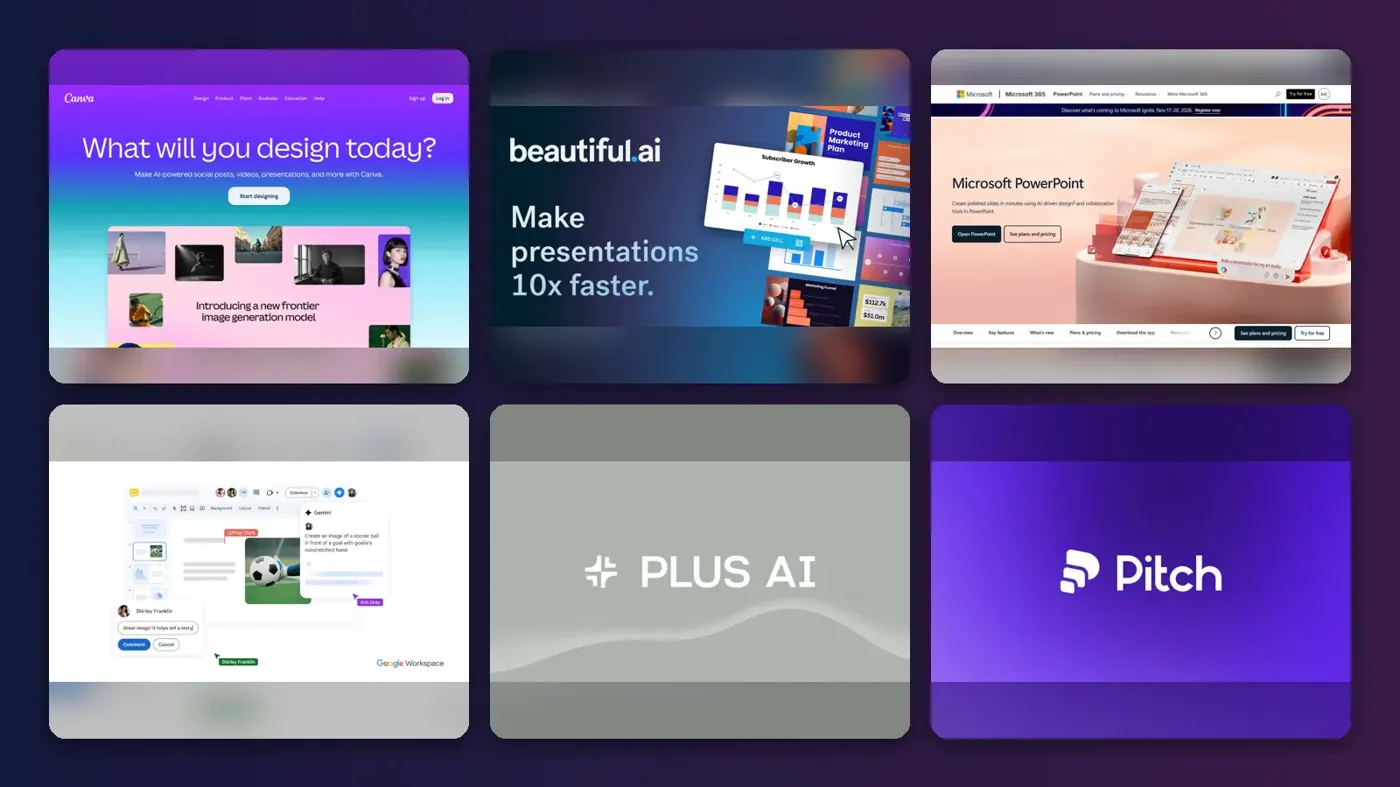
If you want a Gamma AI alternative, Canva is the safest first stop for most people: it has a real free plan, an AI deck builder and far more templates than you'll ever use. If you live in PowerPoint or Google Slides, though, the AI already built into those apps (Copilot and Gemini) is probably the better bet, because your decks never leave the format your company uses.
Gamma itself isn't a bad product. It shipped Gamma 5 on October 6, with a planning agent and a freeform editor, and we gave it 4 out of 5 in our full Gamma AI review. But its credit pricing, its PowerPoint export and its support record push plenty of people to look elsewhere. Below are eight options, with prices checked in early November 2026.
Key takeaways
- Canva is the strongest free option, with a permanent free plan and a Pro plan at US$144 a year.
- Copilot in PowerPoint and Gemini in Google Slides make more sense than a separate app if your team already pays for Microsoft 365 or Google Workspace.
- Beautiful.ai and Plus AI have no free plan, only trials, so set a reminder before the trial ends.
- Billing complaints show up on Trustpilot for several of these tools, not just Gamma, so read the cancellation terms first.
Gamma pricing, limits and user complaints
The first reason is cost, and how hard it is to predict. Gamma's free plan gives you 400 credits at signup that never refill. Paid plans run from $9 a seat a month (Plus, billed yearly) to $90 for Ultra. Flexprice found that a single card costs 1 to 3 credits while an image can cost anywhere from 2 to 125, depending on the model. That 125x spread makes a "4,000 credits" allowance hard to judge before you buy.
Limits are the second reason. Going by eesel AI's pricing breakdown, a single prompt can produce at most 10 cards on Free, 20 on Plus and 60 on Pro. Want an 80-card deck in one go? No plan will do it.
The third is user frustration. Gamma's Trustpilot page sits at 1.6 out of 5 from 129 reviews, with 75% of them one-star. One reviewer wrote on October 25, 2026 that "The AI blantantly ignores instructions" and claims edits it never made. Another, posting on October 21, said they'd "much rather just use Canva (even without the pro edition)". Gamma hasn't invited reviews, so the sample probably skews angry. Still, I'd take the repeated billing complaints seriously.
Our ranking method
Nobody at The AI Future ran hands-on tests for this roundup, and there are no original screenshots here. We compared each tool using official pricing and product pages, independent write-ups and public user reviews, as of early November 2026. We looked at six things:
- Deck quality, judged from vendor demos and published third-party reviews.
- Editing control after the AI draft is made.
- Export options, especially PowerPoint and Google Slides.
- Free access, meaning a lasting free plan rather than a short trial.
- Price clarity, including how credits or AI limits work.
- User sentiment on Trustpilot and other public review sites.
The 8 best Gamma AI alternatives at a glance
| # | Tool | Category | Best for | Free tier | Starts at |
|---|---|---|---|---|---|
| 1 | Canva | Design suite | Free all-round decks | Yes | $144/yr |
| 2 | Beautiful.ai | AI slide maker | Polished business decks | No | $14.50/mo |
| 3 | Copilot in PowerPoint | Office suite AI | PowerPoint users | No | $9.99/mo |
| 4 | Gemini in Google Slides | Office suite AI | Google Workspace users | No | $20/mo |
| 5 | Plus AI | Slides add-on | AI inside Slides and PowerPoint | No | $10/mo |
| 6 | Pitch | AI slide maker | Team collaboration | Yes | $15/mo |
| 7 | Prezi | Presentation app | Non-linear, interactive talks | Yes (limited) | $7/mo |
| 8 | Genspark | AI agent workspace | Research-heavy decks | Yes (limited) | $19.99/mo |
Notes: Canva Pro is billed yearly; Beautiful.ai, Plus AI and Prezi prices are annual-billing rates; Copilot comes with Microsoft 365 Personal and Gemini with the Google AI Pro plan.
The best Gamma AI alternatives in 2026, ranked
Canva – best for free all-round decks
Canva is a browser-based design suite whose AI can turn a prompt into an editable presentation, with a free plan that doesn't expire. Try it at canva.com.
Strengths
Canva's presentations page describes "Guided Presentations", which turn a prompt into a ready-to-edit deck. Once it's built, you're in Canva's full editor, which gives you far more freedom than Gamma's card layouts, in my view.
Users seem happier, too. Canva holds a 4 out of 5 TrustScore from more than 8,000 reviews, as shown on Gamma's Trustpilot page, where it's listed next to Gamma's 1.6. Complaints still exist: one November 7 review on Canva's own Trustpilot page calls it "easy to use" but says the free trial signup and cancellation weren't confirmed by email, so they "accidentally became a pro member".
Key features
- AI turns a prompt into a full, editable deck.
- The free plan includes 1.6 million templates and 4.7 million elements.
- Pro raises this to 3.6 million templates and 141 million elements.
- Pro and Business share a monthly AI allowance, with an AI Pass add-on for more.
Pros
- A permanent free plan with limited AI access.
- Far more templates and stock assets than any other pick here.
- Decks sit next to your social posts, documents and videos.
Cons
- AI use on Free is limited, and heavier tasks eat the allowance faster.
- Some reviewers report surprise charges after a trial.
- It's a general design tool, so the deck AI is one feature among many.
Canva pricing: Free, then Pro from US$144 a year for one person (checked November 2026). See pricing
Related: Deck AI review
Beautiful.ai – best for polished business decks
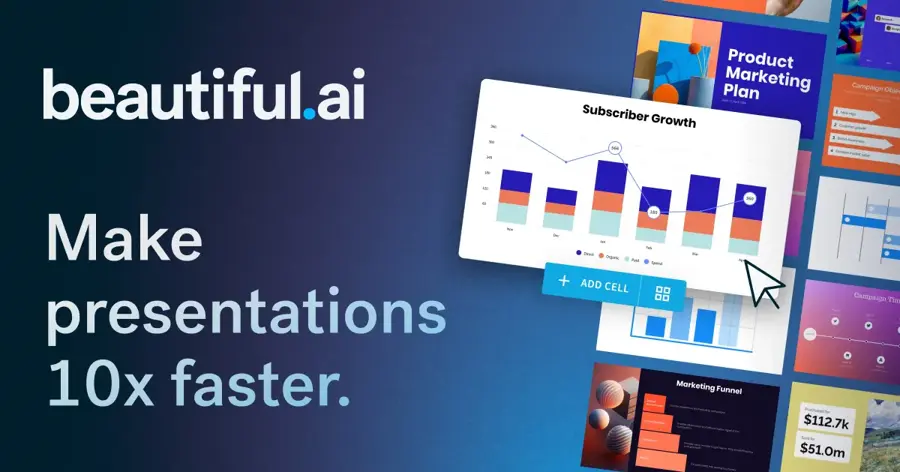
Beautiful.ai is an AI presentation app built around "Smart Slides", layouts that realign and resize your content automatically. Try it at beautiful.ai.
Strengths
Its pitch is guardrails. On the homepage, the company says you can edit an outline before generating, then pick from more than 300 Smart Slide layouts that keep spacing and alignment in check. If your problem with Gamma is that decks drift off-brand, I think this is the most direct fix.
Reviews are split down the middle. On Trustpilot, 38% of 252 reviews are five-star and 50% are one-star. A five-star reviewer called it "Excellent graphics software for me, a non-graphic artist and a very non-tech-savvy person." A recent one-star review describes being locked out of a workspace after a payment problem while charge attempts continued "more than once a day".
Key features
- Over 300 Smart Slide layouts adjust as you type.
- Every seat includes unlimited AI content generation.
- PowerPoint import and export come on every plan.
- Viewer analytics show who opened a deck.
Pros
- Unlimited AI generation, so there's no credit maths.
- Strong brand controls for teams.
Cons
- No free plan; the 14-day trial needs a card and bills automatically.
- Team seats are expensive at $40 a user a month.
- Half its Trustpilot reviews are one-star, many about billing.
Beautiful.ai pricing: No free plan (14-day trial), then Pro from $14.50/month billed annually (checked November 2026). See pricing
Copilot in PowerPoint – best for PowerPoint users
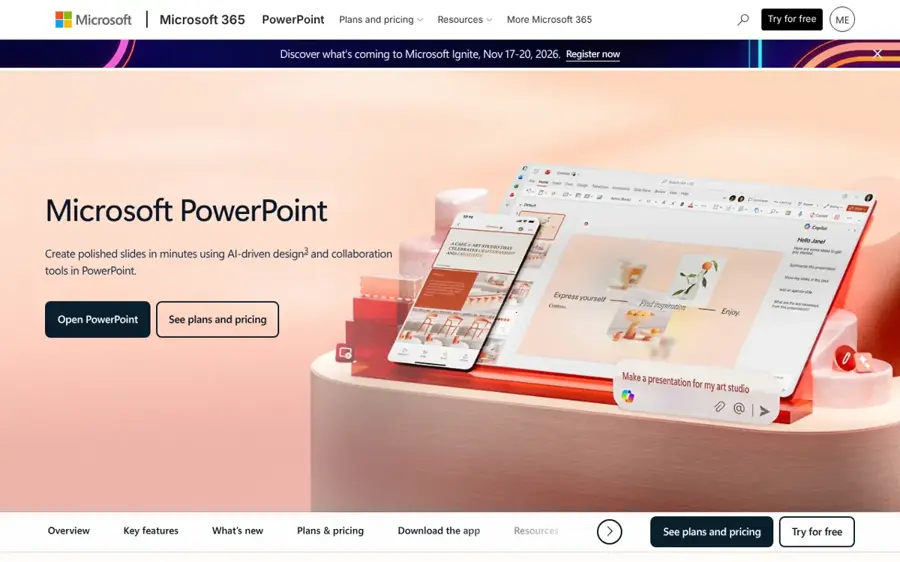
Copilot is Microsoft's AI assistant, built into PowerPoint for Microsoft 365 subscribers, and it can draft slides from a prompt or a Word file. Try it at microsoft.com.
Strengths
The obvious advantage is format. Your deck is a PowerPoint file from the first slide, so there's no export step to break layouts (a common Gamma complaint). Windows Central reported that Copilot can build a slide from a prompt or a referenced Word document, using "New Slide with Copilot" on the Home tab. Microsoft 365 Personal now bundles Copilot in Word, Excel and PowerPoint.
It isn't always smooth. In one Microsoft Q&A thread, a Microsoft 365 Premium subscriber said they couldn't find the "Create with Copilot" option at all, despite updating Office several times. Windows Central also noted that the slide feature can't follow prompts about fonts, colours or backgrounds. Fewer design tricks, then, but a file your boss can open.
Key features
- Copilot drafts slides from a prompt or a Word document.
- It works inside the PowerPoint desktop app on Windows.
- The same subscription adds Copilot in Word, Excel and Outlook.
Pros
- Native .pptx output with no conversion.
- Good value if you already need Office apps.
Cons
- Limited control over styling through prompts.
- Feature availability varies by plan and app version.
- The free Copilot app doesn't include PowerPoint features.
Copilot in PowerPoint pricing: No free plan for PowerPoint features; Microsoft 365 Personal costs $9.99/month, as AI Pricing Guru lists it (checked November 2026). See pricing
Related: Microsoft AI review
Gemini in Google Slides – best for Google Workspace users
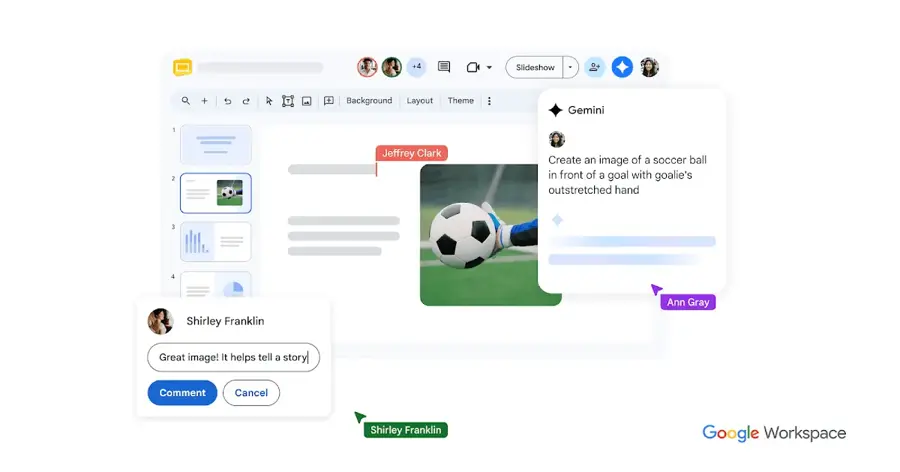
Gemini is Google's AI assistant, and since June 2026 it can build a full, editable deck inside Google Slides from one prompt. Try it at workspace.google.com.
Strengths
Google started rolling out whole-deck generation on June 29, 2026, its Workspace Updates post says. You can ground the deck in Drive files, attach an existing presentation as a style reference, and approve an outline before any slides are made. At launch, though, it only worked in US English.
Deckary, a consulting-deck site, wrote a detailed guide to Gemini in Slides (based on Google's docs, not its own testing). Its verdict: Gemini is "good at turning notes into a first draft", but numbers, complex charts and corporate PowerPoint templates still need your checks.
Key features
- Gemini generates a multi-slide deck from a prompt and Drive files.
- An existing deck can set the visual style.
- You approve a slide-by-slide outline first.
- One instruction can edit every slide in a deck.
Pros
- Slides stay native and fully editable.
- Uses your own Drive content as source material.
Cons
- Not available on Business Starter.
- Usage limits after the promotion aren't published.
- Launched in English (US) only.
Gemini in Google Slides pricing: No free plan for deck generation; Google AI Pro costs $20/month, as Engadget reported, and Workspace Business Standard also includes it (checked November 2026). See pricing
Related: Gemini AI vs ChatGPT
Plus AI – best for AI inside Slides and PowerPoint
Plus AI is an add-on that generates and edits presentations directly inside Google Slides and PowerPoint. Try it at plusai.com.

Strengths
Plus AI sits in a useful middle ground. It produces native PPTX files and Google Slides decks, and a single subscription covers both apps, going by its GetApp listing. It can also remix an existing slide into a new layout, handy when you're fixing a deck rather than starting one.
Tools for Humans gives it a 3.8 out of 5 editorial rating and says its main weak spots are fact-checking AI text and strict brand guidelines. Its advice is to "approach client-facing work with more manual oversight". GetApp shows no user reviews yet.
Key features
- Full decks or single slides come from a prompt or uploaded document.
- The Basic plan includes 1,500 AI credits a month.
- Most tasks use between 40 and 170 credits.
- Slides can be rewritten or remixed into new layouts.
Pros
- Works inside the apps your company already uses.
- One plan covers both Google Slides and PowerPoint.
Cons
- No free plan, only a 7-day trial.
- Brand control is limited for strict style guides.
- Very few public user reviews.
Plus AI pricing: No free plan (7-day trial), then Basic from $10/month billed annually or $15 monthly (checked November 2026). See pricing
Pitch – best for team collaboration
Pitch is a collaborative presentation app with an AI agent, an MCP server and an API for building decks from other tools. Try it at pitch.com.
Strengths
Pitch is built for teams first. Its homepage leans on "multiplayer mode", shared brand libraries and viewer analytics that show who opened a deck. For sales teams, that's probably more useful than Gamma's website publishing.
Public reviews are sparse. Pitch has only 17 reviews on Trustpilot, and at least one appears to be about a different company that sells socks. A June 2026 reviewer wrote it was "Unbelievably hard to unsubscribe".
Key features
- Pitch Agent generates on-brand slides and edits visuals.
- The free plan includes 100 one-time AI credits and unlimited presentations.
- Plus adds 500 AI credits a month and unbranded PowerPoint export.
- Advanced links track visits and time spent per slide.
Pros
- A free plan with unlimited presentations.
- Strong sharing, analytics and team spaces.
Cons
- Free AI credits don't renew.
- PowerPoint export needs a paid plan.
- Pitch doesn't show prices without choosing seats first.
Pitch pricing: Free, then Plus from $15/month, according to Costbench, which last checked in July 2026 (checked November 2026). See pricing
Prezi – best for non-linear, interactive talks
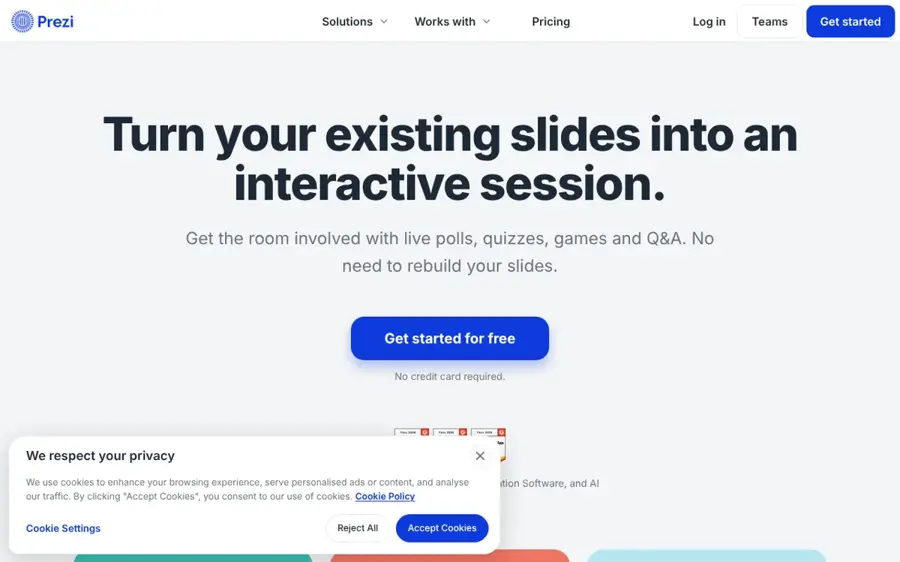
Prezi is a presentation app known for zooming, non-linear canvases, now with Prezi AI for prompt-to-deck creation. Try it at prezi.com.
Strengths
Prezi's AI has caught up fast. Its 2026 feature page says a prompt can produce a fully generated deck "in under 8 seconds". Its quiz builder is something I'd guess teachers will like most.
The reviews carry a warning, though. On Trustpilot, 41% of 648 reviews are one-star. A November 6 reviewer wrote "DO NOT USE THE FREE TRIAL", and another said they were charged €228 for a year after forgetting to cancel.
Key features
- Prompt-to-deck generation with AI images for each slide.
- Brand colours, fonts and logo are pulled from a URL.
- PowerPoint, PDF and Word files can be imported as source content.
- Quizzes and polls can be built from an existing deck.
Pros
- A distinct, non-linear style that stands out.
- Low entry price for the Standard plan.
- Unlimited AI on Plus and Premium.
Cons
- Standard caps Prezi AI at 500 credits.
- PDF export starts on Plus at $19 a month.
- Many Trustpilot complaints about trial charges and refunds.
Prezi pricing: Free Basic plan, then Standard from $7/month billed annually (checked November 2026). See pricing
Related: Prezi AI review
Genspark – best for research-heavy decks
Genspark is an all-in-one AI agent workspace whose AI Slides feature researches a topic and builds a deck from it. Try it at genspark.ai.
Strengths
Genspark isn't a slide tool first. It bundles slides, sheets, docs, video and AI phone calls into one credit pool, eesel AI explains. Users mostly like it: 45% of 481 reviews on Trustpilot are five-star, and one November 7 reviewer called its credit system "the most affordable and easy to control".
The catch is cost per deck. Eesel AI estimates a full AI Slides deck uses 100 or more credits, and the free tier gives roughly 100 credits a day. Credits don't roll over.
Key features
- AI Slides builds a researched deck from a prompt.
- Free users get about 100 credits a day.
- Plus starts at 10,000 credits a month.
Pros
- Research and slides in one place.
- A daily-refreshing free allowance.
Cons
- One deck can use a day's free credits.
- Credit costs vary widely by task.
- Pro jumps to $249.99 a month.
Genspark pricing: Free, then Plus from $19.99/month billed annually or $24.99 monthly (checked November 2026). See pricing
Related: Genspark AI review Genspark AI vs other tools
Choosing the right Gamma AI alternative
Start with the file format your audience needs
If clients expect .pptx files, pick Copilot in PowerPoint or Plus AI; converting from a web-first tool later is where layouts tend to break.
Use the AI you already pay for
A Microsoft 365 Personal plan at $9.99 a month or Google AI Pro at $20 already includes deck generation. Adding Gamma or Beautiful.ai on top only makes sense if you need their specific design style. Honestly, I think most solo users can stop here.
Treat free trials as paid plans
Beautiful.ai, Prezi and Canva all have Trustpilot reviews about charges after a trial. Cancel a day early, or pick a tool with a permanent free plan (Canva, Pitch, Prezi Basic or Genspark) if you're only testing the idea.
Verdict
Our take: Canva is the best Gamma AI alternative for most people, mainly because its free plan is permanent and its editor gives you control that Gamma's cards don't. For office teams, I'd skip a separate app altogether and use Copilot or Gemini, since the decks land in the right format from the start. Beautiful.ai is worth the money only if brand consistency is your main headache. And if you're leaving Gamma over billing, read the reviews on whatever you pick next, because that problem isn't unique to Gamma.
FAQ
Is there a free alternative to Gamma AI?
Yes. Canva, Pitch, Prezi and Genspark all have free plans. Canva's is the most generous for design, while Genspark refreshes about 100 credits a day, which may cover one AI deck.
Which Gamma alternative exports best to PowerPoint?
Copilot in PowerPoint and Plus AI work inside PowerPoint itself, so there's nothing to convert. Beautiful.ai includes PowerPoint import and export on every plan, and Pitch offers unbranded PowerPoint export from its Plus plan.
Is Gamma AI still worth using?
It can be. Gamma 5 added an agent and a freeform editor in October 2026, and Plus starts at $9 a seat a month billed yearly. Our Gamma AI review covers the trade-offs in detail.
Can ChatGPT or Claude replace Gamma?
They can write the outline and slide text well, but they don't design decks on their own in the same way. Gamma connects to ChatGPT and Claude, and Pitch and Plus AI offer MCP servers, so you can pair a chatbot with a slide tool. Our prompt-writing guide helps with the outline.