AI videos that look real: the 8 best tools for realistic AI video in 2026
The best tools for AI videos that look real in 2026, from Kling 4.0 to Gemini Omni and HeyGen, with prices, real user ratings and labelling rules.
 Written byBurhan AqibSenior writer, policy and analysis
Why you can trust The AI Future
Our writers research every product from its official pages, independent tests and user reports, link each claim to its source and correct mistakes openly. Unless an article says otherwise, we haven't tested the product hands-on ourselves. Companies can't pay for coverage or see reviews before they're published.
Read our editorial policy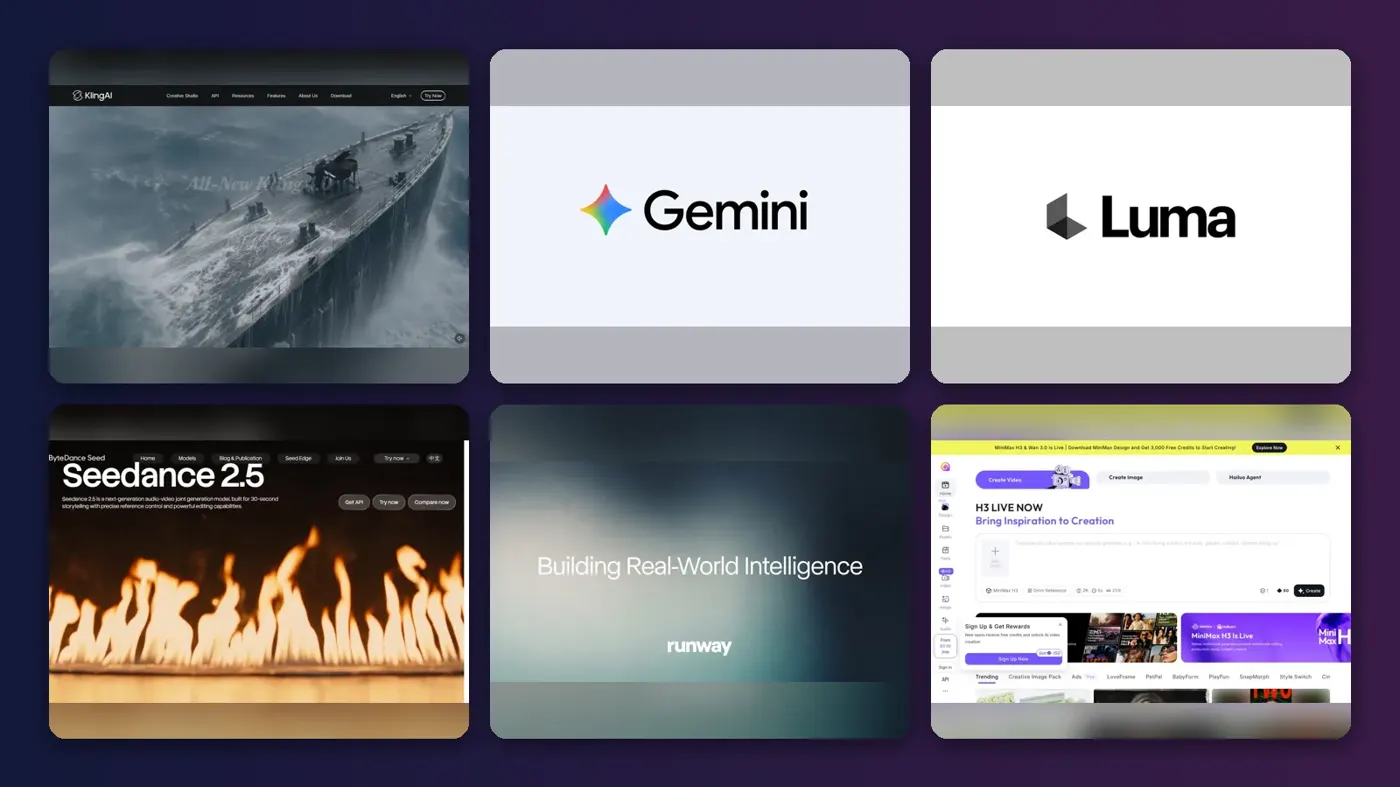
Short answer: if you want AI videos that look real, start with Kling. Its new Kling 4.0 model, which launched on 15 October 2026, is built around steadier motion and single takes of up to 30 seconds, and it still has a free daily allowance. If you already pay for Google AI, try Gemini Omni in Google Flow first, because it's bundled from $4.99 a month. For a talking presenter rather than a film shot, HeyGen is the specialist.
Realism is the hard part of AI video. Faces drift, hands melt and physics goes strange, and even the best models still slip in longer clips. We compared eight tools on how close their output gets to real footage, using official docs, published comparisons and user reviews (prices checked October 2026). One thing first: OpenAI's Sora isn't on the list, because OpenAI shut the Sora app on 26 April 2026 and the API on 24 September. Our Sora vs Runway and Pika comparison covers what replaced it.
Key takeaways
- Kling 4.0 is the realism pick for most people, though Kling's customer service record on Trustpilot is poor.
- Gemini Omni is the cheapest serious option, since Google AI Plus costs $4.99 a month in the US and includes 200 Flow credits.
- Budget roughly $10 to $30 a month for regular realistic clips, and expect failed generations to eat credits.
- If your video looks real and shows real people or events, YouTube, TikTok and, since 2 August 2026, EU law expect you to label it.
Our ranking method
Nobody at The AI Future ran hands-on tests for this roundup. We ranked each tool from official pricing and product pages, launch announcements, independent comparisons and public user reviews, as of late October 2026. The criteria:
- Visual realism, meaning skin, light, reflections and textures in published comparisons.
- Motion, physics and consistency, so faces and objects don't change mid-shot.
- Control through reference images, keyframes and editing after generation.
- Cost per usable second, not just the sticker price.
- User sentiment on Trustpilot and in third-party write-ups.
Quality claims age fast in this category. A model that looked weak in spring may have caught up by autumn, so I'd treat any ranking (ours included) as a snapshot.
The 8 best tools for AI videos that look real at a glance
| # | Tool | Category | Best for | Free tier | Starts at |
|---|---|---|---|---|---|
| 1 | Kling AI | Video model | Cinematic realism | Yes (limited) | $10/mo |
| 2 | Gemini Omni | Video model and editor | Budget realism | No | $4.99/mo |
| 3 | Luma Ray | Video model | Polished, film-like light | No | $30/mo |
| 4 | Seedance 2.5 | Video model | Long scenes with references | No | $28/mo |
| 5 | Runway | Creative suite | Editing real footage | Yes (limited) | $12/mo |
| 6 | Hailuo AI | Video model | Cheap 2K clips | Yes (limited) | $7.99/mo |
| 7 | Adobe Firefly | Creative suite | Adobe users | Yes (limited) | $9.99/mo |
| 8 | HeyGen | Avatar video | Realistic presenter videos | Yes (limited) | $29/mo |
Prices are US dollars; Runway and Seedance (via Runway Pro) are billed annually.
The best AI tools for realistic video in 2026, ranked
Kling AI – best for cinematic realism
Kling AI, from the Chinese company Kuaishou, makes text-to-video and image-to-video clips with native audio, and it's the tool most often picked out for realistic, directed-looking shots. Visit Kling AI.

Strengths
Kuaishou says Kling 4.0's upgrades "center on three priorities: realism, control and professional quality". In practice that means steadier large-scale motion, native 30-second single takes and Omni Reference, which takes up to 15 reference assets and 10 keyframes. In a comparison of 11 generators by one blogger, using the same cinematic prompt, Kling came out as the best overall pick for shots that feel intentionally directed. It predates 4.0, though.
Kling's own launch video gives a quick look at what 4.0 is pitched to do.
The catch is the company, not the model. Kling's Trustpilot page scores 1.2 from 431 reviews, and the AI-written summary there says "most reviewers were let down by their experience overall," citing surprise charges and lost credits. My verdict: the best realism per dollar right now, as long as you watch your billing.
Key features
- Kling 4.0 generates up to 30 seconds in a single pass.
- Omni Reference accepts up to 15 images, clips and other assets.
- The free plan gives 66 credits a day, which expire after 24 hours.
Pros
- Strongest realism and camera work in published comparisons
- 30-second single takes, matched only by Seedance 2.5 here
- Daily free credits to try it
- Also sold inside Runway and Luma
Cons
- Very low Trustpilot score, with billing complaints
- Credits don't roll over
- Free clips are low resolution and watermarked, per eesel AI
Kling AI pricing: Free, then paid plans from $10/month, with Pro at $37 (checked October 2026, via eesel AI; those figures were built around Kling 3.0). See pricing
Related: How to use Kling AI
Gemini Omni – best for budget realism
Gemini Omni is Google's video model inside the Gemini app and Google Flow, and it's the cheapest way into a frontier model if you already use Google's apps. Visit Gemini.
Strengths
Google pitched Omni on physics. According to Engadget, it "better understands physical forces like gravity, kinetic energy and fluid dynamics,". The late-summer 1.1 Flash update added start and end frames, 1080p or 4K export and cheaper 360p drafts, per the Flow announcement from Google.
Price is the real draw. Google AI Plus costs $4.99 a month with 200 Flow credits and AI Pro costs $19.99 with 1,000, according to ProPakistani, citing Google's US plans. Engadget also gave the honest caveat: Google's earlier video model had an "uncanny valley" look, and Omni still had to prove itself. I think it's the right first stop for anyone already paying Google, but I wouldn't switch from Kling for it.
Key features
- You edit clips with plain chat instructions instead of starting over.
- Exports go up to 4K, with low-credit 360p drafts first.
- Every video carries Google's invisible SynthID watermark.
Pros
- Lowest entry price on this list
- Built-in watermarking helps with labelling
Cons
- No video on the free Gemini plan
- Credit cost per clip isn't spelled out simply
- Realism still questioned by Engadget
Gemini Omni pricing: No free plan for video; Google AI Plus from $4.99/month in the US (checked October 2026). See pricing
Related: Best free AI video generators
Luma Ray – best for polished, film-like light
Luma Ray is the video model family from Luma AI, now sold inside a multi-model subscription that also includes Kling, Veo and Seedance. Visit Luma.
Strengths
If you care most about lighting, Luma's worth a look. The same Substack comparison named Luma Ray the best "premium look" pick, saying "reflections, lighting, and overall realism were strong." Luma's pricing page now lists Ray3.2 with HDR and EXR output, the sort of thing colourists and VFX teams ask for.
Value is tricky. The plan bundles a lot of third-party models, so you're partly paying for access to Kling, Veo 3.1 and Seedance too. Users are unhappy: Luma scores 1.4 from 72 reviews on Trustpilot. My verdict: pick it for the finish, not the price.
Key features
- Ray3.2 renders in SDR, HDR or HDR plus EXR.
- A 5-second 1080p Ray clip costs 400 credits.
- The plan includes Kling 4.0, Veo 3.1, Seedance and MiniMax models.
- Paid plans include commercial use.
Pros
- Strong lighting and reflections in one published comparison
- HDR and EXR output for pro pipelines
- Many rival models under one plan
Cons
- No free tier on the current plans, per eesel AI
- 1080p Ray clips burn credits fast
- Low Trustpilot score
Luma Ray pricing: No free plan, then paid plans from $30/month (checked October 2026, via eesel AI). See pricing
Related: Best AI video generators
Seedance 2.5 – best for long scenes with references
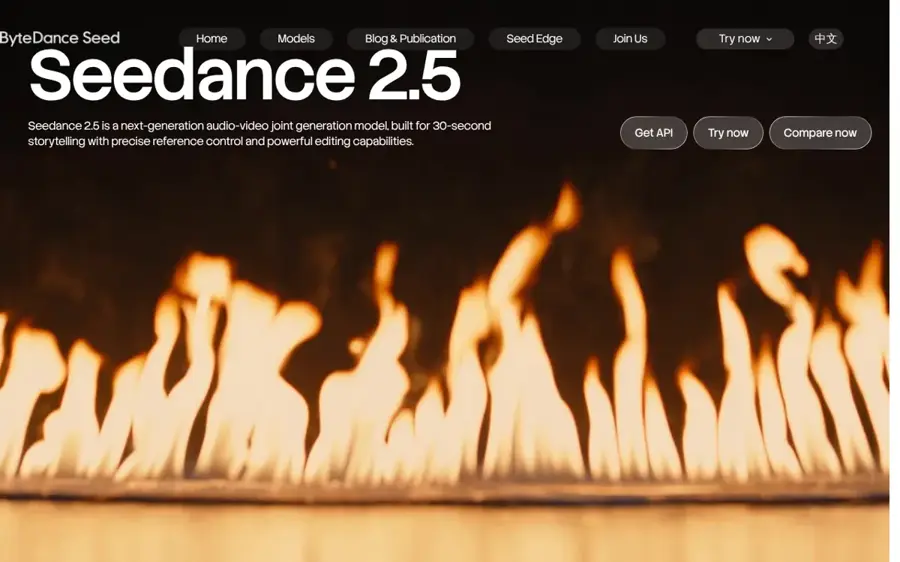
Seedance 2.5 is ByteDance's audio and video model, built for 30-second scenes with tight reference control, and you reach it through apps such as Runway, Luma and HeyGen. Visit Seedance.
Strengths
ByteDance's Seedance 2.5 page promises clips of up to 30 seconds in one generation, extendable twice, with motion that's "smoother and more consistent" and visuals that are "more realistic." The reason to take it seriously is its predecessor: Digital Applied reported that Seedance 2.0 led the Artificial Analysis Video Arena for text-to-video and image-to-video, ahead of Veo 3.1 and Kling 3.0.
There's no independent benchmark for 2.5 that we could find, so the realism claims are ByteDance's own. Probably the best choice if you need one character to stay the same across a long take.
Key features
- Single generations run up to 30 seconds, with two extensions.
- Reference videos guide framing and camera language.
- Green-screen editing and white-model control are built in.
- Audio comes with the picture.
Pros
- Predecessor topped a public blind-preference leaderboard
- Available inside several tools you may already pay for
- Strong reference control for consistency
Cons
- No independent tests of 2.5 yet
- Access and price depend on which app you use
Seedance 2.5 pricing: No standalone free plan; included on Runway Pro from $28/month billed annually, and on HeyGen Pro at $49/month (checked October 2026). See pricing
Related: Seedance AI tutorial Best image to video AI tools
Runway – best for editing real footage
Runway is a browser-based creative suite with its own Gen-4.5 model plus third-party models, aimed at editors and filmmakers who want to rework footage, not just generate it. Visit Runway.
Strengths
Runway's realism story is about mixing AI with real footage. Its plans page lists Gen-4.5, Aleph 2.0 for video-to-video work, Kling 4.0 at 25% off and Seedance 2.5 on Pro, all from one credit pool. The Substack comparison judged Runway good for motion-heavy and stylised scenes but "not always the most realistic," which matches how pros tend to use it.
Sentiment is rough. Runway scores 1.1 from 382 reviews on Trustpilot, and that page's summary says reviewers found the plans "extremely expensive" and that they "consume credits far too quickly." Honestly, I'd only pay for it if you'll edit or extend real clips; for pure text-to-video, Kling is cheaper.
Key features
- Standard's 625 monthly credits cover about 52 seconds of Gen-4.5.
- Aleph 2.0 edits existing video with prompts.
- Third-party models include Kling 4.0 and Seedance 2.5.
- Paid plans include 4K upscaling and no watermarks.
Pros
- Best tool here for working on real footage
- Many models under one subscription
Cons
- Very low Trustpilot score
- Free plan is 125 one-time credits
- Seedance 2.5 needs Pro or higher
Runway pricing: Free (125 one-time credits), then paid plans from $12/month billed annually or $15 monthly (checked October 2026). See pricing
Related: Sora vs Runway and Pika
Hailuo AI – best for cheap 2K clips
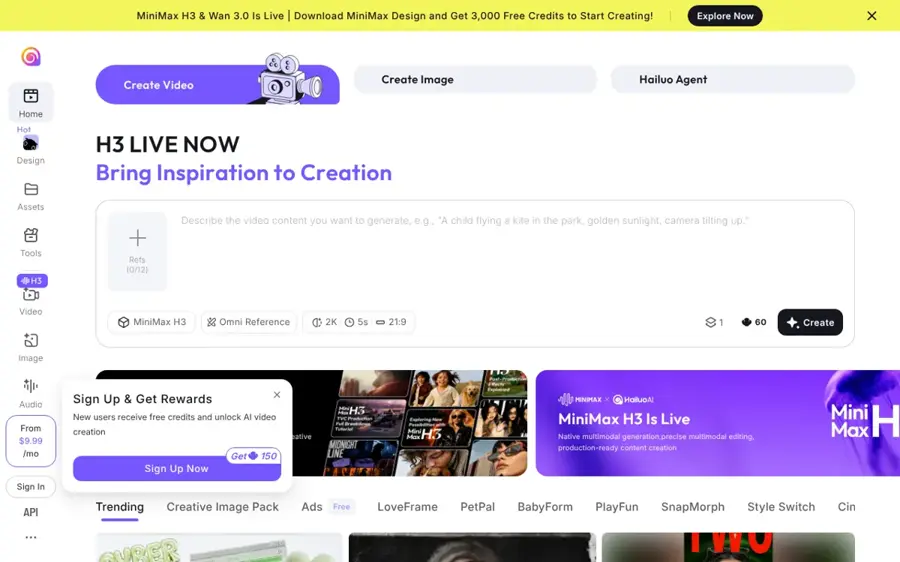
Hailuo AI is the video app from Shanghai-based MiniMax, and its Hailuo 3.0 model (MiniMax H3) makes 15-second clips at up to 2K with built-in sound. Visit Hailuo AI.
Strengths
H3 launched on 31 July 2026, per Convly, and it plans its own cuts between shots, so a single clip can go from a wide shot to a close-up. MiniMax also claims "accurate text and brand rendering," which matters because garbled signs are one of the quickest giveaways that a video is AI.
It's cheap. On the MiniMax API price list, H3 costs $0.13 per second at 2K and the Lite version goes down to $0.025 per second at 480p. The app is a different story for support: Hailuo scores 1.4 from 94 reviews on Trustpilot, with complaints about double charges and stuck generations. My take: great for testing looks cheaply, risky for client deadlines.
Key features
- Clips run up to 15 seconds at up to 2K.
- Speech, music and effects are generated with the picture.
- Motion transfer copies movement from a reference video.
- Open weights are on Hugging Face.
Pros
- Low cost per second, especially through the API
- Sharp 2K output
- Readable text and logos, per MiniMax
Cons
- Shorter clips than Kling 4.0 or Seedance 2.5
- Poor Trustpilot score with billing complaints
- App plans change often
Hailuo AI pricing: Free daily credits, then paid plans from $7.99/month (checked October 2026, via CostBench). See pricing
Related: Hailuo AI prompt guide Best free AI video generators
Adobe Firefly – best for Adobe users
Adobe Firefly is Adobe's generative AI app, with its own Firefly Video Model plus partner models, and it plugs into the Creative Cloud apps many video teams already use. Visit Adobe Firefly.
Strengths
Firefly isn't the most realistic model here. The Substack comparison put it down as the pick "if your content pipeline is already Adobe-based," calling it "convenient and fast," and that's about right as a summary. Its value is the Adobe workflow, not raw photorealism.
Watch the credit maths. SaaS CRM Review found a five-second 1080p clip costs 500 credits, so the $9.99 Standard plan's 2,000 credits cover just four clips. Premium at $199.99 includes unlimited Firefly Video Model generations, which I'd guess only studios will justify.
Key features
- The Firefly Video Model makes text-to-video and image-to-video clips.
- Free daily generations cover image, video and audio.
- Pro and above add Photoshop on web and mobile.
- Premium includes unlimited Firefly Video Model generations.
Pros
- Fits Adobe workflows you may already pay for
- Free daily generations to try it
Cons
- Only four 1080p clips a month on Standard
- Not top of published realism comparisons
Adobe Firefly pricing: Free daily generations, then paid plans from $9.99/month (checked October 2026, via SaaS CRM Review). See pricing
Related: Best AI video generators
HeyGen – best for realistic presenter videos
HeyGen makes avatar videos where a lifelike digital presenter, or a consented avatar of yourself, reads your script in 175+ languages. Visit HeyGen.
Strengths
HeyGen solves a different realism problem: a person talking to camera. Its plans include the Avatar IV and Avatar V engines, a custom avatar with your own voice and likeness, and on Pro, Seedance 2.5 and "Cinematic Avatars" that put you in prompted scenes. Users like it far more than they like the clip generators: HeyGen scores 4.2 from 5,057 reviews on Trustpilot (it invites customers to review, so weigh that). One reviewer there wrote that "the video voices and appearance are truly human."
Consent is built into the rules. HeyGen's moderation policy says that unless explicit consent has been given, "creating avatars of other individuals is strictly prohibited," and it bans avatars of celebrities or public figures without consent. For training, sales and explainer videos, it's the pick.
Key features
- Avatar IV and Avatar V generate lifelike talking presenters.
- You can build a custom avatar of yourself with your own voice.
- Pro adds 4K export and Seedance 2.5.
Pros
- Best user sentiment of any tool here
- Clear consent rules for custom avatars
- Generous free plan for testing
Cons
- Not built for cinematic scenes on the Creator plan
- Free videos are watermarked and capped at one minute
- Seedance 2.5 and 4K need the $49 Pro plan
HeyGen pricing: Free (3 watermarked videos a month), then paid plans from $29/month (checked October 2026). See pricing
Related: HeyGen AI review How to use HeyGen
Choosing the right tool for AI videos that look real
Match the tool to the shot type
Cinematic scenes with real-looking people and places are Kling, Seedance and Luma territory. A person explaining something on camera is HeyGen's job. If you're starting from footage you shot yourself, Runway's video-to-video tools make more sense than any text prompt. Our guide to generating video with AI covers each workflow.
Start from a strong reference image
The Substack comparison's main tip was to generate a strong reference image first and then animate it, because it keeps results more consistent and saves credits. That's my favourite piece of advice in this whole category, and it's cheap to follow. See our image to video AI roundup and AI video prompt guide for more.
Budget per usable second, not per month
Kling's $10 plan covers roughly eleven 5-second 1080p clips with audio, by eesel AI's maths. Failed attempts still cost credits, so plan for rerolls.
Free vs paid: what you actually get
Free plans are for judging the look, not for publishing. Kling's free tier gives 66 daily credits, but clips are capped at 360p to 540p, watermarked and not cleared for commercial use, according to eesel AI. Hailuo's free plan gives a few daily generations at 720p with a watermark, per CostBench. Runway's 125 credits are one-time, and Gemini and Luma don't offer free video on their current plans.
Paying gets you three things that matter for realism: 1080p or higher, no watermark and enough credits to reroll. That last one's underrated, since realistic output often takes several attempts. For most people, a $10 to $30 plan is the sensible ceiling; the $90-plus tiers are for studios. Our list of the best free AI video generators covers the no-cost options in more depth.
Labelling AI video and consent
If your video looks real, the big platforms want it labelled. YouTube says it requires creators to disclose content that's realistic and made or meaningfully altered with AI, including anything that "generates a realistic scene that didn't actually occur" or makes a real person appear to say or do something they didn't, per YouTube Help. You tick "AI use" in YouTube Studio when you upload. Beauty filters and obvious fantasy don't need it.
TikTok asks creators to label realistic AI content, and it may add an "AI-generated" label automatically when an upload carries C2PA Content Credentials, according to TikTok Support.
In the EU, it's now law. Article 50(4) of the AI Act says anyone deploying AI to make a deepfake "shall disclose that the content has been artificially generated or manipulated," with a lighter duty for clearly artistic, satirical or fictional work. The Commission says these obligations apply from 2 August 2026, and it published a code of practice (finalised on 10 June 2026, per Jones Day) with an EU icon you can use as a label.
Consent is the other half. Only put a real person's face or voice in a video if they've agreed, and that includes you making an avatar of a colleague. HeyGen's policy requires explicit consent for custom avatars, and we've left face-swap tools off this list on purpose. Making intimate or deceptive videos of real people without consent is harmful and illegal in many places. If you're on the receiving end, our explainer on how to tell if a video is AI may help.
Final verdict
If you only pick one, pick Kling: it's the most consistent name in published realism comparisons, Kling 4.0 adds longer single takes, and the $10 plan is cheap enough to find out. I'd keep a close eye on billing, given its Trustpilot record. Choose Gemini Omni if you already pay Google and want good-enough realism for $4.99. Choose HeyGen if your "real" video is a person talking. And if you're torn between suites, our AI video generator roundup compares the wider field.
FAQ
What is the best AI for realistic videos?
For most people in late 2026, Kling AI is probably the best AI for realistic videos, thanks to Kling 4.0's steadier motion and 30-second single takes. Luma Ray is the pick for lighting and reflections, Seedance 2.5 for long scenes with references, and HeyGen for realistic talking presenters.
Can I make realistic AI videos for free?
Yes, but only short, watermarked, lower-resolution clips. Kling gives 66 free credits a day, Hailuo offers a few free daily generations at 720p and HeyGen gives 3 watermarked videos a month. To get 1080p without a watermark, you'll need a paid plan, usually from $8 to $30 a month.
Do I have to label realistic AI videos?
On YouTube, yes, if the video is realistic and shows something that didn't happen or makes a real person seem to say or do something. TikTok also requires labels on realistic AI content. In the EU, the AI Act has required deepfakes to be disclosed since 2 August 2026, with a lighter duty for clearly artistic or satirical work.
Is Sora still available?
No. OpenAI closed the Sora web and app experiences on 26 April 2026 and switched off the Sora API on 24 September 2026, per OpenAI. Kling, Gemini Omni, Seedance 2.5 and Runway are the main alternatives for realistic clips now.
How can I make AI video look more real?
Start from a strong reference image, keep each clip short and cut several together, and describe light, lens and camera movement. Generate at 1080p or higher, and plan for a few rerolls.