AI video updates in 2026: the 6 biggest tool releases, ranked
Kling 4.0, Gemini Omni 1.1 Flash, Runway Ads, Seedance 2.5, MiniMax H3 and Higgsfield's agent connector: the AI video updates that matter, dated and sourced.
 Written byMuhammad Usman SiddiquiFounder and editor-in-chief
Why you can trust The AI Future
Our writers research every product, link each claim to its source and correct mistakes openly. Companies can't pay for coverage or see reviews before they're published.
Read our editorial policy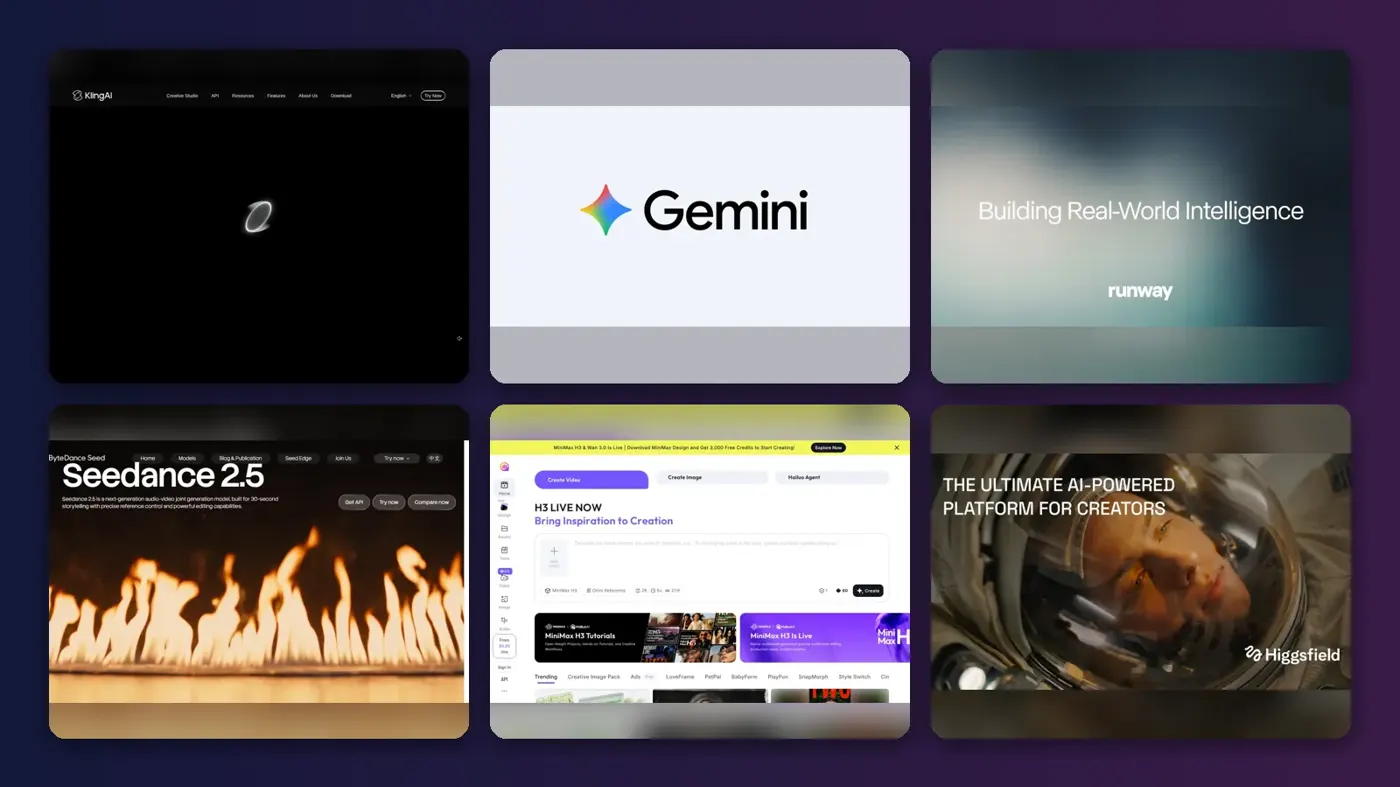
Short answer: the most important of the recent AI video updates is Kling 4.0, which Kuaishou says officially launched on 15 October 2026 with native 30-second clips and up to 15 reference assets per generation. If you only try one new model this autumn, I'd make it that one. If you already pay for Google AI, the cheaper win is Gemini Omni 1.1 Flash in Google Flow, which added start and end frames, 4K export and low-cost 360p drafts.
Beyond that, the past 60 days have mostly been about workflow. Runway shipped Runway Ads and App Studio in the last week of October, Higgsfield now runs its models from inside Claude and ChatGPT, and the summer's two big Chinese launches, Seedance 2.5 and MiniMax H3, have spread to more platforms. Below are the six AI video tools updates worth your attention, each dated and linked to its official release notes, plus what changed with Sora.
If you prefer to watch first, Kling's own launch video gives a quick look at what the new model is pitched to do.
Key takeaways
- Kling 4.0 is the headline model. Up to 30 seconds per generation, 10 keyframes and 15 references, available since 15 October.
- Google is the budget pick. Gemini Omni video starts with Google AI Plus at $4.99 a month in the US, according to ProPakistani.
- Runway is turning into a marketing platform. Its new Ads tool reads your best-performing ads and generates variants, included with every paid plan.
- Agents are the new front door. Higgsfield and Runway both let AI assistants such as Claude, ChatGPT and Cursor generate video for you.
- Sora is gone. OpenAI closed the app on 26 April 2026 and the API on 24 September, per its help centre.
Ranking method
Nobody at The AI Future ran hands-on tests for this roundup. We compared each update using official release notes, product pages and pricing pages, published independent coverage and public user reviews, as of late October 2026. Every update had to land in, or roll out widely during, roughly the last 60 days. We ranked them on these criteria:
- Size of the change: is it a new model or a new way of working, or a minor tweak?
- Control: references, keyframes, editing and consistency across shots.
- Output limits: clip length, resolution and audio.
- Access: whether ordinary creators can use it today, not just API customers.
- Cost: entry price and how fast credits disappear.
- User sentiment: Trustpilot scores and published third-party verdicts.
Our top AI video updates at a glance
| # | Tool | Category | Best for | Free tier | Starts at |
|---|---|---|---|---|---|
| 1 | Kling 4.0 | Video model | Long single takes | Yes (limited) | $10/mo |
| 2 | Gemini Omni | Video model and editor | Budget video editing | No | $4.99/mo |
| 3 | Runway | Creative platform | Marketing teams | Yes (limited) | $12/mo |
| 4 | Seedance 2.5 | Video model | Reference-heavy production | Yes (limited) | $28/mo |
| 5 | MiniMax H3 | Video model and API | Cheap API and open weights | Yes (limited) | $0.025/sec |
| 6 | Higgsfield | Model hub and agent connector | Making video from a chatbot | No | $49/1,000 credits |
Prices are the cheapest paid route to each update, checked October 2026. For Seedance 2.5 that's Runway Pro billed annually; for MiniMax H3 it's the lowest per-second API rate.
The best AI video tools updates in 2026, ranked
Kling 4.0 – best for long single takes
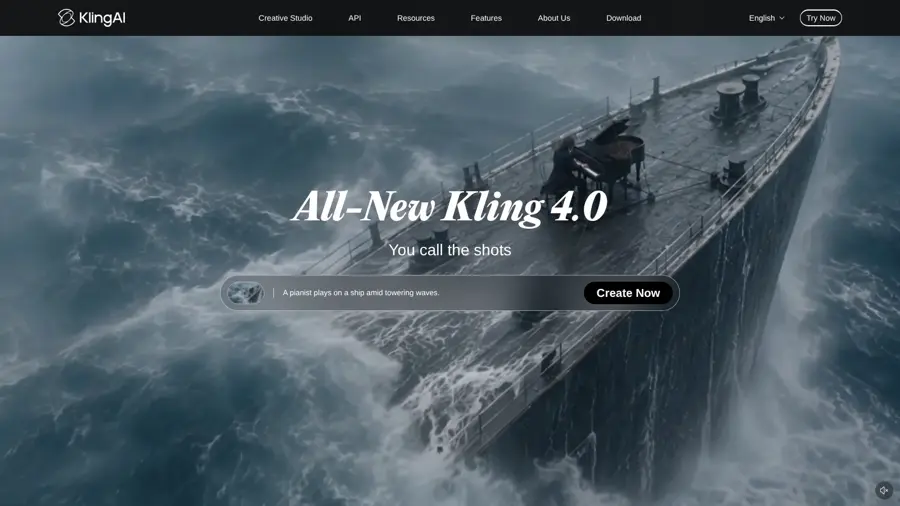
Kling 4.0 is the newest video model from Kuaishou's Kling AI, built for intense motion, complex camera work and clips of up to 30 seconds in one pass.
Standout points
Kuaishou's 19 October announcement names three upgrades: steadier large-scale motion, native 30-second generation, and Omni Reference with up to 15 reference assets and 10 keyframe inputs. A faster Kling 4.0 Flash went to a limited group on 28 September, according to fal, whose guide (drawn from Kling's release notes) also lists 4K output, two-channel stereo audio and prompts of up to 8,000 tokens, with 10-bit HDR still marked as coming soon.
It spread fast. Runway already lists Kling 4.0 at 25% off on its paid plans, and Higgsfield priced a 10-second 720p Kling 4.0 clip at about $1.35. User sentiment for Kling as a company is poor, though, and I'd read those complaints before paying: its Trustpilot page scores 1.2 from 431 reviews, and the site's summary says "Looking at 201 reviews, most reviewers were let down by their experience overall," citing billing and lost-credit complaints. Go deeper in our Kling AI guide.
Key features
- 3 to 30 seconds per generation, at 720p, 1080p or 4K
- Up to 10 keyframes to plan how a shot unfolds
- Omni Reference for up to 15 images, videos, voices and elements
- Video editing with up to 5 input clips
- 21:9 aspect ratio and stereo sound, both new
Pros
- Longest single clip of any update here
- Fine control over shot structure
- Available inside Runway and Higgsfield too
Cons
- Low Trustpilot score with billing complaints
- HDR not shipped yet
- Credits don't roll over, per eesel AI
Kling AI pricing: Free (66 daily credits); paid plans from $10/month, with Pro at $37 and Premier at $92, per eesel AI (checked October 2026). See pricing
Related: Best AI video generators
Verdict: probably the model to beat this autumn, if you can live with Kling's customer service record.
Gemini Omni – best for budget video editing
Gemini Omni is Google's video model in the Gemini app and Google Flow, and its 1.1 Flash update added more control and cheaper drafts.
Standout points
Gemini Omni first arrived at Google I/O in May, but the late-summer update is what matters now. Google's Flow announcement lists start and end frames for consistent transitions, 1080p or 4K export, and a "faster, lower-credit 360p" draft mode you can upscale later. ETV Bharat, reporting on 29 August, adds scene extension in the Gemini app: the model looks back at up to 10 seconds of earlier footage and extends in 10-second steps to 40 seconds in total.
The bigger story is price, and honestly it's hard to argue with for a first try. In the US, Google AI Plus costs $4.99 a month with 200 Flow credits and Google AI Pro costs $19.99 with 1,000, per ProPakistani, citing Google's plan page. The caution comes from Engadget, which notes that "the main problem with Veo 3.1 and other video generator apps is that the video has an 'uncanny valley' look," and that Omni's quality still had to prove itself.
Key features
- Edit by conversation: change action, angle or style with plain instructions
- Start and end frames for controlled transitions
- 360p drafts that cost fewer credits
- Scene extension up to 40 seconds
- SynthID watermark on every video, per Engadget
Pros
- Cheapest entry price on this list
- Bundled with storage and other Gemini features
- Works on the phone through the Flow app
Cons
- No video on the free Gemini plan
- Plan details and limits are changing, per ProPakistani
- Quality claims still debated
Google AI pricing: No free plan for video; Google AI Plus from $4.99/month in the US (checked October 2026). See pricing
Related: Best free AI video generators
Verdict: if you already pay for Google AI, I'd use this before paying for anything else.
Runway – best for marketing teams
Runway is a creative AI platform that hosts its own Gen-4.5 model and third-party models, and its October updates push it towards ad production.
Standout points
Runway's changelog looks like the busiest in the category. On 27 October it launched Runway Ads, which "reads your best performers on Meta, Google and TikTok," generates variants for every placement and publishes the ones you approve, included with every paid plan. A day earlier came App Studio, which builds and hosts a custom creative app from a plain-language description. Earlier in the window: a DaVinci Resolve plugin (23 September), ElevenLabs V4 audio (29 September) and Seedance 2.5 Draft mode in Agent (2 October).
Runway's official video shows how the Ads workflow is meant to run.
Users are less happy than the changelog suggests, and a score that low would make me hesitate. Runway's Trustpilot page scores 1.1 from 381 reviews, and its summary says reviewers found that "subscription plans are extremely expensive, consume credits far too quickly." Read more in our Kling vs Runway comparison.
Key features
- Runway Ads for generating and publishing ad variants
- App Studio for building hosted creative apps
- Third-party models including Kling 4.0 and Seedance 2.5
- Runway MCP for agents in Cursor and other tools
- DaVinci Resolve plugin for editors
Pros
- Many models under one subscription
- Strong fit for brand and ad work
- Fast release pace
Cons
- Very low Trustpilot score
- Credits go quickly on premium models
- Best features sit on Pro and above
Runway pricing: Free (125 one-time credits); paid plans from $12/month billed annually (625 credits), Pro $28/month (checked October 2026). See pricing
Related: Best AI video generators
Verdict: the pick for teams who need ads out the door, not just pretty clips.
Seedance 2.5 – best for reference-heavy production
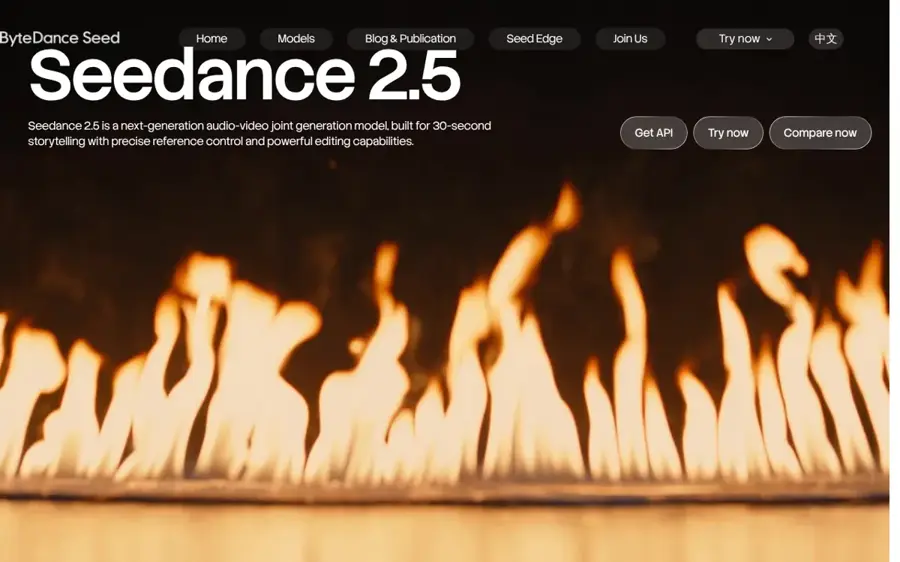
Seedance 2.5 is ByteDance's audio-video model for 30-second storytelling, with detailed reference control and editing.
Standout points
ByteDance's official page promises clips of up to 30 seconds "with the option to extend twice," better reading of reference videos, and pro tools such as white-model (3D blocking) control and green-screen editing. ByteDance first showed it at its Volcano Engine FORCE conference on 23 June, per Digital Applied, and Chinese business outlet Yicai reported the release alongside MiniMax H3 in the summer.
What changed in the past 60 days is reach. Runway added Seedance 2.5 Draft mode for fast 480p drafts on 2 October, and Higgsfield priced a 10-second 1080p Seedance 2.5 clip with sound at about $7.84 on 30 October. That's pricey per clip, I think. The third-party credibility comes from its predecessor: Seedance 2.0 led the Artificial Analysis Video Arena, per Digital Applied. See our Seedance tutorial for the basics.
Key features
- 30-second clips, extendable twice
- Joint audio and video generation
- Reference video understanding beyond simple motion transfer
- White-model and green-screen controls for production work
- Draft mode at 480p in Runway
Pros
- Built for multi-shot, professional work
- Available on several platforms
- Strong track record from version 2.0
Cons
- Expensive per finished clip
- No independent 2.5 benchmark cited yet
- Pricing differs by platform
Seedance 2.5 pricing: Runway lists Draft mode in Agent on all plans; full Seedance 2.5 appears on Runway Pro from $28/month billed annually, and Higgsfield needs a plan from $49 for 1,000 credits (checked October 2026). See pricing
Related: Seedance AI tutorial Best image to video AI tools
Verdict: I'd choose it when you have many references to honour, and skip it for quick social clips.
MiniMax H3 – best for cheap API and open weights
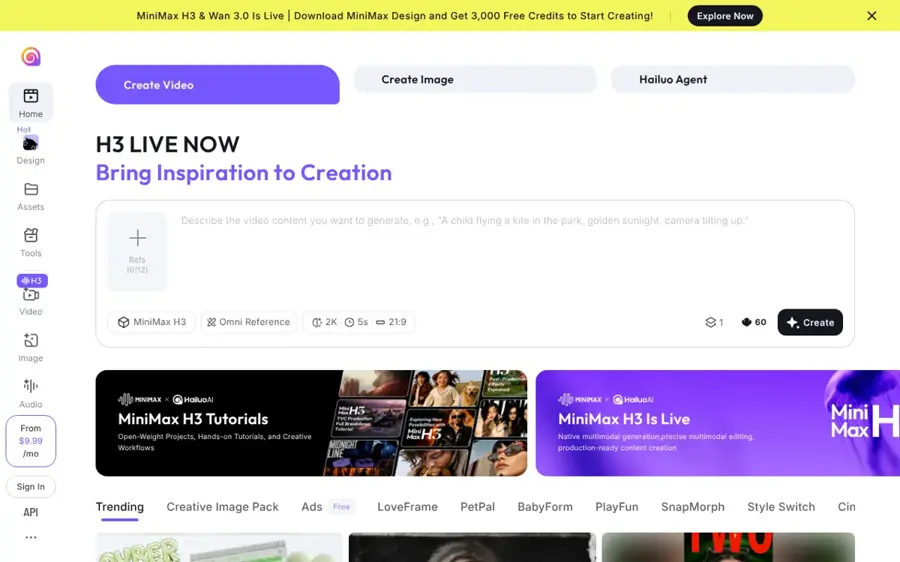
MiniMax H3 is the omni-modal video model behind Hailuo 3.0, with native stereo audio, 2K output and public weights.
Standout points
H3 launched on 31 July, per Convly, so it's just outside our 60-day window. It stays on the list because of what followed: MiniMax has published the model on Hugging Face, which lists 4–15 second clips, 24 fps, 32 kHz stereo audio and dialogue in 11 languages. Its omni-reference mode takes up to 9 images, 3 videos and 3 audio clips in one task.
It's also the cheapest route on this list for developers, as far as I can tell. MiniMax's API pricing runs from $0.025 per second for H3-Lite at 480p to $0.13 per second for full H3 at 2K. The consumer Hailuo app is another matter: its Trustpilot page scores 1.4 from 94 reviews, with complaints about rendering problems and charges after cancelling. Our Hailuo prompt guide covers how to write for it.
Key features
- Text, image, video and audio inputs in one request
- Up to 2K with the Regenerate-2K module
- Native stereo sound with dialogue and effects
- Open weights on Hugging Face
- Three speed tiers: H3, Highspeed and Lite
Pros
- Low, transparent per-second API prices
- Can be self-hosted
- Wide aspect ratio support
Cons
- 15-second maximum clip
- Weak Trustpilot score for the Hailuo app
- Self-hosting needs serious hardware, per Convly
MiniMax H3 pricing: API from $0.025 per second of output (H3-Lite, 480p) to $0.13 (H3, 2K) (checked October 2026). See pricing
Related: Hailuo AI prompt guide Free text to video AI generators
Verdict: the developer's choice; casual users should try it through the app with low expectations of support.
Higgsfield – best for making video from a chatbot
Higgsfield is a generative platform with more than 35 models, and its MCP connector lets Claude, ChatGPT and coding agents generate video for you.
Standout points
Higgsfield's 27 October guide explains the setup: add Higgsfield as a custom connector in Claude, sign in, then describe the video in plain language. Claude picks the model and settings. The clip comes back in the chat. ChatGPT uses a Higgsfield plugin, Cursor adds it from its marketplace, and Claude Code can use the CLI. Its MCP page shows ready-made workflows such as reference remakes, product reviews and multi-hook ad edits.
Higgsfield hosts third-party models, so Kling 4.0 and Seedance 2.5 are both there. Every connector generation uses credits, and "unlimited models and free generations don't apply," the guide says. Higgsfield scores 4.0 from 5,232 reviews on Trustpilot, though it's a claimed profile with a paid Trustpilot subscription. One verified October reviewer wrote: "Most of the generated images are close to what I request." Our Higgsfield AI review has the full picture.
Key features
- MCP connector for Claude, with no API key needed
- ChatGPT plugin and Cursor integration
- 35+ models, including Kling 4.0 and Seedance 2.5
- Agent workflows for ads, explainers and remakes
- Transparent cost checks published on its blog
Pros
- Best Trustpilot score on this list
- Many top models in one place
- Lets non-editors work through a chat
Cons
- Connector needs a paid subscription
- Premium models need the $49 tier or higher
- Credit costs vary a lot by model
Higgsfield pricing: No free connector use; Seedance 2.5 access from $49 for 1,000 credits, per Higgsfield's cost guide (checked October 2026). See pricing
Related: Higgsfield AI review Higgsfield AI tutorial
Verdict: probably the easiest way to use several top models if you already live in Claude or ChatGPT.
Sora's shutdown
Any list of video AI updates still recommending Sora is out of date. OpenAI's help centre says the Sora web and app experiences were discontinued on 26 April 2026 and the API on 24 September 2026. You can still export old content from sora.chatgpt.com/sunset, and leftover credits can be used for Codex. Our Sora AI review covers the full story.
Choosing the right update
Start from the job, not the model
Choose Kling 4.0 if you need long, single cinematic takes. Choose Seedance 2.5 if you must match many references, such as a product, a character and a location. Choose Runway if the output is an ad that has to ship this week.
Check where you can already get it
Kling 4.0 and Seedance 2.5 are available inside Runway and Higgsfield. One subscription that covers several models often beats three separate ones, I'd say.
Budget per finished clip, not per plan
Higgsfield's own check shows a 10-second clip can cost about $1.35 or $7.84 depending on the model. Plan for retakes. Draft modes in Runway and Google Flow help you test ideas cheaply.
Read the user reviews before paying annually
Three of these platforms score below 1.5 on Trustpilot, mostly over billing and credits. Pay monthly first, and cancel through the official site. I wouldn't commit to an annual plan until you've run a few real jobs.
Free vs paid: what you actually get
| Tool | Free | Cheapest paid |
|---|---|---|
| Kling 4.0 | 66 daily credits, low resolution, watermark (eesel AI) | $10/mo Standard |
| Gemini Omni | No video on the free plan | $4.99/mo Google AI Plus, 200 Flow credits |
| Runway | 125 one-time credits | $12/mo billed annually, 625 credits |
| Seedance 2.5 | Draft mode in Runway Agent | $28/mo Runway Pro (annual) |
| MiniMax H3 | Open weights if you have the hardware | API from $0.025/sec |
| Higgsfield | No connector use | $49 for 1,000 credits for premium models |
The pattern seems clear: free tiers are for testing prompts, not for publishing. If you want truly free options, see our guide to making free AI videos.
Final verdict
I'd start with Kling 4.0 for quality, or Gemini Omni if you already pay for Google AI and want the cheapest way in. Teams making ads should look hard at Runway's new tools, and developers should price MiniMax H3 first. Everything else on this list is a specialist. The common thread across these AI video tool updates is longer clips, more references and more work done by agents, and I suspect the agent side will matter more than the next clip-length record.
FAQ
What is the biggest AI video update of late 2026?
Kling 4.0, which Kuaishou says launched on 15 October 2026. It generates up to 30 seconds in one pass, accepts up to 15 reference assets and 10 keyframes, and is already available through Runway and Higgsfield as well as Kling's own app.
Is Sora still available?
No. OpenAI discontinued the Sora app and website on 26 April 2026 and the Sora API on 24 September 2026. You can still export old videos from OpenAI's sunset page, and unused credits can be spent on Codex instead.
Which AI video tool is cheapest right now?
For consumers, Google AI Plus at $4.99 a month in the US includes Gemini Omni video and 200 Flow credits. For developers, MiniMax H3-Lite costs $0.025 per second of 480p output through the API.
Can I generate AI video from Claude or ChatGPT?
Yes, with a connector. Higgsfield offers an MCP connector for Claude and a plugin for ChatGPT, and Runway offers Runway MCP for agents. Both use credits from a paid plan on the video platform.
How often do AI video tools update?
Very often. Runway's changelog alone shows more than a dozen updates between late September and late October 2026. Check official changelogs before you buy an annual plan, because features and prices move monthly.
Next steps
New to all this? Start with our pillar guide on how to generate video with AI. Then pick a platform walkthrough: how to use Kling AI, the Higgsfield AI tutorial or the Seedance tutorial.
Sources
- Kling AI Officially Launches Next-Generation Kling 4.0 (Bernama)
- What is Kling 4.0? Everything You Need to Know [2026] (fal)
- Kling AI pricing (2026): A complete guide to all plans, credits, and real costs (eesel AI)
- Klingai Reviews (Trustpilot)
- Meet KLING 4.0 | You Call the Shots (YouTube, Kling AI)
- Google Flow brings new creative control features to enhance video editing (Google)
- Google Launches Gemini Omni 1.1 Flash With Greater Video Creation Controls (ETV Bharat)
- Google's Gemini Omni can generate 'anything from any input,' starting with video (Engadget)
- Google AI Plus to Be Severely Downgraded After November 13 (ProPakistani)
- Google AI Pro & Ultra plans (Google)
- Product Updates & Changelog (Runway)
- AI Image and Video Pricing (Runway)
- runwayml.com Reviews (Trustpilot)
- Introducing Runway Ads | Runway (YouTube, Runway)
- Seedance 2.5 (ByteDance Seed)
- Seedance 2.5: ByteDance's 30-Second AI Video Model (Digital Applied)
- AI进化速递 | 字节发布Seedance 2.5 (Yicai)
- How Much Does It Cost to Make an AI Video in 2026? (Higgsfield)
- MiniMaxAI/MiniMax-H3 (Hugging Face)
- Pricing Overview (MiniMax API Docs)
- MiniMax H3 (Hailuo 3.0) Explained (Convly)
- Hailuoai Reviews (Trustpilot)
- How to Generate AI Videos in Claude With the Higgsfield MCP Connector (Higgsfield)
- Higgsfield MCP (Higgsfield)
- Higgsfield AI Reviews (Trustpilot)
- What to know about the Sora discontinuation (OpenAI Help Center)