8 best AI book cover generators in 2026: picks for KDP and IngramSpark
The best AI book cover generator for most authors is Canva. Compare 8 tools, plus KDP and IngramSpark specs, Amazon's AI disclosure rule and licensing.
 Written byMuhammad Usman SiddiquiFounder and editor-in-chief
Why you can trust The AI Future
Our writers research every product, link each claim to its source and correct mistakes openly. Companies can't pay for coverage or see reviews before they're published.
Read our editorial policy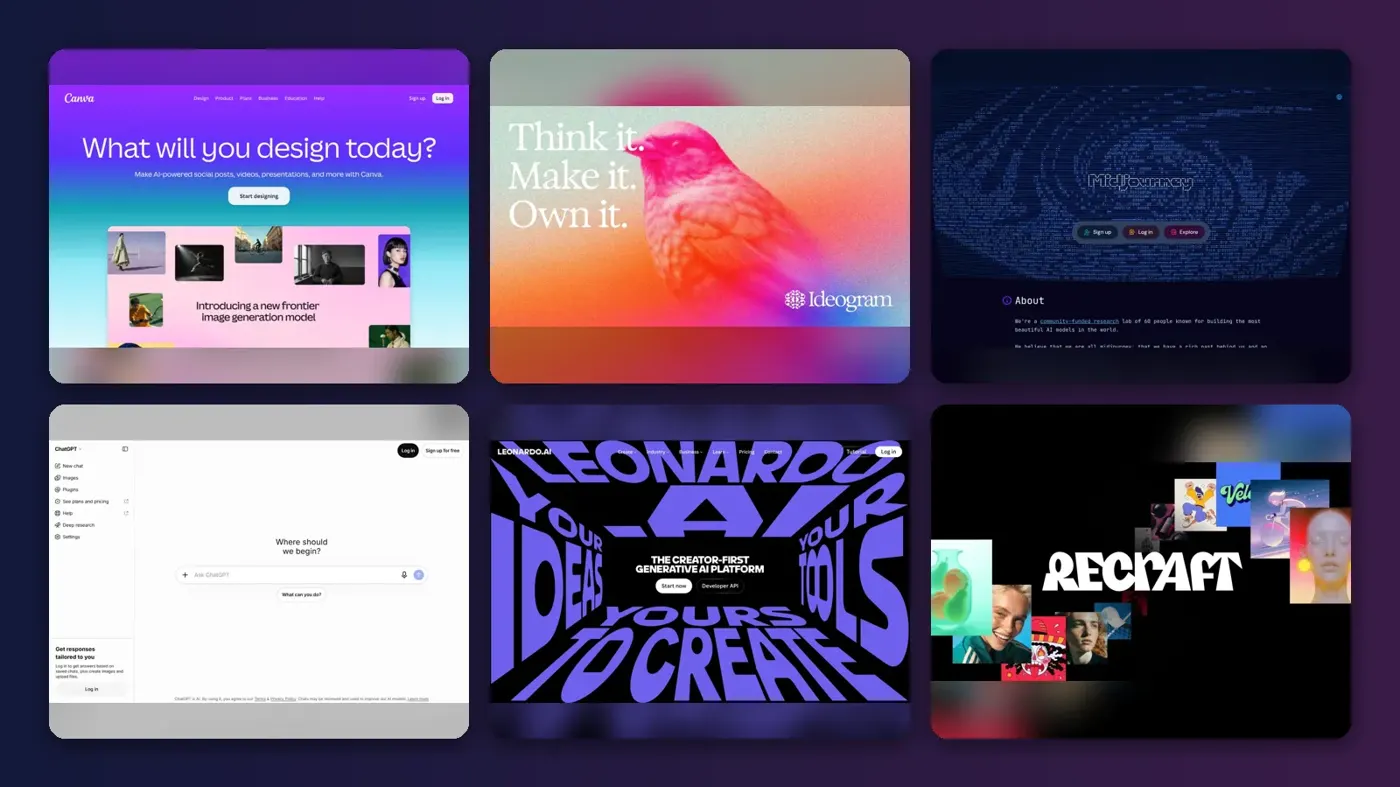
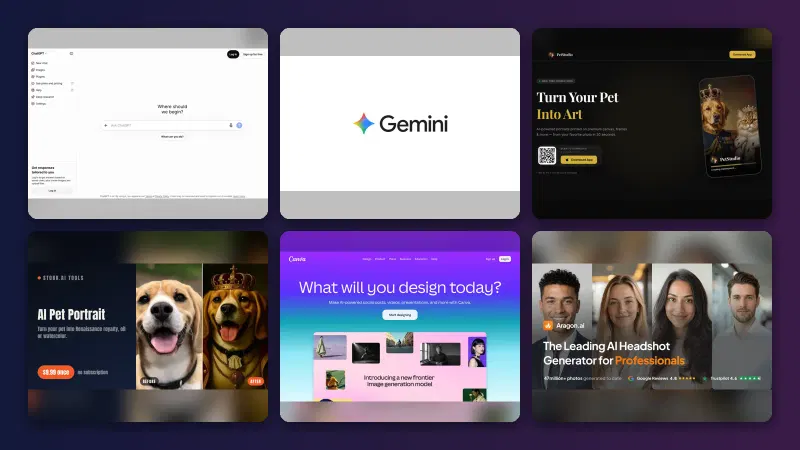
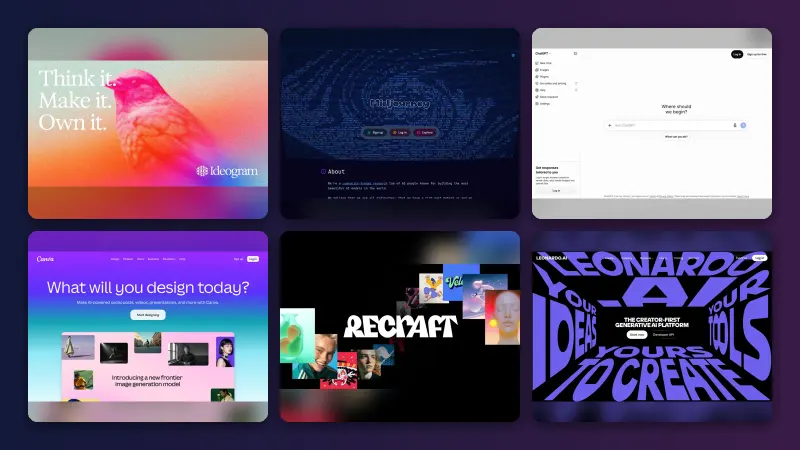
Short answer: the best AI book cover generator for most self-published authors is Canva, because it pairs AI image generation with ready-made book cover templates and the layout tools you need to add a title, author name and back cover. If you want the strongest cover art, generate it in Ideogram, Midjourney or Adobe Firefly, then finish the layout in Canva or Kittl. Honestly, I think the art is the easy part; size, spine, licence and Amazon's disclosure rule are where covers go wrong.
We rank eight tools below, then cover the official Amazon KDP and IngramSpark cover rules, KDP's AI-content disclosure and what copyright law says about AI images. If you design album or podcast art instead, our sister guide to the best AI cover art generators covers those formats.
Key takeaways
- Canva is the best all-rounder, with AI images plus book cover templates in one place.
- For the art itself, use a specialist: Ideogram for title text, Midjourney for painterly genre art, Adobe Firefly for licensing peace of mind.
- Free plans rarely cover a book you plan to sell, since Recraft's and Kittl's free tiers exclude commercial use and free images on Ideogram and Leonardo are public.
- Amazon wants to know: KDP requires you to disclose AI-generated content, and its rule explicitly includes cover images.
- You may not own copyright in raw AI art. The U.S. Copyright Office says prompts alone aren't enough for protection, so add real human design work on top.
Our ranking method
Nobody at The AI Future ran hands-on tests for this piece. We compared each tool using its official pricing pages, terms of service and help docs, plus published user reviews on Trustpilot and Capterra, as of late October 2026. Each tool was scored against what a book cover actually needs:
- Cover-ready layout, meaning templates and full-wrap tools.
- Text rendering, or how legible the title lettering is.
- Commercial licence: which plan lets you sell the book.
- Privacy, and whether drafts appear in a public gallery.
- Print quality, or how easily you reach 300 DPI.
- Price of the cheapest commercial plan.
- User sentiment from published customer ratings.
The 8 best AI book cover generators at a glance
| # | Tool | Category | Best for | Free tier | Starts at |
|---|---|---|---|---|---|
| 1 | Canva | Design platform | Finishing a KDP-ready cover | Yes | $144/yr |
| 2 | Ideogram | Image generator | Covers with readable titles | Yes (limited) | $20/mo |
| 3 | Adobe Firefly | Image generator | Commercially safe artwork | Yes (limited) | $9.99/mo |
| 4 | Midjourney | Image generator | Painterly genre fiction art | No | $10/mo |
| 5 | ChatGPT | AI assistant | Iterating by conversation | Yes (limited) | $20/mo |
| 6 | Kittl | Design platform | Typography-led covers | Yes (limited) | $15/mo |
| 7 | Leonardo AI | Image generator | Free daily experimenting | Yes (limited) | $12/mo |
| 8 | Recraft | Image and vector generator | Illustrated and vector styles | Yes (limited) | $12/mo |
The best AI book cover generators in 2026, ranked
Canva – best for finishing a KDP-ready cover
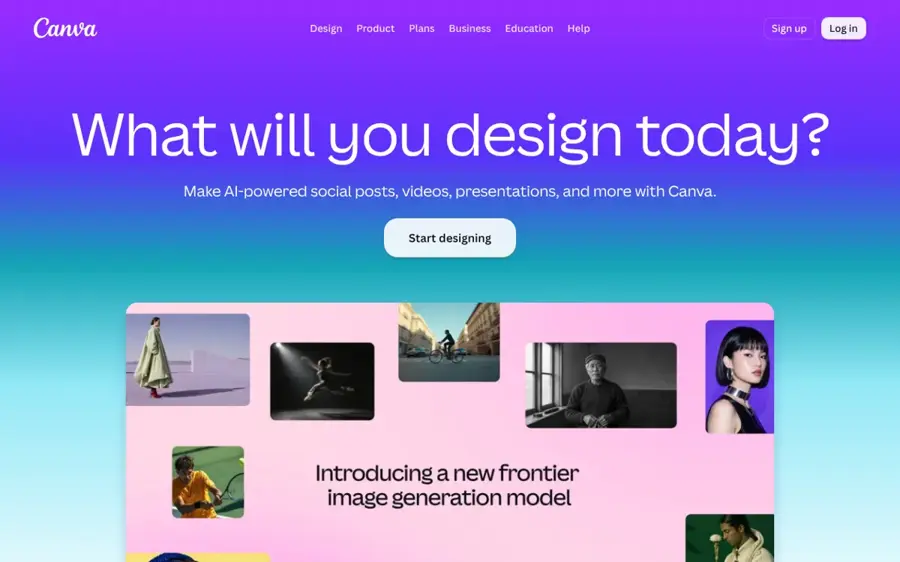
Canva is a browser-based design platform with AI image generation built in and a large library of book cover templates, so you can create the art and the layout in one tool.
Strengths
Most AI generators give you a picture. A book cover needs a picture plus a title, author name, spine and back cover copy laid out to exact dimensions. Canva's book cover maker bundles its Magic Studio AI tools (Magic Media, Dream Lab, Magic Expand) with ready-made book cover templates and a stock library of over 1 million images, graphics and illustrations.
Users rate it well. Canva holds a 4.0 TrustScore from more than 8,000 reviews on Trustpilot, and one Capterra reviewer said "the drag-and-drop interface, extensive template library, and built-in assets like fonts, icons, and photos allow for quick turnaround on projects" (Capterra).
Key features
- Genre-specific book cover templates give you starting points you can restyle.
- Magic Media and Dream Lab handle text-to-image generation inside the editor.
- Magic Expand extends an image to fill a wider canvas, handy for wrapping art around a spine.
- PDF export gives print-ready output for upload to KDP or IngramSpark.
Pros
- Art, layout and text in one place
- Templates cut design time sharply
- You own your AI output, per Canva's terms
Cons
- AI usage limits can slow you down
- Fine typography control is limited
One licensing detail matters. Canva's AI Product Terms say you own your output, except where it modifies or incorporates Canva library content, which stays licensed to you rather than owned.
Canva pricing: Free, then Pro from US$144/year; an AI Pass add-on costs extra (checked October 2026). See pricing
Verdict: if you only pick one tool, I'd pick Canva.
Related: Best AI image generators Best AI cover art generators
Ideogram – best for covers with readable titles
Ideogram is an AI image generator known for placing clean, legible text inside images, which makes it a strong choice for front covers with the title built into the art.
Strengths
Garbled lettering marks a cheap AI cover, and Ideogram's strength is clean text in the image. It also keeps paid work private: Ideogram's plans page says Plus, Pro, Team and Enterprise "keep new images private until you publish them", while everything made on the free plan is public.
Ideogram holds a 3.8 TrustScore from 168 reviews on Trustpilot. One reviewer wrote: "We had great results using Ideogram."
Key features
- Titles and author names render as part of the art.
- On Plus and above, generation is private, so unreleased covers stay hidden.
- An inpainting canvas lets you fix one area of a cover without starting over.
Pros
- Best-in-class title lettering
- Private images on paid plans
- Unlimited slow generations on Plus and above
Cons
- Free images are public
- Free credits only for Google, Apple or Microsoft sign-ins
- You still need another tool for spine and back cover
Ideogram pricing: Free (30 credits a week), then paid plans from $20/month, or $15/month billed yearly; Pro $60/month (checked October 2026). See pricing
Verdict: the pick when your title is part of the artwork.
Related: Best AI cover art generators Best AI image generators
Adobe Firefly – best for commercially safe artwork
Adobe Firefly is Adobe's AI creative studio for generating images, video and audio, with its own Firefly models plus a range of partner models in one app.
Strengths
An Adobe spokesperson told Creative Bloq that the Firefly family of models was "designed from the ground up to be commercially safe, with models trained only on content we have the rights to use." The catch, as Creative Bloq points out, is that the Firefly app now also offers third-party partner models that were not built to the same standard. For a cover you plan to sell, choose an Adobe Firefly model, not a partner model.
User sentiment is weak, and that probably matters if you're paying for credits. Firefly has a 1.7 TrustScore from 30 reviews on Trustpilot. One balanced reviewer wrote: "I have found that Firefly is good for image editing, but not for complex scenes."
Key features
- The Firefly models are trained on licensed content, according to Adobe.
- Partner models add extra styles for ideation, with different licensing standards.
- Content Credentials record which model produced each image.
Pros
- Clearest training-data story of any major generator
- Free daily generations to start
Cons
- Partner models muddy the commercial-safety message
- Poor Trustpilot rating
- Credit system takes some learning
Adobe Firefly pricing: Free (daily generations), then paid plans from $9.99/month for 2,000 credits, per Dupple (checked October 2026). See pricing
Verdict: the safest bet for cautious publishers, as long as you stick to Firefly's own models.
Related: Best AI image generators
Midjourney – best for painterly genre fiction art
Midjourney is a subscription AI image generator, used on the web and in Discord, that is widely used for rich, stylised artwork.
Strengths
For fantasy, sci-fi and romance covers where mood beats lettering, Midjourney is the artist's pick. Its terms of service say "You own all Assets You create with the Services to the fullest extent possible under applicable law", with exceptions. Two matter for authors. First, a company with more than $1,000,000 a year in revenue must be on a Pro or Mega plan to own its assets. Second, Stealth Mode, which keeps images private, is only on Pro and Mega plans. On Basic or Standard, your cover art is visible to others before launch.
Midjourney has a 1.7 TrustScore from 373 reviews on Trustpilot. One unhappy reviewer put it bluntly: "It doesn't follow prompt instructions."
Key features
- Its aesthetic is distinctive, with strong lighting, texture and composition.
- Relax mode gives unlimited slower image generations from the Standard plan up.
- Stealth Mode keeps generation private on Pro and Mega.
Pros
- Some of the most striking art available
- Ownership survives if you cancel
Cons
- No free plan
- Weak at title text
- Privacy costs $60/month (Pro)
Midjourney pricing: No free plan, then paid plans from $10/month, or $8/month billed yearly; Standard $30, Pro $60, Mega $120 (checked October 2026). See pricing
Verdict: the best art for genre fiction, but add the type elsewhere.
Related: Best AI image generators
ChatGPT – best for iterating by conversation
ChatGPT is OpenAI's AI assistant, which can generate and edit images inside a chat, so you can refine a cover concept by simply describing changes.
Strengths
ChatGPT is the easiest way to brainstorm. Paste your blurb, ask for cover concepts, then refine one image over several turns ("darker sky, leave space for the title"). OpenAI's terms of use are clear on ownership: "you (a) retain your ownership rights in Input and (b) own the Output." The same terms warn that output "may not be unique", so another user could get something similar.
OpenAI's Trustpilot profile is harsh, at 1.3 from 1,290 reviews on Trustpilot. One heavy user described "issues like hallucinations, false assumptions, ignored requirements in prompts".
Key features
- You can change a cover by describing what to fix.
- It can turn a synopsis into visual directions.
- It drafts back cover blurbs and taglines in the same chat.
Pros
- Very low learning curve
- Handles art and blurb copy together
Cons
- No print layout or spine tools
- Outputs need upscaling for print
- Weak support reputation
ChatGPT pricing: Free plan available; then Plus from $20/month (checked October 2026). See pricing
Verdict: the best place to find your concept, not to finish it.
Related: ChatGPT review Best ChatGPT alternatives
Kittl – best for typography-led covers
Kittl is a browser-based design platform with strong type tools, templates and built-in AI image generation.
Strengths
Thrillers and non-fiction covers often live or die on typography, and Kittl is built for type-led design, with the clearest print rules here, which I like. Kittl's AI usage rules say Pro, Expert and Max users own full rights to the images they generate, but Pro and Expert plans "cap each design at 500,000 printed copies or 500,000 expected viewers". That's probably plenty for most indie authors, and the Max plan removes the cap. The Free plan is for personal use only, exports at up to 800px and 72dpi, and shares AI images with the community, so it can't produce a sellable print cover.
Kittl scores 4.7 from 1,263 reviews on Trustpilot. One reviewer called it "a unique, easy to use, amazing platform."
Key features
- Text effects and font pairing help with title treatments.
- AI image generation is token-based and sits inside the editor.
- Paid plans add vector and high-res export.
Pros
- Excellent typography control
- Clear commercial licence on paid plans
- Strong user ratings
Cons
- Free plan is personal use and low-res only
- Print cap of 500,000 copies on Pro and Expert
- No public-figure or brand prompts
Kittl pricing: Free (100 one-time AI tokens), then paid plans from about $15/month, per Toolradar (checked October 2026). See pricing
Verdict: the best choice when the title is the design.
Related: Best AI cover art generators
Leonardo AI – best for free daily experimenting
Leonardo AI is a creative AI platform, owned by Canva, that offers dozens of image models plus an editor and upscaler, with free daily tokens.
Strengths
Its commercial usage page says you can use generations commercially, and that paid users generating privately "retain full ownership, copyright, and all other intellectual property rights to their images." Free-plan images are public, and Leonardo keeps broad rights to anything public. Draft free, then make the final cover on a paid plan in private mode.
Leonardo scores 4.7 from more than 1,500 reviews on Trustpilot. One long-time user wrote: "I've been with Leonardo for over a year, and I just increased my membership."
Key features
- Its own models sit alongside third-party ones.
- On paid plans, private mode keeps cover art off the public feed.
- A built-in upscaler helps reach print resolution.
Pros
- Generous free tier for testing styles
- Strong user ratings
Cons
- Free images are public
- Token maths gets confusing
- No cover layout tools
Leonardo AI pricing: Free (150 tokens a day), then paid plans from $12/month, per eesel (checked October 2026). See pricing
Verdict: the best free sandbox, but pay before you make the final art.
Related: Leonardo AI review Best AI image generators
Recraft – best for illustrated and vector styles
Recraft is an AI image and vector generator aimed at designers, good at flat illustration, graphic styles and consistent brand looks.
Strengths
Children's books and non-fiction series often suit a clean illustrated look, and vector output stays sharp at any print size. Recraft's terms say free-tier assets are owned by Recraft and "no commercial use of Free Tier Assets is permitted". On a paid plan, "You own all Assets you create with the Services".
Recraft has a 2.3 TrustScore from 44 reviews on Trustpilot. An older review called it "the best FREE AI Image Generating tool out there", but remember the free tier can't be used for a commercial book.
Key features
- Vector generation stays sharp at any cover size.
- Custom styles keep a consistent look across a series.
- Mockups preview designs on products.
Pros
- Vector output suits print
- Strong for series consistency
- Clear ownership on paid plans
Cons
- Free tier is personal use only, owned by Recraft
- Mixed Trustpilot reviews
Recraft pricing: Free, then Basic from $12/month, or $10/month billed yearly; Pro from $20/month (checked October 2026). See pricing
Verdict: the pick for illustrated series covers, on a paid plan only.
Related: Best AI image generators
KDP and IngramSpark cover size and spine requirements
AI tools make images; printers need files built to exact measurements. Here's what each platform's official help pages require.
Kindle eBook covers
For eBooks, KDP asks for a JPEG or TIFF file, ideally 2,560 pixels tall by 1,600 pixels wide, which is a 1.6:1 ratio. The minimum is 1,000 by 625 pixels, the maximum 10,000 pixels on either side, and the file must be under 50MB in RGB colour. Set a tall aspect ratio and upscale if needed.
KDP paperback covers
A KDP paperback cover is a single PDF that includes back cover, spine and front cover as one image. The key rules:
- Bleed: add 0.125" (3.2 mm) to the top, bottom and outside edges.
- Resolution: images at a minimum of 300 DPI, in CMYK for print.
- Spine text: only allowed on books with at least 79 pages (80 if you use KDP's Cover Creator), with 0.0625" (1.6 mm) clear on each side.
- Text: at least 7-point and at least 0.125" inside the trim lines.
- Matching details: the title and author name must exactly match what you enter at setup.
Spine width depends on page count and paper. KDP's published multipliers are:
| Paper | Spine width per page | 300-page example |
|---|---|---|
| Black and white, white paper | 0.002252" | 0.676" |
| Black and white, cream paper | 0.0025" | 0.75" |
| Premium colour | 0.002347" | 0.704" |
| Standard colour | 0.002252" | 0.676" |
Using KDP's formula (bleed + back + spine + front + bleed), a 300-page 6 x 9 inch paperback on white paper needs a cover about 12.93 inches wide by 9.25 inches tall. At 300 DPI that is roughly 3,878 by 2,775 pixels, far larger than a typical AI image. Use KDP's free cover calculator and template generator, place the template in Canva or Kittl, and build your AI art around it.
IngramSpark covers
IngramSpark also wants a full spread (back, spine, front) with bleed, uploaded as a separate PDF from the interior. Its rules differ from KDP's in several places:
- Bleed: 0.125" (3mm) on all four sides; hardcovers need a 0.625" (16mm) wrap.
- Type safety: at least 0.25" (6mm) on all sides.
- Spine safety: 0.0625" each side for spines 0.35" and wider, 0.03125" for narrower spines.
- Spine text: not allowed on paperbacks under 48 pages.
- Colour: 300ppi, CMYK, and text at 24pt or below in 100% black only.
- Barcode: mandatory; leave a 1.75 x 1 inch area free and IngramSpark will place one if you don't.
IngramSpark's free Cover Template Generator gives you the spine width and document size for your exact specs. Build a separate cover file for each platform.
Amazon KDP's AI-content disclosure rule
KDP's content guidelines state: "We require you to inform us of AI-generated content (text, images, or translations) when you publish a new book or make edits to and republish an existing book through KDP." The same section adds: "AI-generated images include cover and interior images and artwork."
Amazon draws a line between two categories:
- AI-generated (disclose): content created by an AI tool. KDP says this applies "even if you applied substantial edits afterwards." A Midjourney image you retouched in Canva still counts.
- AI-assisted (no disclosure needed): content you created yourself and then improved with AI, or ideas you brainstormed with AI before creating the image yourself.
In practice: if an AI tool made the cover art, tick the box.
Commercial licensing and copyright of AI book covers
Licensing is what the tool lets you do with an image. Copyright is whether the law stops others copying it.
Licensing: check your plan, not just the tool
Each pick above lists its licence terms. The short version: free plans on Kittl and Recraft exclude commercial use, free images on Ideogram and Leonardo are public, and Midjourney requires Pro or Mega for companies earning over $1 million a year.
Owning the output under a tool's terms doesn't mean the image is free of someone else's rights. Kittl, for example, blocks prompts for public figures, recognisable characters and brands, and warns that it doesn't guarantee a generated image is cleared for commercial use. Never prompt for a living artist's style or an existing character on a cover you plan to sell.
Copyright: prompts alone aren't enough
In January 2025 the U.S. Copyright Office published Part 2 of its AI report. It concluded that "the outputs of generative AI can be protected by copyright only where a human author has determined sufficient expressive elements." That can include human creative arrangement or modification of the output, "but not the mere provision of prompts." The Office also confirmed that including AI-generated material in a larger human-made work doesn't bar copyright for the human parts.
For a book cover, that means a raw AI image may not be protected, so a competitor could likely reuse it. Your own typography, layout, photo compositing and hand edits are more likely to be. The more of the final cover you design yourself, the stronger your position. The Copyright Office tracks the issue on its AI initiative page, and our explainer on whether you can copyright AI art goes deeper. This is general information, not legal advice; rules differ outside the US.
Choosing the right AI book cover generator
Decide where the title lives
Choose Ideogram if the title is painted into the art, or Midjourney or Firefly for background art you'll letter in Canva or Kittl.
Price the plan that allows commercial use
The real starting price is the cheapest plan that lets you sell the book. For Kittl and Recraft that means a paid plan from day one. For Midjourney, privacy alone means the $60 Pro plan.
Keep unreleased covers private
Free images on Ideogram and Leonardo, and Midjourney's lower tiers, appear in public galleries. If you don't want readers or copycats seeing your cover before launch, pay for private generation.
Plan for print resolution
A paperback wrap needs several thousand pixels at 300 DPI. Pick a tool with an upscaler or vector export, or plan to upscale separately, before you fall in love with a low-resolution draft.
Judge it as a thumbnail
Readers first see your cover as a tiny store thumbnail, so bold shapes and a large title beat fine detail. Our guide to writing AI image prompts covers how to ask for simple, strong compositions.
Free vs paid: what you actually get
I think free plans are fine for finding a concept, not for the final cover of a book you sell.
| Free plans | Paid plans | |
|---|---|---|
| Commercial use | Excluded on Kittl and Recraft | Allowed on every tool here |
| Privacy | Public on Ideogram, Leonardo and Kittl | Private options on most tools |
| Resolution | Kittl caps exports at 800px, 72dpi | High-res and vector exports |
The budget route that works: brainstorm in ChatGPT or Leonardo's free tier, generate the final art on one month of a paid plan, then lay out the cover in Canva. KDP's own Cover Creator, linked from its cover help page, is free and builds covers to spec, though it's template-based rather than an AI image generator. If you're using AI elsewhere in your book, our guide on whether AI can help you write a book covers the wider picture.
Final verdict
Most authors should start with Canva: it's the only tool here that handles AI art, templates and the full print wrap without switching apps. Choose Ideogram if you want the title painted into the image. Choose Adobe Firefly if licensing risk keeps you up at night. Choose Midjourney if you write genre fiction and want the most striking art, and I'd budget for Pro if you need privacy. Whatever you pick, build to the platform template and disclose AI art on KDP.
FAQ
What is the best free AI book cover generator?
Canva's free plan, because it adds templates and layout tools to AI generation. Leonardo AI's 150 daily tokens suit style exploration. Kittl's and Recraft's free tiers exclude commercial use.
Can I use an AI-generated cover on Amazon KDP?
Yes, but you must disclose it. KDP's content guidelines require you to tell Amazon about AI-generated content, including cover images, when you publish or republish. You must also make sure the image doesn't infringe anyone's intellectual property.
Do I own the copyright to an AI book cover?
Under most tools' paid terms you own the output as a matter of contract. Copyright protection is a separate question: the U.S. Copyright Office says AI output is protected only where a human determined sufficient expressive elements, and prompts alone don't qualify. Your own typography and edits strengthen your claim.
Is there a difference between AI-generated and AI-assisted covers on KDP?
Yes. If an AI tool created the image, it's AI-generated and must be disclosed, even after heavy editing. If you created the image yourself and used AI only to edit or brainstorm, KDP treats it as AI-assisted, and no disclosure is needed.
Sources
- Create a Paperback Cover (Amazon KDP)
- What criteria does my eBook's cover image need to meet? (Amazon KDP)
- Content Guidelines (Amazon KDP)
- KDP Cover Calculator (Amazon KDP)
- Cover File Creation (IngramSpark)
- Cover Template Generator (IngramSpark)
- Copyright Office Releases Part 2 of Artificial Intelligence Report (U.S. Copyright Office)
- Copyright and Artificial Intelligence (U.S. Copyright Office)
- Design Book Covers with Canva's Free Book Cover Maker (Canva)
- AI Product Terms (Canva)
- Canva Pricing (Canva)
- Canva Reviews (Capterra)
- Canva Reviews (Trustpilot)
- Plans and Credits (Ideogram)
- Ideogram AI Reviews (Trustpilot)
- Adobe Firefly: Your all-in-one AI creative studio (Adobe)
- Adobe claims its AI tools are 'commercially safe', but does that stack up? (Creative Bloq)
- Is Adobe Firefly Free in 2026? (Dupple)
- Firefly Adobe Reviews (Trustpilot)
- Terms of Service (Midjourney)
- Comparing Midjourney Plans (Midjourney)
- midjourney.com Reviews (Trustpilot)
- Terms of Use (OpenAI)
- ChatGPT Pricing (OpenAI)
- OpenAI Reviews (Trustpilot)
- AI usage rules (Kittl Help)
- About the Free Plan (Kittl Help)
- Kittl Pricing 2026 (Toolradar)
- kittl.com Reviews (Trustpilot)
- Commercial Usage (Leonardo.Ai Help Center)
- Leonardo AI pricing (eesel)
- Leonardo.Ai Reviews (Trustpilot)
- Terms of Service (Recraft)
- Paid plans (Recraft)
- Recraft Reviews (Trustpilot)