Best AI agents platform options in 2026: 8 picks, ranked
The best AI agents platform for your team, from free self-hosted n8n to Copilot Studio, OpenAI's Agents API and AWS AgentCore, with prices checked in November 2026.
 Written byMuhammad Usman SiddiquiFounder and editor-in-chief
Why you can trust The AI Future
Our writers research every product from its official pages, independent tests and user reports, link each claim to its source and correct mistakes openly. Unless an article says otherwise, we haven't tested the product hands-on ourselves. Companies can't pay for coverage or see reviews before they're published.
Read our editorial policy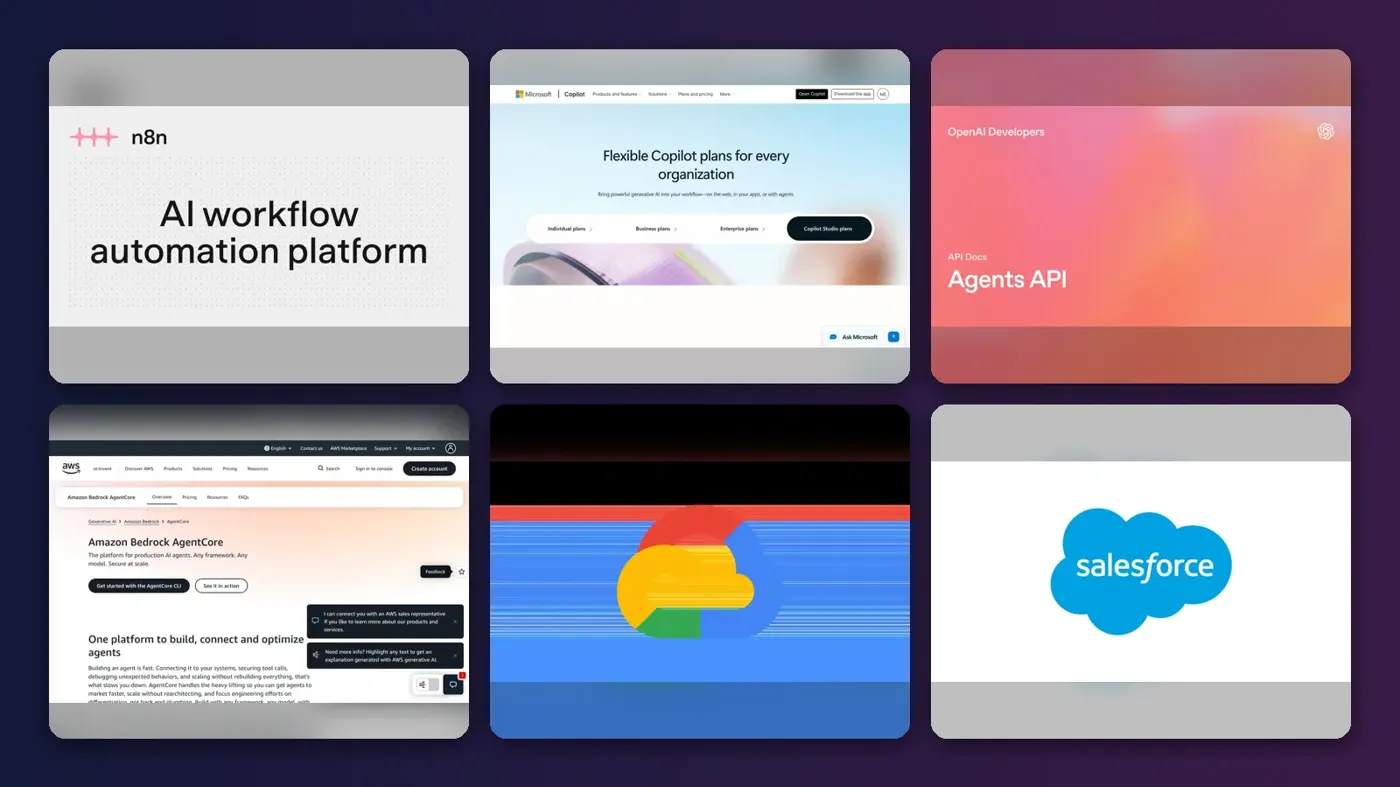
Short answer: if you want one AI agents platform that most teams can afford and grow into, pick n8n. It's free to self-host, its cloud plan starts at 20 euros a month, and it handles agents, tools and plain automations in one place. If your company already lives in Microsoft 365, Copilot Studio is the safer bet, and developers who want a managed runtime should look hard at OpenAI's Agents API or Amazon Bedrock AgentCore.
Everything else here is a specialist. I've ranked eight options by the job they do best, with prices checked in early November 2026.
Key takeaways
- n8n is the best all-round pick for small and mid-sized teams, because the self-hosted Community edition is free and the paid cloud plans don't charge per user.
- Copilot Studio and Gemini Enterprise make the most sense if your company already pays for Microsoft 365 or Google Workspace.
- For developers, the choice is mostly between a managed runtime (OpenAI's Agents API) and a framework-agnostic runtime (Amazon Bedrock AgentCore).
- Usage-based pricing is now the norm, so budget for credits, actions or tokens on top of any seat price.
Our ranking method
Nobody at The AI Future ran hands-on tests or took screenshots for this roundup. We compared each platform using its official pricing and product pages, published developer documentation, third-party ratings and user threads on Reddit and Trustpilot, as of early November 2026. We ranked them on six criteria:
- Build options, from no-code canvases to full SDKs.
- Deployment and operations, meaning hosting, scaling, monitoring and evaluation.
- Integrations with the apps and data a business already uses.
- Governance features such as access controls, audit logs and approvals.
- Pricing clarity and what a small team would really pay.
- User feedback from people running agents beyond a demo.
Prices are in US dollars unless the vendor only lists euros, and they can change by region. Check the vendor's page before you commit.
The 8 best AI agents platforms at a glance
| # | Tool | Category | Best for | Free tier | Starts at |
|---|---|---|---|---|---|
| 1 | n8n | Workflow and agent builder | Most teams | Yes | €20/mo |
| 2 | Microsoft Copilot Studio | Low-code enterprise | Microsoft 365 companies | No | $200/mo |
| 3 | OpenAI Agents API | Developer API | Managed agent runtime | No | Usage-based |
| 4 | Amazon Bedrock AgentCore | Cloud runtime | Managed operations at scale | Yes (limited) | Usage-based |
| 5 | Gemini Enterprise | Workplace agent suite | Google Workspace teams | No | $21/seat/mo |
| 6 | Salesforce Agentforce | CRM agents | Customer service on Salesforce | Yes (limited) | $2/conversation |
| 7 | Zapier | No-code automation | Connecting thousands of apps | Yes (limited) | $19.99/mo |
| 8 | CrewAI | Multi-agent framework | Multi-agent prototypes | Yes (limited) | Custom |
The best AI agents platforms in 2026, ranked
n8n – best for most teams
n8n is a visual workflow tool with built-in agent, MCP and AI nodes that you can run on its cloud or on your own server.
Strengths
The pricing model is the main reason it tops this list. Looking at n8n's plans, every tier includes unlimited users, unlimited workflows and every integration, and you pay by workflow executions rather than per step or per seat. That's rare. Self-hosting is free too: the Community edition has almost the full feature set, missing mainly log streaming, multi-main mode and workflow sharing.
It's also popular with builders, with about 210,000 stars on GitHub. User feedback is mixed, though. n8n holds a 3.0 score from 49 reviews on Trustpilot, where one October 2026 reviewer wrote that "N8N has had a way lower failure rate compared to the exact same automations in Zapier", while another complained that "It is very hard to debug problems since it's all UI." I think that's a fair summary of the trade-off.
Key features
- Agent, MCP and AI nodes are included on every plan.
- The cloud Starter plan comes with 1,600 Assistant credits a month.
- You can use AI models on n8n Cloud without bringing your own API keys.
- Pro adds workflow history, admin roles and metric-based evaluations.
- Enterprise adds SSO, log streaming and Git-based version control.
Pros
- Free self-hosted edition with no execution cap.
- No per-user pricing on any plan.
- Mixes agents with ordinary, predictable automation steps.
Cons
- Debugging complex flows in the visual editor can be painful.
- Self-hosting means you own updates, backups and security.
- Cloud prices showed in euros when we checked, which complicates budgets.
n8n pricing: Free to self-host, then cloud plans from €20/month billed annually (checked November 2026). See pricing
Verdict: if you only pick one, pick this.
Related: How to create an AI agent AI automation companies
Microsoft Copilot Studio – best for Microsoft 365 companies
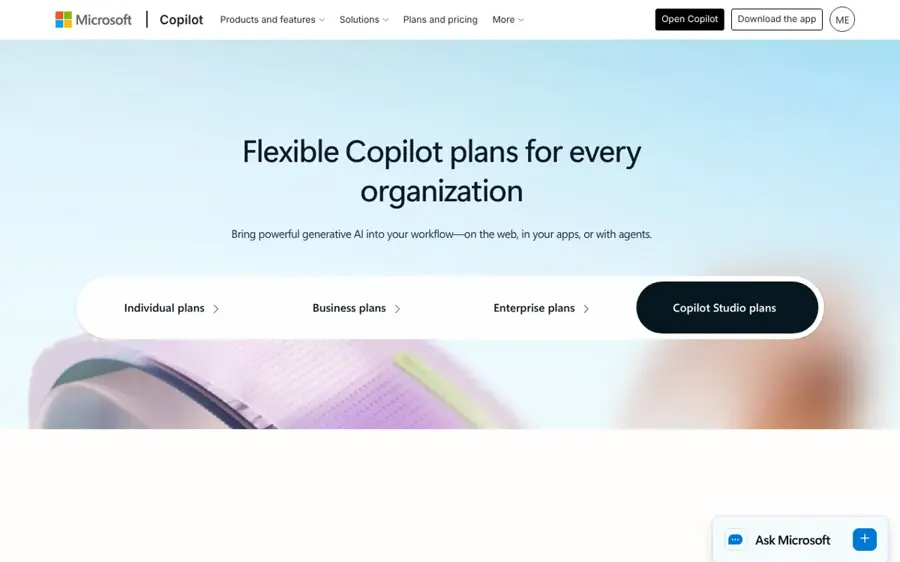
Microsoft Copilot Studio is Microsoft's low-code tool for building agents that work inside Teams and Microsoft 365, or on external channels like websites.
Strengths
For a company already on Microsoft 365, this is probably the shortest path to an agent that respects your existing permissions. On the Copilot Studio plans page, the Microsoft 365 Copilot add-on ($30 a user a month, paid yearly) covers internal agents, while publishing to outside channels needs a standalone Copilot Studio plan. Standalone usage runs on Copilot Credits: $200 a month buys a pack of 25,000, or you can use a pay-as-you-go meter with no commitment.
The user picture is honest and a bit rough. One admin building for a small Microsoft 365 company wrote on Reddit that "The product is not ready for non-technical users", even while recommending it for its orchestration, access controls and Teams integration. A later follow-up thread from another builder said multi-agent orchestration with MCP had clearly improved by spring 2026, but the roadmap still felt too vague to plan around.
Key features
- Agents can run inside Teams and Microsoft 365 apps.
- Autonomous agents can be published to websites, apps and social channels.
- A pre-purchase plan saves up to 20% on credits bought up front.
- Pay-as-you-go coverage kicks in when prepaid credits run out.
Pros
- Inherits Microsoft 365 identity and access controls.
- Strong orchestration and MCP support, going by recent user threads.
- Flexible credit packs or metered billing.
Cons
- Steep learning curve for non-technical staff.
- Credit costs are hard to forecast before launch.
- An Azure subscription is required for standalone agents.
Microsoft Copilot Studio pricing: No free plan (a trial is available), then credit packs from $200/month (checked November 2026). See pricing
Verdict: the default choice for Microsoft shops, as long as someone technical owns it.
Related: Microsoft AI review Best enterprise AI solutions
OpenAI Agents API – best for a managed agent runtime
The OpenAI Agents API gives your app access to OpenAI's Codex agent runtime, with OpenAI running the agent loop, sessions and an optional sandbox.
Strengths
This is the least plumbing you'll do as a developer. Going by OpenAI's guide, the managed runtime handles context compaction, recovery, subagents and MCP connections, and a session can pick up where it left off. If you'd rather keep the loop in your own code, the open-source Agents SDK (around 30,500 GitHub stars) does that, and OpenAI's agents overview compares the two side by side.
Billing is simple to describe and harder to predict. You pay the model's API rate, and on the API price list gpt-6-astra costs $10 per million input tokens and $50 per million output tokens, with the small gpt-6-luna at $0.10 and $0.50. Hosted sandboxes start at $0.03 per 20-minute session for a 1 GB container. One developer surveying the field on Reddit described the SDK as "lightweight, handoff model, great for prototyping".
Key features
- OpenAI-managed sessions that save turns and progress.
- Hosted, self-hosted or no sandbox for running code.
- Built-in support for MCP servers and web search.
- Subagents can work in parallel on parts of one task.
- Streaming output or webhooks tell your app when a task finishes.
Pros
- Very little infrastructure to build or run.
- Pay only for what you use.
- Clear path between managed API and self-run SDK.
Cons
- The managed runtime ties you to OpenAI models.
- Token costs on the top model add up fast for long tasks.
- It's a developer product with no visual builder.
OpenAI Agents API pricing: No free plan, usage billed at model and container rates (checked November 2026). See pricing
Verdict: the fastest way for a dev team to ship a long-running agent, if you're happy staying with OpenAI.
Related: OpenAI review OpenAI vs ChatGPT
Amazon Bedrock AgentCore – best for managed operations at scale
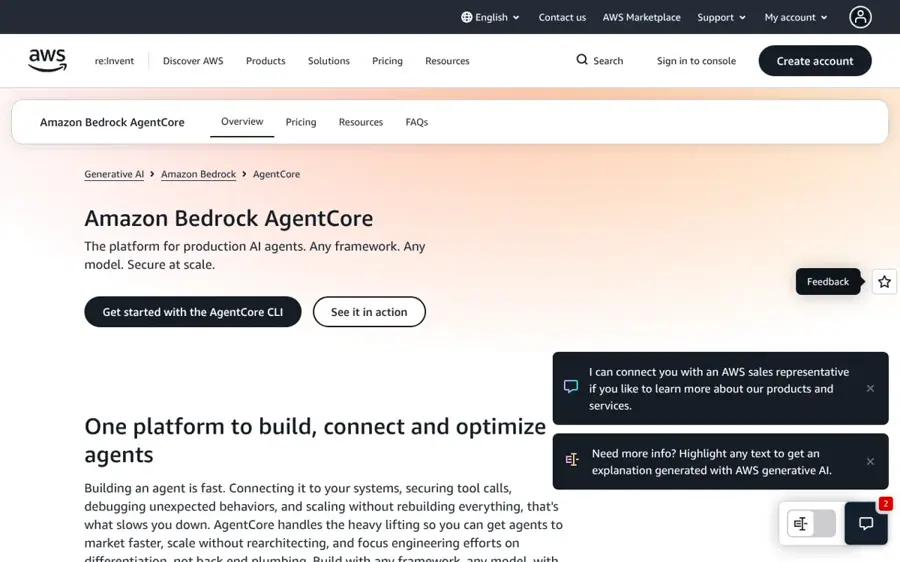
Amazon Bedrock AgentCore is AWS's runtime for deploying, securing and monitoring agents built with almost any framework or model.
Strengths
AgentCore is the pick for teams that care more about operations than about building. AWS says you can bring LangChain, the OpenAI Agents SDK, the Claude Agent SDK, Strands or your own code, and it adds identity, policy controls and tracing around it. On the AgentCore pricing page, runtime compute is billed per second on real CPU and memory use, with no minimum fees, and idle I/O wait isn't charged on its browser and code tools. New AWS customers also get up to $200 in Free Tier credits.
Users seem to like the model but not every part of it. A developer who has used both managed and open frameworks called AgentCore "The sweet spot" on Reddit, then added: "What i dont like about AWS is that the monitoring and logging is non existent compared to something like LangSmith." (That comment predates some newer observability features, for what it's worth.)
Key features
- Serverless microVM runtime with per-second billing.
- An EC2 instance option where sessions can last up to 14 days.
- Managed browser and code interpreter tools.
- Built-in web search at $7 per 1,000 queries.
- Short-term and long-term memory, billed by use.
Pros
- Framework and model agnostic.
- Security and access controls at the platform layer.
- No upfront commitment.
Cons
- Many separate meters make the bill hard to estimate.
- Assumes you're comfortable with AWS.
- Monitoring has drawn criticism from users.
Amazon Bedrock AgentCore pricing: Free Tier credits for new AWS customers, then pay-as-you-go (checked November 2026). See pricing
Verdict: the best managed AI agent platform for operations if you're already on AWS.
Related: Best cloud-native AI platforms AI evaluation tools for production
Gemini Enterprise – best for Google Workspace teams
Gemini Enterprise is Google's per-seat subscription for a work agent that searches and acts across your company's apps, with a no-code builder for custom agents.

Strengths
The Business edition is cheap for what it includes. Dupple's breakdown of Google's subscriptions page puts it at $21 a seat a month for teams of up to 300, self-serve with a trial, while Standard and Plus start at $30 a seat through sales. That price surprised me, because it's below the $29 median Dupple found for paid AI agent tools. Google's own product page lists connectors for Microsoft 365, Slack, Jira, Salesforce, HubSpot and more, so it isn't limited to Google apps.
The building side gets weaker reviews. One user on Reddit put it bluntly: "AGENT Builder is a hit and miss." PeerSpot's summary of reviews for Google's developer agent platform mentions "complex navigation" and a need for better technical documentation.
Key features
- A no-code Workflow Builder for custom agents.
- Prebuilt Google agents and Gemini Notebook for enterprise.
- Agents run under each person's existing permissions with an audit trail.
- Budget caps per project pause an agent instead of overspending.
Pros
- Low per-seat price on the Business edition.
- Connectors beyond the Google suite.
- Clear per-seat cost for small teams.
Cons
- Custom agents built with Google's ADK need Standard or Plus.
- Standard and Plus pricing is quote-only.
- The agent builder gets mixed user feedback.
Gemini Enterprise pricing: No free plan (a trial is available), then from $21/seat/month (checked November 2026). See pricing
Verdict: worth a trial for any Workspace company with fewer than 300 people.
Related: Google Gemini vs other AI models Enterprise AI adoption tools
Salesforce Agentforce – best for customer service on Salesforce
Salesforce Agentforce lets companies build customer-facing and employee agents that work directly on their Salesforce CRM data.
Strengths
If your customer records already sit in Salesforce, Agentforce has an obvious advantage: the agent can see cases, orders and accounts without a custom integration. There are several ways to pay. eesel AI's pricing breakdown lists a free Salesforce Foundations tier with the Agent Builder, $2 per conversation, Flex Credits at $500 per 100,000 (about $0.10 per action), and unmetered add-ons from $125 a user a month.
Too many options, honestly. The same eesel piece quotes one Salesforce admin: "Not even Salesforce can tell you how much Agentforce will cost." Unused Flex Credits don't roll over, and you can't mix Flex Credits and Conversations in one org.
Key features
- Agent Builder, Prompt Builder and Agent Script in the free Foundations tier.
- Customer and employee agents, including voice.
- An employee user license at $5 a month, plus credits.
- Agentforce 1 Editions bundle 2.5 million Flex Credits a year.
Pros
- Native access to CRM data.
- Free tier to build and test.
- Flat-fee add-ons for heavy users.
Cons
- Pricing is confusing and hard to forecast.
- Only makes sense if you already run Salesforce.
- Top editions start at $550 a user a month.
Salesforce Agentforce pricing: Free Foundations tier, then from $2 per conversation or $0.10 per action (checked November 2026). See pricing
Verdict: a strong fit for Salesforce service teams, and a poor one for anyone else.
Related: Salesforce AI review Best AI chatbots for business
Zapier – best for connecting thousands of apps
Zapier is a no-code automation service whose Agents, Zaps and MCP server can act across more than 9,000 apps.
Strengths
Zapier's reach is the draw. No other tool here connects to as many apps, and its MCP server lets outside agents use those connections too. Going by Zapier's plans, AI steps, code, MCP and the SDK now share one task-based allowance, the free plan includes 100 tasks a month, and paid plans start at $19.99 a month. One MCP tool call uses two tasks, which is worth knowing before you hook up a chatty agent.
User reviews are harsh. Zapier scores 1.3 from 327 reviews on Trustpilot, where the most common complaints concern customer support, subscriptions and refunds. I'd guess some of that comes from billing surprises when task limits are hit.
Key features
- Agents can work across 9,000+ apps and on the web.
- Zapier Copilot helps build agents and Zaps from a prompt.
- The Zapier SDK is free while in beta.
- The Team plan at $69 a month covers 25 users and SAML SSO.
Pros
- The widest app coverage in this list.
- Easy for non-developers.
- Free plan to start.
Cons
- Very poor Trustpilot rating.
- Task-based billing climbs quickly with agents.
- The free plan only allows two-step Zaps.
Zapier pricing: Free, then paid plans from $19.99/month (checked November 2026). See pricing
Verdict: great for gluing apps together, but watch the task meter.
Related: Automation vs AI Best AI tools for productivity
CrewAI – best for multi-agent prototypes
CrewAI is an open-source Python framework for teams of role-based agents, with a hosted platform and visual editor on top.

Strengths
CrewAI is one of the most popular agent frameworks, with roughly 60,600 stars on GitHub, and its role-based setup is easy to pick up. Looking at the CrewAI plans, the free Basic tier gives you the visual editor, an AI copilot, GitHub integration and 50 workflow executions a month. Enterprise is custom-priced and adds SSO, role-based access, PII redaction and deployment in your own VPC. CrewAI also claims use by 65% of the Fortune 500, which I can't verify.
The production question is real. One commenter on Reddit wrote: "i dont think crewai can be used for production. It might be good for fast prototyping due to ease of use." In a separate thread, a team shipping sales agents said it chose LangGraph over CrewAI because it "needed deterministic control over conversation state".
Key features
- Role-based crews of agents that hand work to each other.
- Tracing via OpenTelemetry and guardrails on the platform.
- Human-in-the-loop input and Slack or Teams chat on Enterprise.
- Workflows can be exported as an MCP server or UI component.
Pros
- Free, open-source framework.
- Quick to learn for Python developers.
- Enterprise deployment options, including your own VPC.
Cons
- Only 50 executions a month on the free hosted tier.
- No public price for paid plans.
- Some developers doubt it for production work.
CrewAI pricing: Free, then custom Enterprise pricing (checked November 2026). See pricing
Verdict: good for testing a multi-agent idea quickly, less convincing once the stakes go up.
Related: Best open-source AI tools OpenHands vs Devin vs Manus
Choosing the right AI agents platform
Start from the software you already pay for
The cheapest agent is usually the one built into a suite you already license. A company on Microsoft 365 gets internal agents through the $30 Copilot add-on; a Google Workspace shop can trial Gemini Enterprise for $21 a seat. Buying a separate tool only makes sense when those can't reach the data or channels you need.
Pick no-code for business teams and an SDK for products
If the people building agents are in ops, sales or support, choose n8n, Zapier or Copilot Studio. If you're putting an agent inside your own product, choose the OpenAI Agents API, AgentCore or a framework like CrewAI. Our guide on how to create an AI agent walks through both routes, and our explainer on agentic AI covers the basics of how agents plan and use tools.
Plan the boring parts before the demo
A developer on Reddit listed what breaks first: durable state, retries and timeouts, human-in-the-loop, and evals or tracing that aren't an afterthought. I think that's the right checklist for any AI agent deployment platform. In a Copilot Studio thread about pre-launch testing, most replies described small pilot groups of a few users rather than automated test suites.
Model the bill at ten times your pilot volume
Nearly every platform here meters something: credits, actions, tasks, executions or tokens. Run your pilot, count what one finished task costs, then multiply. A $0.10 Agentforce action sounds cheap until a single request fans out into eight of them.
If you work in healthcare, our list of AI agent platforms with HIPAA BAA compliance narrows things down further. And if you plan to self-host n8n on a small server, our Debian vs Ubuntu comparison for AI automation is a useful starting point.
Free vs paid: what you actually get
Free tiers are good for learning and weak for production. Here's the gap, in short.
| Platform | Free option | Main limit | First paid step |
|---|---|---|---|
| n8n | Self-hosted Community edition | No sharing, you run the server | €20/mo cloud Starter |
| Zapier | Free plan | 100 tasks, two-step Zaps | $19.99/mo Professional |
| CrewAI | Basic tier and open-source framework | 50 hosted executions a month | Custom Enterprise |
| Salesforce Agentforce | Foundations | Build and test, needs Salesforce | $2 per conversation |
| Amazon Bedrock AgentCore | Up to $200 Free Tier credits | New AWS customers only | Pay as you go |
In my view, n8n's self-hosted edition is the only free option you could run a small business on, and only if someone's happy to maintain a server. Everything else is a trial in disguise.
Final verdict
Most people should start with n8n. It's the only platform here that's both free to self-host and fair on price once you pay, and it handles boring automation as well as agents, which is where most real value seems to sit today. Microsoft and Google customers should try the agent tools in their suite first, since the per-seat price is already close to what they're paying. Developers building agents into a product have a cleaner choice: OpenAI's Agents API if you want the least plumbing, AgentCore if you want to keep your framework and model options open. I'd skip paying for a multi-agent setup until a single agent works reliably.
FAQ
Which AI platform is best for agents?
For most small and mid-sized teams, n8n is the best AI agents platform, because it's free to self-host and its cloud plans don't charge per user. Microsoft 365 companies should start with Copilot Studio. Developers who want a managed runtime should compare the OpenAI Agents API with Amazon Bedrock AgentCore.
Can I build an AI agent for free?
Yes, with limits. n8n's Community edition is free to self-host, CrewAI's framework is open source, and Zapier's free plan includes 100 tasks a month. You'll still pay for model usage unless the platform includes AI credits, and free hosted tiers like CrewAI's 50 executions a month won't carry real traffic.
What's the difference between an agent platform and an agent framework?
A framework, such as CrewAI or the OpenAI Agents SDK, is code you run yourself to define agents and their tools. A platform adds hosting, monitoring, access controls and billing on top. AgentCore, for example, can host agents written with several frameworks, so many teams use one of each.
Is a managed AI agent platform worth paying for?
Probably, once an agent touches customers or company data. Managed platforms like AgentCore and the OpenAI Agents API handle scaling, sessions and security that you'd otherwise build yourself. For a weekend prototype, a free framework is fine; for production, the hosting fees are usually cheaper than the engineering time.
For a broader look at agents versus agentic systems, see our agentic AI vs AI agents comparison.