8 best AI kitchen remodel tools in 2026, ranked for planning and budget
We compared 8 AI kitchen remodel tools for measuring, layout, visualizing the redo and estimating costs, with free limits and upgrade prices.
 Written byMuhammad Usman SiddiquiFounder and editor-in-chief
Why you can trust The AI Future
Our writers research every product from its official pages, independent tests and user reports, link each claim to its source and correct mistakes openly. Unless an article says otherwise, we haven't tested the product hands-on ourselves. Companies can't pay for coverage or see reviews before they're published.
Read our editorial policy
Short answer: for an AI kitchen remodel, start with Block Renovation's free visualizer, because it's one of the few tools that puts a cost estimate next to the new look. Then test the layout in Planner 5D and use ChatGPT to turn the whole thing into a scope and a budget you can hand to contractors. The rest of this list fills specific gaps: measuring the room, restyling a photo cheaply, pricing an IKEA kitchen, and buying the materials.
Money is the reason to plan carefully. The 2025 Cost vs Value report from the Journal of Light Construction puts a midrange minor kitchen remodel at $28,458 and a midrange major remodel at $82,793. That's a big gap, and I'd guess most of the regret in kitchen projects happens in it: a "minor" refresh that slowly turns into a gut job because nobody priced the changes early. AI won't stop that on its own. It can, though, show you the look, the layout and a rough number before you've signed anything.
Only after free design ideas? See our guide to the best free AI kitchen design tools. This one's about the remodel: measuring, budgeting and seeing the redo before demolition.
Key takeaways
- Block Renovation's kitchen visualizer is free and adds a ZIP-code-based cost estimate to each redesign, which most photo tools skip.
- A layout planner with real dimensions matters more than pretty renders if you're moving the sink, the range or adding an island.
- ChatGPT Plus costs $20 a month and is handy for turning ideas into a written scope, a line-item budget and questions for contractors.
- A midrange minor kitchen remodel recouped 113% of its cost at resale in the 2025 Cost vs Value data, against 51% for a midrange major remodel.
Our ranking method
Nobody at The AI Future ran hands-on tests or took screenshots for this roundup. We compared the tools using official product and pricing pages, independent user ratings on Trustpilot, and published coverage from outlets such as Digiday and SlashGear, as of late October 2026. We ranked each tool on six criteria:
- Remodel fit, meaning how directly it helps with a kitchen renovation, not just decor.
- Budget help, such as cost estimates, budget trackers or quantity calculations.
- Layout accuracy, meaning whether it works from real dimensions or keeps your walls in place.
- Free value, or how far you get without paying.
- Upgrade cost and billing terms, including auto-renewal.
- User sentiment from third-party reviews, where enough exist to mean something.
Prices are in US dollars and can change by country, app store and promotion.
The 8 best AI kitchen remodel tools at a glance
| # | Tool | Category | Best for | Free tier | Starts at |
|---|---|---|---|---|---|
| 1 | Block Renovation Studio | AI remodel visualizer | Seeing a redo with a cost estimate | Yes | Free |
| 2 | Planner 5D | 2D/3D planner with AI | Testing a new layout | Yes | $19.99/mo |
| 3 | ChatGPT | General AI assistant | Scope, budget and contractor questions | Yes (limited) | $20/mo |
| 4 | magicplan | Scanning and floor plan app | Measuring the kitchen you have | Yes (limited) | Pay per project |
| 5 | HomeDesignsAI | AI photo redesign | Many redesigns with a budget estimate | Yes (limited) | $22/mo |
| 6 | Google Gemini | AI image editor | Trying finishes on a photo cheaply | Yes (limited) | $4.99/mo |
| 7 | IKEA Kitchen Planner | Retailer 3D planner | Pricing an IKEA kitchen | Yes | Free |
| 8 | Lowe's Mylow | Retailer AI assistant | Materials lists and DIY steps | Yes | Free |
magicplan charges per project rather than per month and doesn't list its project prices publicly.
The best AI kitchen remodel tools in 2026, ranked
Block Renovation Studio – best for seeing a redo with a cost estimate
Block Renovation Studio is a free AI remodel planner from Block Renovation that restyles a photo of your kitchen and puts a cost range next to the result.

Strengths
Most AI redesign tools stop at the picture. Block's kitchen remodel visualizer asks for a look and feel (eight palettes, from "Light and Bright" to "Dark on Dark"), a style such as Farmhouse or Mid-Century, an optional description of the work, and your ZIP code so it can tailor the estimate to local prices. On the Renovation Studio page, Block says the budget updates in real time as you change materials, layout and labor choices. For a remodel, that's the feature I'd care about most.
There are limits. Block's own guide to renovation tools admits the visualizer "will not tell you whether a wall can move", and the company makes its money matching homeowners with contractors, so expect a nudge toward its network. Independent feedback is thin: Block has a single Trustpilot review (3.2), which tells you almost nothing.
Key features
- Photo upload restyles your actual kitchen.
- Eight color palettes and six styles to start from.
- A ZIP code tailors the cost estimate to your area.
- The budget range moves as you swap finishes.
- Renders can be saved and shared with contractors.
Pros
- Free
- Cost estimate sits beside the design
- Covers cabinets, counters, lighting and flooring
Cons
- No structural or layout checks
- Built to feed Block's contractor-matching service
- Almost no independent reviews
Block Renovation Studio pricing: Free (checked October 2026). See the visualizer
Verdict: the first stop for a US homeowner who wants a look and a ballpark number in one sitting.
Related: Best AI apps for interior design
Planner 5D – best for testing a new layout
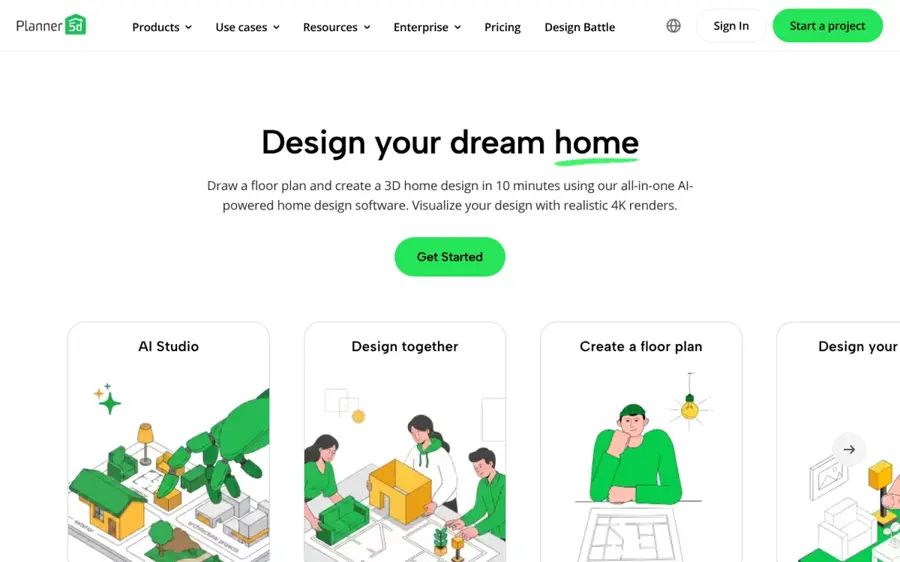
Planner 5D is a 2D and 3D home design app with a free planner, plus paid AI tools, renders and a budget widget.
Strengths
If the remodel moves anything (sink, range, a new island), you need to draw it to scale. Planner 5D's Free plan costs $0 with no time limit and covers 2D and 3D floor plans across web and mobile, with half the furniture catalog. Premium adds the part remodelers want: a Budget Widget "to plan and track project costs", AI floor plan recognition that turns an uploaded plan into a 3D project, and standard renders.
User reviews are rough. Planner 5D sits at 2.6 from 885 reviews on Trustpilot, and one reviewer, Saad, wrote: "It is fantastic when it works, but keep losing my saved projects". Another, Lianne, says she paid for a year upfront after signing up for a month.
Key features
- A free 2D and 3D planner works from dimensions you enter.
- Upload a floor plan and convert it to a 3D project (Premium).
- The Budget Widget tracks costs as you design (Premium).
- AI Studio restyles interiors while keeping the room layout.
- Projects can be shared with a partner or contractor.
Pros
- Free plan has no time limit
- Real dimensions, so plans are useful to a contractor
- Annual Premium is cheap at $59.99
Cons
- Budget tools sit behind Premium
- Trustpilot reviewers report lost projects and glitches
- Complaints about unexpected annual charges
Planner 5D pricing: Free, then Premium at $19.99/month or $59.99/year; Professional $49.99/month (checked October 2026). See pricing
Verdict: the planner to use when the footprint changes, as long as you save your work often.
Related: Best AI apps for interior design Best free AI kitchen design tools
ChatGPT – best for scope, budget and contractor questions
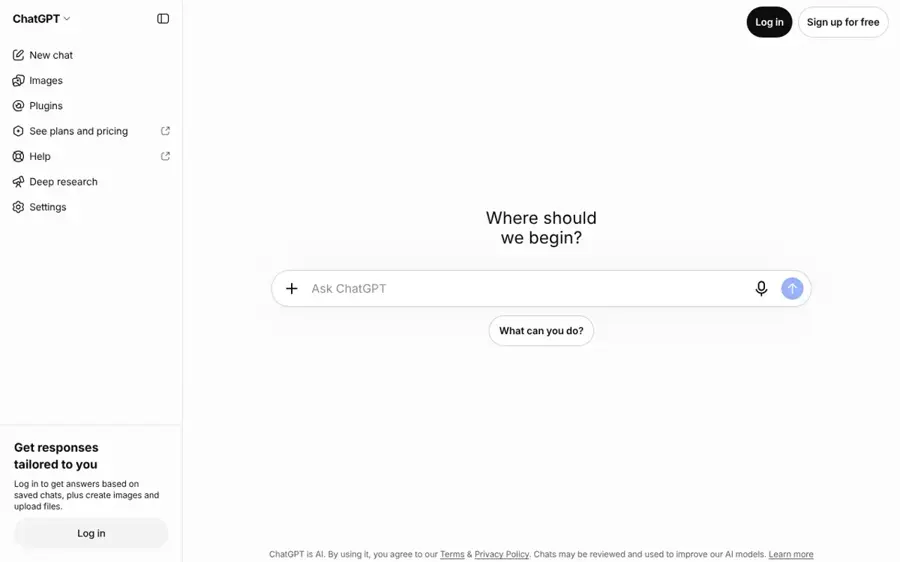
ChatGPT is OpenAI's general assistant, and it's useful for the paperwork side of a remodel: scopes, line-item budgets, comparison tables and image edits.
Strengths
A remodel needs a scope of work, a decision list (cabinet style, counter material, appliance sizes), a budget with a contingency line and questions for each contractor. ChatGPT is good at that kind of structured drafting, and the free iPhone app lets you upload photos and "transform existing ones with a few simple words", so you can also restyle a kitchen photo. Feed it a few real numbers, such as HomeLight's figure of $100 to $300 per linear foot for installed stock cabinets, and it'll build a spreadsheet you can edit.
The weakness is accuracy. It doesn't know your local labor rates, and it can state a made-up price with total confidence. One Trustpilot reviewer in October 2026 complained that "99% of my 100+ chat queries produced wrong results". That's an extreme take, but treat every number it gives you as a placeholder until a quote replaces it.
Key features
- Drafts a scope of work and a decision checklist from your notes.
- Builds a line-item budget with a contingency line.
- Edits and generates images from a photo of your kitchen.
- Compares contractor quotes you paste in.
Pros
- Free tier covers basic planning
- Very flexible for writing and organizing
- One tool for text, tables and images
Cons
- No local price data
- Can invent costs and specs
- No measurements or floor plans
ChatGPT pricing: Free, then Plus at $20/month (checked October 2026). See Plus details
Verdict: the best organizer on this list, and the worst source of prices.
Related: ChatGPT GPT-6 review Best AI like ChatGPT
magicplan – best for measuring the kitchen you have
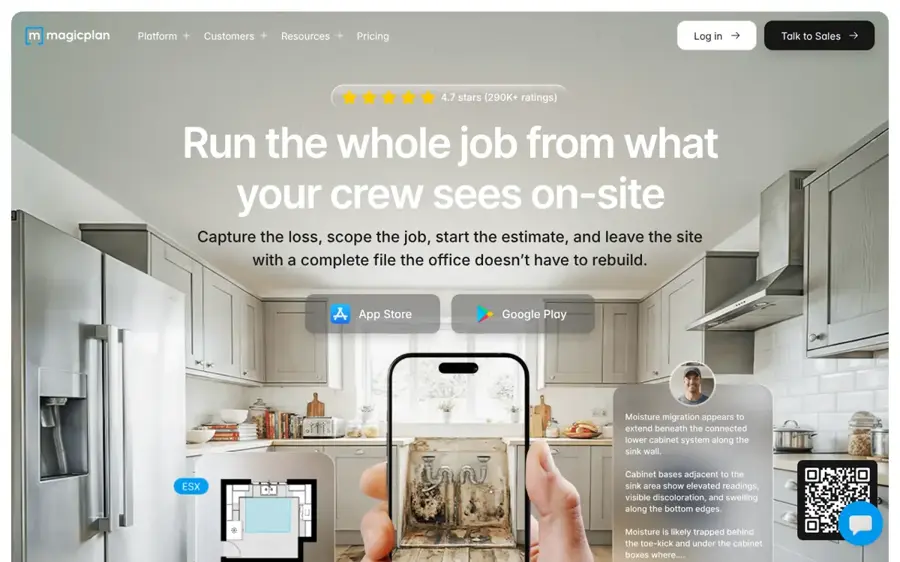
magicplan is a mobile app that draws a floor plan as you walk the room, with LiDAR scanning on iPhone and iPad Pro models and built-in estimates.
Strengths
A good remodel plan starts with the existing room, and magicplan is built for that step. Going by its plans page, you get real-time floor plan creation, manual and laser-assisted measurements, and estimates with "automatic quantity calculations from sketches". Block's guide says furnished rooms are its weak spot, since the scanner can't find the wall line behind clutter. Android users don't get the scan features.
Be aware it's aimed at pros now. The pricing page talks about restoration contractors and adjusters, and project prices aren't published. You do get two free projects with full features, which is enough to document one kitchen. Third-party reviews barely exist: magicplan has one review on Trustpilot, so I wouldn't read anything into its 3.2 score.
Key features
- Real-time floor plans drawn with the phone camera.
- LiDAR scan on iOS Pro devices.
- Laser meter support for more accurate measurements.
- Built-in estimates with quantities pulled from the sketch.
Pros
- Two full-featured free projects
- Fast way to get an accurate base plan
- Quantities feed straight into estimates
Cons
- No scan features on Android
- Pricing isn't public
- Designed for contractors more than homeowners
magicplan pricing: Two free projects, then pay per project; prices aren't listed publicly (checked October 2026). See pricing
Verdict: worth one of its free projects before you draw anything in a planner.
HomeDesignsAI – best for many redesigns with a budget estimate
HomeDesignsAI is an AI redesign tool that restyles room photos while keeping walls and windows in place, with a budget estimator on every paid plan.

Strengths
When you're still deciding between, say, white shaker and dark green flat-panel cabinets, volume helps. HomeDesignsAI's plans start at $22 a month for 100 design credits, and a photo redesign costs one credit. Its Structure-Lock feature is meant to keep your real room intact, and every paid tier lists a "Budget estimator for designs". Annual plans renew automatically at the standard price after a discounted first year.
On Trustpilot it holds 3.3 from 1,386 reviews. A homeowner called DishCB wrote that "HomeDesignsAI worked well for me." Another reviewer, James, called the signup flow a "Standard bait-and-switch that pretends it's going to do a rendering, then makes you sign up". Both feel plausible to me.
Key features
- Structure-Lock keeps walls, windows and layout.
- More than 200 styles and spaces.
- A budget estimator comes with every paid plan.
- Shop-the-look links to real products.
Pros
- Lots of redesigns per dollar
- Budget estimate included on all paid tiers
- Monthly plans have no lock-in
Cons
- Reviewers report pushy signup and cancellation friction
- Annual plans auto-renew at a higher price
- No real dimensions
HomeDesignsAI pricing: Limited free use, then plans from $22/month (Pro $29, Expert $37) (checked October 2026). See pricing
Verdict: pay for one month while you settle the look, then cancel.
Related: Best AI apps for interior design
Google Gemini – best for trying finishes on a photo cheaply
Google Gemini is Google's AI assistant, and its free tier includes image generation and editing, so you can restyle a kitchen photo by describing the change.

Strengths
For quick what-ifs, Gemini is hard to beat on price. The Google AI plans list image generation and editing on the free tier, and Google AI Plus dropped to $4.99 a month with higher limits, as TechRepublic reported. Upload a photo, ask for "honed black counters and a white zellige backsplash", and refine one element at a time.
It struggles with consistency, though. Gemini as a whole is rated 1.4 from 1,420 reviews on Trustpilot, where Trustpilot's AI summary of recent reviews says it "struggles to follow simple prompts". That covers the whole assistant, not just image edits.
Key features
- Prompt-based edits to a photo of your kitchen.
- Step-by-step refinement on the same image.
- Works on web, Android and iPhone.
Pros
- Free tier includes image editing
- Cheapest paid upgrade here
- Any finish you can describe
Cons
- No measurements or cost estimates
- Free limits can change
- Very low Trustpilot score for the assistant
Google Gemini pricing: Free, then Google AI Plus at $4.99/month (checked October 2026). See pricing
Verdict: a cheap mood board, nothing more.
Related: Gemini vs ChatGPT
IKEA Kitchen Planner – best for pricing an IKEA kitchen
The IKEA Kitchen Planner is a free 3D planner on IKEA's website for laying out IKEA cabinets, with the option to book a session with a kitchen expert.

Strengths
If you're buying IKEA cabinets, the budget question gets much simpler, because the kitchen planner uses real IKEA products. It runs online with no download, and you can book an appointment with a kitchen expert if the plan gets complicated. IKEA's AI tool, Kreativ, is a separate thing. IKEA describes Kreativ as "a free virtual room designer", but its help page lists full kitchen design as unsupported and points you back to the kitchen planner.
An independent overview from MacMyths says Kreativ "is not a measurement tool", and its full-room scan needs a LiDAR-equipped iPhone or iPad Pro.
Key features
- A browser-based 3D kitchen planner with no download.
- Real IKEA cabinets and fronts in the plan.
- Expert appointments for help with the plan.
- Kreativ shows IKEA furniture and decor in a photo or scan of your room.
Pros
- Free
- The plan maps to products you can actually order
- Human help is available
Cons
- IKEA products only
- Kreativ doesn't do full kitchen design
- Little AI in the planner itself
IKEA Kitchen Planner pricing: Free; there's no paid plan (checked October 2026). See the planner
Verdict: if IKEA cabinets are already in your budget, plan here and skip the others for layout.
Related: Best free AI kitchen design tools
Lowe's Mylow – best for materials lists and DIY steps
Mylow is a free AI home improvement assistant from Lowe's, built with OpenAI, that answers project questions and links you to products.

Strengths
Then there's the shopping list. Lowe's launched Mylow in March 2025, and Digital Commerce 360 lists measuring kitchen floors among the tasks it's meant to handle. Digiday reports it works by voice or chat and surfaces step-by-step instructions, video guides and product links for jobs like tile installation. Digiday also reports that Mylow users convert at double the rate of shoppers who don't use it, which tells you whose budget it's really working for.
You'll need a free MyLowe's Rewards account to use it, per SlashGear's guide. I couldn't find a user rating for Mylow on its own. The closest third-party view is from Wunderkind's Tim Glomb, who told Digiday the service shouldn't be "buried in the app."
Key features
- Voice or chat questions about home projects.
- Quantity help, such as flooring or tile amounts.
- Step-by-step instructions and video guides.
- Links straight to Lowe's products for delivery or pickup.
Pros
- Free
- Good for DIY materials lists
- Ties advice to stock you can buy today
Cons
- Recommends Lowe's products only
- Needs a MyLowe's Rewards login
- No design or layout tools
Lowe's Mylow pricing: Free with a MyLowe's Rewards account (checked October 2026). See how it works
Verdict: useful at the shopping stage of a DIY job; ignore it for design.
Choosing the right AI kitchen remodel tools
Measure before you design anything
AI renders make every kitchen look bigger than it is. Get the real footprint first, with a tape or a free magicplan project, and then design inside those numbers.
Pick tools by remodel stage
A sensible stack for a homeowner looks like this: magicplan or a tape measure to capture the room, Planner 5D or the IKEA planner for the layout, Block or HomeDesignsAI to settle the look, and ChatGPT to write the scope and budget. You don't need all eight. Two or three, covering measuring, layout and the look, will probably do it.
Decide early if it's a minor or major remodel
This choice drives the budget more than any finish. In the Cost vs Value data, the midrange minor remodel recouped 113% of its cost at resale, while the major one recouped 51%. If resale matters to you, I think that gap is the strongest argument for keeping the layout and spending on surfaces.
Treat AI estimates as a starting range
Block's estimate, HomeDesignsAI's budget tool and anything ChatGPT says are rough. Get three quotes.
Read the billing terms before you upgrade
Two of the paid tools here draw repeated Trustpilot complaints about annual charges and cancellation. Pick monthly billing for a one-off kitchen project, and set a reminder to cancel.
Free vs paid: what you actually get
Free plans cover more of a remodel than you'd expect. Here's what paying adds, as of October 2026.
| Tool | Free gets you | Paying adds |
|---|---|---|
| Block Renovation Studio | Photo redesign and local cost estimate | No paid plan |
| Planner 5D | 2D/3D planner, half the catalog | Budget Widget, floor plan upload, renders ($19.99/mo) |
| ChatGPT | Basic chat and image edits | Higher limits, file uploads, Deep Research ($20/mo) |
| magicplan | Two full-featured projects | More projects, priced per project |
| HomeDesignsAI | Limited redesigns | 100+ credits, budget estimator ($22/mo) |
| Google Gemini | Image generation and editing with limits | Higher limits ($4.99/mo) |
| IKEA Kitchen Planner | Everything | No paid plan |
| Lowe's Mylow | Everything, with a free account | No paid plan |
For one kitchen, you can probably get through planning for $0. If you'll pay for anything, I'd make it a single month of Planner 5D Premium for the Budget Widget and floor plan upload (or the $59.99 annual plan if your remodel will drag on), since dimensions and costs are where a remodel goes wrong.
Final verdict
If you only pick one, pick Block Renovation Studio. It's free, it works from a photo of your real kitchen, and it's the only free tool here that ties the look to a local cost range in the same screen. Honestly, that's what most people need before they call a contractor.
- Choose Planner 5D if the layout changes and you need a plan drawn to scale.
- Choose ChatGPT if you want help writing the scope, budget and contractor questions.
- Choose magicplan if you need accurate measurements of the existing room.
- Choose HomeDesignsAI if you want dozens of redesigns in a month.
- Choose Google Gemini if you only want to try finishes for close to nothing.
- Choose the IKEA Kitchen Planner if you're buying IKEA cabinets.
- Choose Lowe's Mylow if you're doing the work yourself and need a materials list.
Get a contractor to check the plan before you order cabinets. If the bathroom's next, our guide to AI bathroom remodel tools picks up from here.
FAQ
Can AI plan a kitchen remodel?
AI can plan the look, a rough layout and a first budget. Block Renovation Studio adds a local cost estimate to a redesigned photo, Planner 5D draws layouts to scale, and ChatGPT can write a scope of work. It can't check structure, plumbing, electrics or permits, so a contractor still needs to review the plan.
What's the best AI for a kitchen remodel?
For most homeowners, Block Renovation Studio is the best starting point because it's free and pairs each redesign with a cost range based on your ZIP code. If you're changing the layout, add Planner 5D. For the written scope and budget, ChatGPT's free tier or $20 Plus plan works well.
Can AI estimate my kitchen remodel cost?
Roughly. Block's visualizer and HomeDesignsAI's paid plans give budget estimates, and Planner 5D Premium tracks costs. Only contractor quotes give you a real number.
Is there a free AI kitchen remodel tool?
Yes. Block Renovation Studio, the IKEA Kitchen Planner and Lowe's Mylow are free, and Planner 5D, Google Gemini and ChatGPT have free tiers. magicplan gives you two free projects for measuring. Free tools cover most planning for a single kitchen; paid plans mainly add higher limits, renders and budget tracking.
Can I upload a photo of my kitchen to see a remodel?
Yes. Block Renovation Studio, HomeDesignsAI, Google Gemini and ChatGPT all restyle an uploaded photo. Treat the result as a brief for your contractor, not a plan.