Best AI bookkeeper tools in 2026: 7 picks for small businesses
The best AI bookkeeper tools in 2026, from QuickBooks Online and Xero to Zoho Books' free plan, compared on price, AI features and real user ratings.
 Written byMuhammad Usman SiddiquiFounder and editor-in-chief
Why you can trust The AI Future
Our writers research every product from its official pages, independent tests and user reports, link each claim to its source and correct mistakes openly. Unless an article says otherwise, we haven't tested the product hands-on ourselves. Companies can't pay for coverage or see reviews before they're published.
Read our editorial policy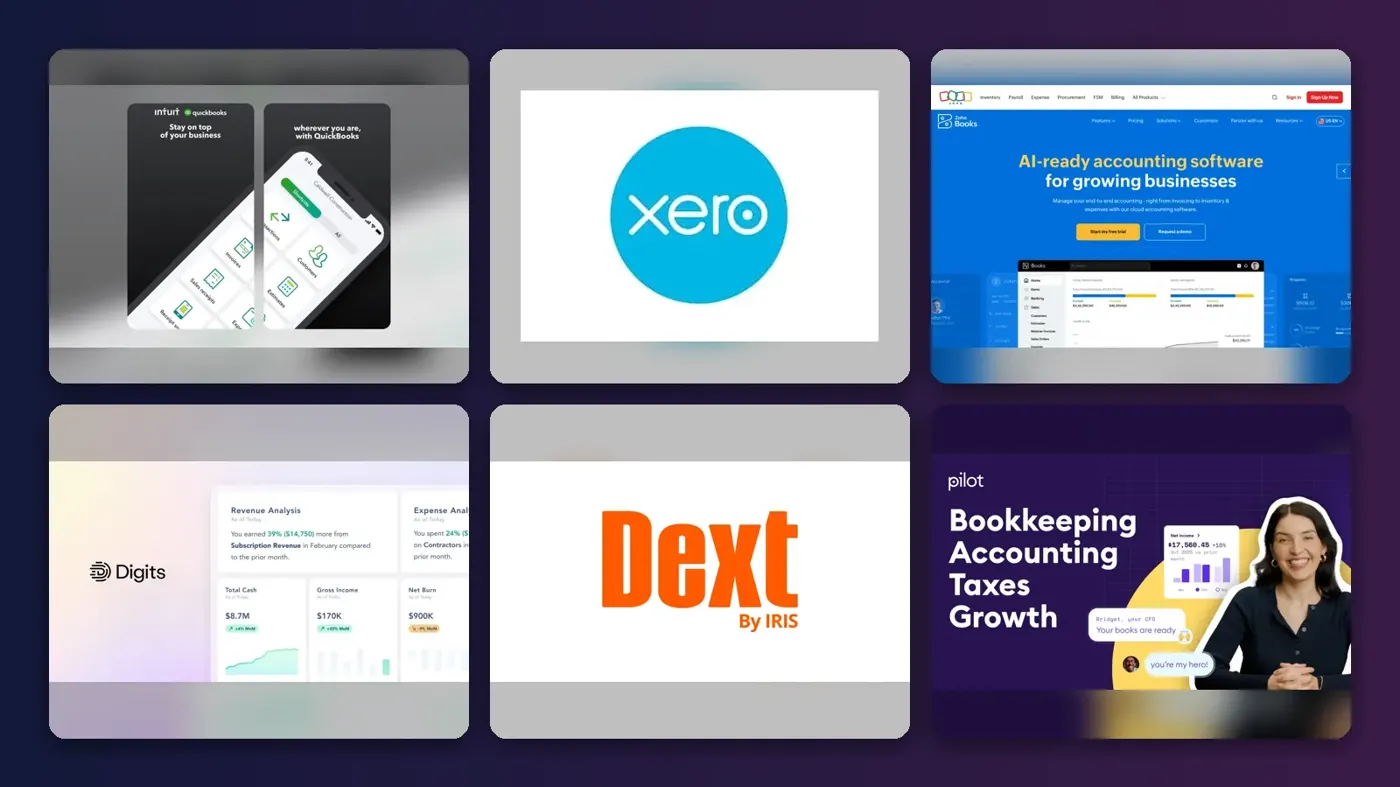
Short answer: if you run a US small business, the AI bookkeeper most people should start with is QuickBooks Online, because its Accounting Agent works inside the ledger your accountant probably already uses. If you'd rather have cheaper books with strong auto-reconciliation, pick Xero. If money's tight, Zoho Books has a free plan with a built-in assistant called Zia. The rest of this list is for specific jobs: receipts, done-for-you books, or bolting AI onto a ledger you already have.
None of these tools will do your books unsupervised, and I'd be suspicious of any vendor that hints otherwise. What they'll do is categorize bank transactions, match receipts and flag the odd ones, so your job shifts from typing to checking. That's still a big saving. Prices below were checked in late October 2026.
Key takeaways
- QuickBooks Online is the safest default in the US, but its Accounting Agent starts on the Essentials plan, not the cheap tiers.
- Xero's Auto Bank Reconciliation has matched more than 100 million transactions, and Xero says it cuts reconciliation time by about half.
- Zoho Books is the only pick here with a genuinely free plan that includes AI features.
- Done-for-you services like Pilot cost more but put a human reviewer on top of the AI.
- Every tool here still needs you, or a bookkeeper, to review the work before you file taxes.
Our ranking method
Nobody at The AI Future ran hands-on tests for this roundup, and we don't have screenshots of our own to show you. We compared each AI bookkeeper using the vendors' plan pages, help docs, launch announcements, independent reviews and user ratings on Trustpilot and Capterra, as of late October 2026. We ranked them on six criteria:
- How much routine bookkeeping the AI actually does (categorization, reconciliation, receipt capture).
- Whether you stay in control, with clear review queues and audit trails.
- Price for a small business paying its own way.
- How well it works with accountants, banks and payroll tools.
- What real users say, good and bad.
- Whether there's a free plan or trial.
Full ledgers rank above add-ons, because they replace more tools. That's a judgement call; if you're a bookkeeper serving 40 clients, an add-on like Dext might matter more to you than any ledger.
The 7 best AI bookkeeper tools at a glance
| # | Tool | Category | Best for | Free tier | Starts at |
|---|---|---|---|---|---|
| 1 | QuickBooks Online | Accounting software | Most US small businesses | Yes (limited) | $20/mo |
| 2 | Xero | Accounting software | Auto bank reconciliation | No | $27/mo |
| 3 | Zoho Books | Accounting software | Tight budgets | Yes | $15/mo |
| 4 | Digits | AI-native ledger | Startups on a fintech stack | No | $65/mo |
| 5 | Dext | Receipt and invoice capture | Receipts and bills | No | $31.50/mo |
| 6 | Pilot | Bookkeeping service | Done-for-you books | No | $99/mo |
| 7 | Booke AI | AI add-on | Adding AI to existing books | No | $129/mo |
Ratings mentioned in each pick come from Trustpilot or Capterra on the day we checked; they move, so treat them as a snapshot.
The best AI bookkeeper tools in 2026, ranked
QuickBooks Online – best for most US small businesses
QuickBooks Online is Intuit's cloud accounting app, now packed with AI agents that categorize transactions, chase invoices and answer questions about your numbers.
Strengths
Intuit has shipped a lot of AI in a short time. Its "virtual team" of agents arrived in July 2025, and Carly's breakdown lists an Accounting Agent that categorizes transactions, helps with reconciliation and flags anomalies, plus a Payments Agent that sends reminders. Intuit claims the agents save businesses up to 12 hours a month. Since March 2026 there's also an official QuickBooks app inside ChatGPT, though it's read-only for now.
The catch is which plan you need. Going by the same breakdown, the Accounting and Payments agents start on Essentials, while Simple Start gets only AI categorization and smart invoicing. On Trustpilot, Intuit's QuickBooks profile sits at 3.7 from 16,955 reviews, and a QuickBooks community user quoted by Carly called the 2025 price rises a "~70% increase for the same basic features." I think that's the real weakness here: price, not features.
Key features
- The Accounting Agent categorizes and reconciles transactions and asks follow-up questions when it's unsure.
- The Payments Agent predicts late payers and drafts reminders.
- Intuit Intelligence lets you ask for reports in plain English (still in beta).
- More than 800 third-party integrations, including payroll and e-commerce apps.
- A free plan for very light use, capped at 2 invoices a month.
Pros
- Most US accountants already know it.
- The deepest set of AI agents on this list.
- Huge range of bank and app connections.
Cons
- The useful agents sit behind Essentials and above.
- Prices keep rising; Plus and Advanced went up again in October 2026.
- Users still report fixing miscategorized transactions every week.
QuickBooks Online pricing: Free, then paid plans from $20/month for Lite; Simple Start is $38, Essentials $85, Plus $140 and Advanced $340, per AI Productivity's tracker (checked October 2026). See pricing
Verdict: the default choice, as long as you budget for Essentials.
Related: Best AI accounting software Will AI replace accountants?
Xero – best for auto bank reconciliation
Xero is cloud accounting software whose AI layer, JAX, reconciles bank feeds, reads documents and flags problems in your books.
Strengths
Xero's numbers are concrete. In its August 2026 announcement, the company said Auto Bank Reconciliation saves accountants and bookkeepers around 50% of their monthly reconciliation time, with more than 100 million transactions auto-reconciled since launch. JAX also explains why it matched each transaction, which matters when your accountant asks. Smart Document Capture pulls data from bills straight into Xero, with no separate app.
A lot of the newer stuff is still labelled "coming soon" or beta, though. Payment Follow Ups, Bill Protection and Cash Flow Actions were all announced at Xerocon London in July without full release. On Trustpilot, Xero holds 4.1 from 11,512 reviews; one October reviewer wrote that after an onboarding session, "I couldn't be happier with the experience." (Most recent reviews praise support staff, for what it's worth, not the AI.)
Key features
- Auto Bank Reconciliation matches high-confidence transactions in real time.
- Smart Document Capture extracts bill and receipt data.
- JAX flags duplicates, missing documents and anomalies.
- Live Xero data can be queried from Claude, ChatGPT and Microsoft 365.
- No per-user licence fees on any plan.
Pros
- Strong, measurable reconciliation automation.
- No per-user licence fees, so adding staff costs nothing extra.
- Better Trustpilot score than QuickBooks.
Cons
- No free plan.
- The Early plan caps you at 20 invoices and 5 bills, and auto-reconcile is an add-on there.
- Several JAX features are still beta or roadmap.
Xero pricing: No free plan; paid plans from $27/month (Early), then $59 (Growing) and $97 (Established), with 80% off the first three months for new US customers (checked October 2026). See pricing
Verdict: pick Growing if reconciliation eats your week.
Related: Best AI accounting software Will AI replace accountants?
Zoho Books – best for tight budgets
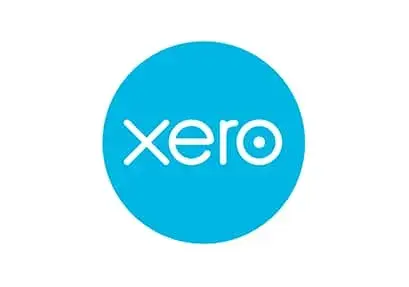
Zoho Books is Zoho's accounting app, with a free plan and an assistant, Zia, that can create transactions and answer questions about your books.
Strengths
Zoho does something unusual here. In its AI features guide, you pick which AI provider and model powers each feature. Ask Zia can answer "How many invoices are overdue this week?" or create a customer for you, and the CoCreate Agent fills in invoices and quotes on screen while you watch. Reports can show forecasts and anomaly flags too.
Startups.co.uk, which says it ran 57 hours of hands-on testing across seven platforms, ranks Zoho Books as its top small-business pick and notes that new AI features auto-fill categories, accounts and vendor data during bank reconciliation. The downside it flags is add-on costs: extra users, locations and expense claims all cost more. I'd guess that's fine for a two-person business and annoying for a 12-person one.
Key features
- Ask Zia answers questions and creates records in plain English.
- The CoCreate Agent builds sales transactions from a prompt.
- Receipt and document autoscans, even on the free plan.
- Report forecasts and anomaly detection.
- You choose the AI provider and model per feature.
Pros
- Genuinely free plan for 1 user plus an accountant.
- Cheap paid tiers.
- Flexible AI settings.
Cons
- Bank feeds need the paid Standard plan.
- Extra scans cost $8 per 50 a month on annual billing.
- Fewer US accountants use it than QuickBooks.
Zoho Books pricing: Free, then paid plans from $15/month per organization for Standard, rising to $240 for Ultimate (checked October 2026). See pricing
Verdict: the best AI bookkeeper for nearly zero spend.
Related: Best AI accounting software Will AI replace accountants?
Digits – best for startups on a fintech stack
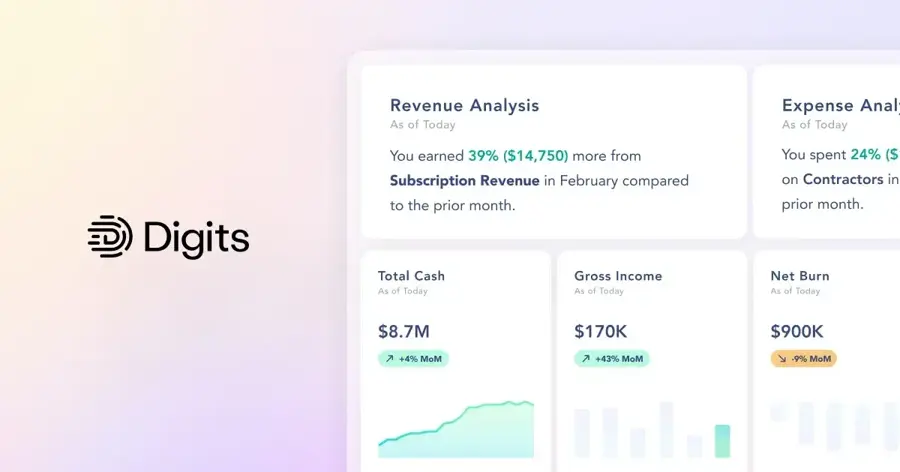
Digits is an AI-native accounting platform built around what it calls an Agentic General Ledger, which books transactions around the clock.
Strengths
Digits was built for AI from day one instead of bolting it on. SoftwareConnect reports that it uses custom-trained models rather than general chatbots, trained on more than 170 million transactions, and that Digits claims a 95%+ auto-booking rate after onboarding. You review an exceptions inbox instead of every line, which is how AI bookkeeping should work, in my view. It also connects natively to Mercury, Ramp, Gusto and Stripe, and has an MCP server for Claude and ChatGPT.
I couldn't find much independent user feedback. Digits' Trustpilot page had zero reviews when we checked, so the 95% figure is the company's own. SoftwareConnect's cons are blunt: no inventory features, and a smaller app catalogue than QuickBooks or Xero.
Key features
- 24/7 AI bookkeeping and reconciliation.
- Quality checks that flag anomalies and duplicates.
- Bill pay and invoicing in the same system.
- Live dashboards for burn, runway and revenue.
- A developer API and MCP server.
Pros
- Exceptions-only review saves real time.
- Good fit with modern banking and payroll apps.
- SOC 2 Type II compliant.
Cons
- No inventory or manufacturing support.
- Very little independent user feedback yet.
- No free plan.
Digits pricing: No free plan; paid plans from $65/month for Essentials (checked October 2026). See pricing
Verdict: worth a look for software and service startups; skip it if you hold stock.
Related: Best AI accounting software Will AI replace accountants?
Dext – best for receipts and bills
Dext captures receipts, invoices and statements, extracts the data with AI and pushes it into QuickBooks, Xero, Sage and others.
Strengths
Dext doesn't replace your ledger. It feeds it. Looking at the product page, you can send documents by phone, email, WhatsApp or desktop, and Dext claims over 99% extraction accuracy; its Vault keeps originals for at least ten years. AI Assist learns your supplier and category choices and suggests automations for you to approve.
Users seem to like it. Dext has 4.7 on Trustpilot from 1,994 reviews and 4.3 on Capterra. One Capterra reviewer wrote that it "allows me to easily take photographs of invoices, receipts and import email documents," while another complained it "sometimes codes the supplier to 'unknown'" even when the name is on the receipt. Capterra's pricing summary also mentions some users reporting trouble cancelling.
Key features
- Capture by mobile, email, WhatsApp or desktop upload.
- Line-item and bank statement extraction on higher plans.
- AI Assist suggests supplier and category rules.
- Expense claims and mileage tracking in the mobile app.
- More than 30 accounting integrations.
Pros
- Very high user ratings.
- Works with whichever ledger you already use.
- Ten-year document storage.
Cons
- It's an extra subscription on top of your accounting app.
- Some users report cancellation and refund hassles.
- Pricing is hard to read on the official site.
Dext pricing: No free plan (a trial is available); the Business plan starts at $31.50/month for 250 documents, per Capterra's listing (checked October 2026). See pricing
Verdict: the best receipt-capture add-on, especially for bookkeepers with many clients.
Related: Best AI accounting software Will AI replace accountants?
Pilot – best for done-for-you books
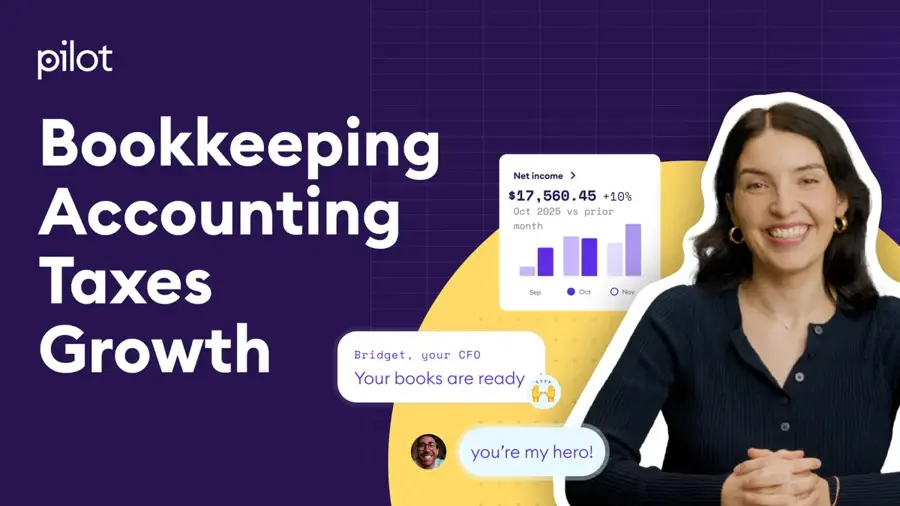
Pilot is a bookkeeping, tax and CFO service that uses AI to categorize and reconcile, with human bookkeepers on higher plans.
Strengths
If you don't want to touch your books at all, Pilot is the closest thing here to hiring someone. On its plans page, the $99 Essentials tier has AI categorize transactions, reconcile accounts and close the books monthly, for businesses with up to $100,000 in monthly expenses. Core adds a US-based bookkeeper who reviews and explains your numbers. Tax filing and CFO services are sold separately.
The user feedback is thin and mixed. Pilot has 2.9 on Trustpilot from just 20 reviews, with 65% five-star and 30% one-star. One October review from a startup founder was titled "Thin wrapper on top of quickbooks + plaid" and complained about weak connections to tools like Brex and Ramp. Twenty reviews isn't much to go on, honestly.
Key features
- AI categorization, reconciliation and a monthly close.
- A year-end package for your tax preparer.
- Instant AI answers about past transactions and cash flow.
- A dedicated US bookkeeper on Core and above.
Pros
- Someone else does the work.
- Clear expense-based pricing.
- Tax and CFO add-ons in one place.
Cons
- Essentials is cash-basis only, with a standard chart of accounts.
- Mixed Trustpilot reviews.
- Gets expensive once you add tax or CFO help.
Pilot pricing: No free plan; paid plans from $99/month for Essentials (checked October 2026). See pricing
Verdict: good if your time costs more than $99 a month.
Related: Best AI accounting software Will AI replace accountants?
Booke AI – best for adding AI to existing books
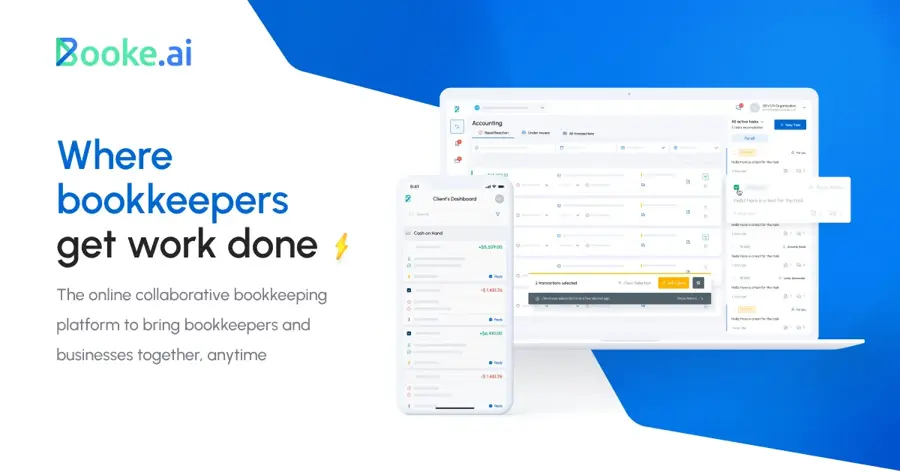
Booke AI is an AI bookkeeper you invite into QuickBooks Online or Xero, where it categorizes bank feeds daily and leaves you a list of exceptions.
Strengths
The pitch is simple: keep your ledger and add a worker. Going by the Booke plans, it categorizes bank feeds every day, matches documents, requests missing receipts and keeps an audit trail of what it changed. Firms get multi-client management and a white-label option on custom pricing.
Users are less happy than the pitch suggests. Booke's Trustpilot score is 2.6 from 18 reviews, and 66% are one-star. One August reviewer said, "Within a few days i realised it added work rather than reduced work loads for Quickboks." A more positive July reviewer still wanted "the abiity to delete duplicates and merge transactions with their receipts." Small sample, but I'd want a short trial before committing.
Key features
- Daily bank feed categorization inside QuickBooks or Xero.
- OCR for bills, invoices and receipts.
- Automatic requests for missing documents.
- Custom thresholds, rules and an exceptions review queue.
Pros
- No need to switch ledgers.
- Audit trail for every change.
- White-label option for firms.
Cons
- Poor Trustpilot rating so far.
- $129 per business adds up fast.
- Only works with QuickBooks Online and Xero.
Booke AI pricing: No free plan; $129 per business per month for the Business plan, with firm pricing on request (checked October 2026). See pricing
Verdict: a reasonable idea with shaky reviews, so test it on one entity first.
Related: Best AI accounting software Will AI replace accountants?
Choosing the right AI bookkeeper tool
Start with the ledger your accountant uses
If your accountant lives in QuickBooks, switching to Digits could cost you more in their hours than you'd save. Ask first. It's a two-minute email.
Check which plan actually includes the AI
This one catches people out. QuickBooks' Accounting Agent isn't on Simple Start, and Xero's auto-reconcile is an add-on on Early, so the "starts at" price is often not the price you'll pay for the AI bookkeeper you came for.
Look for an exceptions queue and an audit trail
Good AI bookkeeping tools show you only the transactions they're unsure about and log every change. Xero explains each match; Booke and Digits both use review queues. I wouldn't buy one that hides its reasoning.
Pick an add-on only when your ledger is fine
Dext and Booke AI make sense when your accounting app works but data entry is the bottleneck. If the ledger itself is the problem, fix that first.
Free vs paid plans compared
Free plans exist, but they're narrow. Here's the trade-off for the two picks with a free tier, plus a general chatbot:
| Option | Free plan gives you | Paying gets you |
|---|---|---|
| QuickBooks Online | 1 user, 2 invoices and 2 receipt uploads a month | Unlimited invoices from $20; AI agents from Essentials ($85) |
| Zoho Books | 1 user plus an accountant, invoices, bank reconciliation, document autoscans | Bank feeds, 3 users and custom reports from $15 |
| ChatGPT | Unlimited text chats and limited file uploads and data analysis | More uploads, deeper analysis and longer memory |
My take: if you have fewer than 30 transactions a month, Zoho's free plan is probably enough. Once bank feeds matter (and they will), you're paying something. A general chatbot like ChatGPT, whose free tier includes limited data analysis, can help you sort a spreadsheet export, but it isn't a ledger and it won't reconcile anything.
Using AI for bookkeeping, step by step
- Connect your bank and card accounts to one ledger, so the AI sees every transaction.
- Clean up your chart of accounts before you switch on automation; AI learns from your past choices, including bad ones.
- Turn on AI categorization and receipt capture, then review the exceptions queue weekly.
- Correct mistakes in the app rather than in a spreadsheet, so the model learns from them.
- Have a human check the books monthly and before tax time.
That last step isn't optional. A bookkeeper posting on the Beancount forum described an AI tool that got about 80% of categories right, but said they still review every transaction because their licence is on the line: "The time didn't disappear - it just shifted." I think that's the most honest description of AI bookkeeping in 2026 I've read. For a wider look at the jobs side, see our explainer on whether AI will replace accountants, and if you want an assistant for the rest of your admin, our list of AI business assistants is a good next stop.
Final verdict
If you only pick one, pick QuickBooks Online on the Essentials plan; it's pricier than it was a year ago, but the Accounting Agent plus the number of accountants who know the software makes it the lowest-risk choice in the US. Choose Xero if you want the best bank reconciliation automation for less money. Choose Zoho Books if you're a solo operator watching every dollar. And honestly, if you're already drowning, Pilot's $99 plan is probably cheaper than your own evenings.
FAQ
How to use AI for bookkeeping?
Connect your bank accounts to an accounting app with AI built in, such as QuickBooks Online, Xero or Zoho Books. Let it categorize transactions and read receipts, then review the flagged items each week and fix errors inside the app so it learns. Keep a human check before month-end and tax filing.
What's the best AI bookkeeping software?
For most US small businesses, QuickBooks Online is the best AI bookkeeping software because of its Accounting Agent and wide accountant support. Xero is the stronger pick for automated bank reconciliation at a lower price, and Zoho Books is the best free option. Startups on Ramp, Mercury or Stripe might prefer Digits.
Is AI bookkeeping accurate enough to trust?
Mostly, for routine transactions. It's weaker on new vendors and split purchases. Vendor claims (Dext says over 99% extraction accuracy, Digits 95%+ auto-booking) are their own figures, so treat AI output as a first draft a person reviews.
What's the best AI assistant software for bookkeepers?
Bookkeepers with many clients usually get more from add-ons than from a new ledger. Dext is the best-rated option for receipt and invoice capture, Booke AI adds daily categorization inside QuickBooks and Xero, and Xero Partner Hub uses JAX to show book health across clients. Digits also offers firm-specific AI models that learn a practice's own classification preferences, which I'd say matters most if your clients share a similar chart of accounts.
Can an AI bookkeeper replace a human bookkeeper?
Not yet, in my view. Today's tools cut data entry and reconciliation time, but they still make categorization errors and can't judge mixed-purpose spending or tax treatment. Services like Pilot pair AI with human bookkeepers for that reason. For many small businesses, AI plus a monthly human review is probably the sweet spot.
Is there a free AI bookkeeper?
Zoho Books has a free plan with document autoscans and its Zia assistant, and QuickBooks has a very limited free tier. General chatbots like ChatGPT are free to try for sorting exported transactions, but they aren't accounting software and won't keep a proper ledger for you.