Best CAD AI generator tools in 2026: 7 picks for real, editable parts
Seven CAD AI generators compared on output type, STEP, STL and DXF export, accuracy limits and price, from text-to-CAD apps to AI inside Fusion and Onshape.
 Written byMuhammad Usman SiddiquiFounder and editor-in-chief
Why you can trust The AI Future
Our writers research every product from its official pages, independent tests and user reports, link each claim to its source and correct mistakes openly. Unless an article says otherwise, we haven't tested the product hands-on ourselves. Companies can't pay for coverage or see reviews before they're published.
Read our editorial policy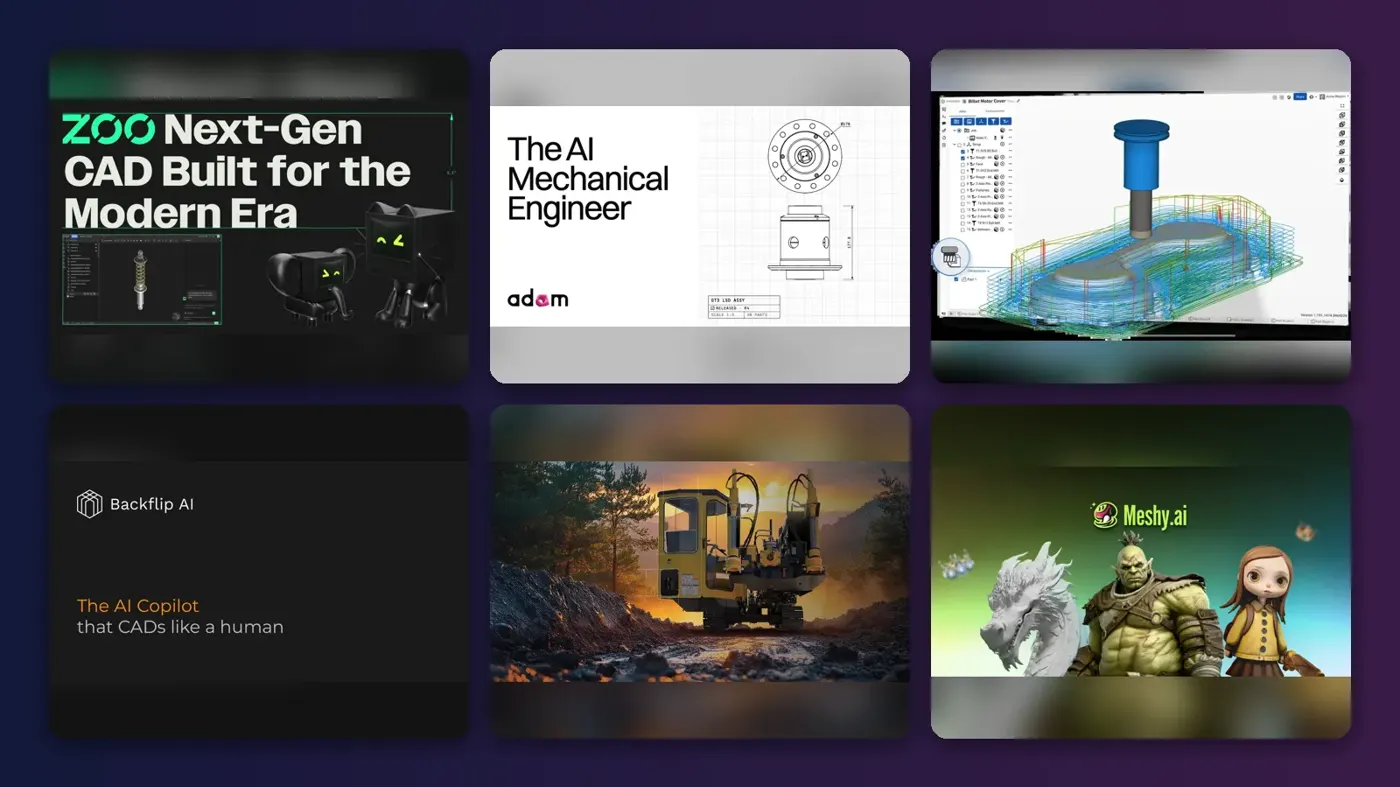
Short answer: if you want a CAD AI generator that turns a typed prompt into a real, editable solid you can export as STEP, start with Zoo Design Studio. If you already model in Fusion, Onshape or SOLIDWORKS, you'll probably get more from Adam, an AI agent that works inside those apps, than from switching tools. Everything else on this list is a specialist.
The fine print matters more with CAD than with almost any other AI category. A part that looks right but sits 0.3 mm off won't fit its bearing, and no amount of nice shading fixes that. Below are seven tools ranked for people who need geometry they can actually manufacture, with prices checked in late October 2026 and a plain look at what AI-generated CAD can and can't do right now (mostly simple parts, if I'm honest).
Key takeaways
- Text-to-CAD works for simple, dimension-driven parts like tubes, spacers and brackets, but published tests show it breaks down on gears, manifolds and multi-feature housings.
- Pick a tool that exports STEP or keeps a parametric feature tree if the part is going to a machine shop, since STL is fine for 3D printing but a mesh can't be edited like a solid.
- The most useful AI in mainstream CAD is assistive: automatic constraints, drawings, converting imported geometry into editable features and answering how-to questions.
- You can try nearly all of these for free, because Zoo, Adam, Onshape, Backflip and Meshy have free tiers and Fusion is free for qualifying hobbyists.
Our ranking method
Nobody at The AI Future ran hands-on tests for this roundup. We compared each tool using official product and pricing pages, published independent tests and user ratings, as of late October 2026, and ranked them on six criteria:
- Output type covers whether you get a parametric solid, editable code or only a mesh.
- Export formats asks whether you can get STEP, STL and DXF out without a conversion step.
- Accuracy is judged from published tests that used dimensioned prompts.
- Workflow fit asks whether the AI works inside the CAD software you already use.
- Price compares the cheapest useful plan and what the free tier really allows.
- Data handling covers whether your designs can be used for training and whether you can opt out.
I weighted output type and export formats highest. If a model can only leave the app as a mesh, your machinist will probably rebuild it from scratch anyway.
The 7 best CAD AI generators at a glance
| # | Tool | Category | Best for | Free tier | Starts at |
|---|---|---|---|---|---|
| 1 | Zoo Design Studio | Text-to-CAD app | Prompt-to-solid parts | Yes (limited) | $20/mo |
| 2 | Autodesk Fusion | CAD and CAM suite | All-round CAD with AI helpers | Yes (limited) | $85/mo |
| 3 | Adam | AI CAD agent | AI inside your existing CAD | Yes (limited) | $40/mo |
| 4 | Onshape | Cloud CAD | Distributed teams | Yes (limited) | $1,500/yr |
| 5 | Backflip | Scan-to-CAD | Scans, drawings and photos to CAD | Yes (limited) | $20/mo |
| 6 | SOLIDWORKS | Desktop CAD | Existing SOLIDWORKS shops | No | Quote |
| 7 | Meshy | Text-to-3D mesh | 3D printing and concept models | Yes (limited) | $20/mo |
The best CAD AI generators in 2026, ranked
Zoo Design Studio – best for prompt-to-solid parts
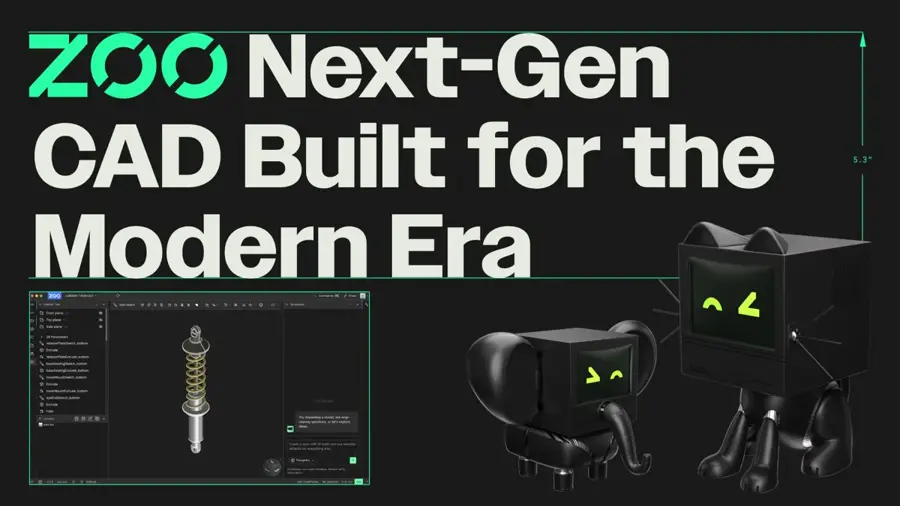
Zoo Design Studio is a free-to-download CAD app with Zookeeper, a conversational agent that builds parts as editable KCL code and real solid geometry. Get it at zoo.dev.
Strengths
Zoo wrote its own geometry engine from scratch, and the Design Studio page describes Zookeeper as an agent with tools to "inspect, snapshot, and debug geometry" while it generates. Every model sits on KCL, Zoo's code-based CAD language, so a prompt like "Engine valve, 120 mm long, 30 mm head, 6 mm stem" gives you dimensions you can open and change. That's the main reason it ranks first. You aren't stuck with whatever the model guessed.
Independent results are mixed, though. In a test by Xometry Pro, republished on Wevolver, Zoo produced an accurate 20 mm tube with the requested inner and outer diameters, then failed on a 24-tooth gear and couldn't generate the manifold block at all. That test used free tiers and seems to predate Zookeeper's reasoning modes, so I'd read it as a worst case. If you only try one text-to-CAD tool, I'd make it this one.
Key features
- Zookeeper turns text prompts into new parts and edits existing ones.
- Every model is backed by KCL code you can read and change.
- Exports include STEP, STL, OBJ, GLB, FBX, PLY and KCL, according to the Wevolver test.
- Manual CAD modelling in the app is unlimited on every plan, and only Zookeeper time is metered.
Pros
- Outputs real solids you can export as STEP
- Code-backed models are easy to tweak by changing a number
- Free desktop app with unlimited manual modelling
Cons
- A published test shows failures on gears and complex multi-feature parts
- The free plan includes only 20 Zookeeper minutes a month
- Free-tier designs can be used for training, with no opt-out
Zoo Design Studio pricing: Free (20 Zookeeper minutes a month), then Plus at $20/month (about 400 minutes), Pro at $99/month (2,500 minutes) and Team at $399/user/month (checked October 2026). See pricing
Autodesk Fusion – best for all-round CAD with AI helpers
Autodesk Fusion is a cloud-connected CAD, CAM and simulation package that keeps adding AI features, from automatic sketch constraints to Autodesk Assistant. Find it at autodesk.com.
Strengths
Fusion's AI helps you model; it doesn't model for you. AutoConstrain suggests sketch constraints such as symmetry and center points automatically, and AI-driven Automated Drawings decides which details belong on a 2D drawing, as Engineering.com reported. At Autodesk University in September 2026, the company said it plans to add AutoConstrain and AutoTimeline to imported geometry, turning dead solids into editable parametric parts; one Autodesk VP called it "reverse-engineering the recipe for the geometry" (Engineering.com). That's announced, not shipped.
The bigger draw is price. The Personal Use licence is free for non-commercial hobbyists earning under $1,000 a year, though it caps you at 10 editable documents and leaves out generative design and simulation. It still exports STEP, STL and 3MF, and you can save a sketch as DXF. On Capterra, Fusion scores 4.5 from 272 reviews, and one reviewer wrote that "as far as I know there is nothing better unless you're willing to pay a lot more." For most hobbyists and small shops, I think it's the safest single purchase here.
Key features
- AutoConstrain adds and adapts sketch constraints automatically.
- Automated Drawings creates 2D views and dimensions from a 3D model.
- Autodesk Assistant answers questions and can call Fusion functions.
- Personal Use exports include STEP, STL, 3MF, OBJ and IPT.
Pros
- Free for qualifying hobbyists
- Full parametric CAD plus CAM in one app
- STEP and DXF output are both covered
Cons
- It won't build a part from a text prompt
- AutoConstrain for imported geometry is only announced so far
- Personal Use limits you to 10 editable documents
Autodesk Fusion pricing: Free for personal use, then $85/month, $680/year or $2,040 for three years (checked October 2026). See pricing
Adam – best for AI inside your existing CAD
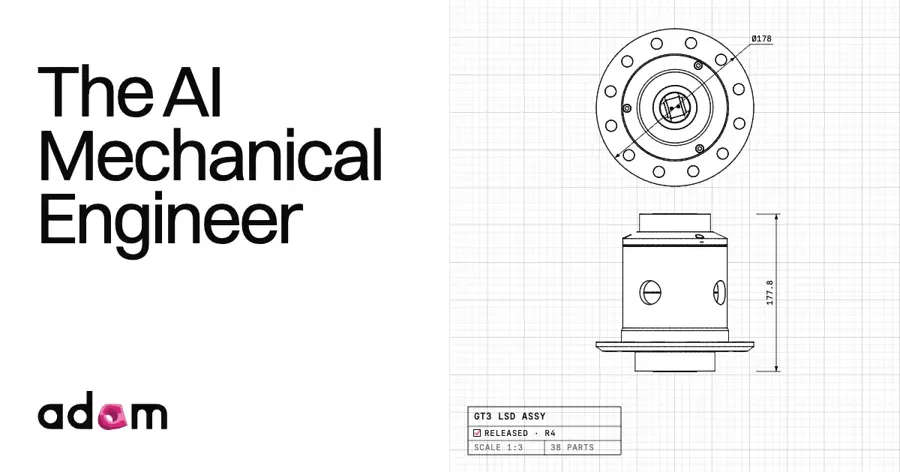
Adam is an AI mechanical engineering agent from a Y Combinator-backed startup that works inside Onshape, Autodesk Fusion and SOLIDWORKS. Try it at adamcad.com.
Strengths
Adam's pitch is that you shouldn't need to switch CAD tools to get AI. Going by its homepage, it reads your geometry, BOMs, drawings and revisions, edits through the model's existing history, and flags any change that would break a parent-child relationship instead of forcing a rebuild. That's how I'd want an AI to touch a production model.
The browser tool has a good public track record too. In the Xometry Pro test, Adam generated the 20 mm cylinder and the 24-tooth gear accurately with editable parameters, and a simplified manifold. Its open-source sibling, CADAM, has about 5.4k GitHub stars and exports STL, SCAD and DXF. Pick Adam if your team already owns CAD seats.
Key features
- Works inside Onshape, Autodesk Fusion and SOLIDWORKS.
- Reads drawings, BOMs and specs alongside the 3D model.
- Edits respect the existing feature history and flag broken references.
- CADAM, the open-source web app, exports STL, SCAD and DXF.
Pros
- No migration away from your current CAD
- Parametric output by design
- Free tier plus a free open-source option
Cons
- The free plan uses a lite model with a light daily quota
- Max costs $200/month
- CADAM itself doesn't export STEP
Adam pricing: Free, then Pro at $40/month (with a 7-day free trial) and Max at $200/month (checked October 2026)
Onshape – best for distributed teams
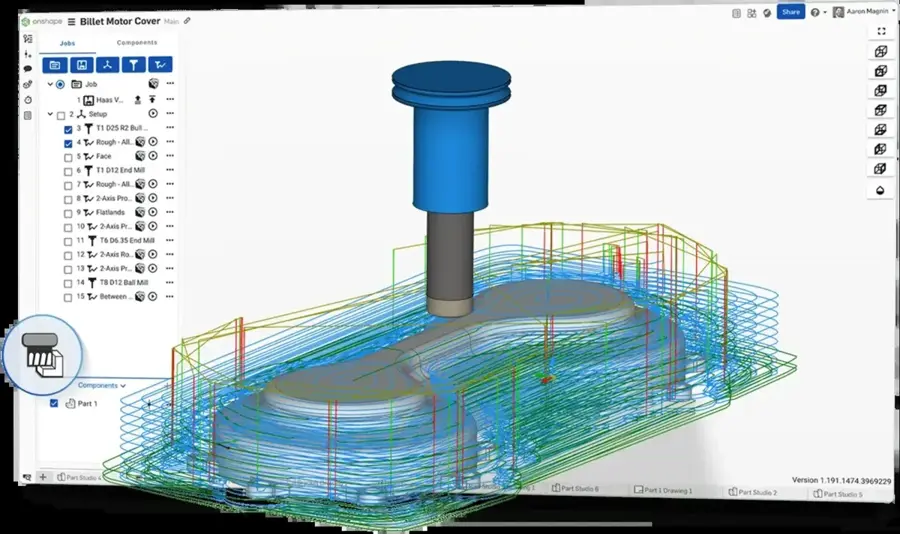
Onshape is PTC's browser-based CAD and data management platform, with an AI Advisor built into the design workspace. Try it at onshape.com.
Strengths
Onshape's AI is narrower than the label suggests, but it's real. AI Advisor gives step-by-step recommendations and troubleshooting right in the workspace, Digital Engineering reported, and its answers come from Onshape's own help content. A breakdown by Leo AI (a competitor, so keep that in mind) lists four more live features: FeatureScript generation, AI model search, AI Quick Render and Replicate Annotations for drawings.
I'd still rank it fourth, mainly because of how it stores data. Every change lives in a database rather than a file, so as Onshape's Darren Henry told DEVELOP3D, "you can always recover from what AI has done to your model." One Capterra reviewer wrote: "I have had a professional account since the day they started charging and I have had no regrets in paying for it every month." Best for teams who'll want AI agents with an undo button.
Key features
- AI Advisor answers how-to and troubleshooting questions in the workspace.
- FeatureScript generation helps you write custom features.
- AI search finds models by generated descriptions rather than filenames.
- Built-in data management tracks every change.
Pros
- Free plan for non-commercial work
- Nothing to install
- Full version history makes AI edits reversible
Cons
- No prompt-to-part generation yet
- Documents on the free plan are public
- Standard costs $1,500 per user per year
Onshape pricing: Free for public, non-commercial projects, then Standard at $1,500/user/year and Professional at $2,500/user/year, per Toolradar (checked October 2026). See pricing
Backflip – best for scans, drawings and photos to CAD
Backflip turns 3D scans, old engineering drawings and phone photos into parametric CAD models with a real feature tree. Try it at backflip.ai.
Strengths
This is the tool I'd point to when someone asks what AI does for CAD today that's genuinely tedious by hand. Rebuilding a scanned mesh as a solid can take hours, and Backflip says it reconstructs one with sketches, constraints and features like Extrude, Revolve and Fillet. Photo to CAD needs a few photos and one known dimension to scale everything.
It runs as an add-in for Autodesk Fusion and as a standalone web app; Onshape support is listed as coming soon. I couldn't find an independent accuracy test, so check every critical dimension against the scan or drawing. Worth the free credits if you've inherited legacy parts.
Key features
- Scan to CAD converts meshes into parametric models.
- Drawing to CAD rebuilds 3D parts from 2D engineering drawings.
- Photo to CAD scales a model from one known dimension.
- It works as a Fusion add-in or a web app.
Pros
- Turns meshes back into editable solids
- 50 free credits with no card needed
- Works inside Fusion
Cons
- Thinking Mode jobs cost 50 credits each, so credits go fast
- No published independent accuracy tests
- The Onshape plug-in isn't out yet
- Its SOC 2 Type II audit is still in progress
Backflip pricing: 50 free credits, then Builder at $20/month (100 credits), Pro at $50/month (300 credits) and Business at $380/month (checked October 2026). See pricing
SOLIDWORKS – best for existing SOLIDWORKS shops
SOLIDWORKS is Dassault Systèmes' long-running desktop CAD package, now with AI Virtual Companions called AURA and LEO for conversational help. Find it at solidworks.com.

Strengths
The most relevant feature here is Intent-to-CAD, which turns imported BREP geometry into a parametric feature tree. Its FD04 update added recognition of circular patterns and draft, according to reseller GoEngineer, and the same release brought sheet-metal nesting with DXF export. Built-in AI runs locally without an internet connection; the conversational skills run through the 3DEXPERIENCE cloud and consume tokens.
GoEngineer is unusually frank about maturity. The companion skills are Early Access, "intended primarily for evaluation, testing, and feedback", and it tells users to "Treat every output as a starting point, not a finished engineering deliverable." Honestly, I respect a reseller saying that out loud. Turn it on if you already pay for SOLIDWORKS; I wouldn't buy a seat for it.
Key features
- Intent-to-CAD converts imported geometry into editable features.
- AURA and LEO handle natural-language requests.
- Sheet-metal nesting exports DXF.
- AI helps generate drawings and assembly instructions.
Pros
- AI arrives inside software many shops already run
- Converts dumb imported solids into feature trees
- Offline built-in features need no tokens
Cons
- Companion skills are Early Access and may give inconsistent results
- Conversational AI needs the 3DEXPERIENCE cloud and tokens
- No free plan
SOLIDWORKS pricing: No free plan. We couldn't confirm a current list price from an official page, and the AI companion skills use metered tokens on top (checked October 2026). See pricing
Meshy – best for 3D printing and concept models
Meshy is a text-to-3D and image-to-3D generator that makes textured mesh models in about a minute. Try it at meshy.ai.

Strengths
Meshy isn't a CAD tool in the engineering sense, and that's exactly why it's on the list. It makes meshes, which suit figurines, props and concept models you want to print or show, and suit a part that must mate with a bearing very badly. Its text-to-3D page lists eight export formats, including STL, 3MF and DXF, plus a printability check before you send a file to the slicer.
The same page shows 4.8 ratings on both G2 and Trustpilot (vendor-reported, so treat them as a rough signal). The free plan gives 100 credits a month and a text-to-3D generation costs 20, so that's about five tries. Free models carry a CC BY 4.0 licence. Commercial use needs attribution. Pick it for printable shapes and skip it for toleranced parts.
Key features
- Text to 3D and image to 3D generation.
- Exports FBX, OBJ, GLB, USDZ, STL, BLEND, 3MF and DXF.
- A printability check runs before you print.
- Remesh and AI texturing tools tidy up results.
Pros
- Fast results from a short prompt
- Wide range of export formats
- Cheap Pro plan
Cons
- Mesh only, with no parametric features to edit
- Free assets require attribution
- Not built for dimensional precision
Meshy pricing: Free (100 credits a month), then Pro at $20/month (1,000 credits) and Ultra at $100/month (checked October 2026). See pricing
Related: Meshy AI review
Parametric vs mesh output: STEP, STL and DXF explained
Most AI CAD marketing skips this part. A parametric model stores how a part was built: sketches, dimensions, constraints and features, in order. Change a hole from 5 mm to 6 mm and everything downstream updates. A mesh is just a surface made of triangles; it's fine for printing and rendering, but there's no hole to edit, only thousands of tiny faces.
| Format | What it holds | Use it for |
|---|---|---|
| STEP (.step, .stp) | Exact solid geometry that almost any CAD app can open | Sending parts to machinists, suppliers or another CAD tool |
| STL | A triangle mesh with no stored units | 3D printing |
| DXF | 2D lines, arcs and curves | Laser cutting, waterjet and sheet-metal flats |
| KCL or SCAD | Code that rebuilds the part | Editing a design by changing variables |
STEP doesn't keep the feature history either. Still, it's exact.
Here's how the picks line up. Zoo exports STEP and KCL, Fusion and SOLIDWORKS handle STEP and DXF, CADAM gives you STL, SCAD and DXF, and Meshy gives you meshes in formats like STL and 3MF. Backflip, SOLIDWORKS Intent-to-CAD and Fusion's planned AutoConstrain-on-import go the other way, turning meshes or dumb solids back into parametric features. I suspect that's where AI will save engineers the most hours this year.
Accuracy limits you should plan for
Expect simple parts to come out right and anything with real engineering intent to need work. The Xometry Pro test shows the pattern well: a dimensioned tube was easy for the CAD-producing tools, a 24-tooth involute gear split the field, and the manifold with internal channels stumped Zoo entirely and came out simplified from Adam. Its own conclusion was that these tools "aren't yet a replacement for professional CAD software".
Units are another trap: because STL stores no units, a 20 mm part can import as 20 inches if the receiving app guesses wrong.
My rule of thumb is simple. Measure every critical feature yourself before export, check wall thickness and tolerances, and don't send AI geometry to a machine shop unchecked.
Choosing the right CAD AI generator
Start from the file your next step needs
If a supplier wants STEP, rule out mesh-only tools now. If you're printing at home, STL or 3MF is enough.
Keep the AI where your models already live
Switching CAD platforms costs far more than any AI subscription. If your team runs Fusion, Onshape or SOLIDWORKS, try that app's built-in AI and Adam's free tier before you move anything.
Test with your own dimensioned prompt
Write one prompt with real numbers, such as a 24-tooth gear with a 2 mm module and a 10 mm bore, and run it through two or three free tiers. Then measure the output. You'll learn more in an hour than from any vendor demo.
Read the data-training terms before uploading client parts
Going by Zoo's plan table, its free and Plus plans can train on your designs, and only Plus lets you opt out. Backflip says it never trains on enterprise data, and Adam says model inputs aren't used for training. If you're under an NDA, that line in the terms matters more than the price.
Free vs paid: what you actually get
| Tool | Free plan | First paid plan |
|---|---|---|
| Zoo Design Studio | Unlimited manual CAD, 20 Zookeeper minutes | $20/month for about 400 minutes |
| Autodesk Fusion | Personal Use, 10 editable documents, no generative design | $85/month or $680/year |
| Adam | Lite model, light daily quota | $40/month Pro |
| Onshape | Full CAD, but public documents only | $1,500/user/year |
| Backflip | 50 one-off credits | $20/month for 100 credits |
| Meshy | 100 credits a month, CC BY 4.0 licence | $20/month for 1,000 credits |
The free tiers are good enough to judge output quality, which is the only thing you really need to find out before paying. Backflip's maths is worth checking: 100 Builder credits buy ten Fast Mode jobs or just two Thinking Mode jobs. And Fusion Personal Use is free only for non-commercial work, so a paid seat is the honest option once you sell a part.
Final verdict
Text-to-CAD is useful today for simple parts and early ideas, and I'd guess it'll stay that way for most teams through 2027. Zoo Design Studio is my top pick because it gives you real, exportable solids and code you can edit. Adam is the smarter buy if you already pay for CAD, and Fusion's free Personal Use licence is still the best-value starting point for hobbyists. Don't trust any of them with a toleranced part until you've measured it yourself. If you're curious how this affects careers, our piece on whether engineers will be replaced by AI covers that side.
FAQ
How to choose CAD software with AI capabilities?
Start with the output you need: STEP for manufacturing, STL for printing, DXF for cutting. Then pick AI that works inside software you already use, test the free tier with one dimensioned part, and check whether your designs can be used for training before you upload anything confidential.
How does AI in CAD support generative workflows?
AI helps in three ways. Text-to-CAD tools like Zoo and Adam draft a part from a prompt. Generative design in tools like Fusion explores multiple options from constraints you set. And conversion tools like Backflip and SOLIDWORKS Intent-to-CAD turn scans or imported solids into editable parametric models you can iterate on.
Which AI is best for CAD design?
For turning a prompt into an exportable solid, Zoo Design Studio is probably the strongest choice right now. For AI inside Onshape, Fusion or SOLIDWORKS, Adam fits best. Fusion is the best-value all-rounder, and Meshy suits 3D printing and concept models rather than precise engineering parts.