Best AI QR code generators in 2026: 6 picks that still scan
Six AI QR code generators compared on art, scannability and price, plus the dynamic-code trap that breaks printed codes when you stop paying.
 Written byMuhammad Usman SiddiquiFounder and editor-in-chief
Why you can trust The AI Future
Our writers research every product from its official pages, independent tests and user reports, link each claim to its source and correct mistakes openly. Unless an article says otherwise, we haven't tested the product hands-on ourselves. Companies can't pay for coverage or see reviews before they're published.
Read our editorial policy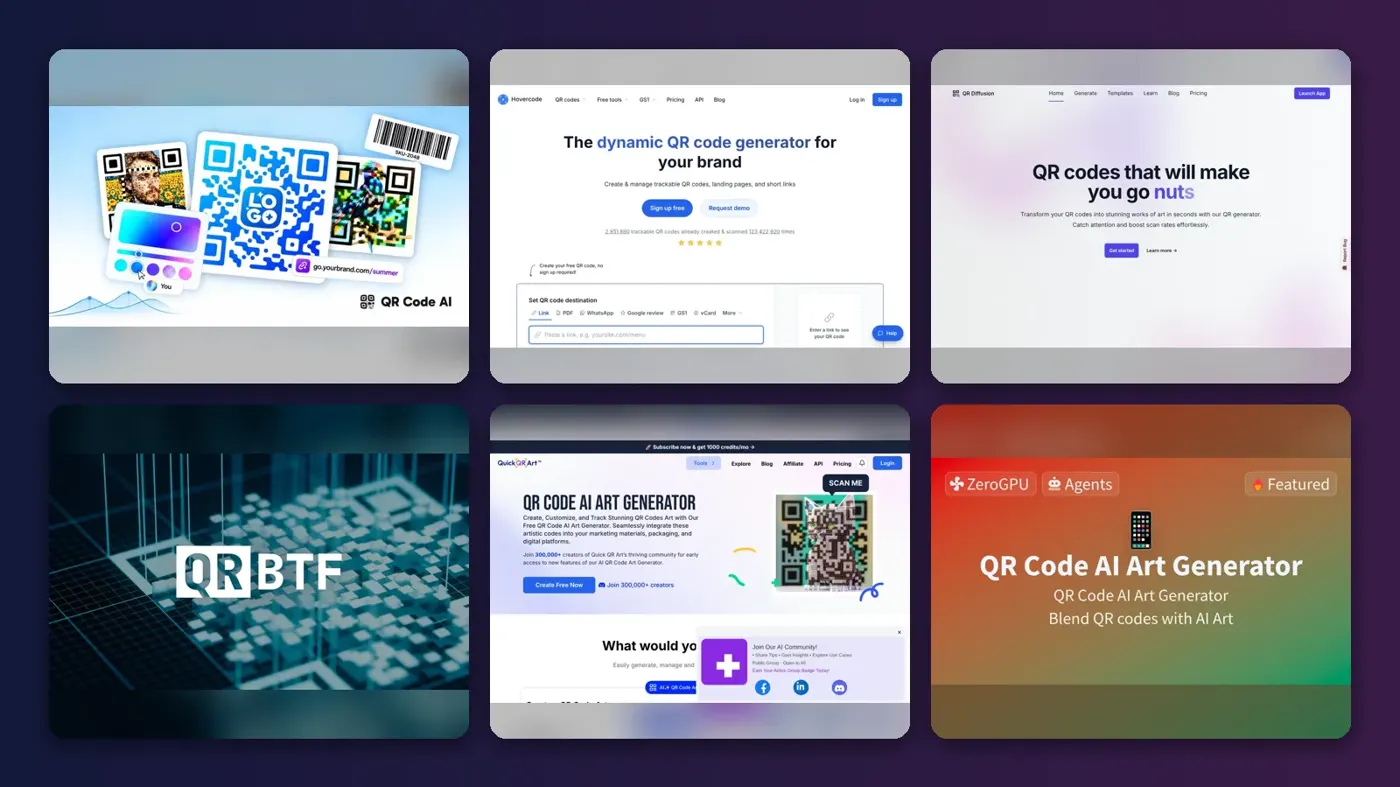
Short answer: if you want one AI QR code generator that makes art codes, tracks scans and checks that the result still reads, start with QR Code AI. If you care more about the code working in three years than how it looks today, use Hovercode, whose first three dynamic codes never expire. Everything else on this list is a specialist.
That second point matters more than most buyers realise. An AI art QR code is a normal QR code that a Stable Diffusion-style model paints over, so two things can go wrong: the art can make it unreadable, and the redirect behind it can switch off when you stop paying. I'd judge every tool here on those two risks first and on looks second.
Key takeaways
- QR Code AI is the most complete option for most people, with a free plan, AI art from text prompts and a built-in scannability check.
- Hovercode's AI art tool is still a prototype, but its free plan gives you three dynamic codes that keep working even if you never pay.
- AI art codes trade readability for looks, and the model makers themselves say not every generated code will scan.
- A dynamic code depends on the vendor's redirect server, so read the cancellation terms before you print anything.
- For one-off art you'll print once, a free static code from the Hugging Face demo or QRBTF's trial is probably enough.
Our ranking method
Nobody at The AI Future ran hands-on tests for this roundup, and there are no original screenshots here. We compared each tool using its own product and pricing pages, model documentation, app store listings and user reviews, as of late October 2026. We ranked the picks on these criteria:
- Art quality and control, meaning prompts, templates, image uploads and how many settings you can adjust.
- Scannability safeguards, such as a built-in checker or a strength setting that favours readability.
- Code permanence, or what happens to dynamic codes when a plan lapses.
- Free tier, judged by what you can make and download without paying.
- Price of the cheapest paid plan, in US dollars.
- Extras like analytics, bulk creation and an API.
Prices change often and some vendors hide them behind a sign-in. Where we couldn't confirm a price on an official page, the table says so.
The 6 best AI QR code generators at a glance
| # | Tool | Category | Best for | Free tier | Starts at |
|---|---|---|---|---|---|
| 1 | QR Code AI | All-in-one generator | Most people | Yes | Not listed |
| 2 | Hovercode | Dynamic QR platform | Codes that keep working | Yes | $12/mo |
| 3 | QR Diffusion | AI art generator | Ready-made art templates | Yes (limited) | $11/mo |
| 4 | QRBTF | AI art generator | Fine control over scannability | Yes (limited) | $20/mo |
| 5 | Quick QR Art | AI art generator | Making art codes on a phone | Yes (limited) | Not listed |
| 6 | Hugging Face QR Code AI Art Generator | Open-source demo | Free experiments | Yes | Free |
The best AI QR code generators in 2026, ranked
QR Code AI – best for most people
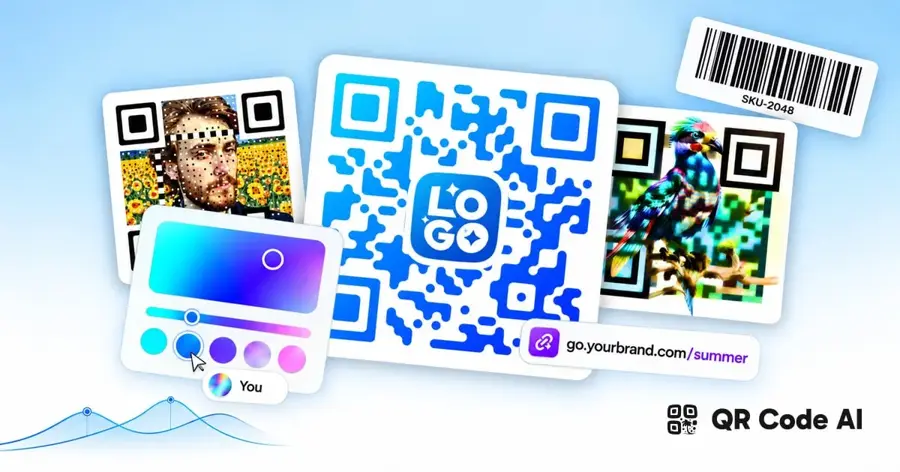
QR Code AI is a web QR generator that combines classic custom codes, AI art made from text prompts and image-overlay codes in one place, with a free plan and no credit card needed.
Strengths
The pitch is breadth. On its homepage you'll find 60 content types (URL, Wi-Fi, PDF, vCard, Google Reviews and so on), 50+ design parameters, more than 1,200 AI art templates and downloads in PNG, SVG or PDF. The detail I like most is that every code goes through a built-in scannability checker before you download it. That's exactly the safety net an art code needs.
One claim to read carefully: the company says artistic codes get "up to 30% more scans on average", but that's based on its own platform data, and I couldn't find an independent study that backs it up.
Key features
- AI art QR codes generated from your own text prompt.
- Image QR codes that overlay a code on any background picture.
- A built-in scannability checker on every design.
- Static and dynamic codes, with scan analytics on dynamic ones.
- Bulk generation through an API.
Pros
- Free plan with no watermark and no card required.
- Three creation modes in one tool.
- Vector SVG and PDF downloads for print.
Cons
- Paid plan prices weren't visible on the public pages we could read.
- The 30% scan uplift is the vendor's own figure.
- So many options can feel busy if you only need one code.
QR Code AI pricing: Free, then paid plans (prices weren't shown on public pages when checked in October 2026). See pricing
Related: Best AI image generators How to use AI for marketing
Verdict: if you only pick one, pick this, then confirm the paid price before your free codes go into a print run.
Hovercode – best for codes that keep working
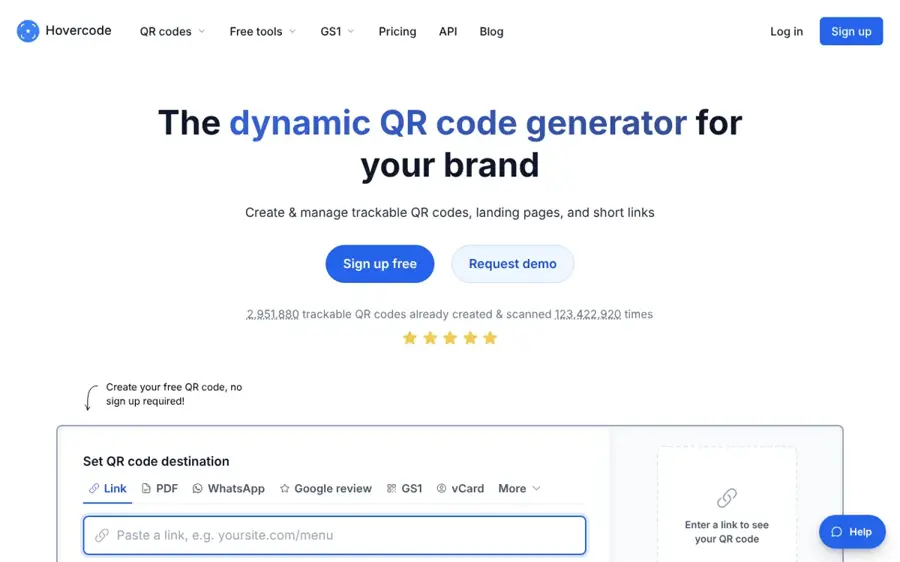
Hovercode is a QR code platform focused on dynamic codes and tracking, with an experimental AI art generator on the side.
Strengths
Be clear-eyed about the AI part. Hovercode calls its AI QR code generator "very much a prototype", and you write a prompt or edit an example to get the artwork. So why rank it second? Because the plumbing is better than almost anyone's. Going by the full plan list, every plan, including the free one, has unlimited scans and unlimited static codes, and the free plan includes 3 dynamic codes with basic analytics.
The cancellation terms are spelled out plainly in the FAQ: your first 3 dynamic codes never expire, while extra codes you make on a paid plan go inactive if you cancel (they aren't deleted). Codes on a custom domain stop working too. I'd call that honest. The one user line on that page, from a customer named Nicole G., says it's "an excellent platform to create good looking custom QR codes", though it's a testimonial the company picked.
Key features
- Three free dynamic codes that don't expire.
- Unlimited scans and unlimited static codes on every plan.
- Custom domains for redirect links on paid plans.
- Bulk generation, CSV exports and a REST API on Business plans.
- A prompt-based AI art generator, labelled as a prototype.
Pros
- The clearest expiry terms on this list.
- No ads shown to people who scan your code.
- Yearly billing gives 12 months for the price of 10.
Cons
- The AI art tool is a prototype, with fewer controls than dedicated art generators.
- Extra paid codes go inactive if you cancel.
- The Pro plan's 100 dynamic codes is a total, not a monthly allowance.
Hovercode pricing: Free, then paid plans from $12/month, with Business at $39 and Business Plus at $99 (checked October 2026). See pricing
Related: Best AI marketing campaigns
Verdict: the safest home for a code you'll print thousands of times, even if the art isn't its strong suit.
QR Diffusion – best for ready-made art templates
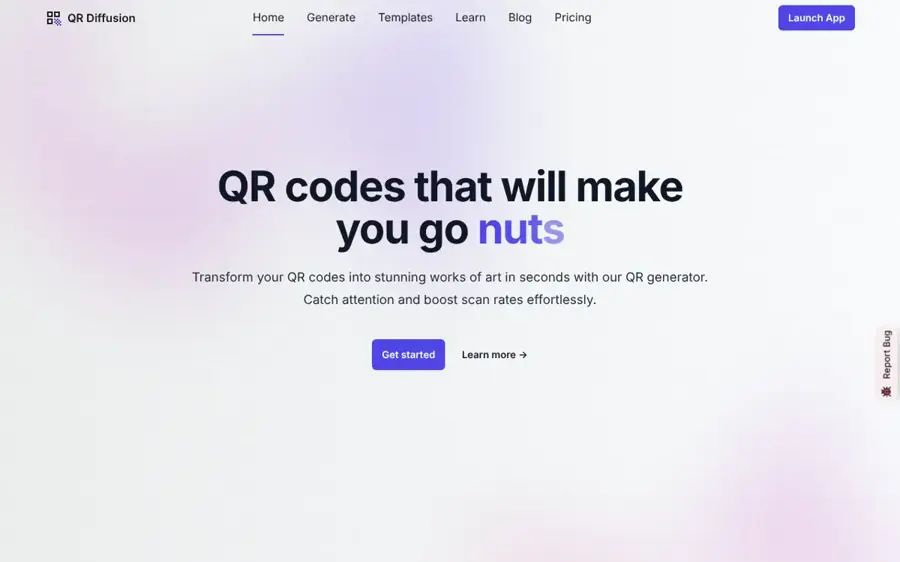
QR Diffusion is an AI art QR generator built on Stable Diffusion, with dozens of editable templates and dynamic codes on its paid plans.
Strengths
The template gallery is the draw. The homepage lists dozens of styles you can edit, from cherry blossoms and autumn forests to burgers, wedding cakes and luxury kitchens, plus an image-to-image mode that puts your code into an existing graphic. If you don't enjoy writing prompts, starting from a template is probably the quickest way to a usable result.
It's also candid about the main risk. The FAQ admits "some artistic QR codes may not be readable on certain devices" and that the team is still working on a way to rate readability. So the checking is on you. The plans cap generations weekly: Lite allows up to 40 QR codes and 7 new dynamic URLs a week, which seems tight for an agency.
Key features
- Dozens of editable art templates.
- Image-to-image mode for placing a code in your own artwork.
- Dynamic QR codes with an analytics dashboard.
- Faster GPUs and higher queue priority on pricier plans.
Pros
- Templates lower the prompt-writing barrier.
- A 30-day, no-questions-asked refund policy.
- Pro is only $2 a month more than Lite and adds 1,200 weekly codes.
Cons
- No built-in readability rating yet, by the company's own account.
- Prices shown are annual billing, so you pay $132 up front for Lite.
- The Ultimate plan still advertises NFT minting "Expected Q3 2024", which suggests the page isn't updated often.
QR Diffusion pricing: Free basic codes, then paid plans from $11/month billed annually (checked October 2026). See pricing
Related: How to write AI art prompts Best AI image generators
Verdict: a sensible pick if you want good-looking art fast and you'll scan-check every output yourself.
QRBTF – best for fine control over scannability
QRBTF is an AI QR code generator from Latent Cat that exposes the settings other tools hide, alongside a free, open-source parametric QR maker.
Strengths
QRBTF gives you the actual dials. The generator explains that higher strength "makes QR code easier to scan but makes image look more like a QR code", recommends values of 1.0 to 1.3, and lets you pick the error correction level, the share of the image the code takes up and whether the corner anchors are square, circle or minimal. It even warns that longer links need higher correction levels. That's useful if you'd like to understand the trade-off.
The project has history, too. Its changelog claims it introduced "the world's first AI generated QR code", and the counters on the site showed 715,039 AI QR codes generated when we checked. The older parametric generator is open source.
Key features
- Strength, size and code-proportion sliders.
- Selectable error correction level.
- Anchor styles from square to minimal.
- A Discord bot for generation on the Pro plan.
- Free open-source parametric QR codes with SVG export.
Pros
- The most transparent settings on this list.
- Prompts work in any language.
- Parametric codes are free forever.
Cons
- The free AI trial is only 10 codes.
- Pro's "unlimited" generation comes with a rate limit.
- No dynamic codes or scan analytics.
QRBTF pricing: Free trial of 10 AI codes, then Pro at $20/month (checked October 2026). See pricing
Related: Best open-source AI tools
Verdict: pick this if you want to tune readability yourself and you're happy with static codes.
Quick QR Art – best for making art codes on a phone
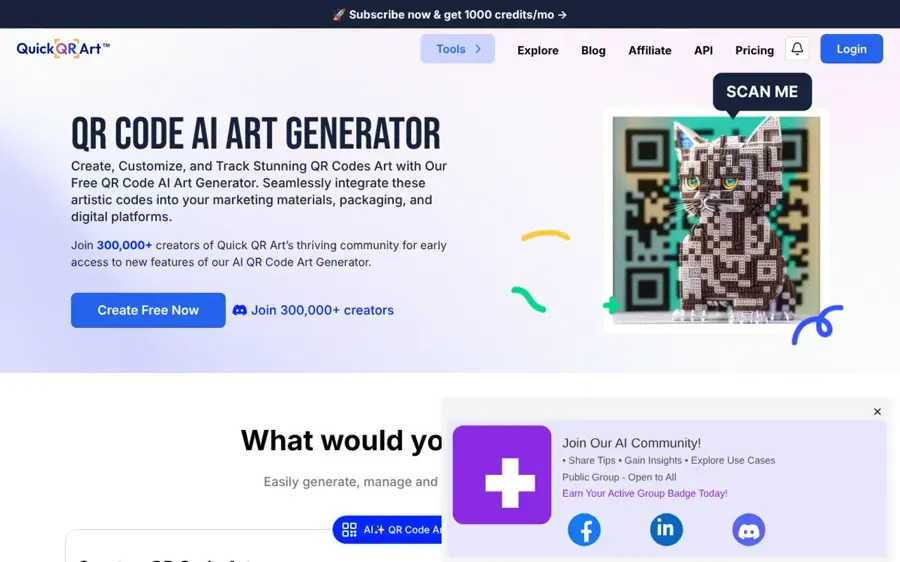
Quick QR Art is an AI QR art generator from Pixel ML that works on the web, in iOS and Android apps and through a Discord bot.
Strengths
Reach is the selling point. Going by the user guide, you can generate from a text prompt or blend a code into an image you upload, and a result arrives in about 20 seconds. Presets cover styles from ultra-realism to fantasy art. The site claims a community of 300,000+ creators.
The weak spot is pricing transparency. The App Store listing says payment is required to cover server costs and mentions subscriptions plus consumable credits, but we couldn't find current prices on an official page, and the iOS app didn't have enough ratings to show a score. I'd treat that as a reason to start small.
Key features
- Text-to-QR art and image blend modes.
- iOS app, Android app and a Discord bot.
- Presets that set the art style.
- Short links and a link-in-bio page alongside QR codes.
Pros
- The only pick with native mobile apps.
- Roughly 20-second generation.
- Clear docs with copyable preset commands.
Cons
- Paid prices aren't published on official pages we could read.
- Too few App Store ratings to judge user satisfaction.
- The Discord workflow adds steps for non-Discord users.
Quick QR Art pricing: Free to try, then a paid subscription (prices not published on official pages when checked in October 2026). See pricing
Related: How to write AI art prompts
Verdict: handy if you design on your phone, but check the price inside the app before you commit.
Hugging Face QR Code AI Art Generator – best for free experiments
The QR Code AI Art Generator is a free, open demo on Hugging Face Spaces that blends a QR code with Stable Diffusion art using a ControlNet model.
Strengths
It costs nothing and hides nothing. The Space's code is public, and it loads a QR-specific ControlNet model on top of Stable Diffusion 1.5. You type a prompt, adjust the conditioning scale and strength, and download the image. Because the output is a static code, there's no subscription that can switch it off later.
The catch is everything around the image. There's no account, no analytics and no scannability check, and the Space runs on shared GPU hardware, so it can be slow or queue at busy times. For learning how AI QR art works, though, I think it's the best place to start.
Key features
- Prompt-driven QR art from an open-source pipeline.
- Adjustable ControlNet conditioning scale and strength.
- An image-to-image mode for blending a code with a picture.
- Public source code you can copy and run yourself.
Pros
- Completely free.
- Static output that can't expire.
- Transparent about how it works.
Cons
- No readability checker, analytics or dynamic codes.
- Shared hardware means waits.
- Fiddly settings for beginners.
Hugging Face QR Code AI Art Generator pricing: Free, with no paid plan (checked October 2026). See the Space
Verdict: the right first stop if you're curious, the wrong one for a business campaign.
Scannability limits of AI QR art
Every tool above is working against the same physics. A QR code can survive some damage because of error correction: Denso Wave, which invented the format, explains on its error correction page that codes use Reed-Solomon data and come in four levels, with Level M (about 15% recovery) the most common choice. AI art spends that recovery budget on looks. The more the picture overwrites the black and white modules, the less margin is left for glare, a crumpled flyer or an old phone camera.
The model makers say this out loud. The card for the popular QR Code Monster ControlNet model warns, "Keep in mind that not all generated codes might be readable", and suggests generating several versions and keeping the best. It also says high guidance values make codes more readable, while low values make them more creative.
Then there's the quiet zone. Denso Wave's sizing guide says a QR code needs a clear margin four modules wide on every side. Full-bleed art that runs right up to the edges ignores that, and it's a common reason a code that scanned on your monitor fails on a poster.
My rule of thumb: scan the final file at its printed size, on at least one older Android phone and one iPhone, in poor light. If any of those fail, raise the strength or error correction and try again.
Choosing the right AI QR code generator
Decide static or dynamic before you design
A static code stores your link inside the pattern and works forever, but you can't change it. A dynamic code stores a short redirect you can edit and track. If the destination might change (a seasonal menu, a campaign page), go dynamic; if it's a fixed URL, static is cheaper and safer.
Use art for short links only
Longer URLs produce denser codes, which leave less room for art. QRBTF says as much in its settings. Shorten the link first, or use a dynamic code, which keeps the encoded URL short.
Pick a tool with a readability safeguard
QR Code AI's built-in checker and QRBTF's strength slider both push you toward a code that scans. With QR Diffusion, Quick QR Art or the Hugging Face demo, you're the safeguard, so test more.
Keep the brand bits for the frame
Your logo and call to action read better beside the code than baked into it. If you need help writing the image prompt, our guide to AI art prompts covers the basics, and our look at bad AI art shows the visual glitches to watch for.
Free vs paid: what you actually get
Free plans usually give you static codes and a handful of AI generations. Paid plans add dynamic codes, analytics, bulk tools and faster GPUs. That's a fair trade, with one trap that catches a lot of people.
The dynamic QR code trap
A dynamic code only works while the company's redirect server keeps pointing it at your page. When you stop paying, many services switch that redirect off, and every printed copy breaks at once. QRStuff, a QR vendor, lays out its own rules in a blog post on failing codes: codes made without an account expire after 7 days, free account codes after 30 days, and lapsed paid codes are throttled to 50 scans a month.
The complaints are easy to find. QRCG by Bitly (the old QR Code Generator Pro) had a TrustScore of 1.3 from 9,341 reviews on Trustpilot when we checked, and Trustpilot's own review summary says customers "were disappointed after discovering that initially free QR codes expired and required annual subscriptions to remain active on printed materials." One reviewer, Ferran Capo, wrote in February 2026 that "They advertise a "free" plan, but it isn't really free." On Capterra, the same product rates 2.4 out of 5 from 82 reviews, and one designer put the dilemma bluntly: "Either you say goodbye to the QR Code you shared with your audience, OR you spend hundreds to maintain a pro account you don't need."
Honestly, this is the part of buying a QR generator I'd spend the most time on. Before you print, find the vendor's answer to "what happens to my codes if I cancel?" Hovercode answers it clearly. If a vendor won't, use a static code, or put the redirect on a domain you control. Even classic tools like QRCode Monkey warn that you can't change a static code's content once it's printed, so double-check the link.
If you're planning a wider campaign, our guide on how to use AI for marketing covers where QR codes fit alongside other channels.
Final verdict
Most people should start with QR Code AI: it's free to try, it does art and dynamic codes in one place, and its scannability checker addresses the biggest weakness of AI QR art. I'd still like to see its paid prices published openly before recommending it for a big print run. If permanence matters more than artwork (restaurant tables, product packaging, anything you'll reprint reluctantly), Hovercode is probably the smarter buy, because its free dynamic codes don't expire. And if you just want to play, the Hugging Face demo costs nothing.
FAQ
Do AI QR codes actually scan?
Usually, but not always. The makers of the QR Code Monster model say not all generated codes might be readable, so generate a few versions and test each one at print size on more than one phone.
Is there a free AI QR code generator?
Yes. The Hugging Face QR Code AI Art Generator is free, QR Code AI has a free plan, and QRBTF gives you 10 free AI codes. Free static codes won't expire, because nothing sits between the code and your link.
Do dynamic QR codes expire if I stop paying?
Often, yes. Read each vendor's cancellation terms before you print.
Can I put my logo in an AI QR code?
Yes. QR Code AI lets you add a logo, and QR Diffusion, Quick QR Art and the Hugging Face demo can blend a code into an image you upload. Keep the logo small and test the result, since it eats into error correction.
What error correction level should I use for AI art QR codes?
Higher is generally safer for art codes. Denso Wave says Level M is the most common choice for plain codes; for art, I'd go to Q or H where the tool allows it, as QRBTF and the QR Code Monster model card both suggest.