8 best AI scheduling assistants in 2026, compared side by side
Reclaim.ai is the best AI scheduling assistant for most people. We compare 8 tools, from Motion to Calendly and Howie, on features, free plans and price.
 Written byBurhan AqibSenior writer, policy and analysis
Why you can trust The AI Future
Our writers research every product, link each claim to its source and correct mistakes openly. Companies can't pay for coverage or see reviews before they're published.
Read our editorial policy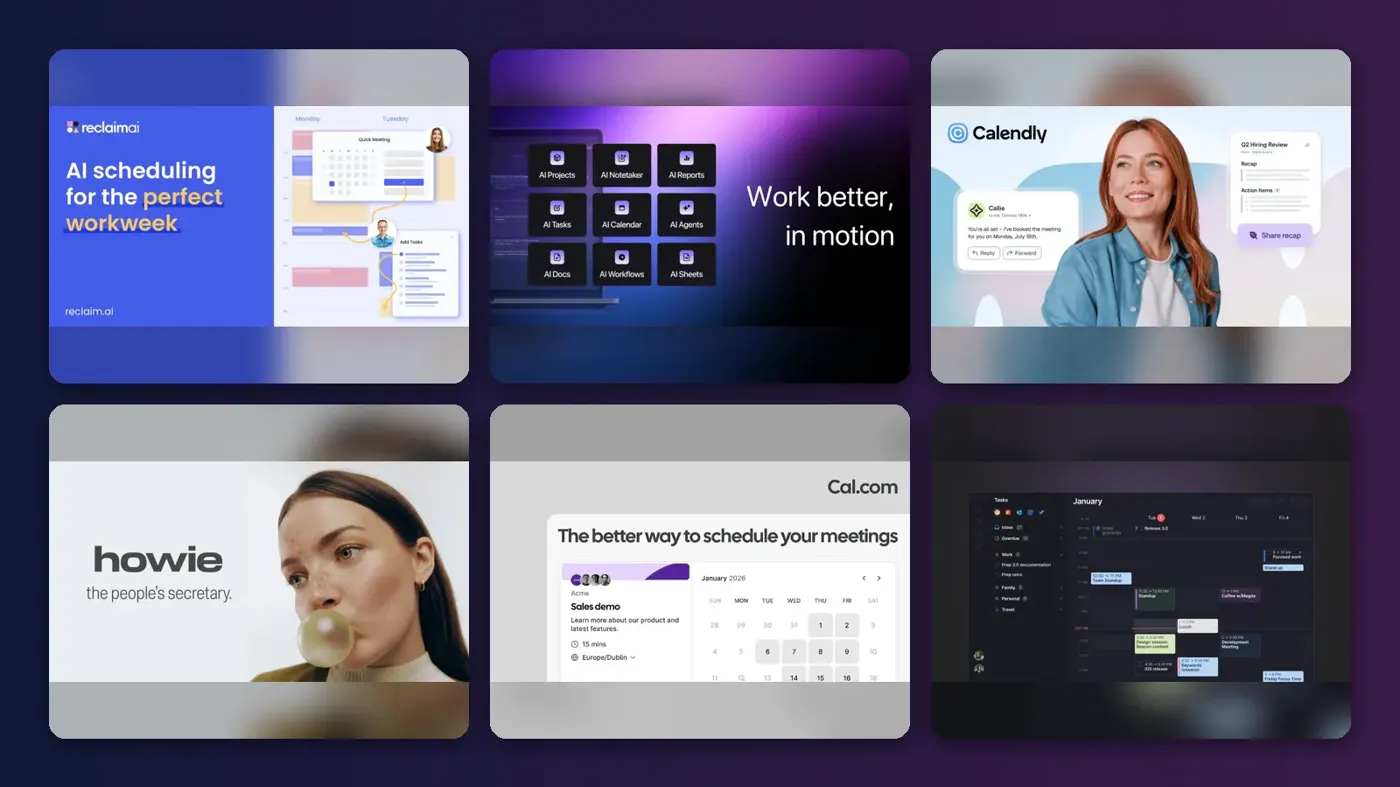
Short answer: the best AI scheduling assistant for most people in 2026 is Reclaim.ai. It sits on top of the Google or Outlook calendar you already use, defends your focus time automatically and has a free plan you can live with. If you want one app to plan your tasks, projects and meetings together, pay for Motion. If your real problem is the email back-and-forth with clients, use Calendly or Howie.
One housekeeping note first: Clockwise, a long-time favourite in this category, is gone. Its team joined Salesforce and the product stopped working on March 27, 2026, so if an older guide sent you there, start again here.
Key takeaways
- Reclaim.ai is the best default. It protects focus time and habits on your existing calendar, and its free Lite plan covers one person well.
- Motion is the all-in-one pick. At $19 per seat per month it plans tasks and meetings together, but there is no free plan.
- Booking tools and planning tools solve different problems. Calendly, Cal.com and Howie stop the "when are you free?" emails. Reclaim, Motion, Morgen, Akiflow and Sunsama decide how your own day gets spent.
- Cal.com has the most generous free tier for booking links, with unlimited event types for one user.
- Budget roughly $10 to $20 a month for a serious individual plan. Most tools charge per seat once you add a team.
How we ranked them
Nobody at The AI Future ran hands-on tests for this roundup, and we have not taken our own screenshots. We compared each AI scheduling tool using its official pricing and product pages, published independent reviews and public user ratings, as of late October 2026. We scored every tool on six criteria:
- Scheduling intelligence: how much real decision-making the AI does, from finding a slot to re-planning a whole week.
- Calendar coverage: which calendars it supports (Google, Outlook, iCloud and others) and how well.
- Control: whether you can review, override or lock what the AI does.
- Free tier: whether you can get real value without paying.
- Price for one person: what a solo user actually pays per month.
- User sentiment: ratings and written reviews on Trustpilot and in independent reviews.
Prices are in US dollars and change by country and billing cycle, so check before you buy.
The 8 best AI scheduling assistants at a glance
| # | Tool | Category | Best for | Free tier | Starts at |
|---|---|---|---|---|---|
| 1 | Reclaim.ai | AI calendar layer | Protecting focus time | Yes | $8/mo |
| 2 | Motion | AI planner and project manager | Planning tasks and meetings together | No | $19/mo |
| 3 | Calendly | Booking links and email assistant | Client and sales booking | Yes (limited) | $10/mo |
| 4 | Howie | AI email scheduling assistant | Heavy external schedulers | Yes (limited) | $25/mo |
| 5 | Cal.com | Open-source booking | Free booking links | Yes | $12/mo |
| 6 | Morgen | AI daily planner | Many calendars, human approval | No | $15/mo |
| 7 | Akiflow | Tasks and calendar hub | Power users with scattered inboxes | No | $19/mo |
| 8 | Sunsama | Guided daily planner | Calm, deliberate planning | No | $17/mo |
The best AI scheduling assistants in 2026, ranked
Reclaim.ai – best for protecting focus time
Reclaim.ai is an AI calendar layer for Google Calendar and Outlook that automatically schedules focus time, habits, breaks and tasks around your meetings, then moves them when things change.

Why it stands out
Reclaim does not ask you to switch calendars. You set goals, such as ten hours of deep work a week or a daily lunch break, and it books flexible blocks that look busy to anyone trying to grab your time. When a meeting lands on one, Reclaim moves the block instead of dropping it. Asian Efficiency, a time-management training company, named it the best overall AI calendar tool in its 2026 roundup, praising "AI-protected focus time that actually stays on your calendar."
Reclaim says it is used by more than 600,000 people across 70,000 companies. User sentiment is more mixed than that suggests. Its unclaimed Trustpilot profile scores 2.1 from just 24 reviews, and one August 2026 reviewer complained it "Added hundreds of focus time and lunches to my gcal (with no warning)."
Key features
- Focus Time: sets a weekly target and defends it as meetings move.
- Habits: recurring blocks for lunch, exercise or admin that reschedule themselves.
- Smart Meetings: finds the best time for recurring team meetings.
- Task sync: pulls tasks from tools such as Asana, Todoist, ClickUp, Jira and Linear onto open slots.
Pros
- Works on top of the calendar you already use
- Free Lite plan includes Focus Time, Habits and one scheduling link
- Strong team features and time analytics on paid plans
Cons
- Only supports Google Calendar and Outlook
- Free plan only schedules one week ahead
- Can flood your calendar if you skip the setup
Verdict: if you only pick one AI scheduling assistant, pick this one.
Reclaim.ai pricing: Free → paid plans from $8 per seat per month billed annually, or $10 monthly, according to Asian Efficiency's July 2026 price check (checked October 2026). See pricing
Motion – best for planning tasks and meetings together
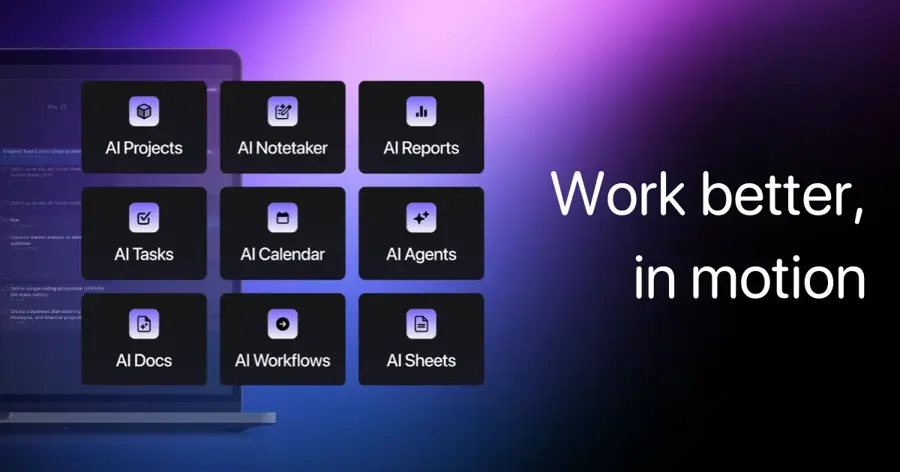
Motion is an AI work app that combines your calendar, tasks, projects, docs and meeting notes, then builds and rebuilds your daily plan automatically around deadlines and priorities.
Why it stands out
Most tools on this list protect time. Motion decides what goes in it. You add a task with a deadline, a duration and a priority, and its AI Task Planner finds a slot and keeps re-planning as meetings arrive. Asian Efficiency calls it the best all-in-one option, but warns that "The AI scheduling can feel aggressive… it fills every gap" and that it takes about a week to trust the system.
Motion now sells itself as an AI "SuperApp" with docs, notes and meeting recording. It scores 3.7 from 578 Trustpilot reviews, with praise for automatic scheduling and complaints about unexpected annual charges. One reviewer wrote that its "AI meeting recordings that automatically turn your ToDos into tasks is a game changer."
Key features
- AI Task Planner: schedules every task by priority, deadline and duration.
- Automatic re-planning: reshuffles your day when a meeting moves.
- Projects and Gantt views: timelines and capacity planning on Business AI.
- AI meeting notes: records meetings and turns action items into tasks.
Pros
- Treats tasks and meetings as one planning problem
- Can replace a separate task manager and project tool
- Apps for iOS, Android and desktop
Cons
- No free plan, only a 7-day free trial
- Real learning curve, and plans drift if your time estimates are off
- Credit limits on AI features
Verdict: worth the money if you want software to run your whole workday, overkill if you just want tidier focus blocks.
Motion pricing: No free plan → Pro AI from $19 per seat per month, Business AI from $29 per seat per month (checked October 2026). See pricing
Related: Best AI tools for productivity
Calendly – best for client and sales booking
Calendly is the best-known booking-link tool, and it now adds Callie, an AI assistant you copy on email threads to find a time and book the meeting.

Why it stands out
Calendly solves the other half of scheduling: letting other people book you without the email ping-pong. Its paid plans now include Callie, which is still in beta. You add callie@calendly.com to an email thread, and it "replies with a shortlist of times that match everyone's needs," then books the meeting once a time is agreed.
For teams, round-robin routing, lead qualification forms and Salesforce sync keep it the default in sales, recruiting and consulting. Calendly scores 4.1 from 722 Trustpilot reviews, with support singled out often. One September 2026 reviewer wrote: "Good human support! When finally connected to a human, got things handled quickly."
Key features
- Booking pages: share a link and invitees pick an open slot.
- Callie (beta): AI that schedules over email from your inbox.
- Notetaker: joins Zoom, Google Meet and Microsoft Teams for recaps.
- Routing: round-robin and lead qualification on the Teams plan.
Pros
- Most invitees already know how it works
- Deep CRM and video integrations
- Callie removes the need to pick and paste links
Cons
- Free plan is limited to one event type and one calendar
- Does not plan your own day or protect focus time
- Callie and Notetaker are English-only for now
Verdict: the safest choice when other people need to book you, best paired with Reclaim or Motion for your own time.
Calendly pricing: Free → paid plans from $10 per seat per month for Standard, $16 for Teams, with annual billing discounts (checked October 2026). See pricing
Howie – best for heavy external schedulers
Howie is an AI scheduling assistant you copy on email or text threads, which reads the conversation, checks your calendars, offers times and sends the invite.

Why it stands out
Howie behaves like a human executive assistant with a name. You write your rules in plain English, such as GeekWire's example "if it's a pitch call, set it to 25 minutes and use Zoom", and Howie applies them.
The main limit is reach. A September 2026 review by Carly, a rival product, says Howie works with Gmail and Google Calendar only, with no Outlook support. The same review quotes a LinkedIn user: "It doesn't feel like software. It feels like you're working with a real assistant."
Key features
- CC scheduling: handles email and text threads end to end.
- Plain-English preferences: rules for durations, locations and follow-ups.
- Follow-ups: nudges people who have not replied.
- Calendar upkeep: holds, buffers, focus blocks and daily briefings.
Pros
- Feels natural to the people you are emailing
- No per-seat charge; credits are shared across a workspace
- Good at messy multi-person threads
Cons
- Google Workspace only, according to Carly's review
- Credit pricing makes per-meeting cost hard to predict
- An AI emailing your contacts is not for everyone
Verdict: the closest thing to a human scheduling assistant if your week is full of outside meetings and you live in Gmail.
Howie pricing: $25 in free credits to start → shared-credit plans from $25 per month, per Carly's September 2026 breakdown (checked October 2026). See pricing
Cal.com – best for free booking links
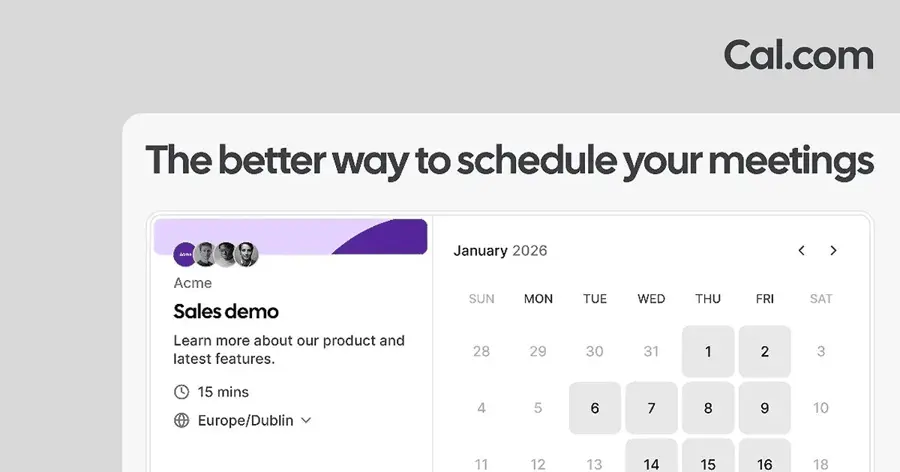
Cal.com is an open-source scheduling platform and Calendly alternative with a generous free plan and an optional AI phone agent, Cal.ai, for reminders and confirmations.
Why it stands out
Cal.com's free plan is unusually complete. One user gets unlimited event types and calendars, email and SMS notifications, Stripe and PayPal payments and two-way Salesforce and HubSpot sync. Asian Efficiency calls it the best free scheduling tool, with the caveat that it is "Not an AI calendar manager" and will not protect your focus time.
The AI part is Cal.ai, a voice agent that phones attendees before meetings, after no-shows or when a form is submitted, using prompts you write. Cal.com scores 4.7 from 445 Trustpilot reviews. One August 2026 reviewer wrote: "I am really impressed with the personalized customer service I received from the good folks at cal.com."
Key features
- Unlimited event types: on the free plan for one user.
- Cal.ai voice agent: AI phone calls for reminders and rescheduling.
- Routing forms and round-robin: on the Teams plan.
- Compliance: SOC 2, HIPAA and ISO 27001 on Organizations.
Pros
- Best free tier for booking links
- Open source, with a self-hosting option
- Highly rated support
Cons
- Does not plan your day or defend focus time
- Team features need a paid plan
- Less familiar to invitees than Calendly
Verdict: if you need a booking link and do not want to pay, start here.
Cal.com pricing: Free → Teams from $12 per user per month billed yearly, Organizations from $28 (checked October 2026). See pricing
Related: Best AI call assistants
Morgen – best for many calendars with human approval
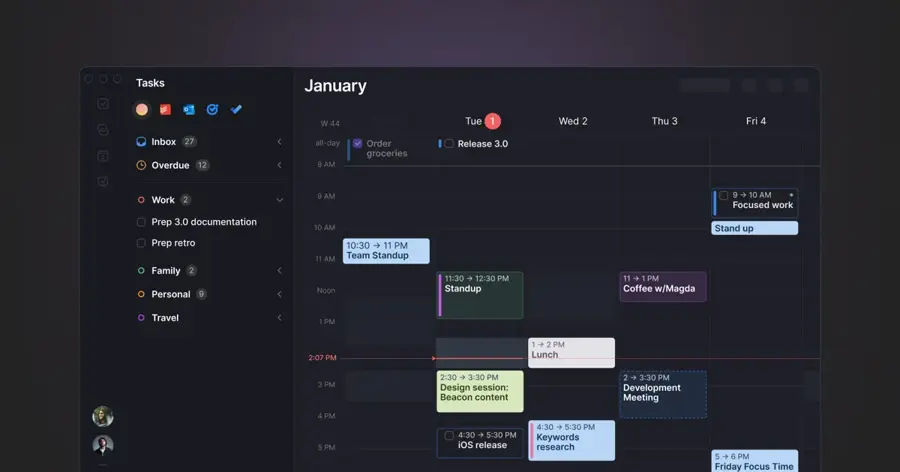
Morgen is a calendar and task app that combines all your calendars in one place and uses an AI Planner to suggest where tasks should go, which you then accept or adjust.
Why it stands out
Morgen sits between full automation and doing it all yourself. Its slogan is "Daily plans designed by AI, perfected by you." The AI Planner previews a plan on your calendar, flags tasks at risk of running late and waits for you to confirm.
Morgen scores 4.5 from 72 Trustpilot reviews. One October 2026 reviewer wrote: "Set up smooth and easy. Seamless integration across four accounts."
Key features
- AI Planner: suggests a daily plan you approve.
- Frames: templates for your ideal week that guide the AI.
- Calendar sync: copies events between calendars to prevent double booking.
- Travel and buffer time: added automatically.
Pros
- Supports more calendar providers than most rivals
- You stay in control of every change
- Apps for Windows, macOS, Linux and mobile
Cons
- Free trial only, no ongoing free plan listed
- $30 a month if you pay monthly
- Less hands-off than Reclaim or Motion
Verdict: the best pick if you juggle work and personal calendars and want AI suggestions, not AI decisions.
Morgen pricing: No free plan → Pro from $15 per month billed yearly ($30 monthly); teams from $10 per seat per month billed yearly, minimum two seats (checked October 2026). See pricing
Related: Best AI tools for productivity
Akiflow – best for power users with scattered inboxes
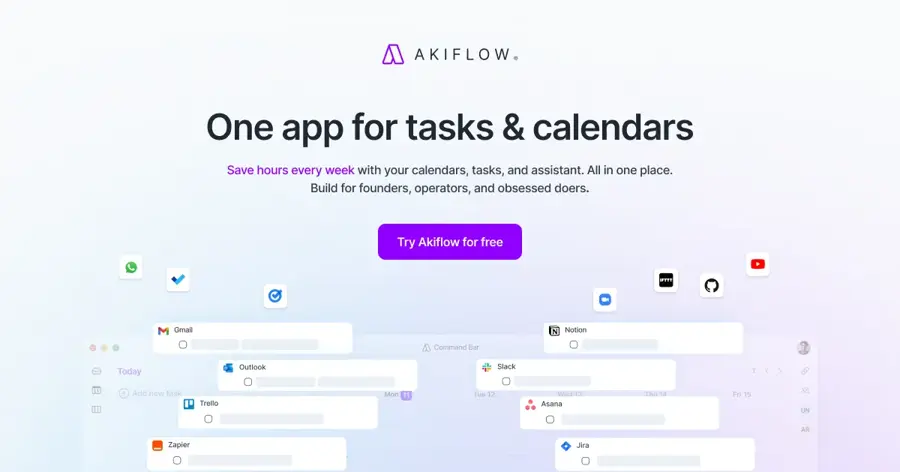
Akiflow is a tasks-and-calendar app that collects to-dos from your email, Slack and other tools into one inbox, then lets you time-block them with help from an AI assistant called Aki.
Why it stands out
Akiflow is built for people whose work arrives from ten directions. Its universal inbox gathers tasks, and you drag them onto your calendar or ask Aki to plan, prioritise or send a daily briefing.
Akiflow scores 4.3 from 236 Trustpilot reviews. One reviewer wrote: "We can sync multiple calendars and view in 1 view."
Key features
- Universal inbox: tasks from email, Slack and other apps in one place.
- Aki AI assistant: planning, reminders, voice mode and daily briefings.
- Time blocking: drag tasks straight onto your calendar.
- Meeting assistant add-on: recordings and summaries for an extra $19 a month.
Pros
- Brings tasks and calendars into one fast view
- Aki and an MCP connector included in Pro
- 40% off yearly for verified students and researchers
Cons
- No free plan, and the 7-day trial needs a card
- $34 a month if you pay monthly
- Less automatic than Motion or Reclaim
Verdict: the right tool if your problem is scattered tasks, not a crowded calendar.
Akiflow pricing: No free plan → Pro from $19 per month billed yearly, or $34 monthly (checked October 2026). See pricing
Related: Best AI tools for productivity
Sunsama – best for calm, deliberate planning
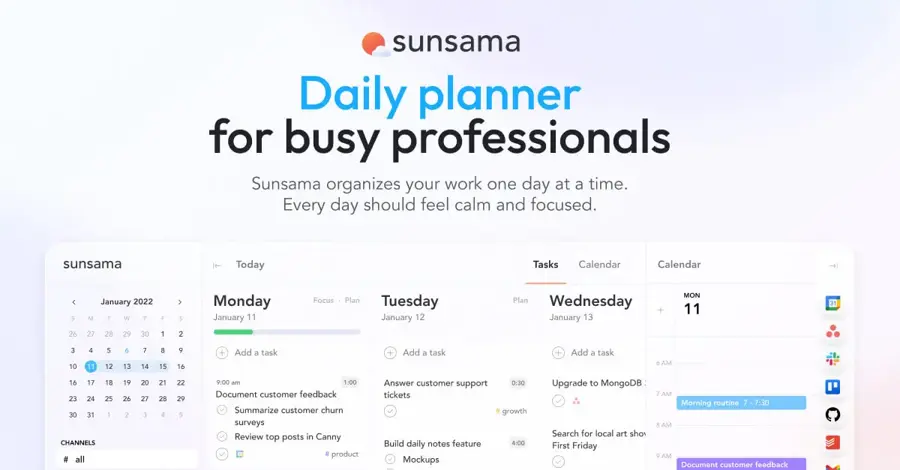
Sunsama is a daily planner that walks you through a morning planning ritual and an evening shutdown, pulling tasks from your other tools onto a realistic calendar plan.
Why it stands out
Sunsama is the opposite of Motion. Instead of the AI filling your day, you choose what fits, and Sunsama warns you when you take on too much. Asian Efficiency calls it the best tool for mindful planning, while noting it has "Less AI and more guided workflow" than Reclaim or Motion.
Its Trustpilot page has only 4 reviews, averaging 4.0, so treat that as a small sample. A June 2026 reviewer wrote: "I like to say I encountered three perfect tech products in my life. Sunsama is one of them."
Key features
- Guided daily planning: a morning routine to set a realistic workload.
- Daily shutdown: review your wins and end work on time.
- Timeboxing: drag tasks onto your calendar.
- Integrations: project, task, email and chat tools, plus Zapier and MCP.
Pros
- Helps you stop overcommitting
- Unlimited integrations on one plan
- SOC 2 compliant, which helps with IT approval
Cons
- No free plan, only a two-week trial
- Lighter AI than the other planners here
- Needs a few minutes of your attention twice a day
Verdict: choose Sunsama if overcommitting is your real problem and automation makes you anxious.
Sunsama pricing: No free plan → Pro from $17 per month billed yearly, or $22 monthly (checked October 2026). See pricing
How to choose the right AI scheduling assistant
Decide which problem you are solving
There are two kinds of AI for scheduling. Booking tools (Calendly, Cal.com, Howie) handle other people asking for your time. Planning tools (Reclaim, Motion, Morgen, Akiflow, Sunsama) decide how you spend the time that is left.
Check your calendar first
Calendar support rules out options fast. Reclaim works with Google Calendar and Outlook. Howie is Google-only, according to Carly's review. Morgen covers Google, Outlook, Apple and Fastmail. If you use iCloud or a mix of providers, start with Morgen or Akiflow.
Choose how much control you want to give up
- Choose Motion if you want the AI to decide your day and you will keep time estimates honest.
- Choose Reclaim if you want automation that protects time but leaves meetings in charge.
- Choose Morgen or Sunsama if you want suggestions and the final say.
Count seats, not just the headline price
Almost every AI powered scheduling tool charges per seat. A $10 plan becomes $100 a month for a ten-person team. Howie is the exception, with shared credits instead of seats.
Set rules before you switch on automation
The most common complaint about auto-schedulers is a calendar suddenly full of blocks you did not expect. Set working hours, habit limits and which calendars the tool may write to before you connect it. Our guide to choosing AI assistants for business covers the questions to ask.
Free vs paid: what you actually get
Only three tools here have a genuinely useful free plan. This is what each vendor listed in October 2026.
| Tool | What is free | What paying adds |
|---|---|---|
| Reclaim.ai | Focus Time, Habits, Smart Meetings, buffer time, 1 scheduling link, 1 calendar sync, 1-week range | Up to 8 weeks (Starter) or 12 weeks (Business), more links and syncs, unlimited integrations |
| Cal.com | Unlimited event types and calendars for 1 user, payments, CRM sync | Team scheduling, round-robin, routing forms, branding removal |
| Calendly | 1 event type, 1 calendar connection, one-on-one scheduling | Unlimited event types, Callie AI assistant, Notetaker, reminders |
| Howie | $25 in starter credits, per Carly's review | Ongoing shared-credit plans |
| Motion, Morgen, Akiflow, Sunsama | Free trials only (7 to 14 days) | Full product |
The budget angle: a solo user can run Cal.com for booking and Reclaim Lite for focus time and pay nothing. The cheapest serious upgrade is Reclaim Starter at around $8 to $10 a month. Motion, Akiflow and Morgen sit at $15 to $19 a month on annual billing and roughly double that if you pay monthly, so commit to a year only after the trial convinces you.
Final verdict
Most people should start with Reclaim.ai. It is free to try, it works on your existing calendar and it fixes the most common problem, which is meetings eating every hour of focus time. If you want software to plan your entire workday, Motion is the best AI scheduling assistant for that job, as long as you accept its price and learning curve.
For booking, use Calendly if your invitees are clients who expect it, Cal.com if you want the best free option, and Howie if you live in Gmail and want an assistant that handles the whole email thread. Morgen, Akiflow and Sunsama are specialists. Pick them for many calendars, scattered tasks or calmer planning. For the wider toolkit, see our best AI tools for productivity and our Notion AI review.
FAQ
What is the best tool for AI scheduler testing?
If you want to try an AI scheduler before paying, start with free plans: Reclaim.ai Lite, Cal.com's free plan and Calendly's free tier. For paid planners, use the trials: 7 days for Motion, 7 days for Akiflow and 14 days for Sunsama.
What is the best AI scheduling assistant in 2026?
For most people, Reclaim.ai. It automatically protects focus time and habits on Google Calendar or Outlook and has a usable free plan. Motion is better if you want tasks, projects and meetings planned together. Calendly and Cal.com are better if you mainly need other people to book time with you.
Is there a free AI scheduling assistant?
Yes. Reclaim.ai has a free Lite plan with Focus Time, Habits and one scheduling link. Cal.com is free for one user with unlimited event types. Motion, Morgen, Akiflow and Sunsama offer free trials only, not ongoing free plans, as of October 2026.
What happened to Clockwise?
Clockwise shut down. Its team joined Salesforce and the company said the product would no longer be available from March 27, 2026. Reclaim.ai is the closest replacement here.
Can an AI booking assistant schedule meetings over email?
Yes. Calendly's Callie and Howie both work when you copy them on an email thread. They read the conversation, check your calendar, offer times and send the invite.
Sources
- Akiflow | Time-Blocking Digital Planner & Calendar (Akiflow)
- Akiflow Pricing | Plans, Free Trial & Teams (Akiflow)
- Motion: Tasks & AI Scheduling (Apple App Store)
- Cal.com (Cal.com)
- AI-Powered Phone Calls for Automated Scheduling | Cal.ai (Cal.com)
- Pricing (Cal.com)
- Calendly (Calendly)
- AI Assistant (Calendly)
- Pricing (Calendly)
- Howie | AI Calendar Secretary for Email Scheduling (Howie)
- Reclaim – AI Calendar for Work & Life (Reclaim.ai)
- Pricing - Pick the right plan for you (Reclaim.ai)
- Best AI Calendar Assistants (2026): Reclaim and More (Asian Efficiency)
- AI scheduling assistant Howie raises $6M, launches publicly with 1,000+ paying customers (GeekWire)
- Clockwise's Next Chapter (Clockwise)
- Morgen: AI Daily Planner for Calendars & Tasks (Morgen)
- Morgen Pricing: Plans for Individuals & Teams (Morgen)
- Sunsama - Make work-life balance a reality (Sunsama)
- Pricing (Sunsama)
- Akiflow Reviews (Trustpilot)
- Cal.com, Inc Reviews (Trustpilot)
- Calendly Reviews (Trustpilot)
- Morgen Reviews (Trustpilot)
- reclaim.ai Reviews (Trustpilot)
- Sunsama Reviews (Trustpilot)
- Motion Reviews (Trustpilot)
- Howie AI Review (2026): Pricing, Features & Limits (Carly)
- The AI Powered SuperApp for Work (Motion)
- Pricing (Motion)