Best AI code security tools in 2026: 7 picks for every budget
The best AI code security tools in 2026, from Snyk and Semgrep to Claude Security and Codex Security, compared on coverage, AI fixes and pricing.
 Written byFahad HashmiContributing writer, AI in energy and industry
Why you can trust The AI Future
Our writers research every product, link each claim to its source and correct mistakes openly. Companies can't pay for coverage or see reviews before they're published.
Read our editorial policy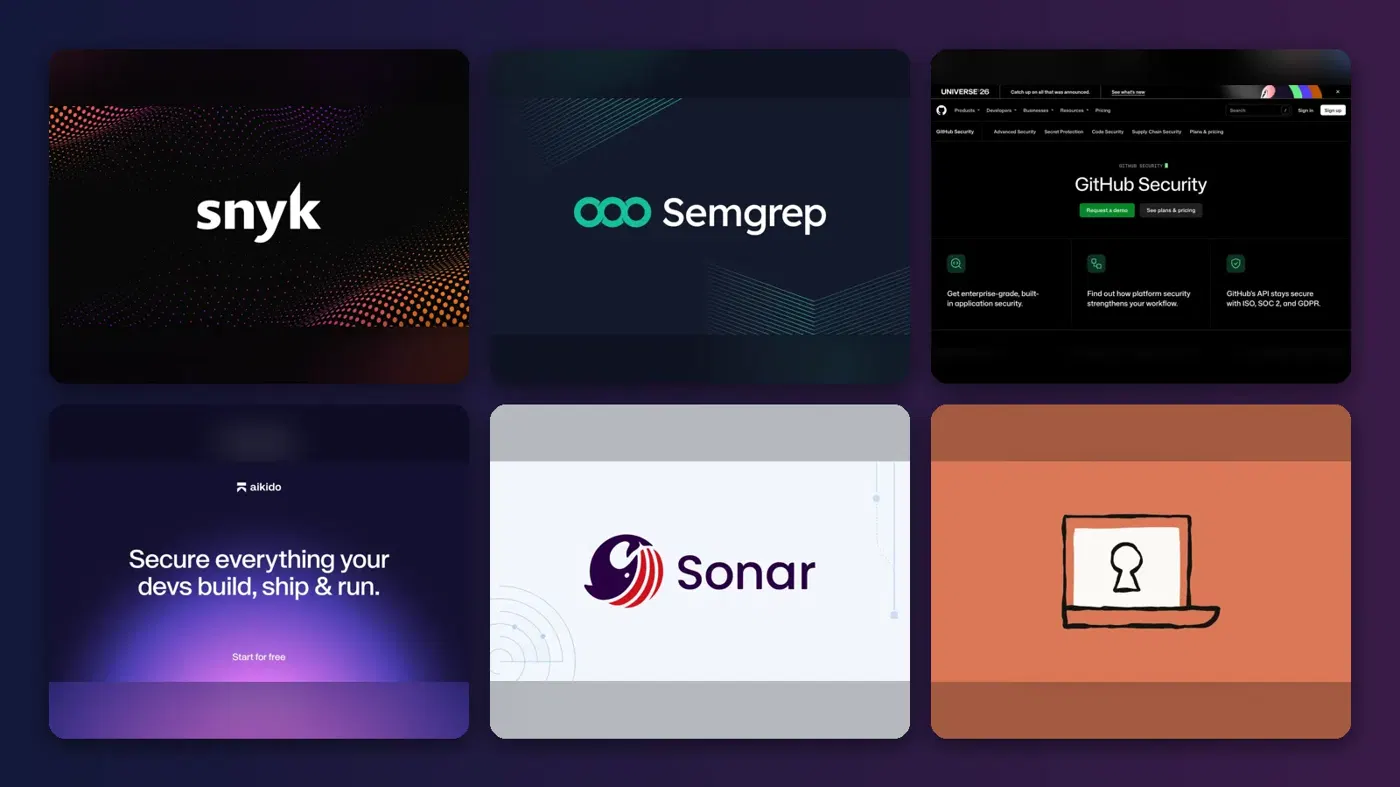
Here is the short version. The best AI code security tools in 2026 are Snyk for most development teams, Semgrep for teams that want control over their rules, and GitHub Advanced Security if your code already lives on GitHub. Aikido Security is the budget all-in-one pick, SonarQube suits teams that want code quality and security in one gate, and the newer AI-native scanners from Anthropic and OpenAI are worth adding on top for deeper, logic-level bugs.
Why this matters now: AI writes a growing share of production code, and that code is not getting safer on its own. Veracode's 2026 GenAI Code Security Report found an average security pass rate of 56 percent across more than 100 models tracked, with the best model, GPT-5.5, at 68 percent. Think of an AI code security tool as a second reviewer that never gets tired: it reads every pull request, flags what looks exploitable and, increasingly, writes the fix for you to approve.
Key takeaways
- Start with what you already have. GitHub, Snyk, Semgrep, Aikido and SonarQube all offer a free way to scan real code, so you can compare findings on your own repos before you pay.
- Per-seat pricing clusters around $30 a month. Semgrep Code and GitHub Code Security both list $30 per contributor or committer per month, so for a 20-person team you are looking at roughly $600 a month for SAST alone.
- AI is mostly used for triage and fixes, not detection. The classic engines (CodeQL, Semgrep rules, Snyk's analysis) still find most issues. AI filters the noise and drafts patches.
- AI-native scanners are a layer, not a replacement. Claude Security and Codex Security reason about data flow and business logic, but both are newer, gated to business plans or previews, and slower than a pattern scan.
How we ranked them
Nobody at The AI Future ran hands-on tests or took screenshots for this roundup. We compared each tool using official product, pricing and documentation pages, published user reviews on PeerSpot and Capterra, and independent coverage, as of late October 2026. We scored each tool on seven criteria:
- Detection depth: SAST, dependency (SCA), secrets and infrastructure-as-code coverage, plus cross-file or data-flow analysis.
- Noise control: how the tool uses AI or reachability to cut false positives, based on vendor documentation and user reviews.
- Fix quality: whether it proposes patches, how they are reviewed and whether fixes can be applied in the pull request.
- Developer workflow: IDE, CLI, CI/CD and pull request integrations, and support for AI coding agents.
- Free tier: whether you can scan private code without paying, and how far it stretches.
- Price transparency: whether public pricing exists and how predictable it is as your team grows.
- Maturity: general availability versus preview or beta status.
The 7 best AI code security tools at a glance
| # | Tool | Category | Best for | Free tier | Starts at |
|---|---|---|---|---|---|
| 1 | Snyk | Developer security platform | Most dev teams | Yes (limited) | $25/mo |
| 2 | Semgrep | SAST, SCA, secrets | Custom rules and AI triage | Yes (limited) | $30/contributor/mo |
| 3 | GitHub Advanced Security | Built-in code scanning | Teams on GitHub | Yes (limited) | $19/committer/mo |
| 4 | Aikido Security | All-in-one AppSec | Small teams on a budget | Yes (limited) | $350/mo |
| 5 | SonarQube | Code quality and SAST | Quality gates plus security | Yes (limited) | $34/mo |
| 6 | Claude Security | AI-native scanner | Logic and access-control bugs | No | Enterprise plan |
| 7 | Codex Security | AI-native scanner | Exploit-validated findings | No | Usage-based |
Prices are in US dollars and can change. Notes: GitHub's $19 price is Secret Protection; Code Security is $30. Aikido's $350 is its Basic plan billed monthly (a flat team rate, not per seat). SonarQube's $34 covers up to 100k lines of code. Claude Security and Codex Security are tied to business plans and have no public standalone price.
The best AI code security tools in 2026, ranked
Snyk – best for most development teams
Snyk is a developer-first security platform that scans your code, open-source dependencies, containers and infrastructure-as-code, with AI-assisted fixes. Start at snyk.io.
Why it stands out
Snyk covers the four surfaces most teams care about in one place, and its Snyk Code engine runs in the IDE and in pull requests without a build step. Snyk says its auto-fixes are "80%-accurate", which is a useful number to keep in mind: one in five suggested patches still needs real work.
A reviewer on PeerSpot reported that after following Snyk's recommendations, "we have reduced these vulnerabilities by approximately 80–90%" across 800 to 900 dependency issues. The same reviewer's main complaint was cost, saying "more flexible pricing options could make the platform more accessible to smaller organizations and teams with limited security budgets."
Key features
- Four scanners in one: SAST, SCA, container and IaC scanning.
- Snyk Agent Fix: one-click AI fixes in the IDE and pull requests.
- Credit-based Enterprise model: 1 credit equals $1, spent across any capability.
- Evo for AI apps: coding agent security and AI pentesting on Enterprise.
Pros
- Broadest coverage of the established tools
- Strong IDE, CLI and CI/CD integrations
- Free plan scans private projects
- Transparent Enterprise rate card
Cons
- Free plan is capped at 100 Snyk Code tests a month
- Team plan tops out at 10 developers
- Newest AI features are Enterprise-only
Snyk pricing: Free → paid plans from $25/month for the Team plan; Enterprise uses prepaid credits (checked October 2026). See pricing
Semgrep – best for custom rules and AI triage
Semgrep is a fast static analysis platform with SAST, supply chain and secrets scanning, plus AI-powered detection, triage and remediation on top of its rule engine. See semgrep.dev.
Why it stands out
Semgrep's appeal is control. You can write your own rules in a syntax that looks like the code you are scanning, then let AI handle triage. Its pricing page says the free tier includes cross-file analysis with Pro rules, AI-powered triage and 60 AI credits, for up to 10 repositories and 10 contributors. Semgrep also states that if you run it locally or in CI, "your source code never leaves your computer or your CI environment", and that only the relevant part of a file goes to a model if you opt in to AI features. Its new Semgrep Guardian plugs into AI coding agents through an MCP server, hooks and skills.
A security engineer on PeerSpot who ran proofs of concept against Checkmarx, Snyk and SonarQube wrote, "I was able to integrate and onboard it in just 10 to 15 minutes," and said AI triage cut noise "about 80 to 90 percent of the time." The weak spot they named: "I have consistently observed that their scan time is an issue for mono repos."
Key features
- Custom rules: write and share private rules for your own codebase.
- AI triage and remediation: credits included on every plan.
- Modular pricing: buy Code, Supply Chain or Secrets separately.
- Semgrep Guardian: scans AI-generated code inside coding agents.
Pros
- Generous free tier for small teams
- Highly customizable rule engine
- Clear statement on code privacy
- Pay only for the modules you need
Cons
- Slow AI scans reported on monorepos
- Per-contributor costs add up across modules
- Customization takes AppSec skill to use well
Semgrep pricing: Free for up to 10 contributors → Teams from $30/month per contributor for Code or Supply Chain, $15 for Secrets (checked October 2026). See pricing
GitHub Advanced Security – best for teams on GitHub
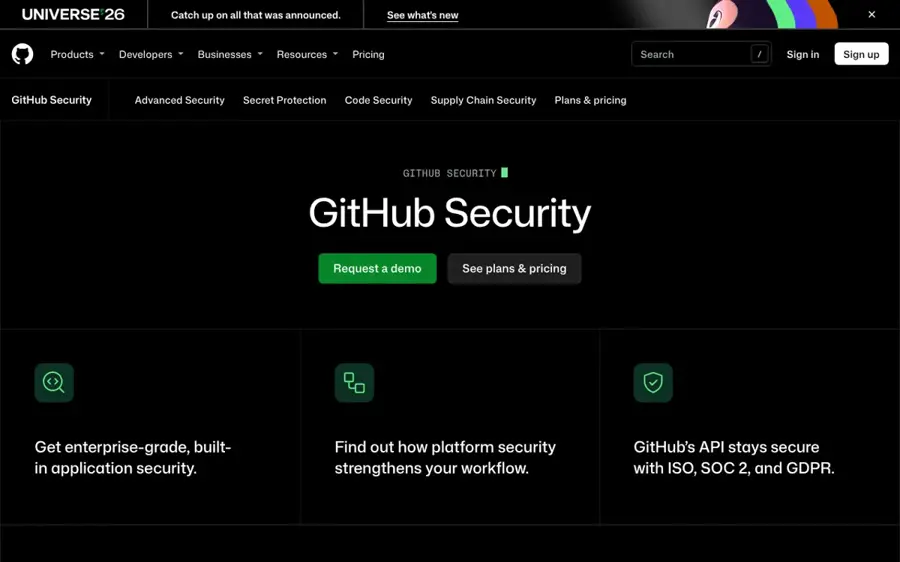
GitHub Advanced Security bundles CodeQL code scanning, Copilot Autofix, secret scanning and Dependabot directly into GitHub repositories, sold as two add-ons. Details at github.com/security.
Why it stands out
If your code is on GitHub, nothing beats zero setup. According to GitHub's security plans page, CodeQL and Copilot Autofix are free for public repositories, while private repositories need the Code Security add-on ($30 per active committer per month) and Secret Protection ($19). Newer AI features include AI Scan for pull requests in languages CodeQL does not cover, code scanning for AI apps that looks for risks like indirect prompt injection, and agentic autofix that can take up to 25 alerts and open pull requests.
A PeerSpot reviewer compared it favourably with SonarQube: "It gives you fewer false positives, so you don't waste time figuring out if it's a real security issue or a false alarm." They also said "The pricing is a little expensive" once you multiply by every committer.
Key features
- CodeQL: semantic analysis that traces data from source to sink.
- Copilot Autofix: suggested fixes with explanations in pull requests.
- Agentic autofix: assign up to 25 alerts and get pull requests back.
- Package firewall (preview): blocks risky npm packages before agents install them.
Pros
- Native to GitHub, nothing extra to deploy
- Free for public repositories
- Low false-positive rate reported by users
- Fast-moving AI feature set
Cons
- Only useful if you are on GitHub
- Per-committer pricing scales quickly
- Many AI features use metered AI credits
GitHub Advanced Security pricing: Free for public repos → paid add-ons from $19/month per active committer (Secret Protection) and $30 (Code Security) (checked October 2026). See pricing
Related: Microsoft AI review
Aikido Security – best for small teams on a budget
Aikido Security is an all-in-one AppSec platform covering SAST, dependencies, secrets, containers, cloud and AI pentesting, with AI AutoFix and auto-triage. Try it at aikido.dev.
Why it stands out
Aikido sells a flat team price instead of per-seat licences. PricingSaaS lists a free Developer plan, then Basic at $350 a month ($315 billed annually), Pro at $700 and Advanced at $1,050. Aikido's pricing page shows the free tier at 10 repos and 10 AI AutoFixes a month, with unlimited AutoFixes on paid tiers. Its auto-triage checks whether you actually call the vulnerable part of a library, which is where most noise reduction comes from.
A PeerSpot reviewer who switched from Snyk rated it eight out of ten and wrote, "Licensing is a straightforward annual or monthly subscription, with no per-user fees, which is developer-friendly." They also flagged that "For large repositories, initial scans can be slow." On Capterra, Aikido scores 4.8 for ease of use, though from only six reviews.
Key features
- One platform: code, cloud, runtime and pentesting modules.
- AI AutoFix: fix pull requests for code and dependency issues.
- Auto-triage: reachability checks to hide irrelevant alerts.
- AI pentesting: optional add-on with compliance-ready reports.
Pros
- Flat pricing, no per-user fees
- Very broad coverage for the price
- Fast self-service onboarding
Cons
- Big jump from free to $350 a month
- Slow first scans on large repositories
- Fix suggestions can be generic, per user reviews
Aikido Security pricing: Free → paid plans from $350/month, or $315/month billed annually (checked October 2026). See pricing
SonarQube – best for quality gates plus security
SonarQube is a code quality and static analysis platform that blocks bugs, vulnerabilities and code smells at the pull request, with AI CodeFix for suggested fixes. See sonarsource.com.
Why it stands out
SonarQube is the tool many teams already run for code quality, and its security rules come along for the ride. The Sonar pricing page lists a free tier for private projects up to 50k lines of code, and paid cloud plans from $34 a month for up to 100k lines. It also says SonarQube works with coding agents including Claude Code, Cursor, Copilot, Windsurf and Gemini CLI. AI CodeFix generates one-click fix suggestions in the IDE through SonarQube for IDE connected mode.
A PeerSpot reviewer called it "a reliable and mature code quality platform," but added that "SonarQube could improve by reducing false positives in its static code analysis."
Key features
- Quality gates: fail a build on new critical issues or low coverage.
- AI CodeFix: LLM-generated fix suggestions with diffs.
- Wide language support: dozens of languages, plus COBOL and ABAP on Enterprise.
- Cloud or self-hosted: SonarQube Server editions priced per instance.
Pros
- Combines code quality and security
- Pricing by lines of code, not seats
- Self-hosted option for strict environments
Cons
- False positives need manual review, per users
- SCA only with an Enterprise add-on
- Security depth trails dedicated AppSec tools
SonarQube pricing: Free up to 50k lines of code → paid plans from $34/month for 100k lines (checked October 2026). See pricing
Claude Security – best for logic and access-control bugs
Claude Security is Anthropic's AI vulnerability scanner that reasons through your codebase, validates its own findings and proposes patches for human review. Product page at claude.com.

Why it stands out
This tool works differently from the five above. Anthropic's launch post explains that rule-based static analysis "often misses more complex vulnerabilities, like flaws in business logic or broken access control," and that Claude instead traces how data moves through the app. Each finding goes through a verification step where Claude tries to disprove it, then gets a severity and confidence rating. Anthropic says its team used Claude Opus 4.6 to find over 500 vulnerabilities in production open-source codebases.
It launched as a research preview in February 2026, as Security Affairs reported, and the current product page says it is in public beta for Claude Enterprise, scans with Claude Mythos models and keeps scanning as code changes. A Claude Security plugin is in beta for all Claude Code users. AI Codex's breakdown put the trade-off well: SAST gives "a high-recall, low-precision list," while Claude Security gives "a smaller list with patches attached." There are no independent user ratings yet.
Key features
- Reasoning-based detection: traces data flows across files and repositories.
- Adversarial verification: findings are challenged before you see them.
- Editable threat model: decides what is worth flagging.
- Patches with tracking: marks findings fixed once the fix ships.
Pros
- Targets bug classes pattern scanners miss
- Smaller, validated finding lists
- Every patch requires human approval
Cons
- Full product is Claude Enterprise only
- Still in beta
- No public standalone pricing
- Does not cover cloud config or containers
Claude Security pricing: No free plan → included with Claude Enterprise (public beta; contact sales) (checked October 2026). See pricing
Related: Claude AI review
Codex Security – best for exploit-validated findings
Codex Security is OpenAI's AI vulnerability scanner inside Codex, which builds a threat model of your app, tests suspected flaws in a sandbox and proposes fixes. Docs at developers.openai.com.
Why it stands out
Codex Security started as an internal OpenAI tool called Aardvark. When it launched in March 2026, SiliconANGLE reported that it creates a threat model, tests flaws in a sandbox to check whether they are exploitable, and ranks what survives by severity. OpenAI said its beta cut false positives by more than 50 percent and that early adopters found over 11,000 critical and high-severity vulnerabilities. At launch it was a research preview for ChatGPT Enterprise, Business and Edu.
The current docs list four ways to run it: a cloud plugin for GitHub repos, a local plugin, a CLI for CI pipelines and a TypeScript SDK. The CLI FAQ lets you set an estimated cost cap per scan, such as --max-cost 5, but notes "The limit is an estimate, not a hard spending cap." Open-source maintainers can apply for access through Codex for Open Source.
Key features
- Threat modelling: an editable description of where your app is exposed.
- Sandbox validation: checks whether a flaw is actually exploitable.
- Fix and verify: generates a patch and checks it resolves the issue.
- CLI and SDK: run in CI or embed in your own tools.
Pros
- Exploit evidence cuts arguing over false positives
- Runs locally, in the cloud or in CI
- Can triage another tool's backlog
Cons
- Deep scans can take a long time
- Usage costs are hard to predict upfront
- Cloud plugin still in research preview
Codex Security pricing: No free plan (except for approved open-source maintainers) → access through eligible ChatGPT workspaces or usage-based API scans (checked October 2026). See pricing
Related: ChatGPT GPT-6 review Claude AI vs ChatGPT
How to choose the right AI code security tools
Match the tool to where your code lives
If everything is on GitHub, turn on the free features first and price GitHub Advanced Security before anything else. If you use GitLab, Bitbucket or several systems, Snyk, Semgrep, Aikido and SonarQube are platform-neutral.
Run a side-by-side on one real repo
Pick one service with known past bugs. Run two free tiers against it and count three things: true positives, false positives and how many suggested fixes you would merge without edits. Twenty minutes of triage tells you more than any feature grid.
Do the seat math before the demo
Here is a worked example for a 20-developer team that wants SAST only. Semgrep Code: 20 × $30 = $600 a month. GitHub Code Security: 20 × $30 = $600 a month, plus $380 if you add Secret Protection. Snyk Enterprise Code: 1 credit per active contributor per day, so 20 × 30 days × $1 = about $600 a month. Aikido Basic: a flat $350 a month (or $315 billed annually) for broader coverage, within its plan limits. SonarQube: priced by lines of code, so it depends on codebase size, not headcount.
Decide where the AI is allowed to see code
Check whether AI features send code snippets to a model, which model and whether it trains on your data. Semgrep, for example, says model vendors are not allowed to train on submitted code. For regulated codebases, self-hosted options like SonarQube Server matter.
Add an AI-native scanner last
Claude Security and Codex Security are best treated as a periodic deep review on your most sensitive services, on top of a fast scanner in CI. If you are already on Claude Enterprise or ChatGPT Enterprise, try the one you have.
Where AI code security tools break
Every tool on this list has failure modes. If you give agentic AI write access to your repos, keep a scanner and a human review between the agent and main, and see our guide to generative AI security for the wider risks.
- Auto-triage can hide real bugs. The Aikido reviewer noted that "Occasionally, genuine issues get filtered out." Any AI filter trades recall for precision.
- AI fixes are drafts. Snyk's own figure of 80 percent accurate fixes means a 20-alert backlog could produce around four bad patches. Review every one.
- Large repos are slow. Users report slow scans on monorepos for Semgrep's AI scanning and on first scans for Aikido. Codex Security deep scans can take much longer.
- A clean scan is not proof. OpenAI's Codex Security docs say plainly that a scan with no findings "doesn't establish that the repository has no vulnerabilities."
- Source scanning misses runtime issues. Misconfigured cloud resources, exposed endpoints and auth problems in deployed apps need DAST or pentesting.
Free vs paid: what you actually get
| Tool | Free tier limit | What paying adds |
|---|---|---|
| Snyk | 100 Snyk Code tests and 200 open-source tests a month | 10x test limits, Jira, support; Evo AI features on Enterprise |
| Semgrep | 10 repos, 10 contributors, 60 AI credits | SSO, 20 AI credits per developer a month; unlimited repos on Enterprise |
| GitHub Advanced Security | Public repositories only for CodeQL and Autofix | Private repo scanning, AI Scan, security campaigns |
| Aikido Security | 10 repos, 10 AI AutoFixes a month | More repos and images, unlimited AutoFixes |
| SonarQube | Private projects up to 50k lines of code | Larger codebases, more languages and SCA on Enterprise |
For a solo developer or a small open-source project, the free tiers are enough to catch the obvious problems, especially leaked secrets and vulnerable dependencies. You start paying when you need private repo coverage beyond the caps, SSO, policy enforcement or unlimited AI fixes.
Final verdict
For most teams, Snyk is the safest default: broad coverage, good developer ergonomics and a free plan to start. Choose Semgrep if you have AppSec engineers who want to write rules, and GitHub Advanced Security if GitHub is already your platform. Aikido gives small teams the most coverage per dollar with a flat price, and SonarQube makes sense if code quality gates are the main goal.
Then, if you handle sensitive data and already pay for Claude Enterprise or ChatGPT business plans, add Claude Security or Codex Security as a periodic deep review. They are the most interesting tools here, but they are a layer on top of your scanner, not a substitute for it. For the bigger picture, see our guide to cybersecurity AI automation tools.
FAQ
What is the best AI code security tool in 2026?
For most development teams, Snyk is the best all-round choice because it covers code, dependencies, containers and infrastructure-as-code with AI fixes and a free plan. Semgrep is better if you want custom rules, GitHub Advanced Security if you live on GitHub, and Aikido if you want a flat team price.
Are there free AI code security tools?
Yes. Snyk, Semgrep, Aikido and SonarQube all have free tiers that scan private code within limits, such as Semgrep's 10 contributors or SonarQube's 50k lines of code. GitHub's CodeQL and Copilot Autofix are free for public repositories. The AI-native scanners from Anthropic and OpenAI are tied to paid business plans.
Can AI security scanners replace traditional SAST?
Not yet. AI-native scanners like Claude Security and Codex Security are better at logic flaws and validated findings, but they are slower, gated and still in beta or preview. Rule-based SAST is fast enough to run on every pull request. Most teams should run a traditional scanner in CI and use AI scanners periodically.
Is AI-generated code less secure than human code?
It often contains security flaws. Veracode's 2026 report found AI models passed security tests only 56 percent of the time on average when given no security-specific prompting. That does not mean humans write perfect code, but it does mean AI output should go through the same scanning and review as anything else.
Do AI code security tools send my code to an AI model?
It depends on the tool and settings. Semgrep says code stays in your environment when you scan locally or in CI, and only parts of flagged files go to a model if you opt in to AI features. Check each vendor's data policy, and use self-hosted options like SonarQube Server for strict requirements.
Sources
- Claude Security (Anthropic)
- Codex Security (OpenAI)
- Codex for Open Source (OpenAI)
- GitHub Advanced Security plans and pricing (GitHub)
- Codex Security CLI FAQ (OpenAI)
- Codex Security Cloud setup (OpenAI)
- Aikido Security Pricing History (PricingSaaS)
- Anthropic unveils Claude Code Security to detect and fix code bugs (Security Affairs)
- Pricing and Plans | AppSec Platform SAST, SCA, and Secrets (Semgrep)
- Semgrep Guardian (Semgrep)
- OpenAI introduces Codex Security to help developers fix software vulnerabilities (SiliconANGLE)
- Snyk Plans and Pricing (Snyk)
- Snyk Code | SAST Code Scanning Tool (Snyk)
- Claude Security: vulnerability scanning and patches for your codebase (AI Codex)
- Pricing | Aikido Security (Aikido)
- Making frontier cybersecurity capabilities available to defenders (Anthropic)
- Aikido Security Software Pricing, Alternatives & More 2026 (Capterra)
- Aikido Security reviews 2026 (PeerSpot)
- GitHub Advanced Security reviews 2026 (PeerSpot)
- Semgrep reviews 2026 (PeerSpot)
- Snyk reviews 2026 (PeerSpot)
- SonarQube reviews 2026 (PeerSpot)
- Plans & Pricing (Sonar)
- AI CodeFix (Sonar)
- Veracode 2026 GenAI Code Security Report Finds AI-Generated Code Security Has Stalled at 56% Pass Rate (Veracode)