The 9 best AI photoshoot tools in 2026: free and paid picks compared
The best AI photoshoot tools for selfies, headshots and product shots, from free Gemini edits to $35 headshot packs, compared on price, likeness and privacy.
 Written byFahad HashmiContributing writer, AI in energy and industry
Why you can trust The AI Future
Our writers research every product from its official pages, independent tests and user reports, link each claim to its source and correct mistakes openly. Unless an article says otherwise, we haven't tested the product hands-on ourselves. Companies can't pay for coverage or see reviews before they're published.
Read our editorial policy
Here is the short version. For a free AI photoshoot, start with Google Gemini: you upload one selfie, describe the outfit, backdrop and light, and its free tier can turn that into a studio-style portrait. If you need 40 to 100 matching, realistic headshots for work, pay $29 to $59 once for a dedicated service like Aragon, HeadshotPro or Magic Studio. Selling products rather than faces? Photoroom and Claid are built for that job.
"AI photoshoot" covers two different jobs, and I think mixing them up is why so many lists feel random. One kind learns your face from selfies; the other puts a product into a scene or onto a virtual model. This list covers both. For general image generation, see our guide to the best AI image generators instead.
Key takeaways
- Gemini and ChatGPT both let free users upload a photo and generate edited images, so a basic AI photoshoot can cost nothing.
- Dedicated headshot services charge once, not monthly, with entry prices from $17 at Try it on AI to $59 at Magic Studio.
- Product photoshoot tools run on monthly credits, and the features you probably want (virtual models, lifestyle scenes) often sit above the cheapest plan.
- Read the refund terms before downloading, since Aragon and Magic Studio both tie refunds to not having downloaded your photos.
- Only use photos of yourself, or of people who have clearly agreed, because realistic images of someone else made without consent can be harmful and are illegal in many places.
Our ranking method
Nobody at The AI Future ran hands-on photoshoots for this roundup. We compared nine tools using vendor pricing pages, independent comparisons (mainly Fast.io's 2026 headshot test and Kive's Claid breakdown), journalist write-ups and Trustpilot ratings, as of late October 2026. We scored each on six criteria:
- Likeness, based on what testers and users say.
- Free access, including watermarked previews.
- Cost per usable image, since you'll discard many generations.
- Control over outfit, background, crop and lighting.
- Output size, which matters for print.
- Privacy and refund terms.
The 9 best AI photoshoot tools at a glance
| # | Tool | Category | Best for | Free tier | Starts at |
|---|---|---|---|---|---|
| 1 | Google Gemini | General AI assistant | Free photoshoot from one selfie | Yes | $4.99/mo |
| 2 | ChatGPT | General AI assistant | Creative and themed styles | Yes (limited) | $8/mo |
| 3 | Aragon | Headshot service | Realistic professional headshots | No | $35 one-time |
| 4 | Magic Studio | Headshot service | Previewing before you pay | Yes (limited) | $59 one-time |
| 5 | HeadshotPro | Headshot service | Team photoshoots | No | $29 one-time |
| 6 | BetterPic | Headshot service | 4K and print use | No | $35 one-time |
| 7 | Photoroom | Product photo app | Product shots from your phone | Yes (limited) | $7.50/mo |
| 8 | Claid | Product photo suite | Catalog-scale product photoshoots | Yes (limited) | $9/mo |
| 9 | Try it on AI | Headshot service | Lowest one-time price | No | $17 one-time |
Prices are in US dollars. The Photoroom and Claid figures are annual-billing rates; monthly billing costs more (details below).
The best AI photoshoot tools in 2026, ranked
Google Gemini – best for a free photoshoot from one selfie
Google Gemini is Google's AI assistant; its Nano Banana 2 image model can restyle a photo of you into a studio, editorial or outdoor portrait on the free plan.
Strengths
On Google's plans page, "Image generation and editing" sits in the free tier, and the App Store listing says the app uses Nano Banana 2 with camera and lighting controls. You can fix one detail at a time without starting over.
Likeness is where it wobbles. Supercar Blondie's March 2026 test called its results "mixed": an expression change made the subject look less like herself, though a revised prompt gave a portrait where "the hair, eyes, and eyebrows look pretty spot on." So tell it outright to keep your features and expression unchanged.
Key features
- You upload a photo plus a text prompt, then refine in the same chat.
- Camera and lighting controls let you ask for a lens look or light direction.
- Multiple images can be blended for outfit or backdrop references.
- AI Plus doubles the free usage limits and AI Pro quadruples them.
Pros
- Free for occasional use
- Only one good photo needed
- Full control over styling through prompts
Cons
- Likeness can drift with big changes
- No presets, so you do the art direction
- One image at a time, not a batch
Google Gemini pricing: Free, then paid plans from $4.99/month for Google AI Plus, with AI Pro at $19.99/month, per ProPakistani's October 2026 price check (checked October 2026). See pricing
Related: Gemini AI vs ChatGPT AI photo prompt guide
ChatGPT – best for creative and themed styles
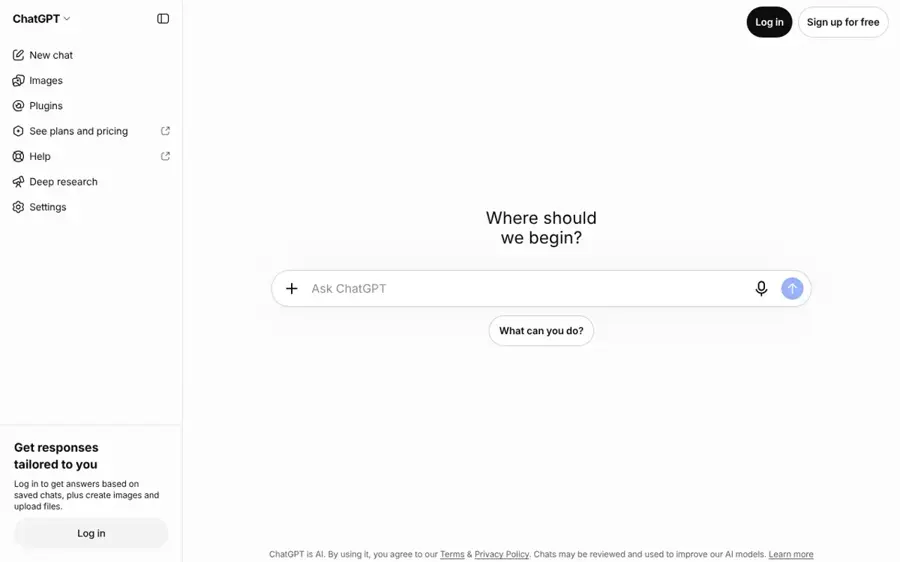
ChatGPT is OpenAI's assistant; free users can upload a selfie and ask for anything from a black-and-white studio portrait to a stylised album cover, within weekly image limits.
Strengths
I'd pick ChatGPT over Gemini when you want a strong look rather than a neutral headshot. Engadget's guide to the free tier confirms free accounts get image generation and uploads, but OpenAI doesn't publish exact limits; there's a single weekly cap, shown under Settings, then Usage.
Photographer Ariane Sherine Juniper ran a moody portrait prompt for Digital Camera World and liked the drama, but wrote: "I didn't think the generated image looked much like me." Later attempts aged her face. Android Authority also found code in April 2026 for a saved "reference photo" of your face, not yet working. (I'd think hard before storing my face in a chatbot's memory, for what it's worth.)
Key features
- Image upload and editing works from a photo you already have.
- Detailed prompts control styling, lens feel and mood.
- Uploads go to a Library, capped at 500MB on free accounts.
- A training opt-out sits under Settings, then Data Controls.
Pros
- Free to start
- Good at bold, themed looks
- Useful for other tasks once you have it
Cons
- Weekly image cap with no published number
- Free accounts are enrolled in model training by default, per Engadget
- Faces can age or drift between edits
ChatGPT pricing: Free, then paid plans from $8/month for Go, with Pro at $20/month, per Engadget (checked October 2026). See pricing
Related: ChatGPT with GPT-6 review Best AI like ChatGPT
Aragon – best for realistic professional headshots
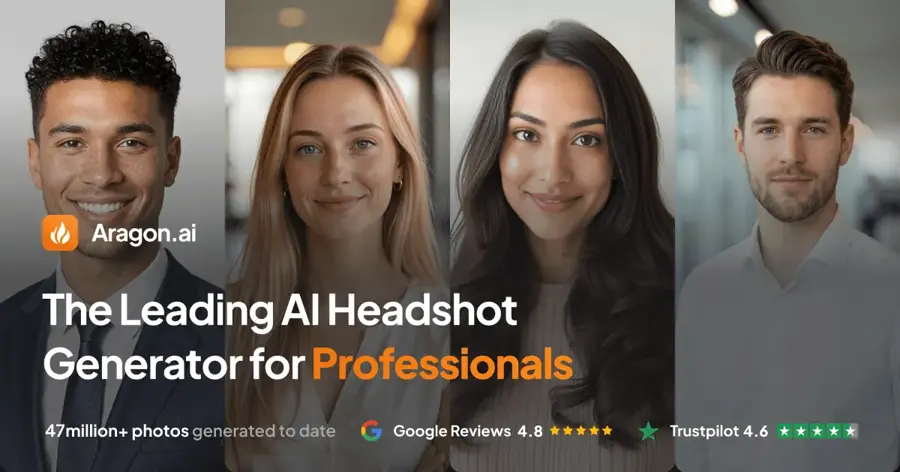
Aragon is a dedicated headshot service that trains on several of your selfies and returns up to 100 professional portraits in as little as 30 minutes.
Strengths
Fast.io's 2026 comparison of nine headshot tools found Aragon gave the most realistic results of the group, with natural skin tones and believable lighting. It rates 4.6 on Trustpilot. Our Aragon AI review lists sale packages at $35 for 40 photos, $45 for 60 and $75 for 100.
The catch is resolution. On Aragon's plans, Basic and Standard photos are 896 x 1088 pixels: fine for LinkedIn, small for print. Only Executive reaches 1792 x 2176. Full refunds also depend on you not downloading anything.
Key features
- You get up to 100 headshots and 20+ outfits, depending on package.
- A free redo is available through support if results miss.
- The company says it's SOC 2 Type II compliant.
- Photos can be used for social, professional profiles and print.
Pros
- Strongest realism in Fast.io's test
- Fast turnaround
- Large batches on higher packages
Cons
- No free tier
- Entry packages are low resolution
- Downloading can void the refund
Aragon pricing: No free plan; one-time packages from $35, per our Aragon review (checked October 2026). See pricing
Related: Aragon AI review Best free AI headshot generators
Magic Studio – best for previewing before you pay
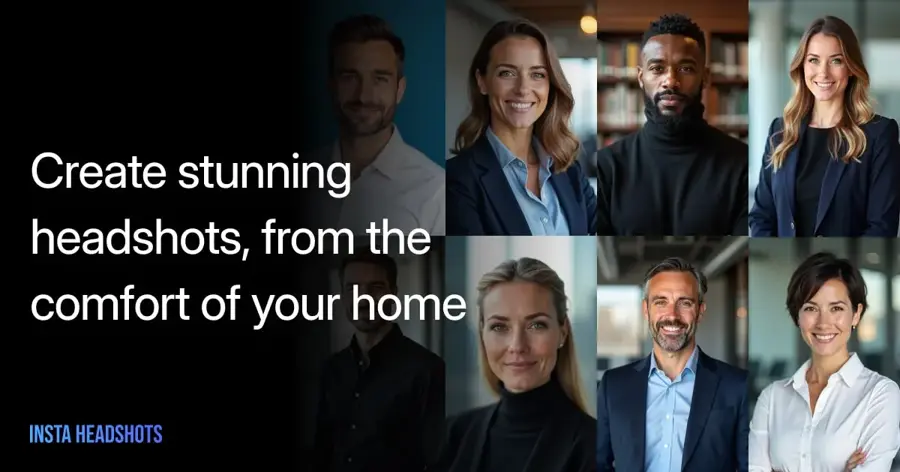
Magic Studio (formerly InstaHeadshots) builds a personal model from about 10 of your photos and only charges you when you choose to download.
Strengths
This is the lowest-risk paid option here. Its Trustpilot profile says your first 50 headshots are free to view with watermarks. Packs start at $59 on the pricing page, and if you get fewer than 4 decent headshots (and haven't downloaded any), you can ask for a refund. Data is deleted 30 days after your headshots are made.
It shows 5.0 from more than 17,000 Trustpilot reviews on a claimed profile, so I'd weigh that a little lower than an organic score. One October 2026 reviewer wrote: "The process was extremely easy, took almost no time at all, and voila!"
Key features
- A watermarked preview of 50 headshots comes before payment.
- You upload 10 photos with varied angles and lighting.
- Uploads aren't used to train other models, per the company.
- Fast.io rated it the fastest tool it tried, at about 15 minutes.
Pros
- Pay only if you like the results
- Fast delivery
- Clear 30-day deletion rule
Cons
- Highest entry price on this list
- Needs 10 photos, not one
Magic Studio pricing: Free preview, then one-time packs from $59 (checked October 2026). See pricing
Related: Best free AI headshot generators
HeadshotPro – best for team photoshoots
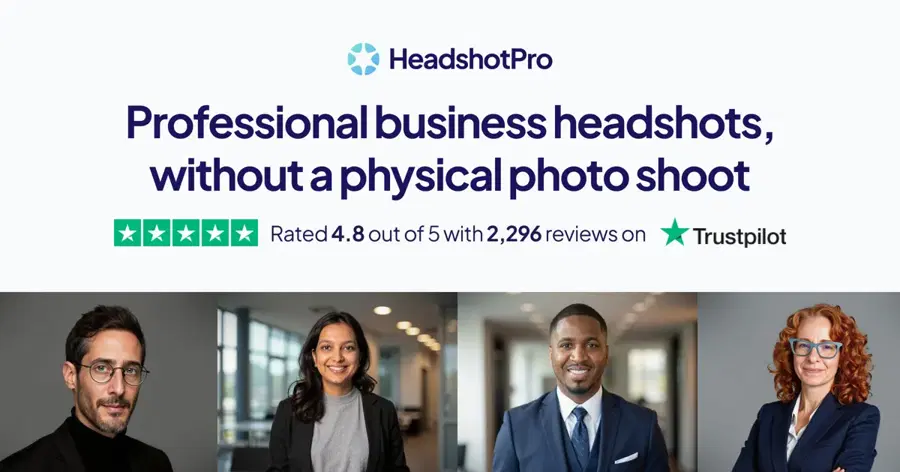
HeadshotPro is a headshot service for individuals and companies, with admin tools for giving a whole team matching photos.
Strengths
Looking at HeadshotPro's prices, the individual plan is $39 for 50 headshots in about 30 minutes, with one free redo. Team credits drop to $25.35 per person at volume, with an admin dashboard and bulk download.
It holds 4.7 from 3,609 reviews on Trustpilot, where an October 2026 reviewer wrote: "My face and skin weren't altered, and the price was great." Fast.io was cooler, saying results "lean formal and serious, not warm or approachable."
Key features
- The individual plan delivers 50 headshots for $39.
- Admins can pick styles so everyone in a team matches.
- Team plans include 40 headshots and one free retry per person.
- A SOC 2 Type II report and DPA are available for IT reviews.
Pros
- Best tooling for company rollouts
- Public, self-serve pricing
- Strong Trustpilot score
Cons
- No free tier
- Formal look may not suit creative roles
- 4K only on the top individual tier
HeadshotPro pricing: No free plan; one-time packages from $29 (checked October 2026). See pricing
Related: Best free AI headshot generators
BetterPic – best for 4K and print use
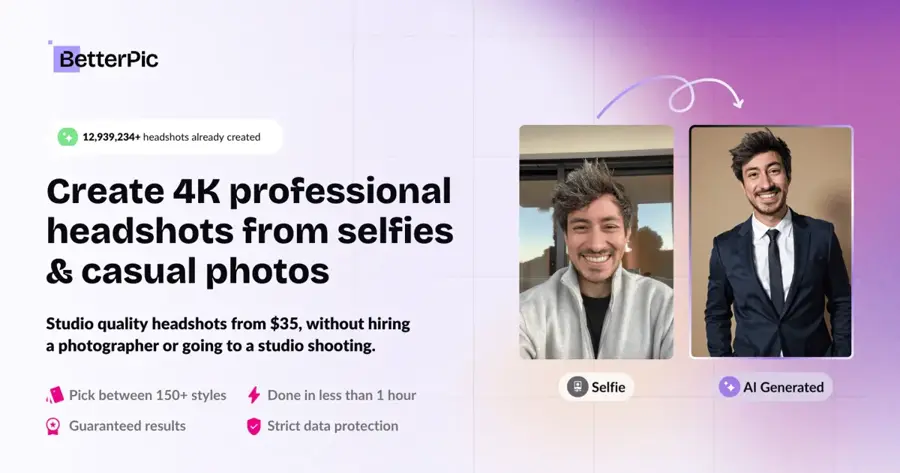
BetterPic is a headshot service that delivers 4K images on every plan, with optional manual retouching.
Strengths
Going by BetterPic's plans, Basic gives 20 4K headshots in one style, Pro gives 60 in three styles and Expert gives 120 in six, each with a commercial licence and a 7-day refund policy. In Fast.io's comparison it was the only tool with 4K as standard, priced at $35 for 20 and $79 for 120.
An AI check flags weak source photos before a run, which I think is smart, since bad inputs cause most misses. One reviewer on Trustpilot (4.7 from 1,026 reviews) put it plainly: "As with all the headshot generators, there were hits and misses."
Key features
- 4K output comes on all plans.
- An AI upload assistant checks your photos first.
- Manual edits add human touch-ups on favourite shots.
- A commercial licence is included.
Pros
- Highest standard resolution
- Useful upload feedback
- Clear licence terms
Cons
- No free tier
- Only 20 images and one style on Basic
BetterPic pricing: No free plan; one-time packages from $35, per Fast.io (checked October 2026). See pricing
Related: Best free AI headshot generators
Photoroom – best for product shots from your phone
Photoroom is a phone and web photo editor for sellers that removes backgrounds, stages products in lifestyle scenes and puts clothing on AI fashion models.
Strengths
The App Store listing claims "over 300 million users" and lists exports sized for Shopify, Amazon, Etsy and Vinted. Product Staging creates two lifestyle images per run. There's a Free plan, but it's for personal, non-commercial use only.
Plan structure is the snag. On the Virtual Model page, Virtual Model and Product Staging are "Not included" on Pro and start at Max, which costs $34.99 billed monthly, per PricingSaaS. It also scores just 2.2 from 275 reviews on Trustpilot. Honestly, I'd budget for Max from day one if on-model shots are why you're signing up.
Key features
- Background removal and white backgrounds are included on paid plans.
- Product Staging places items in realistic lifestyle scenes.
- Virtual Model puts garments on AI fashion models (Max and up).
- Batch editing and a Shopify connection handle whole catalogs.
Pros
- Works well on a phone
- Marketplace-ready export sizes
- AI credits tripled in August 2026 with no price rise, per PricingSaaS
Cons
- Free plan is non-commercial only
- Key photoshoot tools need Max
- Poor Trustpilot score
Photoroom pricing: Free (personal use), then Pro from $7.50/month billed annually or $12.99 monthly, per PricingSaaS (checked October 2026). See pricing
Related: Best AI clothes changers Generative AI in ecommerce
Claid – best for catalog-scale product photoshoots
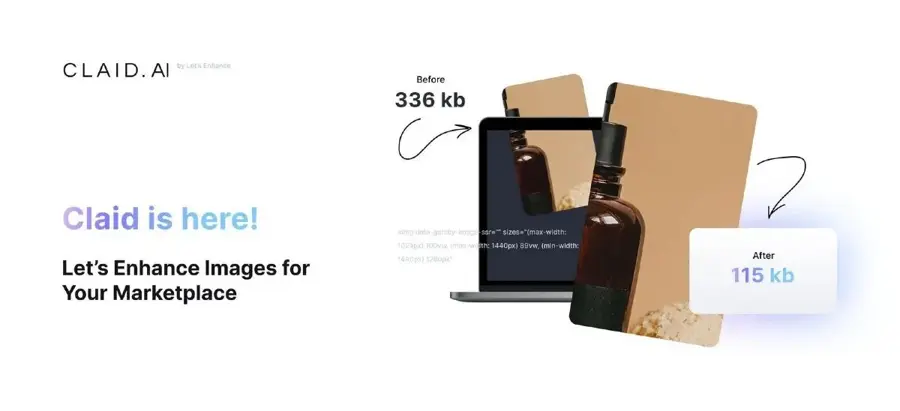
Claid is an AI product photography suite with an AI Photoshoot tool that places a product into generated scenes, plus AI fashion models and an API.
Strengths
Claid sells credits. On its rate card, a standard AI Photoshoot costs 4 credits and a Studio Quality one 10, and the free trial's 50 credits cover about 12 standard runs. Kive's 2026 comparison puts Essentials at $15 a month ($9 billed yearly) for 500 credits and Pro at $49 ($35 yearly) for 2,000 credits with 4K output.
Reviews are thin and split. Claid's Trustpilot page shows 4.1 from just 18 reviews; one fan said "you blink once and you cannot tell the difference between what's real and what's not," while a May 2026 reviewer called the outcomes "ridiculous and super unnatural."
Key features
- AI Photoshoot generates product scenes from one product photo.
- AI Fashion puts garments on diverse virtual models.
- Upscaling, background removal and shadows share the same credit pool.
- An API handles batch processing for large catalogs.
Pros
- Transparent per-operation credit costs
- Cheap per image at standard quality
- API for automation
Cons
- Small, mixed review base
- Studio Quality burns credits 2.5x faster
- Prices only shown properly once you sign in
Claid pricing: Free trial with 50 credits, then Essentials from $9/month billed yearly or $15 monthly, per Kive (checked October 2026). See pricing
Related: Generative AI in ecommerce
Try it on AI – best for the lowest one-time price
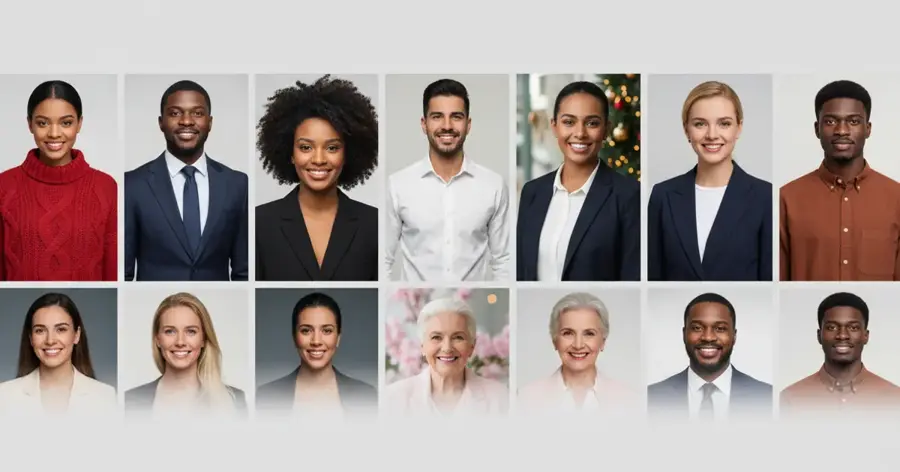
Try it on AI is a budget headshot service that says it needs a single selfie and about two minutes to deliver results.
Strengths
Headshots "start at $17" with no subscription. The single-selfie and two-minute claims are the company's own, and Fast.io listed its range as $21 to $45, so check the checkout total.
It has 4.7 from 414 reviews on Trustpilot. One reviewer wrote that it "was the only site that produced quality photos that actually looked like me!" Trustpilot also flags that the company hasn't invited reviews recently, so the sample may not be representative.
Key features
- It needs one selfie, per the company.
- Delivery takes about two minutes, as claimed.
- A LinkedIn-specific style is included.
- It's a one-time payment with no subscription.
Pros
- Cheapest dedicated service here
- Minimal effort to start
- Good Trustpilot rating
Cons
- No free tier
- Big marketing claims are hard to verify
- Third-party price range differs from the headline
Try it on AI pricing: No free plan; one-time packages from $17 (checked October 2026). See pricing
Related: Best free AI headshot generators
Choosing the right AI photoshoot tool
Decide whether you're the subject or the product
It removes half the list. Headshot services can't stage a candle on a marble counter, and Photoroom won't learn your face. Sell clothes and need a founder photo? You'll probably want one tool from each group.
Match output size to where the photo will live
LinkedIn recommends a 400 x 400 pixel image, as Aragon points out, so even 896 x 1088 is plenty there. A printed brochure is different, and that's where BetterPic's 4K earns its price.
Feed the model better photos
Most failures start with the inputs. Magic Studio asks for 10 photos with different angles, backgrounds and lighting, and features like glasses carry through to the results. Skip filters, sunglasses and group shots; for products, shoot on a plain surface in daylight.
Use only photos you have the right to use
Upload pictures of yourself, of people who have clearly agreed, or of products you own or have licensed. Making realistic or intimate images of a real person without consent is harmful and illegal in many places. For garments on people, our AI clothes changer guide covers consent-based try-on tools.
Free vs paid: what you actually get
Free gets you control; paid gets you volume and consistency. Gemini and ChatGPT can produce a few good portraits if you iterate, one picture at a time. Paid services hand you 20 to 120 images in one batch, with matching lighting and crops.
A worked example: you need five usable headshots. Aragon's $35 pack gives 40 photos, and if one in eight is a keeper (my assumption, not a published rate), that's 5 keepers at $7 each. HeadshotPro's $39 for 50 gives about 6 at $6.50 each. Gemini costs $0, but every keeper is a separate image with its own lighting, so a matching set is harder.
| Option | Upfront cost | Images per run | Best when |
|---|---|---|---|
| Gemini or ChatGPT free | $0 | 1 at a time | You need one photo and have time |
| Magic Studio preview | $0 until you buy ($59) | 50 watermarked | You want to check likeness first |
| Aragon, HeadshotPro, BetterPic | $29 to $79 once | 20 to 120 | You need a consistent set |
| Photoroom or Claid | $7.50 to $35 a month | Credit-based | You shoot products every week |
For products, the free tiers are trials more than plans. Claid's 50 credits cover about a dozen photoshoots, and Photoroom's Free plan bars commercial use, so a shop owner will likely pay within the first week.
Common failure modes
AI photoshoots break in fairly predictable places. Faces drift when you ask for large changes in expression or angle, which is exactly what tripped up the Gemini and ChatGPT tests above. Teeth and smiles are a weak spot. Skin gets smoothed until it looks waxy, or, in one ChatGPT case, aged by years.
Product tools fail differently: logos warp, text on labels turns to gibberish, and shadows point the wrong way. Treat every generated image as a draft that needs a check against the real thing before it goes on a listing, because a product photo that doesn't match what arrives is a return waiting to happen.
Final verdict
I'd start free. Spend 20 minutes with Gemini, and if you get a portrait that looks like you, you're done. If you don't, Magic Studio's free preview is the safest next step, and Aragon is my pick when the photo has to pass as a real studio shot. For sellers, I think Claid gives better value per image than Photoroom unless you work mostly from your phone, in which case Photoroom's app is hard to beat (just budget for Max).
FAQ
What is an AI photoshoot?
It's a set of photos generated by AI instead of a camera. People-focused tools train on your selfies and create new portraits in different outfits and settings. Product tools take one photo of an item and place it in scenes or on virtual models. Either way, you skip the studio, the photographer and the travel.
Can I do an AI photoshoot for free?
Yes. Google Gemini lists image generation and editing in its free tier, and ChatGPT's free plan includes image generation with a weekly limit. Upload a clear, well-lit selfie and describe the look you want. Magic Studio also shows 50 watermarked headshots free before you decide whether to buy a pack.
What is the best AI photoshoot tool?
It depends on the job. For free portraits from one selfie, Gemini is probably the best start. For realistic professional headshots, Fast.io rated Aragon the most realistic of nine tools it tested. For teams, HeadshotPro has the strongest admin features. For product photos, Claid and Photoroom are built specifically for sellers.
Are AI photoshoot photos safe and private?
Policies vary, so check before uploading. Magic Studio deletes data 30 days after your headshots are created and says uploads don't train other models. ChatGPT enrolls free accounts in model training by default, per Engadget, though you can turn it off in Data Controls. Only upload photos of yourself or people who have agreed.