8 best AI hashtag generators in 2026, compared and ranked
The best AI hashtag generator for most people is Flick. Here are eight picks, free and paid, ranked for Instagram's new five-hashtag limit.
 Written byMuhammad Usman SiddiquiFounder and editor-in-chief
Why you can trust The AI Future
Our writers research every product from its official pages, independent tests and user reports, link each claim to its source and correct mistakes openly. Unless an article says otherwise, we haven't tested the product hands-on ourselves. Companies can't pay for coverage or see reviews before they're published.
Read our editorial policy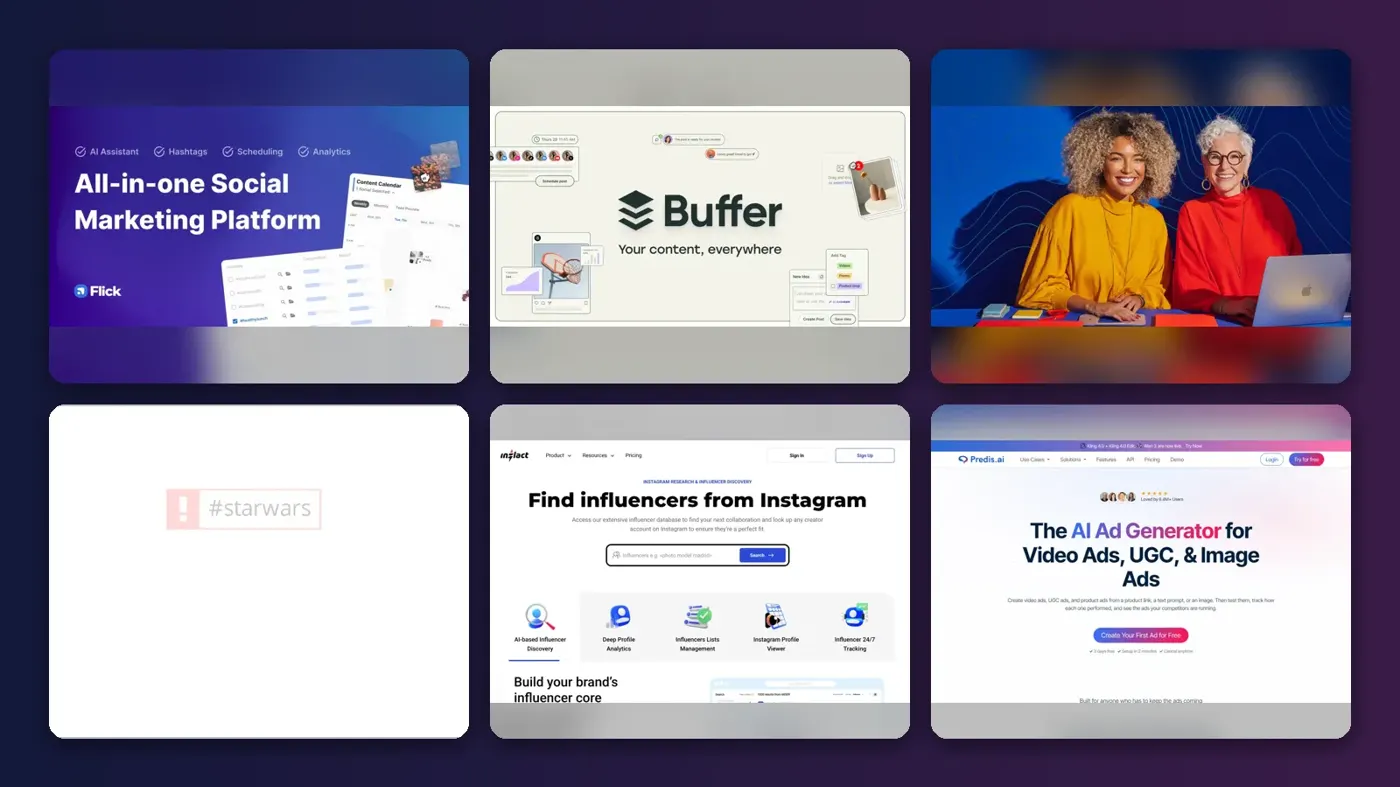
Short answer: if you post to Instagram several times a week, the best AI hashtag generator for most people is Flick, because it scores hashtags on size and competition instead of just spitting out a list. If you don't want to pay anything, start with Buffer's free generator. And if you already pay for ChatGPT, you probably don't need a dedicated hashtag tool at all for brainstorming.
That last point matters more than it used to. Instagram cut the hashtag limit from 30 to 5 per post and Reel in December 2025, so you need fewer, better tags. I think that makes most "generate 30 hashtags" tools far less useful than they were. Below are the eight picks that still earn their place, with prices checked in early November 2026.
Key takeaways
- Flick is the strongest paid option for Instagram, with plans from £11 a month billed yearly.
- Buffer, Hootsuite, Predis.ai and Inflact all have free hashtag generators you can use without paying.
- Instagram now allows only five hashtags per post, so tag quality counts for more than volume.
- Schedulers like Later and Hootsuite are only worth it for hashtags if you also need the scheduling.
- ChatGPT is good at long-tail ideas but has no live hashtag data, so check its suggestions before posting.
Our ranking method
Nobody at The AI Future ran hands-on tests for this roundup, and there are no original screenshots here. We compared each AI hashtag generator using the vendors' own product and pricing pages, published third-party reviews and user ratings, as of early November 2026. We ranked them on six criteria:
- Hashtag data, meaning whether a tool shows reach, size or competition rather than guessing.
- Relevance of suggestions, based on how the tool reads your caption, keywords or images.
- Platform coverage across Instagram, TikTok, LinkedIn, YouTube and others.
- Free tier usefulness for someone posting a few times a week.
- Price of the cheapest plan that actually includes hashtag features.
- User feedback on Trustpilot and in independent roundups.
Prices are in the currency each vendor lists. They can change with promotions, so check before you buy.
The 8 best AI hashtag generators at a glance
| # | Tool | Category | Best for | Free tier | Starts at |
|---|---|---|---|---|---|
| 1 | Flick | Hashtag research platform | Instagram hashtag research | No | £11/mo |
| 2 | Buffer | Scheduler with AI | Free hashtags for small creators | Yes | $5/mo |
| 3 | Hootsuite | Free AI tool | Hashtags for many networks | Yes (limited) | $99/user/mo |
| 4 | RiteTag | Hashtag suggestions | Real-time hashtag engagement data | No | $49/yr |
| 5 | Inflact | Instagram toolkit | Hashtags from photos and URLs | Yes (limited) | $79/mo |
| 6 | Predis.ai | AI content creator | Hashtags plus AI posts | Yes (limited) | $19/mo |
| 7 | Later | Scheduler with AI | Existing Later users | No | $18.75/mo |
| 8 | ChatGPT | General assistant | Long-tail hashtag brainstorming | Yes | $8/mo |
The best AI hashtag generators in 2026, ranked
Flick – best for Instagram hashtag research
Flick is a social media marketing app built around hashtag research, with scheduling, analytics and AI caption writing added on top.
Strengths
Most hashtag tools hand you a list and leave you to guess. Flick's appeal is the data: Lilach Bullock, who runs Instagram accounts for clients, wrote in her 2026 comparison of eight hashtag tools that "Flick is the closest thing to an industry standard right now." She notes it groups tags by size and scores them for competition, and lets you save sets by content type.
With a five-tag cap on Instagram, that grouping is what you want. You can pick one broad tag and four niche ones without opening the Instagram search bar ten times. User ratings are thin, though (Flick's Trustpilot page has a single review), so I'd lean on independent write-ups like Bullock's more than star scores.
Key features
- Hashtag search with advanced filters and metrics.
- Saved hashtag collections you can reuse across posts.
- Suggested hashtags and a hashtag auditing tool.
- Scheduling for Instagram, Facebook, TikTok and LinkedIn.
- Instagram analytics, including hashtag performance.
- Web, iOS and Android apps.
Pros
- Shows hashtag size and competition, not just ideas.
- Reusable collections save time if you post often.
- Scheduling and analytics are in the same app.
Cons
- No free plan, only a 7-day trial.
- The Solo plan includes only some features.
- Prices are in pounds, so US costs move with the exchange rate.
Flick pricing: No free plan, then paid plans from £11/month billed yearly (checked November 2026). See pricing
Related: Best AI marketing campaigns How to use AI for marketing
Verdict: pay for Flick if Instagram is your main channel and you post three or more times a week.
Buffer – best free option for small creators
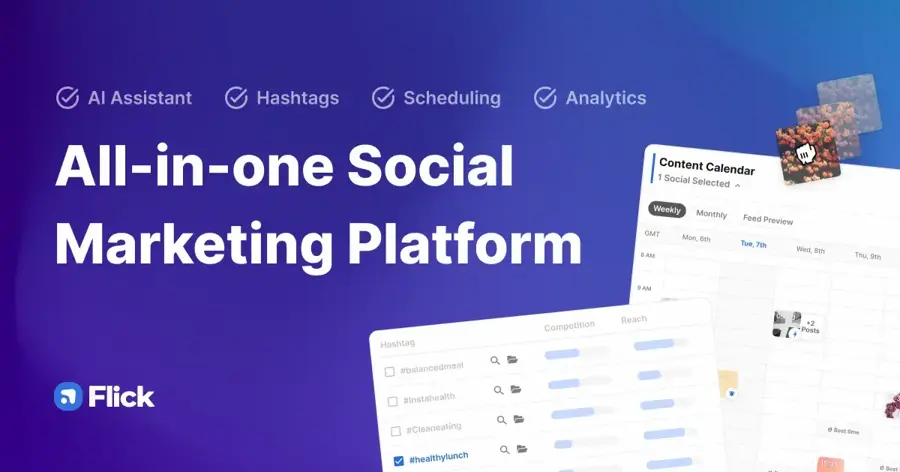
Buffer is a social media scheduler that also runs free AI hashtag generators for Instagram, TikTok and YouTube.
Strengths
You describe your post, click once, and Buffer's free Instagram hashtag generator returns a set of tags. Without an account you get up to five recommendations a day; a free Buffer account removes that cap. That's a generous deal for anyone posting a few times a week.
Buffer's free plan is also one of the few that's actually usable: three channels, 10 scheduled posts per channel and the AI Assistant, going by the plans page. On Trustpilot, Buffer holds a 4.3 rating from 155 reviews, and one January 2026 reviewer put it simply: "Buffer saves me so much time."
Key features
- Free AI hashtag generators for Instagram, TikTok and YouTube.
- AI Assistant that rewrites posts for each platform.
- A hashtag manager on paid plans.
- First comment scheduling, so tags can sit outside the caption.
- Scheduling to Instagram, Threads, TikTok, LinkedIn, Bluesky and more.
Pros
- Free to use with no signup for light use.
- Cheap paid plans, priced per channel.
- Strong user ratings.
Cons
- No hashtag size or competition data.
- The hashtag manager needs a paid plan.
- Only five suggestions a day without an account.
Buffer pricing: Free, then paid plans from $5/month per channel billed yearly (checked November 2026). See pricing
Related: How to use AI for marketing Best AI writing tools alternatives
Verdict: the best place to start if your hashtag budget is zero.
Hootsuite – best for hashtags across many networks
Hootsuite is an enterprise social media platform whose free AI hashtag generator, powered by ChatGPT, works for seven networks.

Strengths
Hootsuite's free hashtag generator asks for the network, a short description and a few keywords, then runs them through a built-in ChatGPT prompt. It covers Instagram, TikTok, Pinterest, YouTube, LinkedIn, X and Facebook. The same page suggests 3 to 5 hashtags for Instagram and TikTok but only 1 to 2 for X, which I think is sensible advice for most accounts.
The paid platform is a different story. Hootsuite's Standard plan starts at $99 per user per month, and its Trustpilot score is 1.3 from 556 reviews, with several recent complaints about unexpected charges. Use the free tool; think hard before the subscription.
Key features
- Free AI hashtag generator with no paid plan needed.
- Network-specific suggestions for seven platforms.
- Other free AI tools, including a caption generator.
- Paid plans manage up to 10 accounts on Standard.
- Trend forecasting up to 90 days ahead on Professional.
Pros
- Free tool covers more networks than most.
- Asks for keywords, which helps relevance.
- Useful built-in hashtag count advice.
Cons
- Paid plans are expensive for solo creators.
- Poor Trustpilot rating, mostly over billing.
- Hootsuite warns the tool "may display inaccurate or offensive material".
Hootsuite pricing: Free hashtag tool, then paid plans from $99/user/month (checked November 2026). See pricing
Related: Best AI marketing campaigns
Verdict: a good free tool attached to a platform most small creators don't need.
RiteTag – best for real-time hashtag engagement data
RiteTag, part of RiteKit, suggests hashtags for text and images based on real-time hashtag engagement, through browser extensions and mobile apps.
Strengths
RiteTag's trick is speed. It colour-codes tags as you type, green for good reach and red for overused, and Bullock's comparison says "It is the fastest of the eight to use because you never leave your caption box, but it gives you less context on why a tag scored the way it did." That trade-off seems fair to me.
The price surprised me. On RiteKit's pricing, RiteTag costs $49 a year for 1,000 hashtag suggestion queries a month, which works out to about $4 a month. Hashtag reports are charged separately, though.
Key features
- Hashtag suggestions from text or an image.
- Works inside other sites through browser extensions.
- Web and mobile apps share one monthly query allowance.
- Colour-coded reach signals as you write.
- Bundles with RiteKit's scheduling tools.
Pros
- Very cheap for the amount of use.
- Live engagement data rather than pure AI guesses.
- Works where you already write posts.
Cons
- No permanent free plan that I could find.
- Little explanation behind each score.
- Detailed hashtag reports cost extra.
RiteTag pricing: No free plan, then $49/year (checked November 2026)
Related: How to use AI for marketing
Verdict: the best value pick if you want live data without a monthly bill.
Inflact – best for hashtags from photos and URLs
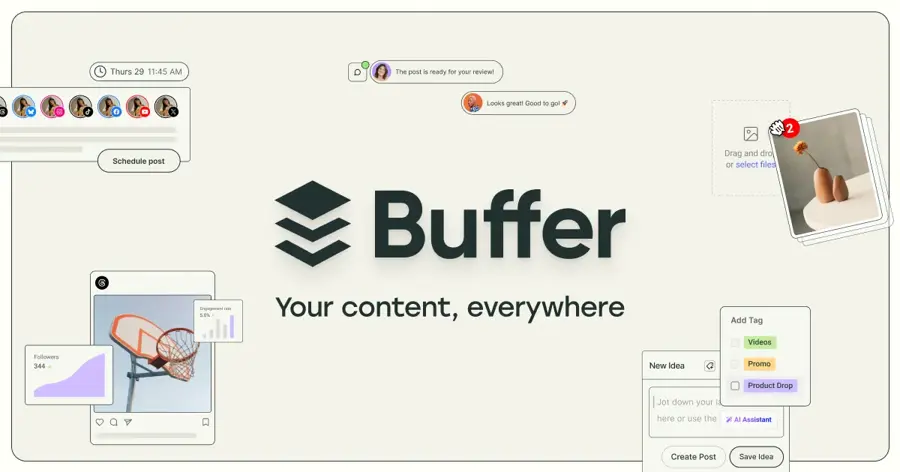
Inflact is an Instagram marketing toolkit with an AI hashtag generator that works from a keyword, a photo or a link.
Strengths
Upload a photo and Inflact's hashtag generator sorts suggestions into frequent, average and rare columns, plus a "Smart selection" button that mixes them for you. It recommends one or two broad tags, two specific ones and a location tag, which fits neatly inside Instagram's new five-tag limit. Inflact also claims that mix "can bring boost in metrics by 25%"; I'd treat that as marketing, since there's no study behind it on the page.
On Trustpilot, Inflact scores 4.0 from 654 reviews. Some older ones date from its Ingramer days and are about follow automation, not hashtags.
Key features
- Hashtag ideas from keywords, images or URLs.
- Tags sorted by frequency and competition.
- Smart selection that builds a balanced set.
- Related organic hashtags you might not think of.
- Profile analyzer and influencer search on paid plans.
Pros
- Image-based suggestions are handy for visual posts.
- Free version is fine for occasional use.
- Clear split between broad and niche tags.
Cons
- Full hashtag access sits in the $79 Pro plan.
- Built mainly for Instagram.
- Vendor performance claims aren't backed by data.
Inflact pricing: Free tools, then the Pro plan with the Hashtag Generator at $79/month (checked November 2026). See pricing
Related: Best AI marketing campaigns
Verdict: use the free version for photo-led posts; skip Pro unless you need the wider Instagram toolkit.
Predis.ai – best for hashtags plus AI posts
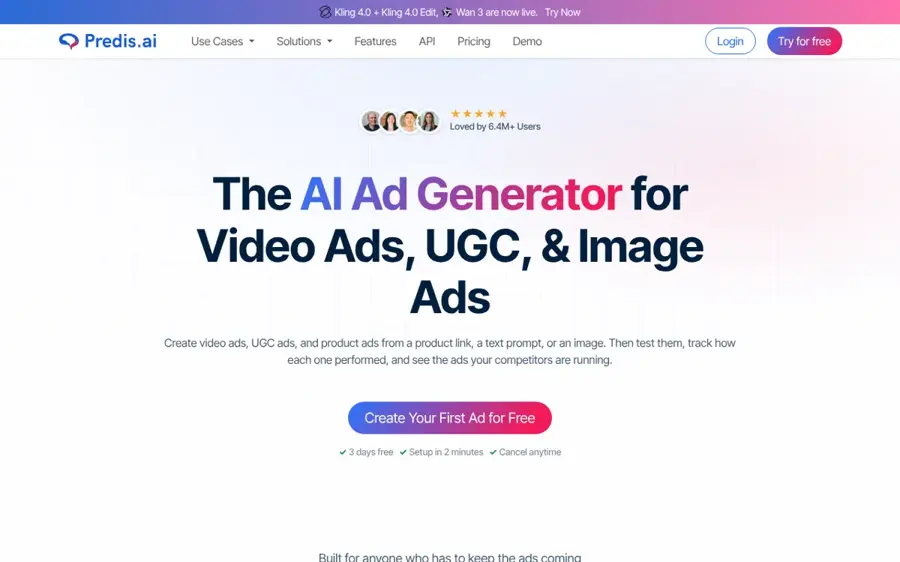
Predis.ai is an AI tool that creates social posts, videos and ads, and it runs a free hashtag generator with no login.
Strengths
The free hashtag generator takes a keyword, your full caption or an image. Buffer's own roundup of free hashtag generators highlights that it supports multiple languages, which helps if you post outside English.
Where Predis.ai differs is everything around the hashtags: it'll write the post, design the image and schedule it. Its Trustpilot score is a strong 4.5 from 302 reviews, and recent reviewers mostly praise quick support. Honestly, if you only want hashtags, the free tool is all you need.
Key features
- Hashtags from keywords, captions or images.
- Multi-language suggestions.
- AI post, image and video creation.
- Auto posting to social channels on paid plans.
- Competitor analysis runs each month.
Pros
- Free generator needs no account.
- Good fit if you also want AI-made visuals.
- High user rating.
Cons
- The 3-day trial needs a card and charges on day 3.
- Payments after the trial aren't refundable.
- No hashtag competition data.
Predis.ai pricing: Free hashtag tool, then paid plans from $19/month billed yearly, or $32 billed monthly (checked November 2026). See pricing
Related: Best AI marketing campaigns
Verdict: a solid free generator, and worth paying for only if you want the content creation too.
Later – best for existing Later users
Later is a visual social media scheduler that suggests hashtags automatically from the content of your caption.
Strengths
Later's feature list on its plans page includes hashtag search, automatic hashtag suggestions for Instagram based on your caption, saved caption and hashtag sets, and posting hashtags as a first comment. It supports eight networks, including Snapchat and Threads.
But Bullock's verdict is blunt: "On its own it is not worth buying just for the hashtag feature." I agree. Later's Trustpilot score is also 1.4 from 352 reviews, with several 2026 complaints about auto-renewals that users say they didn't expect.
Key features
- Automatic hashtag suggestions from your caption.
- Hashtag search for Instagram and Facebook.
- Saved caption and hashtag sets.
- Hashtags as a first comment when auto publishing.
- AI caption writer using monthly credits.
Pros
- Hashtags sit right inside the scheduling flow.
- Covers eight social platforms.
- Cheaper entry price than Hootsuite.
Cons
- No free plan, only a 14-day trial.
- Starter includes only 5 AI credits a month.
- Weak Trustpilot rating over billing.
Later pricing: No free plan, then paid plans from $18.75/month billed yearly, or $25 monthly, per PricingSaaS (checked November 2026). See pricing
Related: TikTok AI review How to use AI for marketing
Verdict: fine if you already schedule with Later; don't sign up for the hashtags alone.
ChatGPT – best for long-tail hashtag brainstorming
ChatGPT is OpenAI's general AI assistant, and with a good prompt it'll generate niche hashtag ideas for any topic.
Strengths
Bullock makes a case that many hashtag roundups skip: if you already pay for ChatGPT, "you can get better long-tail hashtag ideas than most of the dedicated tools" by asking for niche, audience-specific tags around your topic and location. Her catch is the right one, though: "It has no live volume data."
The free plan now includes unlimited text chats with GPT-6, going by OpenAI's plans. Paid tiers start with ChatGPT Go, which launched worldwide at $8 a month in the US, with Plus at $20. For hashtags alone, I'd say the free plan is plenty.
Key features
- Unlimited text chats on the free plan.
- Can read an uploaded image and suggest tags.
- Writes captions and hashtags in one go.
- Custom GPTs and projects on Plus.
- Works for any network and any language you ask for.
Pros
- Free and flexible.
- Good at specific, local and niche tags.
- Does captions too.
Cons
- No real hashtag reach or competition data.
- Can invent tags nobody actually uses.
- Free and Go plans may show ads.
ChatGPT pricing: Free, then paid plans from $8/month (checked November 2026). See pricing
Related: ChatGPT with GPT-6 review Best AI like ChatGPT
Verdict: the smartest free brainstorming partner here, as long as you check its tags in the app before posting.
Choosing the right AI hashtag generator
Pay for data, not for lists
Any chatbot can produce 30 plausible hashtags. What you can't get for free is a sense of which tags are too crowded to matter. If a tool doesn't show size, competition or live engagement (Flick, RiteTag and Inflact do), it's probably not worth a subscription.
Plan for five tags, not thirty
Instagram's five-tag cap changes what a good generator looks like. Business Today reported that Adam Mosseri has said hashtags are no longer the main driver of reach, and that caption keywords, on-screen text and the visual itself carry more weight. So pick tools that help you choose a tight set: one broad, a couple of mid-sized and one or two niche or local tags.
Buy hashtags as part of a scheduler only if you need the scheduler
Later, Hootsuite and Buffer all bundle hashtag help into scheduling apps. That's good value when you'd pay for scheduling anyway. It's poor value when you wouldn't, because the hashtag features alone are thinner than Flick's or RiteTag's.
Check every AI suggestion before you post
AI tools like ChatGPT and Hootsuite's generator can suggest tags that nobody follows or that mean something unexpected. Search each one in the app first. It takes a minute. For prompts that get better results, our guide on writing better AI prompts covers the basics, and our guide to using AI for marketing puts hashtags in a wider plan.
Free vs paid: what you actually get
Free hashtag generators from Buffer, Hootsuite, Predis.ai and Inflact all do the same core job: you describe a post and get relevant tags back. Buffer limits anonymous users to five suggestions a day, while Predis.ai needs no login at all.
Paying adds three things. First, data: Flick and RiteTag show which tags are oversized or dead. Second, memory, through saved hashtag collections in Flick, Later and Buffer's paid plans. Third, workflow, meaning hashtags slot straight into a scheduled post or a first comment.
| What you need | Free is enough | Worth paying |
|---|---|---|
| A few posts a week | Buffer or Predis.ai | Not needed |
| Hashtag size and competition | Inflact (limited) | Flick or RiteTag |
| Saved hashtag sets | No | Flick, Later or Buffer Essentials |
| Niche or local ideas | ChatGPT free | Not needed |
For a solo creator, I'd guess the sweet spot is RiteTag at $49 a year plus free tools. That's cheaper than a single month of most schedulers.
Final verdict
If you only pick one, pick Flick. It's the tool built for the problem Instagram's five-tag limit creates: choosing a few tags that are big enough to matter and small enough to rank in. On a tight budget, RiteTag gives you live data for about $4 a month, and Buffer's free generator covers casual posting at no cost. I wouldn't pay for Hootsuite or Later just for hashtags; their strengths are elsewhere, and their Trustpilot reviews make me wary of their billing.
FAQ
What is an AI hashtag generator?
An AI hashtag generator is a tool that suggests hashtags for a social post based on your caption, keywords or image. Simple ones, like Hootsuite's free tool, use a language model such as ChatGPT. Better ones, like Flick and RiteTag, add data on how popular or crowded each hashtag is.
Are free AI hashtag generators any good?
Yes, for light use. Buffer, Predis.ai, Inflact and Hootsuite all have free generators that produce relevant tags in seconds. What they mostly lack is data on hashtag size and competition, so you're still guessing which tags will actually get your post seen. Paid tools like Flick fill that gap.
How many hashtags should I use on Instagram in 2026?
No more than five, because Instagram cut the limit from 30 to 5 per post and Reel in December 2025. Hootsuite's guidance of 3 to 5 for Instagram fits that cap. A good mix is one broad tag, two mid-sized tags and one or two niche or local ones, which tells Instagram what your post is about without looking like spam.
Can ChatGPT generate hashtags?
Yes, and it's free. ChatGPT is good at niche and local hashtag ideas for any network or language. It has no live data on hashtag reach, though, so it can suggest tags few people follow. Search each one in the app first.
Do hashtags still matter on Instagram?
They matter less than they used to. Instagram's head, Adam Mosseri, has said hashtags aren't the main driver of reach, and the app now leans on caption keywords, on-screen text and the content itself. Hashtags still help label your post for a niche, so a few relevant ones are worth adding.