10 best AI chat assistants in 2026: which one to use every day
The best AI chat assistant for daily tasks in 2026, from ChatGPT and Claude to Gemini, Muse and Duck.ai, with free plans and prices compared.
 Written byDr. Alap ZahidReviews And Guides Editor
Why you can trust The AI Future
Our writers research every product from its official pages, independent tests and user reports, link each claim to its source and correct mistakes openly. Unless an article says otherwise, we haven't tested the product hands-on ourselves. Companies can't pay for coverage or see reviews before they're published.
Read our editorial policy
Short answer: most people should start with ChatGPT as their AI chat assistant, because its free plan now includes unlimited text chats and it handles the widest spread of daily jobs. If you write a lot or plan things with many moving parts, pick Claude instead. If your life already runs on Gmail and Google Drive, Gemini is the obvious choice, and its $4.99 plan is the cheapest serious upgrade on this list.
This list is about the assistant you open twenty times a day for emails and small decisions. It isn't a raw capability ranking (our sister piece on the most advanced AI chatbots covers benchmarks and frontier models). Prices were checked in early November 2026.
Key takeaways
- ChatGPT is the safest default, with a free plan that includes unlimited text chats and a Go plan at $8 a month.
- Claude is the better pick for natural-sounding writing and messy planning, going by recent side-by-side tests.
- Gemini and Copilot make most sense if you already pay Google or Microsoft for storage.
- About $20 a month is still the going rate for a full individual plan, while Gemini, Grok, ChatGPT and Mistral now sell cheaper tiers between $4.99 and $14.99.
- If privacy matters more than features, Duck.ai lets you chat with several well-known models without an account.
Our ranking method
Nobody at The AI Future ran hands-on tests for this roundup, and there are no original screenshots here. We compared each assistant using official plan pages, help centres, App Store ratings and published independent tests from outlets like Tom's Guide, as of early November 2026. We weighed six things:
- Everyday usefulness covers drafting messages, planning, explaining and quick research.
- Free plan value asks how far you get before paying anything.
- Price of the first paid tier matters because most people only ever buy one.
- App quality is judged partly from App Store ratings and how many people left them.
- Fit with the apps you already use, such as Gmail, Outlook, WhatsApp or X.
- Privacy and trust looks at data handling, regulatory trouble and how each company behaves.
General assistants with strong free plans rank highest. Specialists rank lower, though they're probably the best choice for their one job.
The 10 best AI chat assistants at a glance
| # | Tool | Category | Best for | Free tier | Starts at |
|---|---|---|---|---|---|
| 1 | ChatGPT | General assistant | Everyday all-rounder | Yes | $8/mo |
| 2 | Claude | General assistant | Writing and planning | Yes | $20/mo |
| 3 | Google Gemini | General assistant | Google account users | Yes | $4.99/mo |
| 4 | Microsoft Copilot | General assistant | Windows and Office users | Yes | $9.99/mo |
| 5 | Perplexity | AI search | Answers with sources | Yes | $20/mo |
| 6 | Meta Muse | Personal agent | Errands and bookings | Yes | $20/mo |
| 7 | Grok | General assistant | X users | Yes (limited) | $8/mo |
| 8 | Vibe by Mistral | General assistant | A cheaper European option | Yes (limited) | $14.99/mo |
| 9 | Duck.ai | Private chat | Anonymous chats | Yes | $9.99/mo |
| 10 | DeepSeek | General assistant | Free, no-frills chat | Yes | Free |
Notes: Copilot's $9.99 is Microsoft 365 Personal, and Duck.ai's is the DuckDuckGo Plus subscription.
The best AI chat assistants in 2026, ranked
ChatGPT – best for an everyday all-rounder
ChatGPT is OpenAI's general assistant for writing, questions, images and voice. You'll find it at chatgpt.com.
Strengths
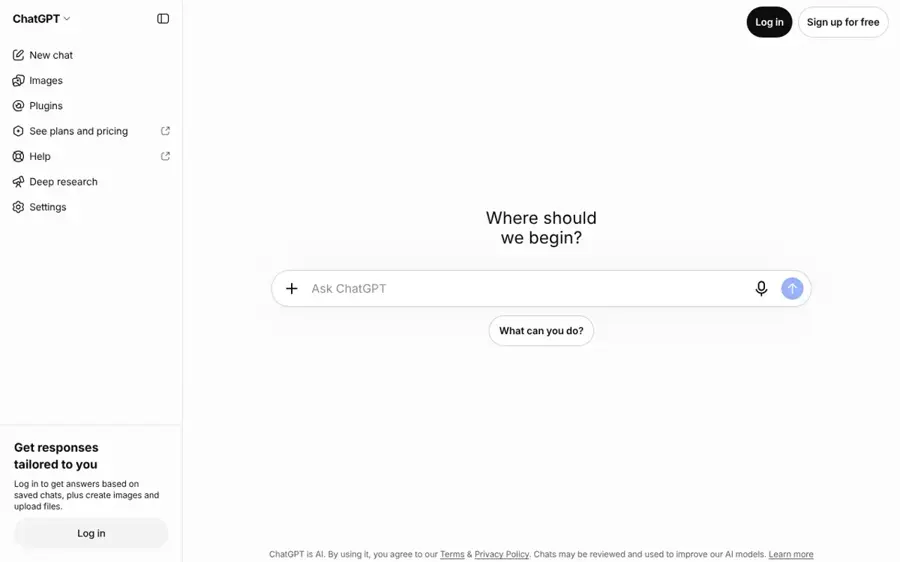
The free plan got a lot better this autumn. On the plans page, Free now lists "Unlimited text chats with GPT-6" (subject to abuse guardrails), plus limited voice, image creation and deep research. Free and Go accounts run the lighter GPT-6 Luna, while Plus and above get GPT-6 Sol, Android Headlines reported.
The release notes show iCloud Mail and Calendar plugins arriving on October 27. In a Tom's Guide comparison, the reviewer picked ChatGPT-6 for turning a vague goal into a schedule or checklist, praising that it "cuts out the fluff." On the App Store, it holds a 4.8 rating from about 12 million ratings.
Key features
- Unlimited text chats on the free plan, with GPT-6 Luna.
- Voice chats, image creation and GIFs.
- Plugins for mail, calendars and other apps.
- Projects, scheduled tasks and custom GPTs on Plus.
Pros
- The most generous free text allowance of the big three.
- A cheap $8 Go tier for heavier casual use.
- Huge feature set, from voice to data analysis.
Cons
- Go may include ads, going by the plans page.
- Free has a small 27K-token context window, so long documents get cut off.
ChatGPT pricing: Free, then Go at $8/month and Plus at $20/month, with Pro from $100/month (checked November 2026, prices via Lindy). See pricing
Verdict: if you only pick one, pick this.
Related: ChatGPT with GPT-6 review Best AI like ChatGPT
Claude – best for writing and planning
Claude is Anthropic's assistant, known for natural writing and careful reasoning, with apps on web, desktop and mobile at claude.ai.
Strengths
The best everyday evidence I found is that same Tom's Guide test, where Claude Opus 5.5 won four of five rounds against ChatGPT-6. The reviewer chose Claude for planning a children's party on a $150 budget and for writing that sounds natural. Honestly, it's the one I'd open when my notes are a mess.
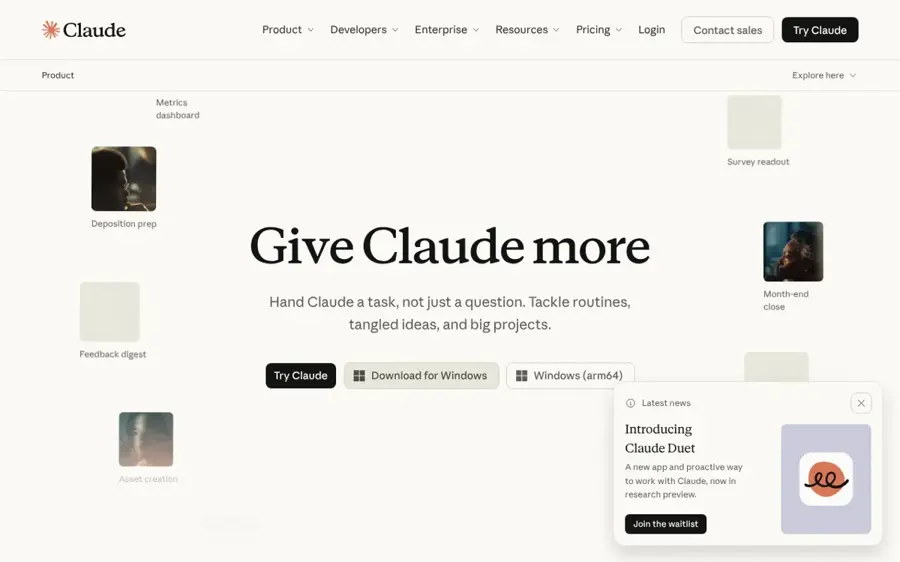
Looking at the plan comparison, Free includes web search, memory, voice mode and five projects, but not Research or Opus. The catch is usage: Pro gives at least five times more per session, SessionWatcher noted. The iPhone app has a 4.7 rating from about 298,000 ratings.
Key features
- Strong long-form writing and editing.
- Artifacts, Docs and Slides for building things inside the chat.
- A context window of up to 1M tokens on every plan.
- Connectors to other apps, plus Claude in Chrome on paid plans.
Pros
- Won four of five rounds in a Tom's Guide everyday test.
- Feature-rich free plan.
- Pro is $17 a month on annual billing.
Cons
- Free usage limits run out faster than ChatGPT's unlimited text chats.
- No cheap middle tier between Free and $20.
Claude pricing: Free, then Pro at $20/month ($17/month billed annually), Max at $100 and Ultra at $200 (checked November 2026). See pricing
Verdict: the writer's choice, and probably the better thinker for tangled problems.
Related: Claude AI review
Google Gemini – best for Google account users
Gemini is Google's assistant, built into Android, Gmail, Docs and Search, and available on its own at gemini.google.com.
Strengths
Gemini's free plan is strong on features: Deep Research, Gemini Live, Canvas and Gems all appear on Google's plan cards. The paid plans are really storage plans with AI attached. Izzedo's price breakdown lists AI Plus at $4.99 with 400 GB, and AI Pro at $19.99 with 5 TB, Gemini 4 Argon and Gemini in Docs and Sheets. If you're already paying Google for storage, the upgrade might cost you very little.
There's a real downside this autumn, though. Since October 9, free accounts use an automatic picker that sends most prompts to the lighter Flash-Lite model, and from November 13 AI Plus subscribers lose the ability to choose Pro models, Android Headlines reported. That annoys me a bit: the cheap plan just got less useful. The app sits at 4.7 stars from about 2.4 million ratings.
Key features
- Gemini in Gmail, Docs, Sheets and Android.
- Deep Research and Canvas on the free plan.
- Gemini Live voice conversations.
- Gemini 4 Argon on AI Pro and Ultra.
Pros
- The cheapest paid tier here at $4.99.
- Strong free features, including Deep Research.
- Fits naturally if you use Gmail and Drive daily.
Cons
- Free users can't pick their model and mostly get Flash-Lite.
- AI Plus loses Pro model access on November 13.
Google Gemini pricing: Free, then AI Plus at $4.99/month, AI Pro at $19.99/month and AI Ultra at $99.99 or $199.99/month (checked November 2026). See pricing
Verdict: the default for Android and Gmail people, but go straight to AI Pro if you care which model answers.
Related: Gemini vs ChatGPT Google Gemini vs other AI models
Microsoft Copilot – best for Windows and Office users
Copilot is Microsoft's assistant, built into Windows and Microsoft 365, with a free web version at copilot.microsoft.com.
Strengths
Free Copilot covers web-grounded chat, image generation and voice. There's no standalone paid Copilot plan for individuals now; usage comes with Microsoft 365 plans, from Personal at $9.99 a month up to Premium at $19.99, which replaced Copilot Pro, according to GeoToolbox's pricing guide.
If you'd pay for Word, Excel and 1 TB of OneDrive anyway, Copilot in those apps is close to free. If you wouldn't, I think a standalone assistant is better value. The iPhone app has a 4.7 rating from about 1.4 million ratings.
Key features
- Free chat with web answers, voice and image generation.
- Copilot inside Word, Excel, PowerPoint and Outlook on paid plans.
- A desktop app for Windows.
- Family plans that share AI and storage across up to six people.
Pros
- Good free tier for quick web questions.
- Best option if you live in Office documents.
- Family plan spreads the cost.
Cons
- No AI-only paid plan, so you pay for Office too.
- Microsoft describes paid usage loosely ("higher than free", "extensive").
Microsoft Copilot pricing: Free, then Microsoft 365 Personal at $9.99/month and Premium at $19.99/month (checked November 2026). See pricing
Verdict: worth it only if you'd buy Microsoft 365 anyway.
Related: Microsoft AI review
Perplexity – best for answers with sources
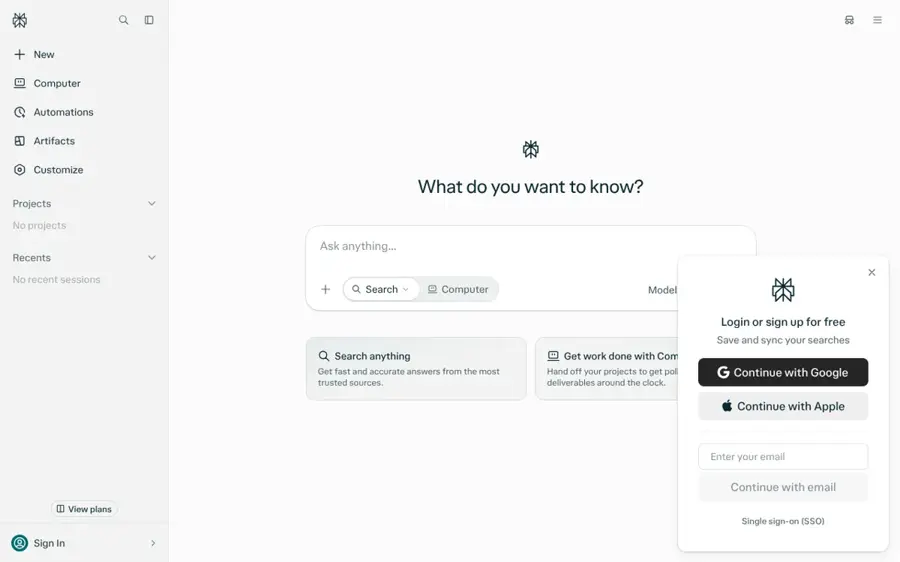
Perplexity is an AI search assistant that answers questions with linked citations, available at perplexity.ai.
Strengths
Every answer comes with sources, so it's the quickest way to check a fact. Krater's pricing write-up calls the free plan "genuinely usable for casual search" and lists Pro at $20 a month ($17 on annual billing) with Deep Research, a model picker and premium sources such as Statista.
Pro has lost some of its shine, though. Krater points to a September thread on r/perplexity_ai titled "Perplexity Pro is an absolute joke now", arguing the strongest OpenAI and Anthropic models moved behind the $200 Max plan, and notes that Pro's 4,000 Computer credits are a one-time bonus. On the App Store it holds a 4.8 rating from about 524,000 ratings.
Key features
- Cited answers on every response, free plan included.
- Deep Research reports on Pro.
- A per-question model picker.
- File and app search.
Pros
- Sources make answers easy to verify.
- Free plan works well for everyday lookups.
- Annual Pro is $17 a month.
Cons
- The best models now sit behind the $200 Max tier, going by user reports.
- Less suited to long creative writing.
Perplexity pricing: Free, then Pro at $20/month and Max at $200/month (checked November 2026)
Verdict: keep the free version as your fact-checker, next to a general assistant.
Related: Perplexity vs ChatGPT Grok vs Perplexity
Meta Muse – best for errands and bookings
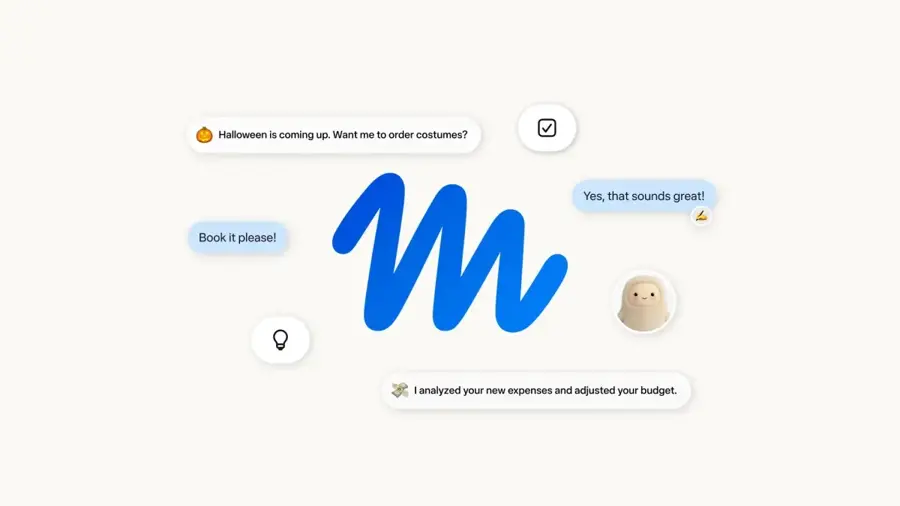
Muse is Meta's personal AI agent, launched in September 2026, that chats like a contact and takes actions for you, in its own app or WhatsApp. More at Meta's launch post.
Strengths
Muse goes further than a normal chat assistant. Going by Meta's announcement, it can open a browser, fill in forms and keep working after you close the app, checking with you before it sends an email or buys something. Sensor Tower counted more than 2.5 million installs in its first 13 days, Android Headlines reported.
It holds up as a plain chatbot too. In a five-prompt Tom's Guide test against ChatGPT-6, Muse won overall, though the reviewer said results were "much closer than I expected" and ChatGPT took the budget-planning round. The app has a 4.8 rating from about 477,000 ratings. Still, I'd be careful how much account access I gave Meta.
Key features
- Chat in the Muse app or inside WhatsApp.
- Agent actions like booking, form filling and shopping, with approval steps.
- A separate Sentinel agent that reviews what Muse sends to the web.
- Links to Gmail, Google Calendar, Instagram and other accounts.
Pros
- Actually does tasks rather than only describing them.
- Free to start.
- Built into WhatsApp, which many people already use daily.
Cons
- Works best when you connect personal accounts, which some people won't want to do with Meta.
- Amazon has blocked it from its store, Android Headlines reported.
Meta Muse pricing: Free, then optional paid tiers at $20 and $100/month for heavy users (checked November 2026, via Android Headlines)
Verdict: the most interesting new arrival this year, if you're comfortable with the privacy trade.
Related: Meta AI vs ChatGPT
Grok – best for X users
Grok is the chat assistant tied to X, sold in one subscription with X perks. See x.ai/grok.

Strengths
If you already pay for X, Grok comes with it. On the pricing table, the $8 Plus tier shares one AI usage pool across Grok chat, voice and image tools, plus the X checkmark; $30 Premium adds four times the usage and the latest models. The app is very popular, with a 4.9 rating from about 1.6 million ratings, the highest score in this roundup.
The trust problems are hard to ignore. The European Union opened a formal investigation into X after Grok produced non-consensual sexualized deepfake images, Global News reported. Paid users also saw sudden limit cuts in May, PiunikaWeb found. For a daily family assistant, I'd pick almost anything else first.
Key features
- Chat and voice inside the X app and on its own.
- Image and video creation (Imagine).
- One usage pool shared across Grok and Cursor.
- X perks such as fewer ads and a checkmark.
Pros
- Cheap $8 entry tier.
- Live access to posts on X.
- Very high App Store rating.
Cons
- Under EU investigation over deepfake images.
- Usage limits have been cut before without warning, going by user reports.
Grok pricing: Free (limited), then Plus at $8/month and Premium at $30/month (checked November 2026). See pricing
Verdict: fine for heavy X users, hard to recommend for anyone else.
Related: Grok vs ChatGPT Best alternatives to Grok
Vibe by Mistral – best for a cheaper European option
Vibe is the French company Mistral AI's assistant for everyday tasks and coding, renamed from Le Chat. Find it at mistral.ai.
Strengths
If you used Le Chat, it's the same app under a new name: the App Store listing now reads "Le Chat is now Vibe." Pro at $14.99 adds up to six times the free plan's messages and five times the web searches, according to Mistral's plans.
That $14.99 is a fair price for a full plan. Paid plans also let you opt out of model training. The catch is reach: its 4.8 App Store rating rests on only about 1,400 ratings, so there's far less public feedback than for the big names.
Key features
- Chat, web search and voice mode.
- Over 100 connectors on the free plan.
- Spreadsheets and slides on Pro.
- Task scheduling (five tasks free, unlimited on Pro).
Pros
- Full plan for $5 less than most rivals.
- A European company, which some buyers prefer.
- Model training opt-out on paid plans.
Cons
- Small user base and few independent reviews.
- The rename may confuse people looking for Le Chat.
Vibe by Mistral pricing: Free, then Pro at $14.99/month (checked November 2026). See pricing
Verdict: a solid budget pick if you want to avoid the US giants.
Related: Best AI like ChatGPT
Duck.ai – best for anonymous chats
Duck.ai is DuckDuckGo's free private chat tool that anonymizes your conversations with third-party models, at duck.ai.
Strengths
You don't need an account. Going by DuckDuckGo's help page, the free version includes Claude Haiku 5.5, GPT-6 Luna, Mistral Small 4 and a few open models, and recent chats are stored on your device rather than on its servers. DuckDuckGo says it doesn't store your prompts or train on your data.
Paying adds stronger models such as Claude Sonnet 5.5 on Plus and Claude Opus 5.5 on Pro, plus a VPN, its pricing help page shows. The DuckDuckGo browser app, which includes Duck.ai, has a 4.8 rating from about 2.4 million ratings, though that score covers the whole browser. I like it a lot for sensitive questions.
Key features
- No account needed for free chats.
- Several models from OpenAI, Anthropic and Mistral in one place.
- Chat history stored locally on your device.
- Voice chat and image generation within daily limits.
Pros
- Best privacy setup on this list.
- Free access to well-known models.
- Paid plan includes a VPN.
Cons
- Free models are the lighter versions.
- No memory across devices, since chats stay local.
Duck.ai pricing: Free, then DuckDuckGo Plus at $9.99/month and Pro at $19.99/month (checked November 2026). See pricing
Verdict: the second assistant everyone should bookmark.
DeepSeek – best for free, no-frills chat
DeepSeek is a Chinese AI lab whose chat app is free on web and mobile, at deepseek.com.
Strengths
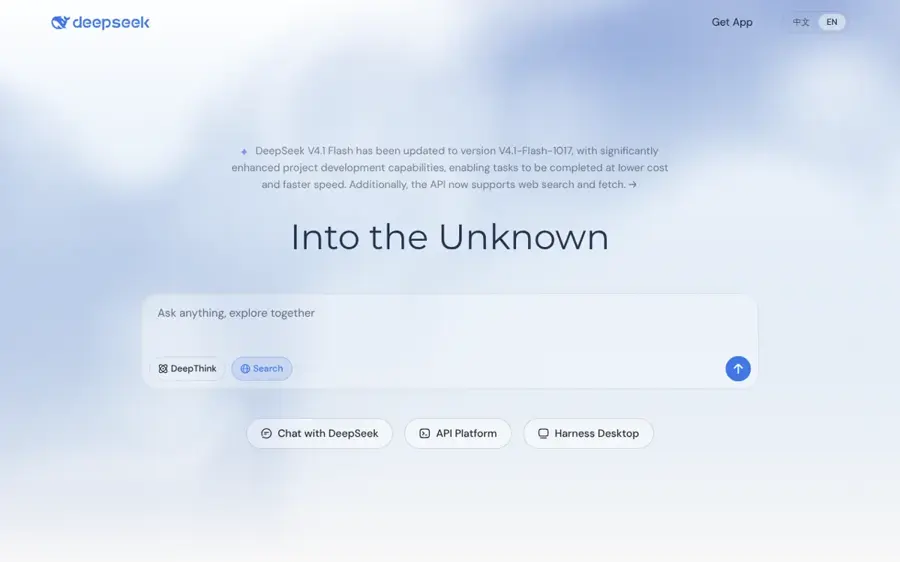
DeepSeek's chat is free with no paid consumer tier, and the Wikipedia entry describes no cap on queries beyond an anti-spam limit. Its homepage lists DeepThink and Search modes.
The trade-offs are serious. Its compliance with Chinese government censorship rules and its data collection have prompted regulatory scrutiny in several countries, the same Wikipedia entry notes. The app also scores lowest here, with a 3.9 rating from about 13,000 ratings. I'd keep it for general questions and leave anything personal out.
Key features
- Free chat on web, iOS and Android.
- DeepThink reasoning mode.
- Built-in web search.
- Open-weight models for developers.
Pros
- Completely free.
- Strong reasoning for the price of nothing.
- Simple interface.
Cons
- Censorship of topics sensitive to the Chinese government.
- Privacy concerns and regulatory scrutiny.
DeepSeek pricing: Free; no paid consumer plan, only a pay-as-you-go API for developers (checked November 2026). See pricing
Verdict: fine as a free backup, not as your main assistant.
Choosing the right AI chat assistant
Start with the apps you already pay for
A Google One plan above 200 GB already includes Gemini, and Microsoft 365 Personal includes Copilot. You might own a decent assistant already.
Use the free plan for two weeks first
Every pick here has a free tier, and ChatGPT's now includes unlimited text chats. Upgrade only when you keep hitting a limit that actually blocks you, like Claude's five-hour cap or Gemini's Flash-Lite default.
Match the tool to your most common task
Choose ChatGPT if you want structure, checklists and images. Choose Claude if most of your use is writing or untangling decisions. Choose Perplexity if you mainly look things up and want sources. Choose Muse if you'd like the assistant to book and buy things for you, with approval.
Keep sensitive questions in a private tool
Health and money questions are what you'd least want linked to your account. Duck.ai doesn't need a login, and Claude offers incognito chats; I think using one of those for personal topics is a sensible habit. Better prompts help too, and our guide to writing better prompts for ChatGPT, Claude and Gemini covers the basics.
Free vs paid: what you actually get
Free plans have become surprisingly capable, and for most people they're enough. What you're usually paying for is volume and the better model, not new features. Here's how the first paid step compares:
| Assistant | What free gets you | First paid tier adds |
|---|---|---|
| ChatGPT | Unlimited text chats on GPT-6 Luna | Go ($8): more uploads, images and memory |
| Claude | Sonnet and Haiku, web search, 5 projects | Pro ($20): Opus, Research, at least 5x usage |
| Gemini | Mostly Flash-Lite, Deep Research, Canvas | AI Plus ($4.99): Flash, 2x usage, 400 GB |
| Perplexity | Cited search, basic models | Pro ($20): Deep Research, model picker |
| Duck.ai | Lighter models, no account | Plus ($9.99): stronger models, VPN |
My rule of thumb: if you use an assistant at least once a day for work, $20 for ChatGPT Plus or Claude Pro probably pays for itself. If it's a few times a week, stay free, or try the cheap tiers from Gemini and ChatGPT. Paying for two $20 plans at once is rarely worth it, in my view.
Final verdict
For most people, ChatGPT is still the right first AI chat assistant, mainly because its free plan is now unlimited for text and its $8 Go tier fills the gap below $20. I'd switch to Claude if you write for a living or keep asking for help with decisions, since it took the writing and planning rounds in Tom's Guide's everyday test. Gemini suits Android and Gmail households, though I'd skip AI Plus after November 13. And whatever you choose, keep Duck.ai bookmarked for the questions you'd rather keep private.
FAQ
What is the best AI chat assistant in 2026?
For most people it's ChatGPT, because the free plan includes unlimited text chats and it covers the widest range of tasks. Claude is a close second and probably better for writing. Gemini makes more sense if you already use Google storage or Android every day.
Is there a completely free AI chat assistant?
Yes. Every pick here has a free version, DeepSeek has no paid consumer plan at all, and Duck.ai doesn't even need an account. Free plans limit usage or give you lighter models, but they're fine for everyday questions.
Which AI chat assistant is best for privacy?
Duck.ai is the strongest option here. It anonymizes chats, stores history on your device and, going by DuckDuckGo, doesn't train on your data. Claude's incognito chats are another choice. I'd avoid putting personal details into DeepSeek, given the privacy scrutiny it faces.
Can an AI chat assistant do tasks for me, not just answer?
Some can. Meta's Muse is built to fill in forms, book reservations and shop, asking your approval before it buys anything or sends an email. Expect agent tasks to be slower and less reliable than plain chat.