MindVideo AI review: models, pricing, free plan and reliability
MindVideo AI bundles Veo 3.1, Kling, Sora 2 and more under one credit plan. Here's what each plan costs, what the free tier includes and why reliability worries me.
 Written byMuhammad Usman SiddiquiFounder and editor-in-chief
Why you can trust The AI Future
Our writers research every product from its official pages, independent tests and user reports, link each claim to its source and correct mistakes openly. Unless an article says otherwise, we haven't tested the product hands-on ourselves. Companies can't pay for coverage or see reviews before they're published.
Read our editorial policy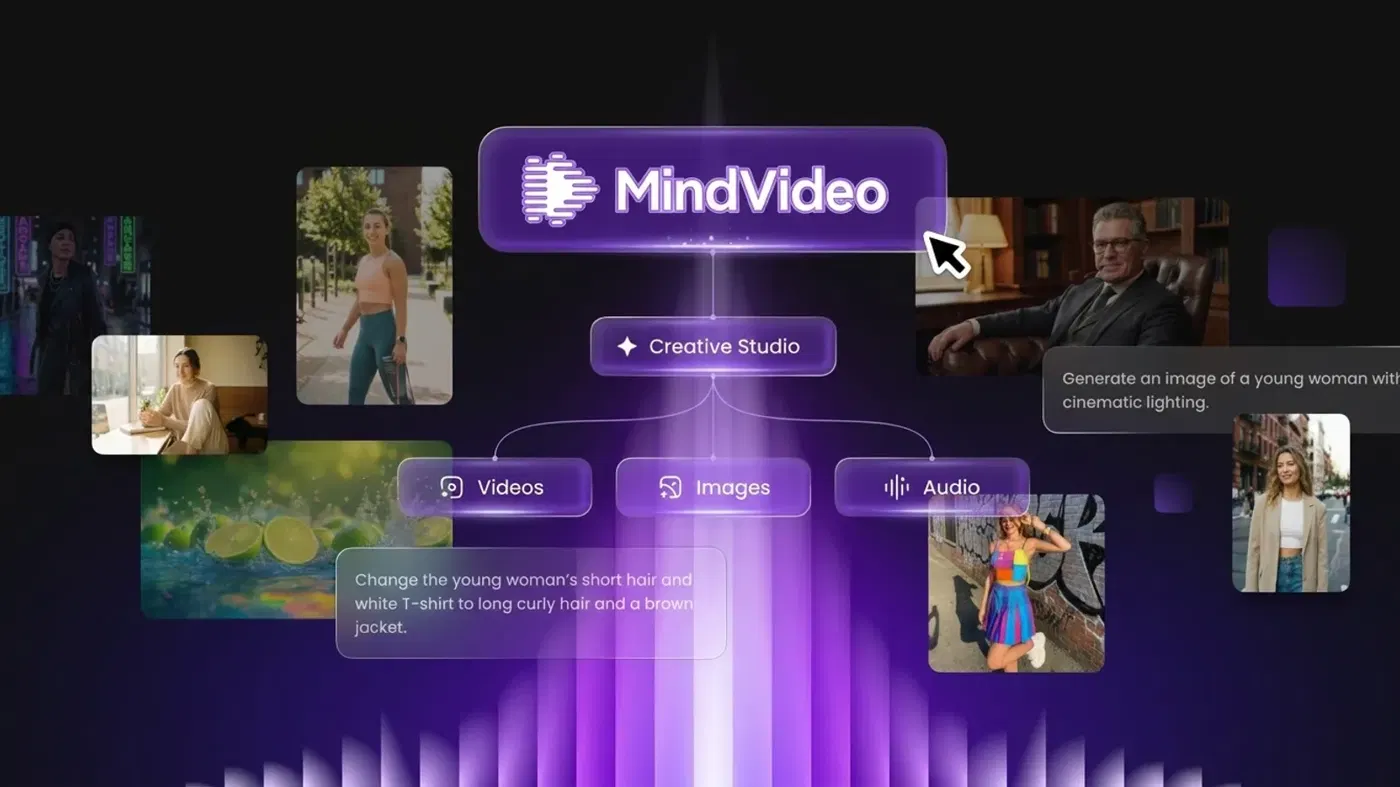
Our verdict on MindVideo AI
MindVideo AI is a cheap, convenient way to try many video and image models in one place, but reliability and refund complaints are hard to ignore. Hobbyists and social creators can try it on free credits and pay monthly; anyone who needs dependable output on deadlines should skip it.
Pricing Free credits on sign-up and daily check-ins; Lite $16.90/mo ($9.90/mo annual); Pro $29.90/mo ($15.90/mo annual); Max $69.90/mo ($39.90/mo annual)
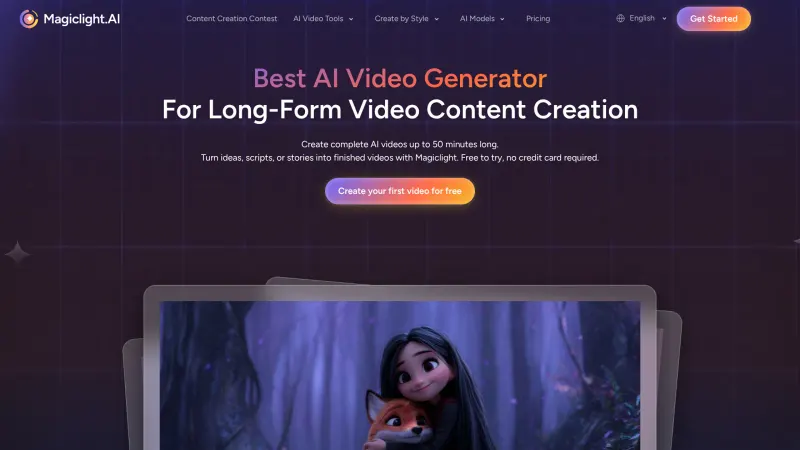
Visit MindVideo AIMindVideo AI is a web app that puts a dozen or so big-name video and image models (Veo 3.1, Kling 2.6, Sora 2, Wan 3.0, Nano Banana Pro and more) behind one login and one pot of credits. It's cheap to try and the model menu is genuinely wide. I'd still only pay monthly, because the complaints about failed generations and refunds are hard to ignore.
That's my verdict in two lines. The rest of this review explains where it comes from, what you get on each plan, and who I think should skip it.
MindVideo AI in brief
MindVideo AI calls itself an all-in-one creative platform, and that's a fair description. You open the browser app, pick a tool (text to video, image to video, text to image, music, upscaling and so on), choose a model, and spend credits. There's no desktop software and nothing to install.
The important thing to understand is that MindVideo doesn't build the main models itself. It's an aggregator. The homepage menu currently lists Wan 3.0, Kling 2.6, Wan 2.6, Veo 3.1, PixVerse V5, Seedance 1.0 Pro, Kling 2.1 Master, Sora 2 and HappyHorse 1.0 for video, plus GPT Image 2.5, Seedream 5.0, GPT Image 2, Nano Banana Pro and Nano Banana for images. A new Kling Image 4.0 page sits at the top of the site, too.
So you're paying for convenience: one bill instead of four.
Around those models sits a long tail of novelty tools. Think AI hug and kissing video templates, a buzz cut filter, an age guesser, a baby generator, a celebrity selfie maker, face swap and lip sync. Some of them are fun. A few (face swap, kissing templates, celebrity selfies) only belong anywhere near real people's photos with their clear consent, and making deceptive or intimate images of someone who didn't agree is harmful and illegal in a growing number of places. The terms of service also require users to be 18 or over.
Key features
Text to video and image to video
This is the core of the app. On the text to video page you type a prompt, set the aspect ratio and length, and hit create. Image to video works the same way with a starting picture; uploads can be JPG, PNG or WEBP up to 10MB, with a minimum width or height of 300px. The real draw is switching models without switching sites. If Kling gives you stiff motion, you can rerun the same prompt on Veo 3.1 or Seedance and compare, which I think is the single best reason to use an aggregator at all.
Image generation
Text to image and image to image run on the same credit balance. Having Nano Banana Pro, Seedream 5.0 and GPT Image 2.5 side by side is handy for thumbnails and product shots. If images are your main job, though, our roundup of AI image generators covers tools that do only that and do it with more controls.
Music, editing and upscaling
The AI music generator takes a mood prompt plus optional lyrics, and it supports structure tags like [Verse] and [Chorus]. There's also a text-based video editor for removing objects or changing backgrounds, a video extender that adds new frames to short clips, and a video enhancer that claims upscaling to 4K along with denoising and colour fixes.
One thing bugged me there.
The enhancer page says uploads are deleted shortly after processing and never used for AI training, yet the terms give MindVideo a worldwide, royalty-free licence to use your uploads to operate, improve and promote the service. Those two statements don't sit comfortably together, and I'd treat the terms as the binding one.
Effects and templates
The effects library is where MindVideo feels most like a TikTok toy box: Ghibli-style video, earth zoom-outs, AI dance, inflate and squish effects, plush toy filters. It's built for quick social clips. Nobody's making a short film with a squish effect, and that's fine.
MindVideo AI pricing and plans
Everything runs on credits, and different models burn different amounts. On the plans page there are three tiers, each with a monthly price and a much cheaper annual price:
| Plan | Credits per month | Monthly billing | Annual billing (per month) | Annual bonus credits |
|---|---|---|---|---|
| Free | Sign-up credits plus daily check-ins | $0 | $0 | None |
| Lite | 400 | $16.90 | $9.90 | 1,700 |
| Pro | 1,000 | $29.90 | $15.90 | 3,200 |
| Max | 2,500 | $69.90 | $39.90 | 4,600 |
For Pro, MindVideo lists 3 parallel tasks, 1080p output, no watermarks, no queues and access to all models, plus 1,200 bonus credits a month for the first two months. It also says Pro covers "up to 2,240 videos or 15,200 images" on the annual plan, which works out to roughly 6–7 credits per clip on the cheapest models. Premium models will cost a lot more than that, so I wouldn't plan around the headline figure.
The free plan is thin. You get some credits when you register and can earn more by checking in daily or inviting friends, but the site doesn't publish a fixed number. Free users can only use what they make for personal purposes (commercial rights are for paid users), and since "no watermarks" is listed as a paid perk, I'd expect free clips to carry one. Storage is the other catch: free generations are kept for just 24 hours, against up to six months for subscribers. Download anything you like straight away.
Refunds deserve a careful read before you pay. Once you've used the service, you can't get one. If you haven't, monthly plans have a 24-hour refund window and annual plans 72 hours (EU and Turkey customers get 14 days), and even then the refund comes back minus a 4.3% transaction fee, a small subscription management fee and a $1.00 gateway fee. Plans renew automatically, and you have to cancel at least 24 hours before the next billing date in Account Settings.
Honestly, that's a strict policy for a service whose own terms admit third-party APIs "may occasionally become unstable".
Payment goes through PayPal or Airwallex. For value, the annual Pro plan is the sweet spot on paper: $190.80 a year for 12,000 regular credits plus 3,200 bonus ones. The monthly Pro price is nearly double per credit, though, and I'd probably still start there, because a year's commitment to an app with this many reliability complaints feels like a gamble.
Performance and independent testing
Reliability is the big question with MindVideo, and the public evidence isn't encouraging. Because the app sits on top of other companies' models, it inherits their outages and queues, and MindVideo's own answer to failed generations is that they "may occur due to temporary model instability", with a suggestion to switch models.
Wondershare (which sells the rival Filmora editor, so read it with that in mind) wrote a fairly balanced review. It praised the template library and the convenience of one login, but flagged generations failing with a "suspicious activity detected" message, slow support, and longer waits on premium models at busy times. It also pointed out there's no timeline for trimming and joining clips into a finished video.
The user reviews I could find are harsher. On Trustpilot the profile is unclaimed and has only seven reviews, six of them one-star. One user who'd tried it for four months said it made "the best free Sora 2 videos of any other website ... when it works", then described prompts failing or being rejected most of the time. Another said Sora videos "almost always fail". Several others were mainly about being charged for renewals they hadn't expected and being refused refunds.
Seven reviews is a tiny sample, and I don't want to overstate it. But the pattern lines up with Wondershare's write-up and with MindVideo's own FAQ, and that's enough to make me cautious. Sora 2 in particular seems to be the shakiest model on the menu, so I wouldn't subscribe for it alone.
Best suited to
I think MindVideo fits three kinds of people reasonably well:
- Social creators who want quick effect clips (dance, Ghibli, earth zoom) without learning a real editor.
- People who like to compare models on the same prompt and don't want separate accounts with Google, Kuaishou and ByteDance.
- Small sellers making short product teasers who can live with redoing a failed render now and then.
It's a poor fit if you need dependable output on a deadline, longer edited videos, or a clear audit trail for commercial work. Agencies are probably better off going direct to one or two model providers.
MindVideo AI alternatives
Higgsfield is the closest like-for-like option: another multi-model studio, with thousands of user reviews behind it rather than a handful. Our Higgsfield AI review goes through its plans. I'd pick it over MindVideo if you want the same model shopping with more user feedback behind it.
Pollo AI is another aggregator (it even appears as a model inside MindVideo's menu). It's worth a look if MindVideo's templates feel too gimmicky.
Going direct is the third route. If you keep landing on one model, say Kling, paying Kling AI itself probably gets you new features sooner, and there's one less middleman to fail. For a wider list, see our best AI video generators and best free AI video generators.
Verdict
I'd give MindVideo AI 3 out of 5. The model menu is broad, the annual prices are low (Pro works out to $15.90 a month), and the effects library is a fun way to make social clips fast. But the reliability complaints, the 24-hour storage on free accounts and a refund policy that closes the moment you generate anything all point the same way: try it on the free credits, then pay monthly, not annually, if you like it.
Skip it if you need a dependable workhorse. Use it if you're a hobbyist or social creator who enjoys hopping between models and doesn't mind the odd failed render.
FAQ
Is MindVideo AI free?
Partly. New users get free credits on sign-up and can earn more through daily check-ins and invites, but the amounts aren't published and free creations are for personal use only. Paid plans start at $16.90 a month, or $9.90 a month billed annually.
Is MindVideo AI legit or a scam?
It's a real, working service with published terms and paid plans, so I wouldn't call it a scam. The complaints are about failed generations, unexpected renewals and refusals to refund, so read the refund rules and set a reminder to cancel if you're only testing.
Does MindVideo AI have Sora 2 and Veo 3.1?
Yes, both are on the menu. Users say Sora 2 often fails or shows a high-demand message, so test it on free credits first.
Can I use MindVideo AI videos commercially?
Only on a paid plan. MindVideo currently limits commercial rights to paid users, while free users may use their creations for personal purposes. Check the terms again before running ads with anything you make.
How long does MindVideo keep my videos?
Free accounts keep generated content for up to 24 hours. Subscribers get up to six months, after which files may be deleted for good, so download what you want to keep.
What video reviewers say
Videos load from YouTube only when you press play.
Ratings around the web
Ratings as of 20 Nov 2026. Scores change over time; follow the links for the latest.
What users are saying
Public user feedback is thin: we read all seven Trustpilot reviews (January to September 2026). One four-star review liked the free Sora 2 output but complained about failures and a cut daily limit; the other six were one-star, citing failed generations, unexpected renewals and refused refunds. The sample is small, so treat these percentages as a rough signal.
Common praise
- Good-quality Sora 2 clips when generations succeed
- Free daily generations for casual users
Common complaints
- Generations often fail or show a high-demand message
- Unexpected auto-renewals and refused refunds
- Poor customer service
Based on: Trustpilot reviews of MindVideo
What we like
- One login for Veo 3.1, Kling 2.6, Wan 3.0, Sora 2, Seedance and top image models
- Low annual prices, with Pro at $15.90 a month billed yearly
- Large library of quick social effects and templates
- Music generator, video enhancer and extender on the same credits
- Paid plans include commercial rights, 1080p and no watermarks
What could be better
- Frequent user reports of failed or rejected generations, especially Sora 2
- No refunds once you've used the service, and refunds lose payment fees
- Free creations are kept for only 24 hours and are for personal use only
- No timeline editor for joining clips into a finished video