Best Gemini watermark remover tools in 2026: 6 picks compared
The best Gemini watermark remover tools compared: browser tools, open-source apps and AI erasers that remove the visible sparkle (SynthID stays).
 Written byMuhammad Usman SiddiquiFounder and editor-in-chief
Why you can trust The AI Future
Our writers research every product from its official pages, independent tests and user reports, link each claim to its source and correct mistakes openly. Unless an article says otherwise, we haven't tested the product hands-on ourselves. Companies can't pay for coverage or see reviews before they're published.
Read our editorial policy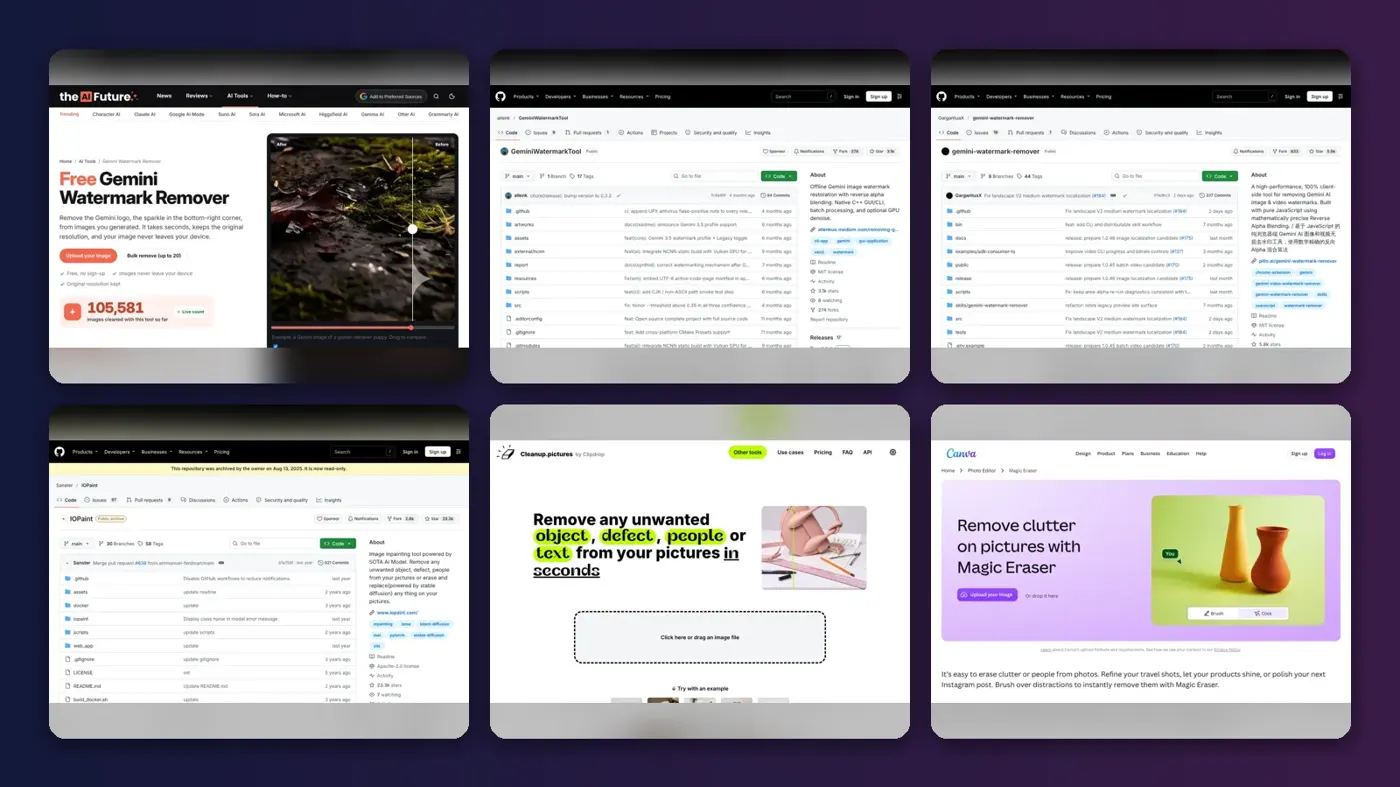
If you just want the Gemini sparkle gone from one picture, the quickest route is a tool built for that exact logo, and my pick is our own The AI Future Gemini Watermark Remover. It's free, it runs in your browser, and it doesn't upload your image anywhere. Yes, it's ours, so weigh that; the other five picks are here because they're genuinely good at different jobs, from offline desktop apps to open-source scripts and general AI erasers.
One thing before the list. Every tool here removes the visible watermark only. Google's invisible SynthID mark stays in the pixels, so a cleaned image can still be identified as AI-made.
Key takeaways
- Our own free browser tool is ranked first because it's built for the Gemini logo, handles up to 20 images at once and has an API for bigger jobs.
- Gemini-specific removers use reverse alpha blending, which calculates the pixels under the semi-transparent logo instead of guessing them.
- General AI erasers like IOPaint, Cleanup.pictures and Canva's Magic Eraser repaint the area, which is fine for busy backgrounds but can smudge fine detail.
- Gemini now has a Media Watermark setting that turns the visible mark off for new images on many personal accounts.
- None of these tools touch SynthID or C2PA metadata, so removal doesn't hide that an image came from Google AI.
Our ranking method
We ranked each Gemini watermark remover on six things, using the tools' own sites, docs and GitHub repos. Disclosure up front: the #1 pick is made by The AI Future, and we've held it to the same criteria as the rest.
- Removal method: whether the tool reverses Gemini's known blend or repaints the area with an AI model.
- Privacy, meaning whether images stay on your device or go to someone's server.
- Batch support for people cleaning dozens of images rather than one.
- Automation, such as a CLI or an API you can call from scripts.
- Price and free limits, including export size caps.
- Honesty about limits, especially around SynthID and what the tool can't fix.
The 6 best Gemini watermark removers at a glance
| # | Tool | Category | Best for | Free tier | Starts at |
|---|---|---|---|---|---|
| 1 | The AI Future Gemini Watermark Remover | Browser tool and API | Quick, private removal and small batches | Yes | Free |
| 2 | GeminiWatermarkTool | Open-source desktop app and CLI | Offline batch jobs and video | Yes | Free |
| 3 | GargantuaX Gemini Watermark Remover | Open-source JavaScript tool | Developers and browser extension users | Yes | Free |
| 4 | IOPaint | Open-source AI inpainting | Self-hosted cleanup of any mark | Yes | Free |
| 5 | Cleanup.pictures | Browser AI eraser | One-off fixes without installing anything | Yes (limited) | $5/mo |
| 6 | Canva Magic Eraser | Design app AI eraser | Images headed into a Canva design | Yes (limited) | $18/mo |
The best Gemini watermark remover tools, ranked
The AI Future Gemini Watermark Remover – best for quick, private removal
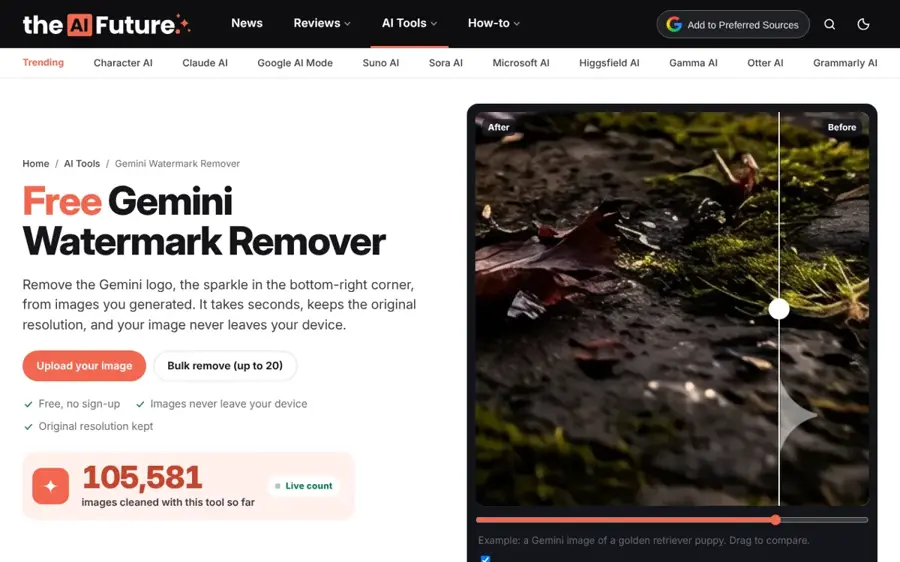
Our own free Gemini watermark remover finds the sparkle logo automatically and reverses the blend Gemini used to add it, all inside your browser tab.
Strengths
Full disclosure: The AI Future built this one, which is why it's first and why you should read this entry with a little extra scepticism. The image is processed by JavaScript in your browser, so nothing's sent to a server, and the result downloads as a lossless PNG at the original resolution. It handles PNG, JPG and WebP files from Gemini's image models, including Gemini 2.5 Flash Image (Nano Banana) and newer layouts that sit the logo further from the corner.
Bulk mode takes up to 20 images and hands them back as a ZIP. Past that, there's an API that takes one PNG or JPEG per request (up to 5 MB) with a default limit of 500 images a day per key. I think that split is sensible: most people only need the page.
Key features
- Automatic logo detection, with a "Tap the logo" fallback if the position looks off.
- Bulk mode for up to 20 images, downloadable one by one or as a ZIP.
- Cleaned files keep their names with "-no-watermark" added.
- It works in mobile browsers, so you can clean an image straight from your phone's gallery.
- An HTTP API with cURL, Node and Python examples for automated workflows.
Pros
- Free with no sign-up and no daily limit on the web tool.
- Images never leave your browser on the web version.
- Only the pixels under the logo change.
- The API covers volumes the page can't.
Cons
- It's our tool, so this ranking isn't neutral.
- Heavily compressed or resized copies can leave a faint outline.
- The API needs a key you request by email, and it doesn't accept WebP yet.
- Video isn't supported yet; it's still in development.
The AI Future Gemini Watermark Remover pricing: Free; API keys are issued on request. See the API docs
GeminiWatermarkTool – best for offline batch jobs
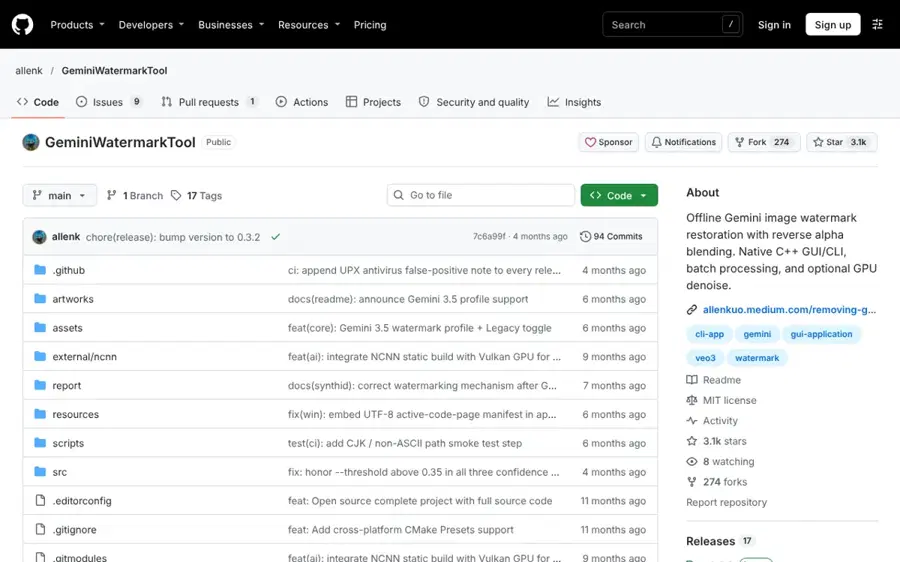
GeminiWatermarkTool is an MIT-licensed desktop app and command-line tool by Allen Kuo that removes the Gemini logo offline using reverse alpha blending.
Strengths
Allen Kuo describes himself as the original author of the reverse alpha blending method that most Gemini removers now use, including the calibrated 48x48 and 96x96 masks. The repo has around 3,100 stars, and it ships as a single portable executable for Windows, Linux and macOS, plus an Android CLI.
It's the most capable option for power users, in my view. Batch mode chews through whole folders, a confidence check skips images with no watermark, and there's an optional GPU denoise step for leftover artifacts. Version 0.3.1 added a Gemini 3.5 profile with automatic fallback to the older layout. A separate Veo remover handles video, too.
Key features
- A drag-and-drop GUI and a CLI with distinct exit codes for scripts.
- Batch processing of entire directories with progress tracking.
- Optional FDnCNN denoise on the GPU through NCNN and Vulkan.
- Support for the Gemini 3.5 layout and legacy outputs.
- A Claude Code skill and MCP server for agent workflows.
Pros
- Fully offline, with no external services.
- Free and open source under MIT.
- Handles video through the companion Veo tool.
Cons
- You have to download and run an executable, which some work laptops won't allow.
- The release notes warn that its UPX packing can trigger antivirus false positives.
- The CLI options take a little reading before you're comfortable.
GeminiWatermarkTool pricing: Free and open source. See the repo
Related: Best open source AI tools
GargantuaX Gemini Watermark Remover – best for developers and extension users
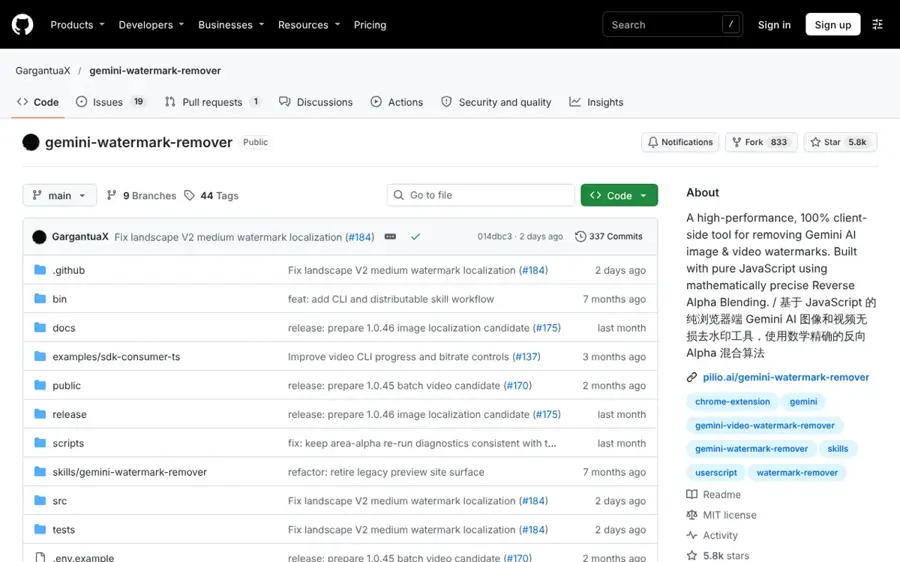
The GargantuaX Gemini Watermark Remover is an MIT-licensed JavaScript project that runs reverse alpha blending in the browser or Node.js.
Strengths
This is the most popular repo in the group, at roughly 5,800 stars. Its pitch is 100% local processing and flexible packaging: there's a Chrome extension and a userscript that work on the Gemini page itself, plus a CLI and an SDK for scripting.
I'd point developers here first if they want to build removal into their own app. Casual users, though, will probably find the repo a bit busy, and the README also promotes outside commercial sites (that's common on GitHub, but it's worth knowing which parts are the open-source project).
Key features
- Auto-detection of watermark size and position from Gemini's known output sizes.
- A Chrome extension and userscript for the Gemini web app.
- A CLI and TypeScript SDK for automation.
- Video watermark cleanup in recent releases.
Pros
- Processing stays on your device.
- Active project with frequent releases.
- Runs in Chrome, Firefox, Safari and Edge.
Cons
- Fingerprint-blocking browser extensions can break processing, the README notes.
- The README carries a "use at your own risk" warning.
- Ads for third-party services sit at the top of the docs.
GargantuaX Gemini Watermark Remover pricing: Free and open source. See the repo
IOPaint – best for self-hosted cleanup of any mark
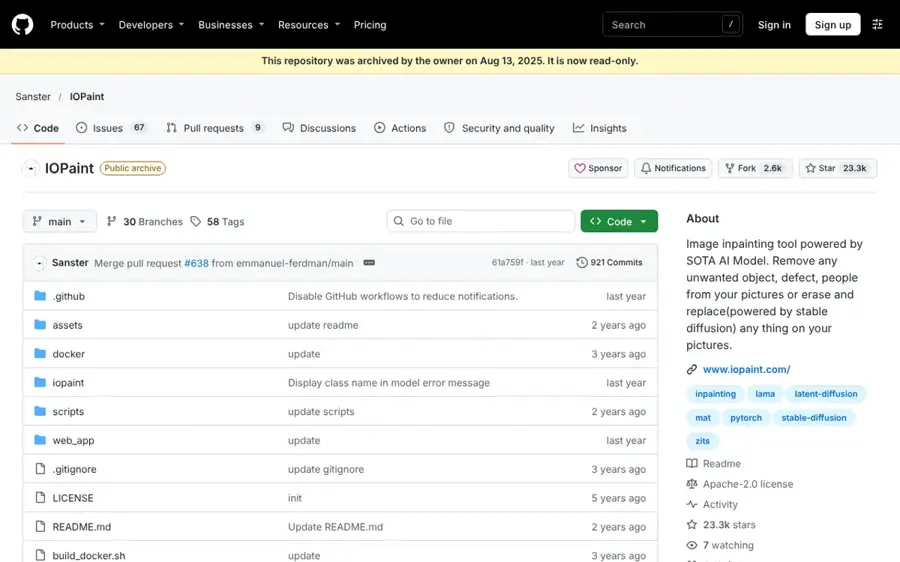
IOPaint is a free, Apache-2.0 open-source inpainting app that erases objects, defects and watermarks with models like LaMa.
Strengths
IOPaint doesn't know what a Gemini sparkle is. You brush over it and an erase model repaints the area. That makes it slower per image than a dedicated remover, but it's useful when the logo has been cropped, scaled or recompressed so badly that the maths-based tools miss it.
It's fully self-hosted on CPU, GPU or Apple Silicon, with a one-click Windows installer. Honestly, it's overkill for one Gemini logo. For a folder of mixed images with stray text, stamps and logos from different sources, I think it's the better fit.
Key features
- Erase models such as LaMa for removing objects and watermarks.
- Diffusion inpainting models for replacing objects or outpainting.
- Plugins for Segment Anything, background removal and RealESRGAN upscaling.
- Runs locally on CPU, GPU or Apple Silicon.
Pros
- Free and open source.
- Works on any watermark, not just Gemini's.
- Nothing leaves your machine.
Cons
- Inpainting guesses the hidden pixels, so fine detail can come out soft.
- Setup takes more effort than a web page.
- No automatic Gemini logo detection; you paint the mask yourself.
IOPaint pricing: Free and open source. See the repo
Related: Best AI object removers
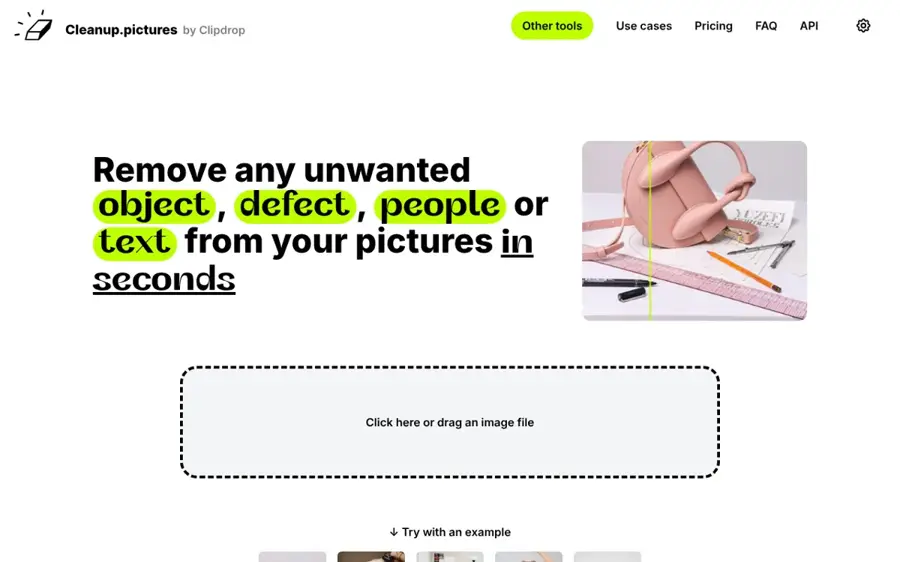
Cleanup.pictures – best for one-off fixes without installing anything
Cleanup.pictures is a browser-based AI inpainting tool that removes objects, people, text and defects from photos.
Strengths
You brush over the sparkle and the AI fills in what it thinks was behind it. It's quick, and it works for any mark. The free version caps exports at 720px, though, which is a real problem for Gemini images that often come out larger than that.
Pro costs $5 a month or $36 a year and removes the size limit. There's also an inpainting API for developers. I'd only reach for it if your image is already low-res or the logo sits over a busy texture where repainting won't show.
Key features
- Brush-based AI removal of objects, text and blemishes.
- Works on images of any size on import.
- A paid HD mode for full-resolution exports.
- An inpainting API for Node.js, Swift and Kotlin apps.
Pros
- Nothing to install.
- Cheap Pro plan.
- Handles marks from any source.
Cons
- Free exports are limited to 720px.
- Images are processed by the service rather than on your device.
- Repainting can blur detail a dedicated remover would keep.
Cleanup.pictures pricing: Free, then Pro from $5/month. See pricing
Related: Best AI object removers
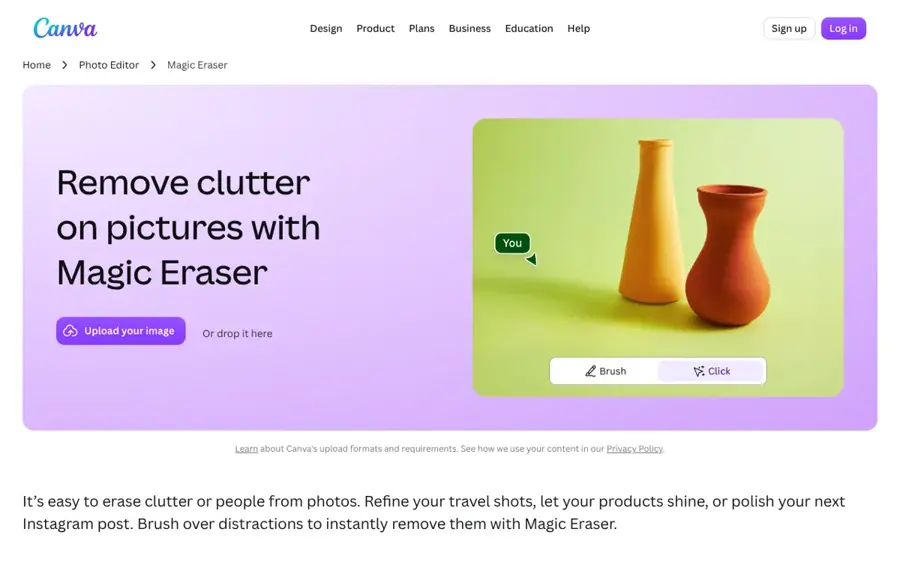
Canva Magic Eraser – best for images headed into a Canva design
Canva Magic Eraser is the brush-to-remove tool inside Canva's photo editor, built for clearing clutter and people from pictures.
Strengths
If your Gemini image is going into a slide, a social post or a flyer you're already making in Canva, it's convenient to fix it there. You select Magic Eraser, brush over the logo, and it's repainted; a manual eraser lets you trim the edit afterwards.
It's a design tool first, so I wouldn't pay for Canva just for this. Pro is $18 a month for one person (Business is $25), and the free plan only gets limited access to Canva's AI features.
Key features
- Brush-based removal inside Canva's photo editor.
- A manual eraser to fine-tune the result.
- Magic Edit for replacing an area with something new.
- Background Remover, crop, resize and filters in the same editor.
Pros
- No extra app if you already design in Canva.
- Easy for non-technical users.
- Works on any watermark or object.
Cons
- Expensive if removal is all you need.
- Images upload to Canva's servers.
- No automatic Gemini logo detection or batch mode.
Canva Magic Eraser pricing: Free with limited AI use, then paid plans from $18/month. See pricing
Choosing the right Gemini watermark remover
Turn the watermark off in Gemini before you generate
Gemini added a Media Watermark setting that switches the visible sparkle off for images, videos and music you create afterwards. It's in Settings, and it doesn't change files you've already downloaded. There are exceptions: work and school accounts don't get the toggle, and users in India, South Korea and Vietnam need an AI Ultra subscription to use it. If you're eligible, this is honestly the cleanest fix of all.
Pick reverse blending for clean originals
For an untouched PNG straight out of Gemini, the dedicated tools (our remover, GeminiWatermarkTool, GargantuaX's project) are the better bet. They work out the original pixels from the known logo, so there's nothing to hallucinate. Inpainting tools are the backup for screenshots and heavily compressed copies.
Keep private images on your own device
Client photos or unreleased product shots? Use something local. Our web tool and both GitHub projects process images on your machine; Cleanup.pictures and Canva don't.
Match the tool to your volume
A handful of images a week fits any browser tool. Hundreds a day probably calls for GeminiWatermarkTool's CLI or our API, which you can call from scripts or no-code tools like Zapier, Make and n8n.
SynthID and using AI images responsibly
Removing the sparkle changes how the image looks, not where it came from. Google embeds its SynthID watermark as an imperceptible signal in AI-generated content, and Nano Banana Pro images also carry C2PA metadata. Anyone can upload an image to the Gemini app and ask whether it was made with Google AI; Google's verification feature checks for SynthID to answer.
So please use these tools sensibly. Follow the rules of the platform you're posting on, label images as AI-generated wherever the platform or your client requires it, and don't use removal to pass an AI image off as a real photo. A cleaner slide deck is fine. A fake news photo isn't.
FAQ
Is there a free Gemini watermark remover?
Yes. Our remover, GeminiWatermarkTool, the GargantuaX project and IOPaint are all free. Cleanup.pictures is free too, but exports are capped at 720px.
Does removing the Gemini watermark remove SynthID?
No. SynthID is spread invisibly through the image, and none of these tools remove it. The picture can still be identified as made with Google AI.
Can I stop Gemini adding the watermark in the first place?
On many personal accounts, yes: switch off Media Watermark in Gemini's settings before generating. Work and school accounts keep the visible mark.
Is it legal to remove the Gemini watermark?
I'm not a lawyer, and rules vary by country and platform. Google itself now lets many users turn the visible mark off, but passing AI images off as real or breaking a platform's labelling rules can still get you into trouble.
Can these tools remove the watermark from Gemini or Veo videos?
GeminiWatermarkTool's companion Veo remover and the GargantuaX project both handle video. Video support for our remover is in development.