AI receptionist for home services alternatives: 7 options for plumbers, HVAC and cleaners in 2026
Seven AI receptionist alternatives for plumbers, HVAC firms and cleaners, compared on booking, dispatch fit, after-hours calls and price.
 Written byRahis SaifiCo-founder and news editor
Why you can trust The AI Future
Our writers research every product from its official pages, independent tests and user reports, link each claim to its source and correct mistakes openly. Unless an article says otherwise, we haven't tested the product hands-on ourselves. Companies can't pay for coverage or see reviews before they're published.
Read our editorial policy
If you run a plumbing, HVAC or cleaning business, the best AI receptionist for home services alternatives are the ones built into your field service software (Jobber Receptionist or Housecall Pro CSR AI) or built for the trades (Avoca and Sameday AI). Generic answering bots like Rosie, Goodcall and Smith.ai are cheaper to start with, but they can't see your schedule, price book or dispatch board unless you wire them up. That gap matters most at 9pm, when someone's water heater is leaking through the ceiling.
I've ranked seven options below by how well they handle the three calls that make or break a trade business: the new booking, the reschedule and the after-hours emergency. Prices were checked in late October 2026. Honestly, the cheapest trade-specific pick is probably the right one for most small crews, and that surprised me.
Key takeaways
- Jobber Receptionist is the cheapest home-service-native option, at $29 a month on top of a Jobber plan.
- Housecall Pro and Avoca don't publish what their AI receptionists cost, so you'll need a sales call to get a number.
- Sameday AI starts at $449 a month and books straight into ServiceTitan, which suits busier HVAC and plumbing shops.
- General AI receptionists start at $49 a month (Rosie) and need extra setup to book real jobs.
- Check how each tool bills: per minute, per conversation, per call or per unique caller can change your bill a lot in a heatwave.
Our ranking method
Nobody at The AI Future ran hands-on tests for this piece. We compared each tool using vendor pricing and feature pages, help articles, third-party reviews on Trustpilot and Capterra, and independent write-ups, as of late October 2026. We ranked them on six criteria:
- Booking: can it put a real job on your calendar, or does it only take a message?
- Dispatch fit: does it connect to the field service software you already run, like Jobber, Housecall Pro or ServiceTitan?
- After-hours handling: can you set rules for emergencies such as no heat or a burst pipe?
- Pricing clarity: is the price published, and does the billing model punish busy months?
- Setup effort for a small crew without an office manager.
- Third-party feedback from named review sites.
Tools inside your job management app rank higher because they already know your services and availability.
7 AI receptionist for home services alternatives at a glance
| # | Tool | Category | Best for | Free tier | Starts at |
|---|---|---|---|---|---|
| 1 | Jobber Receptionist | Field service add-on | Jobber users | No | $29/mo |
| 2 | Housecall Pro CSR AI | Field service add-on | Housecall Pro shops | No | Custom quote |
| 3 | Avoca | Home services AI | Multi-location HVAC and plumbing | No | Custom quote |
| 4 | Sameday AI | Home services AI | ServiceTitan shops | No | $449/mo |
| 5 | Rosie | General AI receptionist | Solo operators on a budget | No | $49/mo |
| 6 | Goodcall | General AI receptionist | Predictable monthly bills | Yes (limited) | $79/mo |
| 7 | Smith.ai | General AI receptionist | Low call volume | Yes (limited) | $150/mo |
Jobber's price is the add-on alone; you also need a Jobber plan.
Reasons home service owners switch receptionists
Most switching starts with the bill. Live answering services are priced by the minute, and Goodcall puts the going rate at about $1.50 to $1.90 a minute. That's a rival's estimate. Still, a summer of long AC calls adds up fast.
The second complaint is that a general bot doesn't know the business. It can take a name and number, but it can't tell a $40 drain clean from a $12,000 system replacement, and it can't see which tech is free on Thursday. Avoca's co-founder Tyson Chen put the stakes plainly in an interview quoted by Contractor ToolStack: "When a home service business misses a phone call, that could be a $30,000, $40,000 HVAC install they're missing."
For the basics, see our explainer on how AI receptionists work and our roundup of AI voices for virtual receptionists.
The best AI receptionists for home services in 2026, ranked
Jobber Receptionist – best for Jobber users
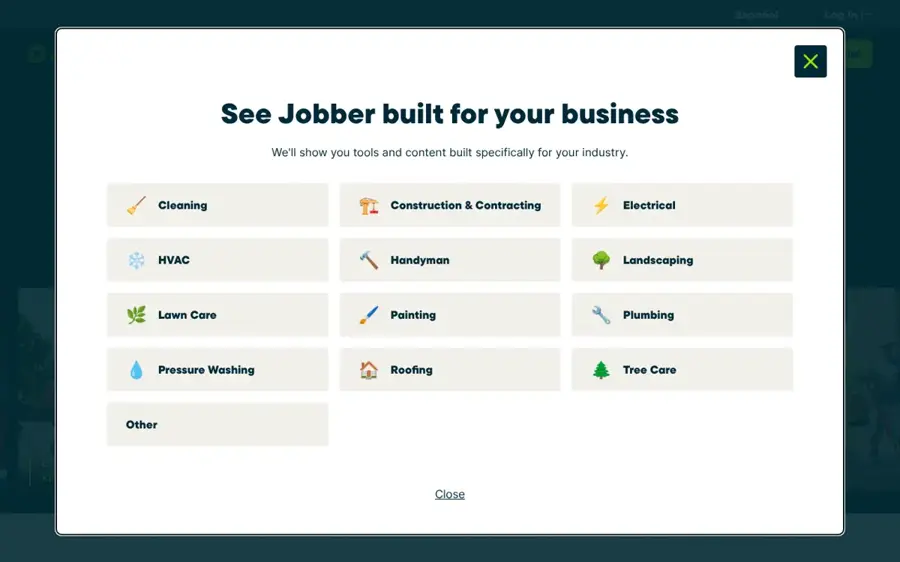
Jobber Receptionist is an AI add-on for the Jobber field service app that answers calls and texts around the clock, books visits and creates work requests. See it at getjobber.com.
Strengths
It's the cheapest way to get an AI receptionist that already knows your jobs. The add-on costs $29 a month with 30 conversations included, then $0.79 for each extra one, and it's included with unlimited usage on the Plus plan, going by Jobber's own setup guide.
The feature that matters most for trades is escalation. On the feature page, you pick the keywords that mean urgent for your business, like "a burst pipe, no heat, or a commercial account", and the caller gets put through to you or you get a text alert. There's also a public demo line (737-388-0043 in the US) where you can hear it book a visit. I like that a lot.
Key features
- Answers calls and texts 24/7 using details from your Jobber account.
- Books visits using your existing online booking settings.
- Creates work requests or tasks when a job can't be booked outright.
- Transfers or alerts you when a caller uses your urgent keywords.
Pros
- Low entry price for a home-service-native tool
- Escalation rules built around trade emergencies
- Public demo line to try before buying
Cons
- Only useful if you run Jobber
- Needs a Jobber dedicated phone number, available only in the US, Canada and the UK
- Overage fees kick in after 30 conversations on the add-on
On Trustpilot, Jobber holds a 4.2 rating from 234 reviews, with most recent ones praising its support team. One reviewer wrote that an agent was "very knowledgeable, patient, and took the time to guide me through everything clearly."
Jobber Receptionist pricing: No free plan (14-day Jobber trial), then $29/month as an add-on to a Jobber plan, or included on Plus (checked October 2026). See pricing
Related: Best AI phone answering systems Best AI scheduling assistants
Housecall Pro CSR AI – best for Housecall Pro shops
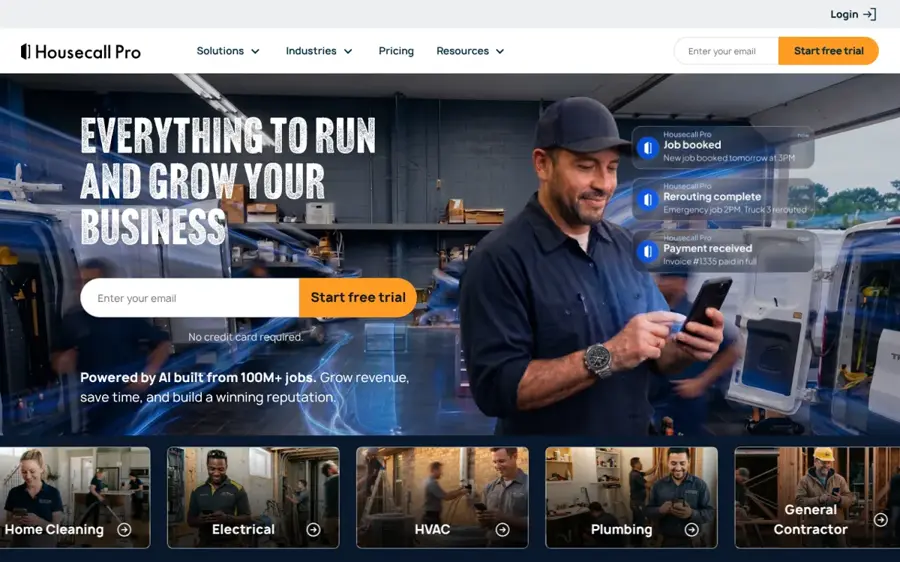
CSR AI is the AI receptionist built into Housecall Pro, answering calls and website chats day and night and booking jobs onto your calendar. See it at housecallpro.com.
Strengths
Like Jobber's tool, CSR AI starts with your data. Housecall Pro says it "already knows your jobs, your services, your availability, and your business info," and you can set scripts, hours and escalation rules from one dashboard. It also claims users earn "over 2x more revenue on average", which I'd take with a pinch of salt.
The weak spot is price. You can't find it. Carly, which sells a competing receptionist, points out that CSR AI's cost isn't published and only comes via sales, and that text answering still wasn't live as of October 21, 2026. Base plans start at $59 a month.
Key features
- Answers calls and website chats 24/7, including nights, weekends and holidays.
- Books jobs automatically from your schedule and service preferences.
- Uses your service information and customer data during calls.
- Lets you set scripts, voice settings and escalation rules.
Pros
- No extra app to install if you're on Housecall Pro
- Books, reschedules and cancels from your own settings
Cons
- Price isn't published
- Text answering is still listed as coming soon
- Housecall Pro's Trustpilot score is mixed
Housecall Pro scores 2.9 from 700 reviews on Trustpilot, with 26% of them one-star. A September 2026 review said the "Interface is cumbersome hard to find the things you are looking for."
Housecall Pro CSR AI pricing: No free plan (14-day Housecall Pro trial). CSR AI is a quoted add-on to plans from $59/month (checked October 2026). See pricing
Related: Best AI phone answering systems Best AI call assistants
Avoca – best for multi-location HVAC and plumbing
Avoca is an AI front office for service businesses that answers calls, texts and chats, books jobs and runs follow-up campaigns. See it at avoca.ai.
Strengths
Avoca is the heavyweight here. It's split into three parts on its homepage: Convert (answering and booking), Nurture (SMS and call campaigns to past customers) and Coach (call scoring for your human CSRs). Its case-study customer, Granite Comfort, runs HVAC and plumbing brands in six states and went from nine call centers to one, with nine after-hours vendors cut to zero.
Contractor ToolStack reports a $125 million Series B closed on April 27, 2026, at a $1 billion valuation. The same review says pricing is sales-quoted, with third-party reports putting it at $1,000 to $3,000 a month. For a two-van plumber, I think that's overkill.
Key features
- Answers calls, texts and chats and books jobs 24/7.
- Runs outbound SMS and call drip campaigns to re-engage past customers.
- Scores calls and flags missed opportunities for managers.
- Connects with field service platforms such as ServiceTitan and Housecall Pro.
Pros
- Built specifically for trades like HVAC, plumbing, electrical and pest control
- Used by large multi-brand operators
Cons
- No published pricing
- Likely too expensive for small crews
- Few independent user reviews so far
I couldn't find user reviews for Avoca on Trustpilot, and its Capterra listing describes the product without showing a rating.
Avoca pricing: No free plan; pricing by quote only (checked October 2026). Official site
Related: Best AI call assistants Best AI outbound calling tools
Sameday AI – best for ServiceTitan shops
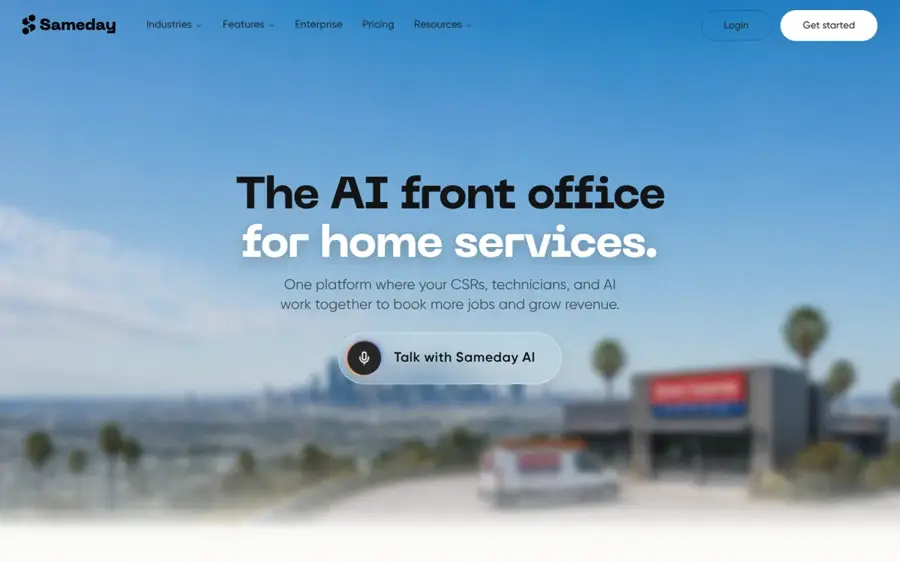
Sameday AI is an AI phone answering system for home services that answers, books and logs calls into tools like ServiceTitan. See it at gosameday.com.
Strengths
Sameday sits between the plug-ins and Avoca. Its plans are public: Launch starts at $449 a month with 500 minutes and three locations, and Scale starts at $789 with 1,000 minutes and unlimited locations. Both include "Pro scheduling (ServiceTitan etc)".
You can keep your carrier and forward calls, or connect it to ServiceTitan Phones Pro. On the homepage, a sample call shows the AI tagging a Google Local Services lead as high value and booking it into a 3-5 window. Scale also adds voice cloning, which needs written consent from the voice owner (good).
Key features
- Books into ServiceTitan and similar platforms.
- Works with your existing number through forwarding or porting.
- Covers after-hours, overflow or all calls.
- Offers voice cloning on Scale, with consent.
Pros
- Published pricing for a trade-specific tool
- Multi-location support from the first tier
Cons
- Steep entry price for a one-person business
- Billed by the minute, with overage on top
- Sign-up goes through a demo, not self-serve
I couldn't find a Trustpilot profile or verified user reviews for Sameday AI.
Sameday AI pricing: No free plan, then paid plans from $449/month (checked October 2026). See pricing
Related: Best AI phone answering systems
Rosie – best for solo operators on a budget
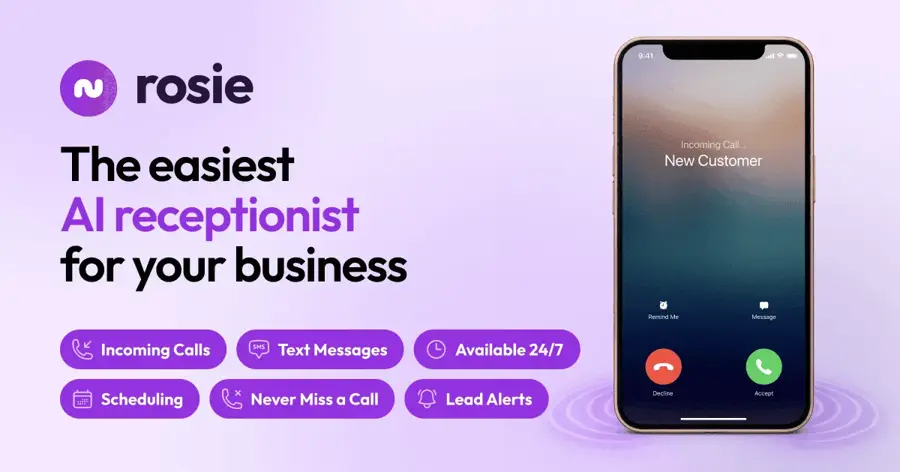
Rosie is an AI answering service for small businesses that answers calls, takes messages and books appointments in English and Spanish. See it at heyrosie.com.
Strengths
Rosie's $49 plan is the lowest entry price on this list. Looking at the plans, that gets you 250 minutes a month, message taking and appointment links by text. It learns the basics from your Google profile and website, so a window cleaner could plausibly be live the same afternoon.
There's a catch, though. Calendar booking and live transfers only arrive on the $149 Scale plan (1,000 minutes), and there's no native Jobber or Housecall Pro link; you'd go through Zapier.
Key features
- Answers 24/7 and handles several calls at once.
- Speaks English and Spanish on every call.
- Books on your calendar and does warm transfers on Scale and up.
- Filters spam calls automatically.
Pros
- Cheapest starting price here
- Bilingual by default
- 7-day free trial
Cons
- Real calendar booking needs the $149 plan
- No native field service software link
- Minute caps can bite in busy seasons
Rosie's Capterra page showed no user reviews when we checked, so there's little independent feedback to go on. Our Rosie AI review has more detail.
Rosie pricing: No free plan (7-day trial), then paid plans from $49/month (checked October 2026). See pricing
Related: Best AI voices for virtual receptionists
Goodcall – best for predictable monthly bills
Goodcall is an AI answering service where you describe your business to a builder agent called Gabi, which then sets up your phone agent. See it at goodcall.com.
Strengths
Goodcall's billing is the most interesting idea here. It charges per unique customer, not per minute, so a nine-minute booking costs the same as a wrong number. The Starter plan is $79 a month for 100 unique customers, then 79 cents each, on the pricing page; Growth is $129 for 500. For a cleaner whose regulars call back to move appointments, that model probably works out cheaper.
Fittingly, its homepage demo is a plumbing company booking a Wednesday 2pm visit on Google Calendar.
Key features
- Triages callers into new, existing, urgent or spam.
- Checks your calendar before offering times.
- Builds your agent from plain-English instructions.
- Includes a local number or forwards yours.
Pros
- No minute metering
- Free demo agent before you add a number
Cons
- External tool limits on each plan (one on Starter)
- Little independent review data
I couldn't find reliable third-party ratings for Goodcall; the Trustpilot profile under its domain is unclaimed and has only five reviews.
Goodcall pricing: Free demo agent, then paid plans from $79/month (checked October 2026). See pricing
Related: Best AI voices for virtual receptionists Best AI call assistants
Smith.ai – best for low call volume
Smith.ai is a call answering company that sells an AI receptionist alongside its long-running live receptionist service. See it at smith.ai.

Strengths
Smith.ai lets you start free. Its AI receptionist plans include 25 calls a month at $0, then $3 a call; Pro is $150 a month at $2 a call, and Enterprise is $500 a month at $1.67.
Per-call billing suits a few calls a day, less so a busy HVAC shop in July. Our full Smith.ai review goes deeper on the plans.
Key features
- Answers calls 24/7 with recording, transcripts and summaries.
- Lets you test the agent in Quality Studio before going live.
- Offers custom AI prompting and integrations on Enterprise.
- Supports multiple locations on Enterprise.
Pros
- Free plan to try with real calls
- Strong Trustpilot score
- Live receptionists available from the same company
Cons
- Not built around home services scheduling
- Per-call costs climb with volume
- One Trustpilot reviewer reported a $2,500 upfront six-month contract
Smith.ai has a 4.3 from 375 reviews on Trustpilot. One December 2025 reviewer was blunt: "To be clear the AI isn't the favorite of our clients. However, it does an adequate job of capturing data from callers and forwarding them to the correct person."
Smith.ai pricing: Free (25 calls/month), then paid plans from $150/month (checked October 2026). See pricing
Related: Smith.ai review Best AI voices for virtual receptionists
Choosing the right alternative for your trade
Start with the software you already run
If you're on Jobber or Housecall Pro, try their built-in receptionist first. It already has your services, hours and customer history, and that's most of the setup work done.
Set emergency rules before anything else
Decide which words mean "wake me up": no heat, gas smell, flooding. Jobber lets you set these as keywords, and the others offer transfer rules. A booked appointment for Tuesday is useless to someone with water pouring through the kitchen light fitting tonight.
Match the billing model to your call pattern
Cleaners with lots of repeat callers will probably do best with Goodcall's per-customer pricing. Seasonal HVAC firms should model a July week under per-minute plans (Rosie, Sameday) and per-call plans (Smith.ai) before signing.
Call the demo line yourself
Jobber and Goodcall let you hear the agent before paying. Give it a messy, real-sounding problem and see whether it asks for the address and the urgency. For broader options outside the trades, our list of AI phone answering systems is a good next stop.
Verdict
For most small plumbing, HVAC and cleaning businesses already on Jobber, I'd start with Jobber Receptionist: $29 a month, trade-aware escalation and booking that lands in the same calendar your techs use. Housecall Pro users should ask for a CSR AI quote, though I'm not convinced it's worth much more than Jobber's price while texting is still missing. Avoca and Sameday make sense once you've got several trucks and a dispatcher, and Goodcall is the one I'd pick if you're not tied to any field service app and hate surprise bills.
FAQ
Can an AI receptionist book jobs straight into Jobber or ServiceTitan?
Yes, some can. Jobber Receptionist books visits using your existing online booking settings, and Housecall Pro's CSR AI schedules from your own service preferences. Sameday AI and Avoca connect to ServiceTitan. General tools like Rosie and Goodcall book into calendars such as Google Calendar, and need Zapier or custom connections for field service software.
How much does an AI receptionist cost for a small plumbing business?
As of October 2026, entry prices run from $29 a month (Jobber's add-on, plus a Jobber plan) and $49 (Rosie) up to $449 (Sameday AI). Smith.ai has a free 25-call plan. Housecall Pro and Avoca quote prices through sales, and one third-party review puts Avoca at $1,000 to $3,000 a month.
Can an AI receptionist handle after-hours emergency calls?
It can route them, but you set the rules. Jobber lets you choose urgent keywords like "no heat" so the caller is transferred or you get a text. Rosie's higher plans add waterfall transfers that try several numbers until someone answers. I'd test these rules with a fake emergency call before trusting them at night.