8 best AI job description generators in 2026, compared side by side
The best AI job description generators in 2026, from free chatbots to ATS writers and bias checkers, with prices and pay transparency rules.
 Written byFahad HashmiContributing writer, AI in energy and industry
Why you can trust The AI Future
Our writers research every product from its official pages, independent tests and user reports, link each claim to its source and correct mistakes openly. Unless an article says otherwise, we haven't tested the product hands-on ourselves. Companies can't pay for coverage or see reviews before they're published.
Read our editorial policy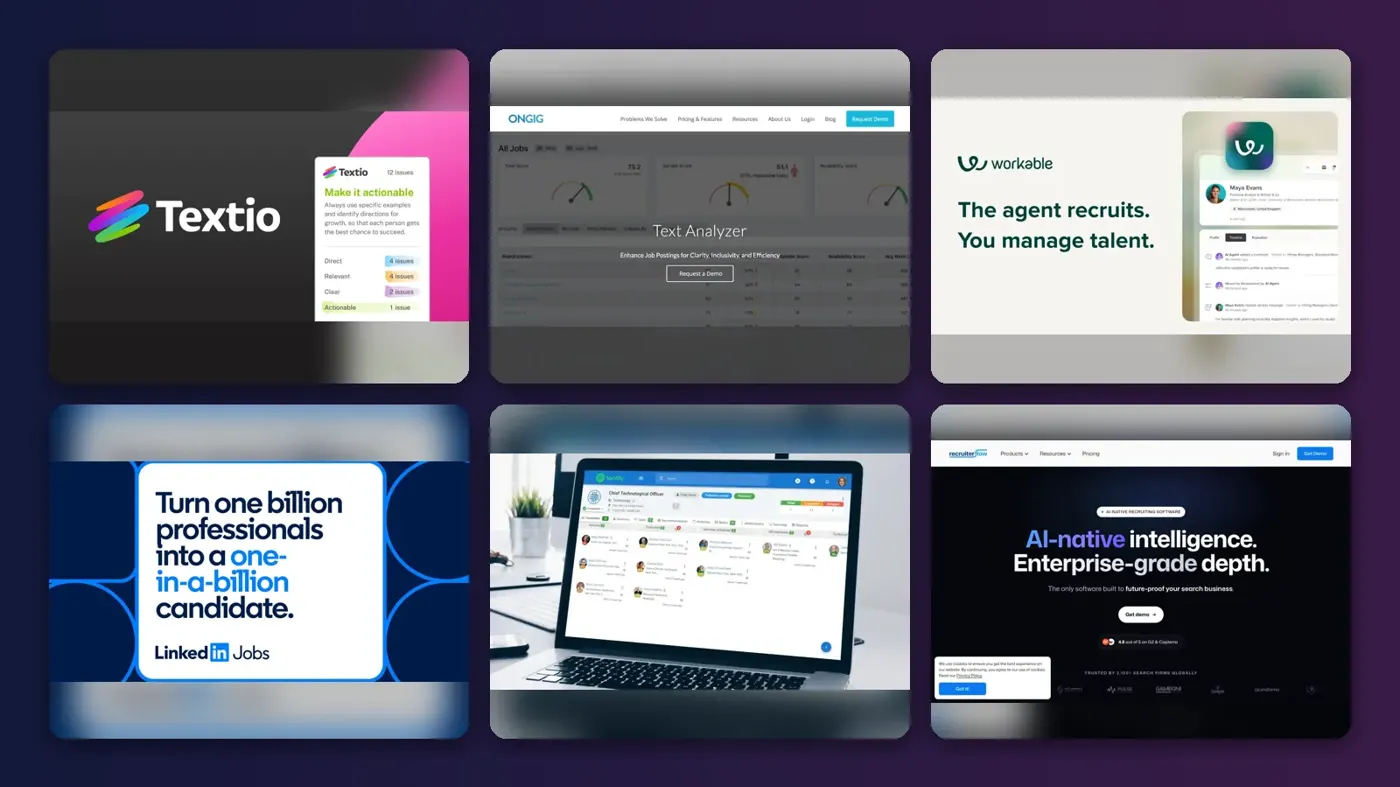
Here's the short version. If you want the cheapest decent AI job description generator, a general chatbot like ChatGPT or Claude with a good prompt will get you a usable first draft for $0. If you already run hiring through an applicant tracking system, use the generator inside it (Workable, Manatal or Recruiterflow) so the draft lands straight in the job post. And if biased wording or pay transparency compliance is the real worry, the specialist tools, Textio and Ongig, are built for that job.
An AI JD tool does one simple thing: it turns a job title plus a few inputs (seniority, team, skills, tone) into a structured draft with a summary, responsibilities and requirements. The hard part isn't the writing. It's making sure the draft is accurate, fair and legal where you post it, and that's where these products differ most. I've ranked eight of them below, with prices checked in October 2026.
Key takeaways
- General chatbots are the cheapest route: ChatGPT and Claude both have free plans, and their entry paid plans run $8 and $20 a month.
- ATS generators save copy-paste time, but you're really paying for the ATS, which starts at $15 per user a month with Manatal and $299 a month with Workable.
- Textio and Ongig focus on bias detection and job description governance, and both sell by quote.
- Several US states and the EU now require pay information in or around job postings, so a generator that skips salary ranges can create legal risk.
- No tool here removes the need for a human to check duties, requirements and pay before a post goes live.
Our ranking method
Nobody at The AI Future ran hands-on tests for this roundup, and there are no original screenshots here. We compared each tool using vendor product and pricing pages, independent write-ups such as Built In's overview of AI job description generators, and public user reviews, as of late October 2026. We ranked them on six criteria:
- Draft quality inputs: how much context (company info, tone, seniority) the tool uses when it writes.
- Bias checks: whether it flags gendered, age-coded or exclusionary wording.
- Compliance help: whether it prompts for pay ranges and tracks approvals.
- Workflow fit: whether the draft goes straight into an ATS or job board.
- Price clarity: whether you can see a price without booking a demo.
- User sentiment: what third-party review sites and reviewers say.
Specialist tools rank high because a JD that drives away good applicants costs more than the software. Cheap general chatbots still make the list, since for a team hiring a few people a year they're probably all you need.
The 8 best AI job description generators at a glance
| # | Tool | Category | Best for | Free tier | Starts at |
|---|---|---|---|---|---|
| 1 | Textio | Bias and inclusive language | Enterprise job posts | No | Custom quote |
| 2 | Ongig | Job description management | Large JD libraries | No | Custom quote |
| 3 | Workable | ATS with AI writer | Mid-size hiring teams | No | $299/mo |
| 4 | LinkedIn Jobs | Job board AI assistant | Posting on LinkedIn | Yes (limited) | Pay per promoted post |
| 5 | Manatal | ATS with AI writer | Small teams on a budget | No | $15/user/mo |
| 6 | Recruiterflow | Agency ATS and CRM | Recruitment agencies | Yes (limited) | $149/user/mo |
| 7 | ChatGPT | General AI assistant | Free first drafts | Yes | $8/mo |
| 8 | Claude | General AI assistant | Long, careful rewrites | Yes | $20/mo |
Notes: Workable's $299 is the annual rate for companies with 1 to 20 employees. Manatal's $15 is billed yearly ($19 month to month). LinkedIn's free and paid split for the AI assistant isn't fully clear from its own page, which I explain below.
The best AI job description generators in 2026, ranked
Textio – best for inclusive enterprise job posts
Textio is writing software for recruiting and performance feedback that scores job posts for biased or off-brand language as you type. It's at textio.com.
Strengths
Textio has been at this longer than most. On its homepage, the company says it's spent 10 years training its AI to find bias in HR writing, runs on 1+ billion HR documents and has been used by 25% of Fortune 500 companies. Those are vendor numbers, so treat them as claims, but the focus is clear: Textio cares less about generating a post from scratch and more about telling you which phrases will put people off. I think that's the right priority for a large employer.
Independent feedback is thin. Capterra's Textio listing shows just one user review, and lists pricing as "Contact vendor". A comparison on DEV Community calls it "Sized for 500+ orgs; overkill for SMB", which matches what I'd expect from quote-only pricing.
Key features
- Real-time guidance flags biased or exclusionary phrasing in job posts.
- It works on textio.com or inside your ATS through an extension.
- The same suite covers interview questions and manager feedback.
- The vendor says its models are trained on hiring outcomes, not general web text.
Pros
- Long track record in inclusive language
- Works inside existing ATS tools
- Covers more than job posts
Cons
- No public pricing
- Very few public user reviews
- Likely too much for a small team
Textio pricing: No free plan, custom quote only; the homepage mentions a free trial account (checked October 2026). See pricing
Related: Best AI tools for HR teams Best AI writing tools alternatives
Ongig – best for managing hundreds of job descriptions
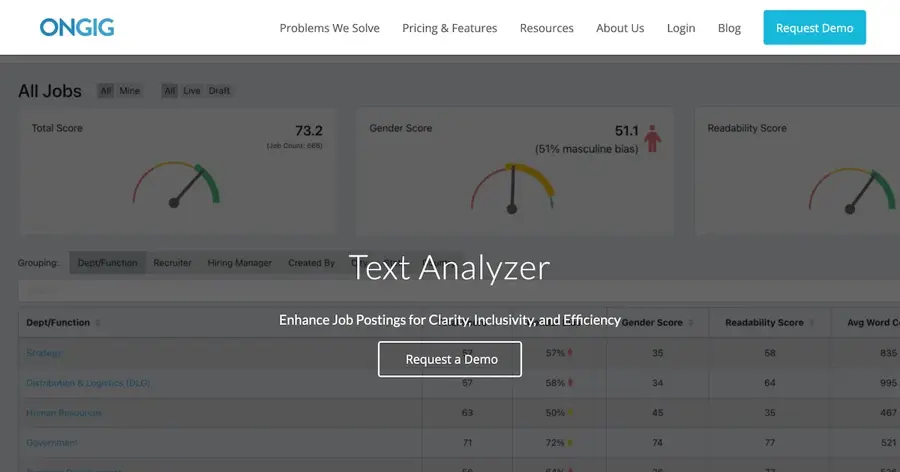
Ongig is job description software that stores, scores, rewrites and routes JDs for approval, with checks for exclusionary language and pay transparency. See ongig.com.
Strengths
Ongig is the pick if your problem is volume. The product page describes one searchable job library with unlimited users, AI drafts and rewrites, edit-review-approve workflows, and "Built-in pay transparency checks". That last bit is rare in this category.
Its FAQ gives concrete examples of what the Text Analyzer flags, including age-biased terms like "recent graduate" and terms that may exclude people with disabilities, such as "stand" or "sit". It also lists integrations with Workday, Greenhouse, iCIMS, Lever and SAP SuccessFactors. I couldn't load a third-party rating for Ongig (G2, TrustRadius and Gartner Peer Insights all blocked automated reading), so I can't give you a user score.
Key features
- AI drafting and bulk rewrites of existing job descriptions.
- Flags gendered, racial, age and disability-related wording.
- Approval workflows with revision history.
- Two-way sync with major ATS and HRIS platforms.
- Pay transparency prompts for salary and benefits.
Pros
- Built for compliance-heavy teams
- Bulk edits across hundreds of roles
- Strong ATS integration list
Cons
- Quote-only pricing
- No public third-party rating we could verify
- More system than a small team needs
Ongig pricing: No free plan; custom pricing after a demo (checked October 2026). See pricing
Related: Best AI tools for HR teams
Workable – best for an ATS with a built-in JD writer
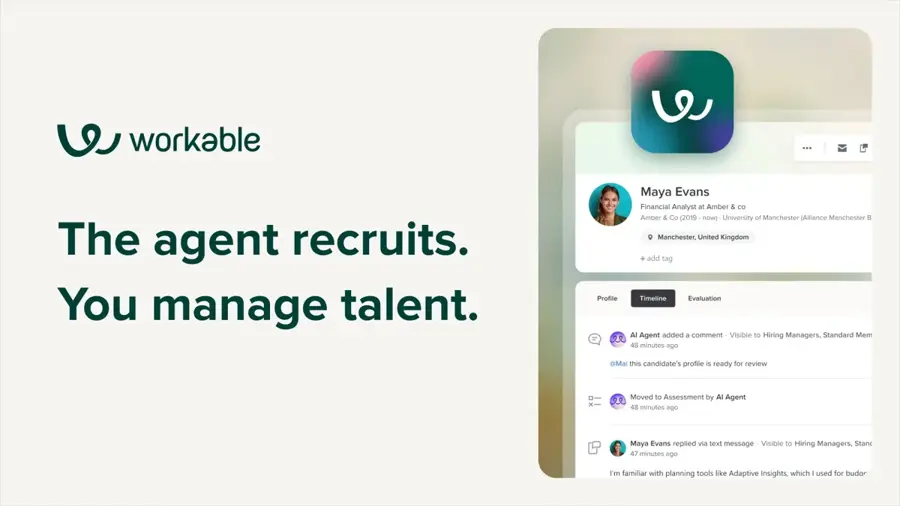
Workable is an applicant tracking system whose AI writes job descriptions from a title and your company profile, then posts them to job boards. Visit workable.com.
Strengths
When Workable launched AI-generated job descriptions, it said you could generate several versions in under 30 seconds, pick a friendly or formal tone, and have the draft pull in your company name, description and industry. Its current plans list a "Job Brief Agent" and include 3,000 AI credits with each ATS plan.
The weak spot is cost over time. On Trustpilot, Workable scores 3.0 from 131 reviews, and one July 2026 reviewer said their bill rose from $99 a month to over $800 a month for a single job posting. That's one person's account, but it lines up with pricing that scales by company size.
Key features
- AI drafts from a job title, with tone options.
- Uses your company profile to personalise the draft.
- Posts to 200+ job boards from the same screen.
- Includes 3,000 AI credits per ATS plan.
Pros
- Draft goes straight into a live job post
- Tone control
- Free trial with the full Enterprise feature set
Cons
- Starts at $299 a month
- Pricing climbs with headcount
- Mixed Trustpilot reviews on billing
Workable pricing: No free plan (free trial available), then from $299/month billed annually for 1 to 20 employees, or $3,588 a year (checked October 2026). See pricing
Related: Best AI tools for HR teams
LinkedIn Jobs – best for drafting while you post on LinkedIn
LinkedIn's hiring AI assistant drafts a job post tailored to your role and company when you start a job on LinkedIn, then helps sort and find candidates. Details are on LinkedIn's AI assistant page.
Strengths
If LinkedIn is where you post anyway, the assistant is the least effort. The feature page says it "Drafts a high-quality job post tailored to your role and company" and adds candidate summaries and 25 recommended candidates a day.
The catch is in the small print. The same page says the assistant is "currently available to English-speaking LinkedIn members who choose to promote their LinkedIn Job Posts", only works on desktop, and that "you and your organization are responsible for the final job post". So the drafting may be free, but the full assistant is tied to paying for promotion. I didn't find a third-party rating specific to this feature.
Key features
- Drafts a job post from your inputs when you create a job.
- Presorts applicants against your qualifications (promoted posts).
- Recommends 25 candidates per day.
- Desktop only, English only.
Pros
- No extra tool to learn
- Draft sits right next to LinkedIn's candidate pool
- Clear legal-responsibility warning
Cons
- Full features need a promoted post
- Locked to LinkedIn
- Free versus paid split is unclear
LinkedIn Jobs pricing: Free to start a job post; promotion is paid per post and LinkedIn doesn't list a fixed price on this page (checked October 2026). See pricing
Manatal – best for small teams on a budget
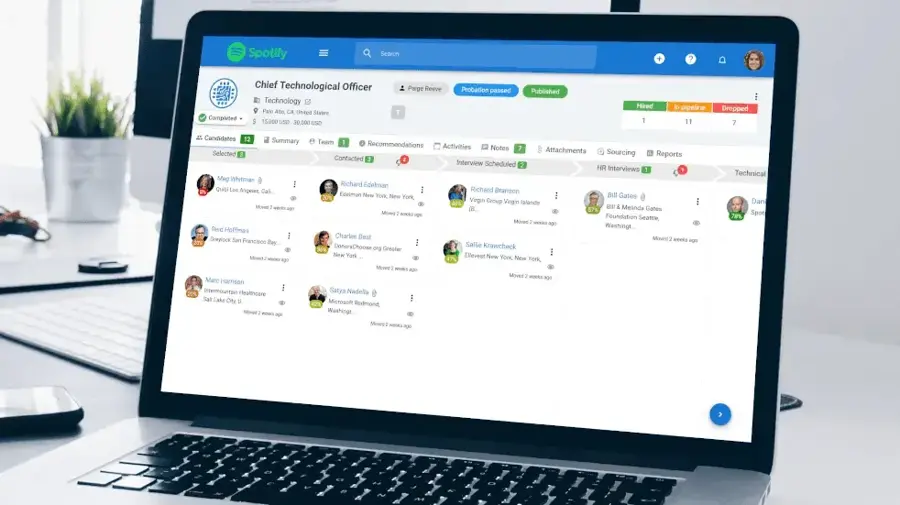
Manatal is a low-cost ATS and recruitment CRM that includes AI-generated job descriptions alongside candidate scoring and recommendations. It's at manatal.com.
Strengths
Manatal is the cheapest way I found to get a JD generator inside a real ATS. Its plans start at $15 per user a month billed yearly, and "AI generated job descriptions" sits in the feature list next to candidate scoring and an AI Copilot.
User sentiment is middling. Manatal has 3.8 from 45 reviews on Trustpilot, where one reviewer wrote that "The best bit is the AI CV reading, saving us at least 15% of the time checking CVs". Another accused the company of taking payment without delivering service. The DEV Community comparison describes its JD drafts as "Template-based" with "weak bias detection".
Key features
- AI-generated job descriptions.
- AI candidate recommendations based on the job description.
- Candidate scoring and fit-gap analysis.
- Up to 15 jobs on the entry plan.
Pros
- Low entry price
- JD writer and ATS in one place
- All languages supported
Cons
- Entry plan caps you at 15 jobs
- Bias checks look basic
- Some harsh Trustpilot reviews about billing
Manatal pricing: No free plan (free trial available), then from $15/user/month billed yearly or $19 monthly (checked October 2026). See pricing
Related: Best AI tools for HR teams
Recruiterflow – best for recruitment agencies
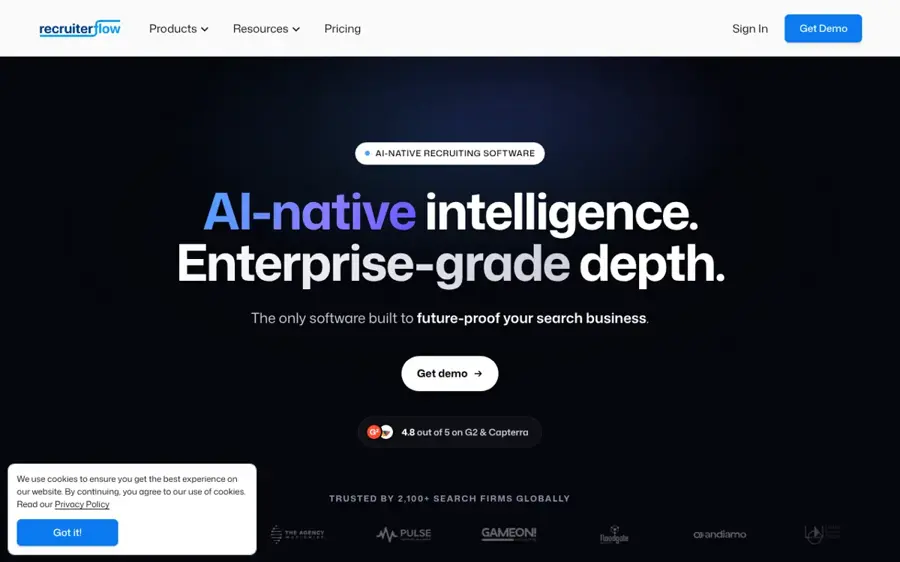
Recruiterflow is an ATS and CRM for search firms, and it runs a free web-based AI job description generator anyone can use. Find it at recruiterflow.com.
Strengths
The free generator asks for a job title, an industry and a tone, then writes a draft you can edit and copy. Agencies get the extra benefit of using the drafts inside Recruiterflow's ATS. That's a sensible split: try it free, pay only if you want the whole system.
The paid product isn't cheap, at $149 per user a month on the Platform plan. Reviews on Trustpilot average 3.9 from 22. One October 2026 reviewer called it "a decent ATS" and said support was helpful "until I wanted to cancel".
Key features
- Free generator with title, industry and tone inputs.
- 25+ JD templates for common roles.
- Drafts can be used directly in the ATS.
- Paid plans add sourcing and sales automation.
Pros
- Free generator, no account needed to try
- Good fit for agencies writing client JDs
- Templates for sales, tech and operations
Cons
- No bias checking mentioned
- $149 per user is steep for in-house teams
- Cancellation complaints on Trustpilot
Recruiterflow pricing: Free generator, then paid plans from $149/user/month (checked October 2026). See pricing
ChatGPT – best for free first drafts
ChatGPT is OpenAI's general AI assistant, and with a structured prompt it writes solid job descriptions on the free plan. Try it at chatgpt.com.
Strengths
For a business that hires a few times a year, ChatGPT is probably enough. The DEV Community comparison says ChatGPT and Claude "write solid job descriptions when you give them a structured prompt", while pointing out there's no bias detection or ATS link, so you check the output by hand.
Pricing is simple. eWeek's 2026 pricing cheat sheet lists Free, Go at $8 a month and Plus at $20, and notes the Free and Go tiers carry ads in some markets. If you're pasting internal salary bands or org details, I'd use the Business plan, at $20 per user a month billed annually ($25 monthly), which OpenAI says doesn't train on business data by default.
Key features
- Writes a JD from any prompt, in any tone or language.
- Rewrites old JDs and suggests gender-neutral wording when asked.
- Business plan connects to Google Workspace and Microsoft 365.
- Free tier for occasional use.
Pros
- Free to start
- Flexible on format and length
- Cheap even on paid plans
Cons
- No built-in bias or pay compliance checks
- Free and Go tiers show ads in some markets
- You must supply the context, or drafts go generic
ChatGPT pricing: Free, then paid plans from $8/month (Go); Plus is $20/month and Business $20/user/month billed annually (checked October 2026). See pricing
Related: ChatGPT review Best ChatGPT alternatives
Claude – best for long, careful rewrites
Claude is Anthropic's AI assistant, useful for rewriting a long or messy JD into something clearer while keeping your specifics. It's at claude.ai.
Strengths
Claude handles long inputs well. On the plans page, every tier, including Free, lists a context window of up to 1M tokens, so you can paste a full JD library, a style guide and a competency framework in one go. The free plan caps you at 5 projects, which matters if you want saved instructions per department.
User reviews are rough, though mostly about billing rather than writing. Claude has a 1.5 score from 2,101 reviews on Trustpilot, where the summary mentions confusing subscription practices and unhelpful support. eWeek lists Pro at $20 a month.
Key features
- Long context for rewriting many JDs at once.
- Projects store reusable instructions and examples.
- Free plan includes web search and file creation.
- Opt-out of model training on all consumer plans.
Pros
- Strong at keeping your details intact on rewrites
- Free plan is usable
- Handles very long inputs
Cons
- No bias or compliance checking built in
- Poor Trustpilot score on billing and support
- Usage limits on Free
Claude pricing: Free, then Pro at $20/month (checked October 2026). See pricing
Related: Claude AI review Claude vs ChatGPT
Choosing the right AI job description generator
Count your roles before you pick a tier
Do the maths for a year. Say you hire 10 people. ChatGPT Plus costs $240 a year, Manatal for two recruiters costs $360 at $15 per user a month, and Workable costs $3,588. Per role, that's $24, $36 and about $359. Unless you need the ATS anyway, the chatbot wins on cost by a wide margin.
Feed it the real job, not just a title
Every tool here writes generic copy from a bare title. Give it the reporting line, the three tasks that fill most of the week, must-have versus nice-to-have skills, and the pay range. Our guide to writing better prompts for ChatGPT, Claude and Gemini covers the basics.
Pick a bias checker if you post more than a handful of roles
Chatbots will write neutral language if you ask, but they won't audit it. If you're publishing dozens of posts a month, I'd pay for Textio or Ongig rather than trust a prompt to catch "recent graduate" every time.
Keep compliance fields outside the AI
Salary ranges, benefits and location rules should come from your HR system, not from the model's guess. A made-up range is worse than none.
Biased language and pay transparency laws
This is the part that can cost you money. In the US, the EEOC says it's illegal to publish a job ad that shows a preference for, or discourages, applicants based on protected traits including age (40 or older). It gives the example of an ad seeking "recent college graduates". A generator that writes "digital native" or "young, energetic team" is handing you that risk.
Gendered wording is subtler. In a 2011 paper, Gaucher, Friesen and Kay found that ads for male-dominated fields used more masculine-coded words (like "competitive" and "dominant"), and that women found highly masculine-worded ads less appealing. I suspect most AI drafts lean masculine by default, because they learn from existing job ads.
Pay transparency rules are spreading. A few examples, from official sources:
- New York State requires businesses with four or more employees to list compensation ranges in job postings, per the NY Department of Labor.
- California requires employers with 15 or more employees to include a pay scale in any job posting, and the Labor Commissioner reads this as covering any role that may be filled in California, including remotely.
- Colorado requires compensation and benefits information in all internal and public job postings, according to the Colorado Department of Labor and Employment.
- The EU Pay Transparency Directive gives candidates a right to pay information before employment and bans salary history questions; the European Commission set a transposition deadline of 7 June 2026.
This isn't legal advice, and rules change by city and country. For the bigger picture, see our explainer on AI regulation.
Free vs paid: what you actually get
Free options (ChatGPT, Claude, Recruiterflow's generator and LinkedIn's drafting step) all produce a decent first draft. What they don't give you is memory of your house style across a team, bias scoring, approval workflows or a direct path into your ATS.
Paid tools add those. Workable and Manatal put the draft inside the hiring pipeline. Textio and Ongig add language scoring, and Ongig adds pay transparency prompts. Honestly, the free tier of a general chatbot plus a human review is fine for most small businesses; the paid tools earn their keep at scale.
Limits and failure modes
AI drafts go wrong in predictable ways. They pad requirements ("5+ years" for a junior role), invent duties you never mentioned, and default to stock phrases. They also skip pay unless you supply it.
LinkedIn's own page says its assistant "may produce surprises or mistakes", and that the poster is responsible for the final post. That's true of every tool here. If you're using AI elsewhere in hiring, our piece on AI detectors in the hiring process is worth a read too, and our wider list of AI tools for HR teams covers the rest of the HR workload.
My verdict
For most small businesses, I'd start with ChatGPT or Claude, a solid prompt and a checklist for bias and pay. It costs little or nothing and the drafts are good enough to edit. If you already pay for an ATS, switch on its built-in writer before buying anything else; Manatal is the cheapest entry point I found. Larger employers posting hundreds of roles across states with pay transparency laws should probably look at Ongig or Textio, because the cost of one non-compliant post likely outweighs the subscription.
FAQ
What is an AI job description generator?
It's a tool that turns a job title and a few inputs, like seniority, skills and tone, into a draft job description with a summary, duties and requirements. Some, like Workable and Manatal, sit inside an applicant tracking system. Others, like Textio and Ongig, focus on scoring wording for bias.
Is there a free AI job description generator?
Yes. ChatGPT and Claude have free plans, Recruiterflow's generator is free to use, and LinkedIn drafts a job post when you create one. Free tools don't check for biased wording or pay rules, so you'll need to review the draft yourself before posting.
Can AI write job descriptions without bias?
Not reliably. Models learn from existing job ads, which a 2011 study found lean masculine in male-dominated fields. Ask for neutral wording, then check for age-coded terms like "recent graduate", which the EEOC cites as a problem example.
Do job descriptions need a salary range?
In some places, yes. New York State, California and Colorado all require pay information in job postings for covered employers, and the EU directive adds pay-information rights for candidates. Check the rules where the role is based or may be filled.
Is it safe to paste internal details into an AI JD tool?
It depends on the plan. OpenAI says its Business plan doesn't train on business data by default, and Claude's consumer plans let you opt out of model training. Avoid pasting candidate personal data into free consumer chatbots.